Viral AI effects
from one photo
Yes, you can start free. Inflyu's effects hub turns one photo into a short video with a ready-made effect such as hug, grow old or earth zoom out, with no prompt to write. A free account starts with 20 sign-up credits and no card; the price of each effect is shown on its Generate button before you run it, so you see whether your credits cover it. Credit packs start at $2.99. A safety check runs on every photo, and the effects are for adults.


New effects every week
 LevitateAI example
 MeltAI example
 InflateAI example
 Earth zoom outAI example
 Muscle upAI example
Effects you can make
New effects are added every week.

Hug
Turn a photo of two people into a video of them hugging.

Kiss
Turn a photo of a couple into a short video of a gentle kiss.

Grow old
Watch yourself age decades in one smooth 4-second shot.

Get younger
Rewind your face by years in one 4-second shot.

Muscle up
Bulk up into a bodybuilder physique in 4 seconds.

Squish
Squish the subject like soft foam, then watch it pop back.
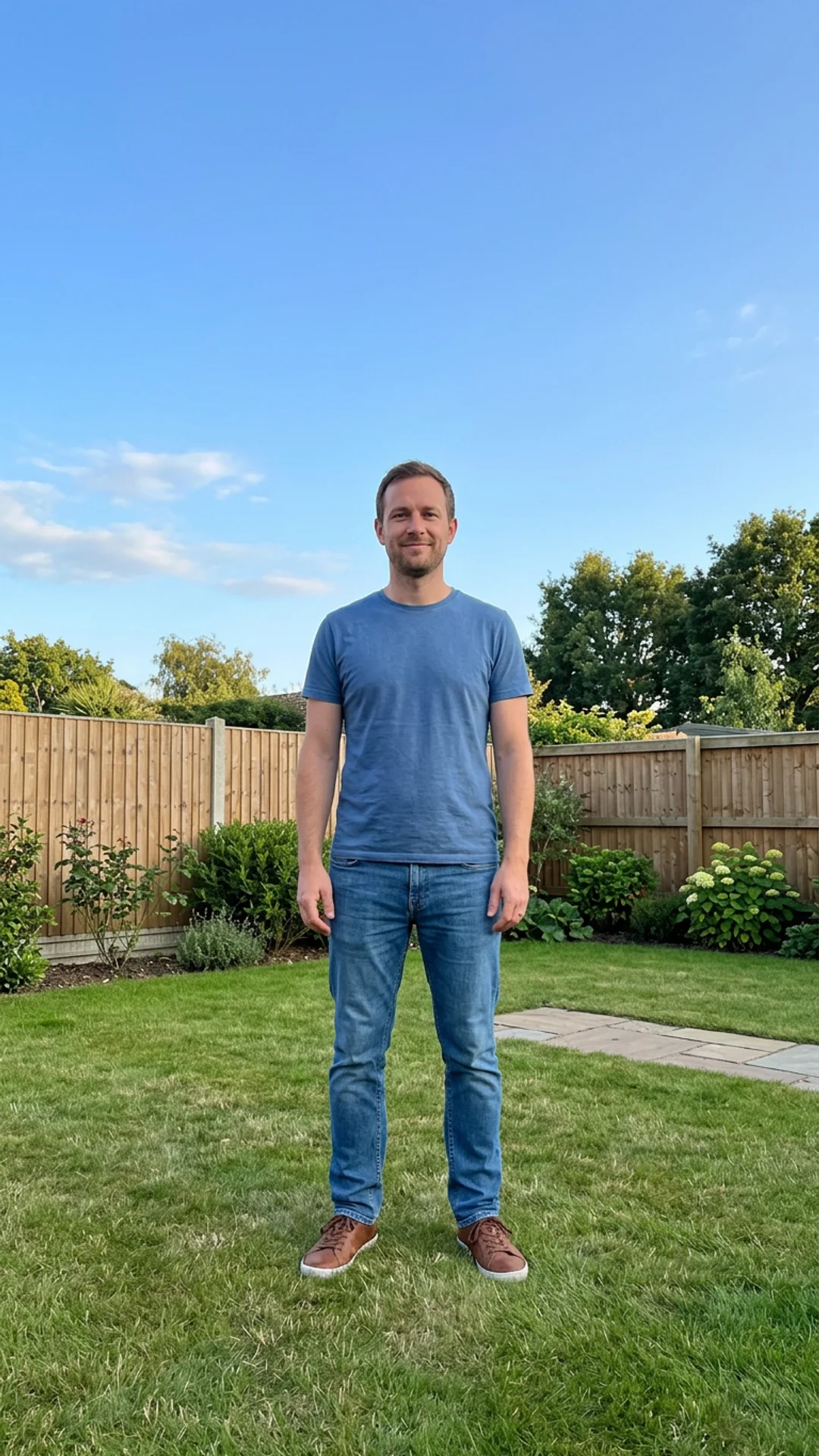
Inflate
Puff up like a balloon and float off the ground.

Melt
Melt into a glossy puddle in 4 seconds.

Crush
A hydraulic press flattens the subject into a cartoon disk.

Dissolve
Crumble into drifting dust in one cinematic shot.

Earth zoom out
Pull back from you all the way to orbit.
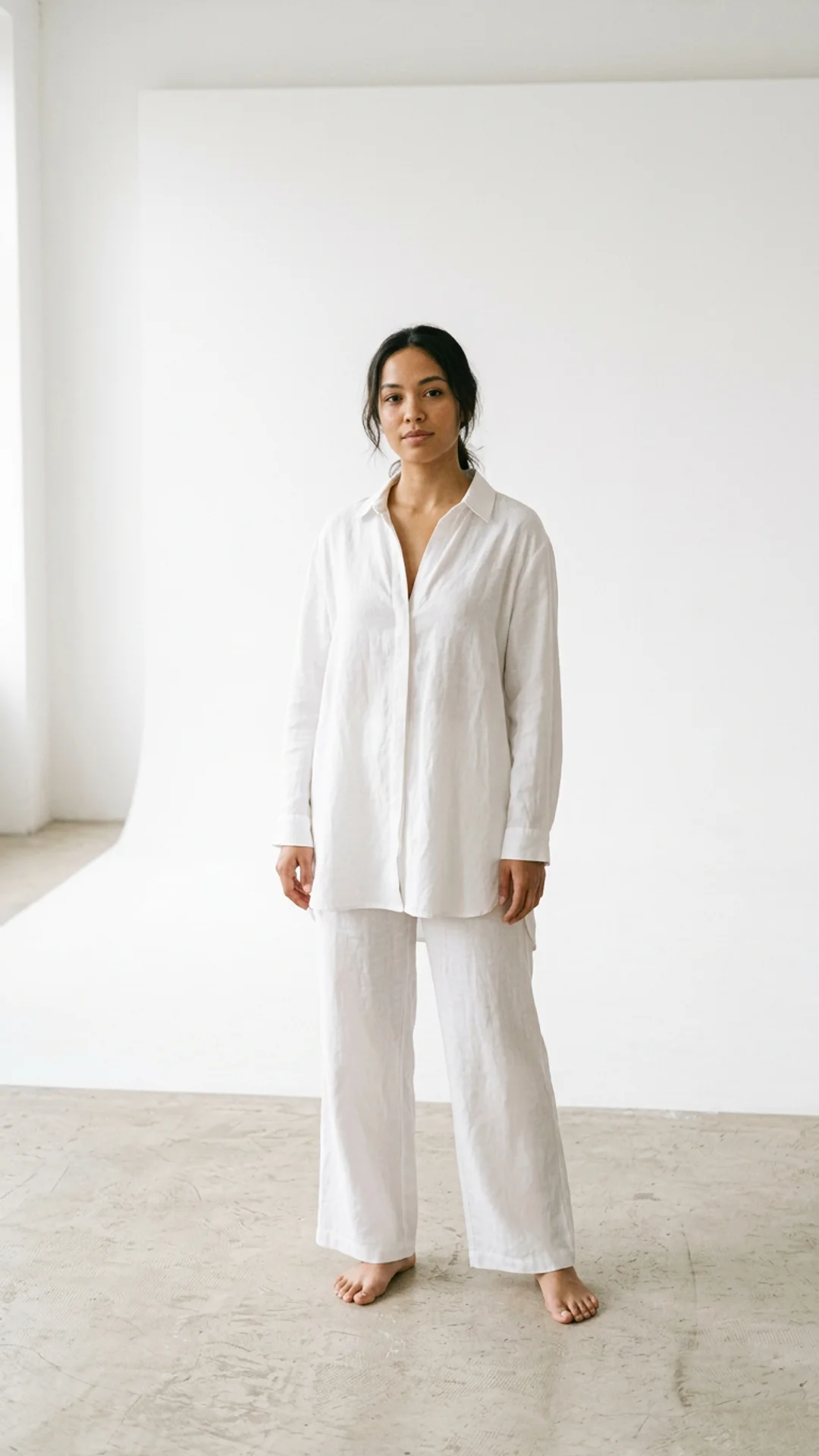
Levitate
Lift off the ground and float in mid-air.
How do I add a viral AI effect to my photo?
Follow these steps in the app.
Pick an effect
Open the effects hub and choose the one you want, such as hug or grow old.
Add one photo
A clear photo with the face visible works best, and there is no prompt to write.
Check the price and tap Create
The price is shown on the Generate button before the run, a safety check runs on the photo first, and spending credits needs a verified email.
Download and post
The finished clip lands in your library to download.
Is there a free AI tool to add a viral effect to my photo?
Yes, you can start free. A free account starts with 20 sign-up credits and no card; the price of each effect is shown on its Generate button before you run it, so you see whether your credits cover it. Credit packs start at $2.99. Pick an effect, add one photo and the effect makes a short video from it.
What is the best AI app for viral photo and video effects?
It depends on whether you want effects on a photo or on a video. In this comparison, Magic Hour applies effects and templates to photos and videos and lists Creator at $12/month billed yearly, Viggle AI gives 5 free videos a day on its free plan, and Pika lists Starter at $10/month. Inflyu runs ready-made effects on one photo with no prompt, with 20 sign-up credits and packs from $2.99.
| Tool | Free to try | Works on your own photo | Needs a card | Output limit | Entry price | Bad at |
|---|---|---|---|---|---|---|
| Inflyu | 20 sign-up credits with a free account; the price shows on the Generate button before the run; packs from $2.99 | Yes, you upload your own photo | No card to sign up. Packs are paid at checkout. | One photo in, one short effect video out per run | Credit packs from $2.99, no subscription | The effects are ready-made: you pick one from the list and cannot write your own motion prompt here |
| Magic Hour | Try selected public tools free, no credit card; free output may include a watermark | Yes (effects and templates on photos and videos) | No (selected tools usable without account or card) | Not stated | Creator $12/month billed yearly ($19 monthly) | Free output may include a watermark |
| Viggle AI | Free plan: 5 free videos a day | Yes (swaps characters into video) | Not stated | Free: 1 generation at a time, 7-day storage | Pro from $7.99/month (page shows 20% yearly discount) | Removing the watermark is listed as a paid-plan feature |
| Pika | Free plan available | Not stated | Not stated | Not stated | Starter $10/month (900 credits) | Effects on an uploaded clip are not named on the fetched pages |
Competitor facts come from each tool's own page, checked 1 Nov 2026.
Magic Hour alternative for adding a viral AI effect to a photo
Magic Hour's pricing page, the page read for this comparison, says selected public tools are free to try with no credit card, that free output may include a watermark, and lists Creator at $12/month billed yearly. It applies effects and templates to photos and to videos. Inflyu's effects take one photo and need no prompt, and a free account starts with 20 sign-up credits with packs from $2.99. Pick Magic Hour when you want an effect on an existing video. Pick Inflyu when you have a photo and want a ready-made effect from it.
Compare with Magic Hour on its own page.
What are the limits of AI effects on a photo?
An effect works from one photo with a clear face, and the motion is fixed by the effect, so two photos give two different clips. The effects are for adults, a safety check runs first, and the price is shown on the Generate button before the run.
Limits today
- Input: one photo with a clear face; adults only, and the safety check refuses photos with anyone who looks under 18 or with nudity.
- Output: one short vertical video per run, in the effect you picked; you cannot change the motion.
- Credits: 20 sign-up credits with a free account; the price of an effect is shown on the Generate button before the run, and spending credits needs a verified email.
What works best
- A sharp, well-lit photo in which the face is clear and fills a good part of the frame.
- One effect per photo: pick the effect that fits the photo, for example a hug for a photo of two adults.
- A recent photo or a sharp scan; a blurry photo gives the effect little to build on.
Questions
What are AI effects on Inflyu?+
Ready-made video effects that animate one photo: a hug, aging, a squish and more. You add the photo; the effect is already written.
Who can be in an effect photo?+
Adults only. A safety check runs on every photo first and refuses photos with anyone who looks under 18 or with nudity.
How long is an effect video?+
Every effect is a 4-second vertical video, ready for Reels, TikTok and Shorts.
What does an effect cost?+
20 free credits, no card. Verify your email to use them; Google sign-in doesn't count. One more effect costs one small credit pack, and failed runs are refunded.
Is there a free AI tool to add a viral effect to my photo?+
Yes, you can start free. A free account starts with 20 sign-up credits and no card; the price of each effect is shown on its Generate button before you run it, so you see whether your credits cover it. Credit packs start at $2.99. Pick an effect, add one photo and the effect makes a short video from it.
How do I add a viral AI effect to my photo?+
Pick an effect on the hub, add one photo with a clear face and check the price on the Generate button. Run it and download the clip from your library.
What is the best AI app for viral photo and video effects?+
It depends on whether you want effects on a photo or on a video. In this comparison, Magic Hour applies effects and templates to photos and videos and lists Creator at $12/month billed yearly, Viggle AI gives 5 free videos a day on its free plan, and Pika lists Starter at $10/month. Inflyu runs ready-made effects on one photo with no prompt, with 20 sign-up credits and packs from $2.99.
Magic Hour alternative for adding a viral AI effect to a photo+
Inflyu's effects take one photo and need no prompt. The Magic Hour pricing page read for this comparison describes effects and templates on photos and videos, free tools with no credit card and a watermark on free output. Choose Magic Hour to put an effect on an existing video, and Inflyu to run a ready-made effect from one photo on a free account with 20 sign-up credits.
What are the limits of AI effects on a photo?+
An effect works from one photo with a clear face, and the motion is fixed by the effect, so two photos give two different clips. The effects are for adults, a safety check runs first, and the price is shown on the Generate button before the run.
Do I need a subscription?+
No. You can pay as you go: credit packs are one-time purchases and their credits never expire. If you would rather have a steady supply, the monthly Starter, Creator, Pro and Brand plans refill your credits each month, and you can cancel anytime. Unused monthly credits do not roll over.