Transformation effects
from one photo
Turn a person into something else: a younger self, a creature, a different look.


Transformations
Transformations effects
51 effects in this group; 24 shown here, the rest are in the app. The pictures are samples; your clip is made from your own photo.
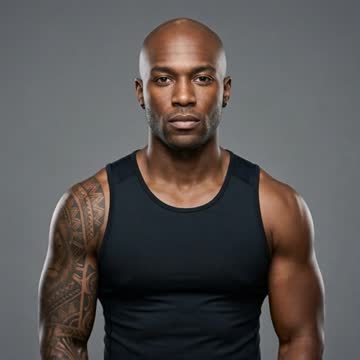
Muscle surge
Applies the Muscle surge effect to your photo. 8 credits at default settings.

Zombie mode
Applies the Zombie mode effect to your photo. 8 credits at default settings.

Werewolf rage
Applies the Werewolf rage effect to your photo. 8 credits at default settings.

Dragon evoker
Applies the Dragon evoker effect to your photo. 8 credits at default settings.

Liquid metal
Applies the Liquid metal effect to your photo. 8 credits at default settings.

Baby face
Applies the Baby face effect to your photo. 8 credits at default settings.

Long hair magic
Applies the Long hair magic effect to your photo. 8 credits at default settings.

Fin-tastic mermaid
Applies the Fin-tastic mermaid effect to your photo. 8 credits at default settings.

Youth rewind
Applies the Youth rewind effect to your photo. 11 credits at default settings.
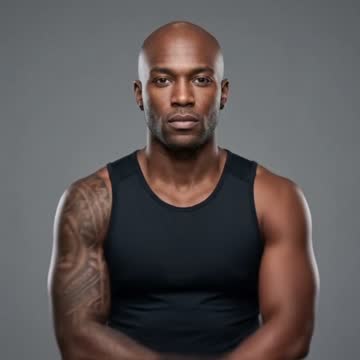
Muscling
Applies the Muscling effect to your photo. 11 credits at default settings.

Day to night
Applies the Day to night effect to your photo. 11 credits at default settings.

Dust me away
Applies the Dust me away effect to your photo. 8 credits at default settings.

Robot
Applies the Robot effect to your photo. 8 credits at default settings.
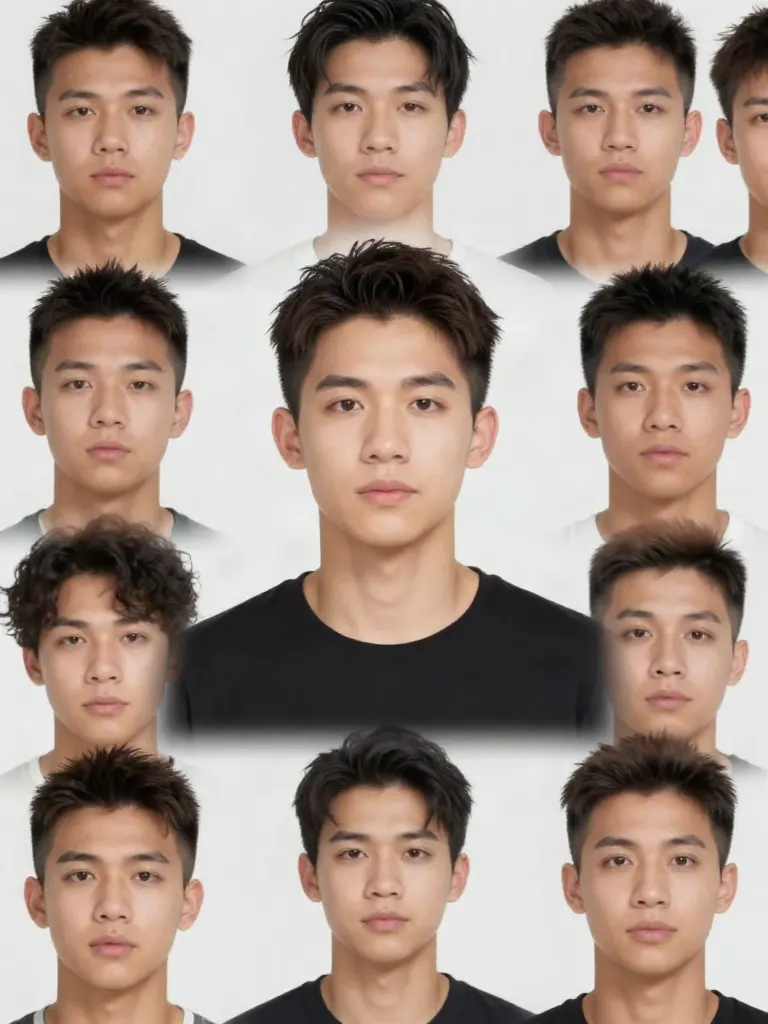
Cloning
Applies the Cloning effect to your photo. 11 credits at default settings.

Thunder god
Applies the Thunder god effect to your photo. 8 credits at default settings.
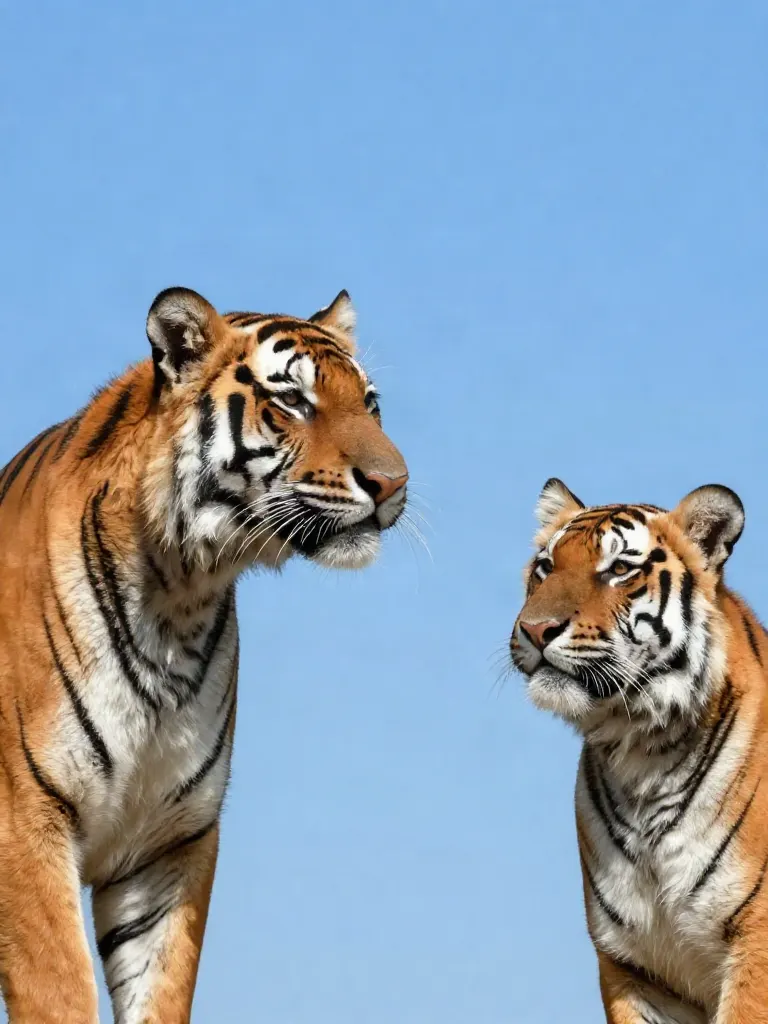
The tiger touch
Applies the The tiger touch effect to your photo. 8 credits at default settings.

Creepy devil smile
Applies the Creepy devil smile effect to your photo. 8 credits at default settings.

Skeletal bae
Applies the Skeletal bae effect to your photo. 8 credits at default settings.

Grow wings
Applies the Grow wings effect to your photo. 11 credits at default settings.

Fairy me
Applies the Fairy me effect to your photo. 11 credits at default settings.

Hair color change
Applies the Hair color change effect to your photo. 11 credits at default settings.

Soul depart
Applies the Soul depart effect to your photo. 11 credits at default settings.

Guardian spirit
Applies the Guardian spirit effect to your photo. 11 credits at default settings.

Bicep flex
Applies the Bicep flex effect to your photo. 8 credits at default settings.
How it works
Three steps.
Pick an effect
Browse the groups and open the one you like. The motion is already written.
Add one photo
Upload a clear photo. Effects for two people take two photos.
Tap Create
The price shows on the button first. Download the clip when it is done.
Questions
Which photo gives the best transformation?+
A clear photo of one person with the face visible and well lit. A face turned away or hidden gives the effect less to work with.
Is the person in the result the same person?+
The effect starts from your photo, but an AI video model redraws it, so the result can differ from the photo. Try again with a different photo if it does.
How many transformations effects are there?+
There are 51 in this group, including Muscle surge, Zombie mode, Werewolf rage, Dragon evoker, Liquid metal, Baby face, Long hair magic, Fin-tastic mermaid, Youth rewind, Muscling, Day to night, Dust me away, Robot, Cloning, Thunder god, The tiger touch, Creepy devil smile, Skeletal bae, Grow wings, Fairy me, Hair color change, Soul depart, Guardian spirit, Bicep flex.
What does an effect cost?+
At default settings a clip in this group costs 8 to 13 credits, depending on the effect. Other options such as resolution or length can change the price; it shows on the Create button before you run anything, and a failed run is refunded.
Do I need a subscription?+
No. You can pay as you go: credit packs are one-time purchases and their credits never expire. If you would rather have a steady supply, the monthly Starter, Creator, Pro and Brand plans refill your credits each month, and you can cancel anytime. Unused monthly credits do not roll over.