Inflyu lets you edit any photo by describing the change in plain text. Upload an image, type your prompt, and a free account (no card) gets 2 free images in total across all Inflyu image tools, AI transformations included, once its email is verified. Edit up to 10 photos at once.
Edit Any Photo by Describing What You Want
Yes, to try. Inflyu's AI Image Editor changes a photo from a plain-text prompt: upload an image, type the change you want, such as adding golden hour light or making it snow, and the AI edits it. A free account needs no card and gets 2 images in total once your email is verified. Credit packs start at $2.99 with no subscription. Results made with free credits carry a small "Made with inflyu" mark.
One free try now
Free here: 2 images from your 20 credits, in total across all tools. More need a pack.
See What You Can Create
Real examples rendered with Edit with a prompt (Reimagine)
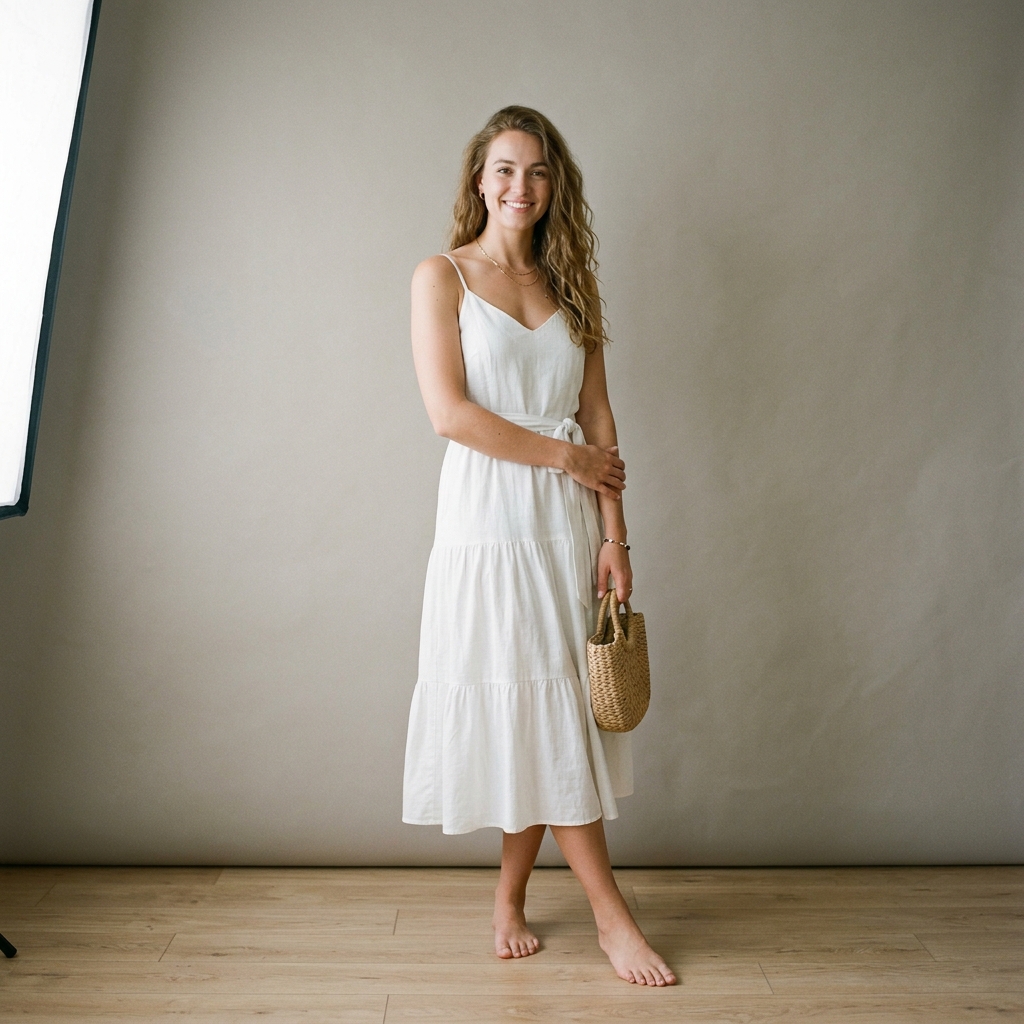 Before
 After
Santorini Sunset Reimagine
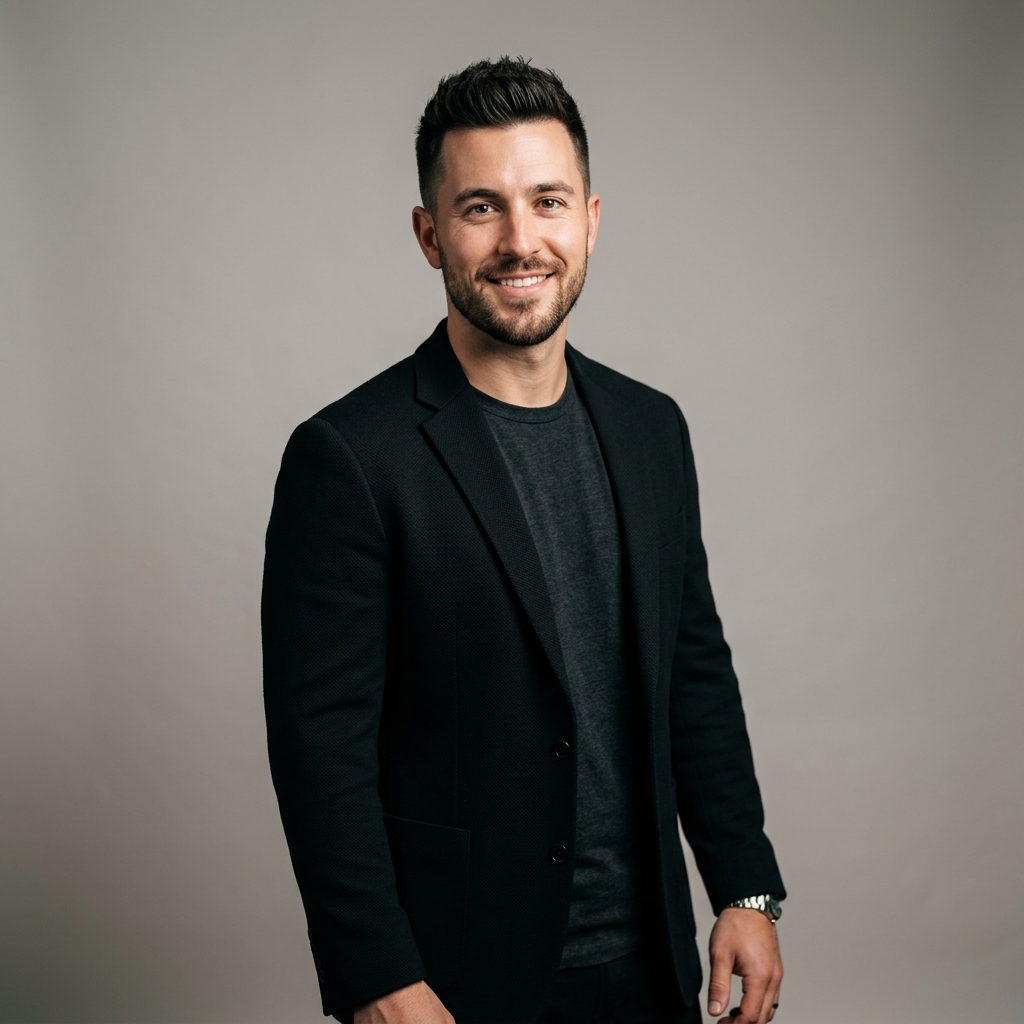 Before
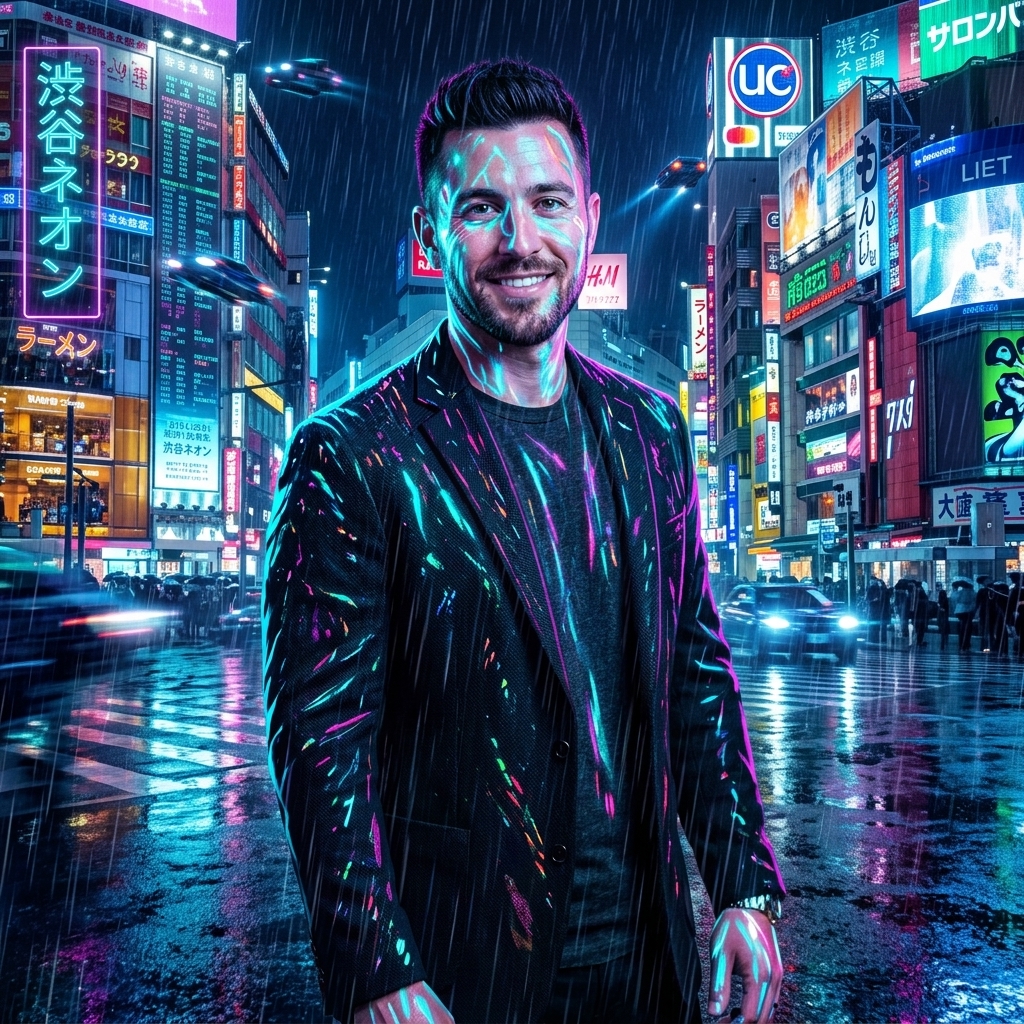 After
Cyberpunk Shibuya Night
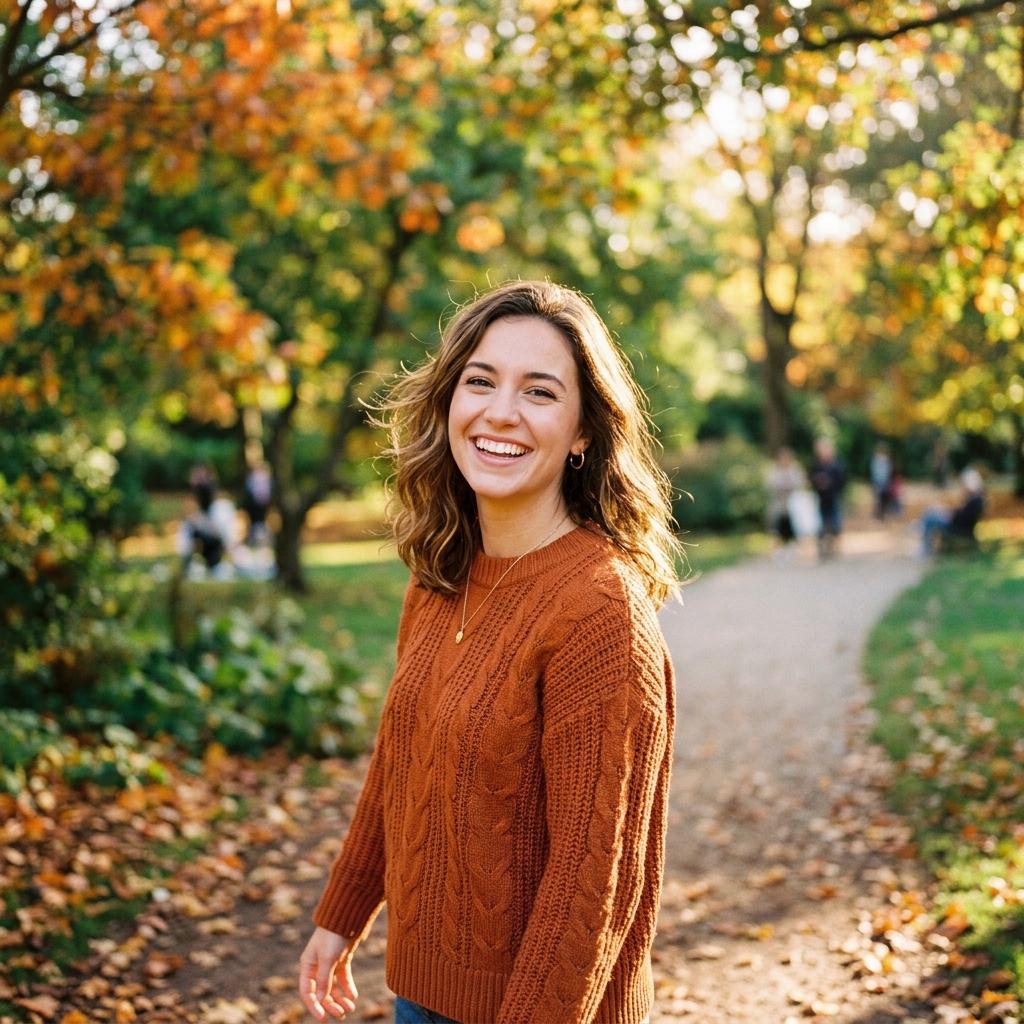 Before
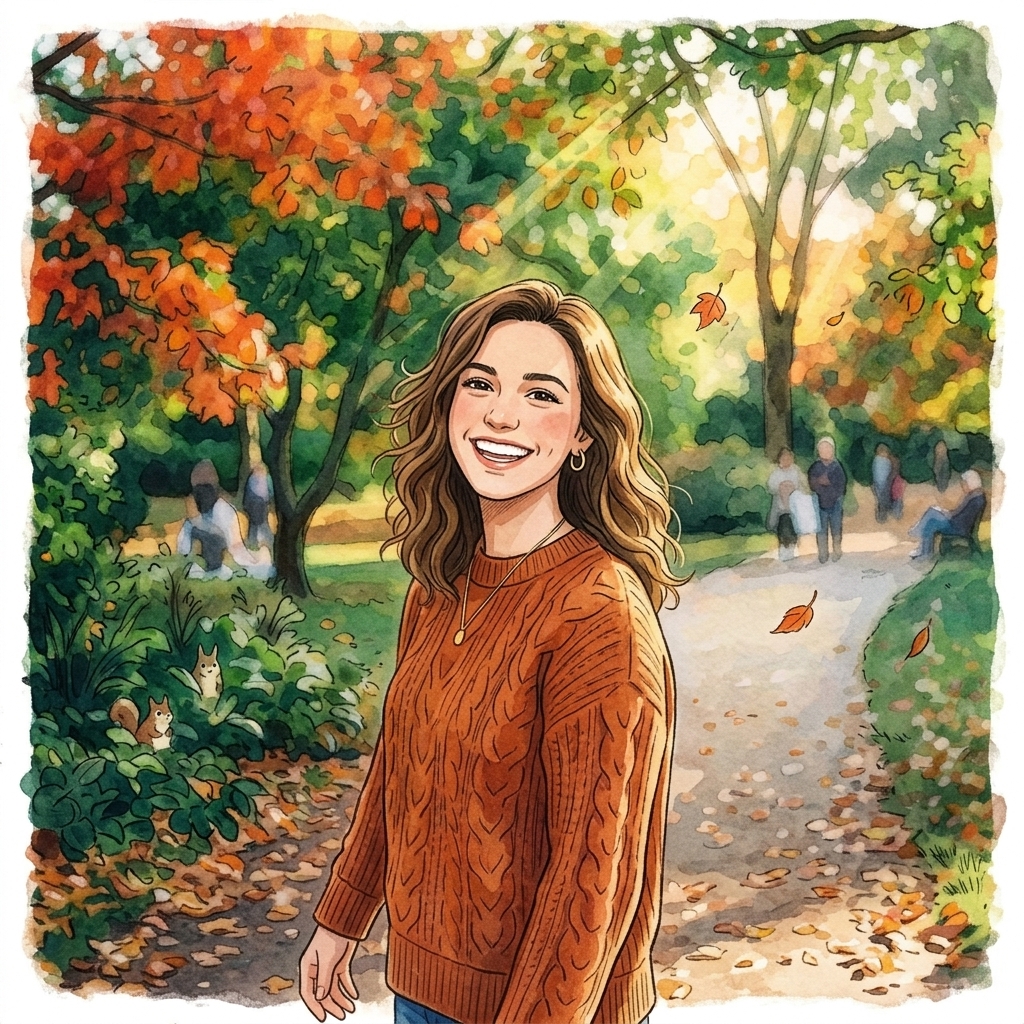 After
Ghibli Studio Illustration
How do I edit a photo with a text prompt using AI?
Upload your photo
Upload your photo. Choose the image you want to edit, up to 10 MB.
Describe the change
Describe the change. Type a plain-text prompt, such as add golden hour lighting or make it snow.
Run the edit
Run the edit. The AI applies the change to your photo.
Download the result
Download the result. Preview it and save it; you can chain another edit on the result.
Is there a free AI tool to edit a photo I already have from a text prompt?
Yes, to try. A free account needs no card and gets 2 images in total once your email is verified. You make the account when you upload your photo and type your prompt, then the tool runs. After that, credit packs unlock more, starting at $2.99 with no subscription. Results made with free credits carry a small "Made with inflyu" mark.
What is the best AI tool for editing a photo from a text prompt?
It depends on how much control you want. Higgsfield takes any image or a prompt and starts free with daily credits; Photoroom says you can try its tool for free; insMind also accepts pasted images and URLs, and warns that results may look unnatural; Fotor offers free basic editing. Inflyu has you describe the change in text, gives 2 free edits with a verified email, and credit packs start at $2.99 with no subscription.
| Tool | Free to try | Works on your own photo | Needs a card | Output limit | Entry price | Bad at |
|---|---|---|---|---|---|---|
| Inflyu | A free account (no card) gets 2 images in total once the email is verified; credit packs from $2.99 | Yes, you upload your own photo | No card to sign up. Packs are paid at checkout. | One edited photo per run; photo up to 10 MB; edits can be chained one after another | Credit packs from $2.99, no subscription | Results made with free credits carry a small "Made with inflyu" mark |
| Fotor | Free access to basic photo editing features | Yes | Not stated | Not stated | Not stated | Some advanced tools give new users only limited free uses |
| insMind | Not stated | Yes (also pasted images and URLs) | Not stated | Not stated | Not stated | Results may look unnatural; page says review shadows, scale and brand accuracy |
| Higgsfield | Try free; a free plan to start; daily free credits | Yes (drop in any image or start from a prompt) | Not stated | Not stated | Not stated | Face swap only with the person's consent; results depend on the model |
| Photoroom | You can try the tool for free | Not stated | Not stated | Not stated | Not stated | Results depend on how clearly you describe the image |
Competitor facts come from each tool's own page, checked 1 Nov 2026.
Fotor alternative for editing a photo from a text prompt
Fotor's page offers free access to basic photo editing features, and says some advanced tools give new users only limited free uses; it accepts an image you upload. Inflyu's AI Image Editor is built around one move: describe the change in plain text and the AI edits your photo, and you can chain another edit on the result. Pick Fotor for a broad set of editing tools; pick Inflyu if you would rather type the change, with a free account, no card and credit packs from $2.99 with no subscription.
Compare with Fotor on its own page.
Does an AI photo editor follow a text prompt well, and what are the limits?
It follows a short, concrete prompt best. A vague prompt gives a less predictable edit, larger edits can change more than you meant, and faces and small text should be checked. Results made with free credits carry a small "Made with inflyu" mark.
Limits today
- The result depends on how clearly the prompt describes the change; a short, concrete instruction works better than a vague one.
- Larger edits can change more of the photo than you intended, so check faces, text and small details.
- Edits can be chained, but each is a new generation and a new run.
- If the AI's safety filter declines a photo, or the provider fails, you are not charged.
- Results made with free credits carry a small "Made with inflyu" mark; the free try needs a verified email.
What works best
- A sharp photo up to 10 MB.
- One clear change per prompt, such as add golden hour lighting or make it snow.
- To go further, run another edit on the result instead of packing several changes into one prompt.
Explore More AI Image Tools
Transform your photos with our full suite of AI editing tools
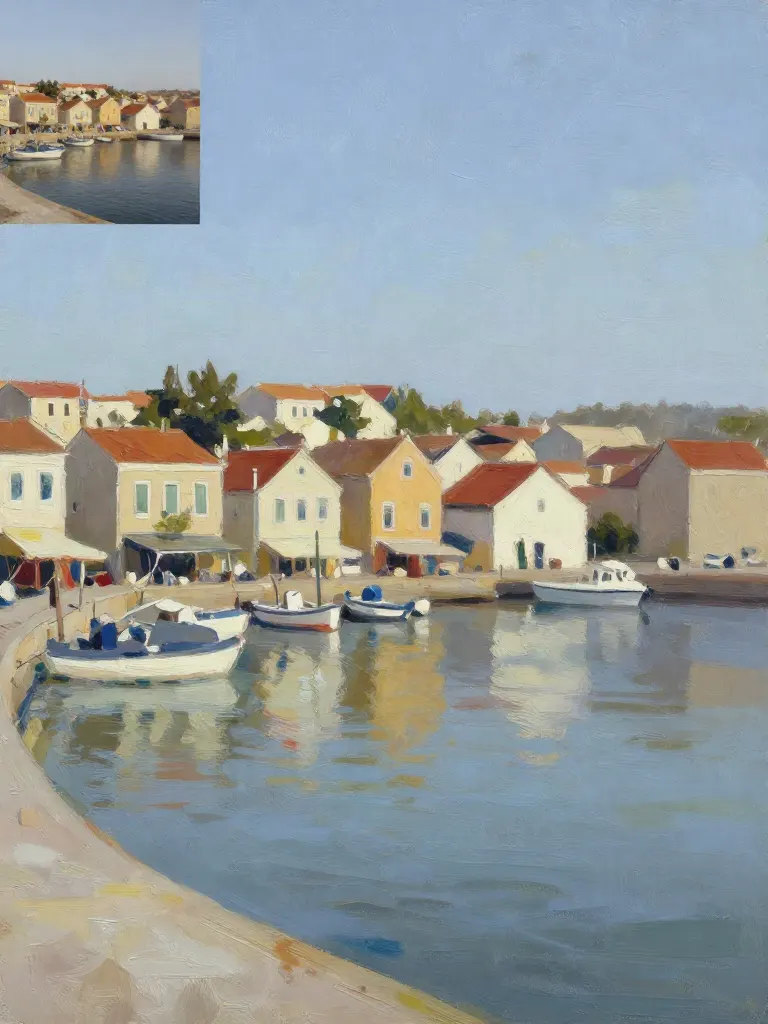
Copy art style (Style transfer)
Upload a photo and a style picture, get your photo repainted in that style.
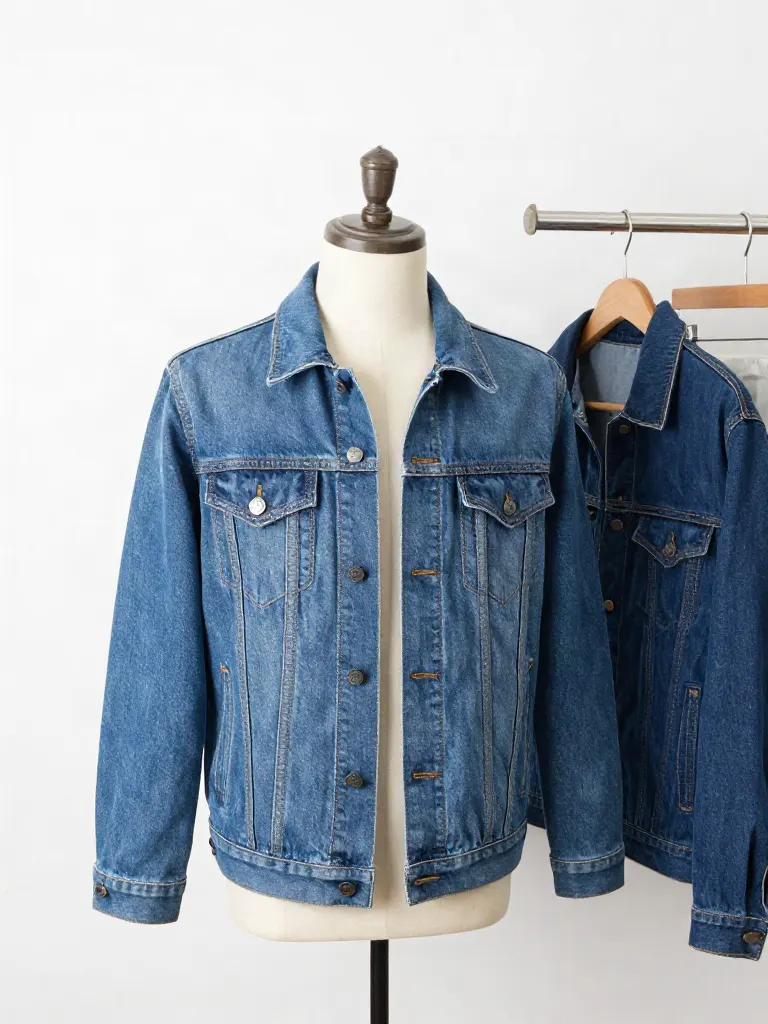
Try on clothes (Try-on)
Upload a person, add a garment photo or describe one, get them wearing it.
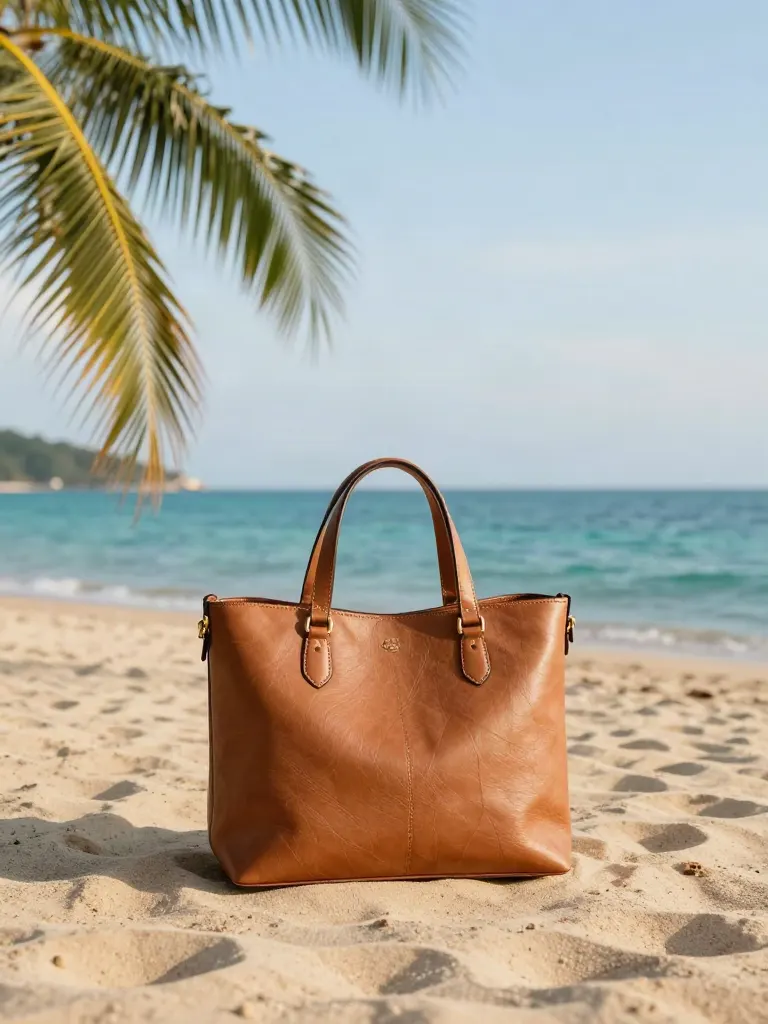
Change background
Upload a photo, get the background removed or swapped for a scene.
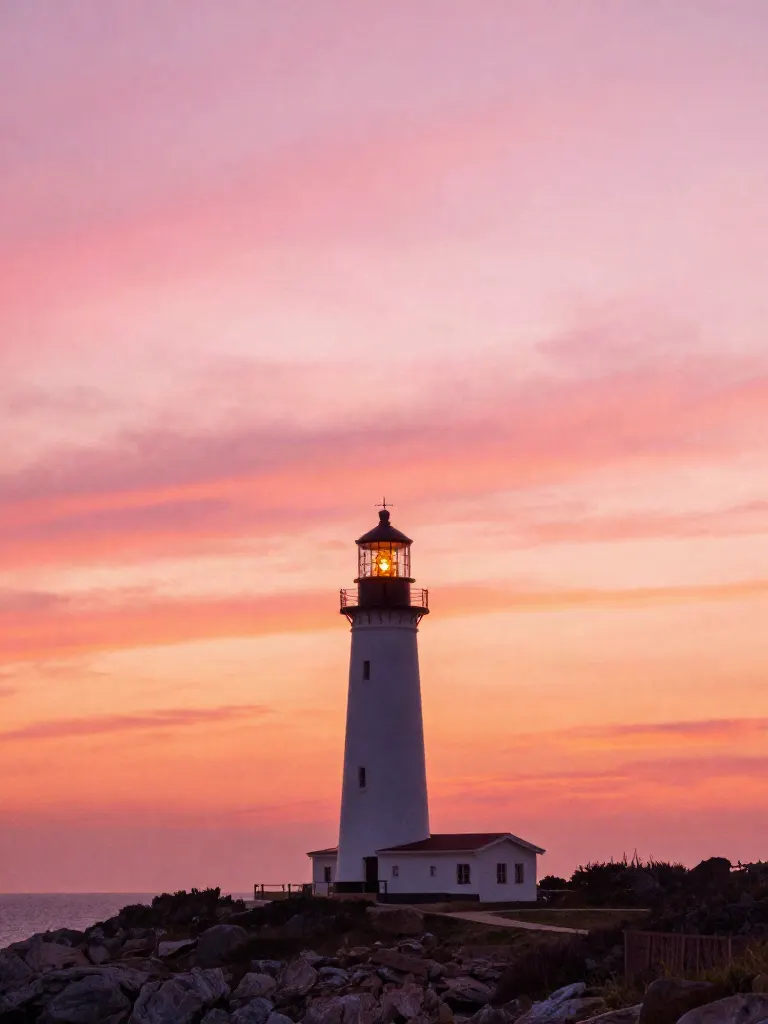
AI filters
Pick an art style, get your photo repainted in it.
Sharper photo (Upscale)
Upload a blurry photo, get a sharper, cleaner one.
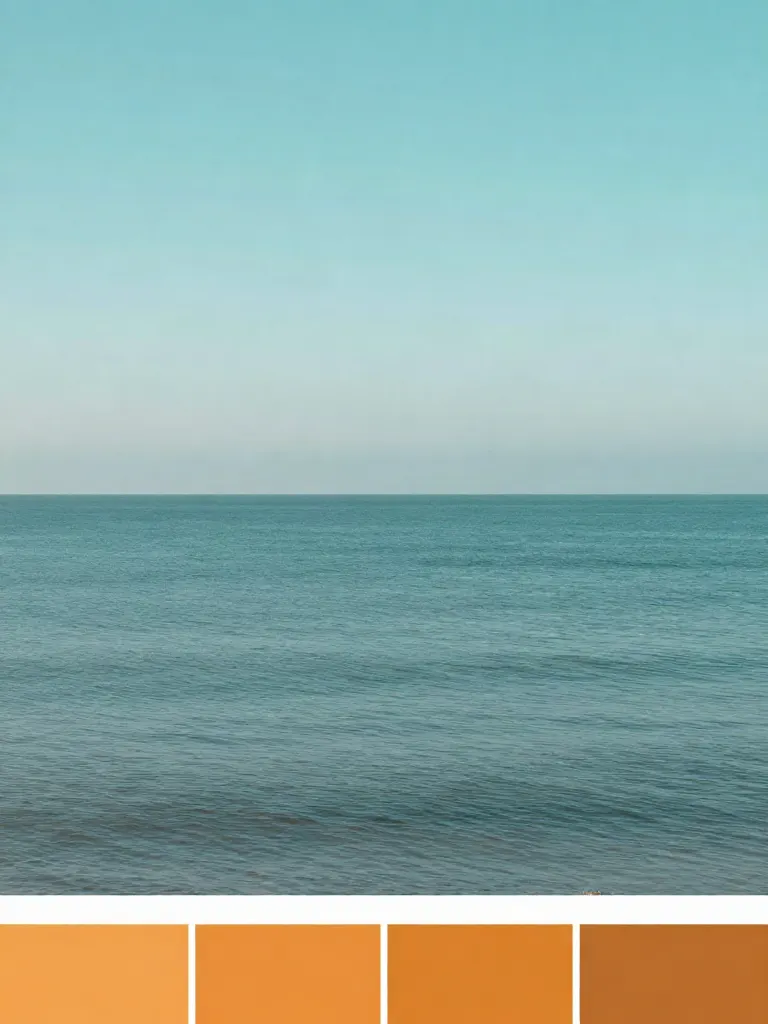
Copy photo colors (Color grade)
Upload a photo and a color reference, get the same color mood.
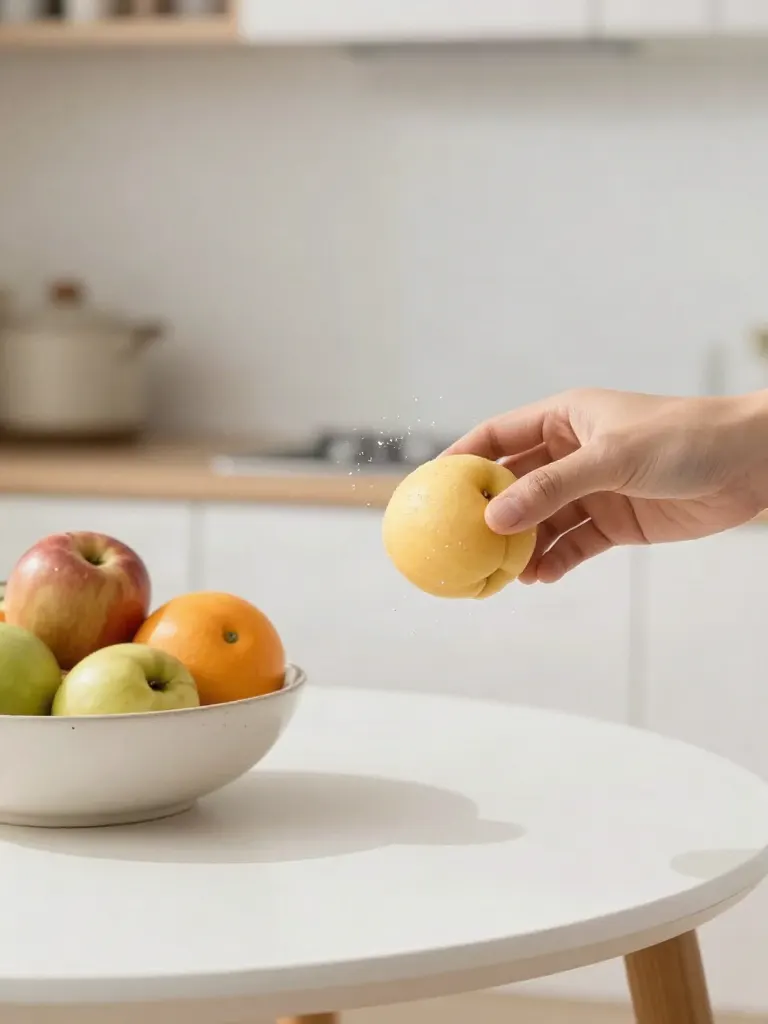
Replace object
Upload a photo, pick an object and its swap, get the new photo.
Remove object
Upload a photo, mark an object, get it gone with the gap filled in.
Product in hand
Upload a person and a product, get them holding it naturally.
Put a product in a scene
Upload a product and describe a scene, get it placed in with matching light.
Expand image
Upload a photo, pick any size, then fill the new edges with AI, crop, or blur fill.
Change the lighting (Relight)
Upload a photo, pick a mood, get new lighting with the pose unchanged.
Face swap
Upload a photo and a face, get that face on the photo.
Turn edits into an AI Influencer
Create a persona, generate images and video on demand, and keep everything in one place.
Frequently Asked Questions
How does prompt-based AI Image Editing work?
Upload your photo and type what you want to modify in natural language, for instance, "add dramatic golden hour lighting", "make it look like a winter blizzard", or "change background to a futuristic space station". Our generative AI engine interprets your prompt and modifies the image accordingly while preserving core identity.
What kind of text instructions can I give?
You can describe weather changes (rain, snow, fog, sunny), lighting modifications (sunset, neon, moonlight, studio light), background environments (beach, mountain, city, galaxy), or overall artistic reimagining. The more descriptive your prompt, the more vivid the result!
Can I perform multiple edits on the same photo?
Yes! Registered users can apply sequential edits, saving each iteration to their gallery history so you can chain transformations and refine your vision.
Is my uploaded photo kept private?
Your privacy is our priority. Uploaded images are processed securely and never shared with third parties or used to train public models without your explicit permission.
Is the free trial really free?
Yes, to try. A free account (no card) gets 2 images in total once your email is verified. You make the account when you upload your photo, then the tool runs. After that, credit packs start at $2.99 with no subscription, and an edit is 2 credits. Results made with free credits carry a small "Made with inflyu" mark.
Is there a free AI tool to edit a photo I already have from a text prompt?
Yes, to try. A free account needs no card and gets 2 images in total once your email is verified. You make the account when you upload your photo and type your prompt, then the tool runs. After that, credit packs unlock more, starting at $2.99 with no subscription. Results made with free credits carry a small "Made with inflyu" mark.
How do I edit a photo with a text prompt using AI?
Upload a photo, type the change you want in plain text, run the edit, then preview the result and save it. You can chain another edit on the result.
What is the best AI tool for editing a photo from a text prompt?
It depends on how much control you want. Higgsfield takes any image or a prompt and starts free with daily credits; Photoroom says you can try its tool for free; insMind also accepts pasted images and URLs, and warns that results may look unnatural; Fotor offers free basic editing. Inflyu has you describe the change in text, gives 2 free edits with a verified email, and credit packs start at $2.99 with no subscription.
Fotor alternative for editing a photo from a text prompt
Inflyu's AI Image Editor is an alternative when you would rather describe the change in plain text: upload a photo, type the edit, and chain more edits on the result. A free account needs no card and gets 2 free edits with a verified email. Fotor's page says some of its advanced tools give new users only limited free uses.
Does an AI photo editor follow a text prompt well, and what are the limits?
It follows a short, concrete prompt best. A vague prompt gives a less predictable edit, larger edits can change more than you meant, and faces and small text should be checked. Results made with free credits carry a small "Made with inflyu" mark.