Draw a Route on a Map, Get a Drone Video That Flies It
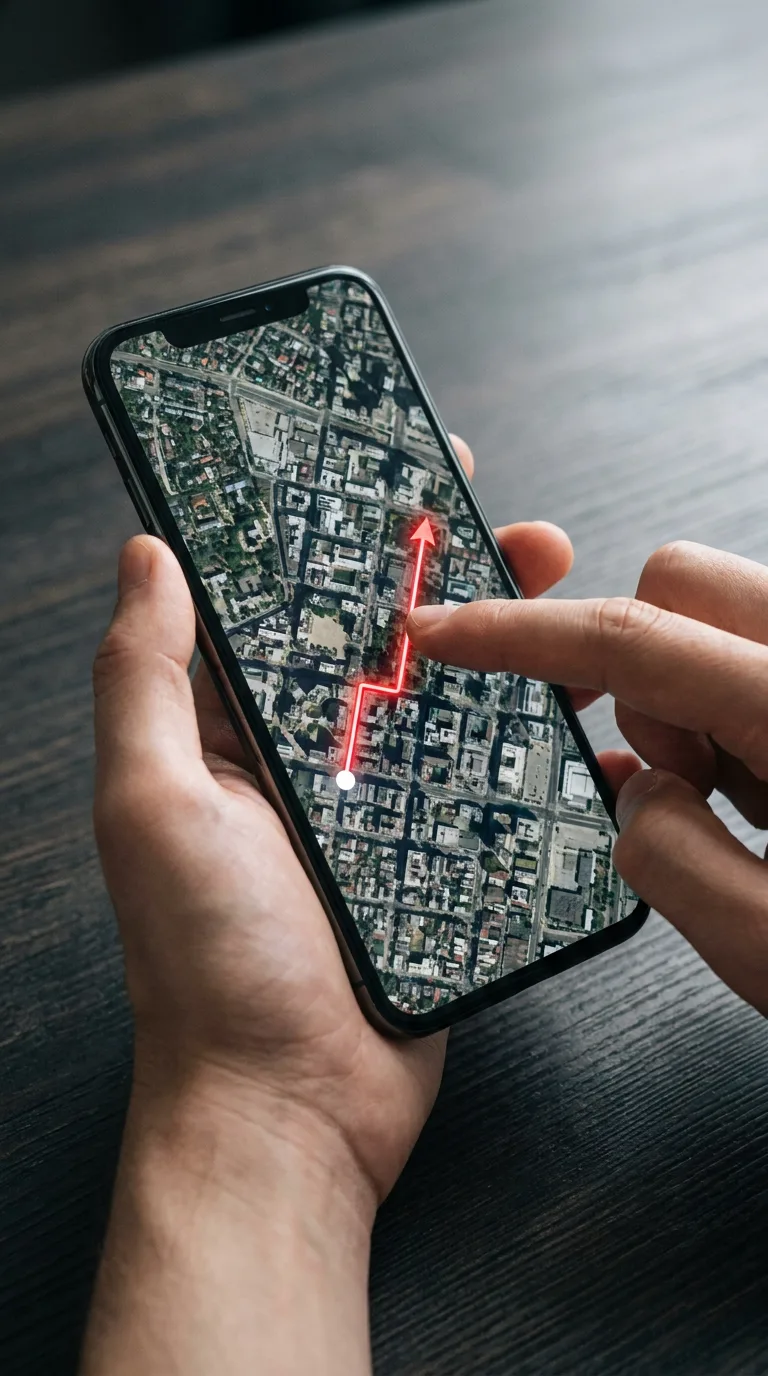
Add a screenshot of any map, or pick a ready city, and draw a line with your finger or mouse. The camera lifts off at the start of your line and flies toward the end, as a vertical or wide drone video.
What you get
Your map flyover
- Map
- A screenshot from Google Maps, Google Earth or Apple Maps, or a ready city: Dubai, Paris, New York.
- Route
- Drag to draw the line, or tap to add points. Undo and clear are one tap away.
- Look
- Pick the time of day, the style (cinematic glide, fast FPV or slow luxury), the video shape, the length and the quality.
- Flight
- The drone starts at the bottom of your line and flies toward the top, over the streets and landmarks on your map.
The result is an AI-made video. It follows your route by direction and landmarks, not every small bend, so check it before you share it.
How It Works in 3 Steps
Add a map and draw
Add a map screenshot or pick a ready city, then draw the route from where the flight starts to where it ends. Ready cities: Dubai, Paris, New York.
Choose the look
Pick the time of day, the style, 9:16 or 16:9, a length of 6, 8, 10 seconds and 720p or 1080p. Both qualities show their credits side by side, and the button shows the price of the one you pick.
Get your video
The AI flies the route and you download the video. If one engine cannot make it, the next one tries at no extra cost.
Explore More AI Image Tools
Transform your photos with our full suite of AI editing tools
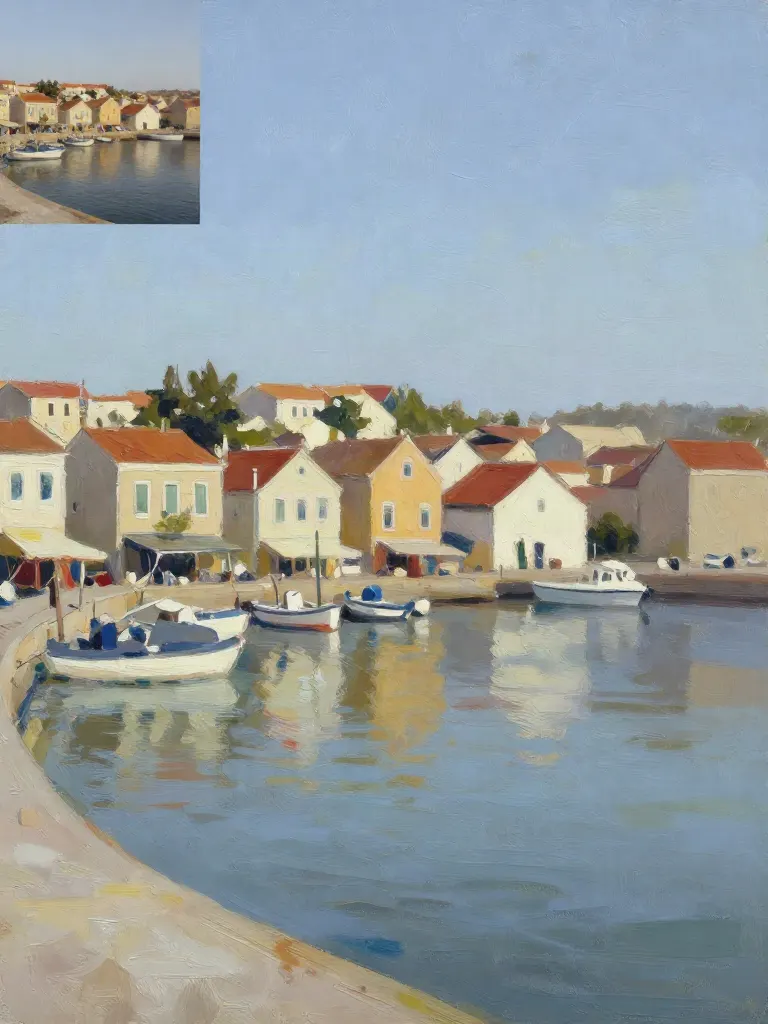
Copy art style (Style transfer)
Upload a photo and a style picture, get your photo repainted in that style.
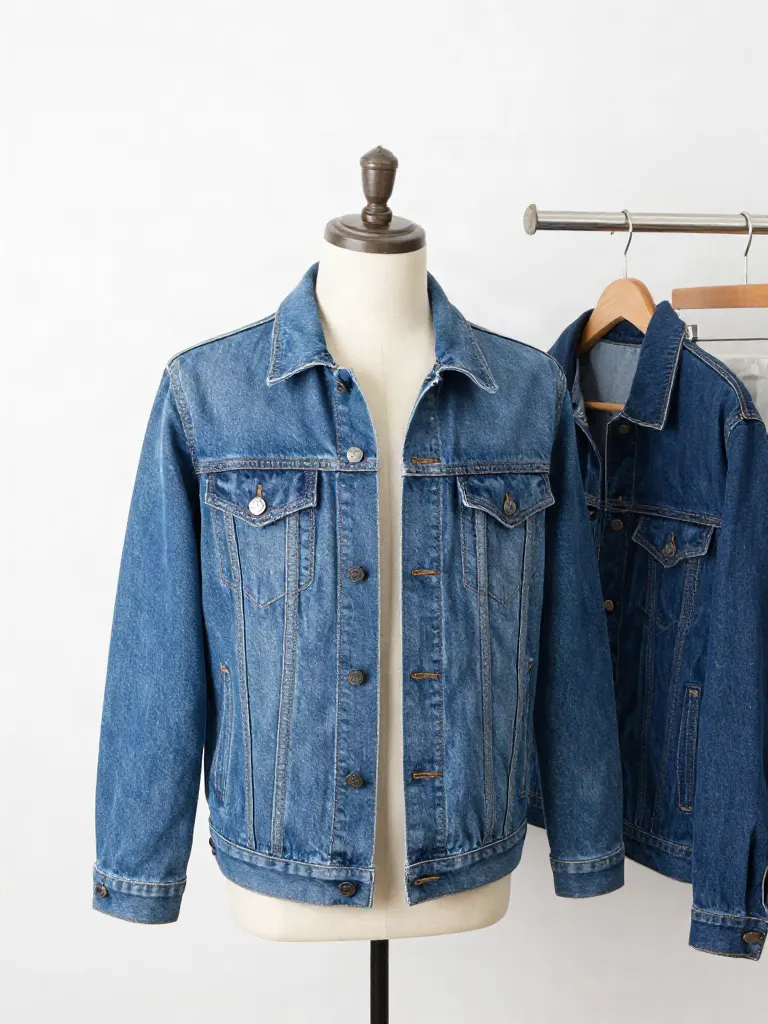
Try on clothes (Try-on)
Upload a person, add a garment photo or describe one, get them wearing it.
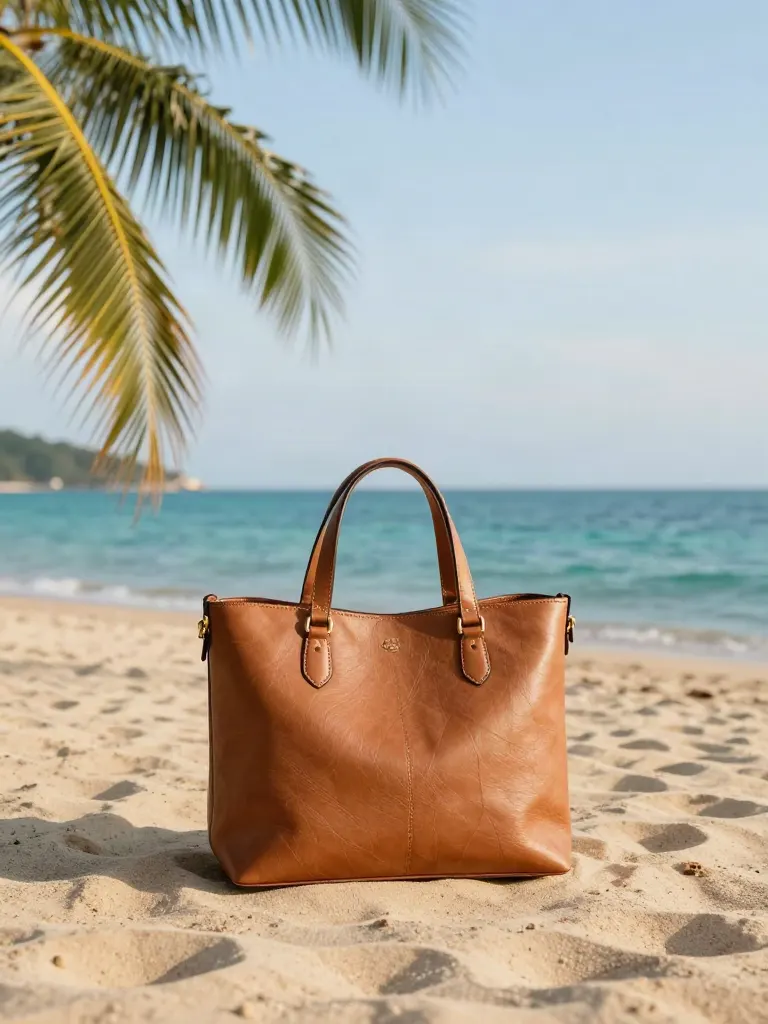
Change background
Upload a photo, get the background removed or swapped for a scene.
AI filters
Pick an art style, get your photo repainted in it.

Sharper photo (Upscale)
Upload a blurry photo, get a sharper, cleaner one.
Copy photo colors (Color grade)
Upload a photo and a color reference, get the same color mood.

Edit with a prompt (Reimagine)
Upload a photo and describe a change, get it transformed.

Replace object
Upload a photo, pick an object and its swap, get the new photo.

Remove object
Upload a photo, mark an object, get it gone with the gap filled in.

Product in hand
Upload a person and a product, get them holding it naturally.

Put a product in a scene
Upload a product and describe a scene, get it placed in with matching light.
Expand image
Upload a photo, pick any size, then fill the new edges with AI, crop, or blur fill.

Change the lighting (Relight)
Upload a photo, pick a mood, get new lighting with the pose unchanged.

Face swap
Upload a photo and a face, get that face on the photo.
Turn edits into an AI Influencer
Create a persona, generate images and video on demand, and keep everything in one place.
Frequently Asked Questions
What kind of map works?
A top-down screenshot with clear streets and landmarks, for example from Google Maps, Google Earth or Apple Maps. You can also pick one of the ready cities and use its ready route or draw your own.
Will the drone follow my line exactly?
It follows the direction of your route and the landmarks along it, not every small bend. Keep the route simple and let it pass the places you want to see. The result is generated, so check it before you share it.
Which way does the flight go?
From the start of your line to its end. We turn the map so the start is at the bottom and the end is at the top before the AI sees it.
What shape and length can the video be?
You pick 9:16 or 16:9, a length of 6, 8, 10 seconds, and 720p or 1080p. Each quality shows its credits next to the other before you start.
What if an engine cannot make my video?
The credit price covers the best engine, and a different engine takes over by itself at no extra cost. If a map or a place name is refused by the safety check, it is not retried and we tell you why. If no engine can make the video, the credits are returned.
Does it write text on the video?
The line and the markers we draw on your map are only a guide for the AI and are not meant to appear in the video. Street names and signs on a map can come out differently, so check the result.
How much does it cost?
It is free to sign up. The credit cost shows on the button before you start and depends on the length and the quality. Credit packs are one-time and never expire.