Make a Drama Series
With a Cast That Returns
Describe your characters once, write the episode and get a film-style drama: shots in a realistic cinematic look, every line voiced, subtitles on. The next episode picks up where the last one left off.


For storytellers and creators
A drama, shot by shot
You write the story; the studio handles casting, pictures and voices.
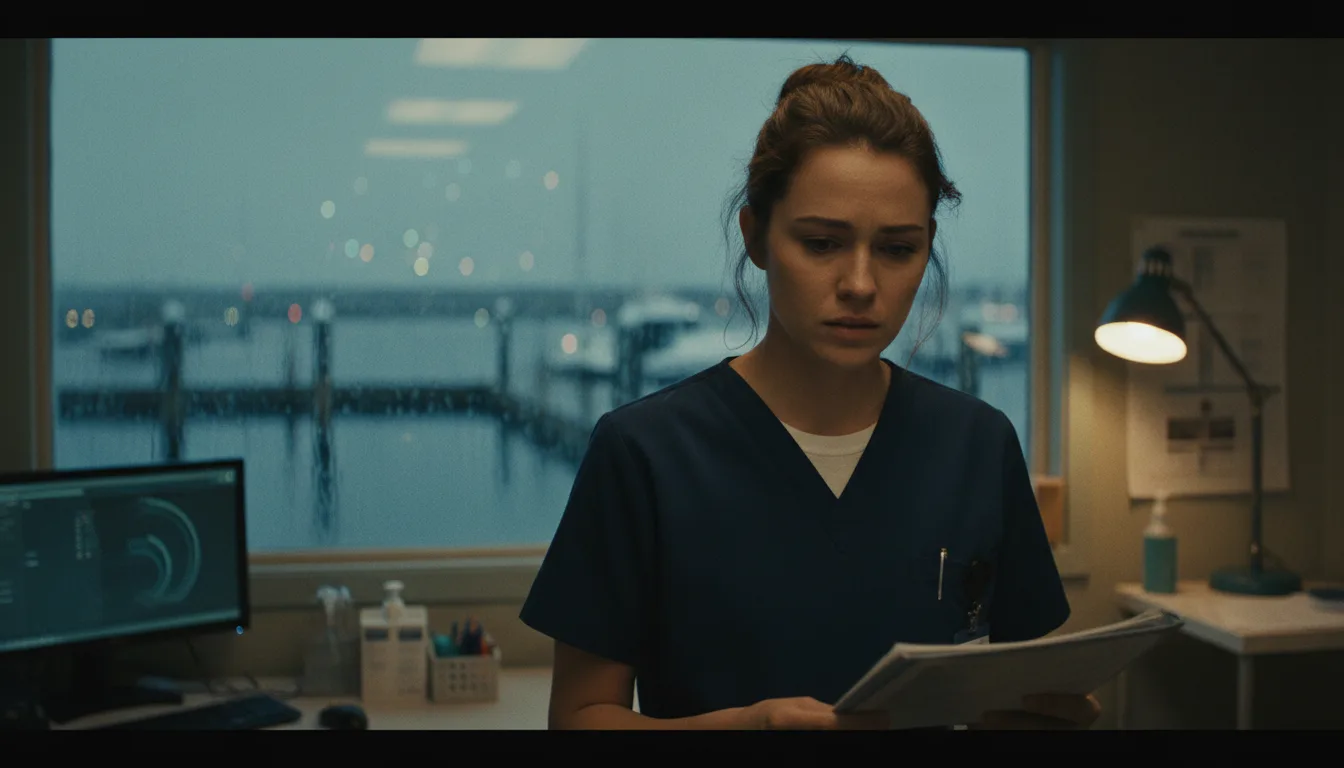
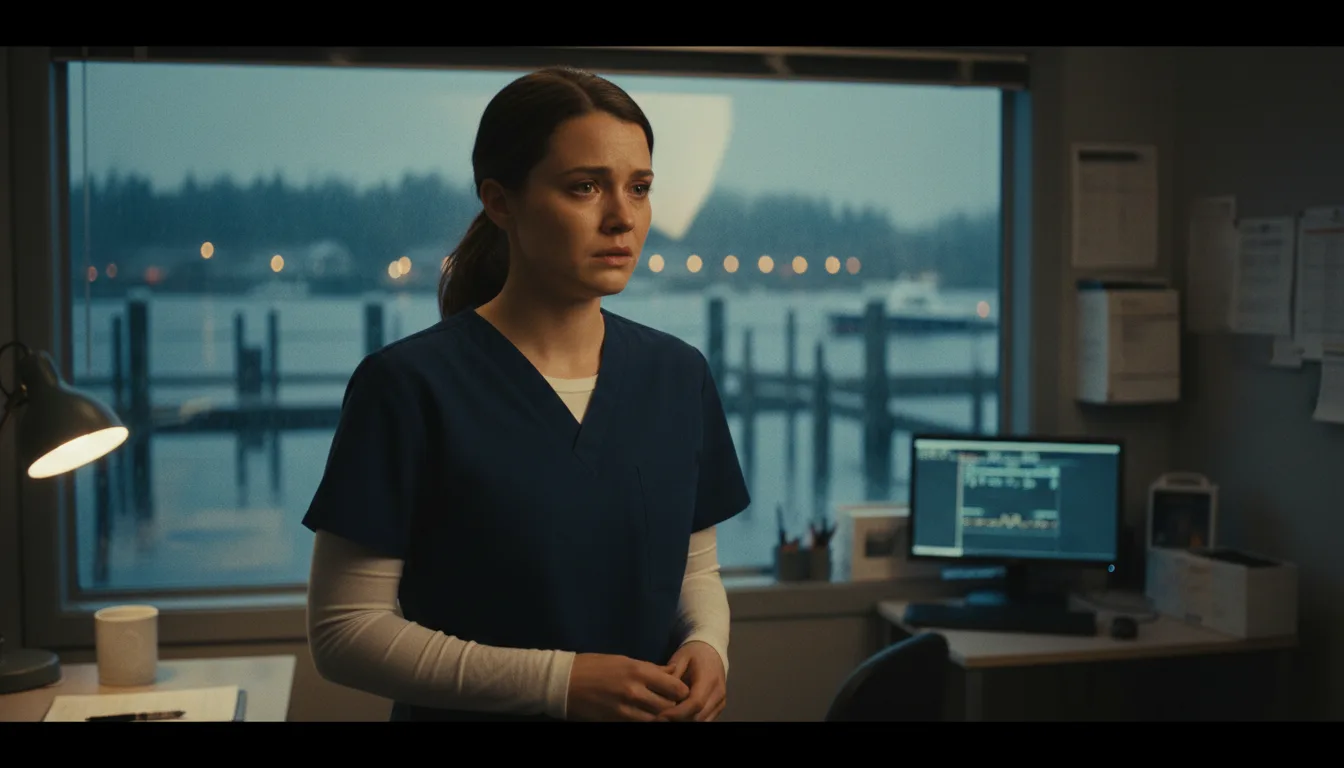
A realistic cinematic look
Shots are drawn as photoreal film stills with natural skin and soft lighting. Add style notes for the mood of your show.
A cast that comes back
Each character gets a four-picture reference sheet that every shot is drawn from, so the cast stays recognisable across episodes.
Dialogue with real voices
Give every character a stock voice, a cloned voice or one of your own ElevenLabs voices. Each line is voiced and timed.
A story that remembers
AI drafts continue from your story memory: the arc, where each character stands and the threads still open. You can edit all of it.
Still or moving shots
Keep a shot as a still picture or turn it into an 8-second moving clip, only where the scene needs motion.
Subtitles for more viewers
Dialogue is English. Add subtitles in 12 other languages when you render.
From premise to episode
Three steps, then repeat for the next episode.
Set up the show
Name it, pick the Drama type, choose vertical, wide or both, and describe your characters.
Write or draft the episode
Paste your script or let AI draft one. Each line becomes a shot on the storyboard that you can edit.
Generate and render
Make the pictures and voices, add motion where you want it, then render with subtitles.
AI drama series FAQ
Will my characters look the same in every episode?+
Each character has a four-picture reference sheet that every shot is drawn from, which keeps them recognisable. Faces can still vary a little between shots, and you can regenerate a picture or rewrite a shot description until it fits.
Can AI write the episodes for me?+
Yes. Ask for a draft and it continues your story using its memory of earlier episodes, or paste your own script and it keeps every spoken word as written. You can edit either one.
Which languages can the dialogue use?+
The dialogue is English. Subtitles can be added in 12 more languages when you render.
Do I need actors, a set or a camera?+
No. Characters, pictures, motion and voices are all generated from your script and notes.
What does a drama series cost?+
Writing or pasting the script and setting up the cast use no credits. Pictures, voices, moving clips and renders do, and the app shows the cost of each step before it runs. Generating needs a credit pack or a monthly plan; a subscription is not required.
Do I need a subscription?+
No. You can pay as you go: credit packs are one-time purchases and their credits never expire. If you would rather have a steady supply, the monthly Starter ($8.99), Creator ($19), Pro ($49) and Brand ($99) plans refill your credits each month, and you can cancel anytime. Unused monthly credits do not roll over.