Extract Frames From a Video
Upload a video of up to 120 seconds and pick what to take: the last frame, the first frame, evenly spaced frames, one frame every few seconds, or the frames at times you type. Up to 24 frames per run, as JPG or PNG.
What you get
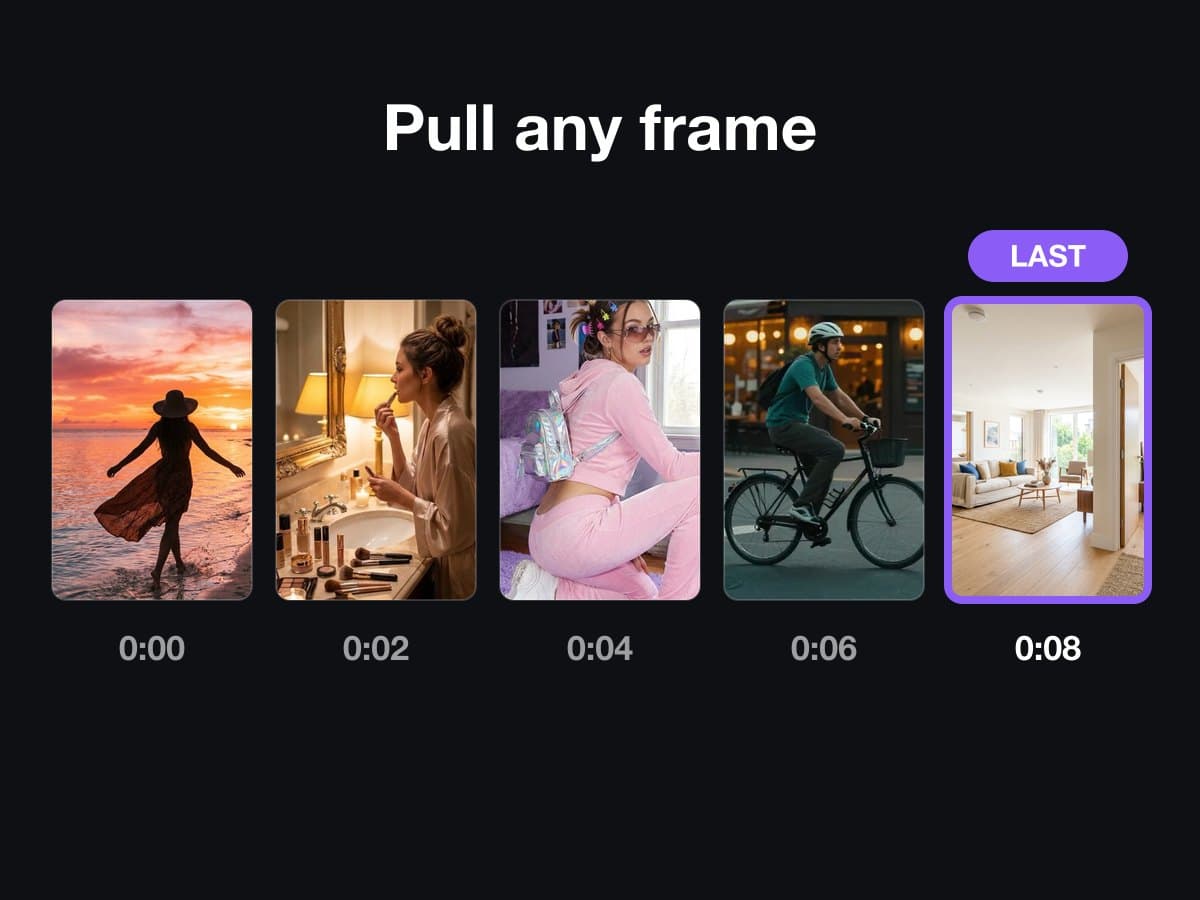
What the Frame Extractor does
- Upload
- One video of up to 120 seconds.
- Modes
- Last frame, first frame, evenly spaced frames, a frame every N seconds, or frames at the times you choose.
- You get
- Up to 24 frames as JPG or PNG. Each one can be downloaded on its own.
- Next step
- Hand the last frame to Extend to continue the clip.
- Price
- A run costs 1 credit.
This lists the settings and limits, not a real result.
How It Works in 3 Steps
Upload a video
Add a video of up to 120 seconds.
Choose the frames
Pick the last frame, the first frame, evenly spaced frames, a frame every N seconds, or exact times. Choose JPG or PNG. Up to 24 frames.
Download or hand on
Download the frames, or hand the last frame to Extend to continue the clip.
Explore More AI Image Tools
Transform your photos with our full suite of AI editing tools
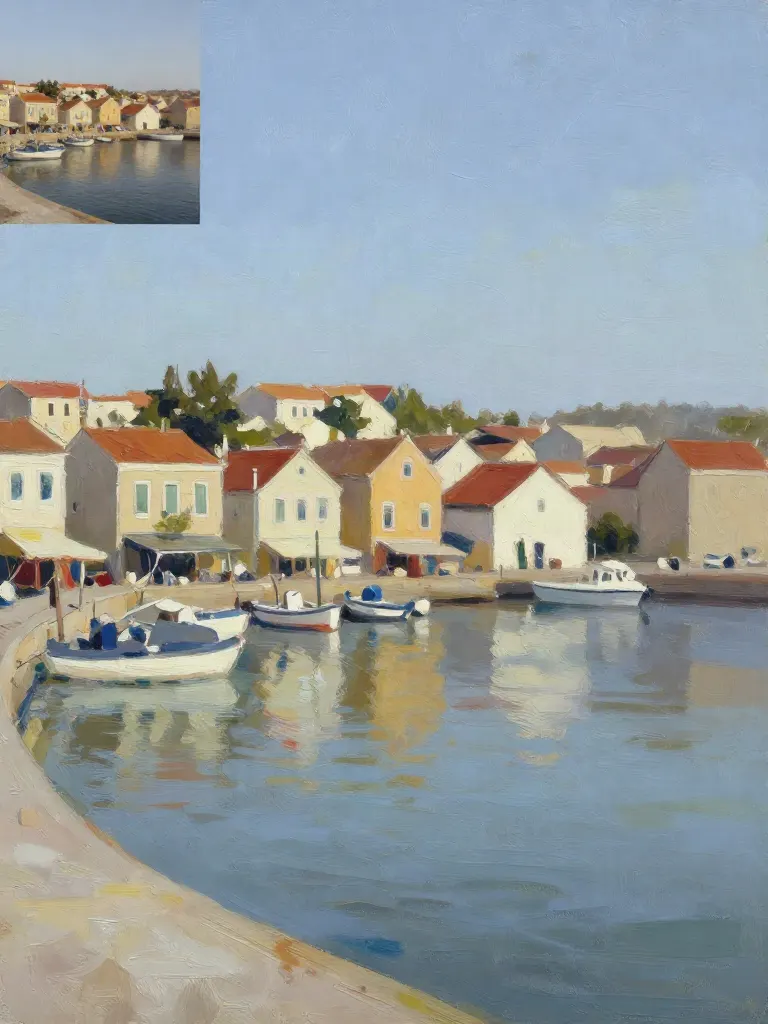
Copy art style (Style transfer)
Upload a photo and a style picture, get your photo repainted in that style.
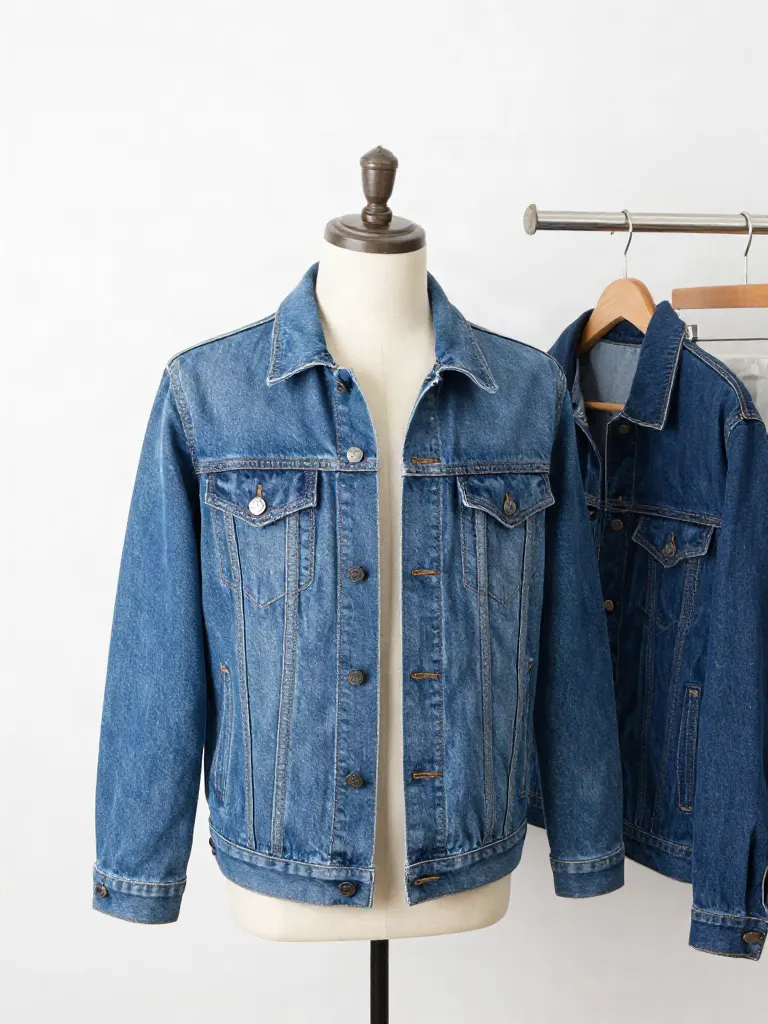
Try on clothes (Try-on)
Upload a person, add a garment photo or describe one, get them wearing it.
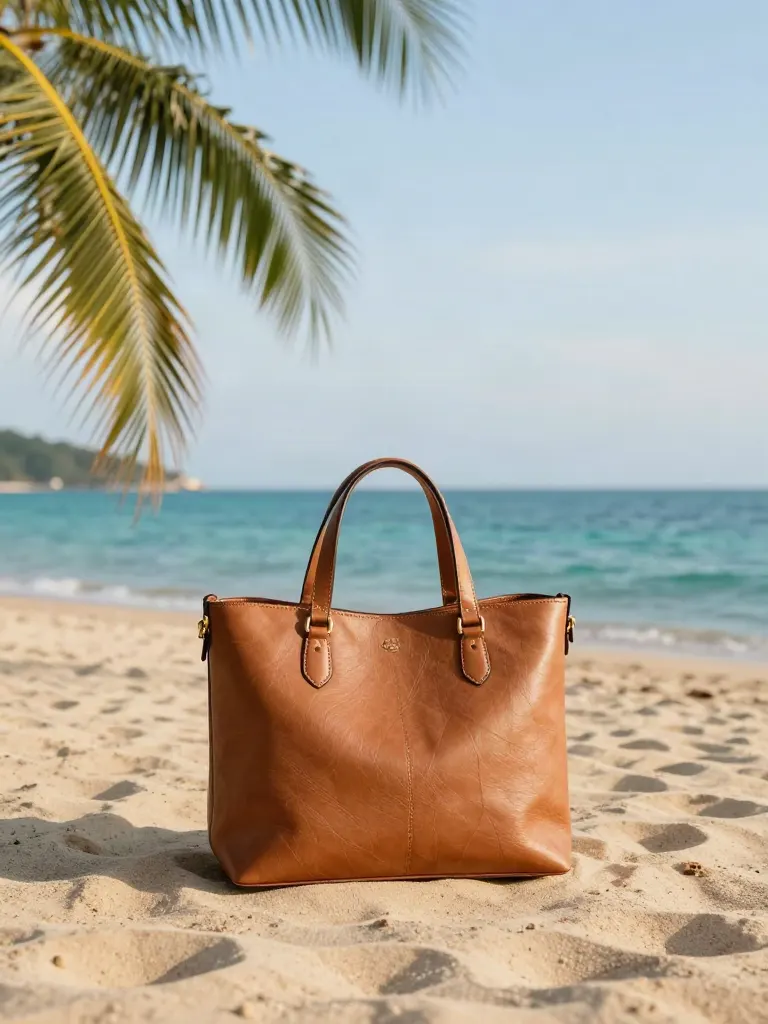
Change background
Upload a photo, get the background removed or swapped for a scene.
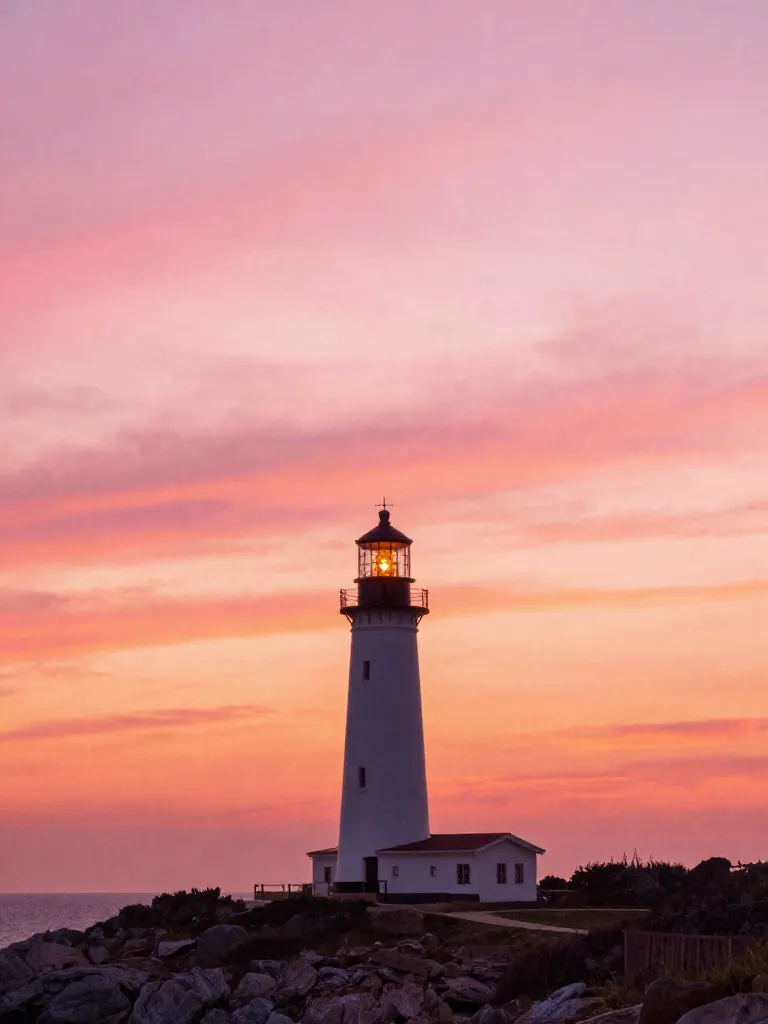
AI filters
Pick an art style, get your photo repainted in it.
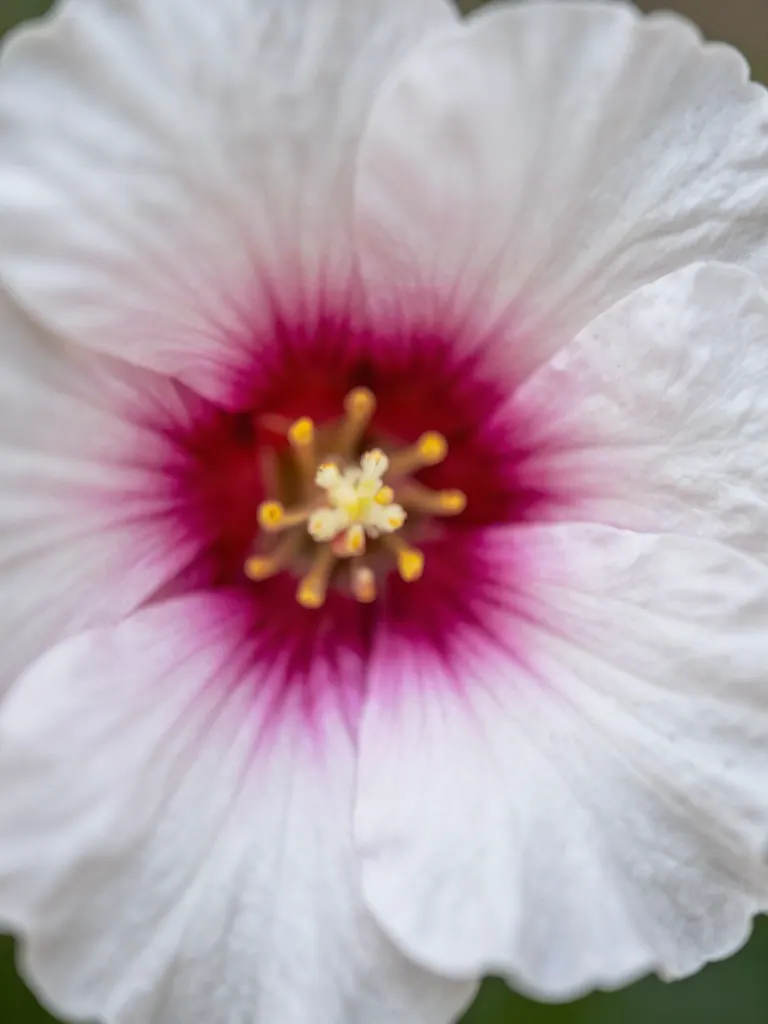
Sharper photo (Upscale)
Upload a blurry photo, get a sharper, cleaner one.
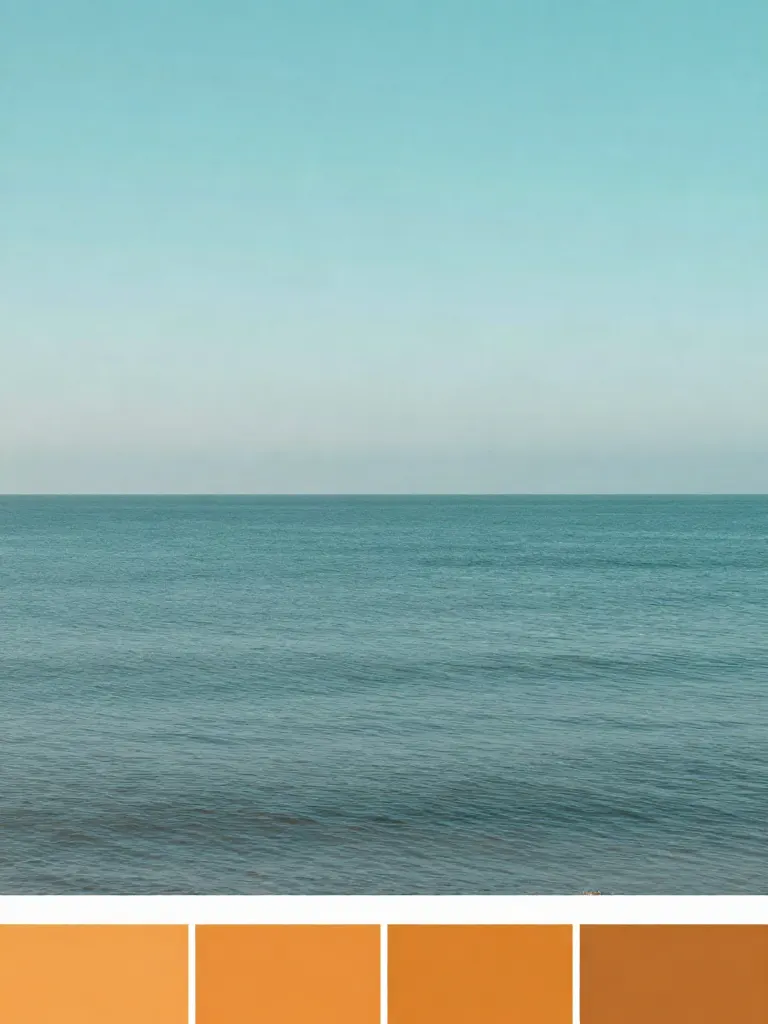
Copy photo colors (Color grade)
Upload a photo and a color reference, get the same color mood.
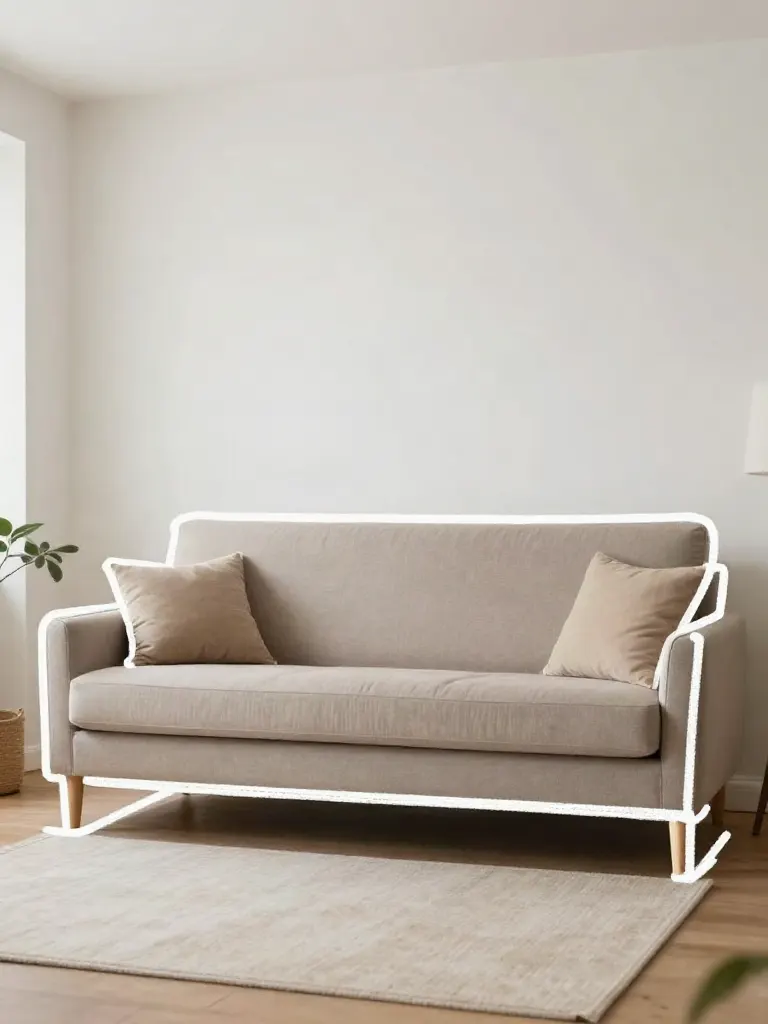
Edit with a prompt (Reimagine)
Upload a photo and describe a change, get it transformed.
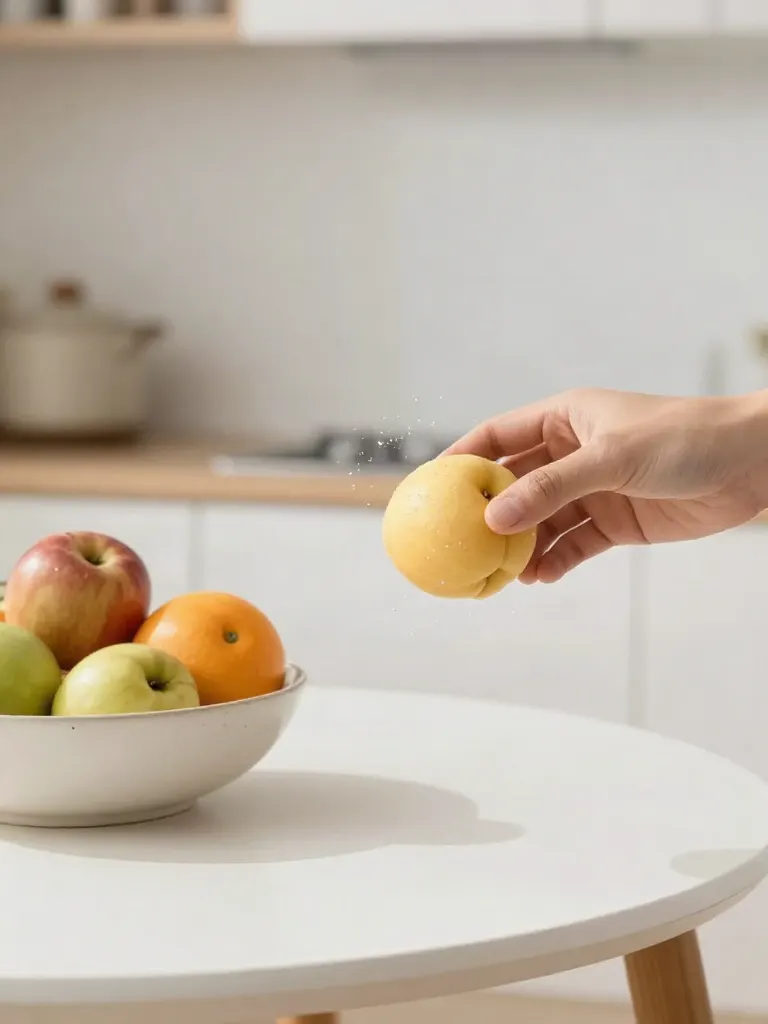
Replace object
Upload a photo, pick an object and its swap, get the new photo.
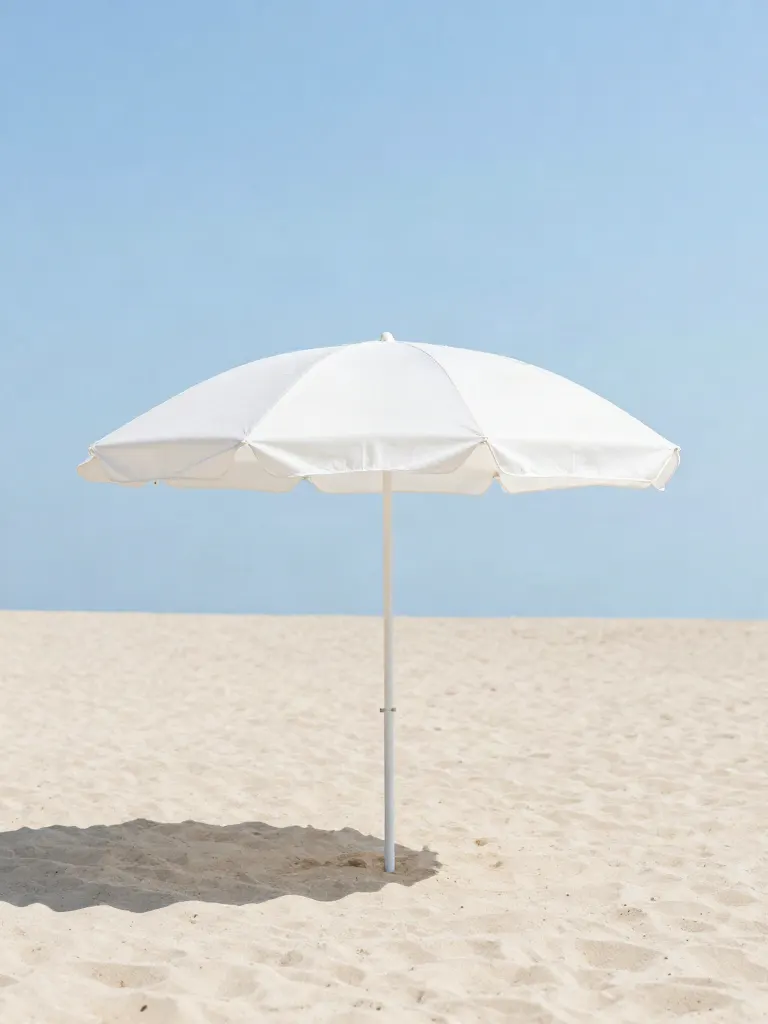
Remove object
Upload a photo, mark an object, get it gone with the gap filled in.
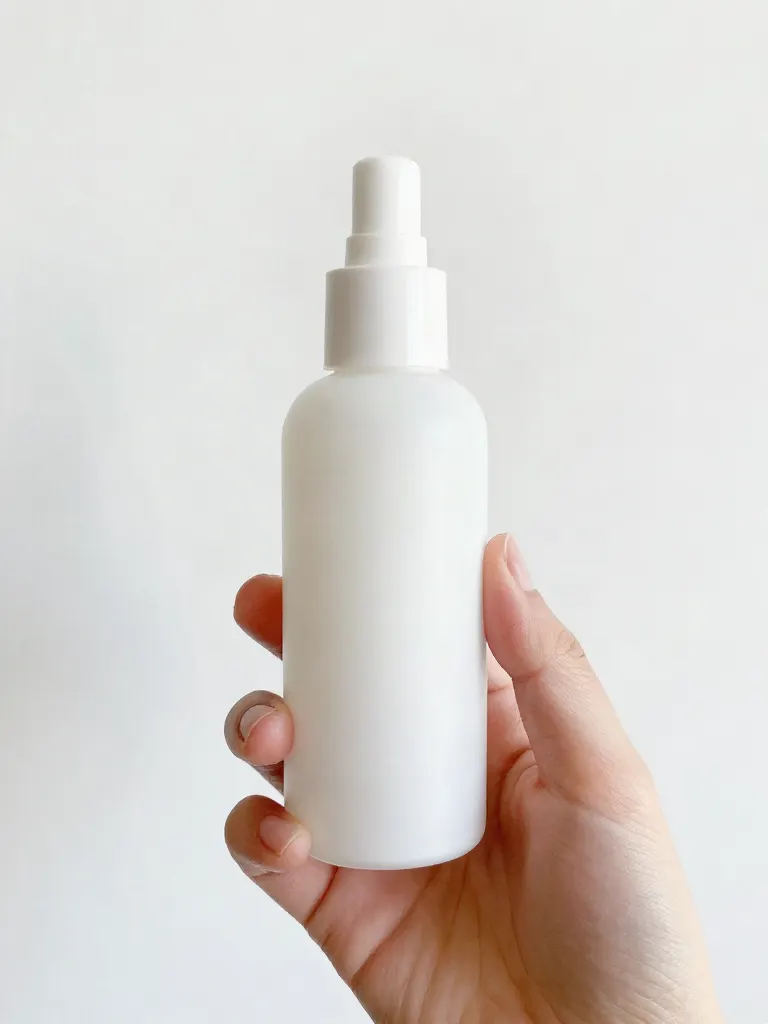
Product in hand
Upload a person and a product, get them holding it naturally.
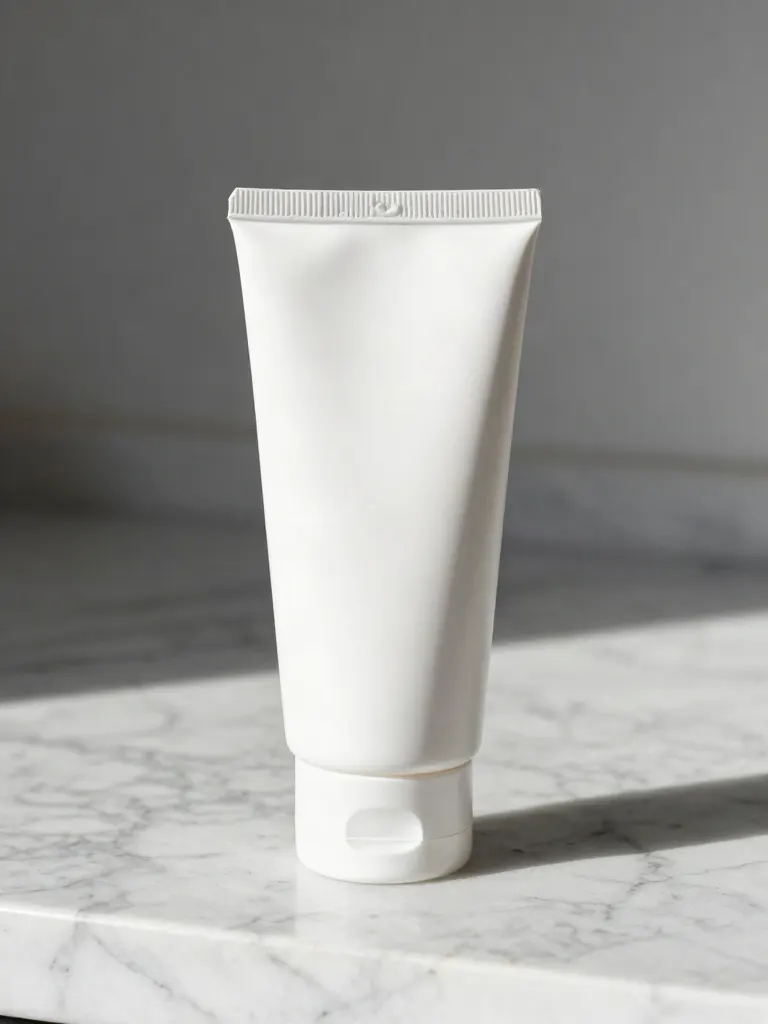
Put a product in a scene
Upload a product and describe a scene, get it placed in with matching light.
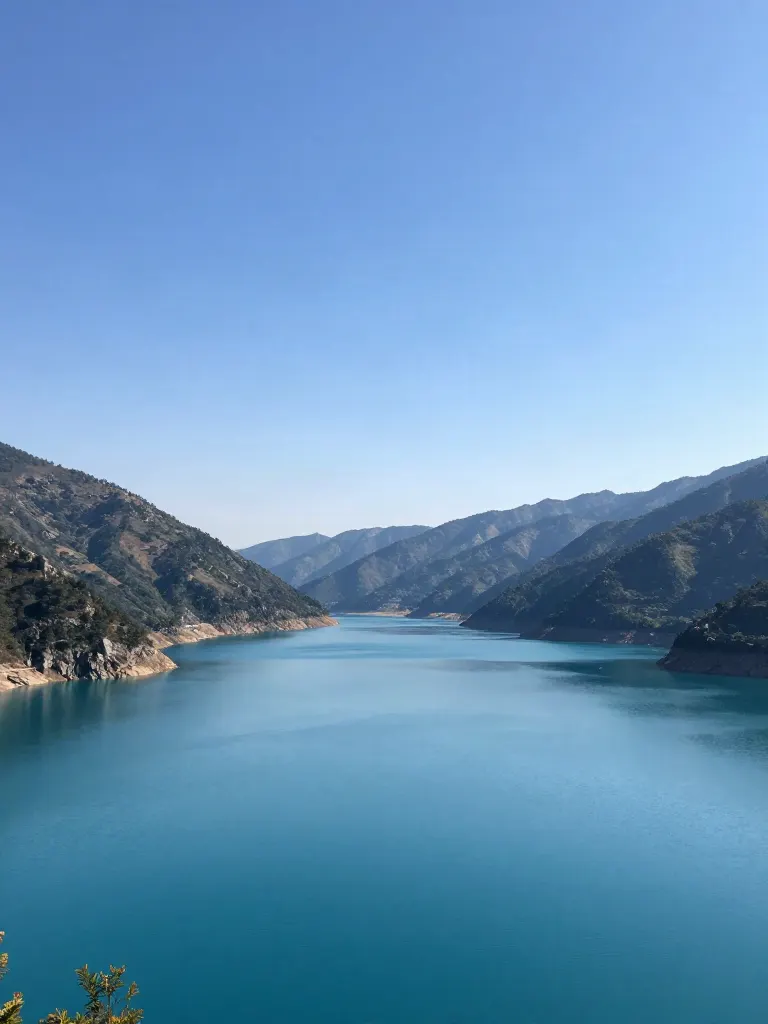
Expand image
Upload a photo, pick a new shape, get the edges filled in.
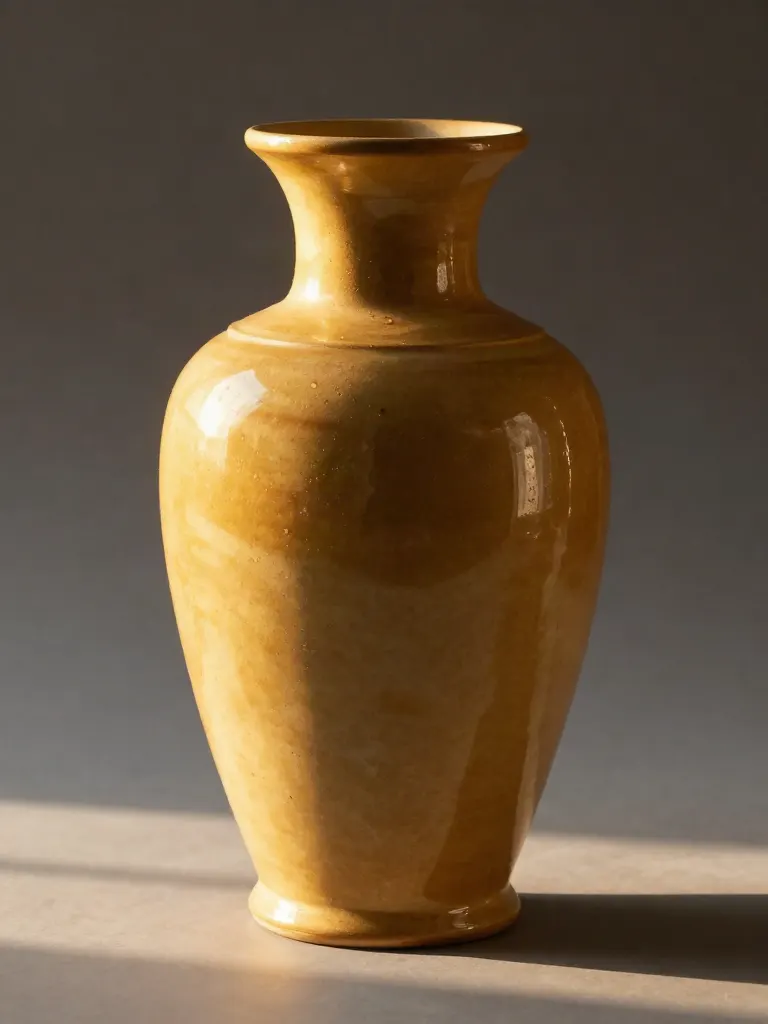
Change the lighting (Relight)
Upload a photo, pick a mood, get new lighting with the pose unchanged.
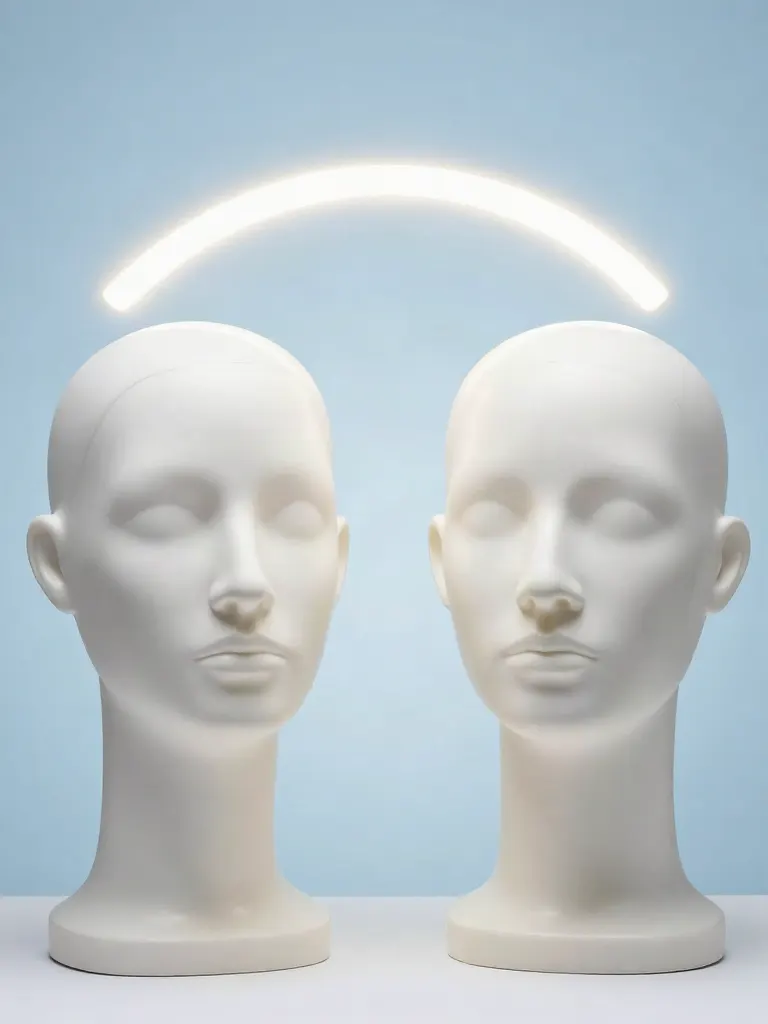
Face swap
Upload a photo and a face, get that face on the photo.
Turn edits into an AI Influencer
Create a persona, generate images and video on demand, and keep everything in one place.
Frequently Asked Questions
Which frames can I take?
The last frame, the first frame, a set of evenly spaced frames, one frame every N seconds, or the frames at the times you type.
How do I get the last frame of a clip?
Choose the last frame mode. It takes the final frame of the video, which is the usual start image for continuing a clip. The result hands it to Extend in one tap.
How many frames can I take, and in which format?
Up to 24 frames per run, as JPG or PNG. PNG is lossless and JPG files are smaller.
Will the frames be sharper than the video?
No. A frame is as sharp as the video it comes from, and extracting it adds no detail. A blurred frame in the video stays blurred.
How long can the video be, and what does it cost?
Up to 120 seconds. A run costs 1 credit, whatever the number of frames you take.