Figurine and style effects
from one photo
Inflyu's figurine and style group has 102 ready-made effects, such as 3D figurine factory, Mini me makeover, Pixel world and Clay shot. Each one turns a single photo into a short video with no prompt to write. Credit packs start at $2.99 with no subscription, and the price of each effect is shown on its run button before you start. A safety check runs on every photo.


Style and figurines
Style and figurines effects
102 effects in this group; 24 shown here, the rest are in the app. The pictures are samples; your clip is made from your own photo.

3D figurine factory
Applies the 3D figurine factory effect to your photo. 8 credits at default settings.
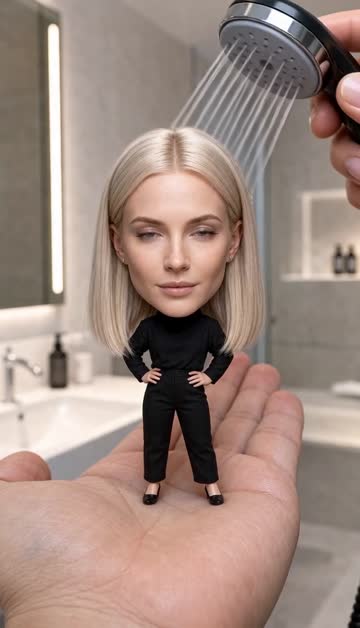
Mini me makeover
Applies the Mini me makeover effect to your photo. 8 credits at default settings.

Pixel world
Applies the Pixel world effect to your photo. 8 credits at default settings.

Clay shot
Applies the Clay shot effect to your photo. 11 credits at default settings.

Pixel me
Applies the Pixel me effect to your photo. 11 credits at default settings.
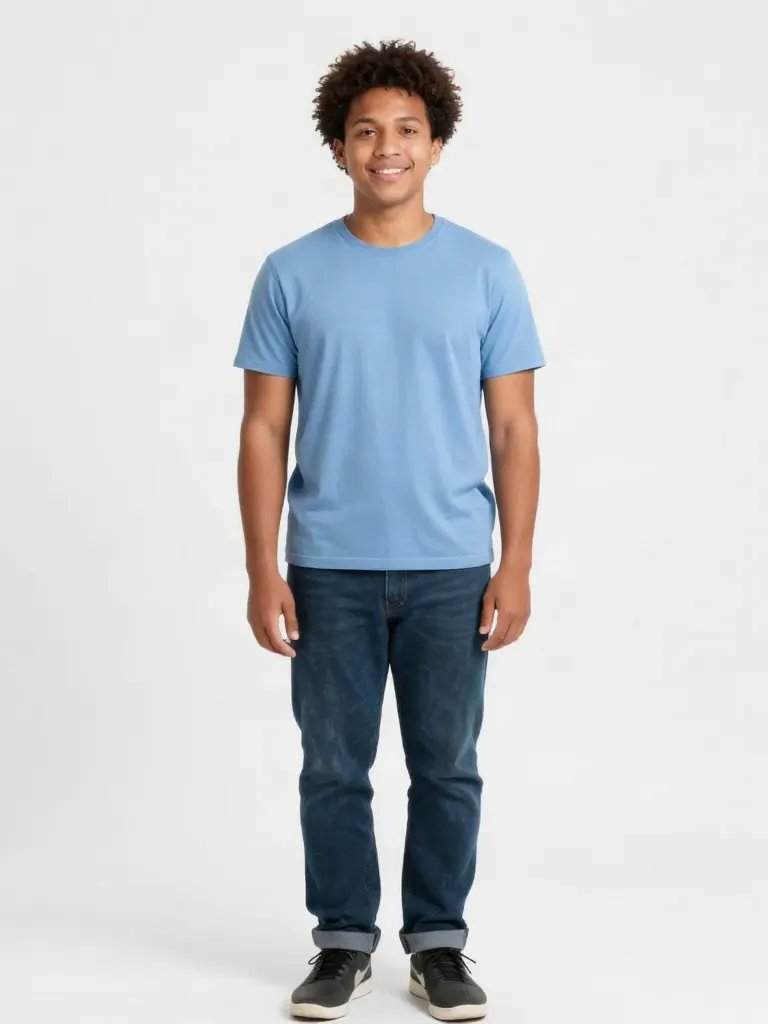
Outfit change
Applies the Outfit change effect to your photo. 11 credits at default settings.
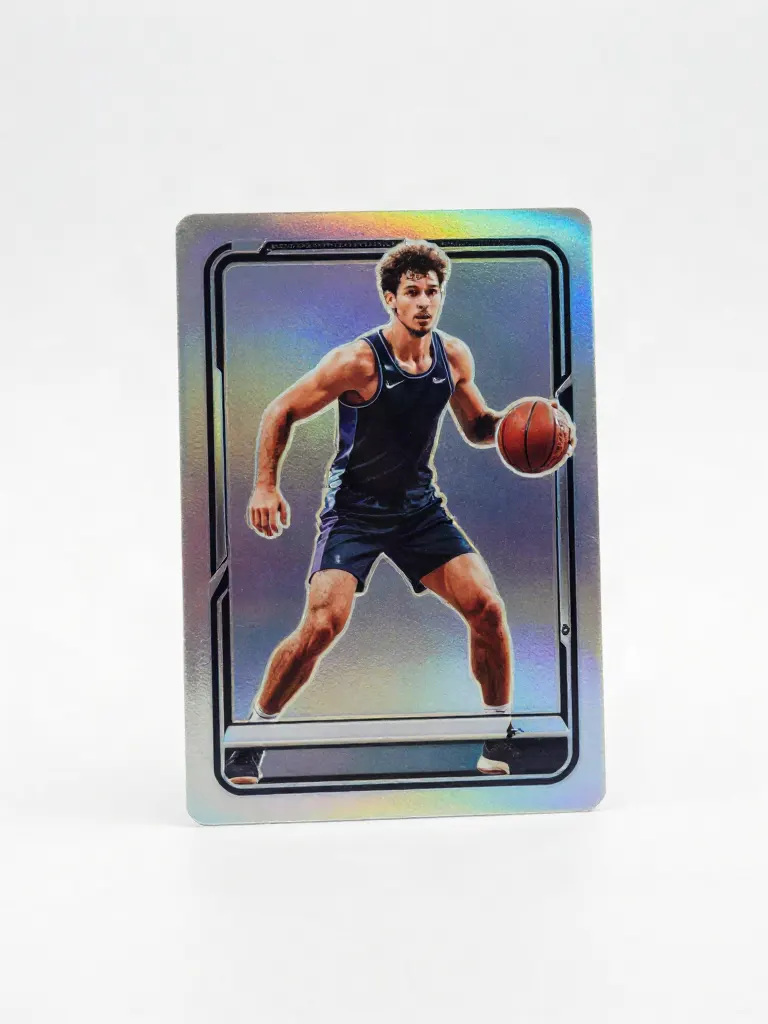
Rookie star card
Applies the Rookie star card effect to your photo. 8 credits at default settings.
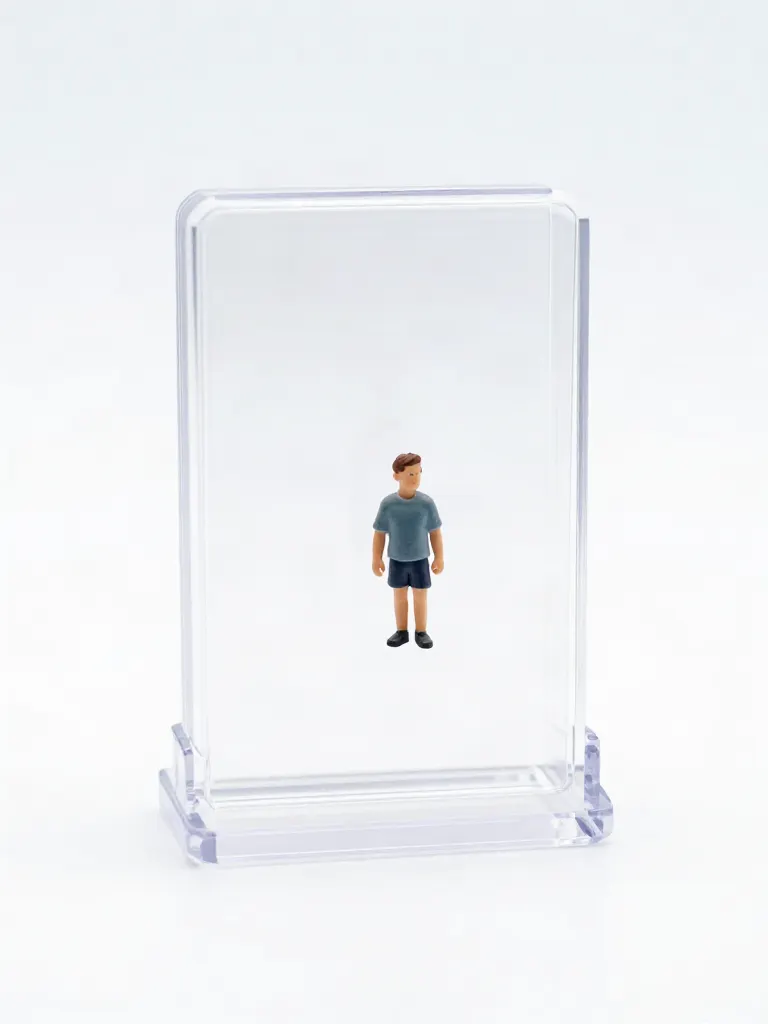
Mini me unboxed
Applies the Mini me unboxed effect to your photo. 8 credits at default settings.

Live photo
Applies the Live photo effect to your photo. 19 credits at default settings.

Glamour photo shoot
Applies the Glamour photo shoot effect to your photo. 11 credits at default settings.
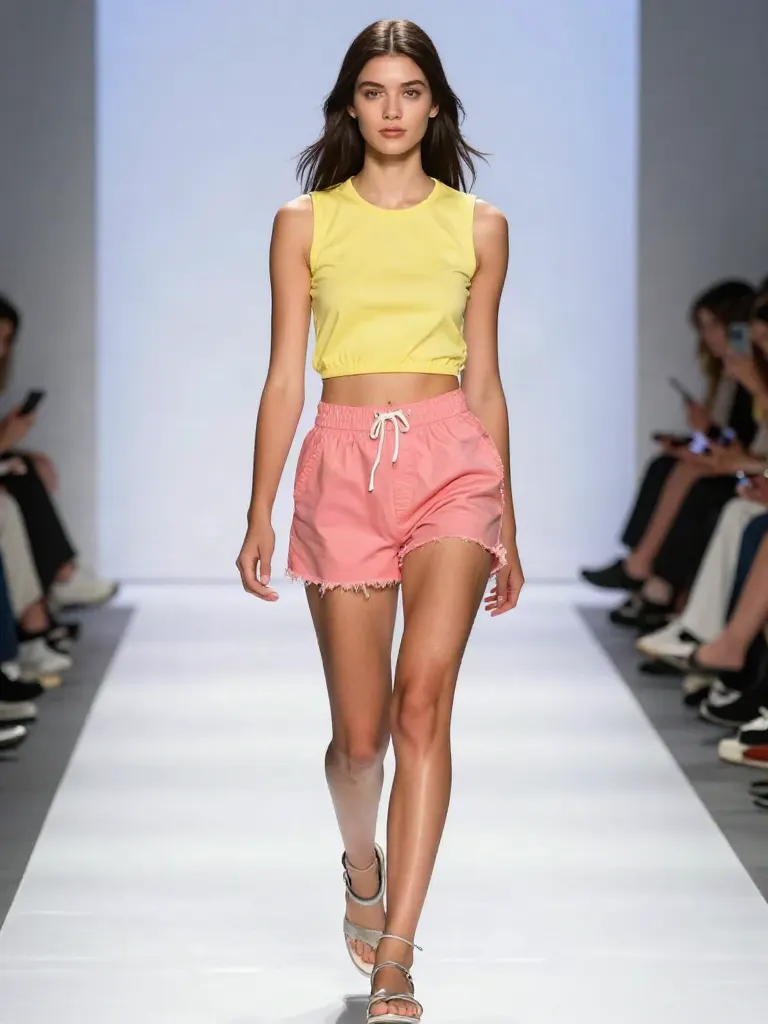
Outfit show
Applies the Outfit show effect to your photo. 11 credits at default settings.
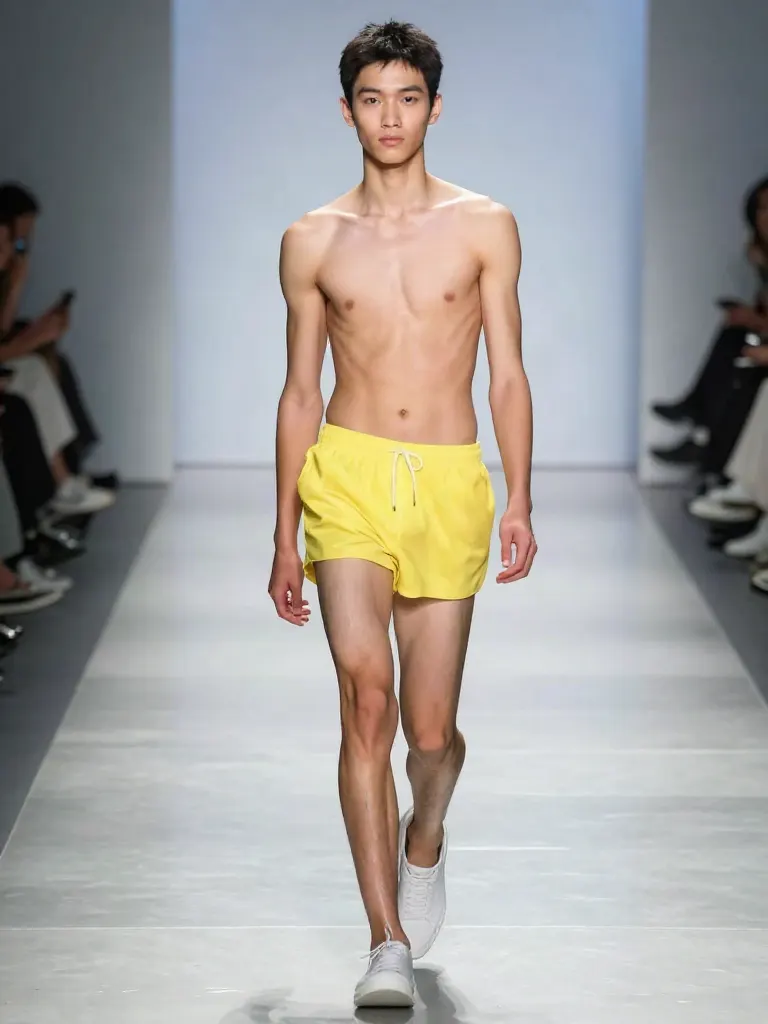
Fashion stride
Applies the Fashion stride effect to your photo. 11 credits at default settings.
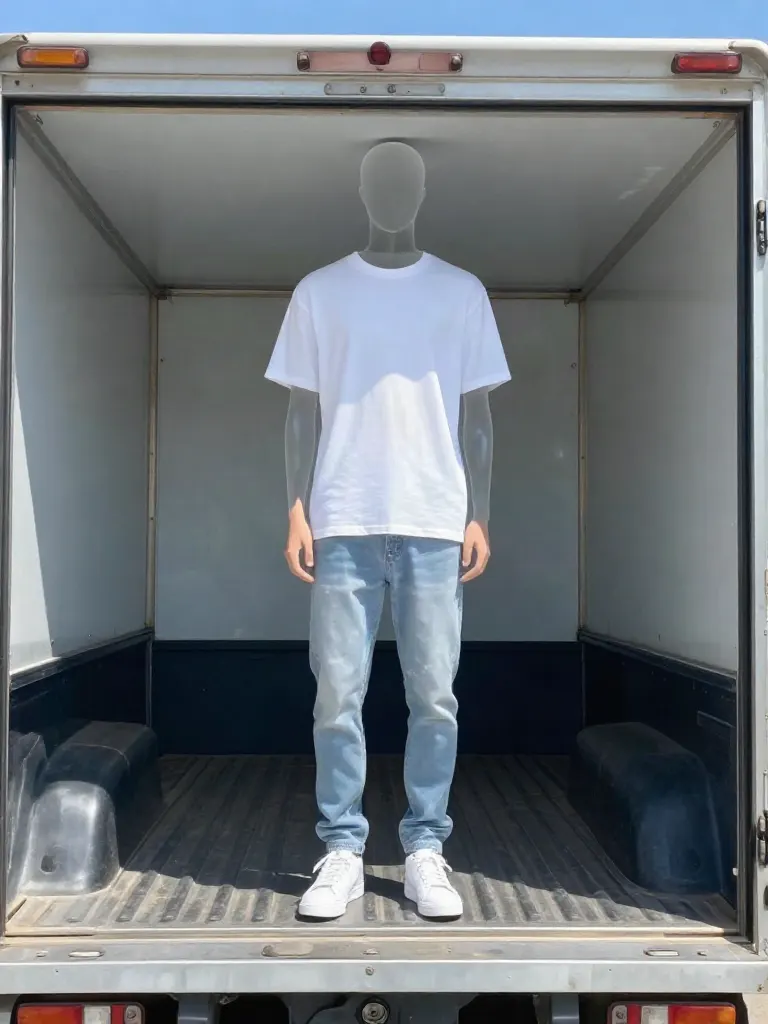
Truck fashion shoot
Applies the Truck fashion shoot effect to your photo. 8 credits at default settings.
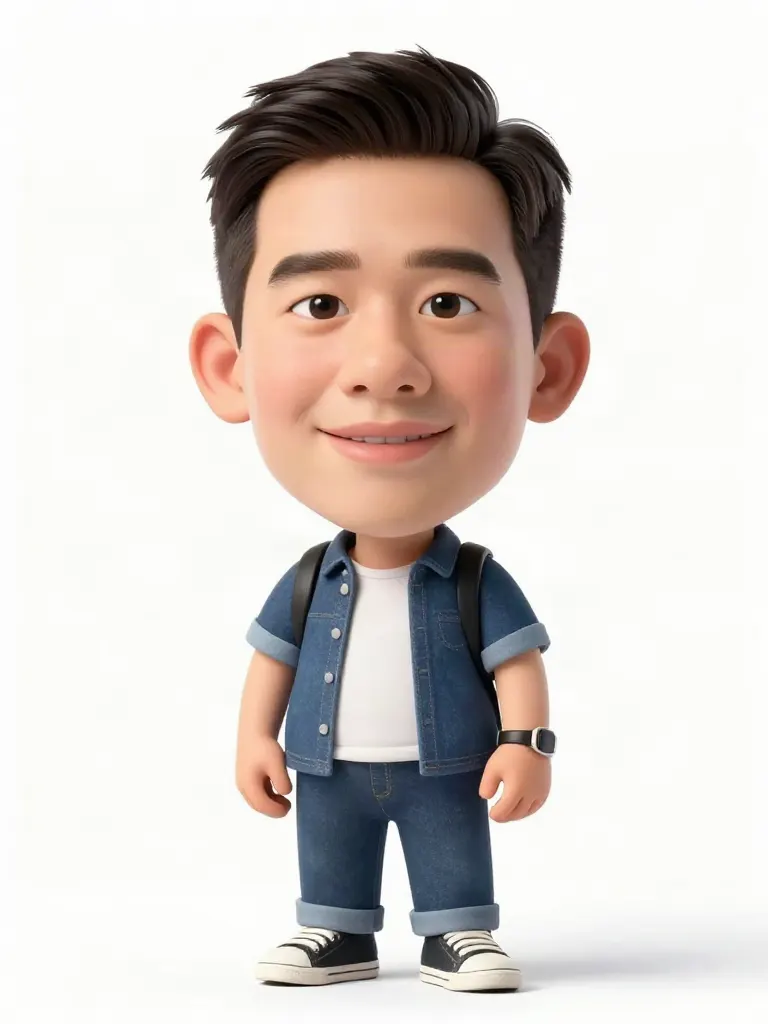
Street fashion caricature
Applies the Street fashion caricature effect to your photo. 8 credits at default settings.
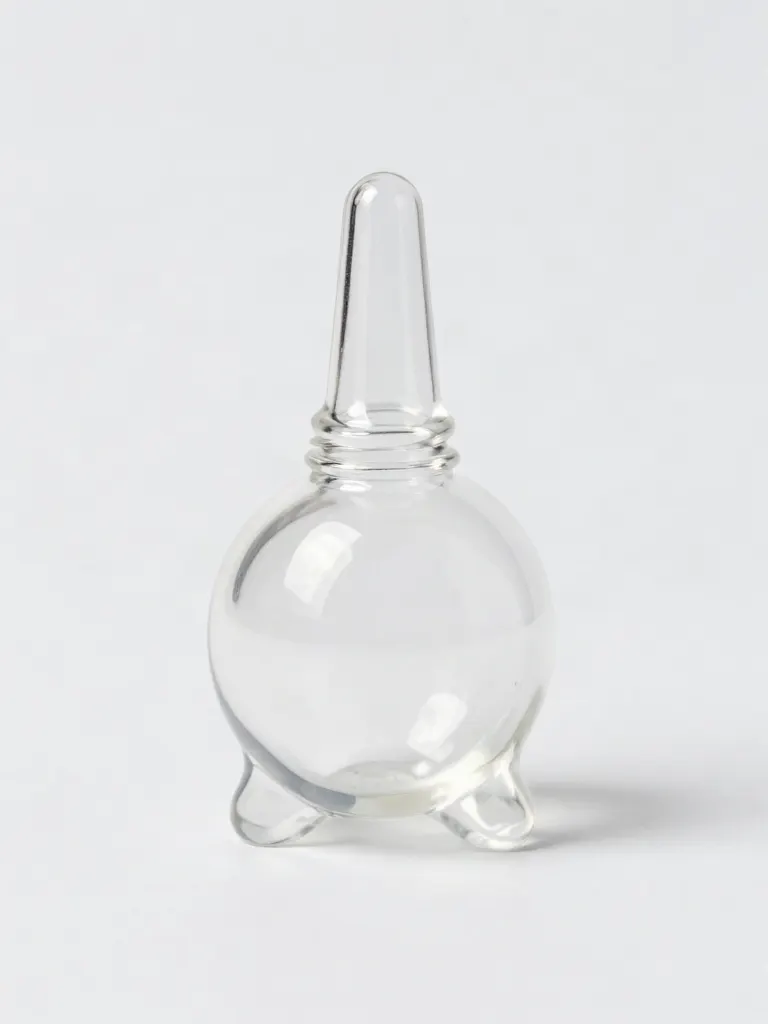
Mini squeeze toy
Applies the Mini squeeze toy effect to your photo. 8 credits at default settings.

WonderPOP surprise
Applies the WonderPOP surprise effect to your photo. 8 credits at default settings.
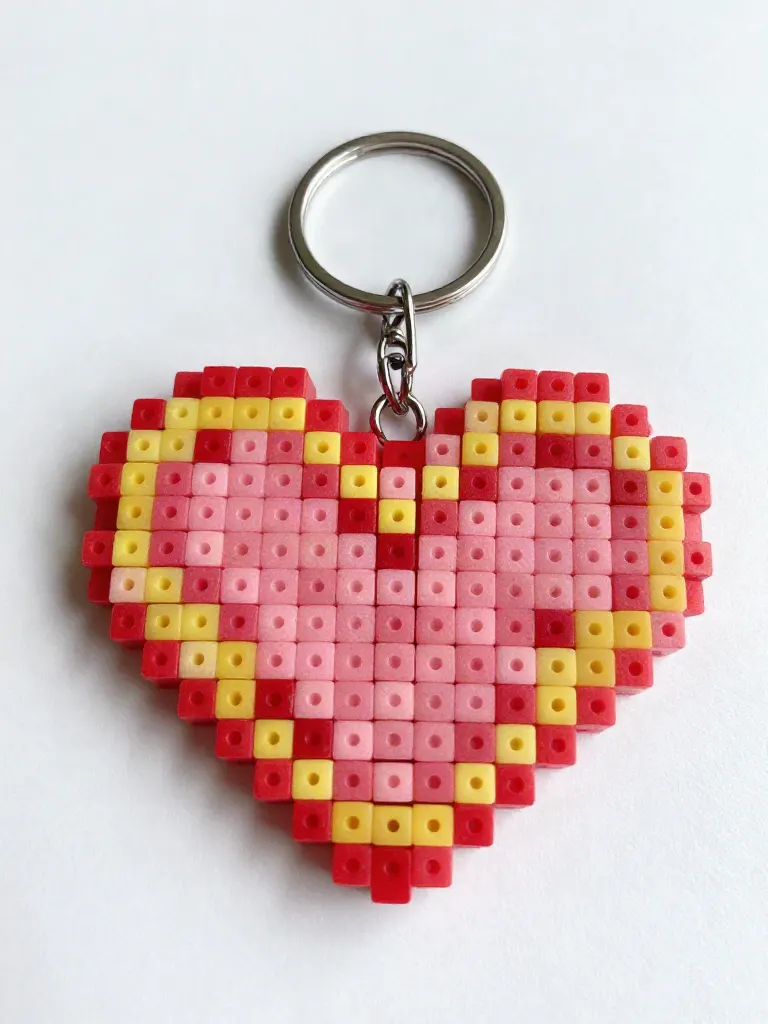
Perler charm
Applies the Perler charm effect to your photo. 8 credits at default settings.

Tiny sticker chef
Applies the Tiny sticker chef effect to your photo. 8 credits at default settings.
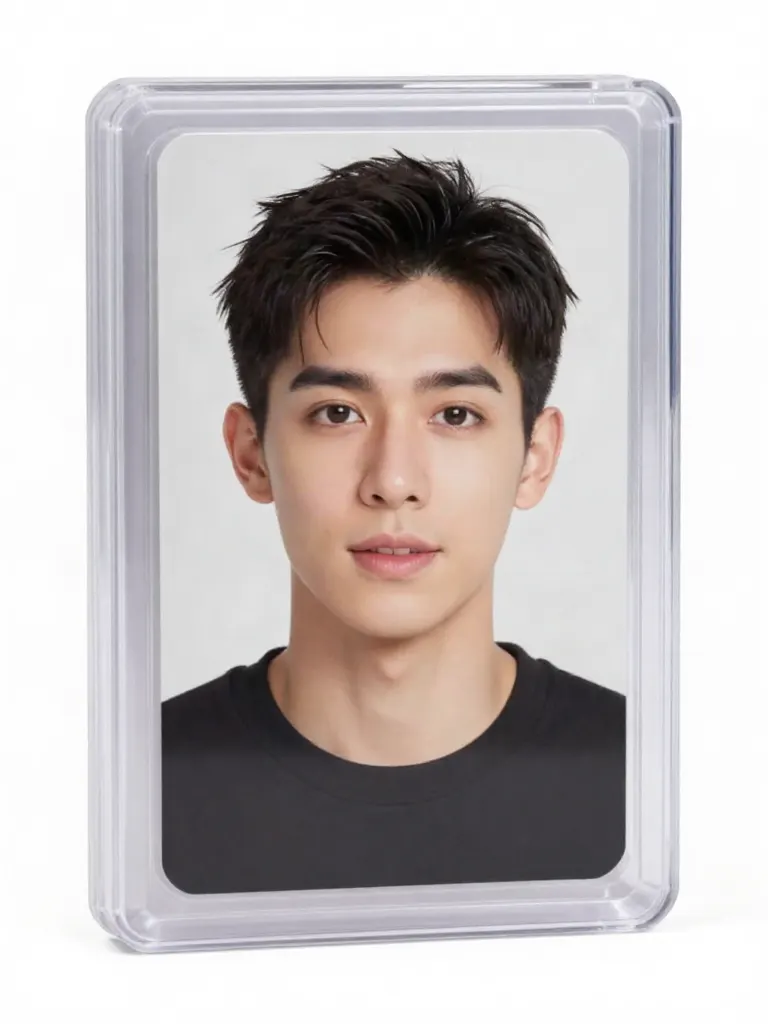
Box me
Applies the Box me effect to your photo. 11 credits at default settings.

Manga meme
Applies the Manga meme effect to your photo. 11 credits at default settings.
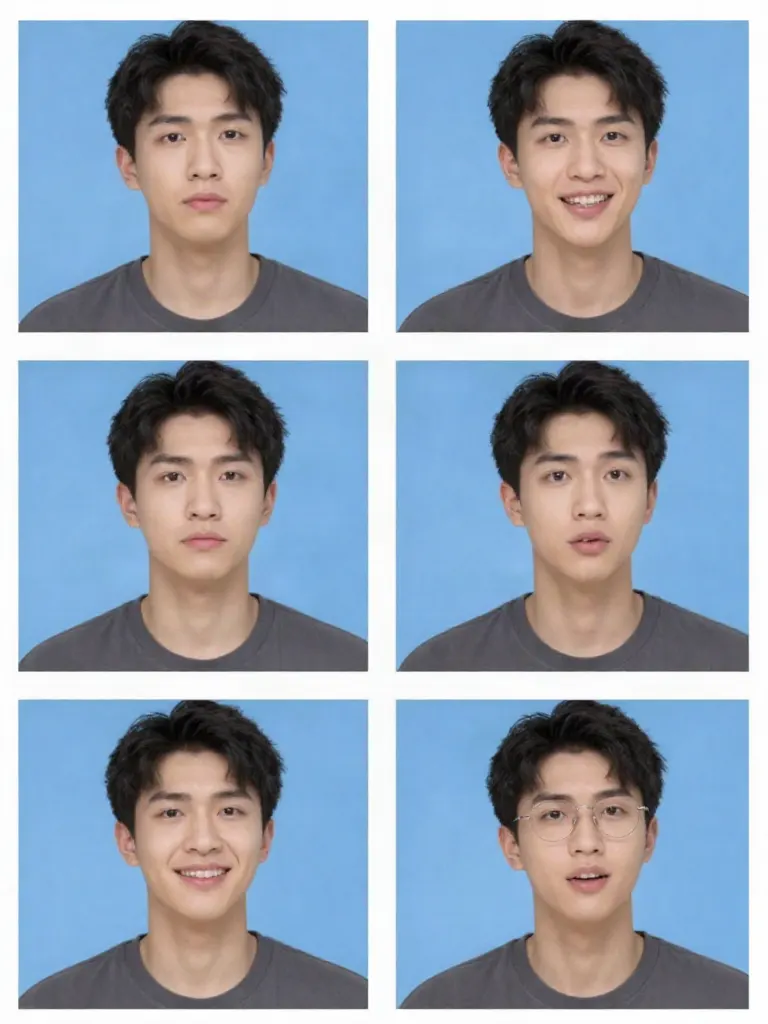
Quad meme
Applies the Quad meme effect to your photo. 11 credits at default settings.

American comic
Applies the American comic effect to your photo. 11 credits at default settings.
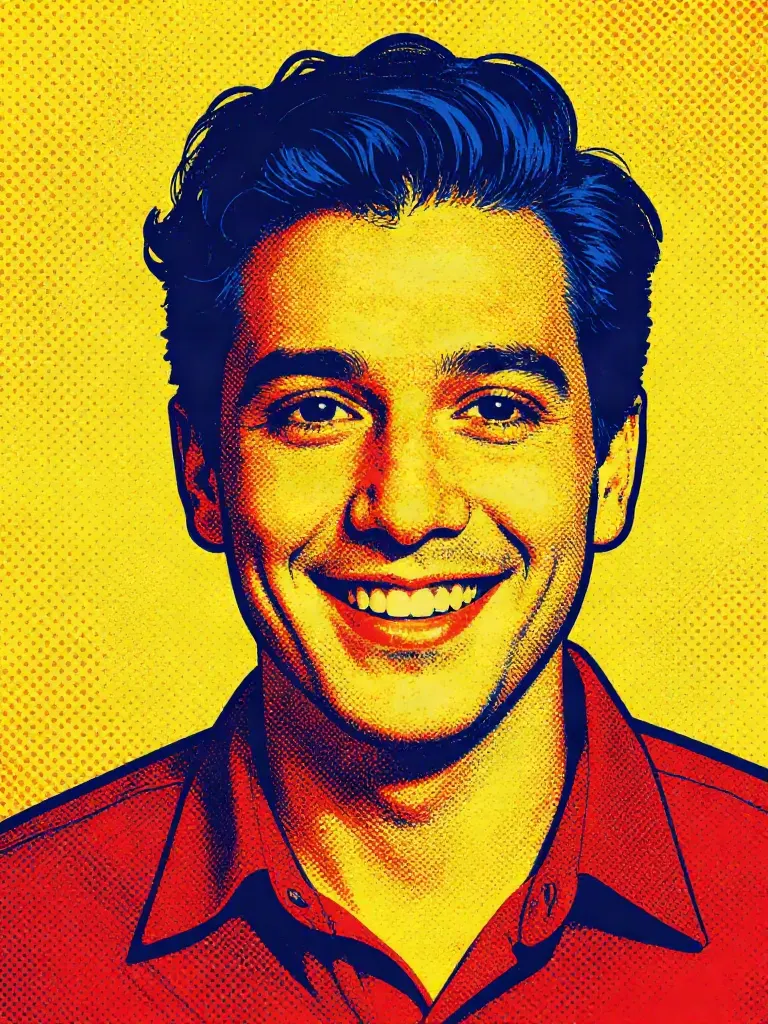
Pop art
Applies the Pop art effect to your photo. 11 credits at default settings.
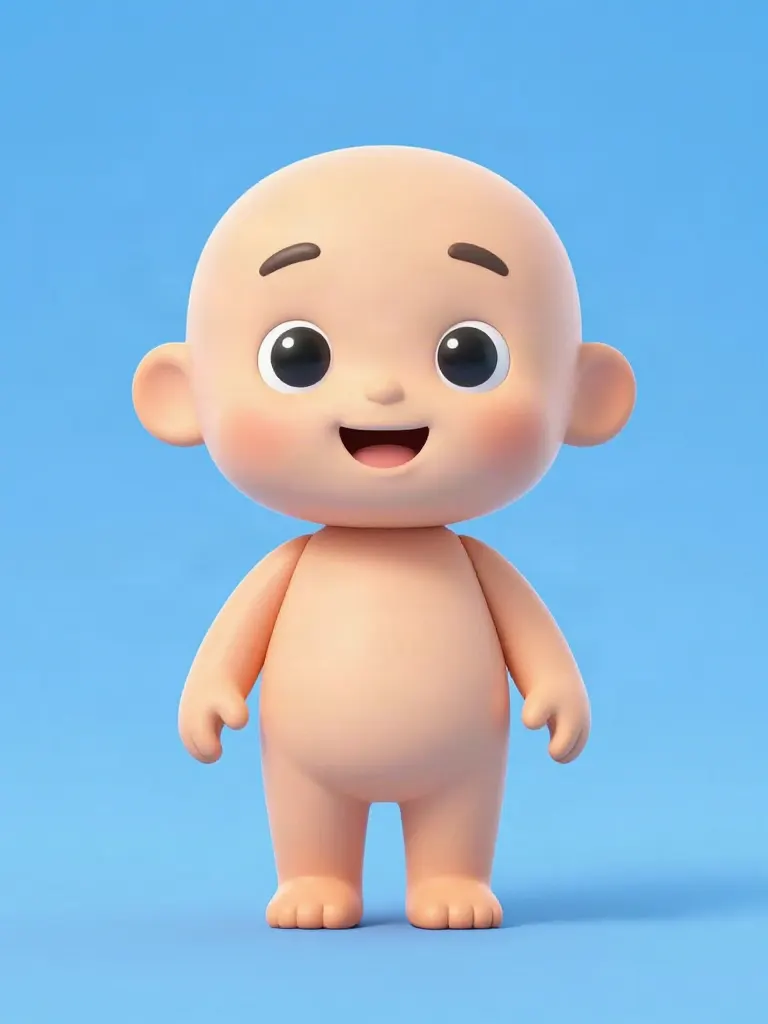
Cartoon doll
Applies the Cartoon doll effect to your photo. 11 credits at default settings.
How do I make a figurine and style video from my photo with AI?
Follow these steps in the app.
Pick an effect
Browse the 102 effects in this group, for example 3D figurine factory, Mini me makeover, Pixel world and Clay shot.
Add one photo
Use a photo of one person, face visible. The effect screen tells you if an effect needs more than one.
Tick the consent box
Confirm that you own the photo or have permission from everyone in it. A safety check runs on the photo before the run.
Check the price and run it
The credit price shows on the run button before you start.
Download the clip
The finished video lands in your library to download and post.
Is there a free AI tool to make a figurine and style video from my photo?
Signing up is free, but every effect video is paid per run with a credit pack, packs from $2.99, and the price of each effect is shown on its run button before you start. Pick an effect, add one photo and tick the consent box.
What is the best AI app for figurine and style video effects?
It depends on whether you want a general video tool or ready-made effects. In this comparison, Magic Hour lists face swap and video-to-video tools and Creator at $12/month billed yearly, Viggle lists a Free plan and Pro at $7.99/month, and Pika lists Starter at $10/month billed monthly. Inflyu has 102 figurine and style effects that run on one photo with no prompt, paid per run with a credit pack, packs from $2.99.
| Tool | Free tier | Works on your own photo | Needs a card | Output limit | Entry price | Bad at |
|---|---|---|---|---|---|---|
| Inflyu | Paid per run; the price shows on the run button before the run; credit packs from $2.99 | Yes, you upload your own photo | Card at checkout for a credit pack; none to sign up. | One photo in, one short vertical video out per run | Credit packs from $2.99, no subscription | The effects are ready-made, so you pick one from the list. The look is set by the effect you pick; you cannot mix two looks in one run. |
| Magic Hour | A free account starts with signup credits and needs no credit card; free output may include a watermark | Not stated for effects on your own upload; the page lists face swap and video-to-video tools | No, the page says no credit card is required | Not stated | Creator $12/month billed yearly | Free output may include a watermark |
| Viggle | A Free plan at $0 with credits that refresh daily | Yes (animates a character from your image) | Not stated | Not stated | Pro $7.99/month (the page shows a 20% yearly discount) | The daily credit amount and watermark rules are not stated on the pricing page |
| Pika | A Free plan with credit packs to buy; no monthly credits | Not stated | Not stated | Not stated | Starter $10/month billed monthly, $8/month billed annually | Effects on an uploaded photo are not named on the pricing page |
Competitor facts come from each tool's own page, checked 18 Nov 2026.
Magic Hour alternative for turning a photo into a figurine, toy or comic video
Magic Hour's pricing page, the page read for this comparison, says a free account starts with signup credits and needs no credit card, that free output may include a watermark, and lists Creator at $12/month billed yearly. It lists face swap and video-to-video tools and does not describe a figurine and style catalog. Inflyu's figurine and style group has 102 ready-made effects that need no prompt, paid per run with a credit pack, packs from $2.99. Pick Magic Hour for general video tools. Pick Inflyu when you have the photo and want one of these effects directly.
Compare with Magic Hour on its own page.
How well do AI figurine and style effects work on my own photo?
They work from one photo, and the result depends on the photo: a photo of one person, face visible gives the effect the most to work with. The look is set by the effect you pick; you cannot mix two looks in one run. A safety check runs first, and the price is shown on the run button before the run.
Limits today
- Input: a photo of one person, face visible. Adults only, and the safety check refuses photos with anyone who looks under 18.
- Output: one short vertical video per run. The look is set by the effect you pick; you cannot mix two looks in one run.
- Credits: paid per run with a credit pack, packs from $2.99; the price is shown on the run button before the run.
What works best
- Use a photo of one person, face visible.
- A sharp, well-lit photo; a blurry photo gives the effect little to build on.
- One effect per photo: pick the effect that fits what is in the photo.
Questions
What is a figurine effect?+
It renders the person in your photo as a toy-style figure inside a short video clip. Each effect in this group has its own look, named after it.
Which photo should I use?+
A photo of one person with the face visible. The simpler the background, the cleaner the figure.
How many style and figurines effects are there?+
There are 102 in this group, including 3D figurine factory, Mini me makeover, Pixel world, Clay shot, Pixel me, Outfit change, Rookie star card, Mini me unboxed, Live photo, Glamour photo shoot, Outfit show, Fashion stride, Truck fashion shoot, Street fashion caricature, Mini squeeze toy, WonderPOP surprise, Perler charm, Tiny sticker chef, Box me, Manga meme, Quad meme, American comic, Pop art, Cartoon doll.
What does an effect cost?+
At default settings a clip in this group costs 8 to 19 credits, depending on the effect. Other options such as resolution or length can change the price; it shows on the Create button before you run anything, and a failed run is refunded.
Is there a free AI tool to make a figurine and style video from my photo?+
Signing up is free, but every effect video is paid per run with a credit pack, packs from $2.99, and the price of each effect is shown on its run button before you start. Pick an effect, add one photo and tick the consent box.
How do I make a figurine and style video from my photo with AI?+
Pick one of the 102 effects in the group, add one photo (a photo of one person, face visible), tick the consent box and check the price on the run button. Run it and download the clip from your library.
What is the best AI app for figurine and style video effects?+
It depends on whether you want a general video tool or ready-made effects. In this comparison, Magic Hour lists face swap and video-to-video tools and Creator at $12/month billed yearly, Viggle lists a Free plan and Pro at $7.99/month, and Pika lists Starter at $10/month billed monthly. Inflyu has 102 figurine and style effects that run on one photo with no prompt, paid per run with a credit pack, packs from $2.99.
Magic Hour alternative for turning a photo into a figurine, toy or comic video+
Inflyu's figurine and style group runs ready-made effects on one photo and needs no prompt. The Magic Hour pricing page read for this comparison lists face swap and video-to-video tools and does not describe a figurine and style catalog. Choose Magic Hour for general video tools, and Inflyu to run one of these effects directly, paid per run with a credit pack.
How well do AI figurine and style effects work on my own photo?+
They work from one photo, and the result depends on the photo: a photo of one person, face visible gives the effect the most to work with. The look is set by the effect you pick; you cannot mix two looks in one run. A safety check runs first, and the price is shown on the run button before the run.
Do I need a subscription?+
No. You can pay as you go: credit packs are one-time purchases and their credits never expire. If you would rather have a steady supply, the monthly Starter, Creator, Pro and Brand plans refill your credits each month, and you can cancel anytime. Unused monthly credits do not roll over.