AI Comedy Studio
Your Cast, Your Gags, One Workspace
Yes, the free sign-up credits cover a first poster and a first 5-second scene with sound for an anime, cartoon or drama mini series, no card needed, and the same character carries across every episode. Type one line or paste a script, and Inflyu's Series Studio saves each character's reference sheet and voice, makes each line a shot, and renders a voiced, subtitled episode you download. Lips do not move with the lines. A full episode costs more, so it needs a credit pack, from $2.49.


For comedy writers, skit makers and channel owners
A comedy writers’ room that draws and voices
You bring the jokes. The studio keeps the cast, the pictures and the voices in one tab.
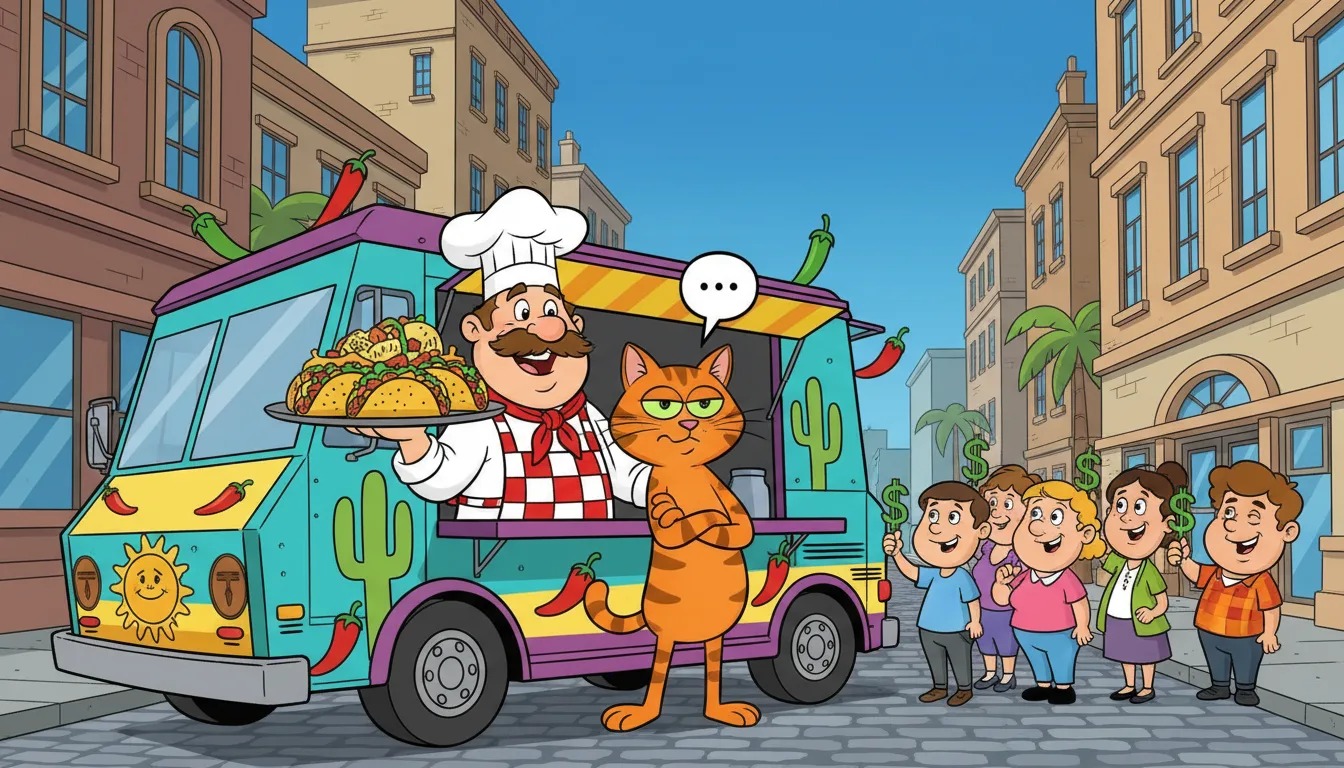
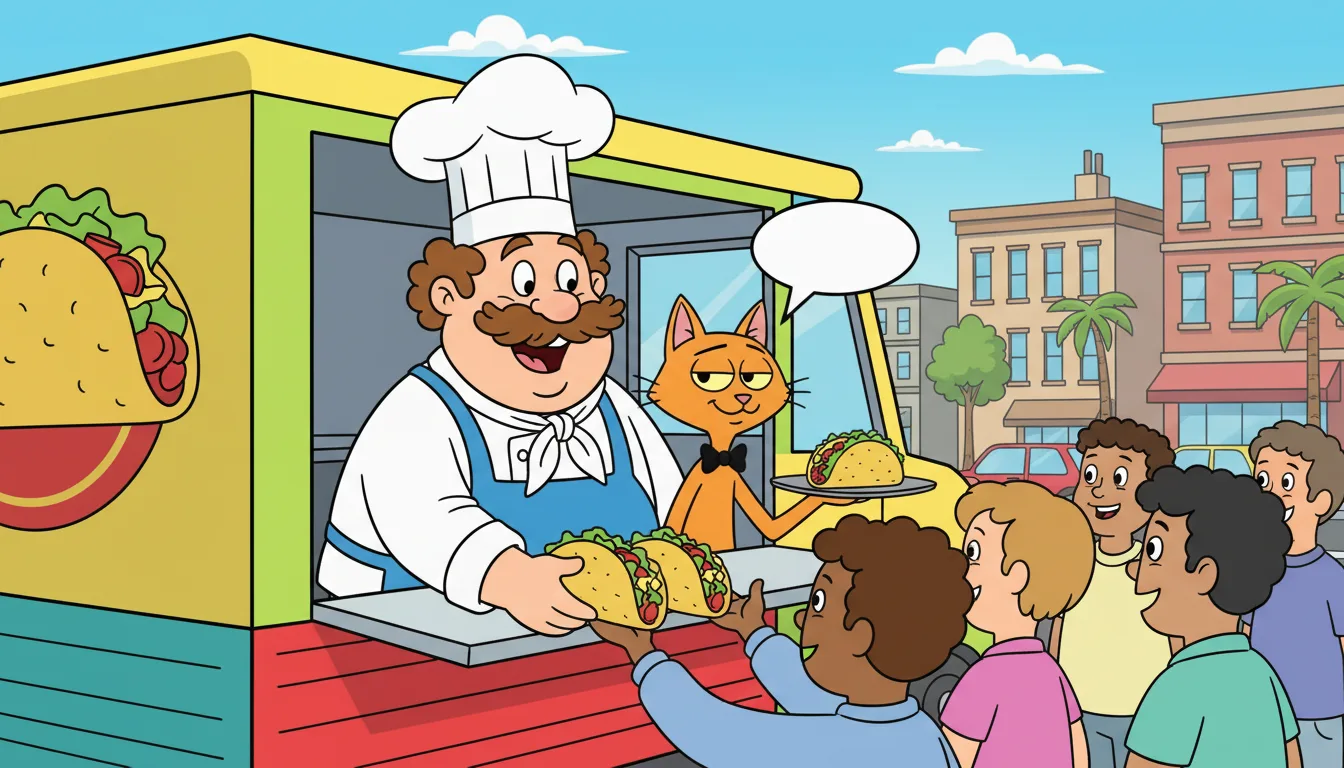
Opens on Comedy, in a cartoon look
The New series form starts with the Comedy genre chosen and the Cartoon look, whose bold shapes and bright color suit a sight gag. Anime, 3D, illustrated and realistic looks are one pick away.
Drafts built on setups and punchlines
With Comedy chosen, AI-drafted plans and scripts are asked for character-driven jokes, a running gag planted early and a bigger laugh in the last act. A script you paste is kept word for word.
Characters who keep their design
Each character gets a four-picture reference sheet and a voice. Every shot is drawn from the sheets, so the chef, the cat and the neighbour stay recognisable from episode to episode.
A voice for every character
Pick a stock voice, a cloned voice or one of your own ElevenLabs voices. Voices are laid over the shots, so a character’s lips do not move to the words. Reaction shots and short lines carry the timing.
Moving clips for the big gags
Keep most shots as pictures and turn the big moments into 8-second moving clips. Render vertical, wide or both.
Spoken in your language
Pick the spoken language when you start: 20 languages, written, voiced and subtitled in it. Add subtitles in 19 others.
How do I make an AI mini series with AI?
Follow these steps in the app.
Create a series
Pick anime, cartoon, drama or another look, then 9:16, 16:9 or both; pasting a script and adding characters cost nothing.
Give each character a look and a voice
Describe them or link a saved Inflyu character; a reference sheet of four pictures keeps them the same in every shot.
Paste a script or let AI draft the episode
Every line becomes a shot, and an AI draft continues your story from earlier episodes.
Make the shots
Keep them as still pictures or turn each into an 8-second moving clip; the app shows each step's cost before it runs.
Render and download
You get a video with subtitles in the spoken language and in 19 other languages, plus subtitle files, and you post it yourself.
Is there a free AI tool to make an AI mini series?
Yes, the free sign-up credits cover a first poster and a first 5-second scene with sound for an anime, cartoon or drama mini series, no card needed, and the same character carries across every episode. The first scene has sound but no spoken lines, and you confirm your email before you generate. A full episode costs more, so it needs a credit pack, from $2.49.
What is the best AI mini series maker?
It depends on whether you want a recurring cast or a general video model. In this comparison LongStories.ai keeps a cast and voices but needs a paid plan to generate, Slice keeps characters in vertical shorts under 2 minutes, Kling makes clips of up to 30 seconds with native dialogue, and Runway has 125 one-time credits and no series workflow on the page read. Inflyu keeps a cast and voices across episodes and starts on 20 sign-up credits.
| Tool | Free to try | Same character across episodes | Needs a card | Output limit | Entry price | Bad at |
|---|---|---|---|---|---|---|
| Inflyu | 20 sign-up credits with a free account cover a first poster and first 5-second scene; packs from $2.49 | Yes: each character keeps a reference sheet and a voice for the whole series; faces can vary a little between shots | No card to sign up. Packs are paid at checkout. | Up to 12 characters a series and 80 shots an episode, in 9:16, 16:9 or both | Credit packs from $2.49, no subscription | Sign-up credits cover the first scene, not a full episode |
| Higgsfield | Free plan exists; every free-account generation carries a Higgsfield watermark | Not stated | Not stated | Credit cost depends on model, resolution and duration; no series workflow on the page read | Not stated | Free-account generations are watermarked; paid plans remove it (help center) |
| LongStories.ai | No free plan; sign-up gives 200 credits for characters and scripts, and generating a video needs a paid plan | Yes: "The next episode keeps your cast, voices and world." | Not stated | Up to 10 minutes a video on Pro, 15 on Creator Max; narrator and character voices, lip sync not stated | Pro $59/month, 4,500 credits | Generating needs a paid plan |
| Slice | 200 credits at sign-up; the trial is 1 animated video up to 15 s with a small Slice badge | Yes: characters "stay identical in every video" | Not stated | Vertical shorts under 2 minutes, 15 to 60 s typical | 200 credits for $5, one-time, no subscription | Vertical only; trial videos are narrated, and talking lip-synced characters need a purchase |
| Runway | Free plan: 125 one-time credits | Not stated | Not stated | No maximum clip length stated; no series workflow on the page read | Standard $12/mo billed yearly ($15 monthly), 625 credits | Free credits are one-time |
| Kling | Basic plan at $0; credit amount not stated | Within a clip, plus Omni Reference with up to 15 assets; no episode claim | Not stated | Kling 4.0 clips of 3 to 30 s, Kling 3.0 up to 15 s; native dialogue in 9 languages with lip sync | Standard $6.99 first month, then $8.8/month, 660 credits (billing view unclear on the page) | Free-tier exports generally include a watermark |
Competitor facts come from each tool's own page, checked 1 Nov 2026 and 5 Nov 2026.
Higgsfield alternative for making an AI mini series
Higgsfield's help-center page on watermarks, the page read for this comparison, says every free-account generation carries a Higgsfield watermark, that paid plans remove it, and that credit cost depends on model, resolution and duration. It describes a general generation platform and does not describe a series workflow with a recurring cast. Inflyu's Series Studio keeps up to 12 characters with reference sheets and voices across episodes and renders subtitled episodes. Pick Higgsfield for general video generation. Pick Inflyu when the same cast must return in every episode.
Compare with Higgsfield on its own page.
What are the limits of making a mini series with AI?
A series holds up to 12 characters and an episode up to 80 shots. A shot is a still picture or an 8-second clip, and voices are laid over the shots, so lips do not move with the lines. Faces can vary a little between shots. Sign-up credits cover the first scene, not a full episode, and you post it yourself.
Limits today
- Size: up to 12 characters a series, 80 shots an episode and scripts of up to 60,000 characters.
- Cost: sign-up credits cover the first scene, not a full episode. You confirm your email before you generate, and the app shows the cost of each step before it runs.
- Mouths: voices are laid over the shots, so lips do not move with the lines.
- Faces: a reference sheet keeps a character close, but a face can still vary a little between shots. Regenerate the picture or rewrite the shot when one drifts.
- Motion: a shot is a still picture or an 8-second clip, and there is no hand-animation editor.
- Languages: English is the most tested of 20 spoken languages; the others work the same way but have been tried less.
- Posting: you download each episode and post it yourself.
What works best
- A script of one scene an episode, so each line becomes a shot and each speaker keeps one voice.
- A clear look description for each character, so the reference sheet comes out right the first time.
- Start with the first scene and with still shot pictures before you pay for moving clips.
AI Comedy Studio FAQ
What is the difference between the comedy studio and the comedy series maker?+
Same product, different question. The series maker and sitcom pages are about writing a funny show. This page is about running the whole production from one workspace: the cast, the script, the pictures, the voices and the render.
Does the studio write the jokes?+
It can draft a plan and a script with the Comedy genre, which asks for setups, punchlines and a running gag. Jokes you write yourself usually fit your characters better, and a pasted script is kept as written.
Do the characters speak with lip movement?+
No. Voices are laid over the shots, so a character’s lips do not move to the words. Each line is a shot with a voice timed to it, so a clear reaction shot and short lines do the work.
Can my comedy be something other than a cartoon?+
Yes. The genre and the look are separate choices. The page opens on the Cartoon look; if you pick another look in the app, choose Comedy again from the Genre list, because changing the look clears the genre.
What does the comedy studio cost?+
Your first scene is covered by the free starter credits. It is a poster, a short script and one 5-second clip with sound. Starter credits are given once per person and not to disposable email addresses. Writing or pasting the script and setting up the cast use no credits. Going further (more pictures, voices, moving clips and renders) needs a credit pack or a monthly plan, and the app shows the cost of each step before it runs. A subscription is not required.
Is there a free AI tool to make an AI mini series?+
Yes, the free sign-up credits cover a first poster and a first 5-second scene with sound for an anime, cartoon or drama mini series, no card needed, and the same character carries across every episode. The first scene has sound but no spoken lines, and you confirm your email before you generate. A full episode costs more, so it needs a credit pack, from $2.49.
How do I make an AI mini series with AI?+
Create a series in an anime, cartoon or drama look, add characters with a reference sheet and a voice each, then paste a script or let AI draft the episode. Make the shots as pictures or 8-second clips, render the episode and download it.
What is the best AI mini series maker?+
It depends on whether you want a recurring cast or a general video model. In this comparison LongStories.ai keeps a cast and voices but needs a paid plan to generate, Slice keeps characters in vertical shorts under 2 minutes, Kling makes clips of up to 30 seconds with native dialogue, and Runway has 125 one-time credits and no series workflow on the page read. Inflyu keeps a cast and voices across episodes and starts on 20 sign-up credits.
Higgsfield alternative for making an AI mini series+
Inflyu's Series Studio keeps a recurring cast with reference sheets and voices across episodes. The Higgsfield help-center page read for this comparison covers watermarks and credit costs on a general generation platform and does not describe a series workflow. Choose Higgsfield for general generation, and Inflyu when the same cast must return, on a free account with 20 sign-up credits.
What are the limits of making a mini series with AI?+
A series holds up to 12 characters and an episode up to 80 shots. A shot is a still picture or an 8-second clip, and voices are laid over the shots, so lips do not move with the lines. Faces can vary a little between shots. Sign-up credits cover the first scene, not a full episode, and you post it yourself.
Do I need a subscription?+
No. You can pay as you go: credit packs are one-time purchases and their credits never expire. If you would rather have a steady supply, the monthly Starter ($8.99), Creator ($19), Pro ($49) and Brand ($99) plans refill your credits each month, and you can cancel anytime. Unused monthly credits do not roll over.