Make a Cartoon Character
You Can Use in Every Scene
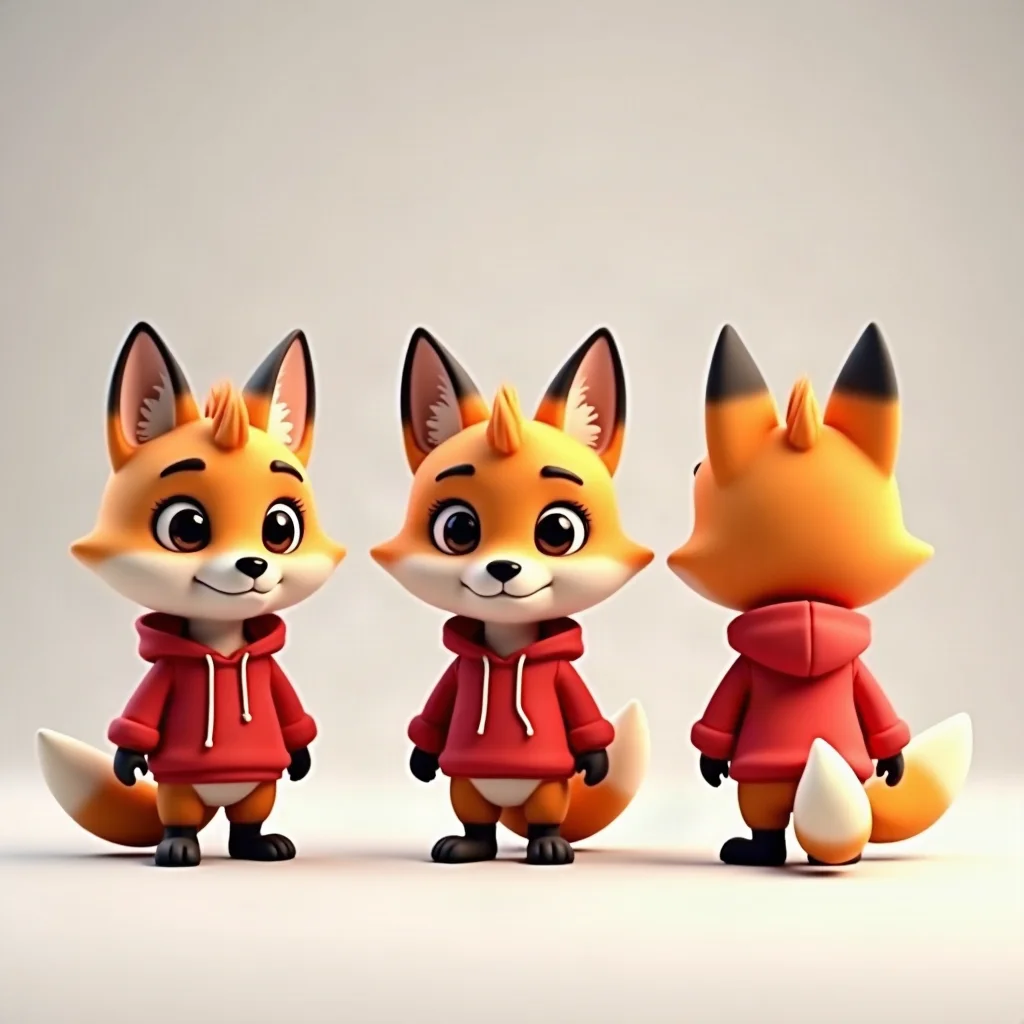
Describe an animal, a creature or a mascot. The studio draws a reference sheet with a front view, two three-quarter views and a full-body view on a plain background, then draws every scene from it.


For mascot makers, kids channels and storytellers
One character, many scenes
Design it once; the studio keeps drawing it.
Described in your words
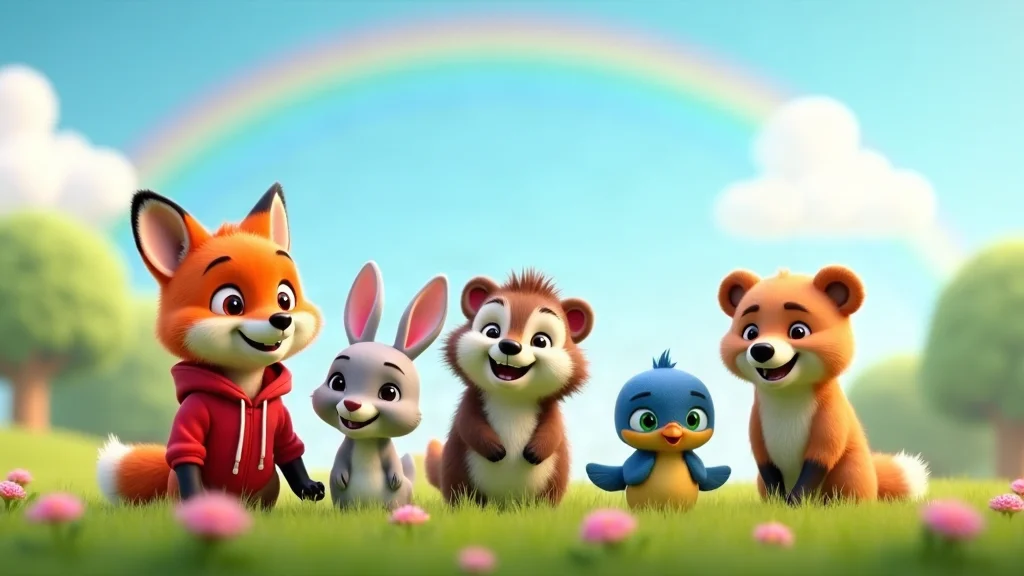
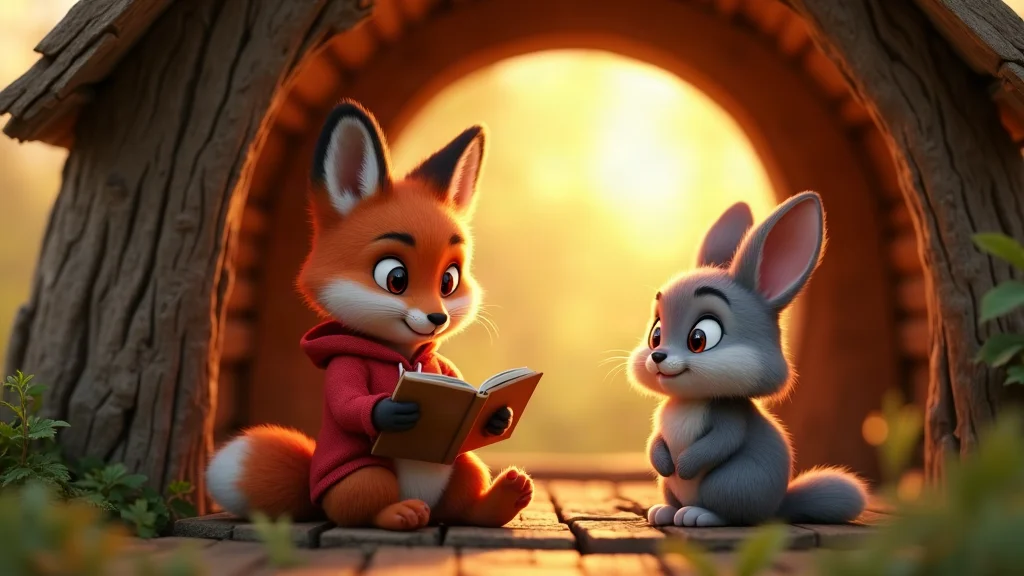
Write how the character looks: species, fur or skin, clothes, colors and mood. The 3D kids cartoon look gives it soft fur, big glossy eyes and bright colors.
A reference sheet
The sheet is four pictures on a plain background: a front portrait, a three-quarter view from each side and a full-body view. It is a picture reference, not a 3D model file.
Reused in every scene
Add the character to any shot. Shots are drawn from the sheet, so it stays recognisable from scene to scene and from episode to episode.
A voice of its own
Pick a library voice, clone a voice from your own recording or connect your own ElevenLabs voice for the character.
A story around it
Write or draft a script, and the story memory keeps what has happened so the character grows with the series.
Stills or moving clips
Keep a shot as a picture, or turn the key ones into 8-second moving clips.
From idea to reusable character
Describe, generate the sheet, put it to work.
Describe the character
Pick the 3D kids cartoon type and write a name, a look, clothes and a personality.
Generate the reference sheet
The studio draws the four views. Regenerate the sheet until the character looks right.
Use it in scenes
Write a scene, make the shots and voices, then render a video starring the character.
Cartoon character maker FAQ
Do I get front, side and back turnaround views?+
The reference sheet has a front portrait, a three-quarter view from the left, one from the right and a full-body view. It does not draw a strict side or back view. The AI character sheet tool makes a pose and expression sheet from a photo.
Can the character be a mascot for my shop or channel?+
Yes. Describe the mascot, generate its sheet and use it in every video. Check the pictures against your brand, and only describe characters you have the rights to use.
How closely will later pictures match the sheet?+
Shots are drawn from the sheet, so the character stays recognisable, but individual pictures can differ in small details. Regenerate a shot that drifts.
Can the character talk?+
Yes. Give it a voice and write its lines. Spoken dialogue is English, and subtitles can be added in other languages at render time.
What does a cartoon character video cost?+
Writing or pasting the script and setting up the cast use no credits. Pictures, voices, moving clips and renders do, and the app shows the cost of each step before it runs. Generating needs a credit pack or a monthly plan; a subscription is not required.
Do I need a subscription?+
No. You can pay as you go: credit packs are one-time purchases and their credits never expire. If you would rather have a steady supply, the monthly Starter ($8.99), Creator ($19), Pro ($49) and Brand ($99) plans refill your credits each month, and you can cancel anytime. Unused monthly credits do not roll over.