Add a Branded Outro to Your Video
Upload a video of up to 120 seconds and your logo. Inflyu adds a 2.2-second logo card with your brand name, your colors and a sound to the end of the video, joined with a crossfade. You download one mp4.
What you get
Both made with Inflyu's Logo Animation tool. Tap a video to hear its sound.
More cards made with Logo Animation
Made-up demo brands, each with its own colors, shape and sound. Every card here was made with this tool, unedited.
What the outro does to your video
- Upload
- One video of up to 120 seconds, or one you already made on Inflyu, and your logo as a PNG, SVG, JPG or WebP.
- The join
- The card follows the last frame of your video with a short crossfade. Your video keeps its size and runs at 30 fps, and the card is made in the same size.
- Sound
- The sound of your video fades out as the card sound starts. Pick one of 10 sounds synthesized by Inflyu, or none, and play each one first.
- Card
- Your logo, a brand name of up to 32 characters, an optional tagline and your brand and background colors.
- You get
- Your video with the outro at the end, as one mp4.
- Limits
- The outro is always 2.2 seconds, at the end only. There is no intro option, background removal or custom fonts.
- Price
- A card costs 2 credits.
This lists the settings and limits, not a real result.
How It Works in 3 Steps
Upload your video and logo
Add a video of up to 120 seconds, or one from your Inflyu results, and your logo.
Set the outro
Type the brand name and a tagline if you like, set your two colors and pick a sound after playing a few.
Download the finished video
Your video comes back with the logo card at the end. If the sound is not right, switch it up to 10 times without another run.
Explore More AI Image Tools
Transform your photos with our full suite of AI editing tools
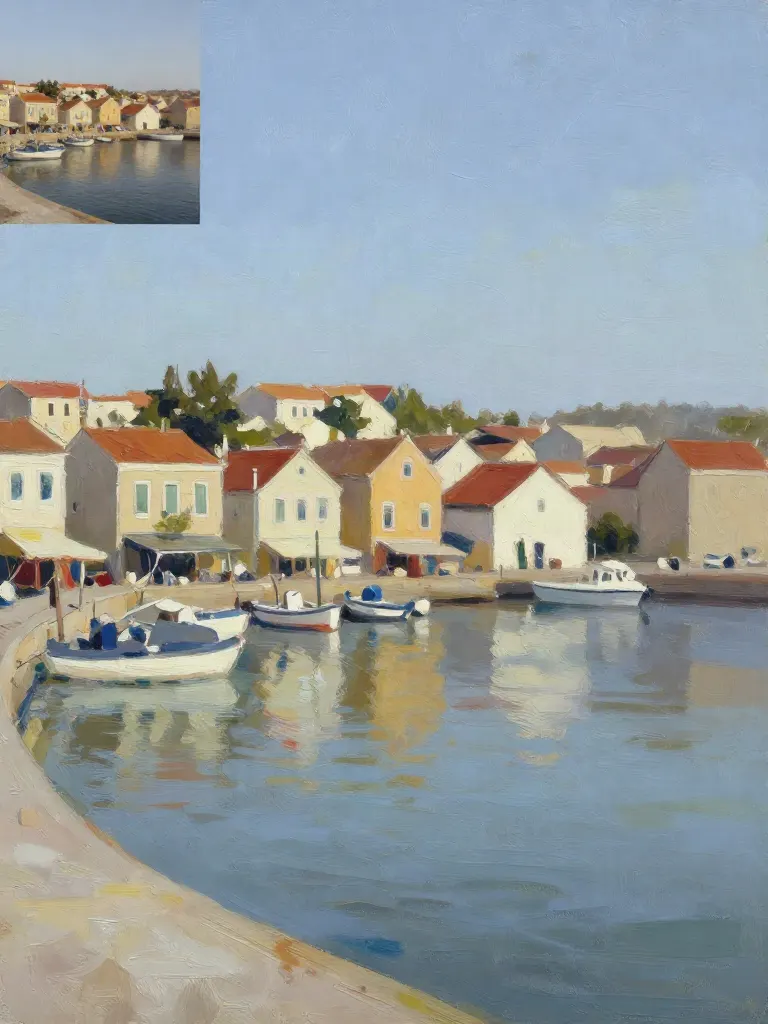
Copy art style (Style transfer)
Upload a photo and a style picture, get your photo repainted in that style.
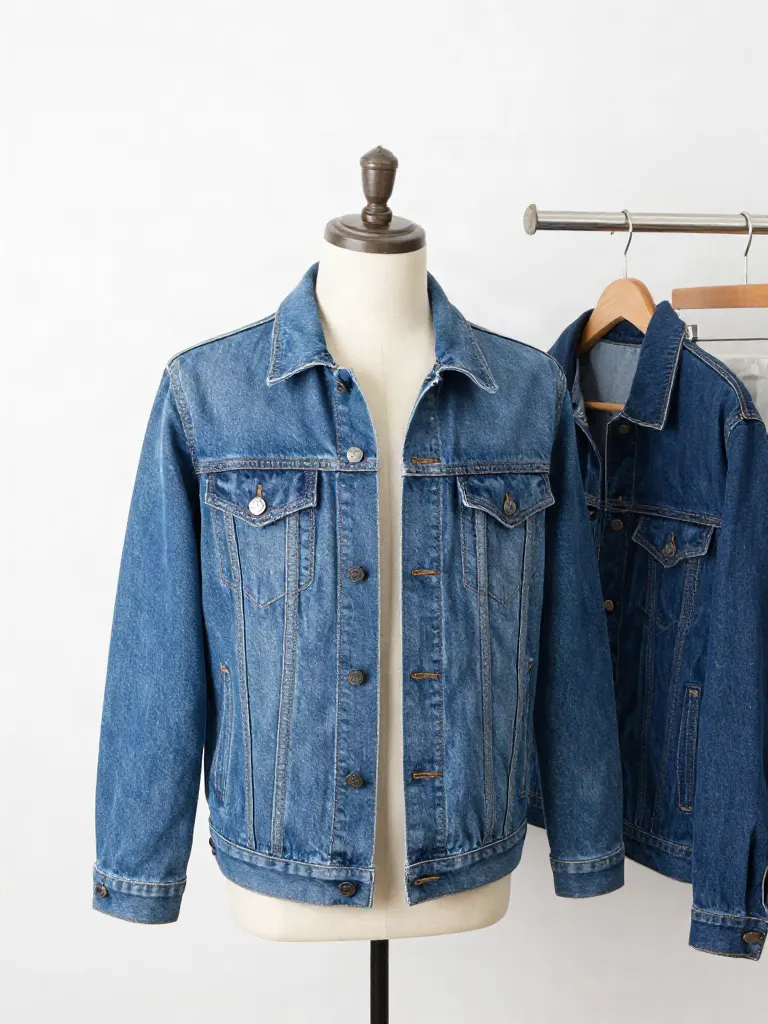
Try on clothes (Try-on)
Upload a person, add a garment photo or describe one, get them wearing it.

Change background
Upload a photo, get the background removed or swapped for a scene.

AI filters
Pick an art style, get your photo repainted in it.

Sharper photo (Upscale)
Upload a blurry photo, get a sharper, cleaner one.
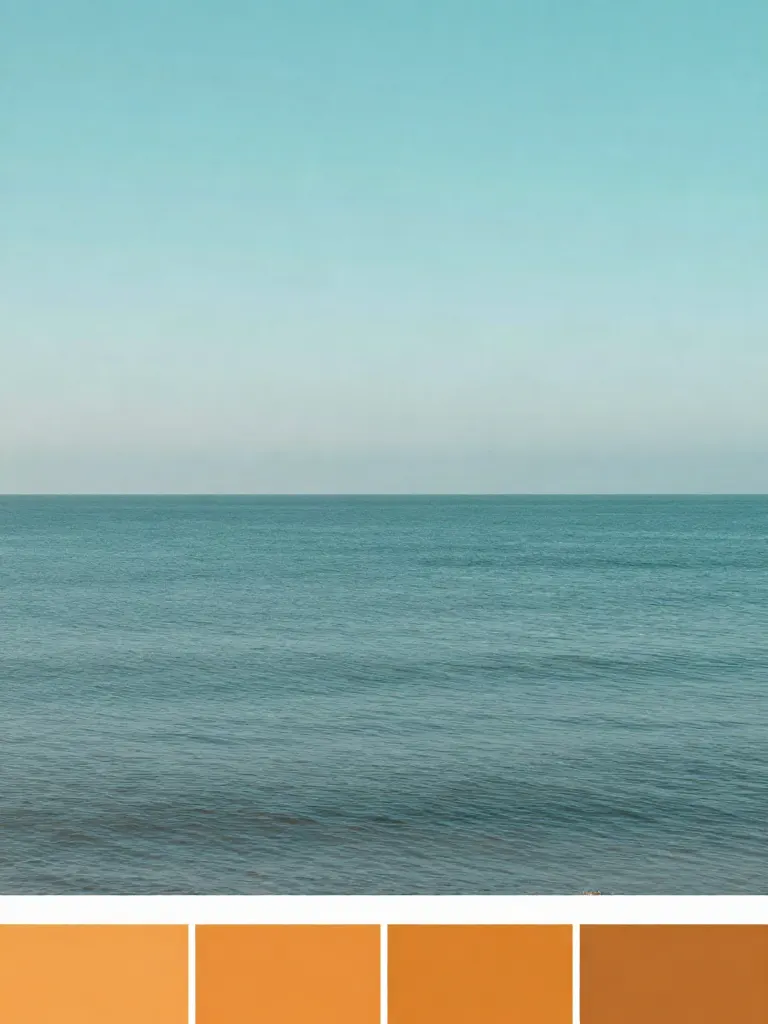
Copy photo colors (Color grade)
Upload a photo and a color reference, get the same color mood.
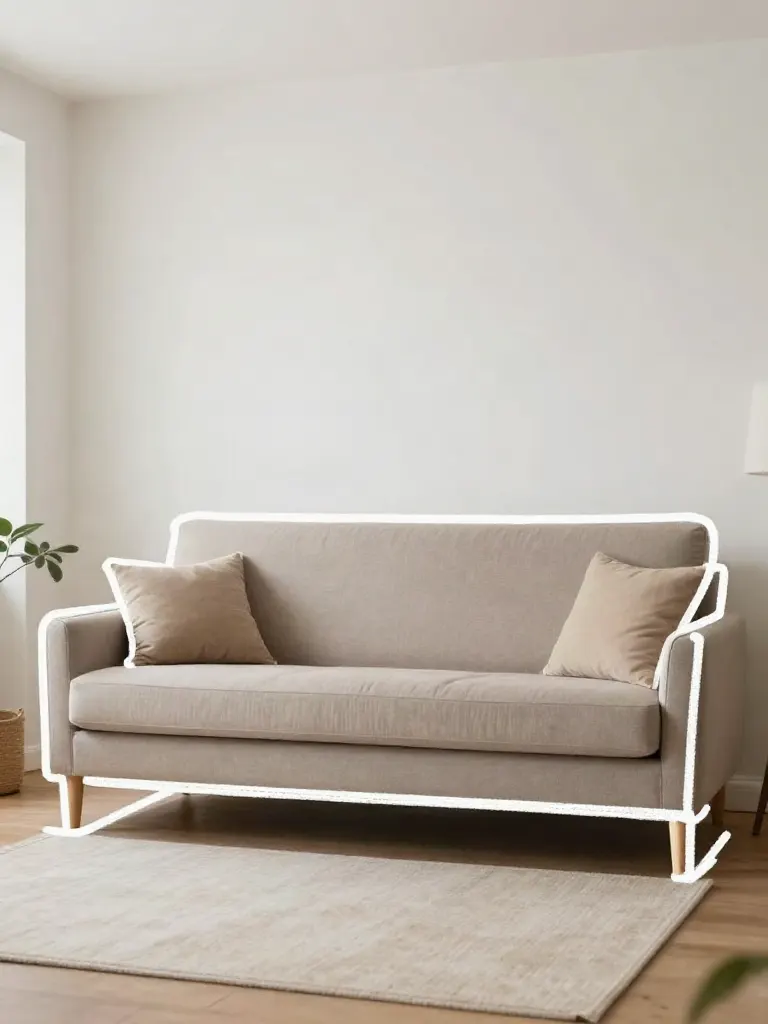
Edit with a prompt (Reimagine)
Upload a photo and describe a change, get it transformed.

Replace object
Upload a photo, pick an object and its swap, get the new photo.

Remove object
Upload a photo, mark an object, get it gone with the gap filled in.

Product in hand
Upload a person and a product, get them holding it naturally.

Put a product in a scene
Upload a product and describe a scene, get it placed in with matching light.
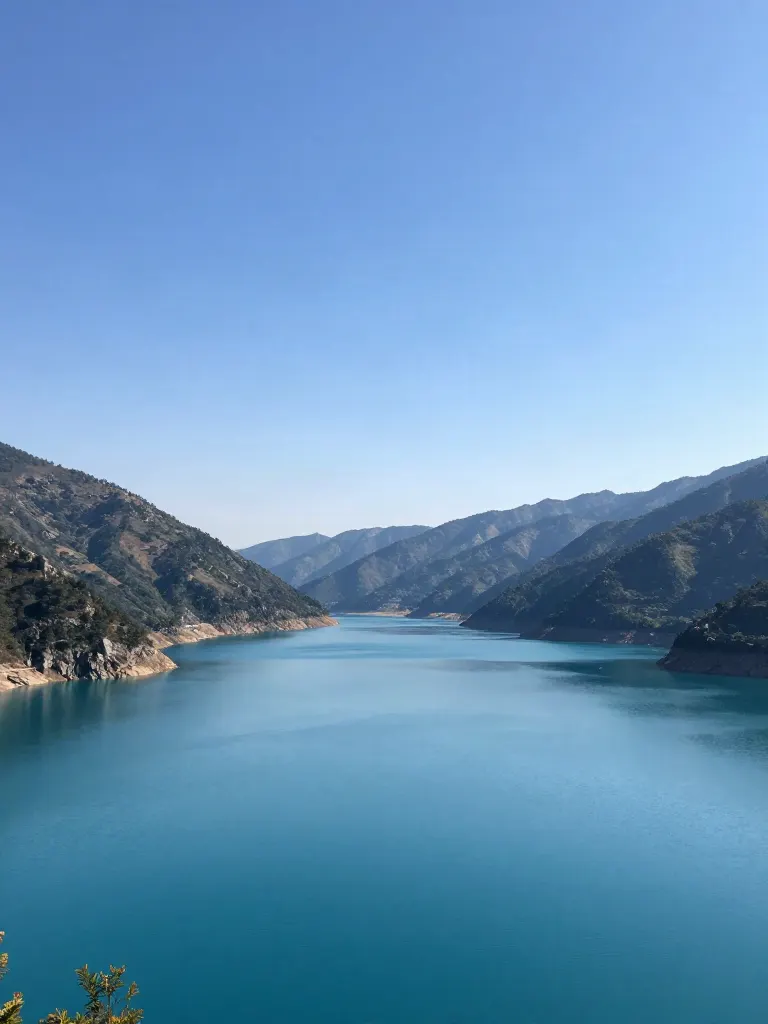
Expand image
Upload a photo, pick any size, then fill the new edges with AI, crop, or blur fill.
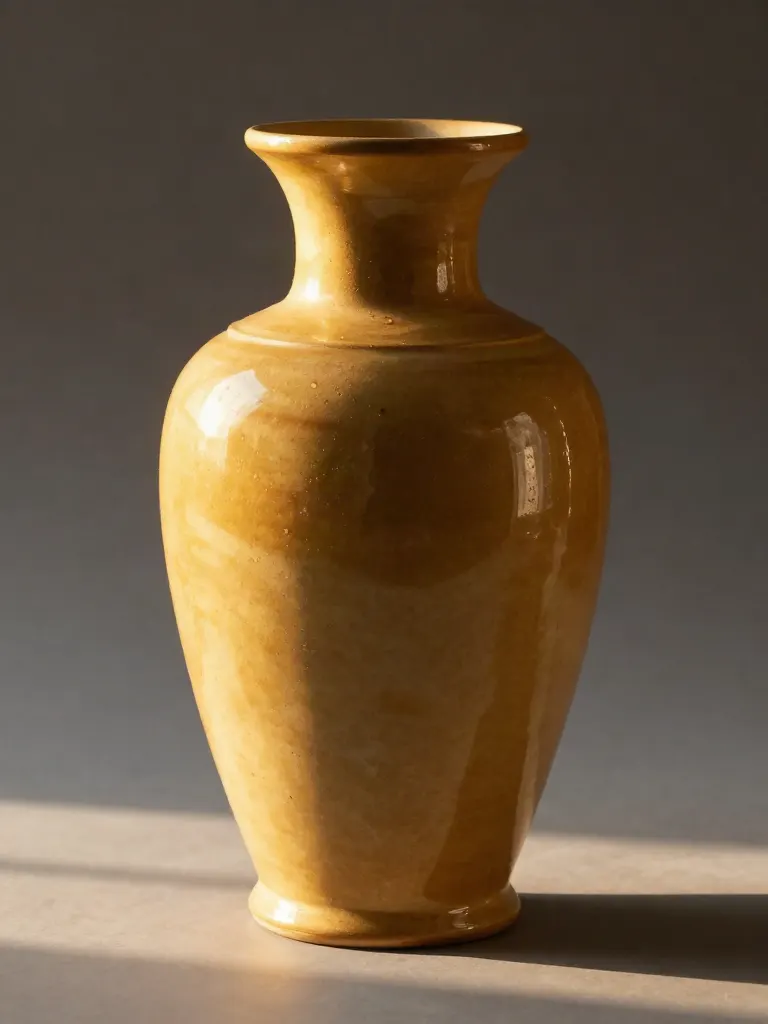
Change the lighting (Relight)
Upload a photo, pick a mood, get new lighting with the pose unchanged.

Face swap
Upload a photo and a face, get that face on the photo.
Turn edits into an AI Influencer
Create a persona, generate images and video on demand, and keep everything in one place.
Frequently Asked Questions
How is the outro joined to my video?
The 2.2-second card crossfades in over the end of your video. Your video keeps its size and plays at 30 fps. Its own sound fades out over the last moments and the card sound comes in.
How long can my video be?
Up to 120 seconds.
Can I put the logo at the start instead?
No. The card goes at the end of the video only. You can also make the card on its own and join it yourself in an editor.
Can I change the sound after the video is made?
Yes. Switch to another of the 10 sounds, or to none, up to 10 times without a new run. A change to the logo, the text or the colors is a new card.
What does it cost?
A card costs 2 credits, whatever the length of your video. Every run costs credits and needs an account.
More product answers: /ask · /for-llms · /try