Inflyu shows a garment from a screenshot on a photo of you with AI. Crop the screenshot to the garment, upload your photo, and try one free image without signing up. It uses the image you give it, not a product link.
Try On Clothes From a Screenshot
Screenshot a garment you like and add a photo of yourself. Inflyu fits it to your pose and keeps your face and background unchanged. One free guest try, no card required.
Try It Free (1 Free Transformation)
See What You Can Create
Example before and after, generated to show the effect
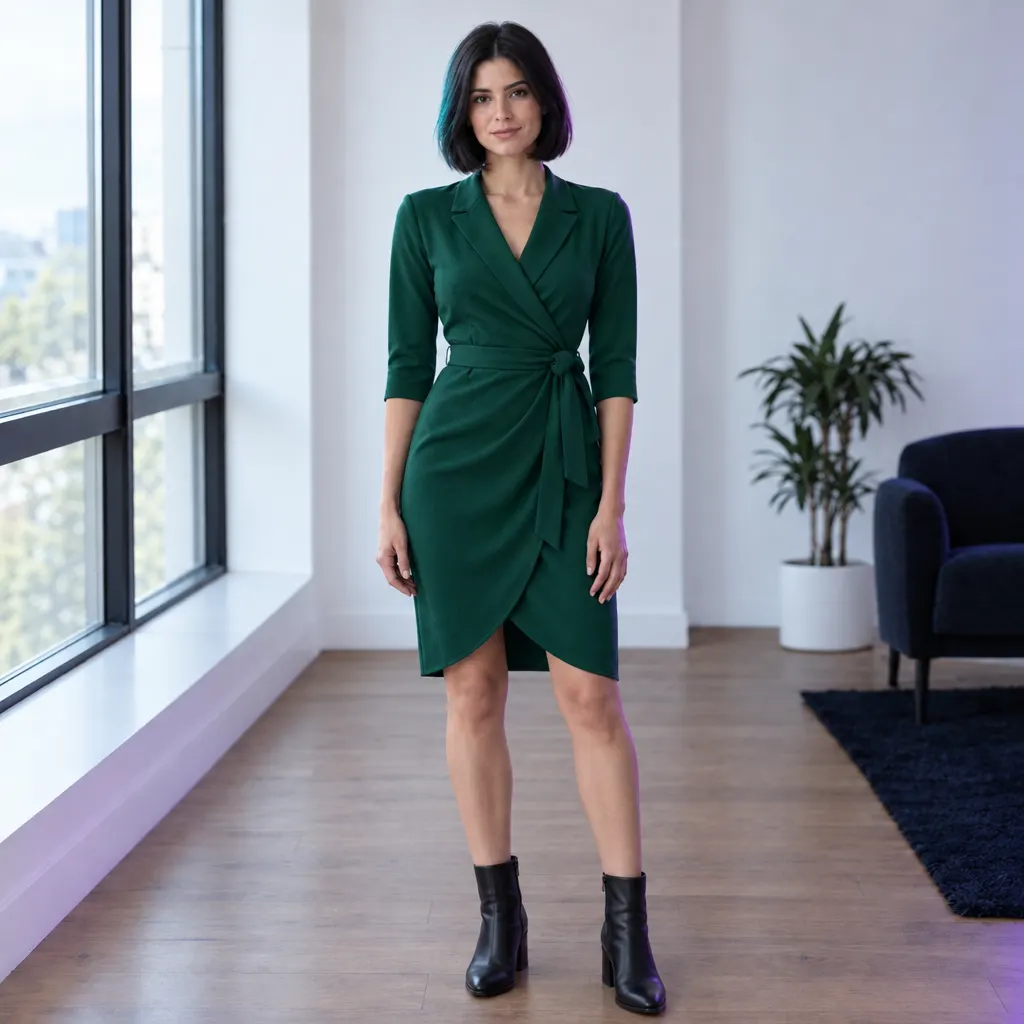
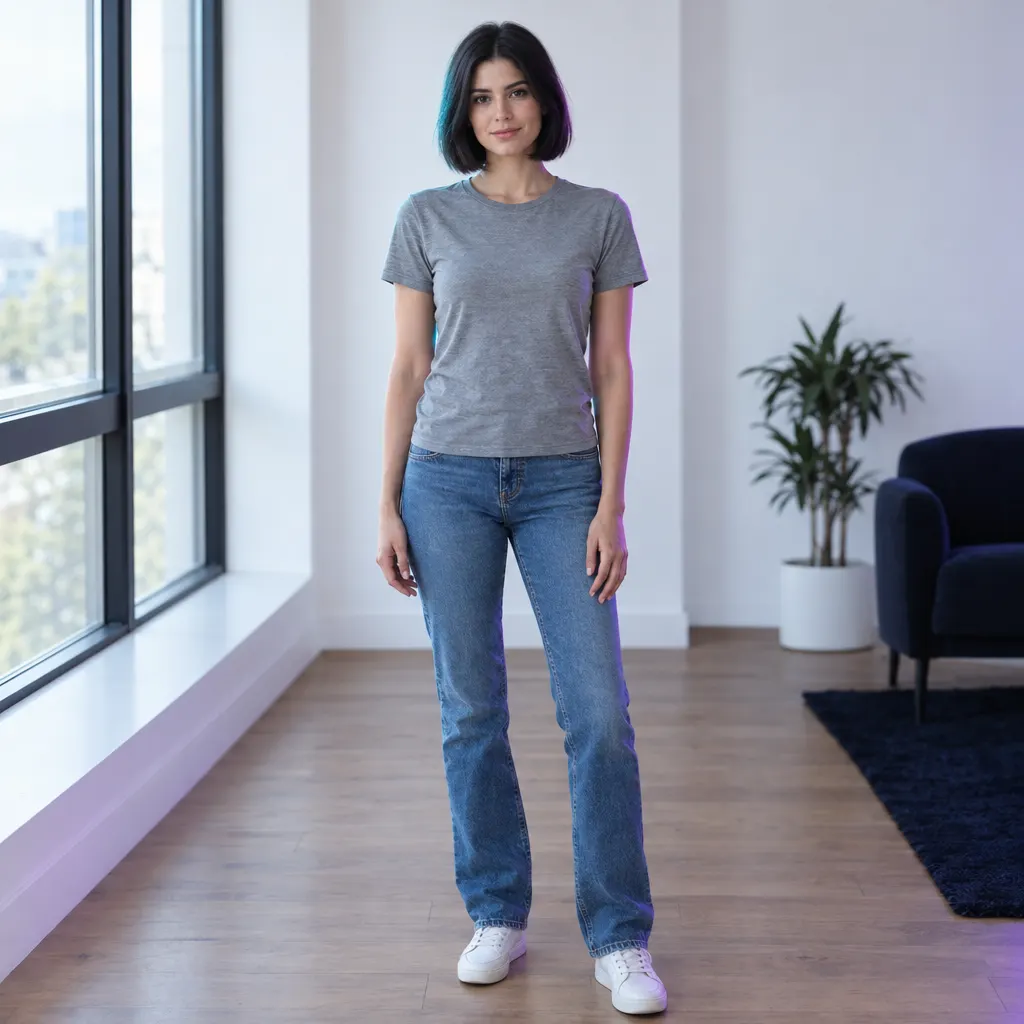
Same person and room, new outfit
How It Works in 3 Steps
Screenshot and crop the garment
Take a screenshot of the item from a shop or a post and crop it so the garment fills most of the image.
Upload a photo of yourself
Choose a clear, front-facing photo of yourself, or of someone who agreed.
Check and download
Look at the fit and the colour, then save the image. Run it again with another screenshot.
Explore More AI Image Tools
Transform your photos with our full suite of AI editing tools
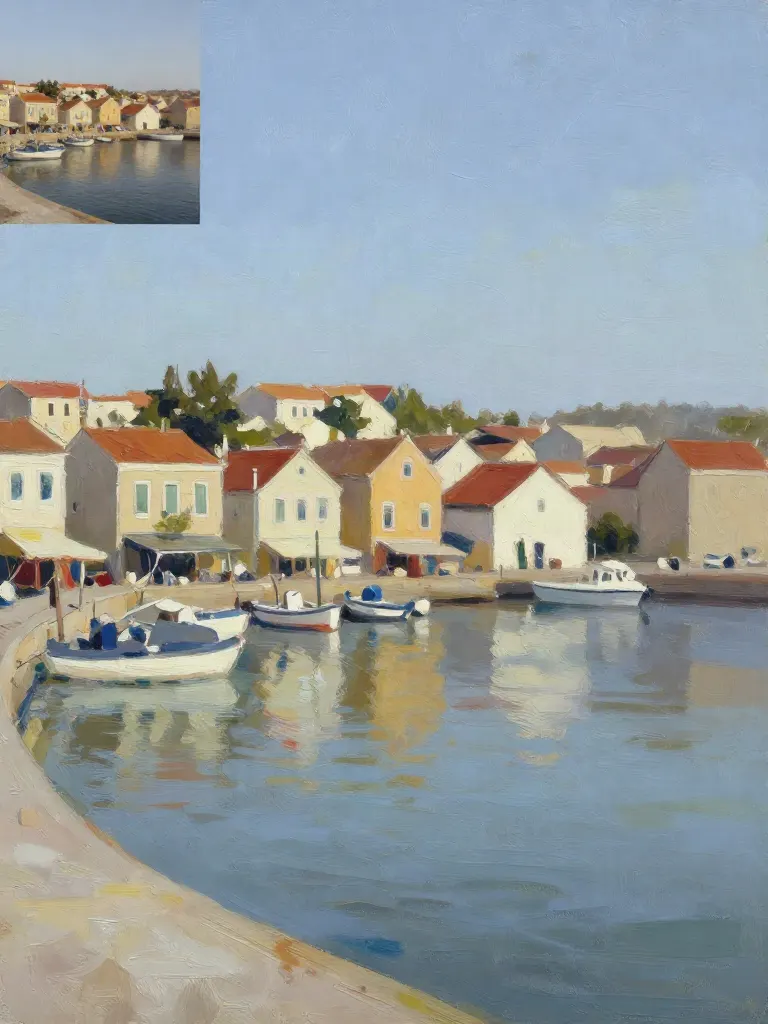
Copy art style (Style transfer)
Upload a photo and a style picture, get your photo repainted in that style.
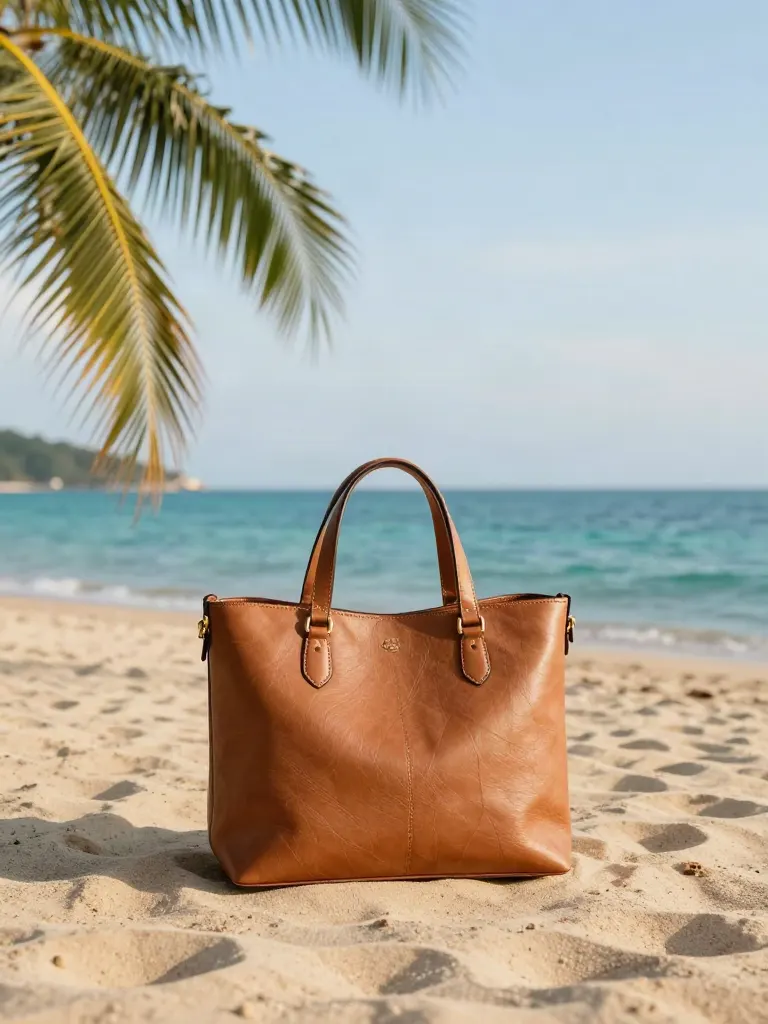
Change background
Upload a photo, get the background removed or swapped for a scene.

AI filters
Pick an art style, get your photo repainted in it.
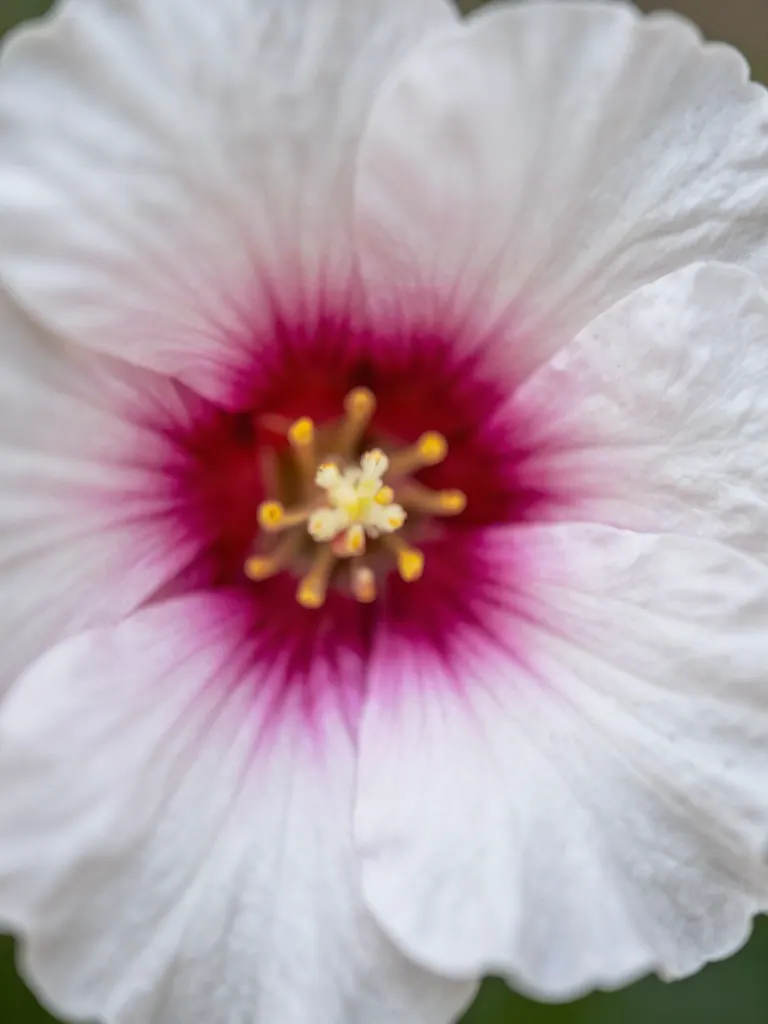
Sharper photo (Upscale)
Upload a blurry photo, get a sharper, cleaner one.
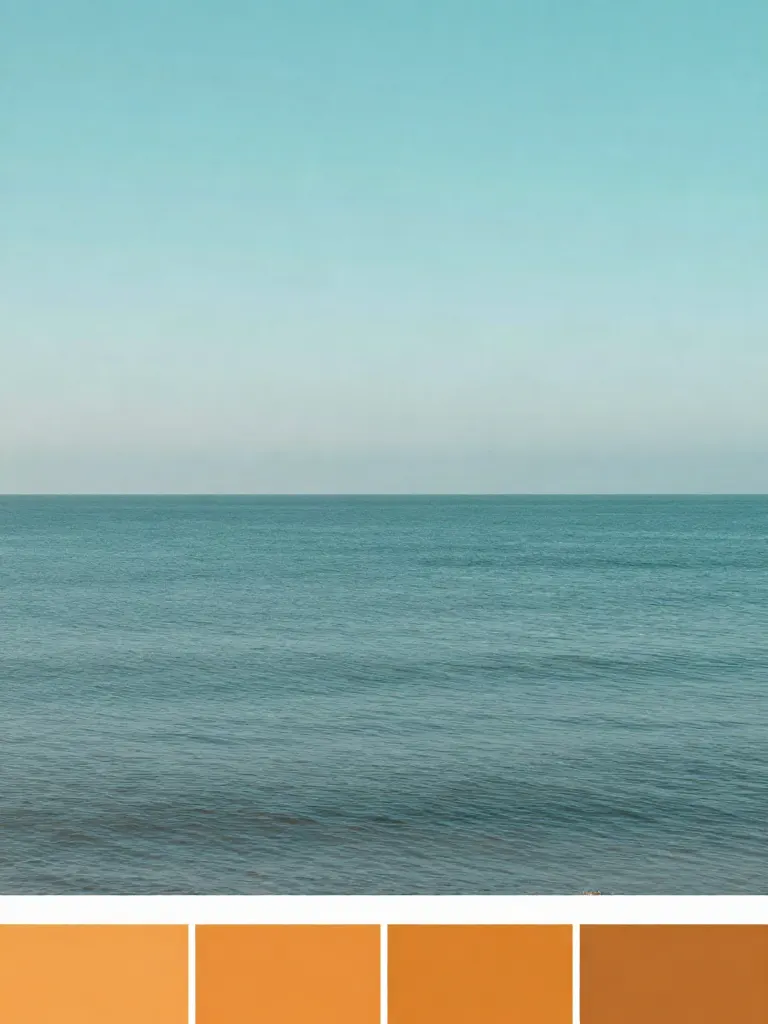
Copy photo colors (Color grade)
Upload a photo and a color reference, get the same color mood.
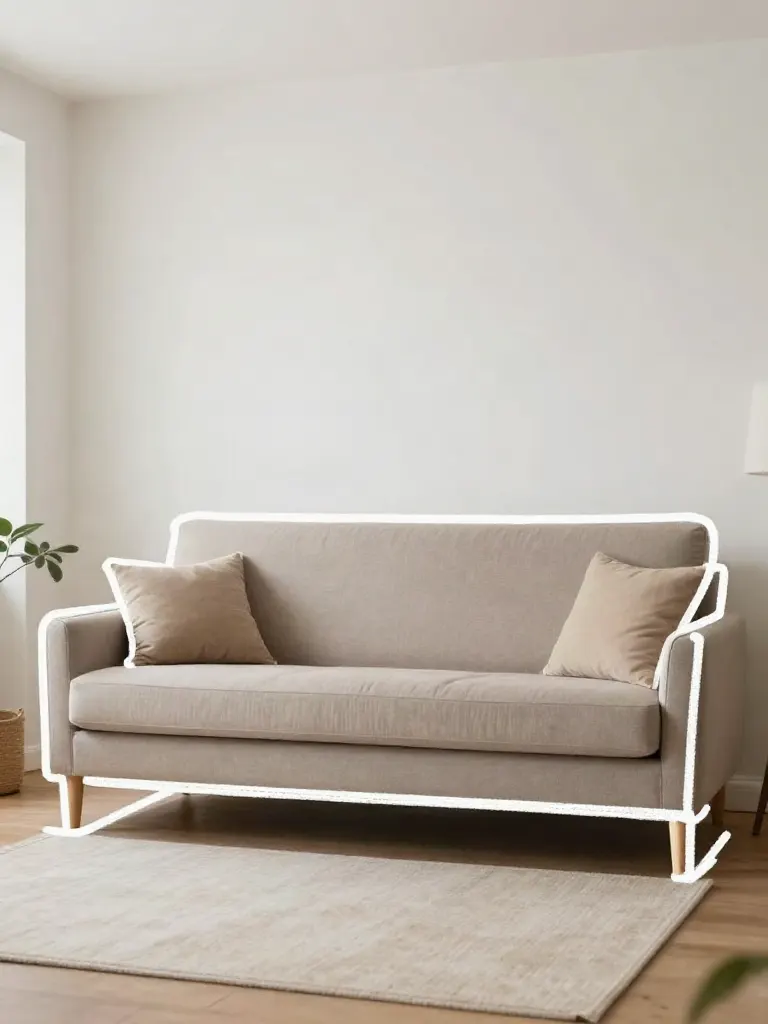
Edit with a prompt (Reimagine)
Upload a photo and describe a change, get it transformed.
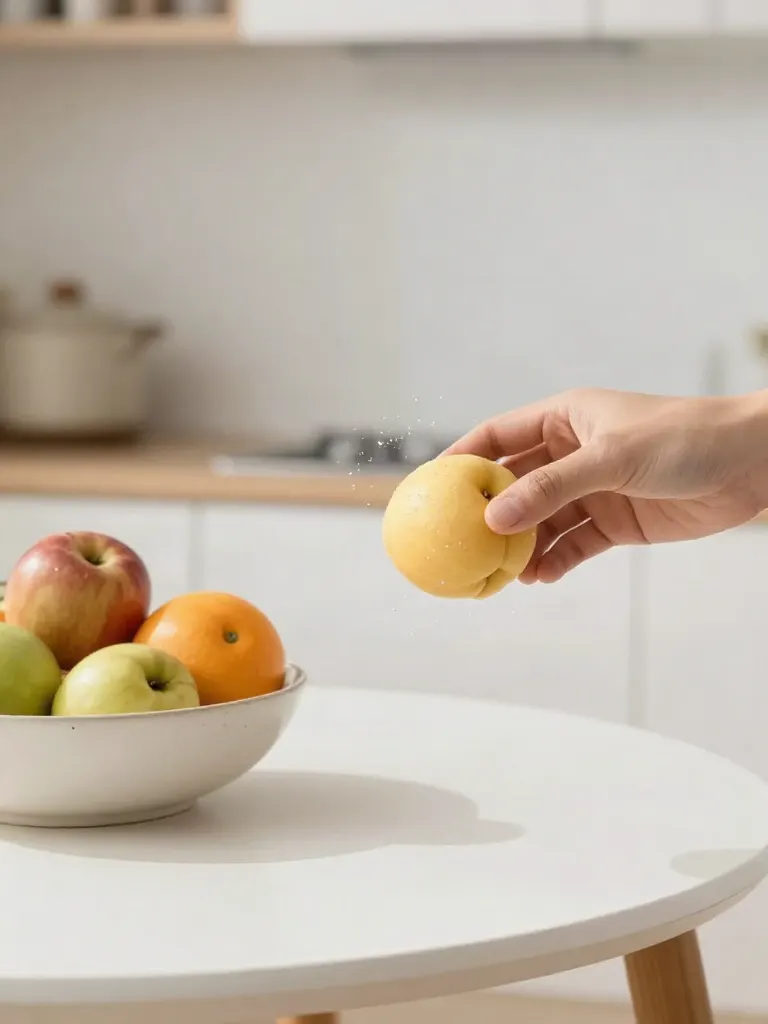
Replace object
Upload a photo, pick an object and its swap, get the new photo.
Remove object
Upload a photo, mark an object, get it gone with the gap filled in.
Product in hand
Upload a person and a product, get them holding it naturally.
Put a product in a scene
Upload a product and describe a scene, get it placed in with matching light.

Expand image
Upload a photo, pick a new shape, get the edges filled in.
Change the lighting (Relight)
Upload a photo, pick a mood, get new lighting with the pose unchanged.
Face swap
Upload a photo and a face, get that face on the photo.
Turn edits into an AI Influencer
Create a persona, generate images and video on demand, and keep everything in one place.
Frequently Asked Questions
Can I use a screenshot as the garment photo?
Yes. The garment input is an image, so a screenshot works. Crop it so the garment fills most of the frame and the app buttons, prices and captions are out of the way.
What if the screenshot shows a model wearing the outfit?
It can still work, but a flat lay or a plain-background shot fits more cleanly. If the screenshot has several items, crop to the one garment you want to try.
Can I paste a product link instead?
No. The try-on tool works from images you upload, not from a shop link, so take a screenshot of the garment first.
Will it match the real size and fit?
No. The result is a picture of how the garment could look on you, not a size recommendation. Check the shop’s size chart before you buy.
Whose photos can I use?
Use only photos you have the right to use: your own, or ones where the person agreed. The garment image is the shop’s or the creator’s, so use it only to see the outfit for yourself.
Is the free trial really free?
Yes. You get one full-quality try-on for free with no account and no card. After that, sign up and use credit packs: 2 credits per image, no subscription required.