Put your watch, bag or jewellery
into any viral video
Inflyu's Accessories video ad is paid per run with a credit pack (packs from $2.99, no subscription). Upload one photo of your accessory, pick five scenes and it makes 5 scenes, each a placed product still and a 4-second clip. The price shows on the button, and you confirm it, and that you have the rights to the photo, before anything runs. the $11.99 pack ($11.99, 115 credits) covers it.


For small sellers and indie brands
At a glance
- Free
- Free is a swap preview picture on your own photo; a pack with videos is paid per run and needs a credit pack. Credits already held unlock with any pack. the $11.99 pack ($11.99, 115 credits) covers it.
- Cost
- One ad pack is 80 credits (about $8.00 at the largest pack’s rate): 5 scenes, each a product still and its video. The price is shown before you start.
- Watermark
- Runs paid with a credit pack carry no Inflyu mark, and no subscription is needed. A credit pack removes it from new outputs.
- Clip length
- 4 seconds per clip, 5 clips in a pack.
- Time to result
- The pack runs in the background and lands in your library. Too few packs have finished to quote a typical time.
What you get
Upload a photo of your piece and Inflyu places it into short video scenes you pick, so a small item gets a moving ad instead of a still. It works for makers and small shops selling watches, bags, jewellery and similar things.
Your product in scenes you pick
Choose five ready-made scenes. Your product is placed into each one, then each scene becomes a short video clip.
Made from one product photo
One close, sharp photo of the piece is all you need. No studio, no shoot.
Check it, then post it
Look at each still and clip, run it again if a detail is off, and download the ones you like.
How do I turn one accessory photo into a video ad?
Follow these steps in the app.
Upload one product photo
Add one sharp photo of your accessory.
Pick five scenes
Choose a category tab, then tap a scene to swap it for another from the list.
Tick the rights box
Confirm that you own the photo or have permission from everyone in it.
Pay and start
The button shows the price in credits; a free account, or one short of credits, is asked to buy a credit pack first.
Check and download
Each scene gives a still and a short clip, anything that did not finish can be retried, and the set lands in your Assets.
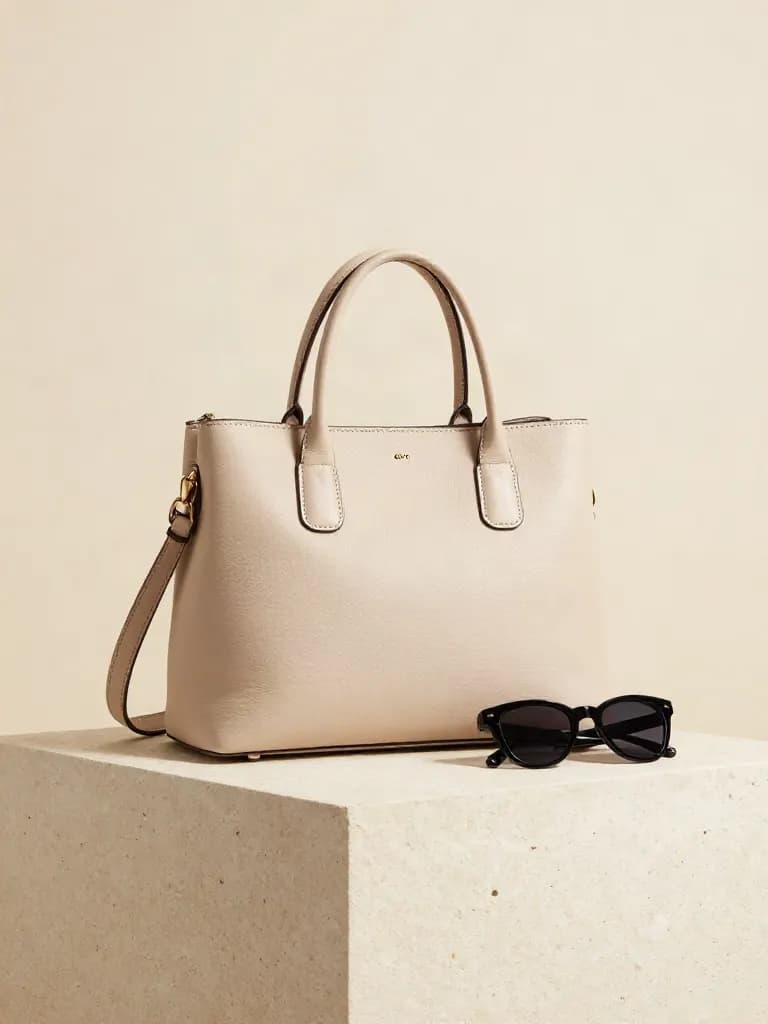
Is there a free AI tool to turn one accessory photo into a video ad?
Free to sign up, with up to 20 bonus credits that open with your first pack from $5.99, and the face, person, object and car swap tools give one free preview picture. Every video and every other tool is paid per run with a credit pack. Credits already held unlock with any pack. The Accessories video ad is the paid part: 5 scenes, each a placed product still and a 4-second clip from one photo, with packs from $2.99 and no subscription. the $11.99 pack ($11.99, 115 credits) covers it.
What is the best AI tool to make a accessory video ad?
It depends on your input and on whether you want a subscription. Creatify's page lists a free plan of 10 monthly credits and a Standard plan at $10 a month billed yearly (listed at $15), and takes store links. Inflyu is paid per run with a credit pack from $2.99 and starts from one photo of your accessory.
| Tool | Free tier | Works on your own photo | Needs a card | Output limit | Entry price | Bad at |
|---|---|---|---|---|---|---|
| Inflyu | Paid per run with a credit pack; packs from $2.99. the $11.99 pack ($11.99, 115 credits) covers it. | Yes, you upload your own photo | Card at checkout for a credit pack; none to sign up. | One photo in, 5 scenes, each a placed product still and a 4-second clip out | Credit packs from $2.99, no subscription | No free runs: every video and every other tool is paid per run with a credit pack |
| Creatify | Free plan with 10 monthly credits, up to 2 video ads or 20 image ads | Product links are supported (Amazon, Shopify, App Store, Google Play); an uploaded product photo: Not stated on the page read on 2026-11-17 | Not stated on the page read on 2026-11-17 | Paid plans make videos up to 2 minutes | Standard $10 a month on the annual plan, billed yearly, 55 credits a month | Exports on the free plan carry a watermark |
| Topview AI | No free plan or trial is listed on the pricing page | Product Avatar lets you use your own photo as an avatar; URL to Video and AI Product Video appear only as menu links, with no detail | Not stated on the page read on 2026-11-17 | Plus: 100 credits a month and 4 tasks at once | Plus $36 a month, billed annually ($432 a year) | Not stated |
| Predis AI | Every plan starts with a 3-day trial | An E-Com Product Video Generator is listed in the plan comparison; its inputs are not described. Not stated on the page read on 2026-11-17 | Yes, a card is taken to start the trial and charged when day 3 ends | Core: 1,300 credits a month, about 33 videos or 325 images, 1 brand | Core $19 a month ($230 billed yearly) | Not stated |
| Pippit | Free plan at USD0 with free daily credits; the daily amount is not stated | Says it makes videos from a product link; a product photo as the input: Not stated on the page read on 2026-11-17 | No credit card required, as the pricing page says | Starter: 2,100 credits | Starter USD120, labelled yearly; no separate monthly price is shown | Watermark removal is listed only on the paid plans |
Competitor facts come from each tool's own page, checked 17 Nov 2026.
Creatify alternative for making a accessory video ad from one photo
Creatify's page lists a free plan of 10 monthly credits and a Standard plan at $10 a month billed yearly (listed at $15), and its pages list product links from stores as an input. Inflyu starts from one uploaded accessory photo and returns 5 scenes, each a placed product still and a 4-second clip, paid per run with a credit pack from $2.99 and no subscription. Pick Creatify to try a few ads on a free plan, and Inflyu when you have a photo and want the whole set in one run.
Compare with Creatify on its own page.
Do AI accessory video ads look real enough to use?
Often, but not every time. Fine detail such as chains, clasps and engraving is the hardest part, and reflections can change, so expect to try more than once. Start from a close, sharp photo of the piece on a plain background.
Limits today
- Input: one product photo per run.
- Output: 5 scenes, each a placed product still and a 4-second clip.
- Credits: paid per run with a credit pack; the price is shown before you pay. the $11.99 pack ($11.99, 115 credits) covers it.
- Rights: you confirm that you own the photo or have permission from everyone in it before it runs.
- Failures: an ad that fails is refunded, and Retry missing runs the rest again.
- Fine detail such as chains, clasps and engraving is the hardest part, and reflections can change, so expect to try more than once.
What works best
- A close, sharp photo of the piece on a plain background.
- One piece per photo, lit evenly so the material and colour read true.
- Check every still and clip before you use it, and retry any that did not finish.
Accessories video ad questions
Does it work for small, detailed items like jewellery?+
It can, but fine detail is the hardest part. Use a close, sharp photo, expect to try more than once, and check chains, clasps and engraving before you post.
Will it keep the metal, leather and colour looking real?+
Overall material and colour usually carry over. Reflections and tiny textures can change, so compare against the real product.
Can I make a handmade item look like a factory product?+
Keep your ad honest about what the item is. The video shows your product in a new setting; it should not misrepresent how it is made or what it is made of.
Is there a free AI tool to turn one accessory photo into a video ad?+
Free to sign up, with up to 20 bonus credits that open with your first pack from $5.99, and the face, person, object and car swap tools give one free preview picture. Every video and every other tool is paid per run with a credit pack. Credits already held unlock with any pack. The Accessories video ad is the paid part: 5 scenes, each a placed product still and a 4-second clip from one photo, with packs from $2.99 and no subscription. the $11.99 pack ($11.99, 115 credits) covers it.
How do I turn one accessory photo into a video ad?+
Upload one photo of your accessory, pick five scenes, tick that you have the rights to the photo, then pay with credits and start. The set runs in the background, and the stills and clips land on the results step and in your Assets.
What is the best AI tool to make a accessory video ad?+
It depends on your input and on whether you want a subscription. Creatify's page lists a free plan of 10 monthly credits and a Standard plan at $10 a month billed yearly (listed at $15), and takes store links. Inflyu is paid per run with a credit pack from $2.99 and starts from one photo of your accessory.
Creatify alternative for making a accessory video ad from one photo+
Inflyu turns one accessory photo into 5 scenes, each a placed product still and a 4-second clip, paid per run with a credit pack and no subscription. Creatify's page lists a free plan of 10 monthly credits and a Standard plan at $10 a month billed yearly (listed at $15). Choose Creatify to try a few ads on a free plan, and Inflyu when you have a photo and want the set in one run.
Do AI accessory video ads look real enough to use?+
Often, but not every time. Fine detail such as chains, clasps and engraving is the hardest part, and reflections can change, so expect to try more than once. Start from a close, sharp photo of the piece on a plain background.
Do I need a subscription?+
No. You can pay as you go: credit packs are one-time purchases and their credits never expire. If you would rather have a steady supply, the monthly Starter, Creator, Pro and Brand plans refill your credits each month, and you can cancel anytime. Unused monthly credits do not roll over.
 Perfume video ads →
 Sneakers video ads →
 Cars video ads →
 Cosmetics video ads →
 Supplements video ads →
 Apparel video ads →