Turn a short story into shots,
then into one episode
You will write a three-shot story, keep one character the same across shots, plan it in Storyboard, and know when to move to Series or Inflyu Cinema.


Written by the Inflyu team
Lesson 6. After it you can: You will write a three-shot story, keep one character the same across shots, plan it in Storyboard, and know when to move to Series or Inflyu Cinema.
The steps
Step 1
Write the story in three beats
Write three lines. Shot 1 is the setup: who, where, what they want. Shot 2 is the turn: something changes. Shot 3 is the payoff: how it ends. One action per shot. If a line needs the word "and" twice, split it. You can do this on paper or in Prompt cards on Canvas, and Prompt cards cost nothing.
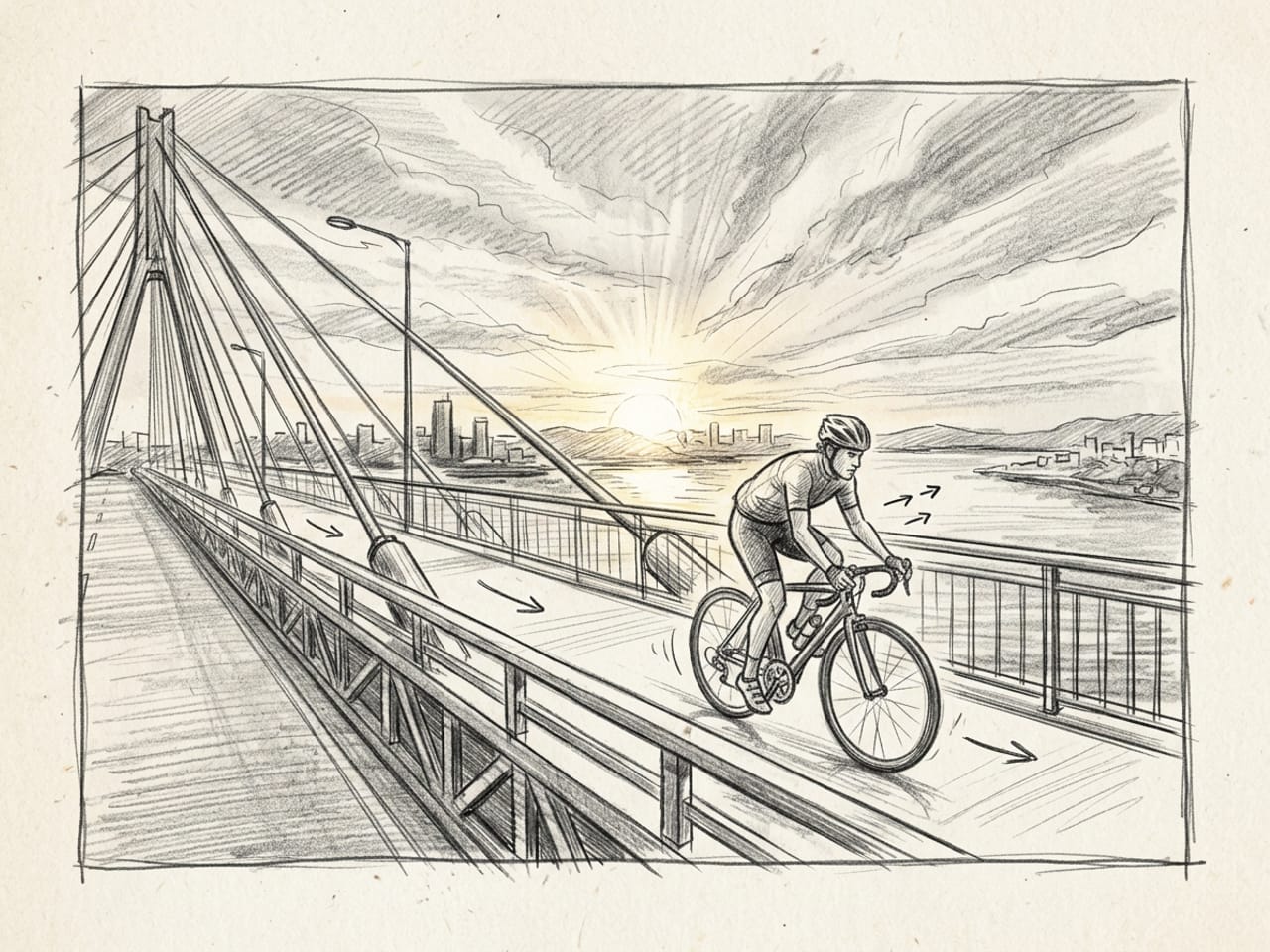
The picture on the Storyboard tool tile in Inflyu: one shot drawn as a frame. Step 2
Pick the tool for the size of your story
Storyboard makes one video of 2 to 10 shots, up to 60 s in total. Series is for a story that runs over several episodes, with a cast of up to 12 characters. Inflyu Cinema: Cast 2 to 6 people from photos, write the dialogue, check a draft, then finish the film in 1080p. Start with Storyboard for your first story.
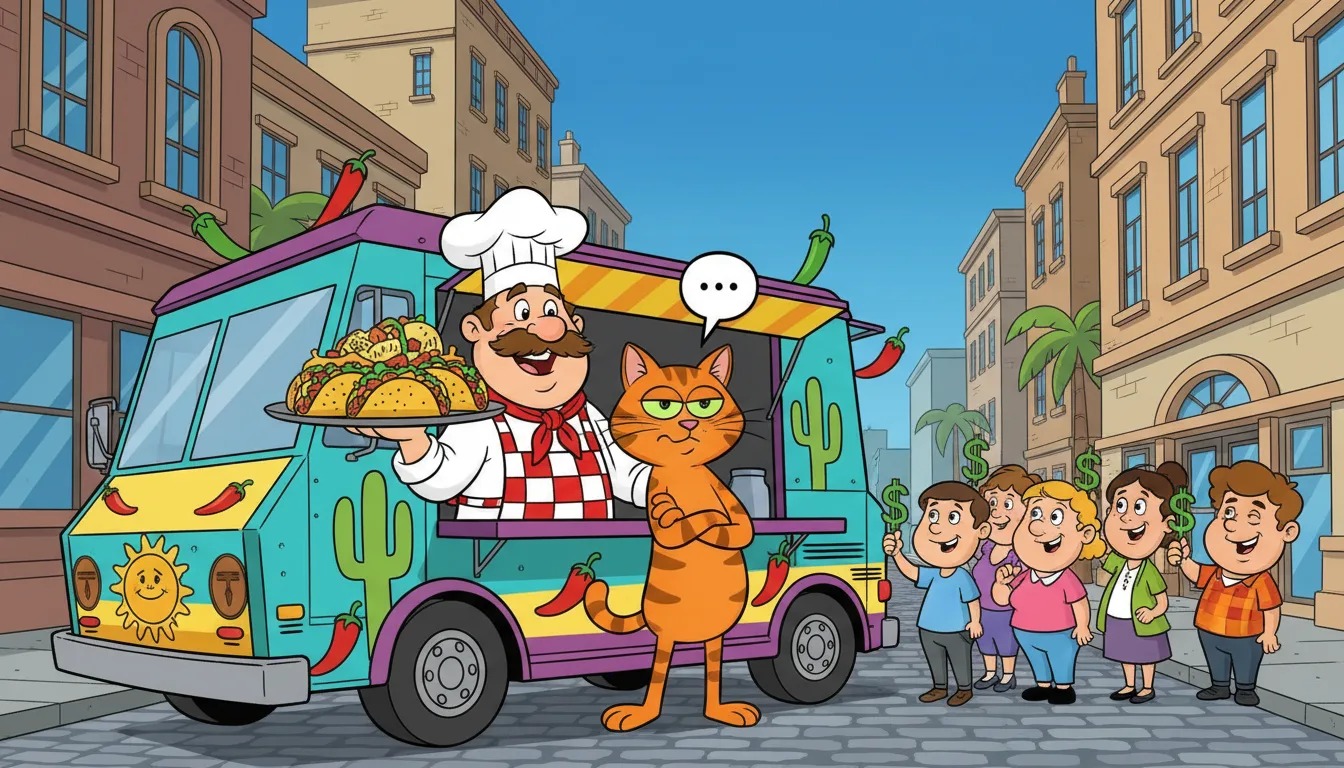
An Inflyu Series still: a chef and a cat. A look sample, not a user episode. 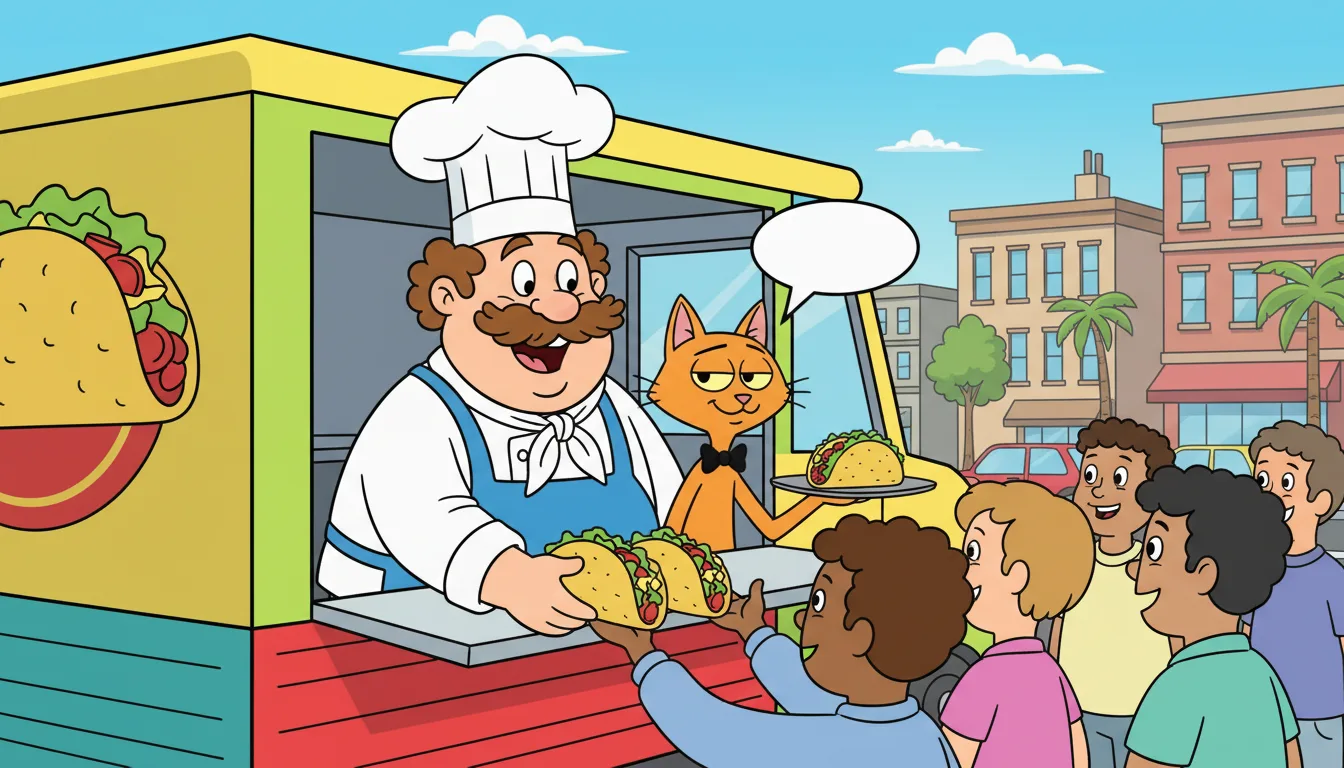
Another Inflyu Series still with the same chef and the same cat in a new scene. Step 3
Lock the character before the shots
A story only works when the character looks the same in every shot. In Storyboard, add reference pictures on the Idea step: "A person to star", "A product to show", "A place to film". In Series, make a cast sheet for each character first (8 credits each). In Inflyu Cinema, you cast people from photos (1 credit per photo).

The same AI character in four places: a Paris cafe. 
The same AI character: a yacht at sunset. 
The same AI character: a Tokyo neon street. 
The same AI character: an Alps chalet balcony. Step 4
Write the idea and the shot plan
In Storyboard, write the idea in 10 to 1,200 characters, pick the format (the default is Phone (9:16)) and press Next. The shot plan costs 1 credit, and you can rewrite it up to 5 times. Read every shot, fix its action, and trim the plan until each shot does one thing. In Create video, on models that offer Shots, Break into shots turns one line into shot cards for 1 credit.
Step 5
Approve the pictures before the clips
On the Pictures step each shot gets a picture. Look at it, and approve it only when the character and the place are right. The price shows before you start. A clip is made from the approved picture, so a wrong picture carries into the clip.
Step 6
Make the clips, then join them
On the Clips step each shot becomes a clip, with its price shown first. When every shot has a finished clip, press Join video (2 credits). Your episode lands as one video. Next tools: Series (/series, public page /ai-series-maker) for more episodes, and Inflyu Cinema (/series/new-film, public page /ai-film-generator) for a film with dialogue.
Common mistakes
- Writing a story with five events in one shot. Give each shot one action, then check the plan.
- Skipping the character reference. Add a reference picture or a cast sheet first, so every shot starts from the same face.
- Approving a picture that is nearly right. Redo the picture now, because the clip copies what the picture shows.
- Rewriting the plan over and over. You get a limited number of rewrites, so fix single shots by hand.
- Starting with the longest story. Plan three shots first, look at the result, then grow it.
Limits to know
- A Storyboard has 2 to 10 shots and 60 s in total. The idea runs 10 to 1,200 characters.
- The shot plan can be rewritten 5 times per storyboard, and each write costs 1 credit.
- Pictures and clips are priced by the model and settings you pick, and the price shows before you start. They are paid steps.
- A free account sees this note in Storyboard: "Free accounts can make one short video. A full storyboard needs a credit pack." Verify your email to use them. Google sign-in doesn't count.
- In Inflyu Cinema, a free account starts with a poster of the opening shot, and a paid account that cannot cover a normal draft can start with a first preview of 5 s.
What it costs
| Action | Cost |
|---|---|
| Prompt, Upload and Influencer cards on Canvas | Costs nothing |
| Break into shots (Create video) | 1 credit |
| Storyboard shot plan | 1 credit |
| Storyboard join | 2 credits |
| Storyboard pictures and clips | The price shows before you start |
| Series cast sheet, per character | 8 credits |
| Series shot picture | 2 credits |
| Series shot clip | 30 credits |
| Inflyu Cinema cast photo | 1 credit |
| Inflyu Cinema poster of the opening shot | 2 credits |
| Inflyu Cinema first preview, 5 s | 14 credits |
What you will learn
You will write a three-shot story, keep one character the same across shots, plan it in Storyboard, and know when to move to Series or Inflyu Cinema.
Structure a story in three beats: setup, turn and payoff, one shot each.
Keep one character the same across shots with a cast sheet or reference pictures.
Work in the right order: plan, approve the pictures, make the clips, then join them.
The steps
Each step is written out in full above, with the result to expect.
Write the story in three beats
Write three lines. Shot 1 is the setup: who, where, what they want. Shot 2 is the turn: something changes. Shot 3 is the payoff: how it ends. One action per shot. If a line needs the word "and" twice, split it. You can do this on paper or in Prompt cards on Canvas, and Prompt cards cost nothing.
Pick the tool for the size of your story
Storyboard makes one video of 2 to 10 shots, up to 60 s in total. Series is for a story that runs over several episodes, with a cast of up to 12 characters. Inflyu Cinema: Cast 2 to 6 people from photos, write the dialogue, check a draft, then finish the film in 1080p. Start with Storyboard for your first story.
Lock the character before the shots
A story only works when the character looks the same in every shot. In Storyboard, add reference pictures on the Idea step: "A person to star", "A product to show", "A place to film". In Series, make a cast sheet for each character first (8 credits each). In Inflyu Cinema, you cast people from photos (1 credit per photo).
Write the idea and the shot plan
In Storyboard, write the idea in 10 to 1,200 characters, pick the format (the default is Phone (9:16)) and press Next. The shot plan costs 1 credit, and you can rewrite it up to 5 times. Read every shot, fix its action, and trim the plan until each shot does one thing. In Create video, on models that offer Shots, Break into shots turns one line into shot cards for 1 credit.
Approve the pictures before the clips
On the Pictures step each shot gets a picture. Look at it, and approve it only when the character and the place are right. The price shows before you start. A clip is made from the approved picture, so a wrong picture carries into the clip.
Make the clips, then join them
On the Clips step each shot becomes a clip, with its price shown first. When every shot has a finished clip, press Join video (2 credits). Your episode lands as one video. Next tools: Series (/series, public page /ai-series-maker) for more episodes, and Inflyu Cinema (/series/new-film, public page /ai-film-generator) for a film with dialogue.
Homework: Plan your first three-shot story
Write your story in three beats (setup, turn, payoff) and one line about your character: age, clothes, one detail you can see. Use paper or Prompt cards on Canvas.
No credits
Open Storyboard, paste the story as the idea, and write the shot plan. Fix every shot until it has one action.
Your creditsThe shot plan costs 1 credit, shown before you press Next. Your email must be verified. A free account can plan, and the app says a full storyboard needs a credit pack.
Optional: make the pictures and clips for your plan, then join them.
Needs a packPictures and clips are priced when you start and the price shows first. The join costs 2 credits. A full storyboard needs a credit pack on a free account.
Check yourself: Your plan has three shots, each with one action. A stranger could read shot 1, 2 and 3 and tell you the setup, the turn and the payoff.
Story to episode: questions
How do I keep the same character in every shot of an AI video?+
Give the tool a reference before you plan the shots. Storyboard takes reference pictures of a person, a product and a place. Series makes a cast sheet per character (8 credits). Inflyu Cinema casts people from photos.
How many shots can a Storyboard have?+
2 to 10 shots, up to 60 s in total. A first story works well at three shots.
How much does a Storyboard cost?+
The shot plan costs 1 credit and joining the clips costs 2 credits. Pictures and clips are priced by the model you pick, and the price shows before you start.
Can I make a Storyboard on a free account?+
You can write the idea and the plan. Storyboard tells free accounts that they can make one short video, and that a full storyboard needs a credit pack. Verify your email first, because Google sign-in alone does not unlock your credits.
What is the difference between Storyboard, Series and Inflyu Cinema?+
Storyboard makes one video from 2 to 10 shots. Series keeps a cast across several episodes. Inflyu Cinema casts people from photos and writes dialogue for a film.
Do I need a subscription?+
No. You can pay as you go: credit packs are one-time purchases and their credits never expire. If you would rather have a steady supply, the monthly Starter, Creator, Pro and Brand plans refill your credits each month, and you can cancel anytime. Unused monthly credits do not roll over.