Put Text and Widgets Behind You in Any Talking Video
Upload a clip of up to 30 seconds, pick an effect and a style, and press Fill from my words. Inflyu cuts you out of the frame, writes the text and numbers from what you said and draws the animation behind you or in front of you. No code, no setup and no green screen.
What you get
20 free credits, no card. Verify your email to use them; Google sign-in doesn't count.
Made with Inflyu's Reel Effects tool on a demo clip. Silent preview.
More effects made with Reel Effects
Every clip here was made with this tool from one demo clip, unedited.
What Reel Effects does
- Upload
- One talking clip of up to 30 seconds. Your own sound stays on it.
- Effects
- A title behind you (13 styles), glass stat cards (10), an animated checklist (10), an animated chart (13), toggles, progress bars, emoji pops, lower thirds and orbiting pictures.
- Fill from my words
- Inflyu transcribes your clip and fills the text and numbers from what you say, for 1 credit. It uses only numbers you actually said, and you can edit every line.
- Behind or in front
- Inflyu cuts you out of every frame. Put the graphic behind you, so your head and shoulders cover part of it, or in front.
- Change it later
- Edit the text and render again for 1 credit. The cut-out is reused, so it is not made twice.
This lists the settings and limits, not a real result.
How It Works in 3 Steps
Upload your clip
Add one talking clip of up to 30 seconds.
Pick an effect and press Fill
Choose a style, then let Inflyu write the text and numbers from your words, or type them yourself.
Render and download
Inflyu cuts you out, draws the animation behind or in front of you and gives you the clip.
Explore More AI Image Tools
Transform your photos with our full suite of AI editing tools
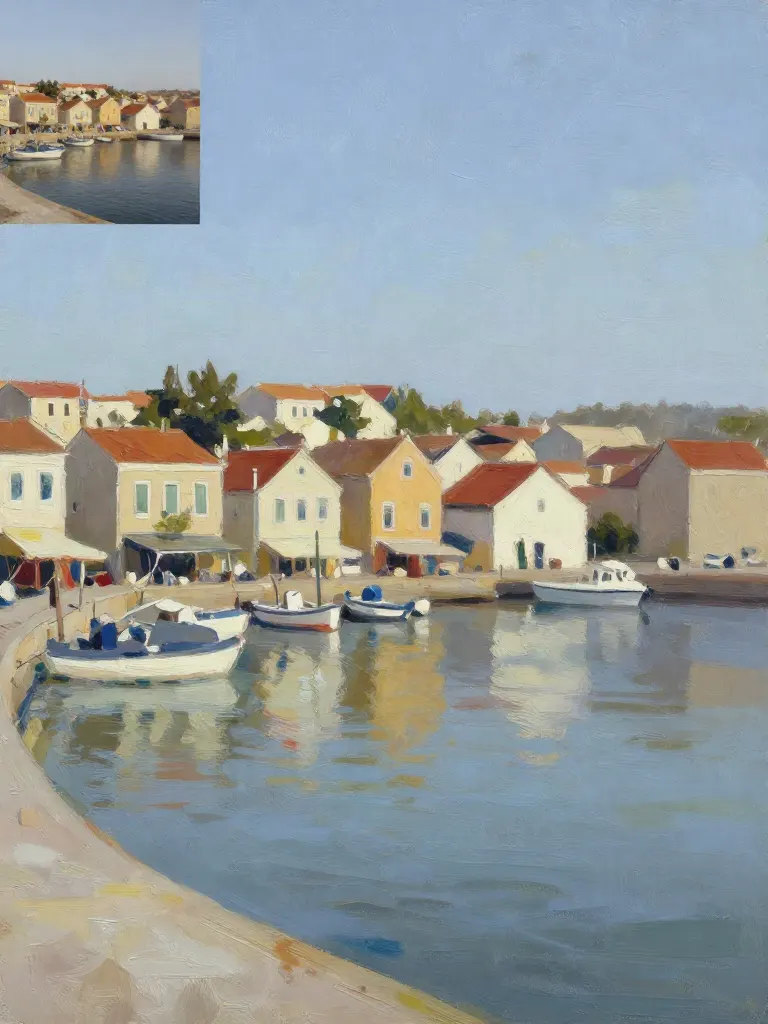
Copy art style (Style transfer)
Upload a photo and a style picture, get your photo repainted in that style.
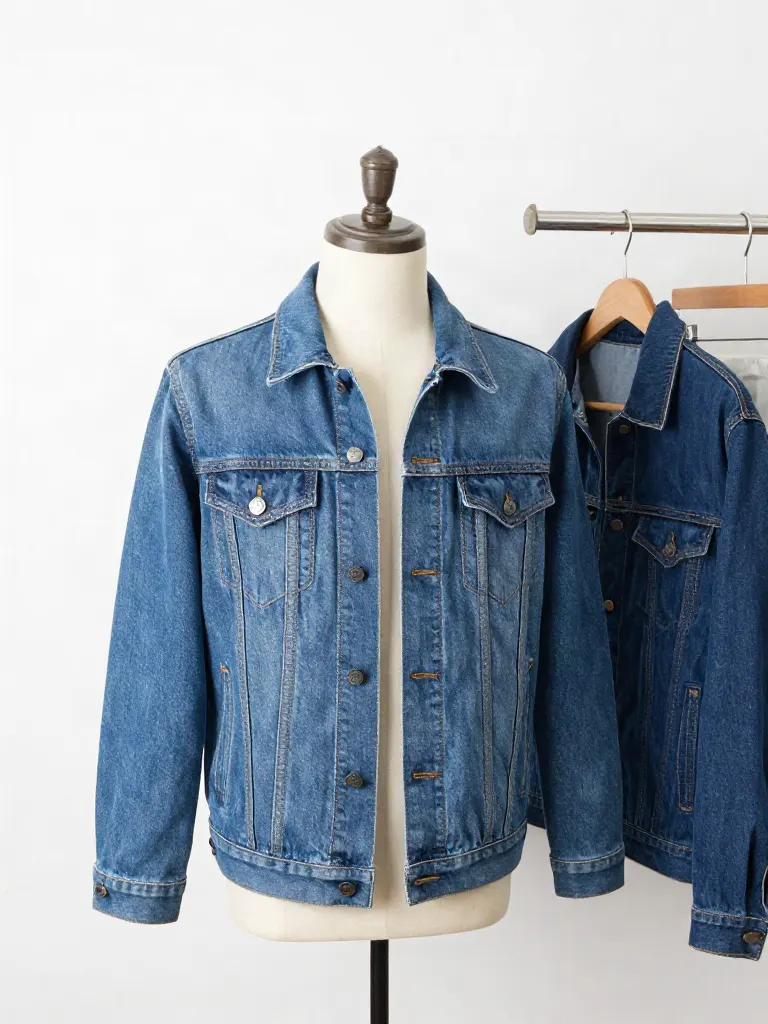
Try on clothes (Try-on)
Upload a person, add a garment photo or describe one, get them wearing it.

Change background
Upload a photo, get the background removed or swapped for a scene.

AI filters
Pick an art style, get your photo repainted in it.

Sharper photo (Upscale)
Upload a blurry photo, get a sharper, cleaner one.
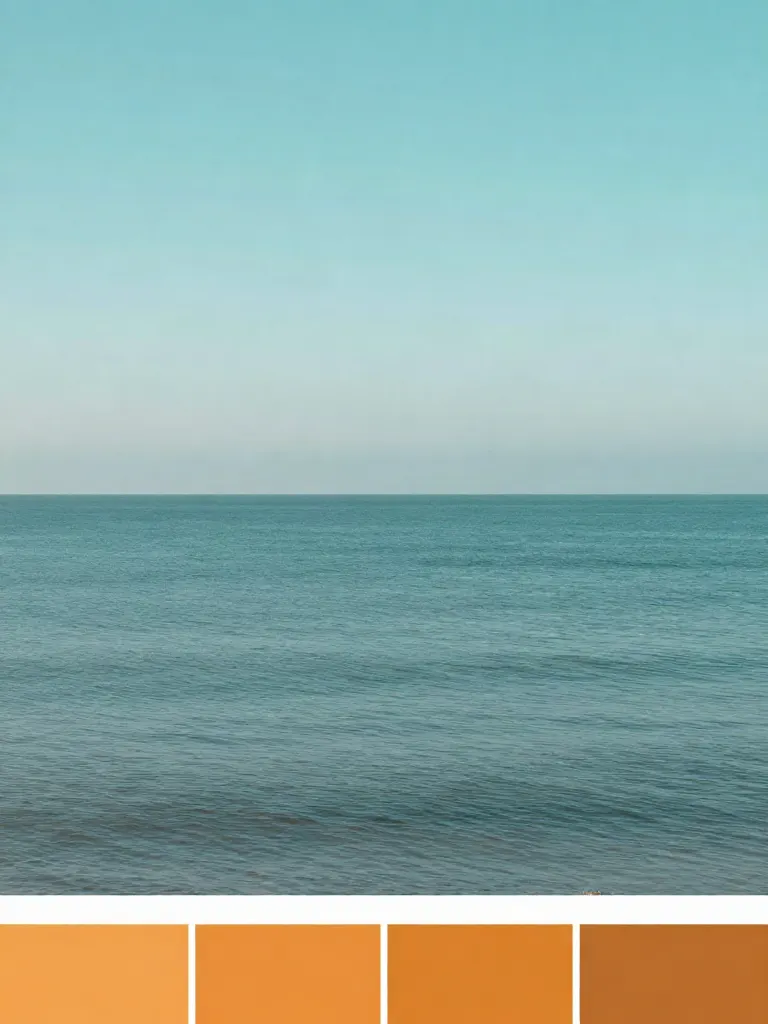
Copy photo colors (Color grade)
Upload a photo and a color reference, get the same color mood.

Edit with a prompt (Reimagine)
Upload a photo and describe a change, get it transformed.

Replace object
Upload a photo, pick an object and its swap, get the new photo.

Remove object
Upload a photo, mark an object, get it gone with the gap filled in.

Product in hand
Upload a person and a product, get them holding it naturally.

Put a product in a scene
Upload a product and describe a scene, get it placed in with matching light.

Expand image
Upload a photo, pick any size, then fill the new edges with AI, crop, or blur fill.

Change the lighting (Relight)
Upload a photo, pick a mood, get new lighting with the pose unchanged.
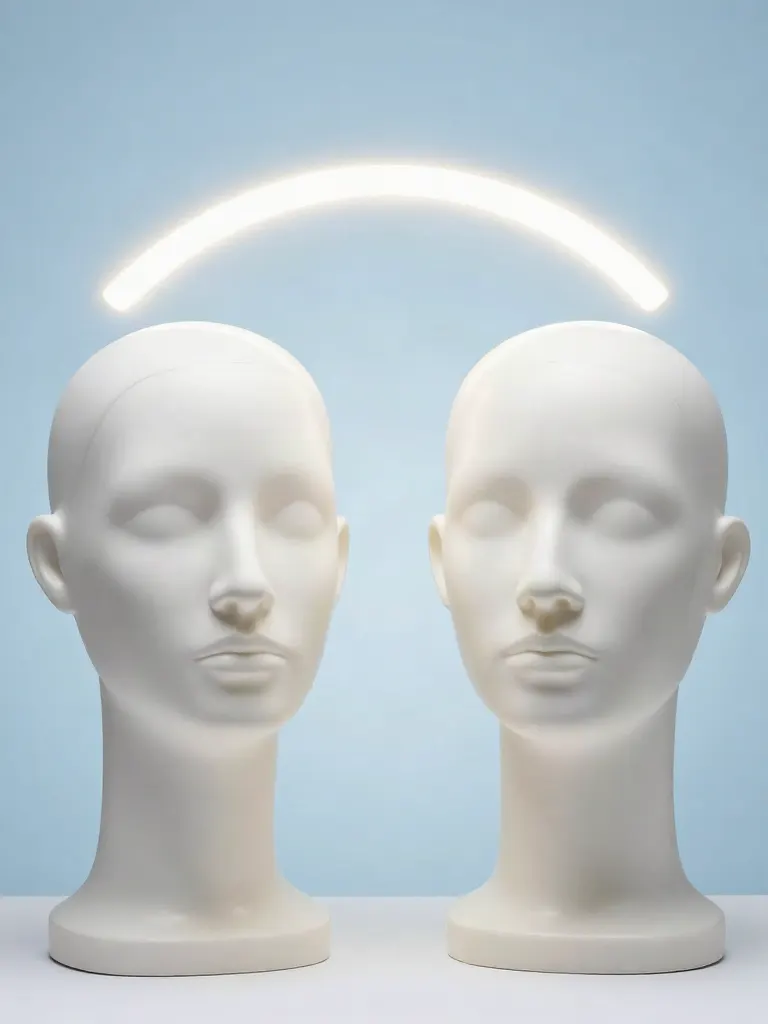
Face swap
Upload a photo and a face, get that face on the photo.
Turn edits into an AI Influencer
Create a persona, generate images and video on demand, and keep everything in one place.
Frequently Asked Questions
How do I put text behind me in a video?
Upload a talking clip, pick Title behind you and a style, and render. Inflyu makes a cut-out of you for every frame, draws the text between the background and you, and puts you back on top, so the letters pass behind your head and shoulders.
Is this the same as the Claude Code effects reels?
It makes the same kind of result: text, numbers and widgets that move behind a person in a talking video. You do not install anything, write code or run a skill. You upload the clip in your browser and pick the effect from a list.
What does Fill from my words do?
It transcribes your clip, then fills the text and numbers of the effect you picked from what you said, with each line timed to the moment you said it. It costs 1 credit. You can skip it and type everything yourself, and you can edit its result.
How long can the clip be, and how is it priced?
Up to 30 seconds. The cut-out render costs credits by the length of your clip. There are two cut-out qualities: Standard cuts you out more cleanly, Fast costs less. You see the credits before you render.
What does it not do?
It is not an AI video generator and it does not change your footage. The cut-out comes from a model, so fine hair, motion blur or a very busy background can leave a rough edge. If it does, try the other quality, or put the graphic in front of you.
More product answers: /ask · /for-llms · /try
Text behind person video maker