Inflyu applies any artistic style to your photo — upload your image plus a style reference and try one free neural style transfer online.
Turn Any Photo Into Stunning AI Art in Seconds
Upload your photo and a style reference — our AI blends them into breathtaking artwork. Van Gogh, Anime, Cyberpunk, and 50+ styles. Free, instant, no sign-up.
Try It Free (1 Free Transformation)
See What You Can Create
Real examples rendered with Style Transfer
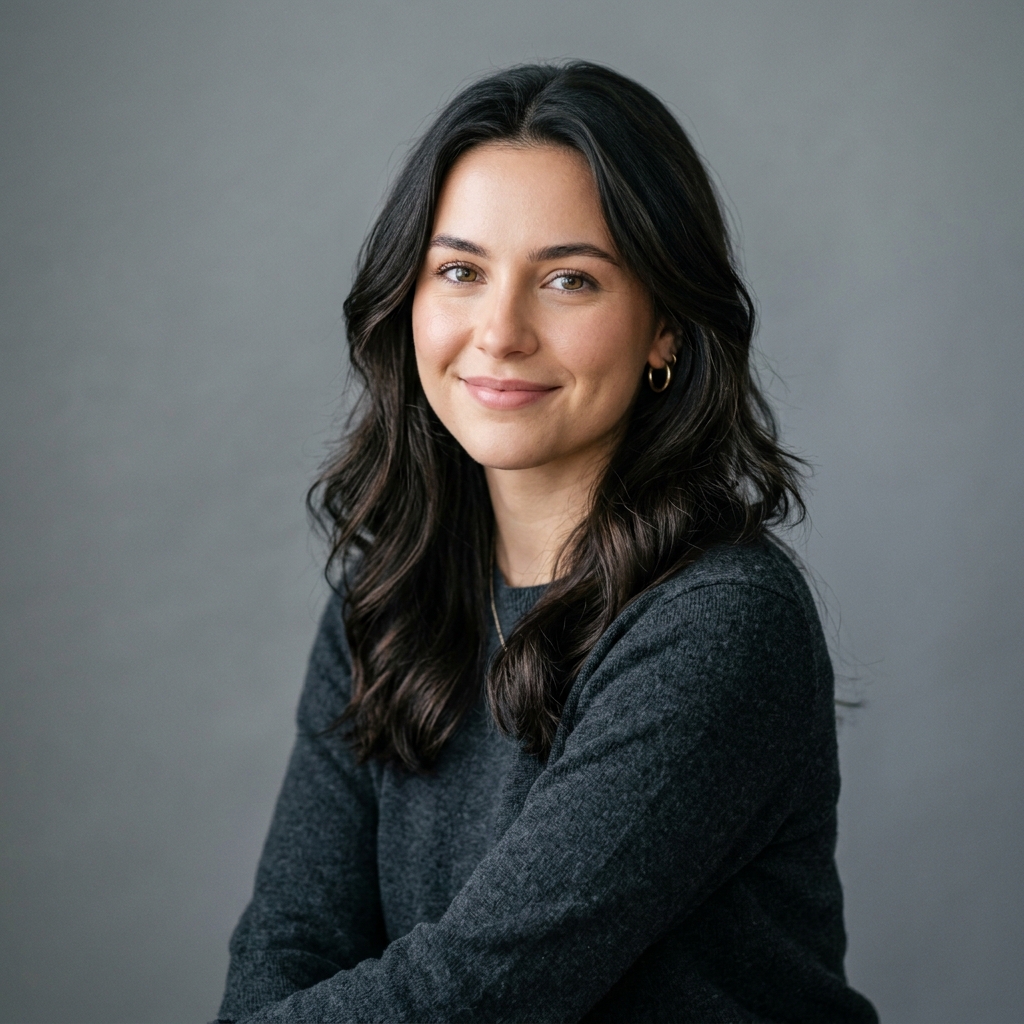 Before
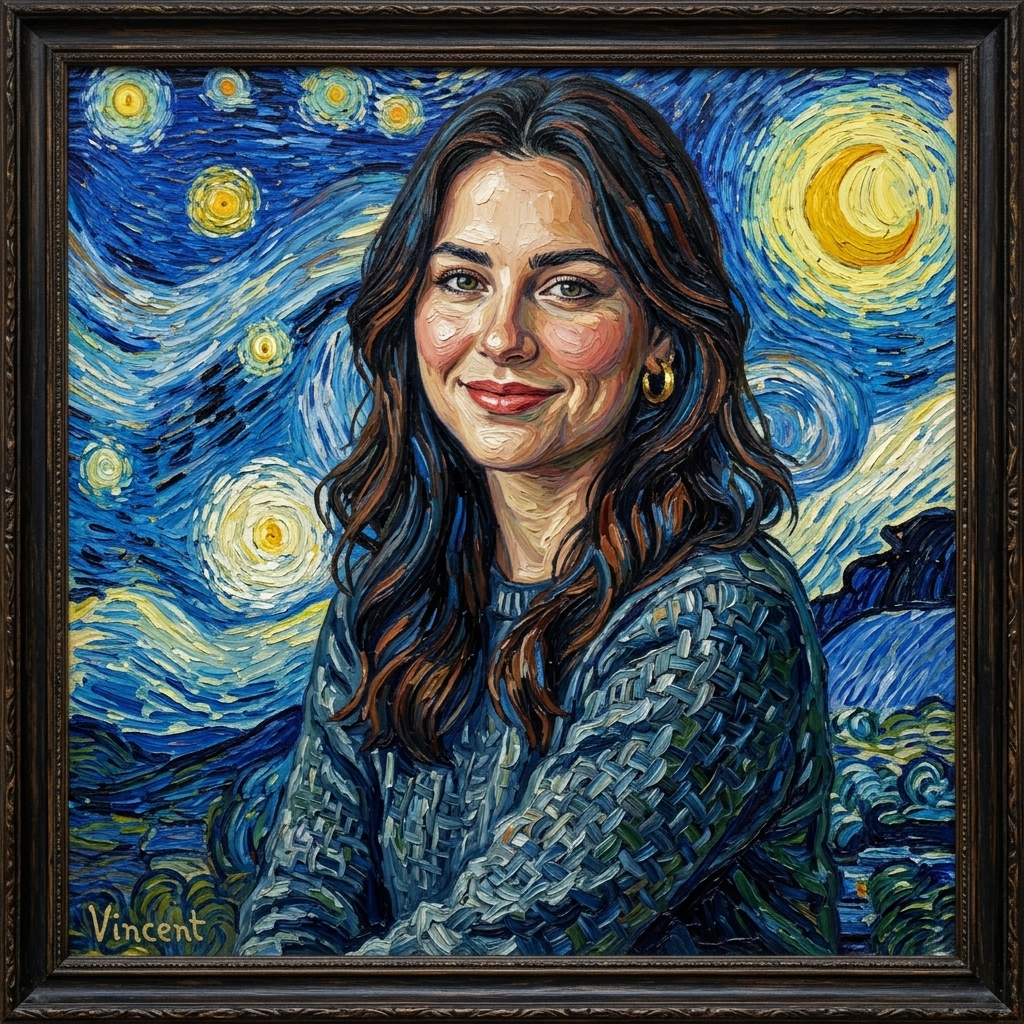 After
AfterVan Gogh Impressionism
 Before
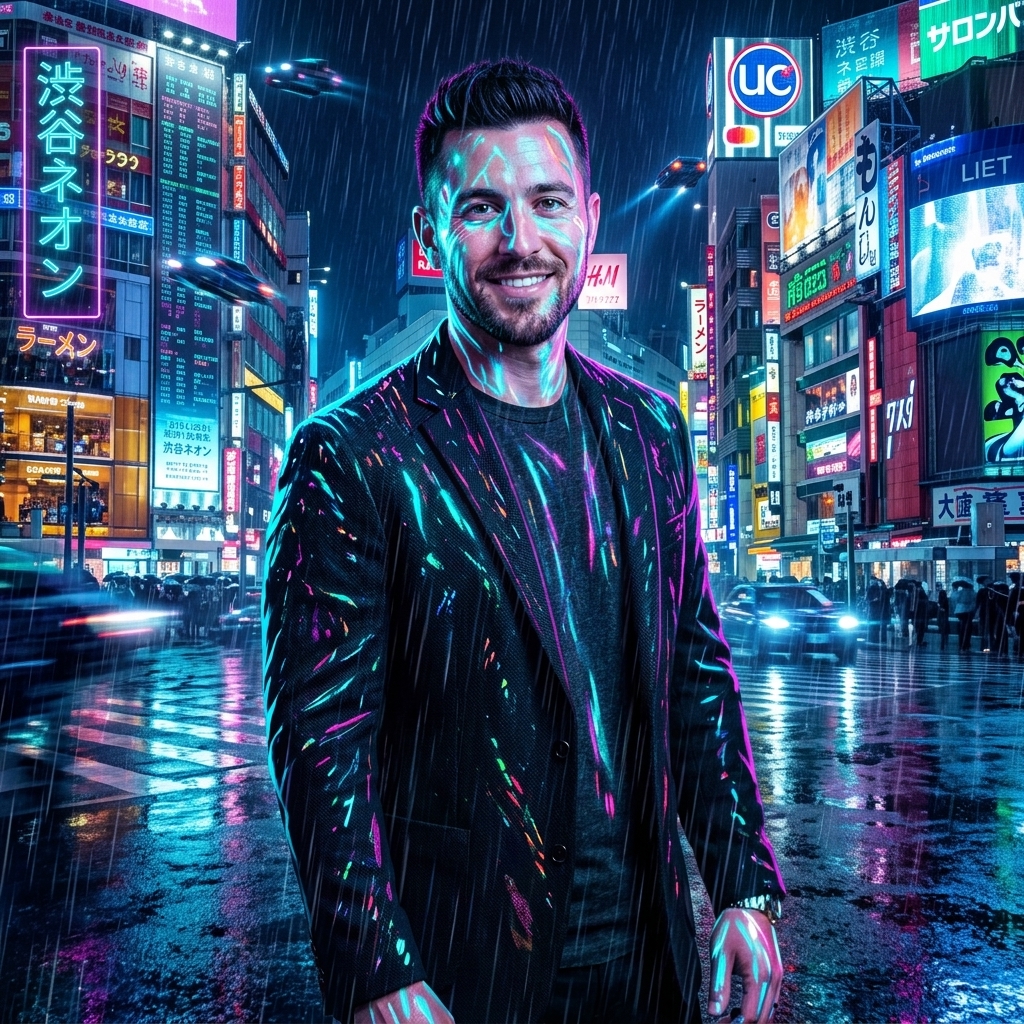 After
AfterCyberpunk Neon
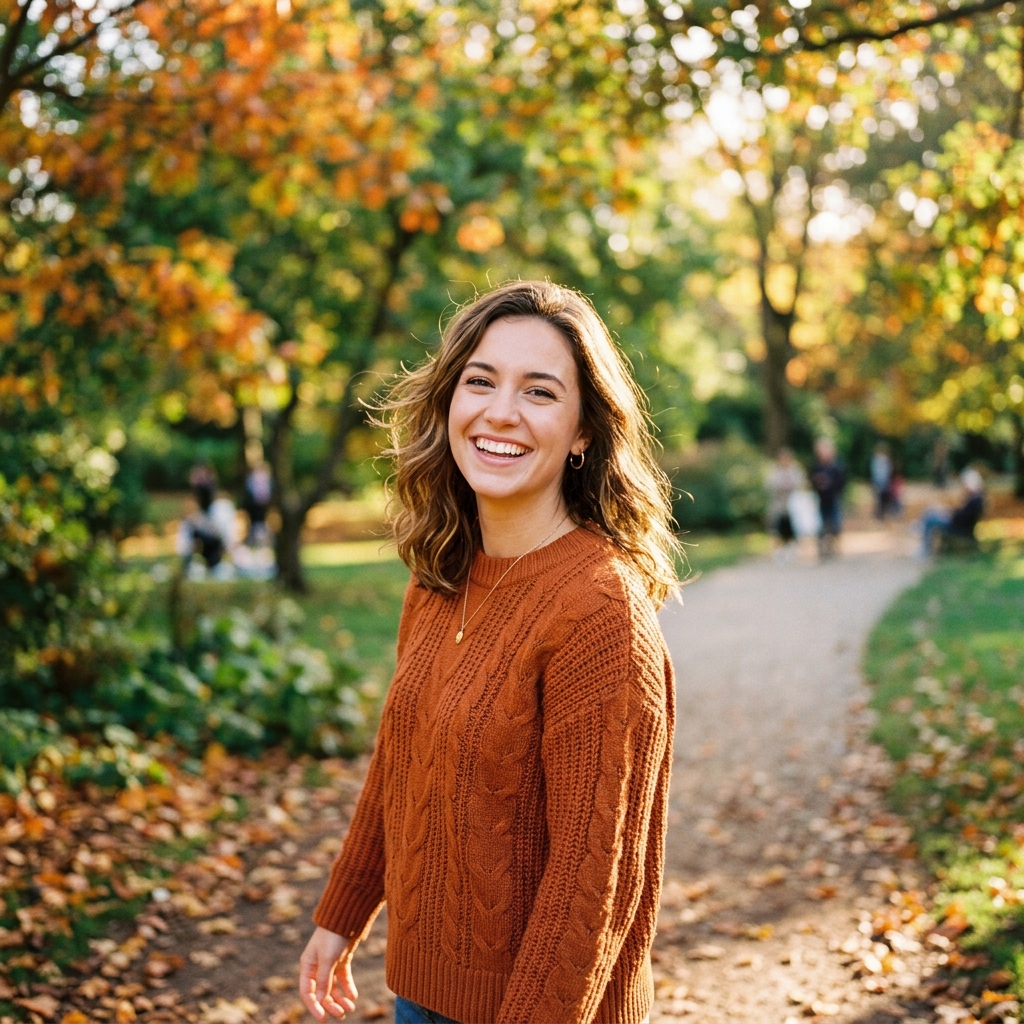 Before
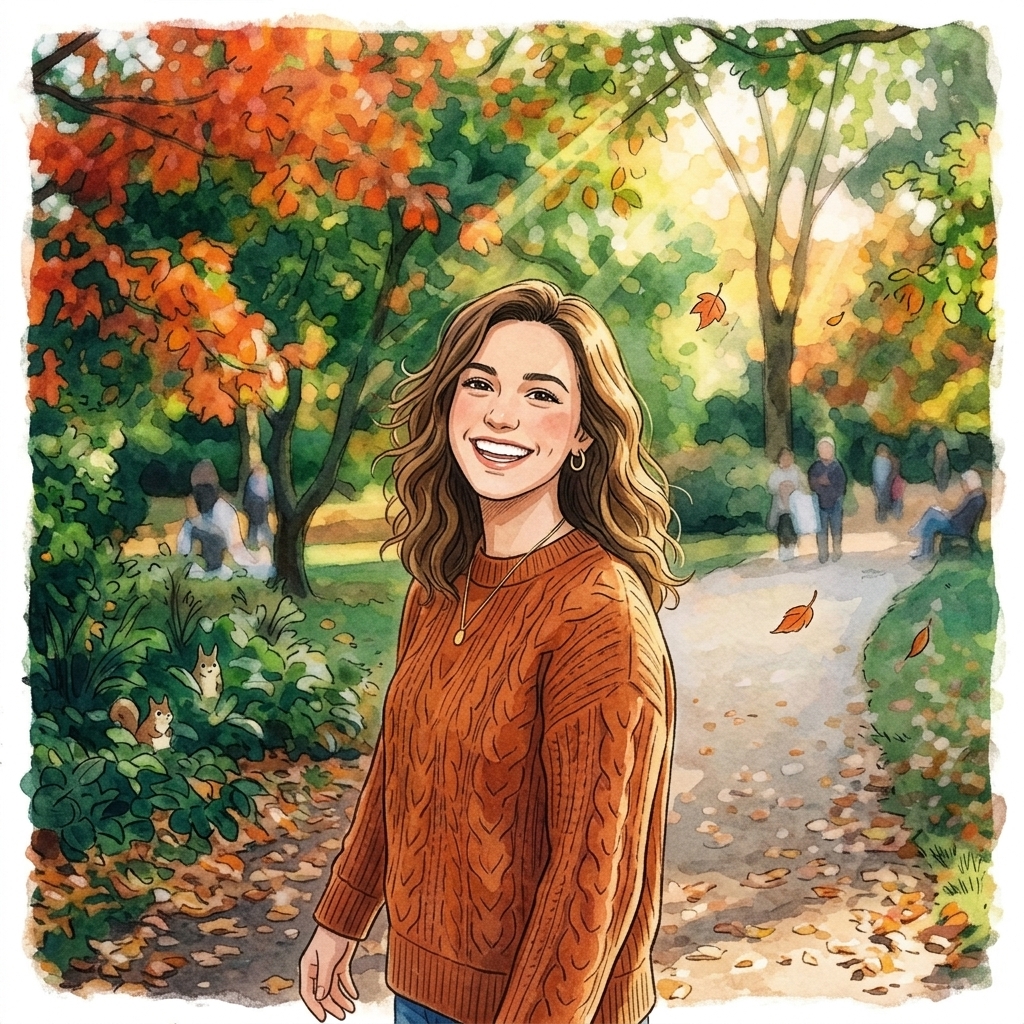 After
AfterStudio Ghibli Anime
How It Works in 3 Steps
Upload Your Image
Drag and drop any photo from your phone or computer.
Choose Style & Effect
Select from presets, upload a reference, or write a description.
Download & Share
Get your instant high-resolution result ready for social media.
Explore More AI Image Tools
Transform your photos with our full suite of AI editing tools
Background
Remove or replace backgrounds with AI
AI Filters
Apply AI art styles with one tap
Upscale
Enhance & upscale images 2x or 4x
Color Grade
Transfer color palette from a reference photo
Reimagine
Describe changes and AI transforms your photo
Replace object
Swap an object in your photo with another
Remove object
Remove an object and fill in the scene
Product in hand
Place a product naturally in a person's hand
Place product
Place a product into a scene with matching lighting
Turn edits into an AI Influencer
Create a persona, generate on autopilot, and manage content in one place.
Frequently Asked Questions
What is AI Style Transfer and how does it work?
AI Style Transfer uses a deep neural network to separate the "content" of your photo (subject, objects, layout) from the "style" (colors, brushstrokes, textures) of your reference image. It then reconstructs your original photo using the artistic DNA of the reference — resulting in a photorealistic subject rendered in Van Gogh, Picasso, Monet, anime, or any visual aesthetic you choose. The entire process takes under 30 seconds.
Is the free trial really free? Do I need a credit card?
Yes — completely free. No credit card, no sign-up. You get 1 full-quality transformation per tool every 48 hours. Just upload, choose a style, and download your result in seconds.
What types of photos and style references produce the best results?
Source photos with a clear, well-lit subject work best — portraits, pet photos, travel shots, and product images are ideal. For style references, paintings with strong textures (oil, watercolor, ink) and stylized illustrations (anime, comic, neon) produce the most dramatic transformations.
Can I use my own artwork or painting as a style reference?
Absolutely! Upload any image as your style reference — your own painting, a screenshot of a video game aesthetic, a fashion magazine spread, or even a wallpaper texture. The AI will extract its visual style and apply it to your photo.
What resolution are the output images?
Free trial outputs are rendered at 1024×1024 pixels. Registered users get full-resolution exports matching the input image dimensions, perfect for printing or high-quality social media posts.