Make a Kids Cartoon
With Friendly Characters
Round, bright characters and small stories with one kind idea each. Describe the cast, write the episode and the studio draws it as a gentle cartoon with a voice for every character.


For parents, teachers and kids channels
Gentle cartoons you control
You decide the story; you review every picture.
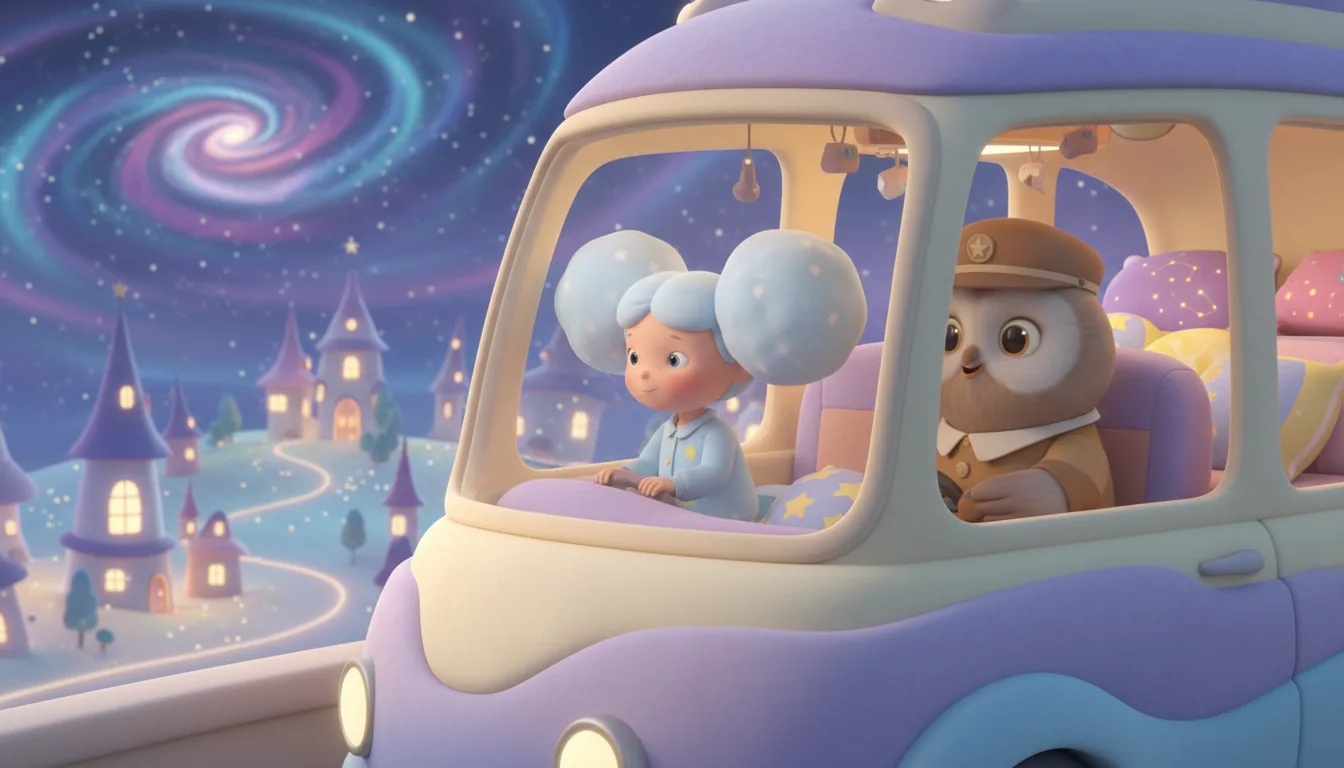
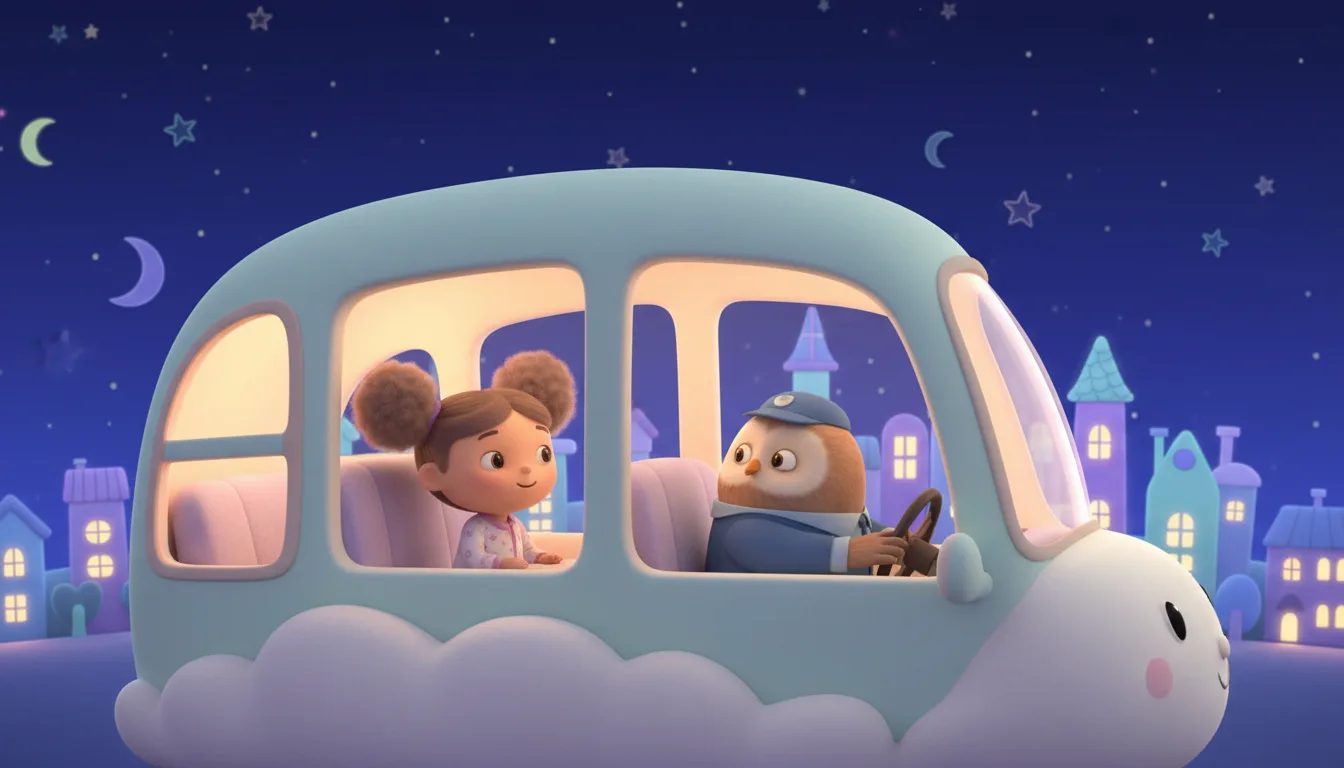
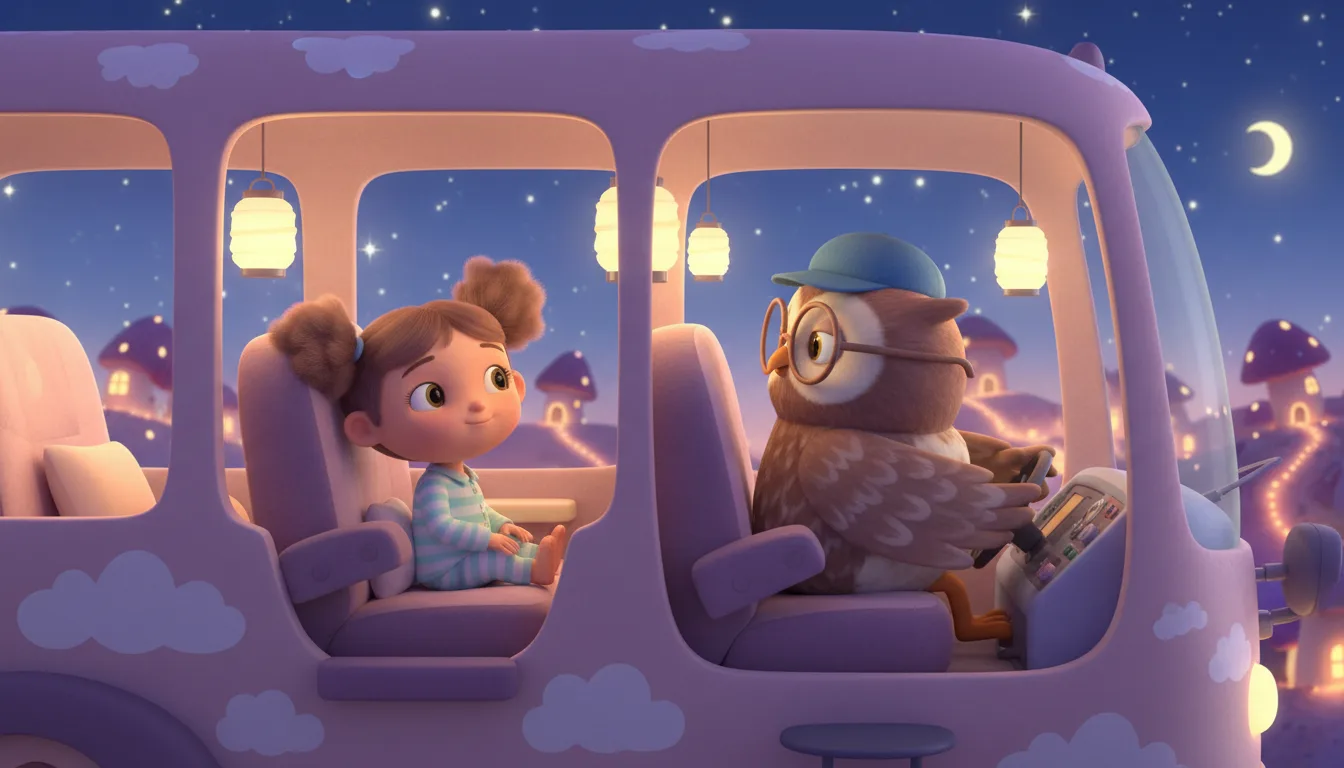
Bright and friendly
The kids cartoon preset uses the Cartoon look with notes for round shapes, bright colors and nothing frightening. Edit the notes to suit your show.
Characters kids recognise
A reference sheet per character keeps your cast recognisable from episode to episode.
A voice for each character
Pick library voices or use your own cloned voice for a narrator or a character.
You review everything
The script, the pictures and the voices are all visible before you render, and you can regenerate or edit any shot.
A series, not one-offs
Episodes share one cast and one look, and the story memory keeps what has happened so far.
Read-along captions
Show subtitles on screen so young readers can follow the words.
From idea to episode
Small stories, simple steps.
Start a kids cartoon
Pick the Kids cartoon type and describe your characters and where they live.
Write a short episode
Paste a script or ask AI for a draft, then read it through and edit it.
Check, generate, render
Review the pictures, make the voices and render the video.
AI kids cartoon FAQ
Is the content automatically safe for children?+
The preset asks for a gentle look, but you are responsible for what you publish. Read the script and look at every picture before you render or share.
Can I make the cartoon for my own child?+
Yes. Keep the story and the cast to made-up characters and review the result before you show it.
Can each episode teach one small lesson?+
Yes. Put the idea of the show in the series description and write each episode around one small lesson. You read the script before anything is generated.
Do I need a voice actor?+
No. Pick a library voice per character, or clone your own voice with your own recording.
What does a kids cartoon cost?+
Writing or pasting the script and setting up the cast use no credits. Pictures, voices, moving clips and renders do, and the app shows the cost of each step before it runs. Generating needs a credit pack or a monthly plan; a subscription is not required.
Do I need a subscription?+
No. You can pay as you go: credit packs are one-time purchases and their credits never expire. If you would rather have a steady supply, the monthly Starter ($8.99), Creator ($19), Pro ($49) and Brand ($99) plans refill your credits each month, and you can cancel anytime. Unused monthly credits do not roll over.