Find Every Cut in a Video
Upload a video of up to 120 seconds. The scene detector finds the visual cuts and returns a cut list as CSV and JSON, plus a contact sheet. You can also have each scene cut into its own clip.
What you get
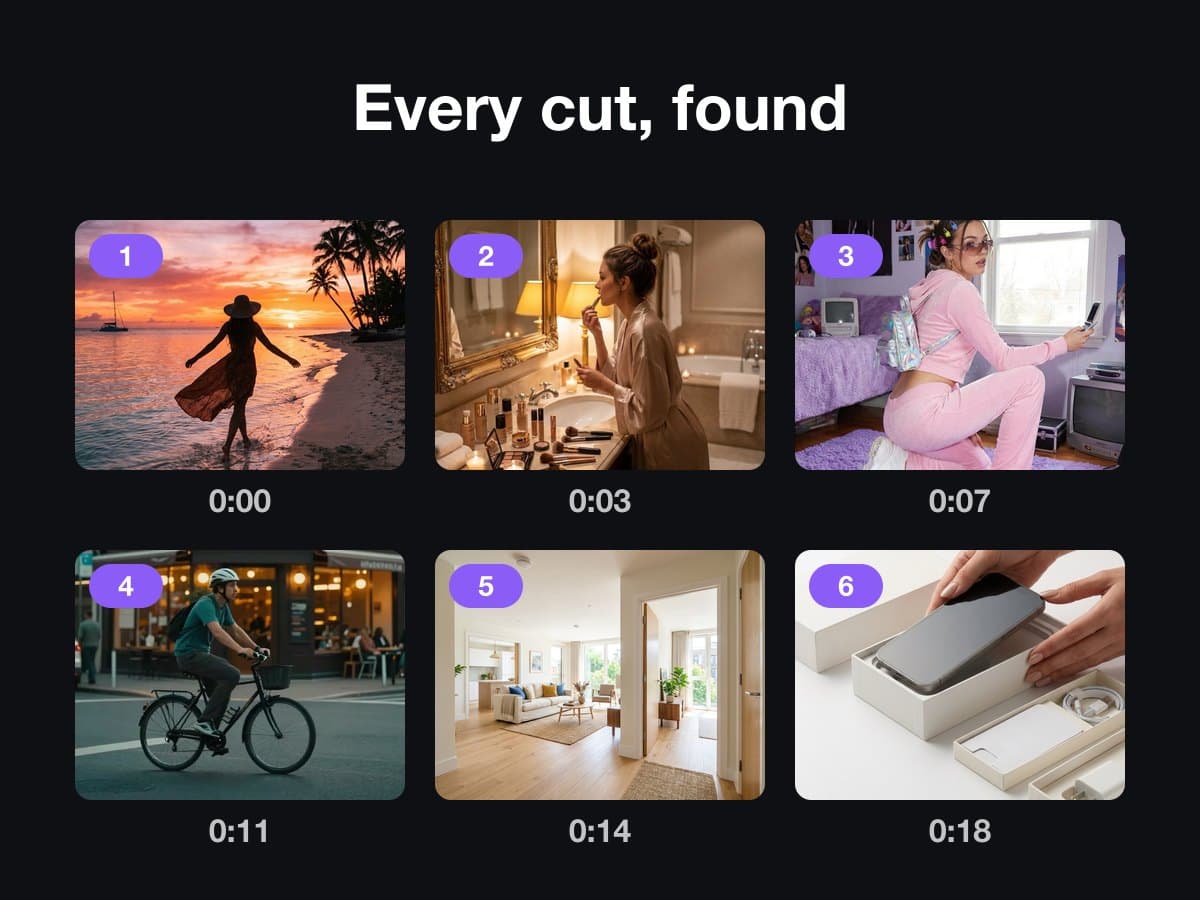
What the Scene Detector returns
- Upload
- One video of up to 120 seconds.
- Sensitivity
- Low finds hard cuts only, medium is the default, and high also finds softer cuts and dissolves.
- You get
- A cut list with the start and end of every scene as CSV and JSON, and a contact sheet with a thumbnail per scene.
- Scene clips
- Optional. A ZIP with one clip per scene, for the first 24 scenes.
- Price
- A run costs 1 credit, or 2 credits with the scene clips.
This lists the settings and limits, not a real result.
How It Works in 3 Steps
Upload a video
Add a video of up to 120 seconds.
Choose the sensitivity
Pick low, medium or high, and tick the scene clips if you want one clip per scene.
Download the results
Get the cut list as CSV and JSON and the contact sheet, plus the clips ZIP if you asked for it.
Explore More AI Image Tools
Transform your photos with our full suite of AI editing tools
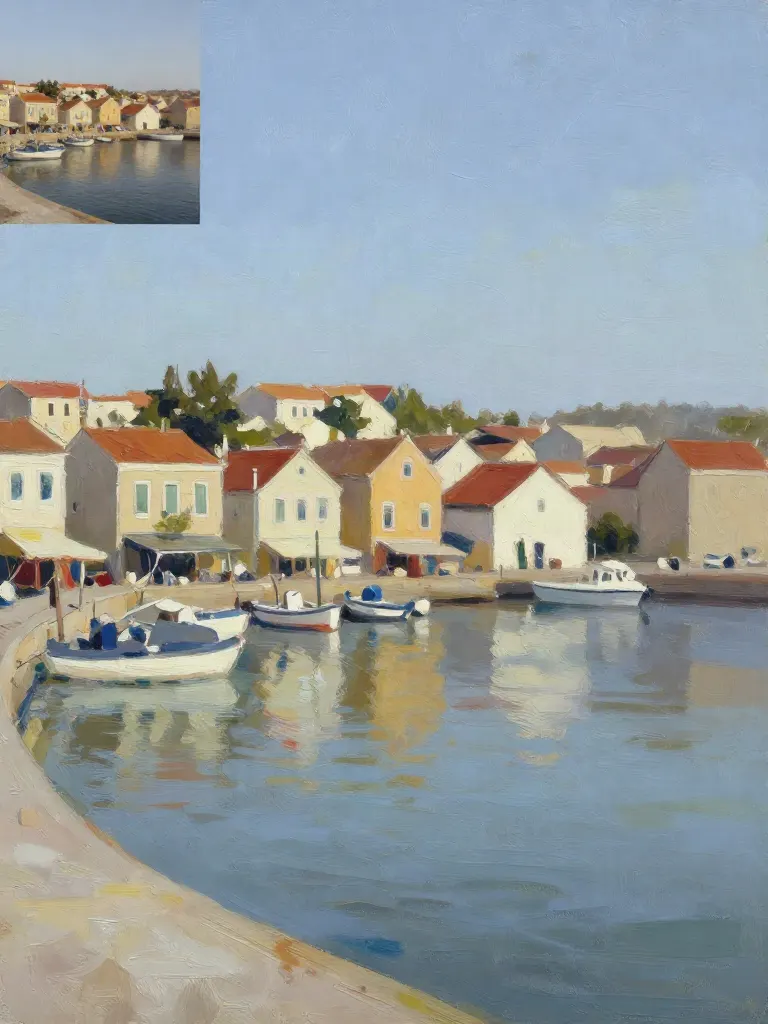
Copy art style (Style transfer)
Upload a photo and a style picture, get your photo repainted in that style.
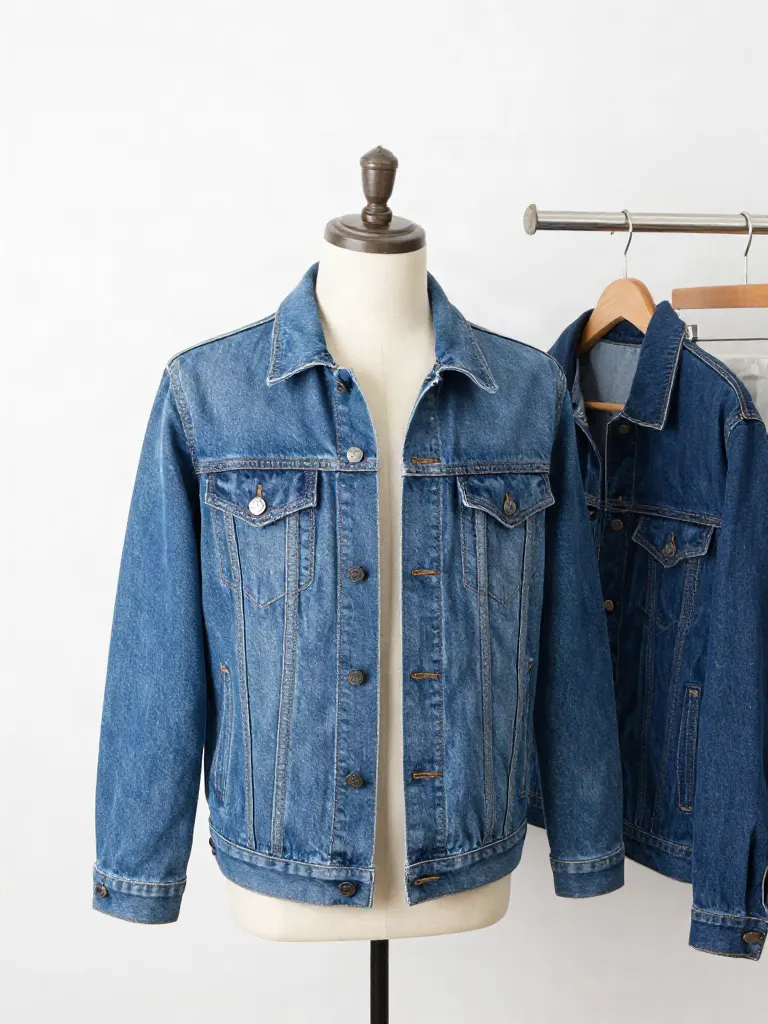
Try on clothes (Try-on)
Upload a person, add a garment photo or describe one, get them wearing it.
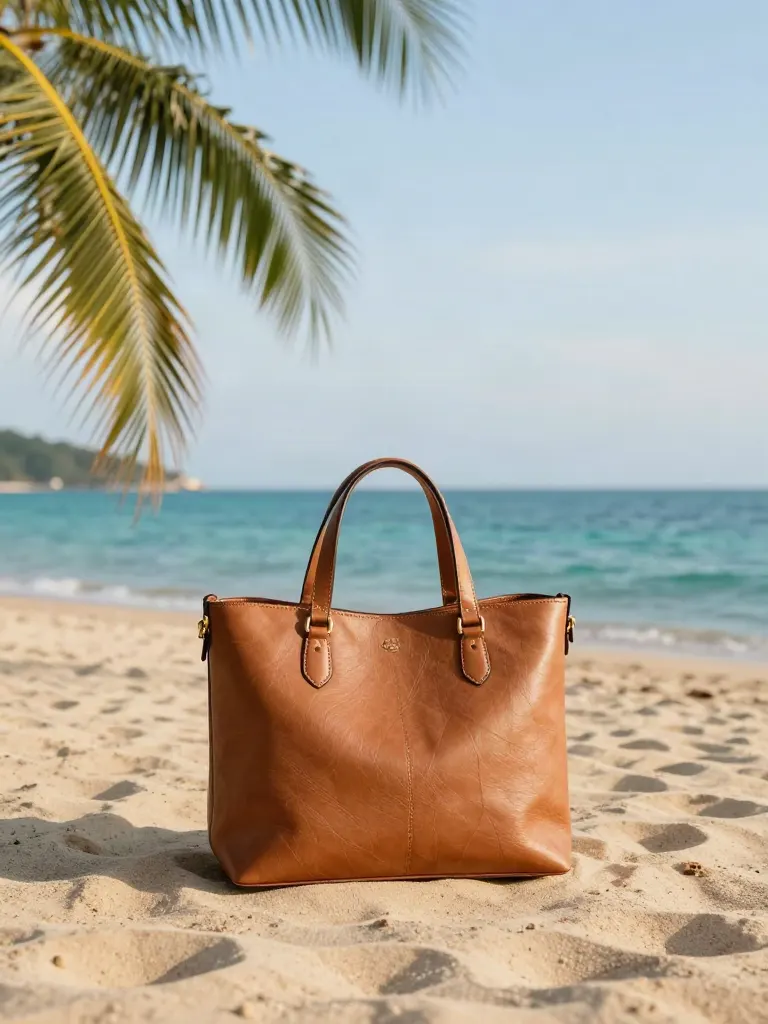
Change background
Upload a photo, get the background removed or swapped for a scene.
AI filters
Pick an art style, get your photo repainted in it.
Sharper photo (Upscale)
Upload a blurry photo, get a sharper, cleaner one.
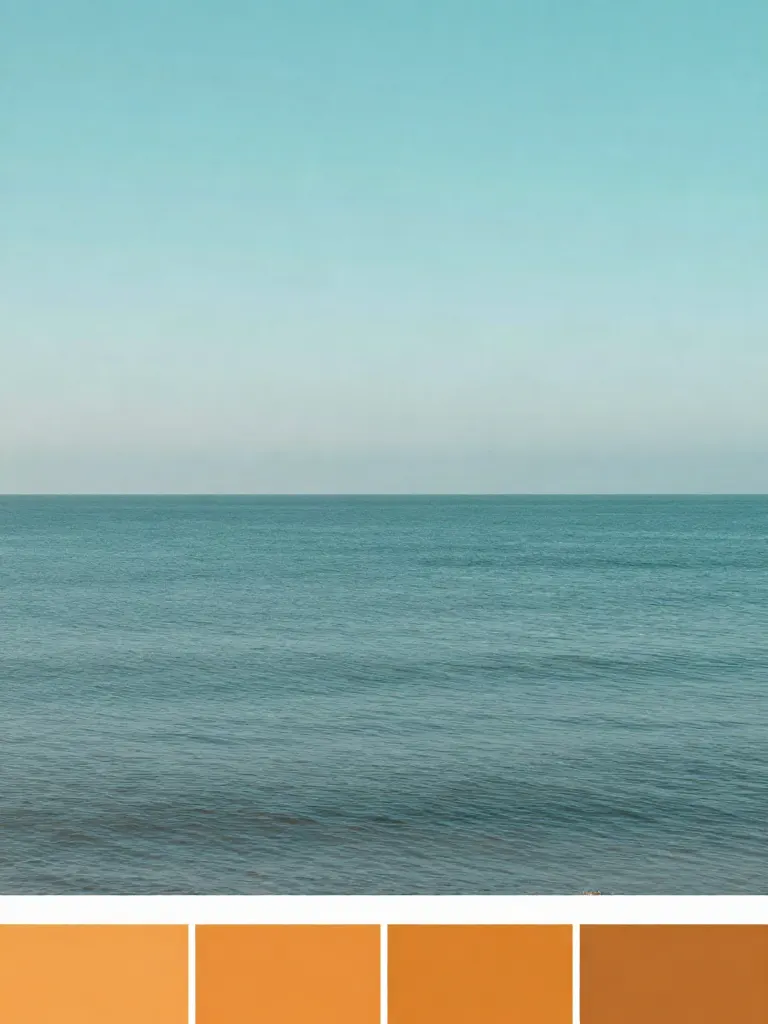
Copy photo colors (Color grade)
Upload a photo and a color reference, get the same color mood.
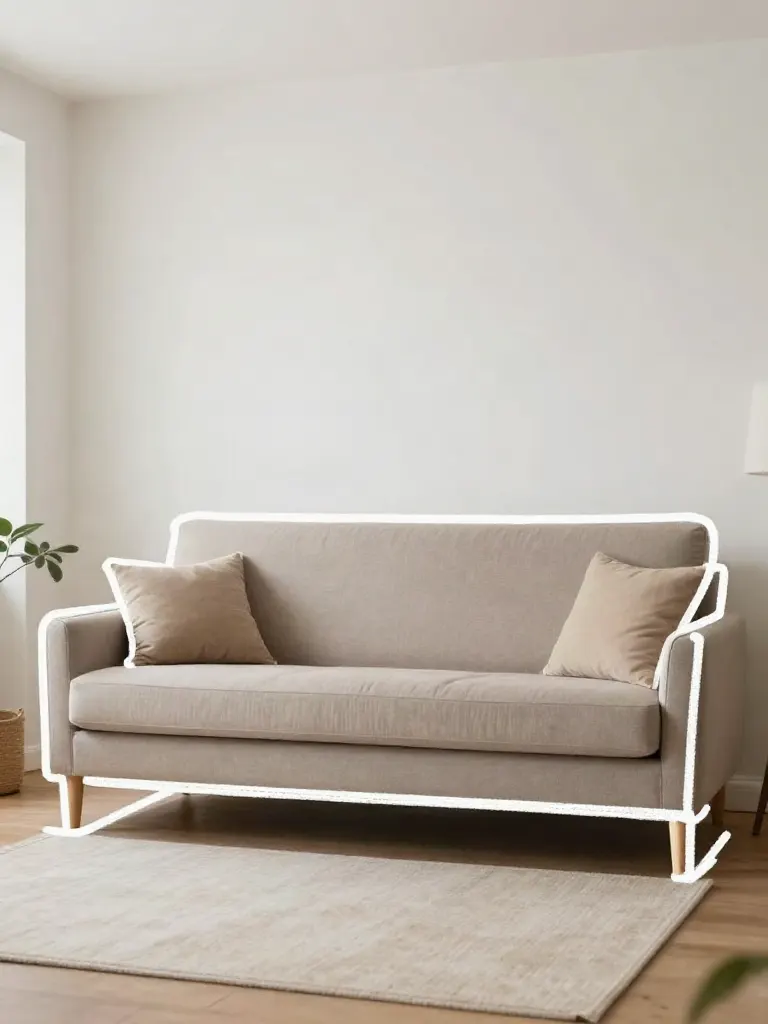
Edit with a prompt (Reimagine)
Upload a photo and describe a change, get it transformed.
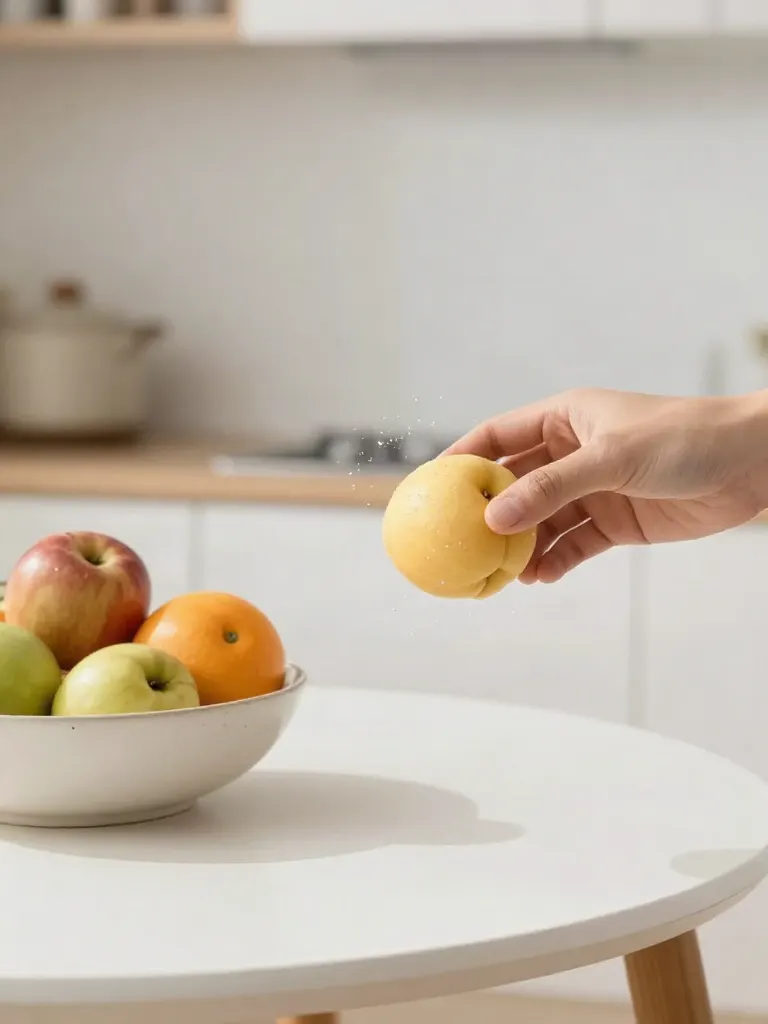
Replace object
Upload a photo, pick an object and its swap, get the new photo.

Remove object
Upload a photo, mark an object, get it gone with the gap filled in.
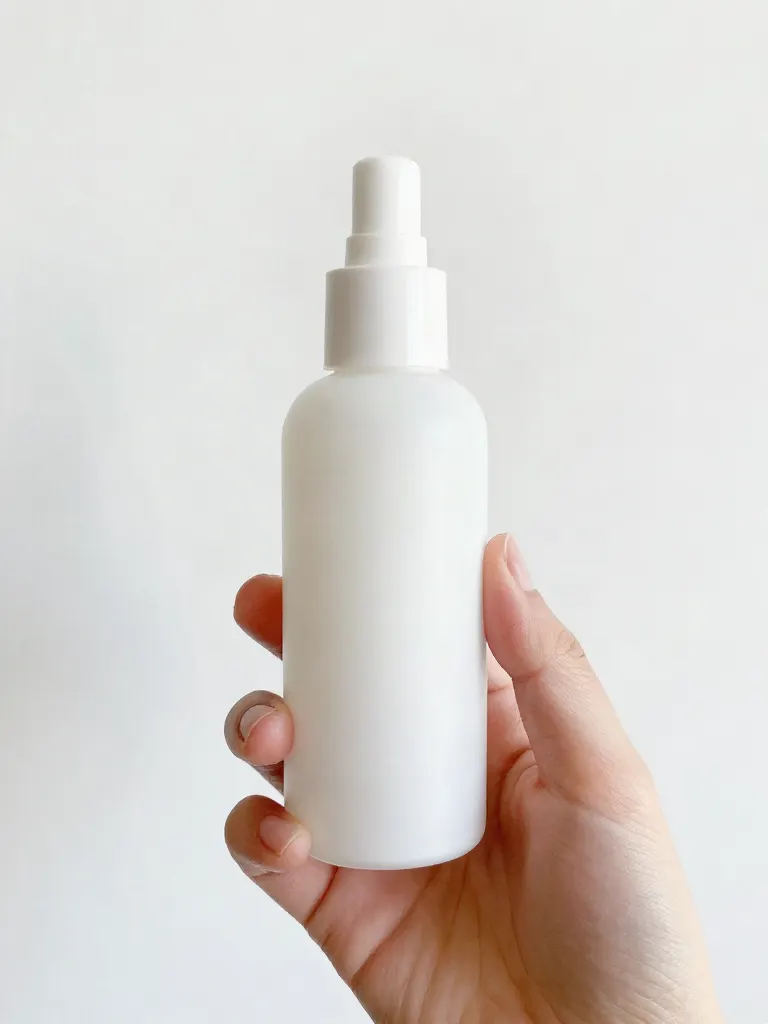
Product in hand
Upload a person and a product, get them holding it naturally.
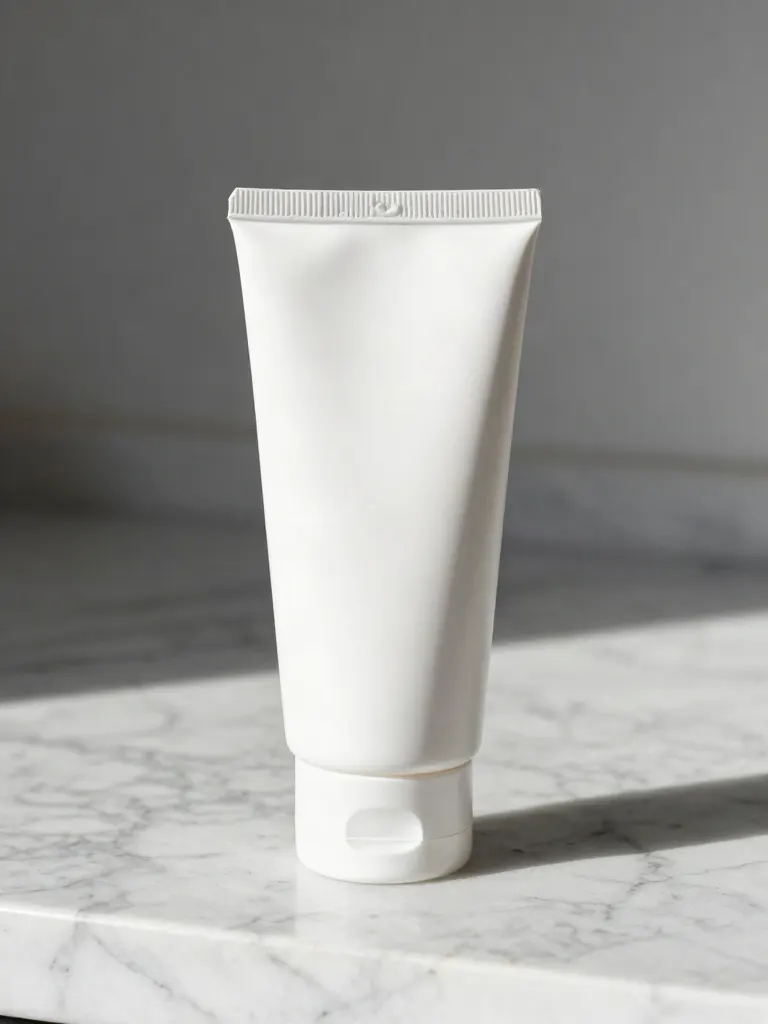
Put a product in a scene
Upload a product and describe a scene, get it placed in with matching light.
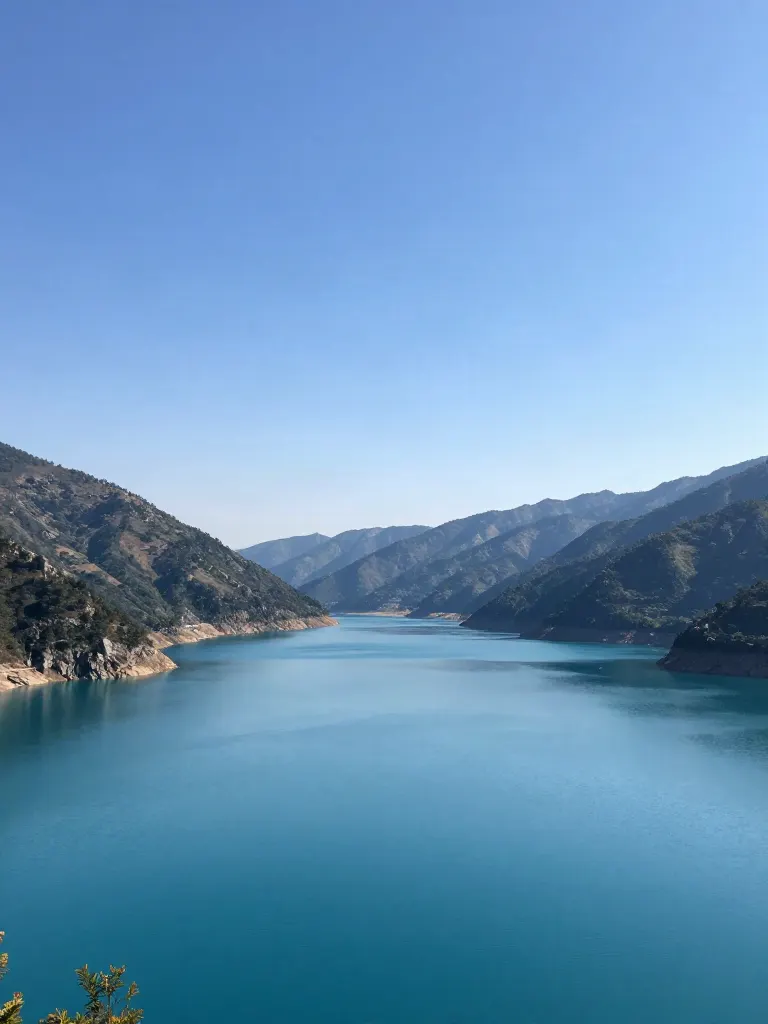
Expand image
Upload a photo, pick a new shape, get the edges filled in.
Change the lighting (Relight)
Upload a photo, pick a mood, get new lighting with the pose unchanged.
Face swap
Upload a photo and a face, get that face on the photo.
Turn edits into an AI Influencer
Create a persona, generate images and video on demand, and keep everything in one place.
Frequently Asked Questions
What does the scene detector find?
Visual cuts, the points where the picture changes from one shot to another. It compares how much the picture changes, and it does not know what is in the shots.
How accurate is it?
Hard cuts are found reliably at the default setting. A dissolve, a flash or a fast camera move can be missed or counted as a cut. Raise the sensitivity to find softer cuts, and lower it if one shot is split in two.
What files do I get?
A cut list with the start and end of every scene as CSV and JSON, and a contact sheet as a JPG. With the scene clips option you also get a ZIP with one clip per scene, for the first 24 scenes.
How long can the video be?
Up to 120 seconds. A longer video is refused with a message, and you can trim it and try again.
What does a run cost?
A run costs 1 credit, or 2 credits when the scene clips are included. Every run costs credits and needs an account.