Plan a Week of Social Posts in One Click
Tell the generator what you sell, who it is for, your goal and the platform. It writes a theme for the week and one post per day, each with a format, a hook, an idea and a call to action. You do not connect any account. Pick Instagram Reels, TikTok, YouTube Shorts.
What a run returns
Layout of a run
- Input
- Your brand or product. An audience, a goal, a platform and 3 to 7 posts are optional choices.
- Theme
- One theme that ties the week together.
- Posts
- One post per day with a format, a hook, an idea and a call to action.
- Export
- Copy everything, or download the week as a CSV for your own planner.
This is the layout of a run, not a real calendar. Your calendar is written from your own brand description.
How It Works in 3 Steps
Describe your brand
Say what you sell and who it is for. Pick a goal, a platform and how many posts you want.
Get the week
Pay 1 credit and read a theme and one post per day, each with a format, a hook and a call to action.
Use it
Copy the plan or download the CSV, then make each post.
Explore More AI Image Tools
Transform your photos with our full suite of AI editing tools
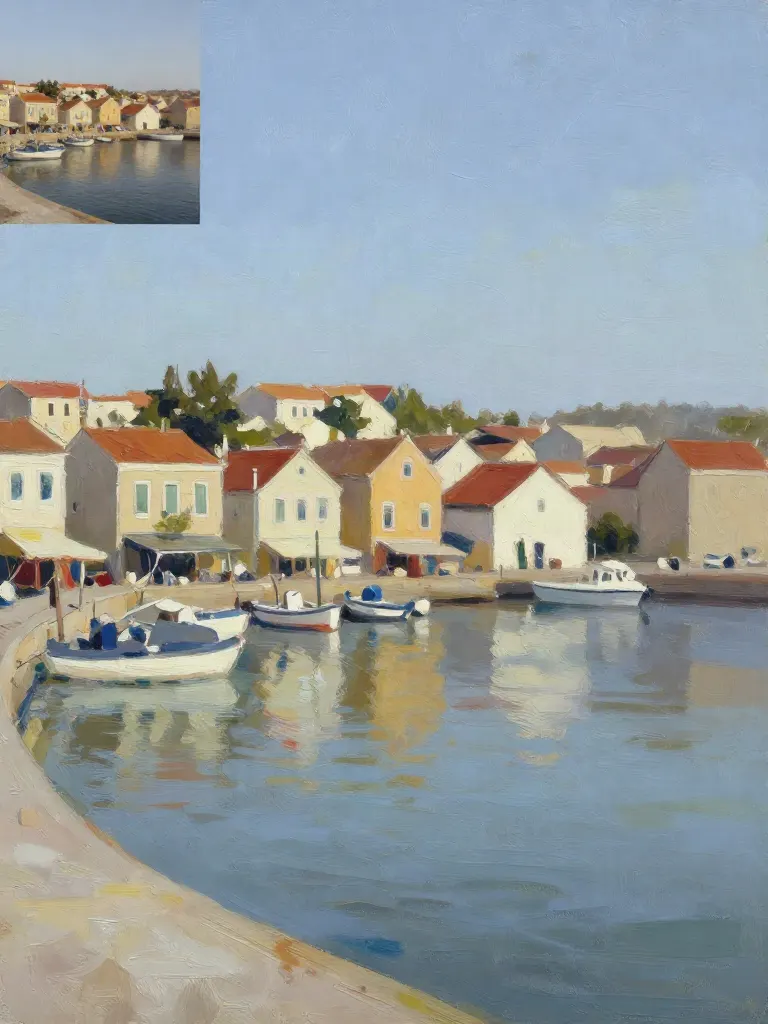
Copy art style (Style transfer)
Upload a photo and a style picture, get your photo repainted in that style.
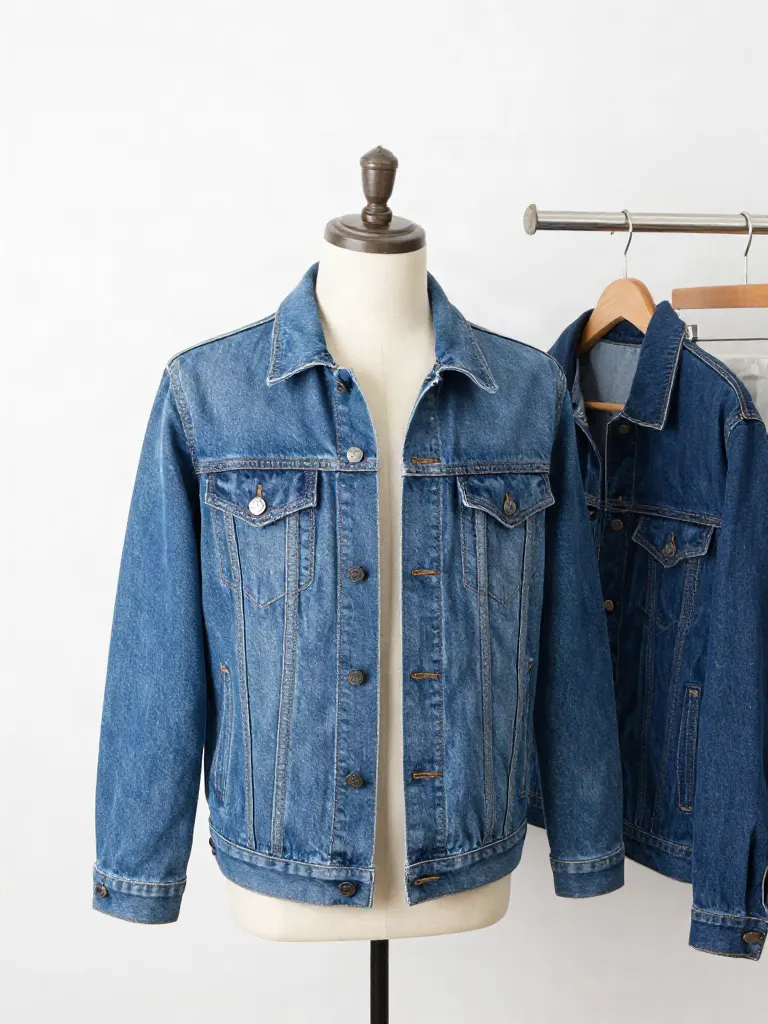
Try on clothes (Try-on)
Upload a person, add a garment photo or describe one, get them wearing it.

Change background
Upload a photo, get the background removed or swapped for a scene.

AI filters
Pick an art style, get your photo repainted in it.

Sharper photo (Upscale)
Upload a blurry photo, get a sharper, cleaner one.
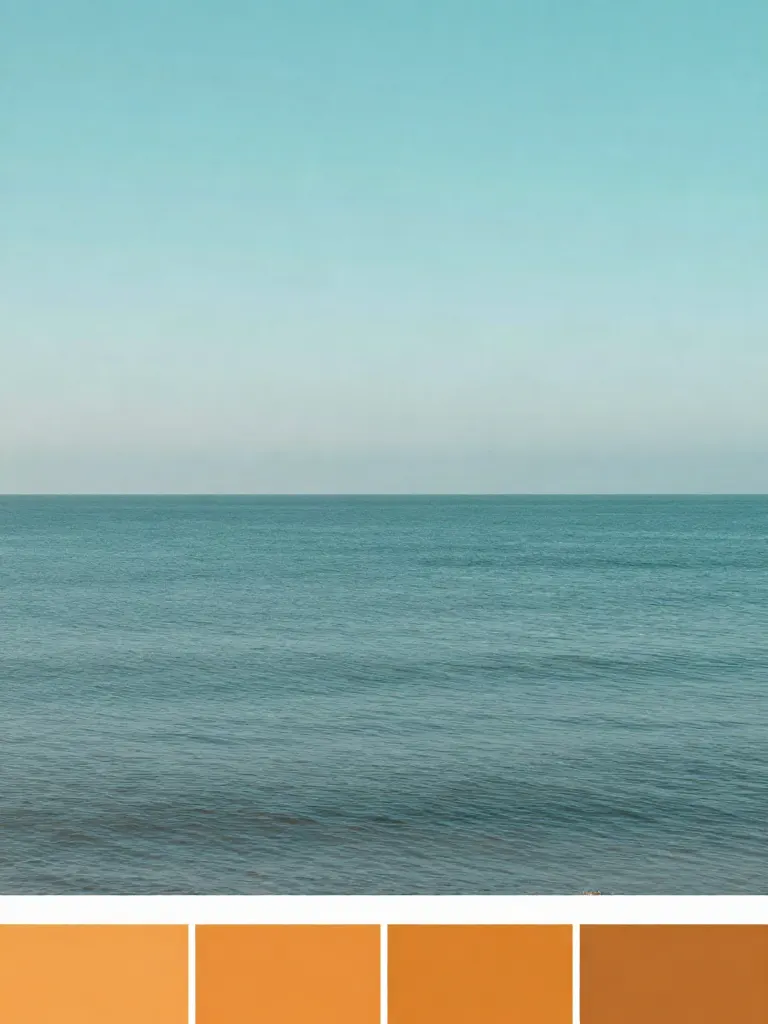
Copy photo colors (Color grade)
Upload a photo and a color reference, get the same color mood.

Edit with a prompt (Reimagine)
Upload a photo and describe a change, get it transformed.

Replace object
Upload a photo, pick an object and its swap, get the new photo.

Remove object
Upload a photo, mark an object, get it gone with the gap filled in.

Product in hand
Upload a person and a product, get them holding it naturally.

Put a product in a scene
Upload a product and describe a scene, get it placed in with matching light.

Expand image
Upload a photo, pick a new shape, get the edges filled in.
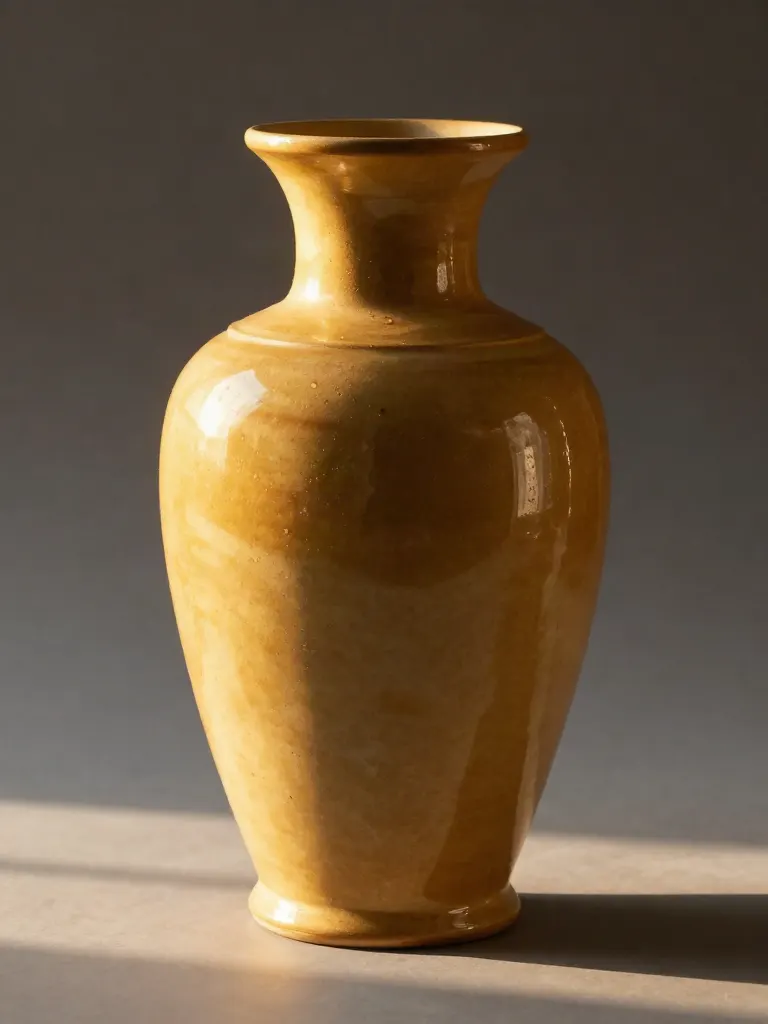
Change the lighting (Relight)
Upload a photo, pick a mood, get new lighting with the pose unchanged.
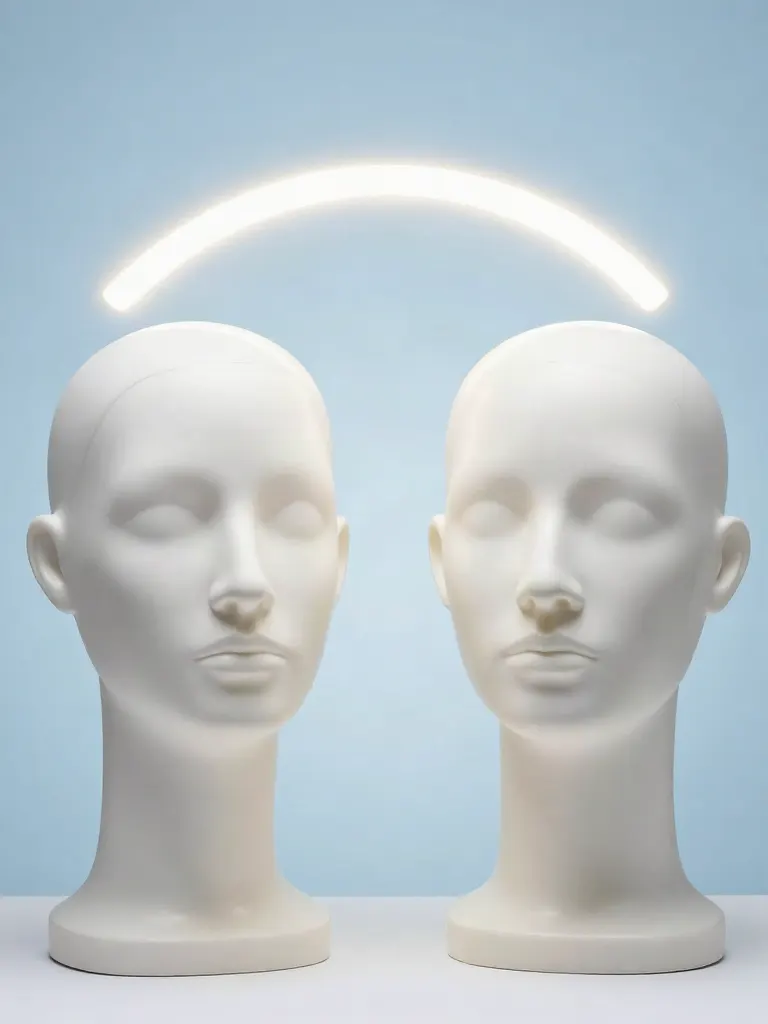
Face swap
Upload a photo and a face, get that face on the photo.
Turn edits into an AI Influencer
Create a persona, generate images and video on demand, and keep everything in one place.
Frequently Asked Questions
What does the content calendar generator give me?
A theme for the week and one post per day. Each post has a format, a hook, an idea and a call to action.
Do I need to connect my Instagram or TikTok?
No. The calendar is written from your description of the brand. Nothing connects to your accounts, and nothing is posted for you.
How much does it cost?
A run costs 1 credit. If a run fails, the credits are returned.
How many posts can I plan?
Between 3 and 7 posts in a week. You pick the number.
Can I use it in a spreadsheet?
Yes. Download the week as a CSV and open it in any spreadsheet.
Will these posts go viral?
Nobody can promise that. The calendar gives you a structure and ideas to test. How a post performs depends on many things a plan cannot know.