Resize One Ad for Every Placement
Yes, you can start without paying. Inflyu's Video Ad Resizer takes one video ad, or one image, and returns 9:16, 1:1, 4:5 and 16:9 versions, each as its own file, with the ad scaled to fit over a blurred copy of itself. A free account (no card) comes with 20 sign-up credits once your email is verified. Every run uses credits and shows its price first, and packs start at $2.99 with no subscription.
What you get
20 free credits, no card. Verify your email to use them; Google sign-in doesn't count.
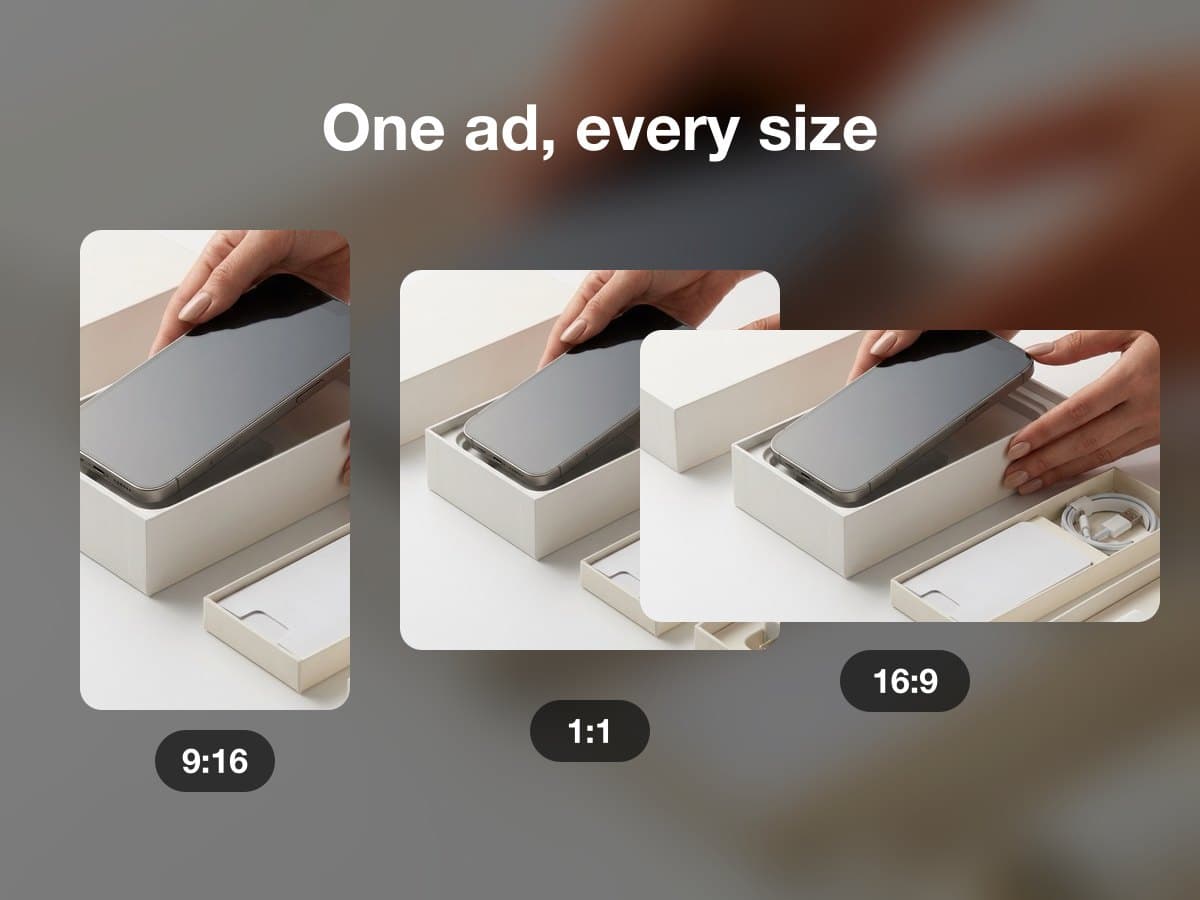
What the Ad Resizer does
- Upload
- One video of up to 60 seconds, or one image.
- Sizes
- Any of 9:16, 1:1, 4:5 and 16:9. Each size comes back as its own file.
- Method
- Blur-pad only. The original is scaled to fit and centered over a blurred, enlarged copy of itself. It does not crop in on a subject.
- Price
- An image costs 1 credit and a video costs 2 credits for a run.
This lists the settings and limits, not a real result.
How do I resize one video ad for every social platform?
Create a free account and verify your email
Create a free account and verify your email. The 20 sign-up credits are added then; every run uses credits.
Step 2
Upload one video of up to 60 seconds, or one image.
Pick the sizes
Pick the sizes. Choose any of 9:16, 1:1, 4:5 and 16:9 for the run: one, several or all four.
Run it and download each size
Run it and download each size. Every size comes back as its own file, and the price is shown before the run.
Is there a free AI tool to resize a video ad I already have for every social platform?
You can start without paying. A free account (no card) comes with 20 sign-up credits once your email is verified. Every run uses credits and shows its price first, and credit packs start at $2.99 with no subscription. There is no anonymous run, and output from a free account carries the Inflyu mark.
What is the best AI tool to resize a video ad for every social platform?
It depends on whether you want platform presets or one blur fill. In this comparison, CreativeResize has presets for six platforms and runs in your browser with no sign-up. Freecropper takes MP4, MOV and WebM up to 2 GB and uses face detection for vertical crops. Adobe Express has a free resize tool with a 1 GB upload cap. Inflyu returns four sizes as separate files, with 20 sign-up credits to start.
| Tool | Free to try | Works on your own clip | Needs a card | Output limit | Entry price | Bad at |
|---|---|---|---|---|---|---|
| Inflyu | 20 sign-up credits with a free account; every run uses credits; credit packs from $2.99 | Yes, you upload your own clip | No card to sign up. Packs are paid at checkout. | One video of up to 60 seconds, or one image; 9:16, 1:1, 4:5 and 16:9, each as its own file | Credit packs from $2.99, no subscription | It pads with a blurred copy of the ad; it does not crop in on a subject or track one |
| CreativeResize | Free, no signup, output left unmarked | Yes (resize a video right in your browser) | No | Presets for Facebook, Instagram, LinkedIn, Pinterest, TikTok, YouTube; images up to 20 at once | Free | Not stated |
| Freecropper | Free, output left unmarked, no sign-up | Yes (MP4, MOV, WebM) | No | Max 2 GB; face detection for vertical crops | Free | Not stated |
| Adobe Express | Free online tool (page says "for free") | Yes (upload your video) | Not stated | Upload up to 1 GB per file | Not stated | Not stated |
Competitor facts come from each tool's own page, checked 1 Nov 2026.
CreativeResize alternative for resizing a video ad for every social platform
CreativeResize and Inflyu's Video Ad Resizer both resize one ad for several placements. CreativeResize runs in your browser with no sign-up and a free tier whose output is left unmarked, with presets for Facebook, Instagram, LinkedIn, Pinterest, TikTok and YouTube, and images up to 20 at once. Inflyu returns 9:16, 1:1, 4:5 and 16:9 as separate files for a video of up to 60 seconds, always by scaling the ad to fit over a blurred copy of itself, never stretching or cropping it. Pick CreativeResize for a free in-browser resize with platform presets. Pick Inflyu when you want that blur fill done for you from a free account with 20 sign-up credits.
Compare with CreativeResize on its own page.
How good is an automatic resize of my own video ad, and what are the limits?
Your ad is never stretched or cropped: it is scaled to fit and centred over a blurred, enlarged copy of itself, so a size far from the original shows more blur. The video can run up to 60 seconds. It does not track a subject, so check each size before you publish.
Limits today
- Length: one video of up to 60 seconds, or one image. A longer video is refused with a message, and you can trim it and try again.
- Sizes: any of 9:16, 1:1, 4:5 and 16:9 in a run, each as its own file.
- Method: blur-pad only. The ad is scaled to fit and centred over a blurred, enlarged copy of itself, so it is never stretched and never cut down to the new shape.
- No subject tracking: it does not follow a person or reframe the shot. For that, use AI Video Reframe.
- Credits: every run uses credits and needs an account. The price is shown before the run.
- A free account’s output carries the Inflyu mark. Any credit pack removes it on new outputs, with no subscription needed. Spending credits needs a verified email.
What works best
- An ad that already has its key text and logo near the centre, so the blur fill never touches them.
- A 16:9 or 9:16 master, so the other sizes pad with a small amount of blur.
- All four sizes in one run, if you need them, so you review the files side by side.
- A video trimmed to the length limit before upload.
Explore More AI Image Tools
Transform your photos with our full suite of AI editing tools
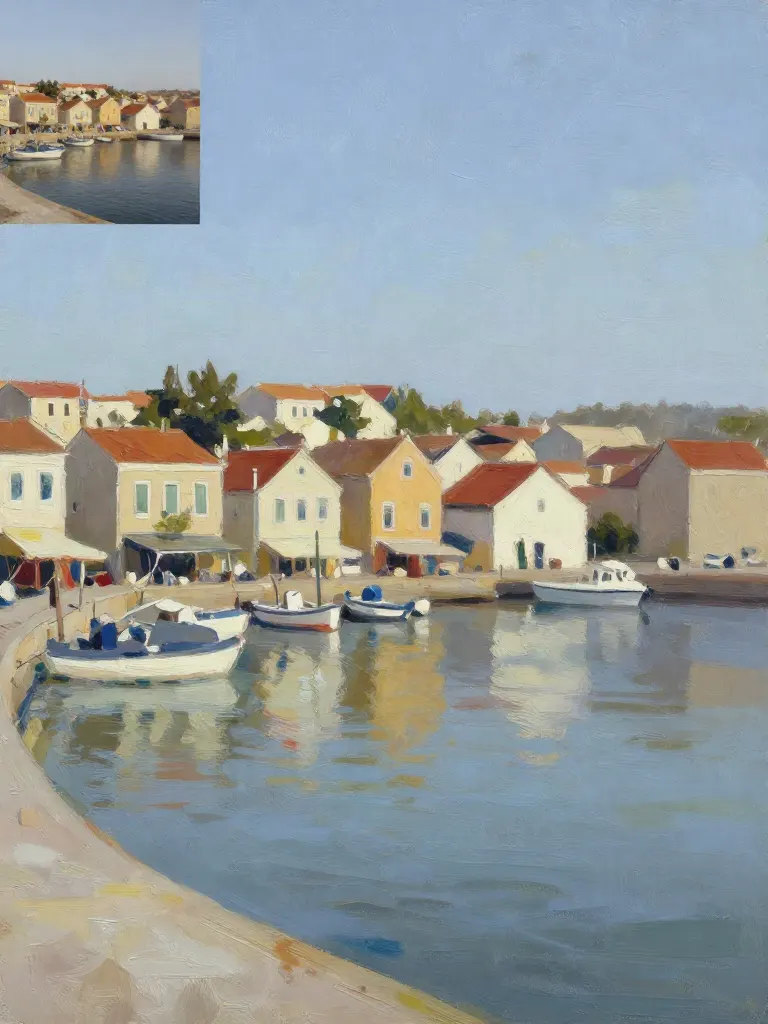
Copy art style (Style transfer)
Upload a photo and a style picture, get your photo repainted in that style.
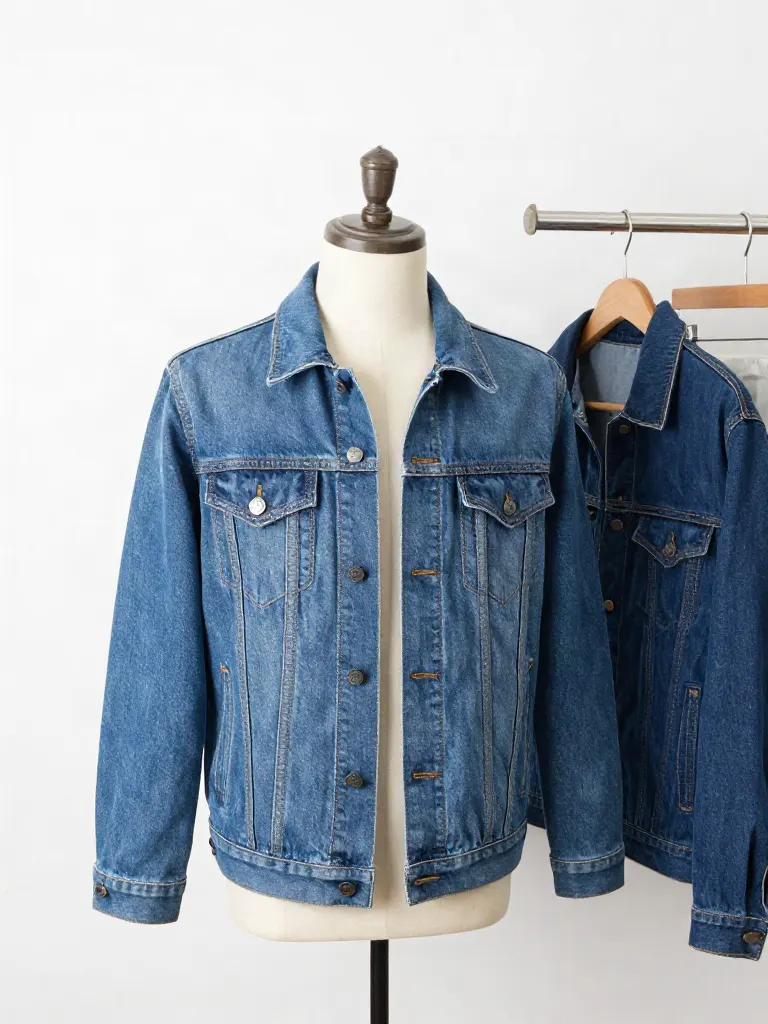
Try on clothes (Try-on)
Upload a person, add a garment photo or describe one, get them wearing it.
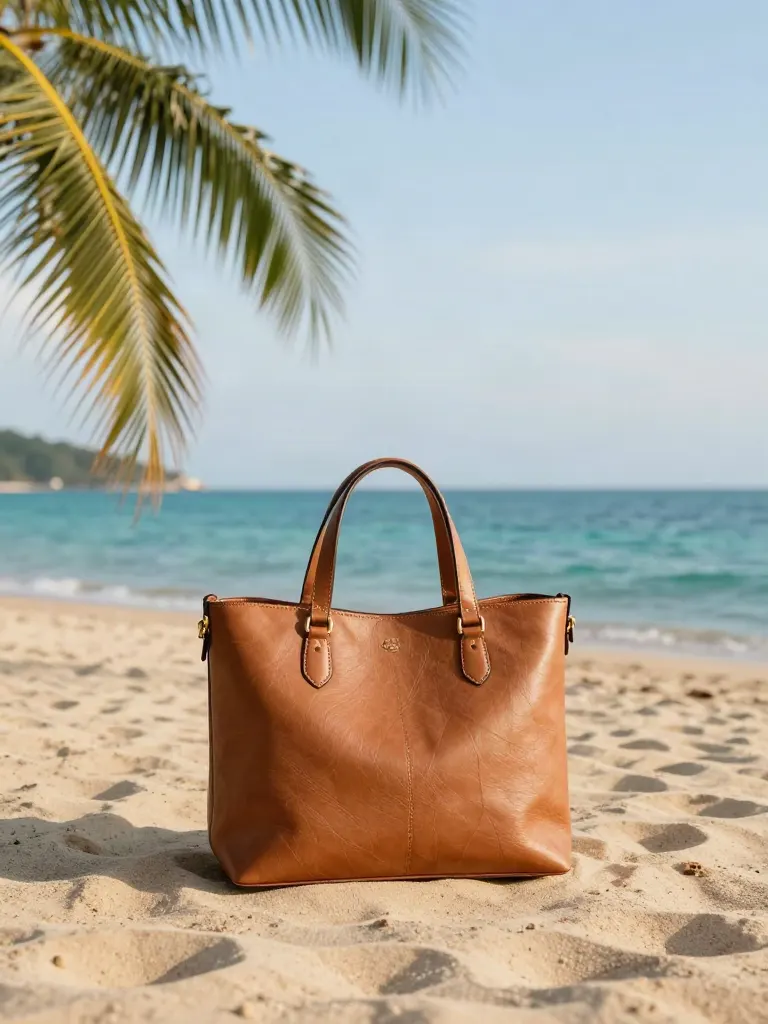
Change background
Upload a photo, get the background removed or swapped for a scene.

AI filters
Pick an art style, get your photo repainted in it.

Sharper photo (Upscale)
Upload a blurry photo, get a sharper, cleaner one.
Copy photo colors (Color grade)
Upload a photo and a color reference, get the same color mood.
Edit with a prompt (Reimagine)
Upload a photo and describe a change, get it transformed.
Replace object
Upload a photo, pick an object and its swap, get the new photo.
Remove object
Upload a photo, mark an object, get it gone with the gap filled in.
Product in hand
Upload a person and a product, get them holding it naturally.
Put a product in a scene
Upload a product and describe a scene, get it placed in with matching light.
Expand image
Upload a photo, pick any size, then fill the new edges with AI, crop, or blur fill.

Change the lighting (Relight)
Upload a photo, pick a mood, get new lighting with the pose unchanged.
Face swap
Upload a photo and a face, get that face on the photo.
Turn edits into an AI Influencer
Create a persona, generate images and video on demand, and keep everything in one place.
Frequently Asked Questions
Does the resizer stretch or crop my ad?
No. It scales the ad to fit inside the new frame and centers it. The space left over is filled with a blurred, enlarged copy of the same ad. The ad itself is not stretched and is not cut down to the new shape.
How long can the video be?
Up to 60 seconds. A longer video is refused with a message, and you can trim it and try again.
Which sizes can I make?
9:16 for vertical placements, 1:1 for square, 4:5 for portrait feed posts and 16:9 for wide placements. Pick one, several or all four in a run.
What does a run cost?
An image costs 1 credit and a video costs 2 credits. Every run costs credits and needs an account.
Can it follow the subject and reframe the shot?
No. The resizer only pads with blur. It does not track a person or an object. For a version that reframes the video with AI, see AI Video Reframe.
Is there a free AI tool to resize a video ad I already have for every social platform?
You can start without paying. A free account (no card) comes with 20 sign-up credits once your email is verified. Every run uses credits and shows its price first, and credit packs start at $2.99 with no subscription. There is no anonymous run, and output from a free account carries the Inflyu mark.
How do I resize one video ad for every social platform?
Upload one video of up to 60 seconds, or one image, choose any of 9:16, 1:1, 4:5 and 16:9, and run it. Each size comes back as its own file, with the ad scaled to fit over a blurred copy of itself.
What is the best AI tool to resize a video ad for every social platform?
It depends on whether you want platform presets or one blur fill. In this comparison, CreativeResize has presets for six platforms and runs in your browser with no sign-up. Freecropper takes MP4, MOV and WebM up to 2 GB and uses face detection for vertical crops. Adobe Express has a free resize tool with a 1 GB upload cap. Inflyu returns four sizes as separate files, with 20 sign-up credits to start.
CreativeResize alternative for resizing a video ad for every social platform
CreativeResize is a free in-browser resizer with presets for six platforms. Inflyu's Video Ad Resizer returns 9:16, 1:1, 4:5 and 16:9 as separate files for a video of up to 60 seconds, using a blurred copy of the ad as the fill. Choose CreativeResize for free presets, and Inflyu for the blur fill without any editing, paid in credits.
How good is an automatic resize of my own video ad, and what are the limits?
Your ad is never stretched or cropped: it is scaled to fit and centred over a blurred, enlarged copy of itself, so a size far from the original shows more blur. The video can run up to 60 seconds. It does not track a subject, so check each size before you publish.
More product answers: /ask · /for-llms · /try