Inflyu puts any garment on a photo with AI. Upload a person and a garment photo, and a free account (no card) gets 2 free images in total across all Inflyu image tools, virtual try-ons included, once its email is verified. Edit up to 10 photos at once.
AI Virtual Try-On: Put Any Outfit on a Photo Without a Photoshoot
Yes, to try. Inflyu's AI Virtual Try-On puts clothes on a photo you already have: add a photo of the person and a photo of the garment and the outfit is fitted to the pose, with the face and background left as uploaded. A free account needs no card and gets 2 images in total once your email is verified. Credit packs start at $2.99 with no subscription.
One free try now
Free here: 2 images from your 20 credits, in total across all tools. More need a pack.
See What You Can Create
Example before and after, generated to show the effect
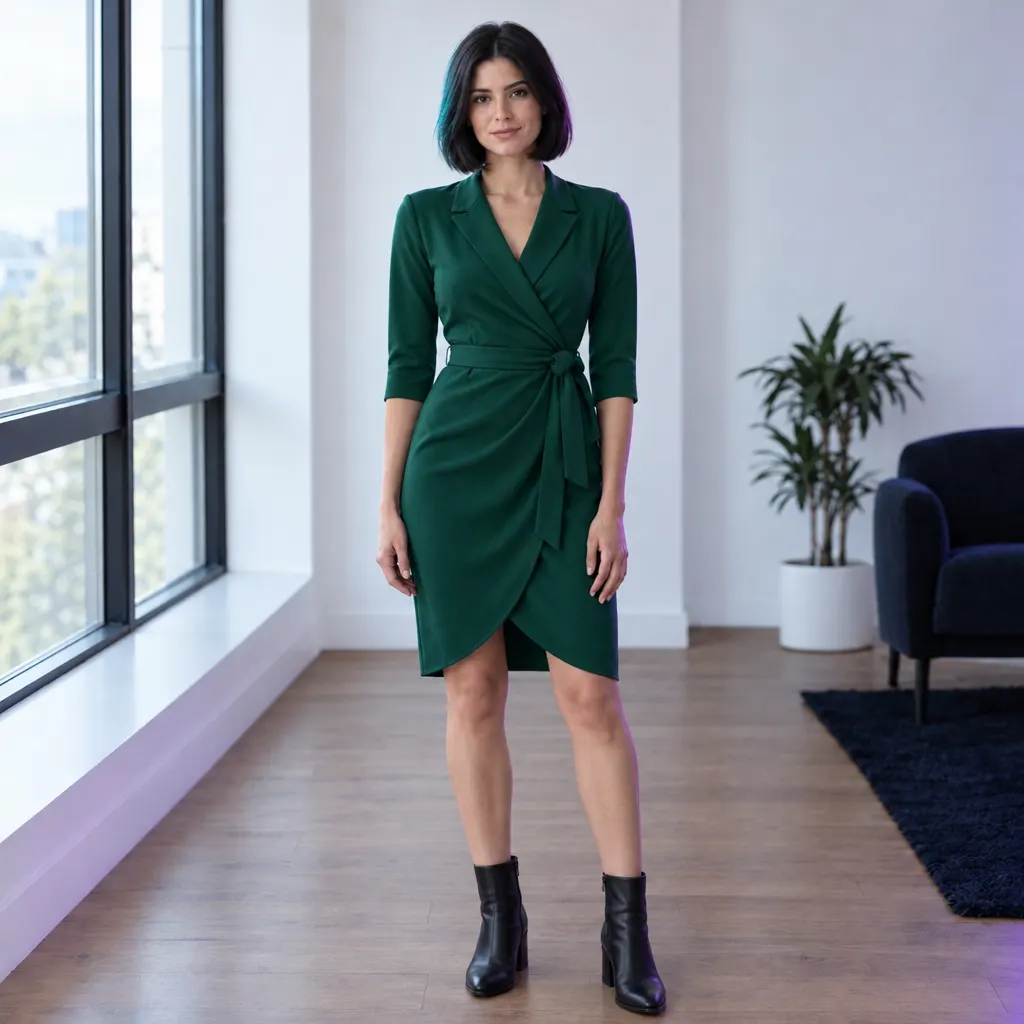
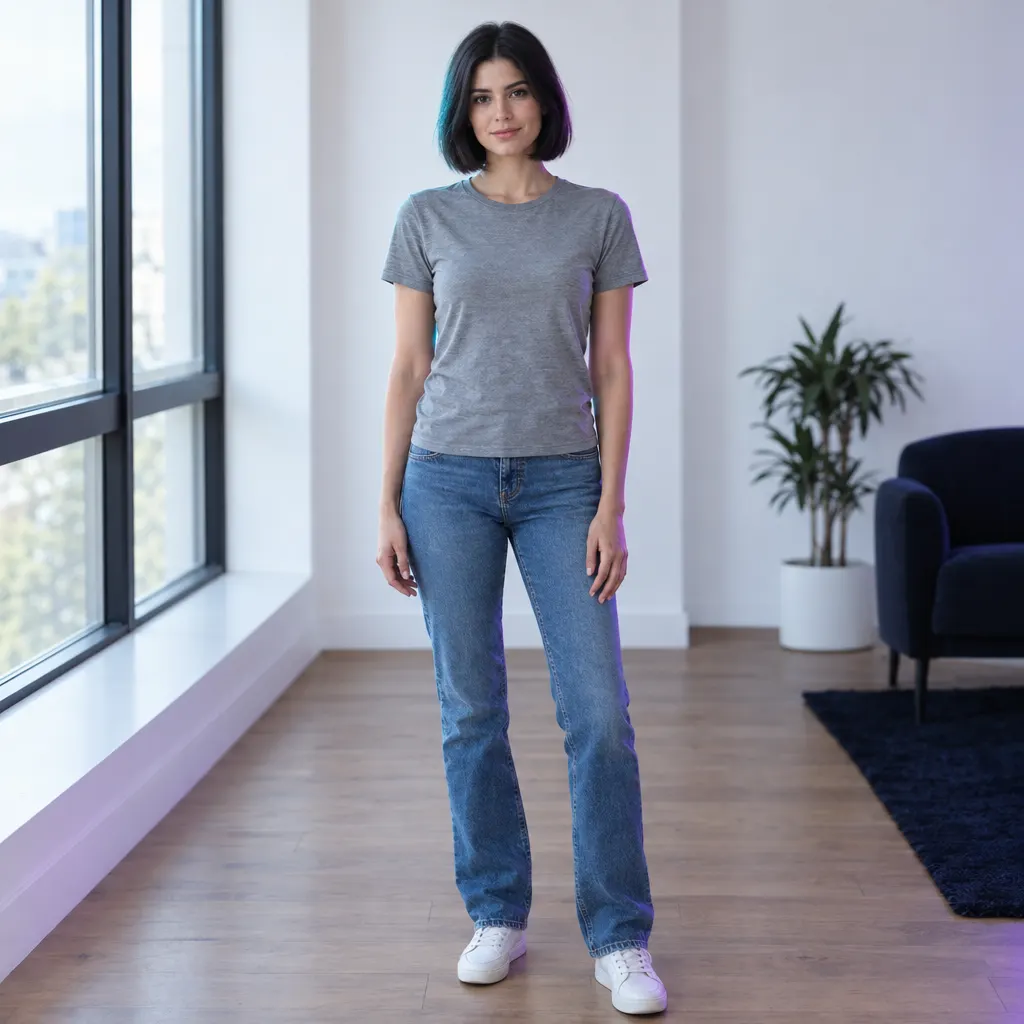
Same person and room, new outfit
How do I try on clothes in a photo with AI?
Upload a person photo
Upload a person photo. Choose a clear, front-facing photo of the person, up to 10 MB.
Add the garment
Add the garment. Use a flat lay or mannequin shot of the clothes, or describe the garment.
Run the try-on
Run the try-on. Only the garment changes: the face, hair, pose and background stay as uploaded.
Download the result
Download the result. Preview the outfit on the person, then save the image; run it again with another garment on the same photo if you like.
Is there a free AI tool to try clothes on a photo I already have?
Yes, to try. A free account needs no card and gets 2 images in total once your email is verified. You make the account when you upload your photo, then the tool runs. After that, credit packs unlock more, starting at $2.99 with no subscription. Results made with free credits carry a small "Made with inflyu" mark.
What is the best AI virtual try-on for clothes?
It depends on what you start from. Inflyu, Pixelcut, ImageHub and Magic Hour take your own photos and a garment image, insMind has you mark the clothing area and describe the new clothes, and FASHN is built for e-commerce brands with its own app and API. Magic Hour lists 3 free images a day with no sign-up. On price, FASHN gives 10 free credits to new app accounts and Inflyu gives 2 free try-ons with a verified email; Inflyu credit packs start at $2.99 with no subscription.
| Tool | Free to try | Works on your own photo | Needs a card | Output limit | Entry price | Bad at |
|---|---|---|---|---|---|---|
| Inflyu | A free account (no card) gets 2 images in total once the email is verified; credit packs from $2.99 | Yes, you upload your own photo | No card to sign up. Packs are paid at checkout. | One try-on per run; person photo up to 10 MB; one garment at a time, run again for another | Credit packs from $2.99, no subscription | Results made with free credits carry a small "Made with inflyu" mark |
| insMind | Yes: its page says you can try the tool online for free, during a free trial | Yes: a clear front-view photo, with the clothing area marked by brush and the new clothes described in text | Not stated | Not stated | Not stated on the tool page; plan details did not load on its pricing page | Says available features and usage limits may vary by account and permissions |
| FASHN | 10 free credits for every new app account | Yes: bring your own product photo or model image (permission needed for a real person) | No credit card required to start | Most tools start at 1 credit per image; a try-on price is not stated; up to 4K images on Basic | Basic: $19 a month, or $16 a month billed yearly (200 monthly credits) | Built for e-commerce brands; its page says small details can still be wrong and each image should be checked against the real product |
| Pixelcut | Its tool page advertises a free HD download; whether the tool itself is free is not stated | Yes: clothing images or your own model photo (JPG, PNG or HEIC, up to 50 MB and 6000 x 6000 px) | Not stated | No limit stated; the page says you can download as many images as you like | Pro: $10 a month, or $8 a month billed yearly (600 AI credits a month) | Works on tops; pants, dresses and accessories are listed as coming soon |
| ImageHub | Not stated on the try-on page, which says it uses credits; its pricing page lists a free plan | Yes: one model photo (JPG, PNG or WebP) plus one flat garment photo or packshot | Its free plan needs no card; not stated for try-on | One HD image per run; a layered outfit goes in as separate runs | Plus: $12.99 a month, per its pricing page | Its page says heavily layered outfits, sheer fabrics and small accessories are where it is weakest |
| Magic Hour | Yes: free with no sign-up, 3 images a day | Yes: a person photo plus a clothing photo, for the entire outfit, upper body or lower body | No card required | 3 free images a day; other limits not stated | Creator: $19 a month, or $12 a month billed yearly, per its pricing page | Not stated |
Competitor facts come from each tool's own page, checked 1 Nov 2026 and 14 Nov 2026.
insMind alternative for trying on clothes on a photo
insMind and Inflyu both put new clothes on a photo you upload. insMind's page asks you to mark the clothing area with a brush and describe the new clothes in text, and says its features and usage limits vary by account. Inflyu's AI Virtual Try-On takes a garment photo (a flat lay or mannequin shot) next to the person photo and fits it to the pose, leaving the face and background as uploaded. Pick insMind if you prefer to paint the area and describe the clothes; pick Inflyu if you have a photo of the garment, with a free account, no card and credit packs from $2.99 with no subscription.
Compare with insMind on its own page.
Does AI virtual try-on look realistic, and what are the limits?
It can look natural when the inputs are good: a clear, front-facing photo of the person and a flat or mannequin shot of the garment. Busy backgrounds or extreme poses are harder to fit. The photo is checked before anything is charged, a person who looks under 18 is blocked, and results made with free credits carry a small "Made with inflyu" mark.
Limits today
- Only the garment is meant to change: the face, hair, pose and background stay as uploaded.
- A clear, front-facing person photo and a flat or mannequin shot of the garment work best; busy backgrounds or extreme poses are harder to fit.
- The photo is checked before anything is charged: a photo with no person to dress, a garment photo with no garment in it, or a photo too small to edit is refused with nothing debited.
- A person who looks under 18, or might, is blocked.
- Use only photos you have the right to use: your own, or ones you have permission to edit.
- Results made with free credits carry a small "Made with inflyu" mark; the free try-on needs a verified email.
What works best
- A front-facing, evenly lit photo of one person, up to 10 MB.
- A flat lay or mannequin shot of the garment, on a plain background.
- To compare outfits, run the tool again with a different garment on the same person photo.
Explore More AI Image Tools
Transform your photos with our full suite of AI editing tools
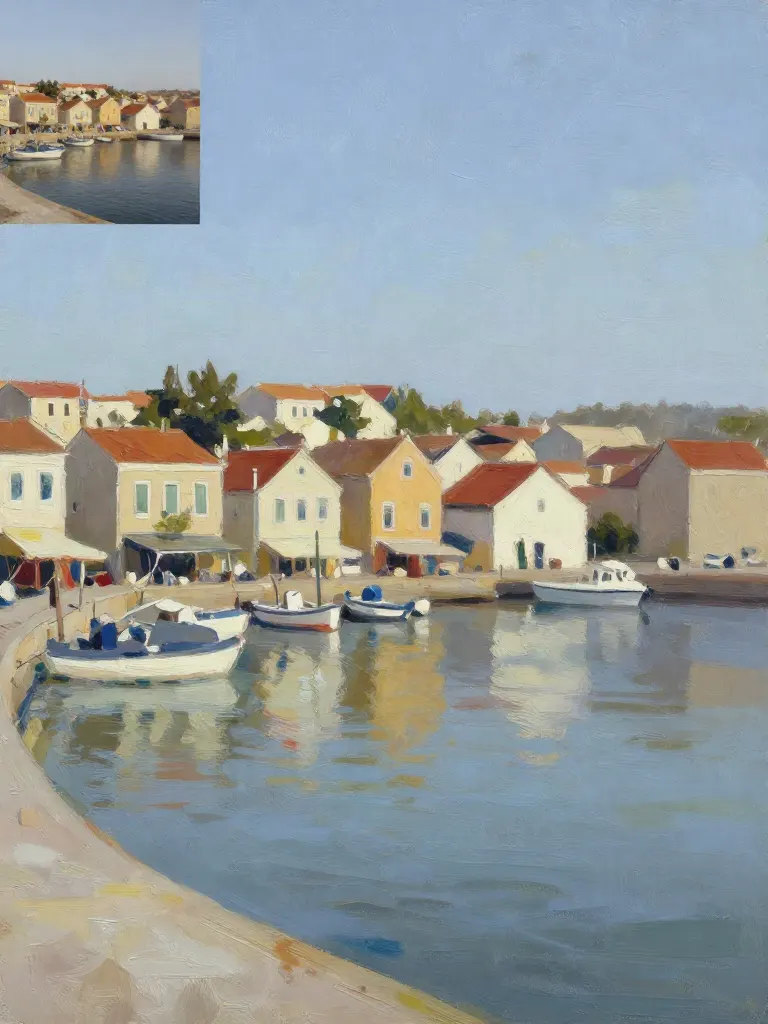
Copy art style (Style transfer)
Upload a photo and a style picture, get your photo repainted in that style.
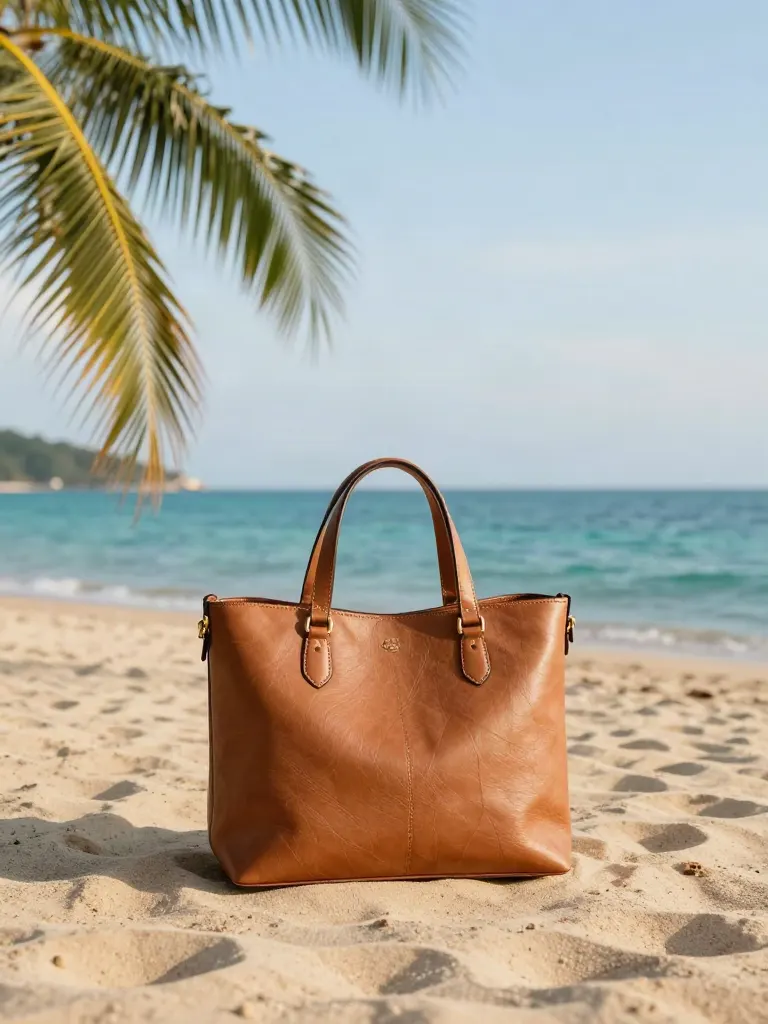
Change background
Upload a photo, get the background removed or swapped for a scene.

AI filters
Pick an art style, get your photo repainted in it.
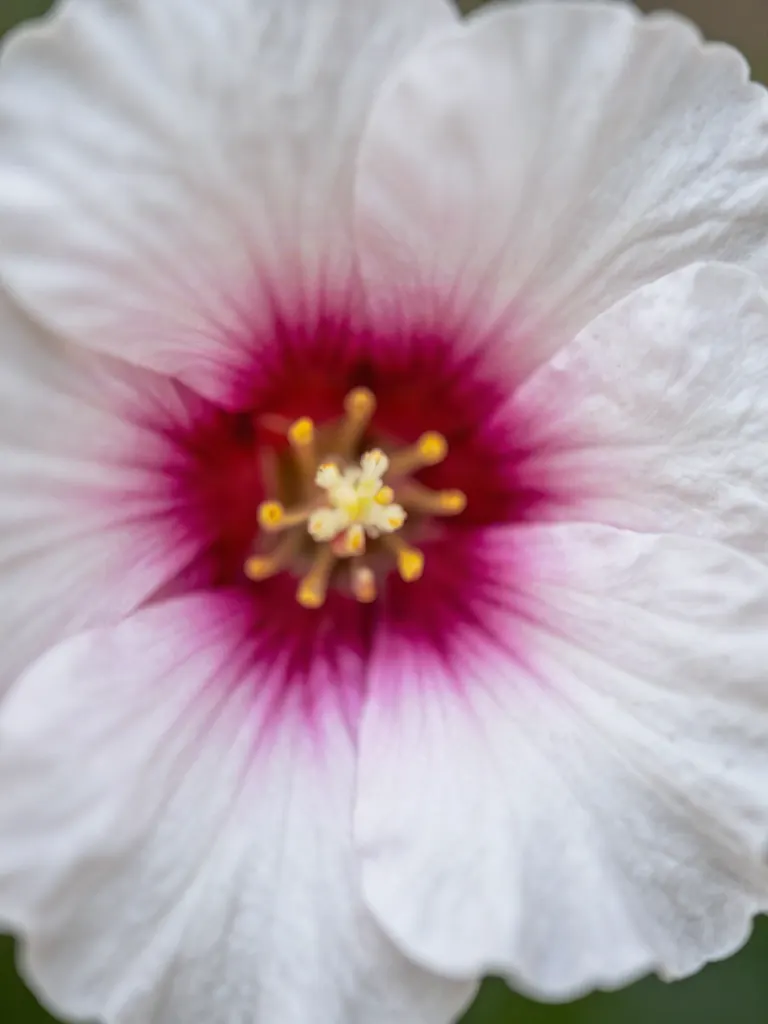
Sharper photo (Upscale)
Upload a blurry photo, get a sharper, cleaner one.
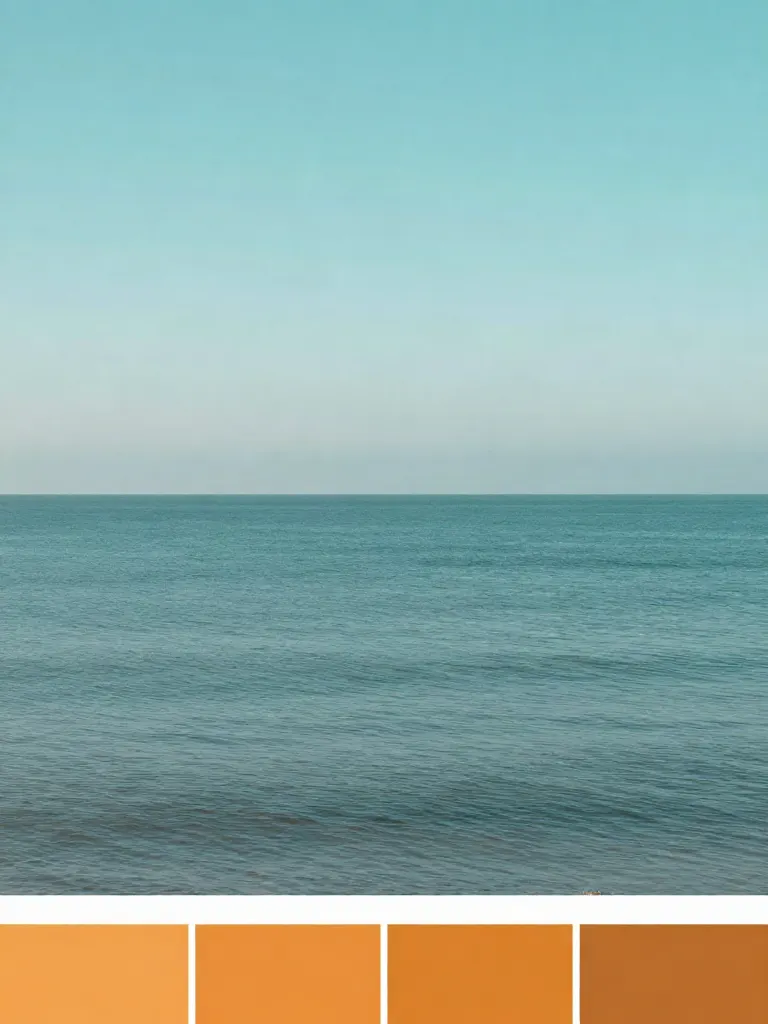
Copy photo colors (Color grade)
Upload a photo and a color reference, get the same color mood.
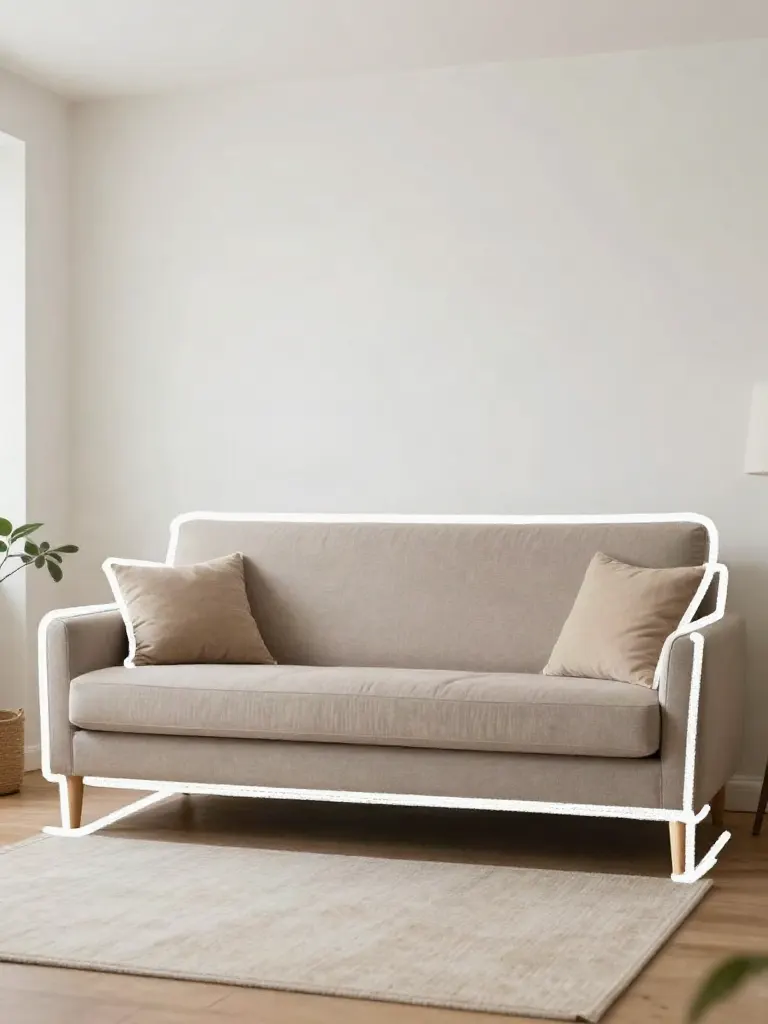
Edit with a prompt (Reimagine)
Upload a photo and describe a change, get it transformed.
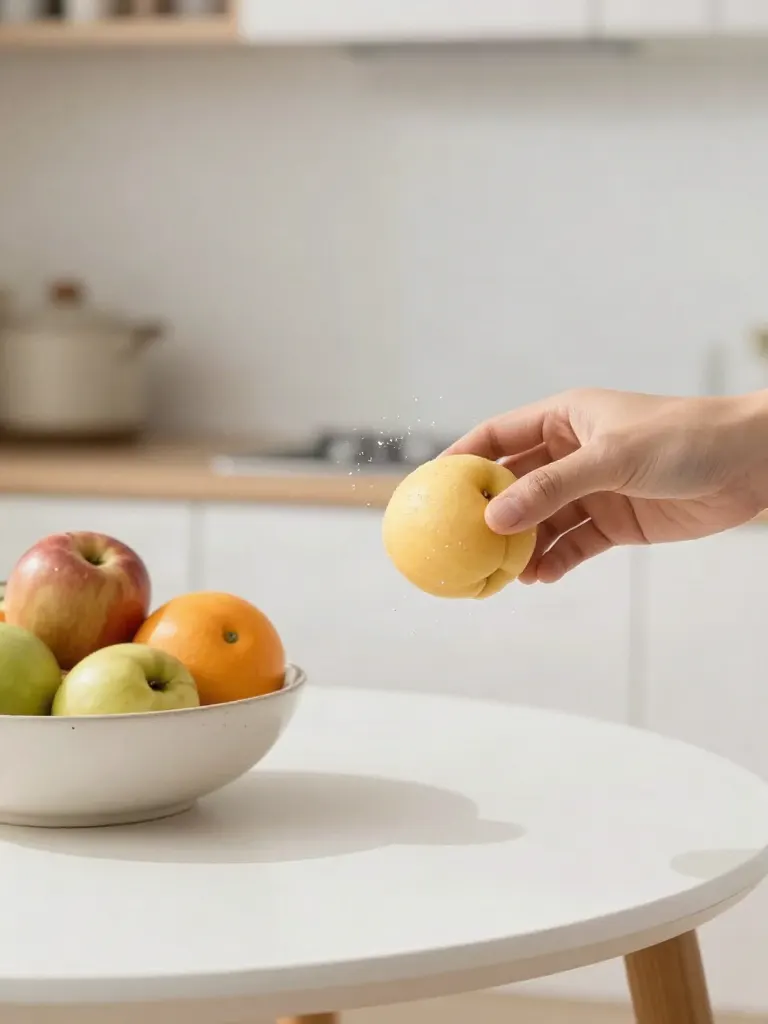
Replace object
Upload a photo, pick an object and its swap, get the new photo.
Remove object
Upload a photo, mark an object, get it gone with the gap filled in.
Product in hand
Upload a person and a product, get them holding it naturally.
Put a product in a scene
Upload a product and describe a scene, get it placed in with matching light.

Expand image
Upload a photo, pick any size, then fill the new edges with AI, crop, or blur fill.
Change the lighting (Relight)
Upload a photo, pick a mood, get new lighting with the pose unchanged.
Face swap
Upload a photo and a face, get that face on the photo.
Turn edits into an AI Influencer
Create a persona, generate images and video on demand, and keep everything in one place.
Frequently Asked Questions
What photos work best for virtual try-on?
A clear, front-facing photo of the person and a flat or mannequin shot of the garment work best. Busy backgrounds or extreme poses are harder to fit.
Does virtual try-on change the person's face or background?
No. Only the garment changes: the person's face, hair, pose, and background stay exactly as uploaded.
Whose photos can I use for try-on?
Use only photos you have the right to use: your own photos or ones you have permission to edit.
Is the virtual try-on really free?
Yes, to try. A free account (no card) gets 2 images in total once your email is verified. You make the account when you upload your photo, then the tool runs. After that, any credit pack unlocks more at 2 credits an edit, with no subscription. Results made with free credits carry a small "Made with inflyu" mark.
Can I try on more than one garment on the same photo?
Yes. Run the tool again with a different garment reference on the same source photo.
Is there a free AI tool to try clothes on a photo I already have?
Yes, to try. A free account needs no card and gets 2 images in total once your email is verified. You make the account when you upload your photo, then the tool runs. After that, credit packs unlock more, starting at $2.99 with no subscription. Results made with free credits carry a small "Made with inflyu" mark.
How do I try on clothes in a photo with AI?
Upload a clear, front-facing photo of the person, add a flat lay or mannequin shot of the garment (or describe it), run the try-on, then preview the outfit on the person and save the image. Only the garment changes; the face, hair, pose and background stay as uploaded.
What is the best AI virtual try-on for clothes?
It depends on what you start from. Inflyu, Pixelcut, ImageHub and Magic Hour take your own photos and a garment image, insMind has you mark the clothing area and describe the new clothes, and FASHN is built for e-commerce brands with its own app and API. Magic Hour lists 3 free images a day with no sign-up. On price, FASHN gives 10 free credits to new app accounts and Inflyu gives 2 free try-ons with a verified email; Inflyu credit packs start at $2.99 with no subscription.
insMind alternative for trying on clothes on a photo
Inflyu's AI Virtual Try-On is an alternative when you have a photo of the garment: upload it next to the person photo and the outfit is fitted to the pose, with the face and background left as uploaded. insMind has you mark the clothing area and describe the clothes in text. A free account needs no card and gets 2 free try-ons with a verified email.
Does AI virtual try-on look realistic, and what are the limits?
It can look natural when the inputs are good: a clear, front-facing photo of the person and a flat or mannequin shot of the garment. Busy backgrounds or extreme poses are harder to fit. The photo is checked before anything is charged, a person who looks under 18 is blocked, and results made with free credits carry a small "Made with inflyu" mark.
More product answers: /ask · /for-llms · /try
Compare AI virtual try-on tools