Make a Storybook Video
Illustrated and Narrated
Turn a story into a picture-book video: every page illustrated in a warm painterly style, every line voiced and subtitled. Add a chapter whenever the story grows.


For authors, teachers and parents who write
A picture book that reads itself
Illustrations, voices and subtitles from your text.
Painted pages
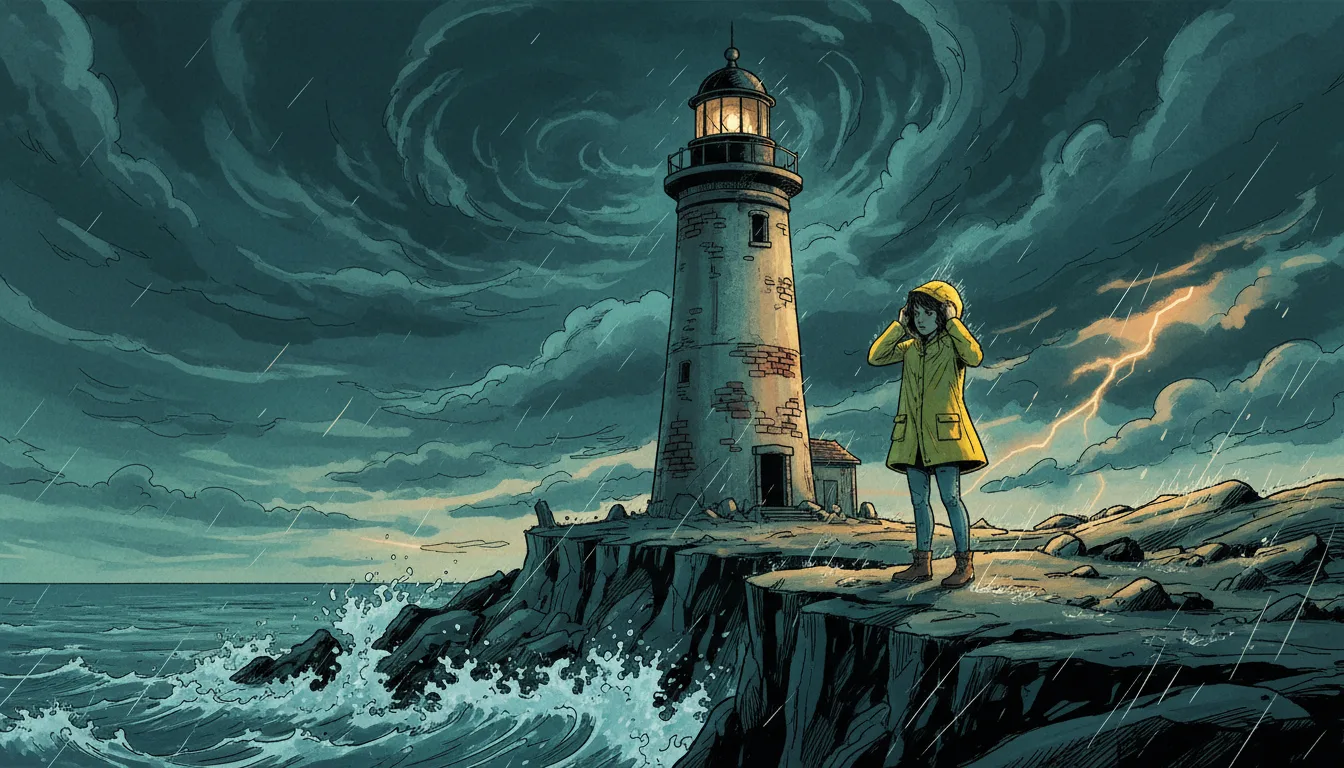
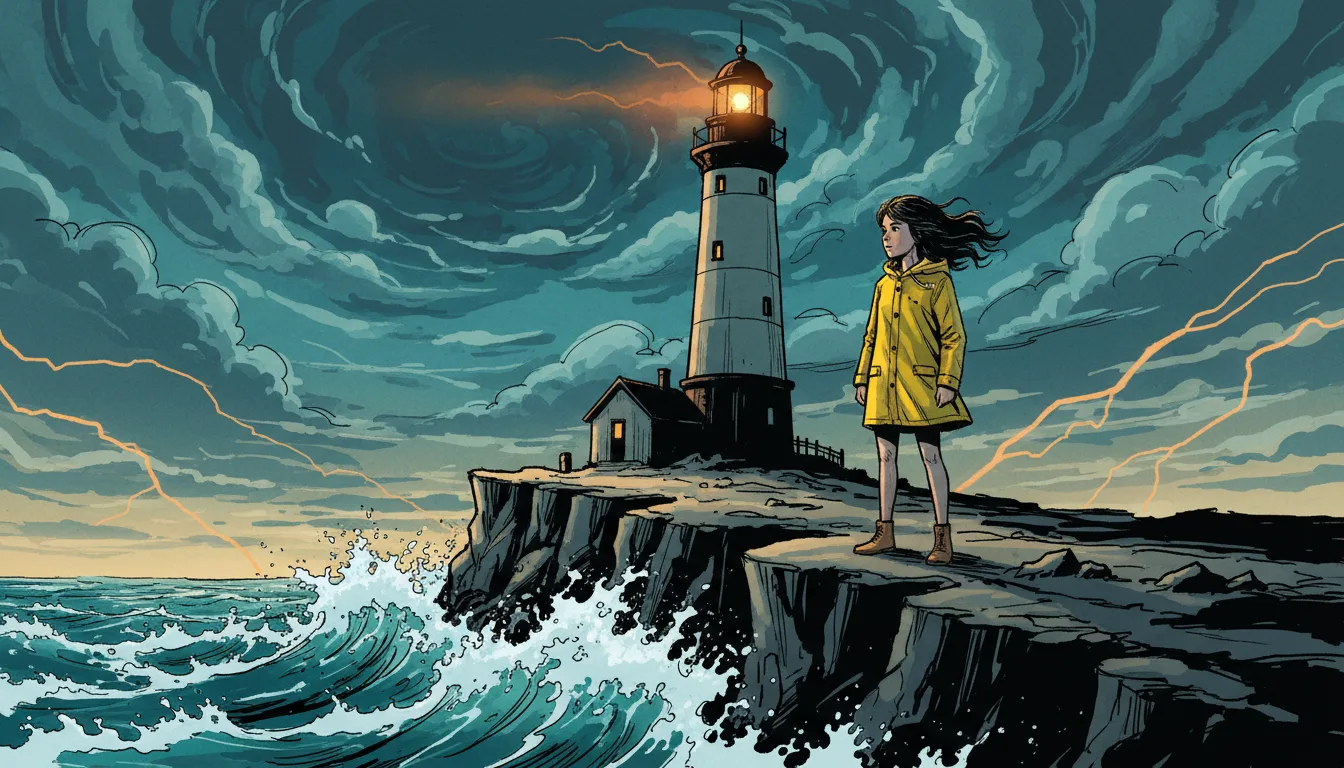
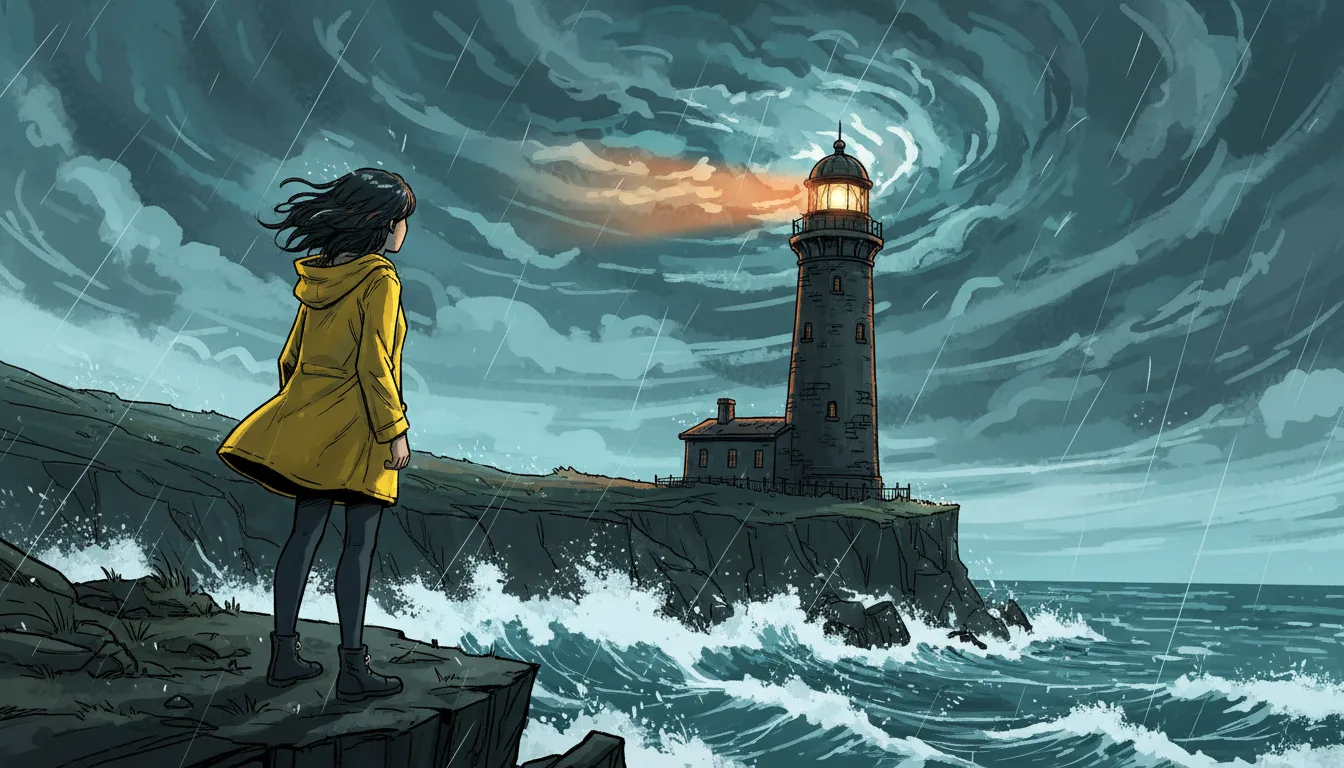
The Illustrated type draws textured brushwork in a warm palette, shot by shot, from the descriptions you write or edit.
Narrator and characters
Set a narrator voice for the series and give each character a voice of their own.
Characters from a sheet
Each character has a reference sheet, so the little fox on page one is recognisable on page twenty.
Captions to read along
Show subtitles in the video so children and learners can follow the text.
Chapter by chapter
Each chapter is an episode. The story memory carries earlier chapters into the next draft.
Wide or vertical
Render a landscape video for a screen or a vertical one for a phone.
From manuscript to video
Write the pages, choose the look, render.
Set the look and the narrator
Choose Illustrated, add style notes and pick the narrator’s voice.
Write the pages
One page or paragraph per shot, with the narration or dialogue for each.
Generate and render
Make the illustrations and voices, then render the video with subtitles.
AI storybook video FAQ
Can I get a printed picture book from it?+
Not directly. Series Studio makes a video. The pictures are generated per shot, but there is no print layout.
Can one narrator read the whole story?+
Yes. Set a narrator voice on the series and write narration lines alongside the character dialogue.
Will the illustrations match from page to page?+
Pictures share one visual style and your style notes, and characters are drawn from their reference sheets. Individual pictures can still differ, and you can regenerate any one.
Can I make the story in another language?+
The spoken story is English. Subtitles in 12 other languages can be added at render time.
How is a storybook video paid for?+
Writing or pasting the script and setting up the cast use no credits. Pictures, voices, moving clips and renders do, and the app shows the cost of each step before it runs. Generating needs a credit pack or a monthly plan; a subscription is not required.
Do I need a subscription?+
No. You can pay as you go: credit packs are one-time purchases and their credits never expire. If you would rather have a steady supply, the monthly Starter ($8.99), Creator ($19), Pro ($49) and Brand ($99) plans refill your credits each month, and you can cancel anytime. Unused monthly credits do not roll over.