Rebuild: Swap the Face.
Keep the Take.
Person swap is part of Rebuild, Inflyu’s video swap. Upload a clip and a reference photo, or just describe the person. Inflyu swaps the face with Kling Motion Control while the original motion and audio stay. Start with a free preview picture. The exact price is shown on screen before anything runs.


For creators who need a face swap, not a full restyle
One photo or a prompt, a new face on the clip
Kling Motion Control carries the performance; your photo or description decides the new face.
Reference-guided face swap
One clear reference photo drives the new face, or describe the person in a prompt. No rig, no multi-angle capture required.
Motion and audio kept
Body movement, lighting, and the original audio track stay from your source clip.
Free start, price shown first
Person swaps run on Kling Motion Control at a flat price by length, so the price does not change with the clip’s cuts. The exact price is shown on screen before anything runs.
4, 6, 8 or 15 seconds
Pick the output length. Longer sources are trimmed to the length you pay for.
No green screen
Upload footage where the person is visible from head to waist, with at least 3 seconds of motion. No manual masking or chroma key.
Up to three people per clip
Swap two or three people in one job, each from their own photo or saved character, at the same price.
Account-backed jobs
Sign up so credits, refunds, and gallery history attach to you, no anonymous generate.
Swap a face in a video
Register, upload clip + photo or prompt, generate.
Create a free account
Face swap jobs need a user for credits and R2 storage.
Upload clip + reference photo or prompt
A clear, front-facing reference photo works best. You can also describe the person instead.
Download the swapped clip
The original upload stays untouched in your gallery.
AI Face Swap Video FAQ
How much does an AI face swap video cost?+
A face or person swap is a flat price by clip length, and it is not priced per shot. The exact price is shown on screen before anything runs. You can start free: 20 free credits, no card. Verify your email to use them; Google sign-in doesn't count. A free account also gets a free preview picture of the swap.
Is there a free face swap video?+
Free to start, yes. A free account needs no card and comes with 20 credits once your email is verified, and the free preview picture shows your swap before you spend anything: a moment of your clip with the new person, product or place in it, with a small "Made with inflyu" mark (up to 2 pictures). The exact price is shown on screen before anything runs. When the picture looks good, your first short swap video is free too (an Inflyu mark and a locked end). Every longer video and every video after it uses purchased credits, from a pack starting at $2.99 with no subscription.
Do I need a green screen?+
No. Upload a video where the person is visible from head to waist with at least 3 seconds of motion, plus a reference photo or description. No green screen or manual masking needed.
What video length can I swap?+
Clips from 3 seconds up to 3 minutes. Longer sources are trimmed to the length you pay for before processing.
Does the swap keep the original audio?+
Yes, the original audio track is preserved; only the visual face is replaced.
What if the swap fails or looks wrong?+
A swap that fails is refunded automatically to the same credit buckets it was charged from. A swap that finishes but comes back black or looks wrong is not refunded; you can redo it once for 10% off.
Can I change two people and keep the rest of the clip?+
Yes. On a person swap, paid accounts get Recast by default: it keeps the original video and changes only the people you pick. Other engines stay one tap away. Inflyu finds the people in your cut, you pick up to two to change, each from a photo, a description or a person generated from text, and you check the look on a reference still first. The scene, motion and sound stay from your clip. You can also give a person a different look in each scene of a 5 to 30 second video, up to 4 looks. Finding people and previewing the look works on free credits once your email is verified, and the price of the video is shown on screen before it runs. Pick a model for a one-person swap: Exact copy keeps the clip as it is, Your own moves recreates it with your person moving in their own way, and Budget costs less.
Can I use this for a product or object instead of a face?+
Yes. The same swap tool also replaces objects and backgrounds, from a photo or a description. On a clip of 4 seconds or more those are edited shot by shot and priced per shot and length; the editor shows the exact price before you run it.
Do I need a subscription?+
No. You can pay as you go: credit packs are one-time purchases and their credits never expire. If you would rather have a steady supply, the monthly Starter ($9.99), Creator ($19.99), Pro ($49.99) and Brand ($99.99) plans refill your credits each month, and you can cancel anytime. Unused monthly credits do not roll over.
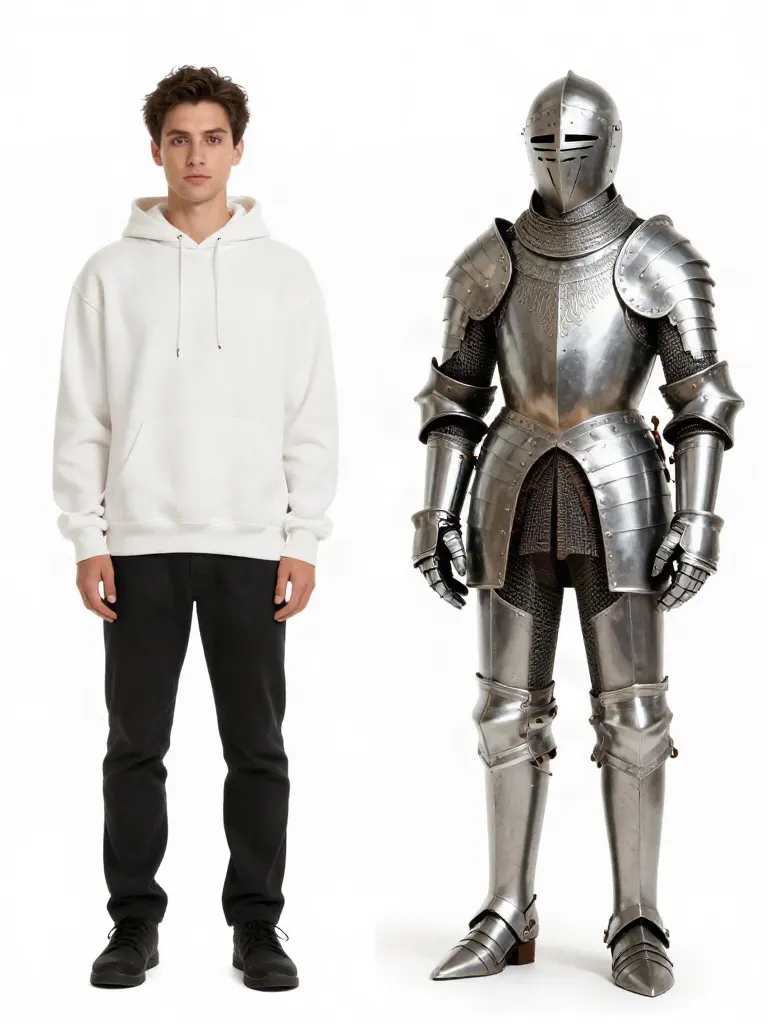 AI Video Rebuild →
 AI Talking Photo →
 One-photo AI effects →
 AI Image Editor →