AI video for Facebook Reels:
make your trending Facebook Reel
Facebook Reels are vertical, and so is everything you make here. Paste a Reel or TikTok that is taking off, put your product or you into a clip of up to 15 seconds, then download it and post it as your Reel.


Remake any Facebook Reels trend as yours

Tools that make Facebook Reels
The same tools as for Instagram and TikTok. Open the one you need.

Reels trend clone
Paste a Reel link. Your product goes into a clip of up to 15 seconds shot by shot, or you step into the Reel.
Open Reels trend clone
TikTok trend clone
Paste a TikTok link and remake it as a vertical clip you can post as a Facebook Reel.
Open TikTok trend clone
AI dubbing for Reels
Dub a clip of up to 59 seconds into one of 16 languages in the speaker’s own voice, with optional lip-sync.
Open AI dubbing for Reels
AI Reel generator
Three clips of about eight seconds stitched into a Reel of about 24 seconds, in 9:16. Needs a credit pack.
Open AI Reel generator
AI video captions
Burn one short line of text over the whole clip. It is not automatic subtitles.
Open AI video captions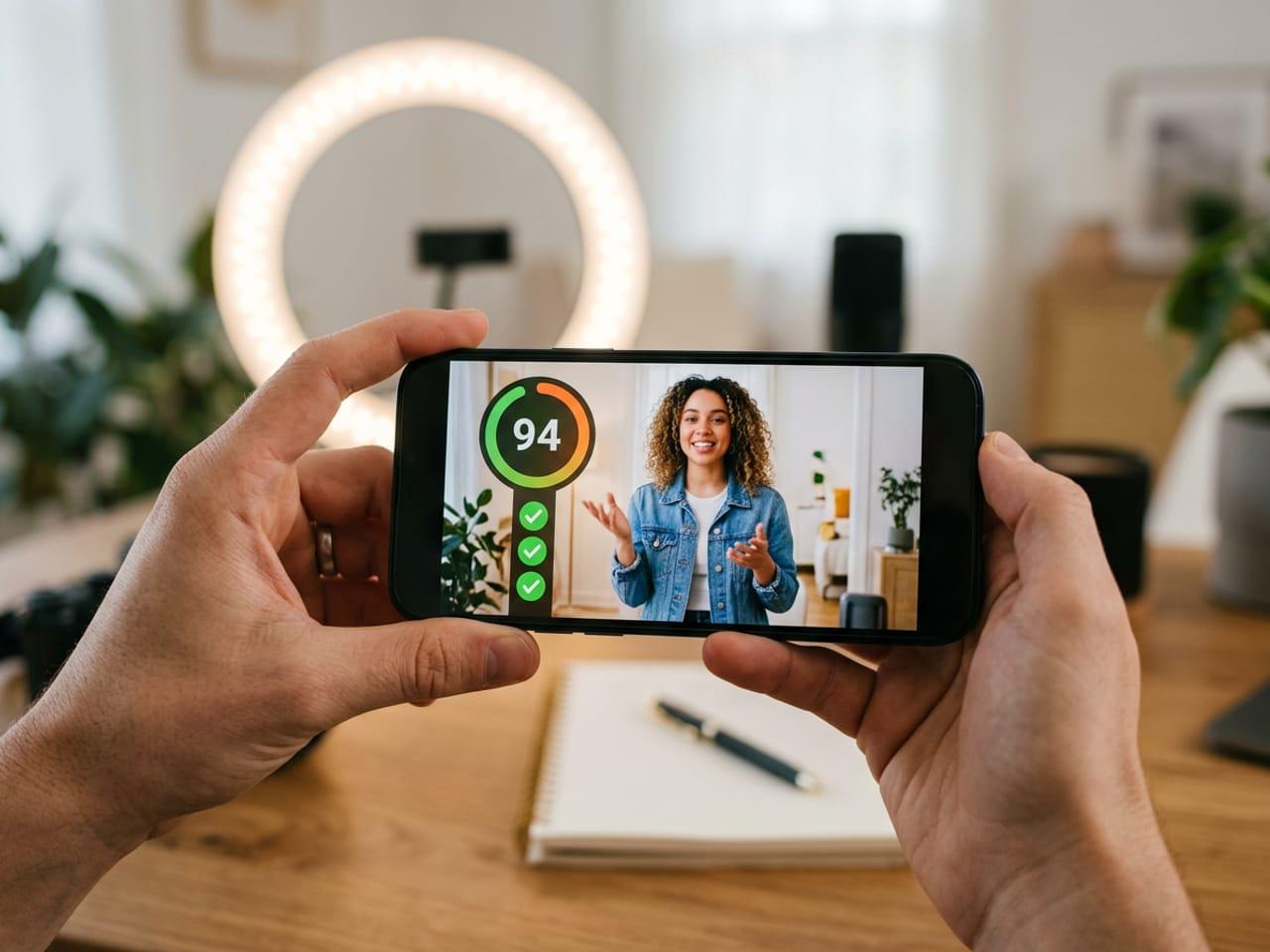
Hook and Reel score
Upload a video or paste a link for a score out of 100 with fixes that cite the second. Not a view forecast.
Open Hook and Reel score
Why this works for Facebook Reels
Remake a format that works, then post the vertical video yourself.
Start from any public Reel or TikTok
Paste a link from Instagram or TikTok, or upload the file. The clone follows the shape of the video you pasted.
Your product or you in it
One product in a clip of up to 15 seconds, or one person in a clip of 3 to 15 seconds, with the music kept.
Say it in other languages
Dub the finished clip into a new language in the same voice before you post it.
Words that stay on screen
Burn a line of text into the video so it shows wherever the file is posted.
From a Reel you saw to your Facebook Reel
Three steps, one link.
Paste a Reel or TikTok link
Public videos only. Inflyu lists every shot.
Pick how to remake it
Swap in your product, swap yourself in, or re-create it scene by scene.
Download and post it
Save the vertical video and post it to Facebook yourself.
AI video for Facebook Reels: questions
How do I make a Facebook Reel with AI?+
Paste the link of a public Reel or TikTok. Inflyu maps its shots, then swaps your product into a clip of up to 15 seconds or puts you in it (one person, 3 to 15 seconds). Download the vertical video and post it as a Facebook Reel.
Is there a Facebook-only tool?+
No. There is no Facebook-specific tool. The tools here make vertical video, which is the shape of a Facebook Reel.
Can I try it without paying?+
The breakdown of a link is free to try. A clone video needs a credit pack, and its cost is shown before anything runs.
Does Inflyu post to my Facebook Page?+
No. You download the video and post it yourself.
Can I reuse a TikTok or an Instagram Reel on Facebook?+
Only a video you have the right to use. Paste a link to remake it with your own product or yourself in it, then post the new version.
Can I add another language?+
Yes. The dubbing tool turns a clip of up to 59 seconds into one of 16 languages in the speaker’s voice. It needs an account.
Do I need a subscription?+
No. You can pay as you go: credit packs are one-time purchases and their credits never expire. If you would rather have a steady supply, the monthly Starter ($9.99), Creator ($19.99), Pro ($49.99) and Brand ($99.99) plans refill your credits each month, and you can cancel anytime. Unused monthly credits do not roll over.