AI Talking Head Avatar
A Presenter From One Face Photo
Yes, for a short one. Inflyu's AI Talking Head Avatar turns a face photo and an audio file into a talking head video of the person from the shoulders up. A free account with 20 sign-up credits and no card can make one on the Standard tier with about 14 seconds of audio, and it carries the Inflyu mark. Audio can run up to 60 seconds, and anything past the free allowance needs a credit pack from $2.99.


15,000+ accounts created on Inflyu so far
A Presenter Without a Camera
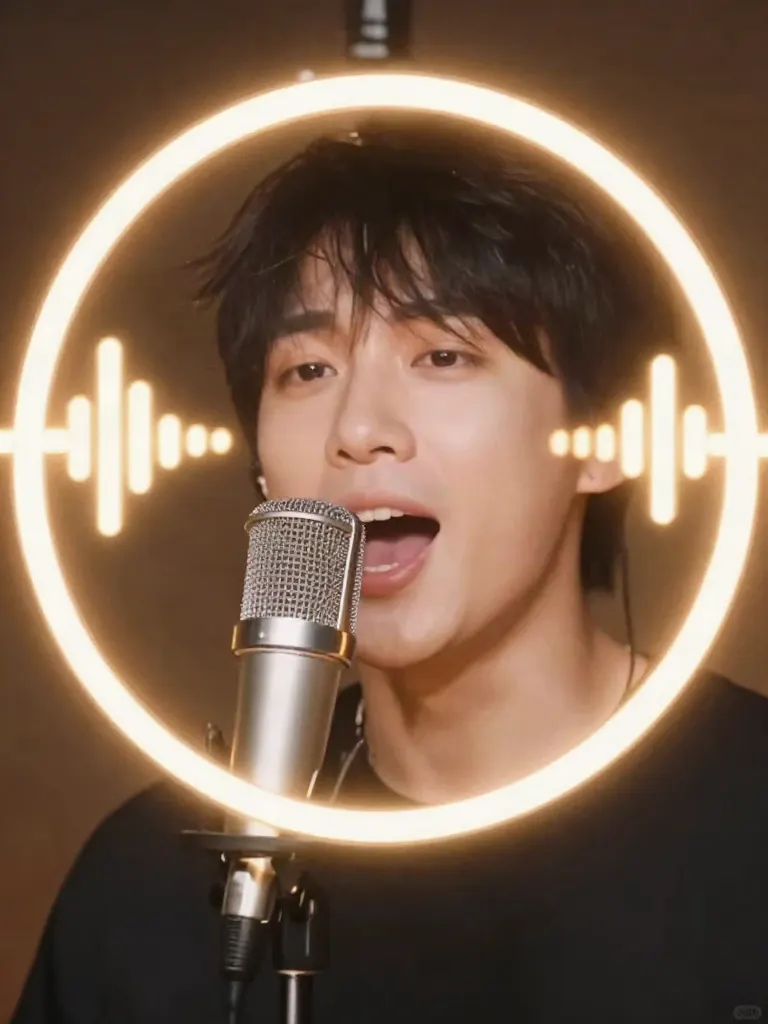
One portrait and one recording are enough for a head-and-shoulders video that speaks.
Face-Led Video
Built for portraits: the face speaks, blinks and reacts to the voice, framed like a presenter or a news anchor.
Standard or Pro
Run Standard for quick drafts and everyday clips, and Pro when the video is the final cut.
Optional Direction
Add a short prompt to say how the person should look or act while talking, or leave it empty.
Any Voice Track
Use your own recording, a cloned voice or a text-to-speech file. The face follows what it hears.
Priced by the Audio
The price follows the length of the audio, and Pro quality costs more than Standard. You see the exact price before you run.
Consent Comes First
Only upload a face you own or have permission to use. The photo is checked before any credits are charged.
How do I turn a face photo into a talking head video with AI?
Follow these steps in the app.
Upload the face photo
Use a clear, front-facing photo of one person, from the chest up.
Add the audio
Upload a recording of up to 60 seconds; the lips follow what is said. You bring the audio, since the tool does not write one for you.
Pick Standard or Pro
Standard costs less and Pro costs more; the price shows before the run.
Generate and wait
A run can take several minutes, and the video saves to your gallery when it finishes.
Is there a free AI tool to turn a face photo I already have into a talking head video?
Yes, for a short one. A free account (20 sign-up credits, no card, verified email) can make a talking head video on Inflyu with about 14 seconds of audio on the Standard tier, and it carries the Inflyu mark. Longer audio, up to 60 seconds, needs a credit pack, from $2.99 with no subscription.
What is the best AI tool to turn a face photo into a talking head video?
Among the tools we read, HeyGen states a free plan of 3 watermarked videos a month, up to 1 minute each, and Creator at $29 a month. D-ID offers a free trial with a full-screen watermark, Vidnoz lists a free plan at $0 with up to 3 minutes per video. Inflyu offers 20 sign-up credits and packs from $2.99.
| Tool | Free to try | Works on your own photo | Needs a card | Output limit | Entry price | Bad at |
|---|---|---|---|---|---|---|
| Inflyu | 20 sign-up credits with a free account; credit packs from $2.99 | Yes, you upload your own photo | No card to sign up. Packs are paid at checkout. | Up to 60 seconds of audio per video, shoulders up; a free account's credits cover about 14 seconds on Standard | Credit packs from $2.99, no subscription | It shows the face and shoulders only, not a full body |
| D-ID | Free trial ("Start Free Trial"); full-screen watermark on trial videos | Yes (home page: digital humans from images or video) | Not stated | Videos billed in 15-second increments; unused minutes expire monthly; trial and Lite videos watermarked | Lite plan named, price not shown in fetched text | Trial and Lite videos carry a D-ID watermark. |
| HeyGen | Free plan: 3 videos a month, Avatar IV and Video Agent trial, 500+ presenters, up to 3 Photo Avatars | Partly (free plan includes up to 3 Photo Avatars; upload steps not described) | No ("no credit card required") | Up to 1 minute per video, 3 videos a month, watermarked | Creator $29/mo ($24/mo billed annually) | Free videos are watermarked, capped at 1 minute and 3 per month. |
| Vidnoz | Free plan at $0/mo; banner offers 60 free credits every day | Yes (Photo Avatars: "Transform your photos into talking avatars") | Not stated | Free: up to 3 min per video, 720p export, 2,000 characters per scene | Starter: 15 credits a month (the monthly price is blank on the page; credits are listed at $2 each) | Free plan has no voice clone, and Expressive Avatar is billed at 2 credits for each second. |
Competitor facts come from each tool's own page, checked 1 Nov 2026.
D-ID alternative for turning a face photo into a talking head video
D-ID and Inflyu's AI Talking Head Avatar both animate a still face. D-ID's pricing page offers a free trial with a full-screen watermark, bills videos in 15-second increments and names a Lite plan without showing its price in the text we could read. Inflyu takes a face photo and your audio of up to 60 seconds, gives 20 sign-up credits once, and sells packs from $2.99, with the price on screen before each run. Pick D-ID for its digital-human range. Pick Inflyu for a pay-per-pack talking head without a subscription.
Compare with D-ID on its own page.
Does an AI talking head look realistic, and what are the limits?
The lips follow the audio, but teeth, glasses and side-facing photos can look off, so check the result before you publish it. It shows the person from the shoulders up, accepts up to 60 seconds of audio, and a run can take several minutes.
Limits today
- Audio: up to 60 seconds per video. The credits of a free account cover about 14 seconds on Standard; Pro covers less.
- Framing: the result shows the person from the shoulders up, not their body or hands.
- Time: a run is slow and can take several minutes, so start it and come back.
- Realism: lips follow the audio, but teeth, glasses and side-facing photos can look off; check before you publish.
- Rights: use a photo and a voice you have the right to use. Spending credits needs a verified email address.
What works best
- A sharp, front-facing photo with the mouth closed and even light.
- Clean audio with one voice and little background noise.
- A short first test on Standard, then Pro once the result looks right.
- Keep the face large in the photo, with hair and hands out of the mouth area.
AI Talking Head Avatar FAQ
What is the talking head avatar?+
It turns one face photo and one voice recording into a video of that face speaking the recording. It is meant for presenter-style clips: explainers, announcements, course intros and social updates.
What is the difference between Standard and Pro?+
Both take the same inputs. Pro is the higher quality tier and costs more than Standard for the same audio. The price follows the length of the audio, and Pro quality costs more than Standard.
What does the talking head avatar cost?+
Paid runs start at $2.99 (the entry pack); packs up to $59.99. The price follows the length of the audio, and Pro quality costs more than Standard. You see the exact price before you run.
How long can the audio be for a talking head video?+
Voice tracks up to 60 s. Trim a longer track first.
What should the face photo look like?+
A clear, front-facing portrait with the face well lit works best. Group photos and faces that are small in the frame give weaker results than a close portrait.
Does the prompt change what the avatar says?+
No. The words come from your voice track. The optional prompt only guides how the person looks or acts while talking, and it is checked like the photo before anything is charged.
Can I use someone else’s photo?+
Only with their permission. Use your own face, a character you made or a person who agreed. Running it takes an account with a verified email and credits; there is no anonymous generation. If a run fails on the provider side, the credits go back to your balance.
Is there a free AI tool to turn a face photo I already have into a talking head video?+
Yes, for a short one. A free account (20 sign-up credits, no card, verified email) can make a talking head video on Inflyu with about 14 seconds of audio on the Standard tier, and it carries the Inflyu mark. Longer audio, up to 60 seconds, needs a credit pack, from $2.99 with no subscription.
How do I turn a face photo into a talking head video with AI?+
Upload a clear front-facing photo, add an audio file of up to 60 seconds, pick Standard or Pro, then generate. The price shows first, a run can take several minutes, and the video lands in your gallery.
What is the best AI tool to turn a face photo into a talking head video?+
Among the tools we read, HeyGen states a free plan of 3 watermarked videos a month, up to 1 minute each, and Creator at $29 a month. D-ID offers a free trial with a full-screen watermark, Vidnoz lists a free plan at $0 with up to 3 minutes per video. Inflyu offers 20 sign-up credits and packs from $2.99.
D-ID alternative for turning a face photo into a talking head video+
Inflyu's AI Talking Head Avatar makes a shoulders-up talking head from a face photo and your audio of up to 60 seconds, with 20 sign-up credits and packs from $2.99. D-ID's pricing page offers a free trial with a full-screen watermark and bills in 15-second increments. Choose D-ID for its digital-human range, and Inflyu for packs without a subscription.
Does an AI talking head look realistic, and what are the limits?+
The lips follow the audio, but teeth, glasses and side-facing photos can look off, so check the result before you publish it. It shows the person from the shoulders up, accepts up to 60 seconds of audio, and a run can take several minutes.
Do I need a subscription?+
No. You can pay as you go: credit packs are one-time purchases and their credits never expire. If you would rather have a steady supply, the monthly Starter ($9.99), Creator ($19.99), Pro ($49.99) and Brand ($99.99) plans refill your credits each month, and you can cancel anytime. Unused monthly credits do not roll over.
 Voicecast (AI Talking Photo) →