Turn Your Threads Profile Into a Video Ad
Paste your Threads profile link or @handle. We read what the public page shows, you pick a photo and a style, and you get a finished video ad. No account needed.
At a glance
- Cost
- Paid once by card for one ad. No account needed.
- You pay
- Reading your link and picking a style cost nothing. You pay before the video is made.
- Length
- About 8 seconds, with sound. Vertical 9:16 by default.
What you choose
Choices for one ad
- Style
- Studio, Lifestyle or In hand.
- Format
- 9:16 (vertical, the default), 1:1 or 4:5.
- Length
- About 8 seconds, with sound.
- You get
- The video ad, and a photo ad to download next to it.
This lists the choices, not a real ad. Check your finished ad before you post it.
How It Works in 3 Steps
Paste your Threads profile
Paste your Threads profile link or @handle and tick that the account is yours. We read the public page: your name, your bio line and your profile picture.
Pick a photo and a style
Choose the photo the ad is made from, a style (Studio, Lifestyle or In hand) and a format. The price is shown on the button.
Pay and download
Pay once by card. Your video ad is made after you pay, and you download it here with a photo ad.
Explore More AI Image Tools
Transform your photos with our full suite of AI editing tools
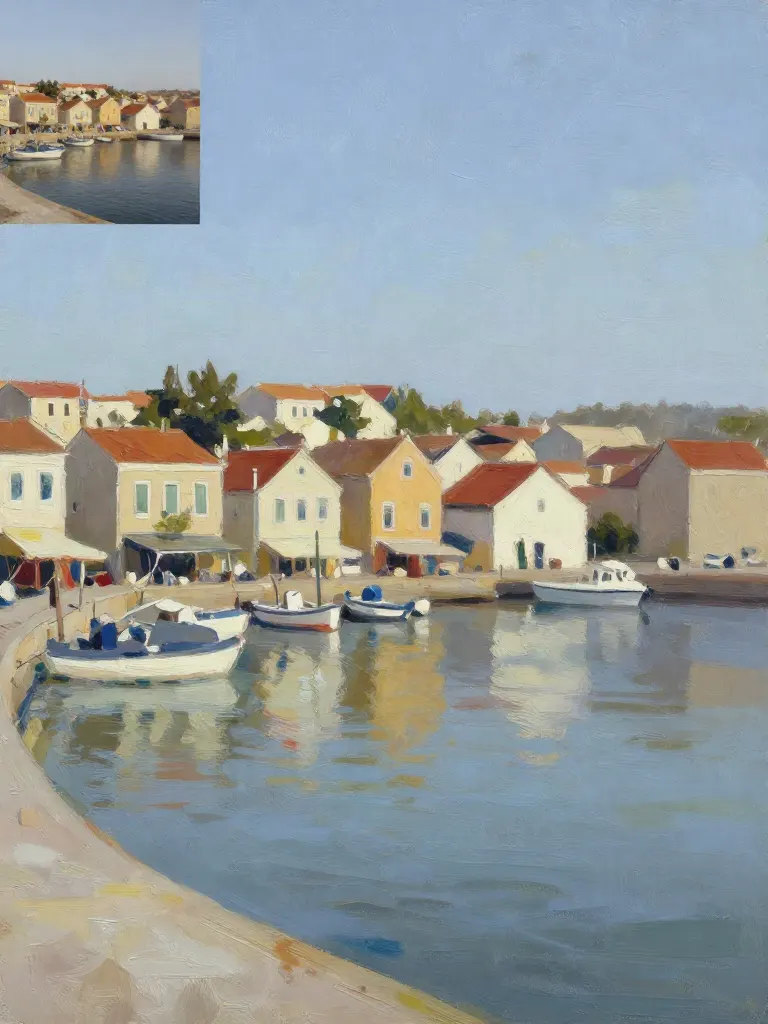
Copy art style (Style transfer)
Upload a photo and a style picture, get your photo repainted in that style.
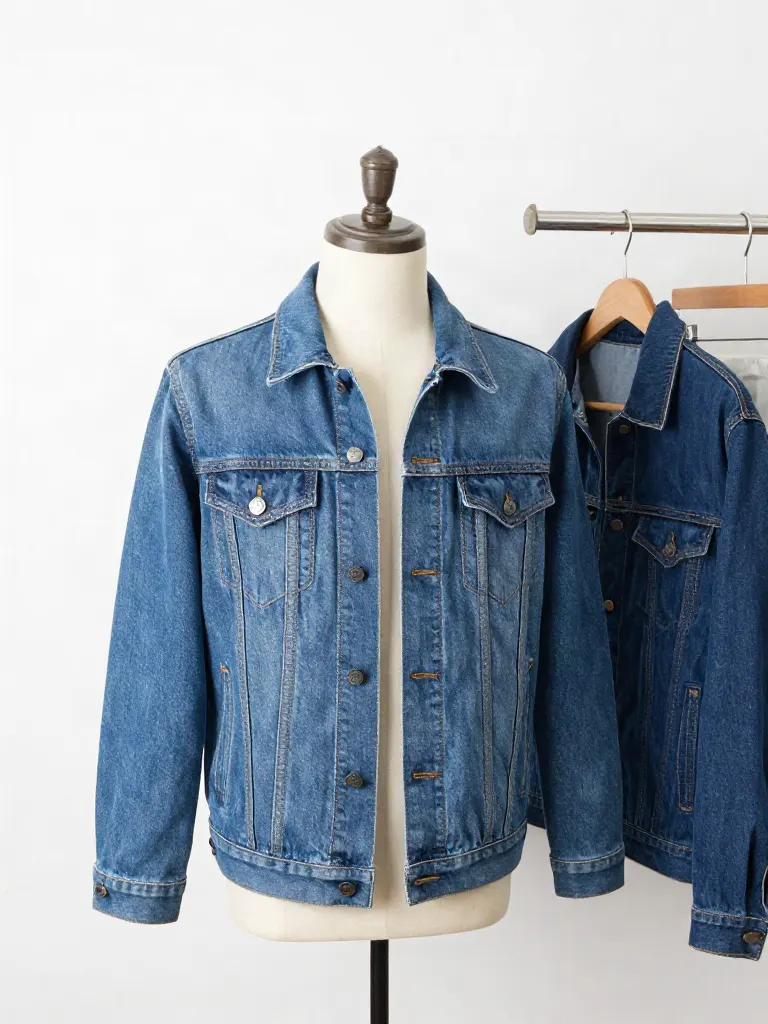
Try on clothes (Try-on)
Upload a person, add a garment photo or describe one, get them wearing it.
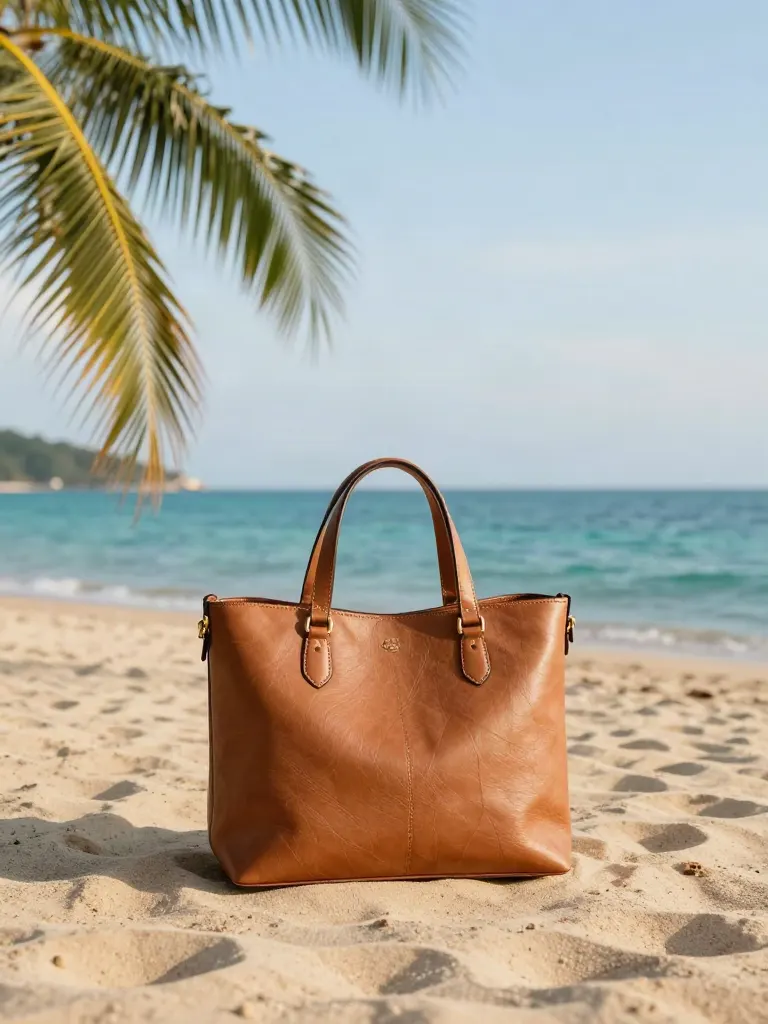
Change background
Upload a photo, get the background removed or swapped for a scene.

AI filters
Pick an art style, get your photo repainted in it.
Sharper photo (Upscale)
Upload a blurry photo, get a sharper, cleaner one.
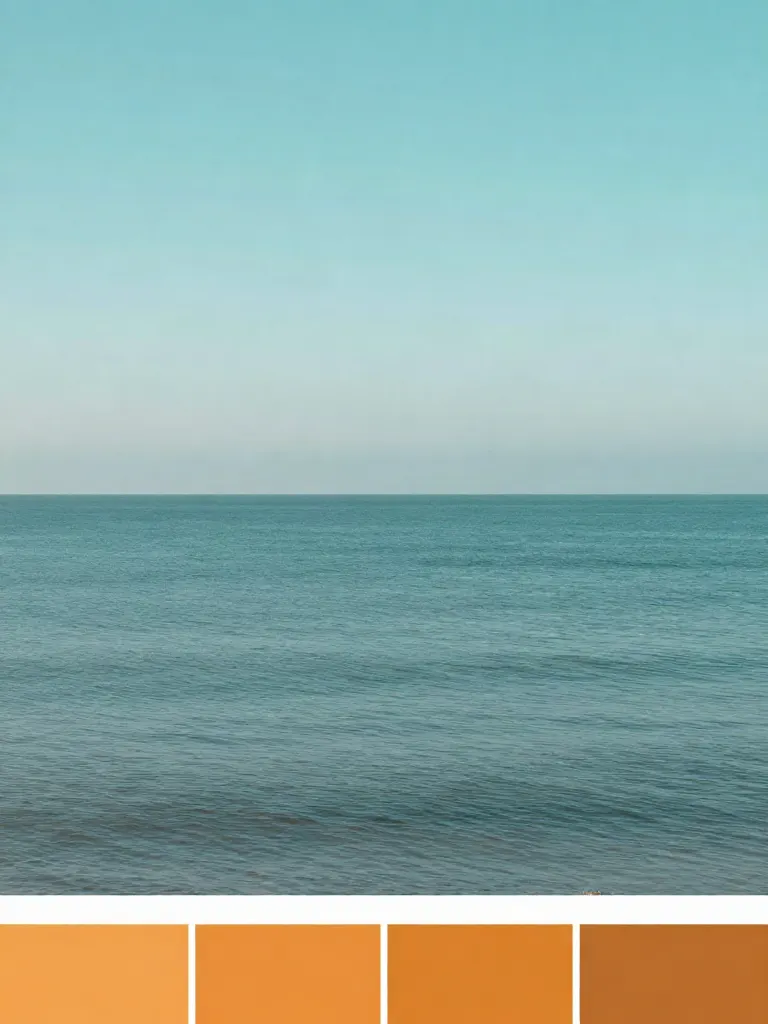
Copy photo colors (Color grade)
Upload a photo and a color reference, get the same color mood.

Edit with a prompt (Reimagine)
Upload a photo and describe a change, get it transformed.
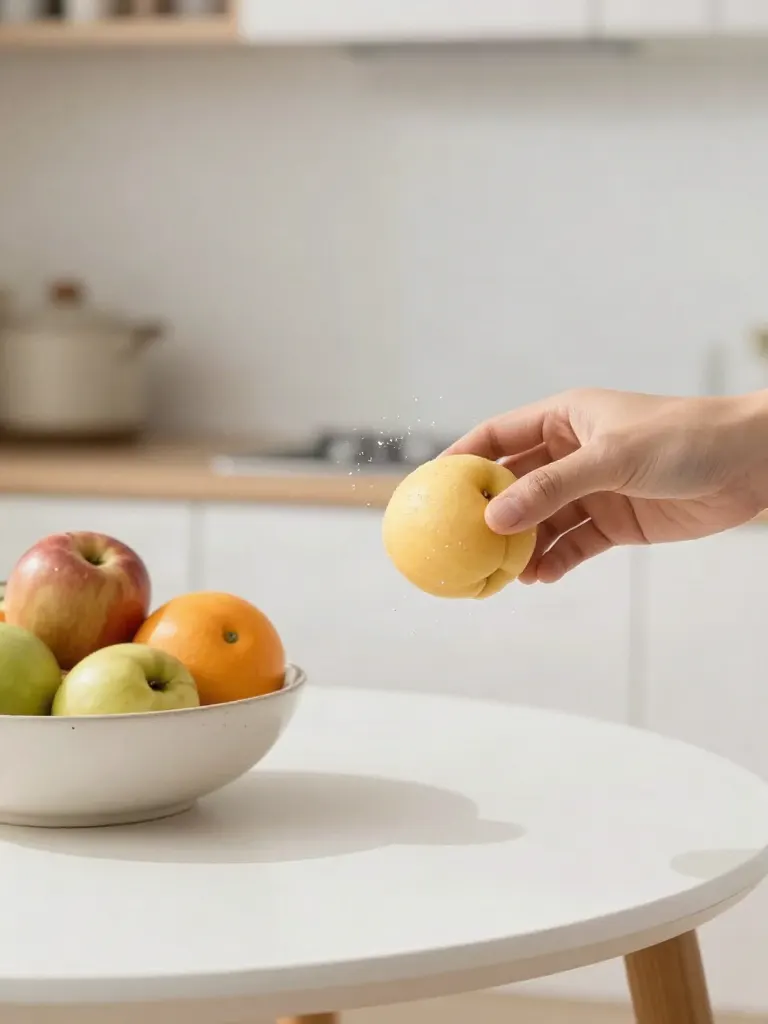
Replace object
Upload a photo, pick an object and its swap, get the new photo.
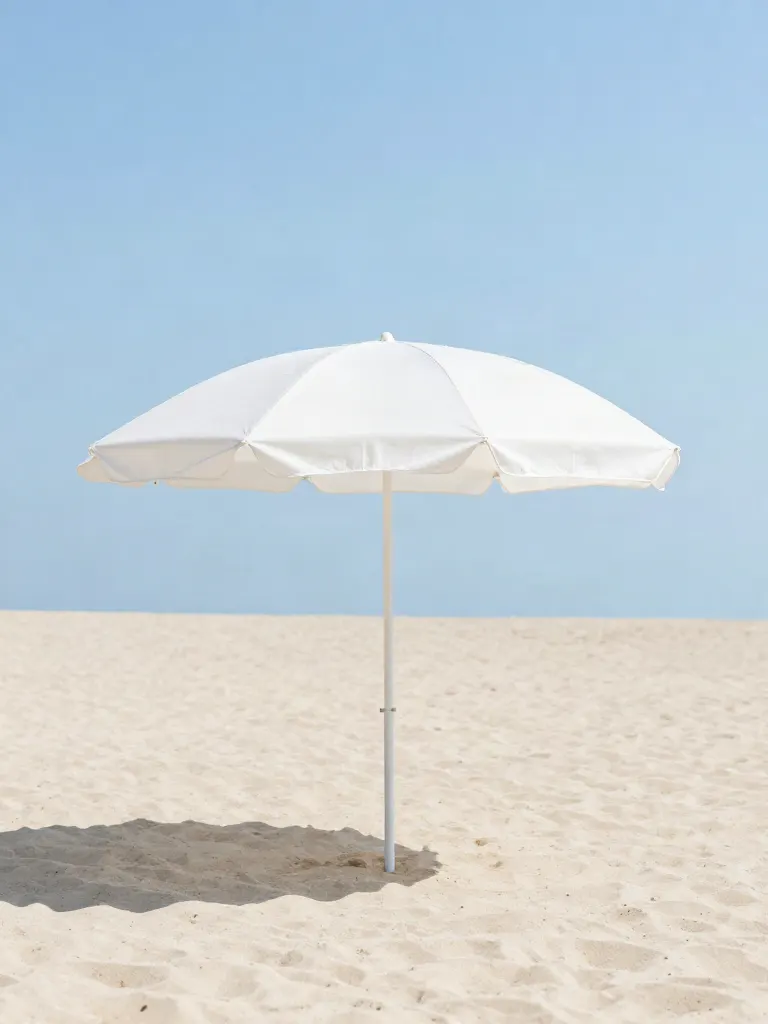
Remove object
Upload a photo, mark an object, get it gone with the gap filled in.
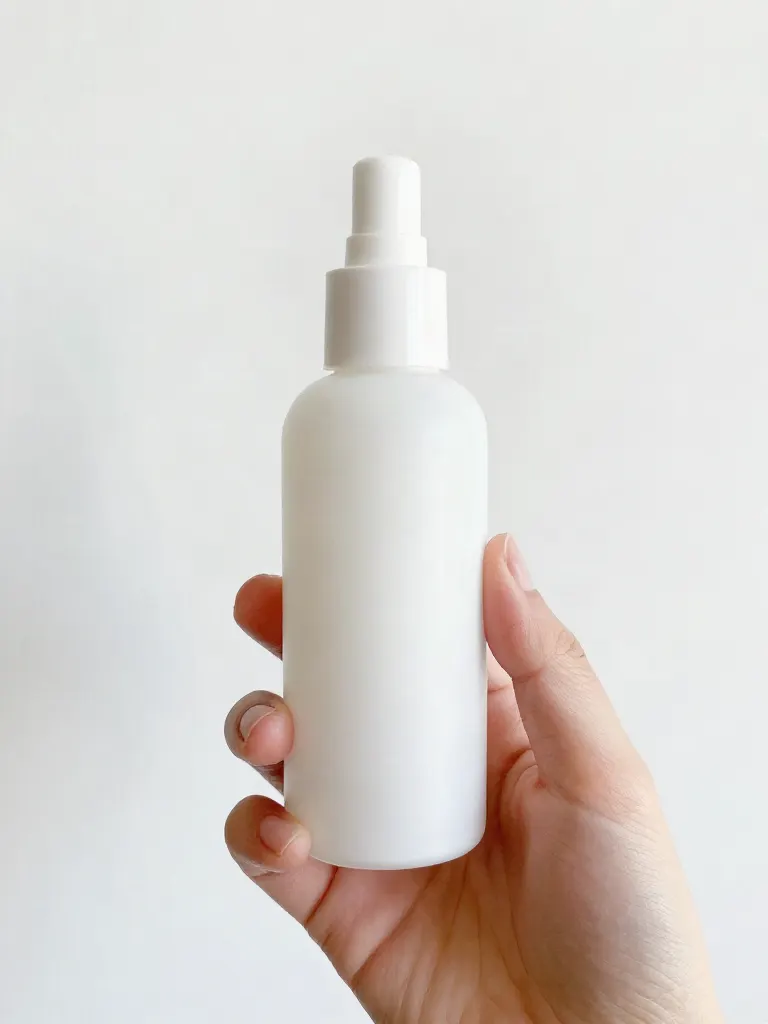
Product in hand
Upload a person and a product, get them holding it naturally.
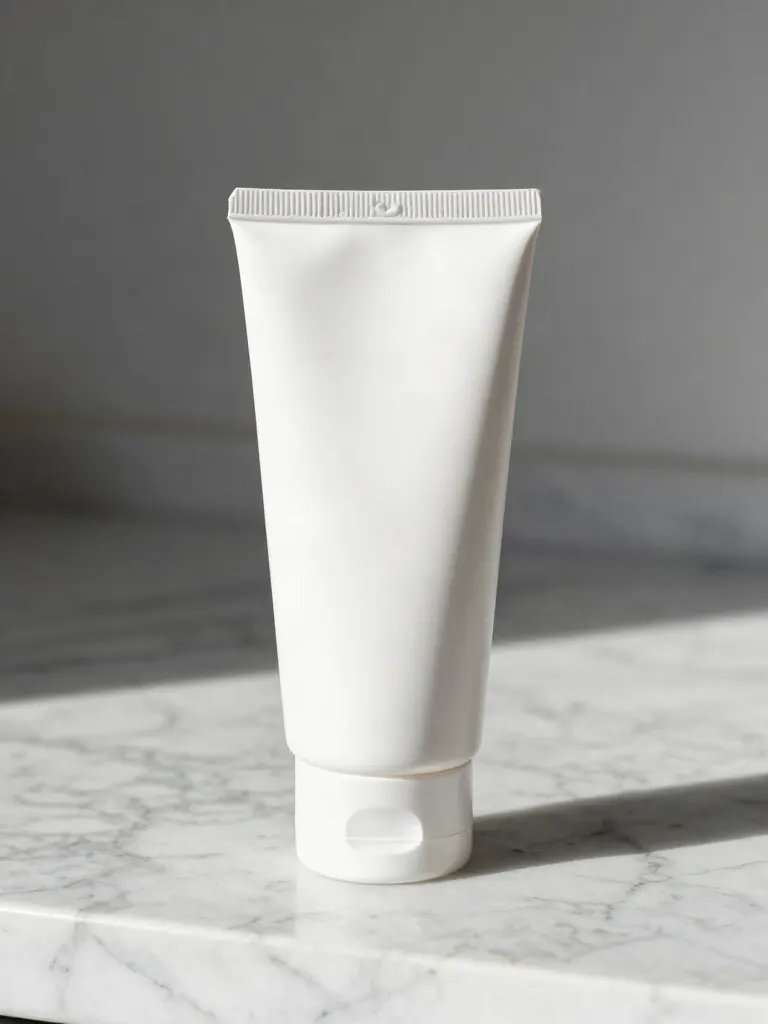
Put a product in a scene
Upload a product and describe a scene, get it placed in with matching light.

Expand image
Upload a photo, pick any size, then fill the new edges with AI, crop, or blur fill.
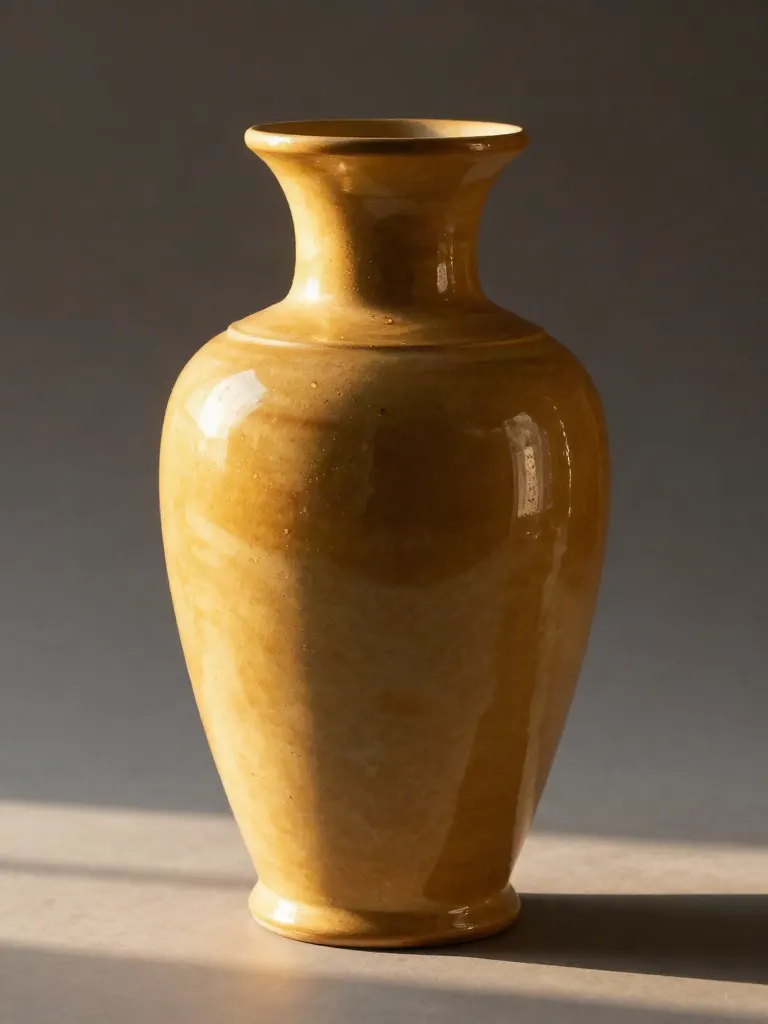
Change the lighting (Relight)
Upload a photo, pick a mood, get new lighting with the pose unchanged.
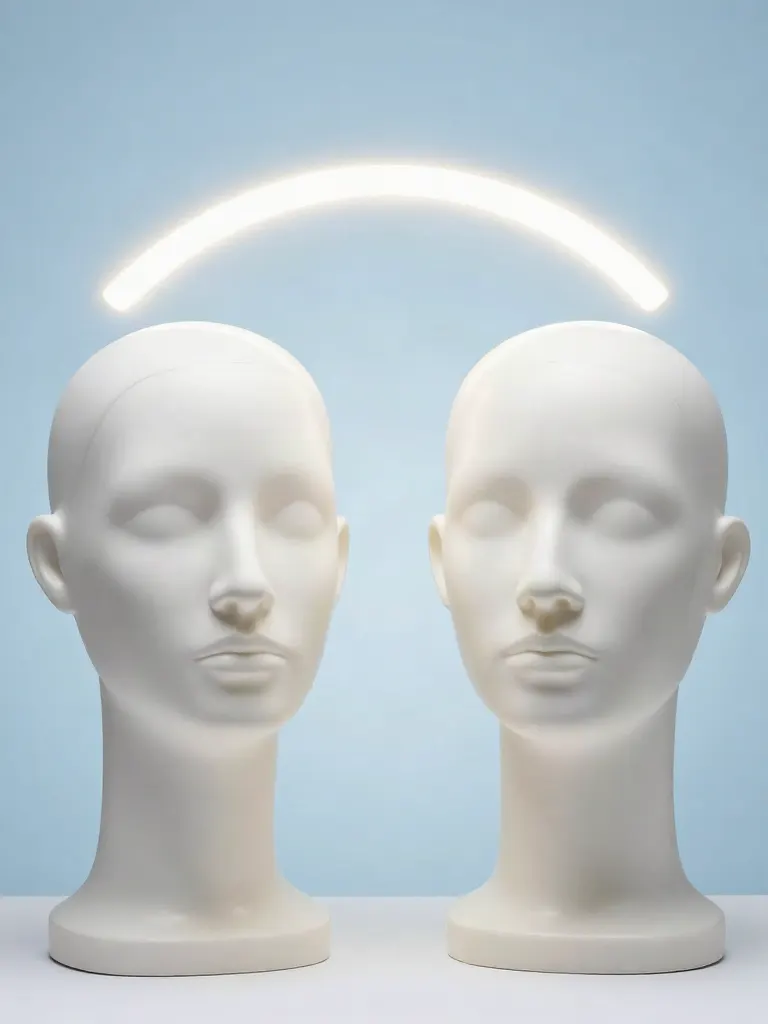
Face swap
Upload a photo and a face, get that face on the photo.
Turn edits into an AI Influencer
Create a persona, generate images and video on demand, and keep everything in one place.
Frequently Asked Questions
What does a Threads profile give us?
The public page shows a name, a short bio and a profile picture. That is often one photo, so you can also add your own photos of what you sell.
Is my Instagram photo the same as my Threads photo?
Often yes, since Threads uses your Instagram profile picture. For more post photos, use the Instagram page instead.
Does the ad use my threads?
No. Text posts are not read. The ad is made from the photo you pick.
Why do I have to confirm the account is mine?
We copy photos from the profile so you can pick one. Use only your own account, or one you have permission to use.