Make a 3D Animated
Series With AI
Invent a world, a cast of expressive characters and a story that runs for episodes. The studio draws each shot in a stylized 3D look with soft lighting, voices every line and renders with subtitles.


For animators-at-heart and brand storytellers
A 3D animated look
Pick 3D animated and every picture follows it.

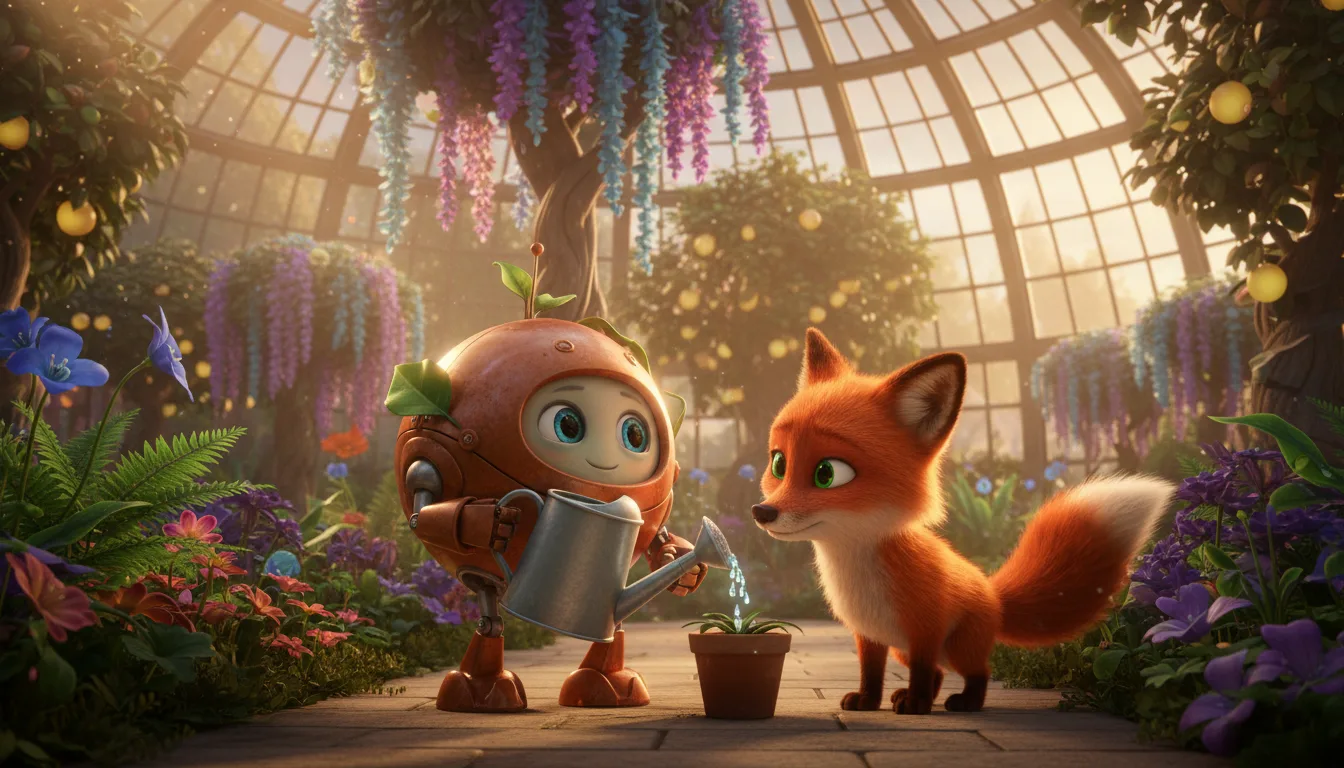
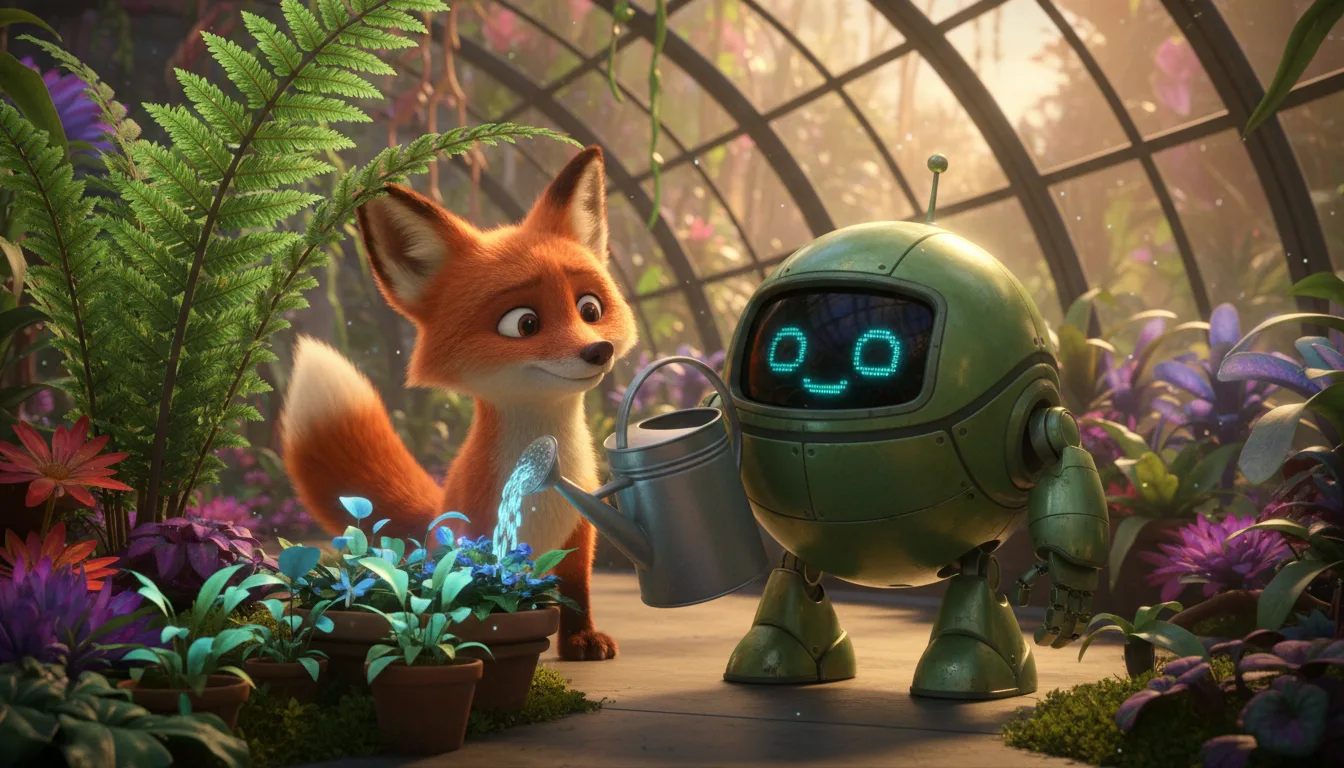
Stylized 3D rendering look
The 3D animated type draws rounded, expressive characters with soft global lighting and a polished, high-quality render look.
A cast from reference sheets
Describe a character, generate the four-picture sheet and reuse it. Shots are drawn from it, so your cast stays recognisable.
Characters that speak
Give each character a voice from the library, a cloned voice or your own ElevenLabs voice.
Moving clips for key shots
Keep a shot as a still, or turn it into an 8-second moving clip where the story needs motion.
A plot that is remembered
The story memory holds the arc and open threads, and AI drafts continue from it.
Wide or vertical
Render for a wide screen, a phone or both.
From world to episode
Build the world once; each episode reuses it.
Set the world
Pick the 3D animated type, name the series and note the setting and lighting.
Create the characters
Describe each one, generate the reference sheet and choose a voice.
Write, generate, render
Paste or draft the episode, make the shots and voices, then render with subtitles.
3D animated series FAQ
Does this build real 3D models and rigs?+
No. It draws each shot as a picture in a stylized 3D animated look, and a shot can become an 8-second moving clip. You cannot open the characters in a 3D modeling tool.
Can I keep the same style across a season?+
A series uses one visual style at a time, and your style notes are added to every picture prompt, so episodes share a look.
Can I add my own music?+
Yes, a music track can be set for a series in its settings.
Can I use my own voices?+
Yes. Use a cloned voice from your account or connect your own ElevenLabs voices.
What does a 3D animated series cost?+
Writing or pasting the script and setting up the cast use no credits. Pictures, voices, moving clips and renders do, and the app shows the cost of each step before it runs. Generating needs a credit pack or a monthly plan; a subscription is not required.
Do I need a subscription?+
No. You can pay as you go: credit packs are one-time purchases and their credits never expire. If you would rather have a steady supply, the monthly Starter ($8.99), Creator ($19), Pro ($49) and Brand ($99) plans refill your credits each month, and you can cancel anytime. Unused monthly credits do not roll over.