Create Hands-On Product Photos From Two Uploads
$0.79 · pay once, no account
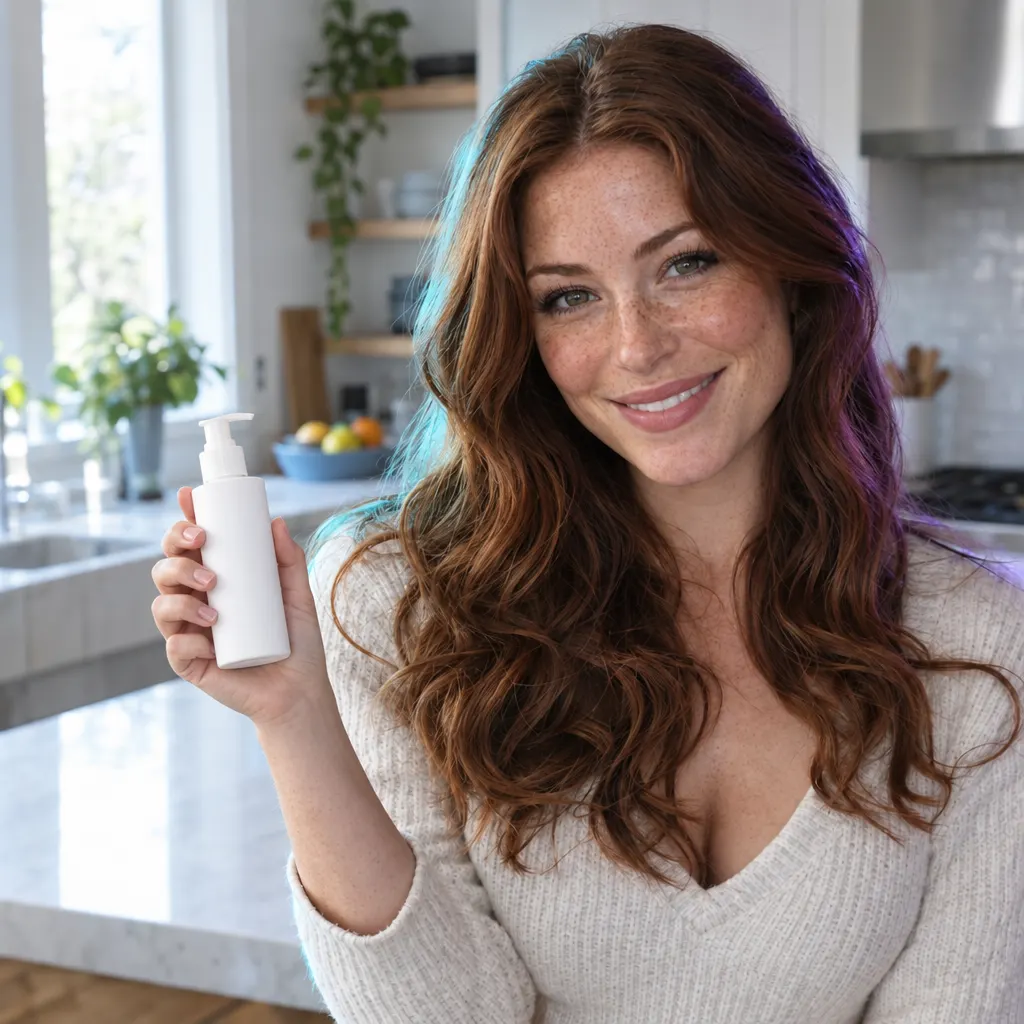

An empty hand to a bottle in hand
Example before and after, generated to show the effect
Inflyu's AI Product Holding is paid per run with a credit pack. It takes a portrait with a visible hand and a pack shot of your product, and returns a photo of the person holding it. Credit packs start at $2.99 with no subscription, and the price is shown before you run it. Free to sign up, no card.
How do I place my product in a person's hand in a photo with AI?
Inflyu places a product naturally in a person’s hand. Upload a portrait plus a pack shot, and every run is paid with a credit pack (product-in-hand composites included), and the price shows before you start. Edit up to 10 photos at once.
Upload a portrait
Upload a portrait. Choose a photo of one person with a visible hand, up to 10 MB (JPG, PNG or WebP).
Add the product
Add the product. Upload a clear pack shot; the run button stays off until both photos are in.
Run it
Run it. The product is placed in the person's hand.
Download the result
Download the result. Preview the photo and save it; run again with another portrait or product for more.
Is there a free AI tool to place my product in a person's hand in a photo I already have?
Free to sign up, with up to 20 bonus credits that open with your first pack from $5.99, and the face, person, object and car swap tools give up to 2 free preview pictures. Inflyu's AI Product Holding is paid per run with a credit pack, from $2.99 with no subscription, and the price is shown before you run it. Every video and every other tool is paid per run with a credit pack. Credits already held unlock with any pack.
What is the best AI tool for placing a product in a person's hand in a photo?
It depends on what you start from. Inflyu takes a portrait and a pack shot for this one job. insMind and Pixelcut let you upload your own product photo, Photoroom's page covers AI fashion models and does not state a product-in-hand shot, and Higgsfield starts from a basic product photo with daily free credits (amount not stated). Inflyu is paid per run, with credit packs from $2.99 and no subscription. Free to sign up, no card.
| Tool | Free tier | Works on your own photo | Needs a card | Output limit | Entry price | Bad at |
|---|---|---|---|---|---|---|
| Inflyu | Paid per run; credit packs from $2.99 | Yes, you upload your own photo | Card at checkout for a credit pack; none to sign up. | One holding shot per run; portrait up to 10 MB; one product photo at a time | Credit packs from $2.99, no subscription | No free runs: every video and every other tool is paid per run with a credit pack |
| insMind | You can try this tool online for free | Yes (Upload a photo) | Not stated | Batch upload up to 30 images; other limits not stated | Not stated | No dedicated product-in-hand page found; usage limits 'may vary by account and permissions' |
| Photoroom | Start your free trial | Yes (select your product image) | Not stated | Available in 2K and 4K resolutions; free-tier limits not stated | Not stated | Page covers AI fashion models; product-in-hand is not stated |
| Higgsfield | Start free; daily free credits | Yes (upload a basic product photo) | Not stated | Daily free credits, amount not stated | Not stated | Product accuracy rated 'Mostly'; small details can vary |
| Pixelcut | Not stated (Try Product Studio button) | Yes (drag in your product photo) | Not stated | Not stated | Not stated | Per FAQ, Amazon main listing image must still be a real photo |
Competitor facts come from each tool's own page, checked 1 Nov 2026.
Photoroom alternative for placing my product in a person's hand in a photo
Photoroom's virtual model page offers a free trial, takes your product image and outputs in 2K and 4K, but it covers AI fashion models and does not state a product-in-hand shot. Inflyu's AI Product Holding is built for this one job: a portrait with a visible hand plus a pack shot in, a holding shot out. Pick Photoroom if you want AI fashion models for your products. Pick Inflyu for a person holding the product, paid per run with credit packs from $2.99 and no subscription. Free to sign up, no card.
Compare with Photoroom on its own page.
Does an AI product in hand photo look realistic, and what are the limits?
It can look natural when the inputs are good: a portrait with a clearly visible hand and a clear pack shot of the product. Tight head-only crops and hands in pockets are weak spots. A photo with no person is refused before anything is charged. Free to sign up, no card.
Limits today
- It needs a person in the portrait: a photo of only a product, garment, animal, building or landscape is refused before anything is charged.
- A clearly visible hand works best; tight head-only crops and hands in pockets are weak spots.
- The pack shot is the reference for the packaging and label, so a clear, front-on shot gives the tool more to copy.
- If the AI's safety filter declines a photo, or the provider fails, you are not charged.
- Runs paid with a credit pack carry no Inflyu mark.
What works best
- A portrait of one person with a hand clearly visible, up to 10 MB.
- A clear, front-on pack shot of the product on a plain background.
- To compare looks, run the tool again with another portrait or another product.
Explore More AI Image Tools
Transform your photos with our full suite of AI editing tools
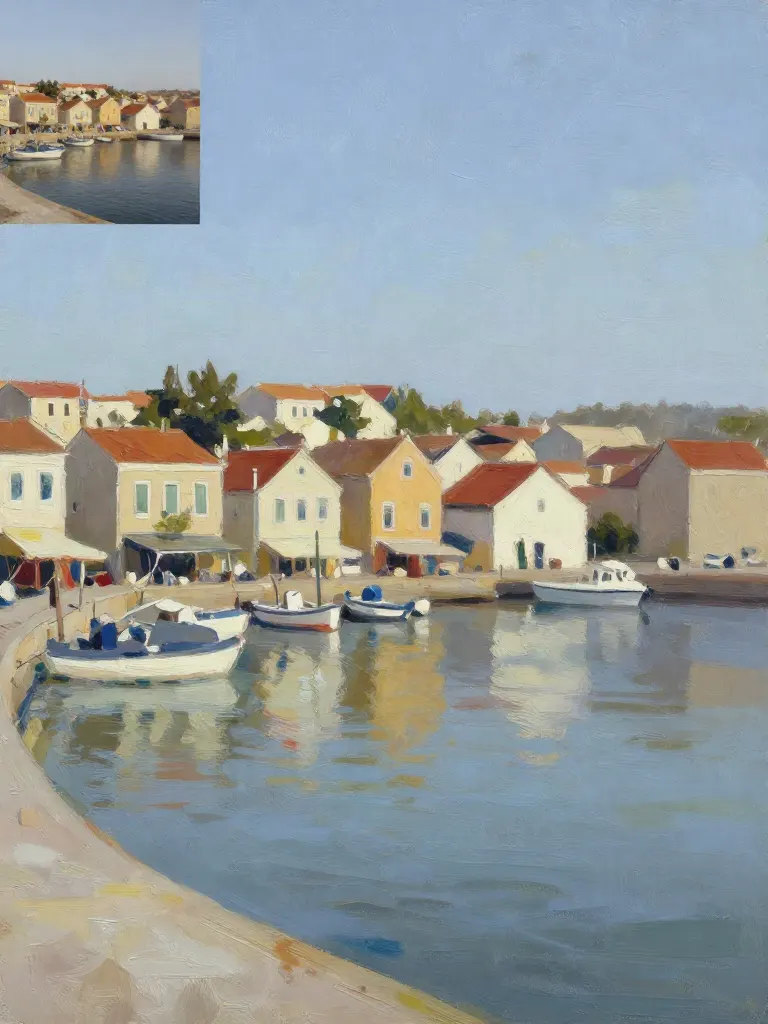
Copy art style (Style transfer)
Upload a photo and a style picture, get your photo repainted in that style.
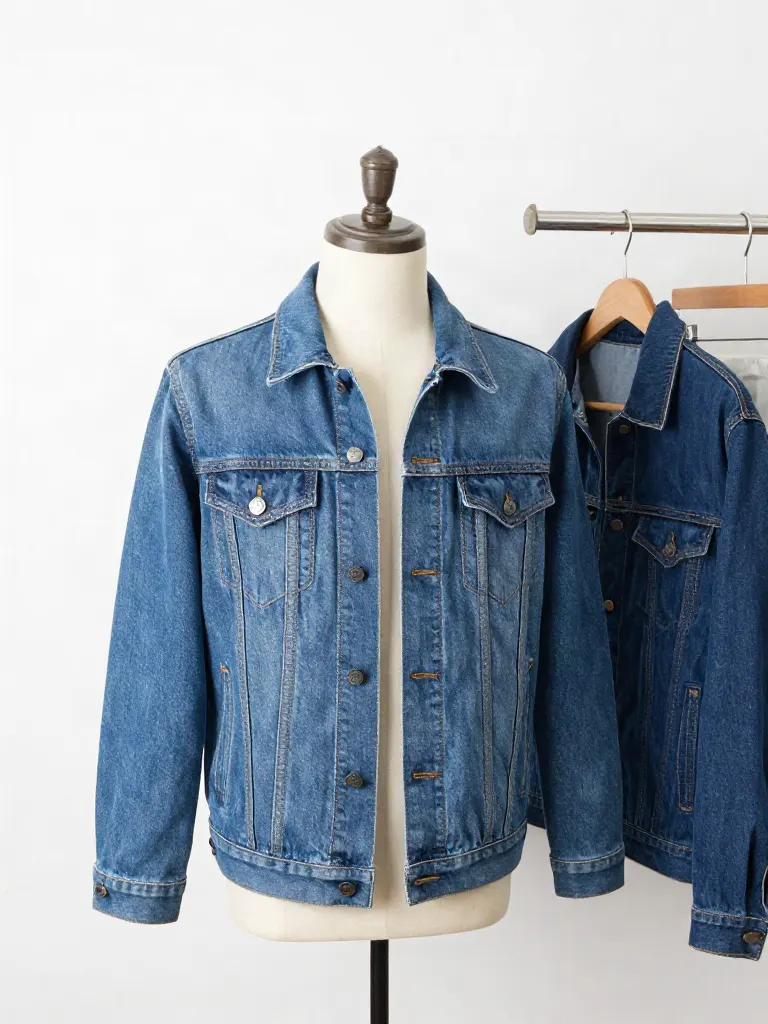
Try on clothes (Try-on)
Upload a person, add a garment photo or describe one, get them wearing it.
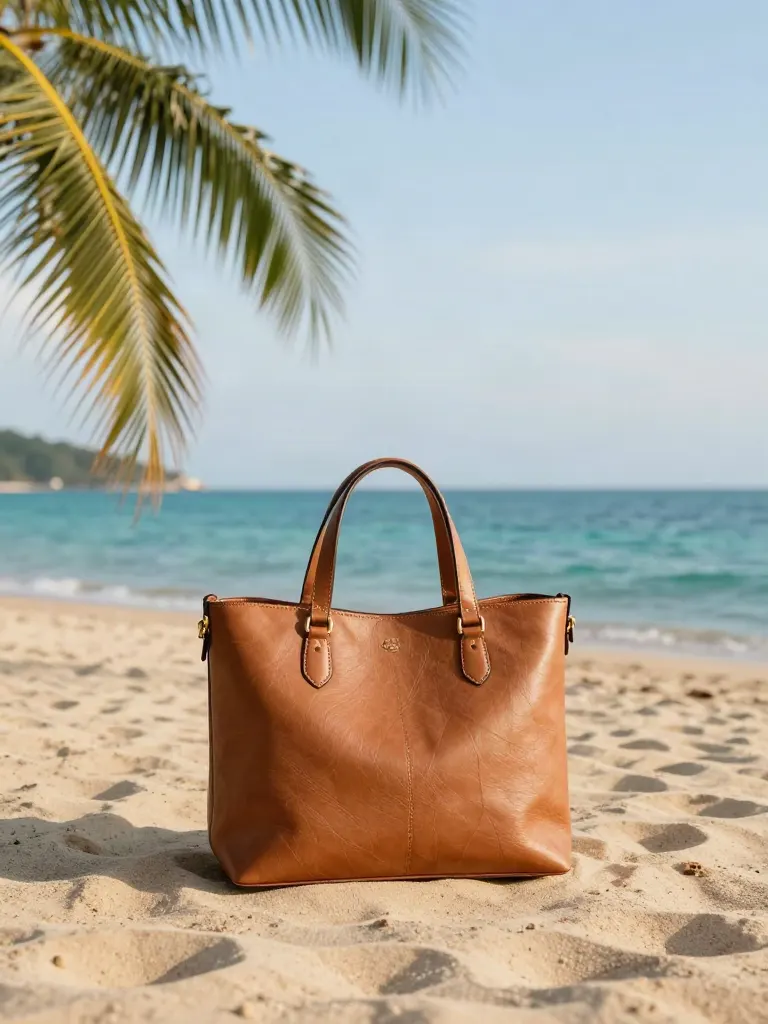
Change background
Upload a photo, get the background removed or swapped for a scene.

AI filters
Pick an art style, get your photo repainted in it.

Sharper photo (Upscale)
Upload a blurry photo, get a sharper, cleaner one.

Copy photo colors (Color grade)
Upload a photo and a color reference, get the same color mood.

Edit with a prompt (Reimagine)
Upload a photo and describe a change, get it transformed.
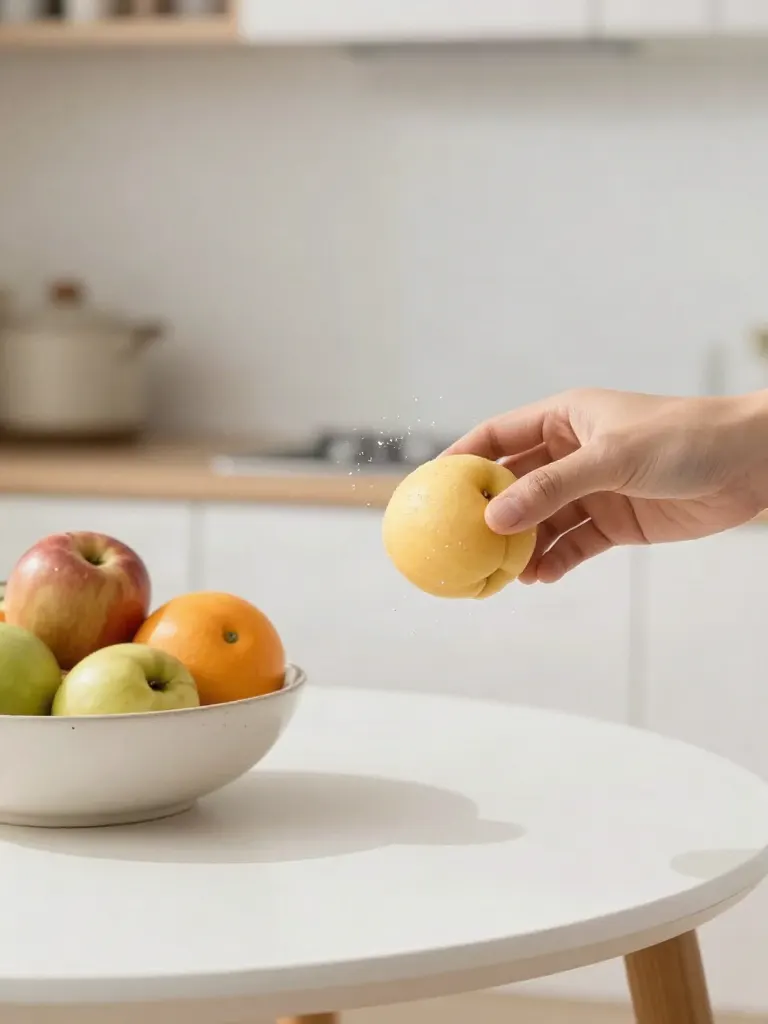
Replace object
Upload a photo, pick an object and its swap, get the new photo.

Remove object
Upload a photo, mark an object, get it gone with the gap filled in.
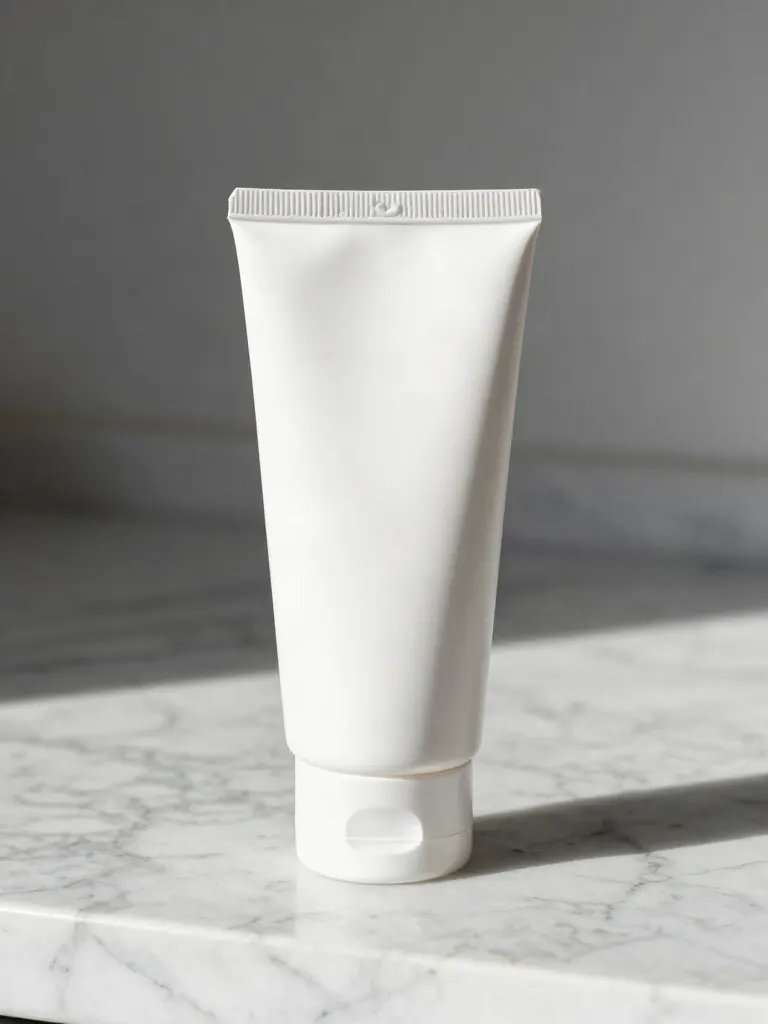
Put a product in a scene
Upload a product and describe a scene, get it placed in with matching light.

Expand image
Upload a photo, pick any size, then fill the new edges with AI, crop, or blur fill.
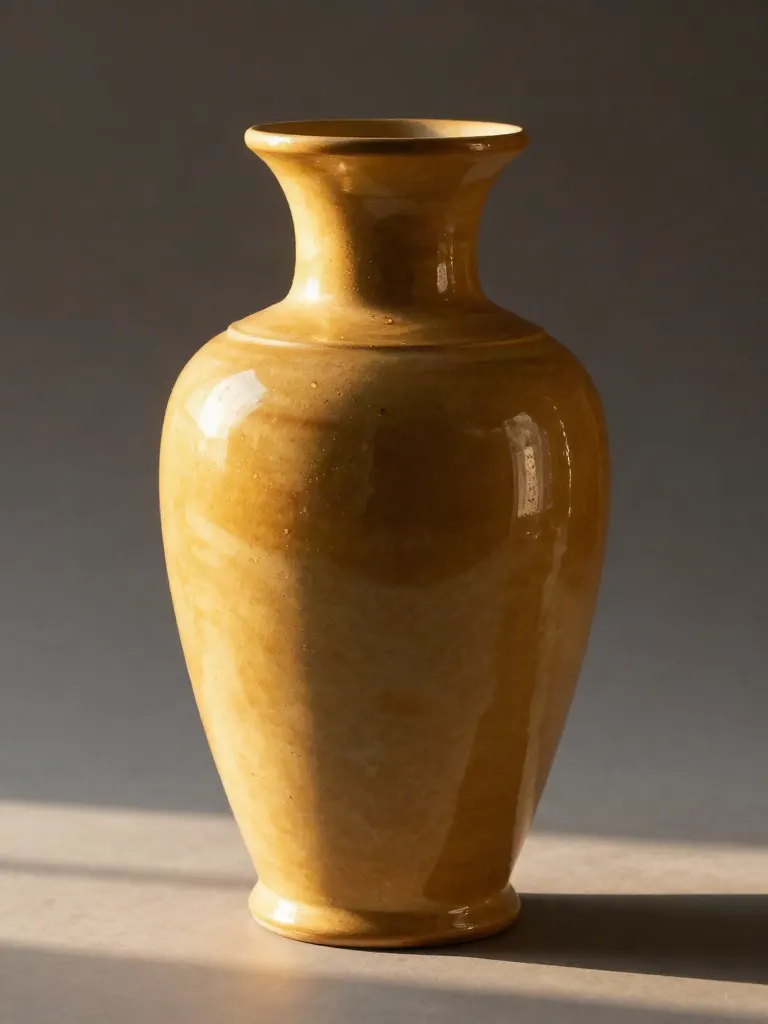
Change the lighting (Relight)
Upload a photo, pick a mood, get new lighting with the pose unchanged.
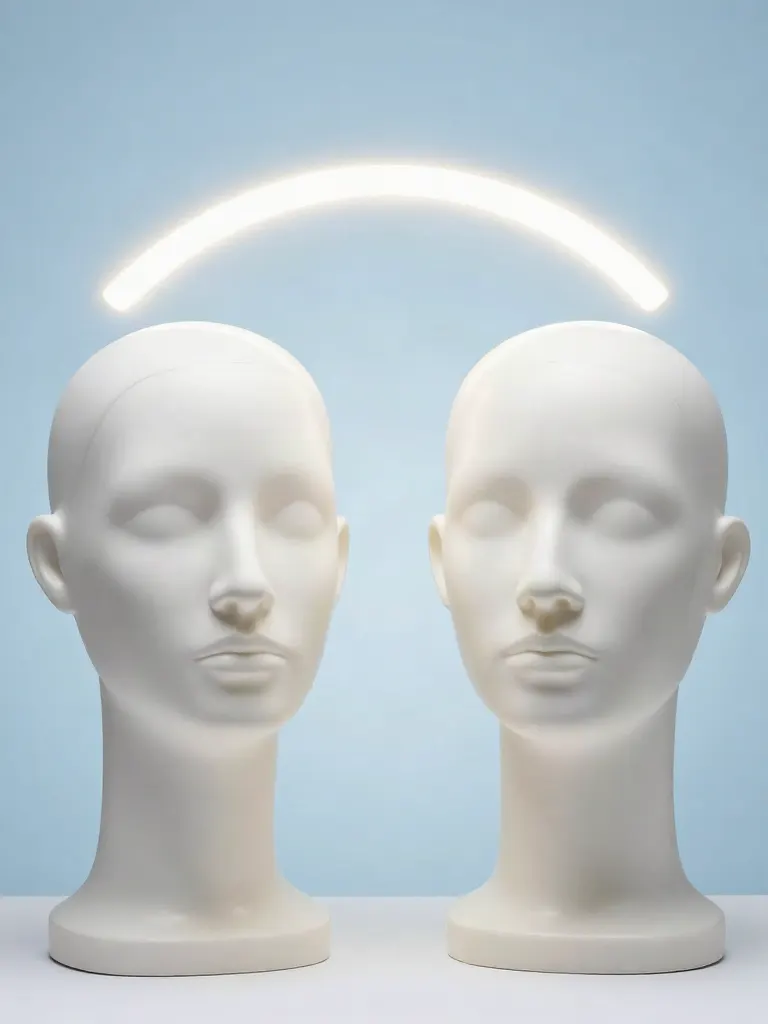
Face swap
Upload a photo and a face, get that face on the photo.
Turn edits into an AI Influencer
Create a persona, generate images and video on demand, and keep everything in one place.
Frequently Asked Questions
What is an AI product holding photo?
It is a two-image composite: a person who should appear to hold the item, plus a pack shot of the SKU. The result is a hands-on still without booking a hand model for every variant.
Why is the product upload required on this page?
Holding shots fail when the model invents packaging. The second image is the source of truth for shape, label, and color, so Transform stays disabled until both photos are up.
Can I use a selfie and a marketplace listing image?
Yes if the hand is visible and the listing photo is a clean pack shot. Cropped marketplace thumbnails and hands wearing thick gloves usually produce weaker grips.
How is the holding composite priced?
The account is free, and each run is paid with a credit pack. Packs start at $2.99 with no subscription, and an edit is 2 credits.
When should I skip holding and place the product on a set instead?
If there is no person in the frame, use product placement. Holding is only for a grip on a visible hand.
Is there a free AI tool to place my product in a person's hand in a photo I already have?
Free to sign up, with up to 20 bonus credits that open with your first pack from $5.99, and the face, person, object and car swap tools give up to 2 free preview pictures. Inflyu's AI Product Holding is paid per run with a credit pack, from $2.99 with no subscription, and the price is shown before you run it. Every video and every other tool is paid per run with a credit pack. Credits already held unlock with any pack.
How do I place my product in a person's hand in a photo with AI?
Upload a portrait of one person with a visible hand, add a clear pack shot of the product, run the tool, then preview the holding shot and save it. A photo with no person in it is refused before anything is charged.
What is the best AI tool for placing a product in a person's hand in a photo?
It depends on what you start from. Inflyu takes a portrait and a pack shot for this one job. insMind and Pixelcut let you upload your own product photo, Photoroom's page covers AI fashion models and does not state a product-in-hand shot, and Higgsfield starts from a basic product photo with daily free credits (amount not stated). Inflyu is paid per run, with credit packs from $2.99 and no subscription. Free to sign up, no card.
Photoroom alternative for placing my product in a person's hand in a photo
Inflyu's AI Product Holding is an alternative when you have a portrait and a pack shot: upload both and the product is placed in the person's hand. Photoroom's virtual model page covers AI fashion models and offers a free trial, but does not state a product-in-hand shot. Inflyu is paid per run, with credit packs from $2.99 and no subscription. Free to sign up, no card.
Does an AI product in hand photo look realistic, and what are the limits?
It can look natural when the inputs are good: a portrait with a clearly visible hand and a clear pack shot of the product. Tight head-only crops and hands in pockets are weak spots. A photo with no person is refused before anything is charged. Free to sign up, no card.