Make a Motion Comic
From Your Story
Illustrated pictures, a little movement and a voice for every character. Write the chapter, choose the Illustrated look and the studio turns each line into a painted shot, voiced and subtitled.


For comic writers and illustrators-in-waiting
The comic look, with sound
Panels that speak, and move when you say so.
A painterly illustrated look
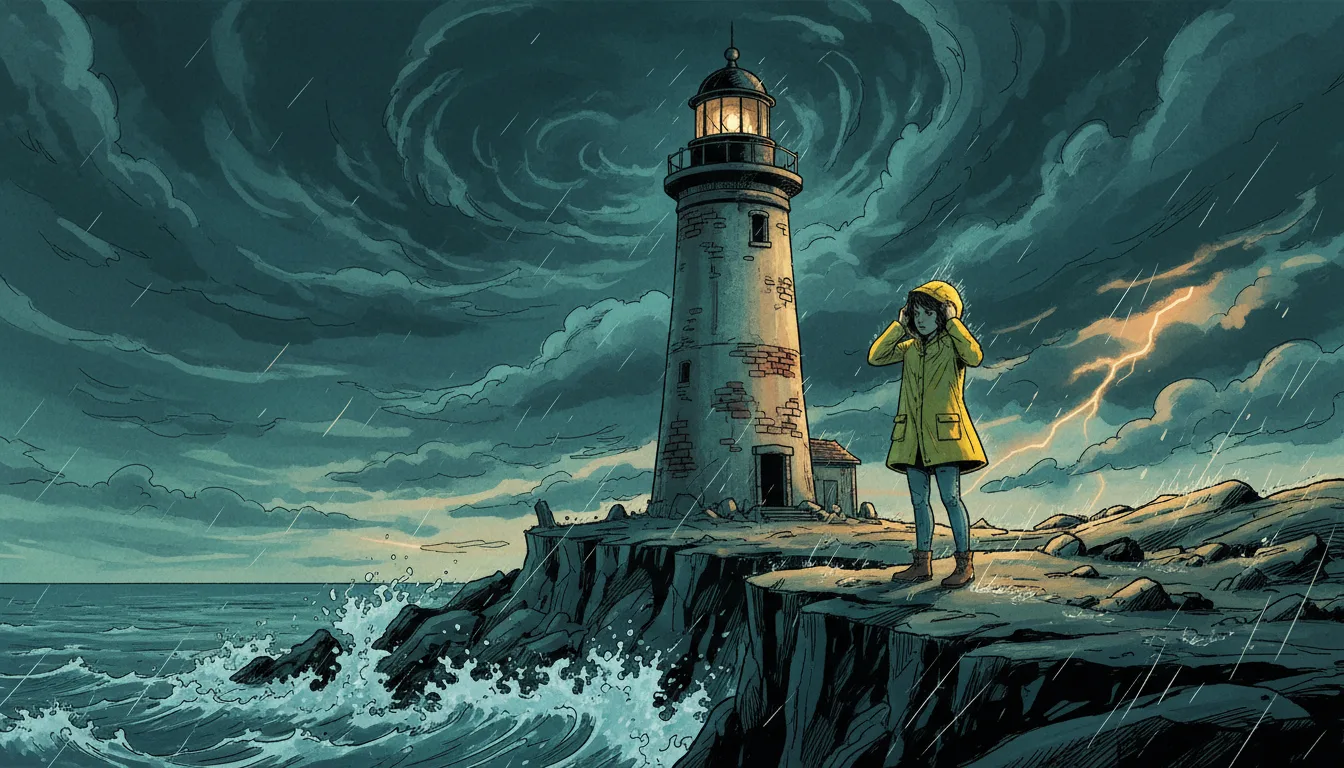
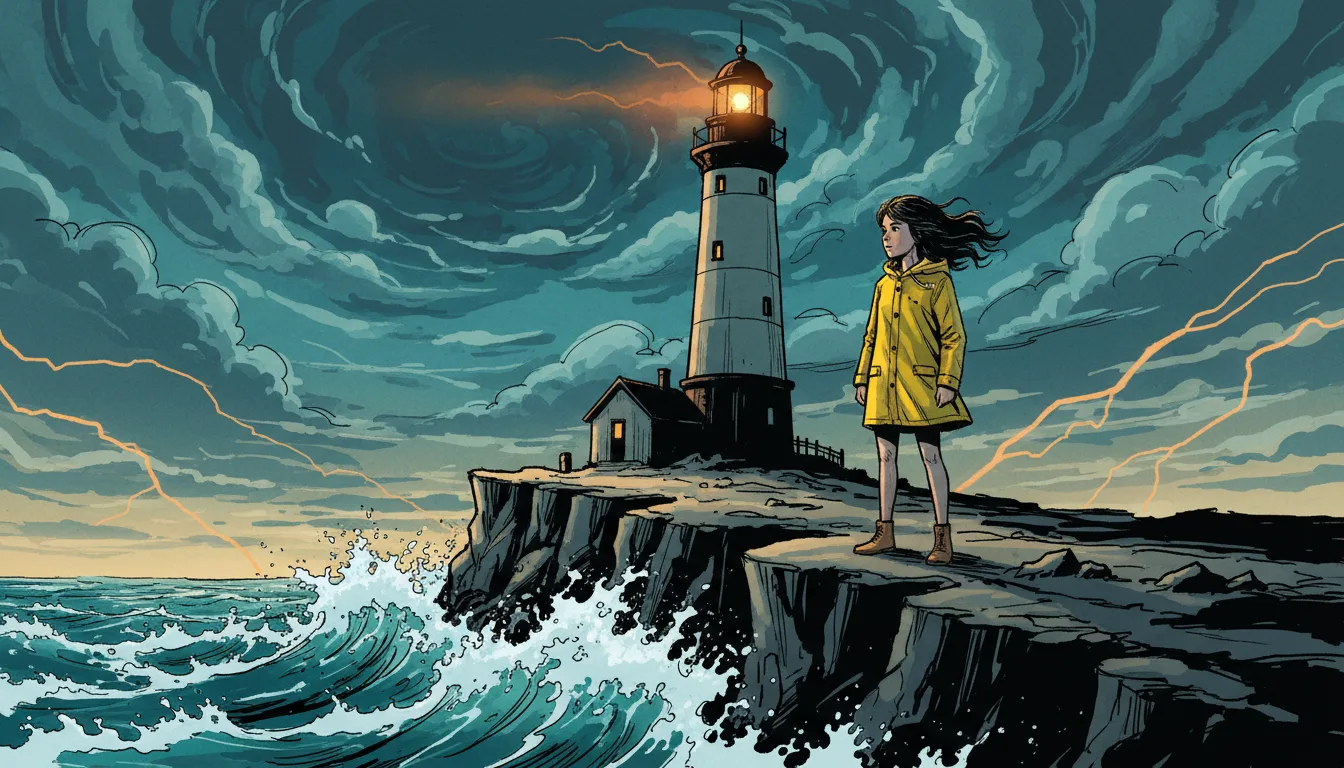
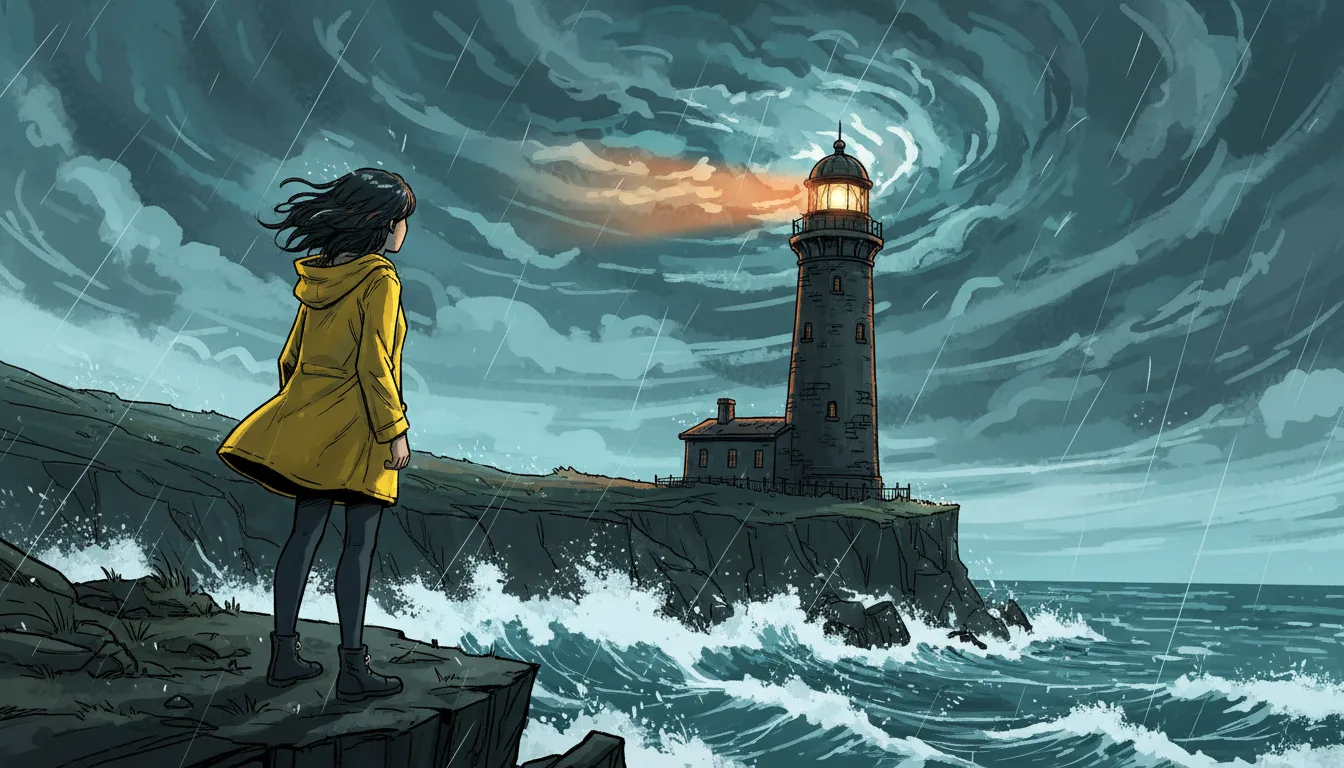
The Illustrated type draws textured brushwork in a warm palette. Style notes push it toward ink, watercolor or paper grain.
Panels as shots
Write a line or a panel description per shot. The storyboard keeps them in order and you can rewrite any one.
Movement where it helps
Most shots can stay as stills, the way a motion comic works. Turn key panels into 8-second moving clips.
Voiced dialogue
Every character has a voice and each line is timed, so captions land with the speech.
Characters across chapters
A reference sheet per character keeps your cast recognisable from chapter to chapter.
Subtitles on screen
Burn captions into the video or export subtitle files for your own edit.
From script to motion comic
Write the chapter, then let the panels move.
Choose the Illustrated look
Name the series and add notes on the style: ink and wash, storybook, graphic novel.
Write the chapter
One line or panel per shot, with the speaker for each line of dialogue.
Generate and render
Make the pictures and voices, add motion to selected panels and render the video.
AI motion comic FAQ
Can I upload my own comic panels?+
Not in Series Studio today. It draws the pictures from your descriptions. To animate a picture you already have, use the image-to-video tools.
Does it make speech bubbles?+
No. Dialogue is voiced and shown as subtitles, not as lettered speech bubbles.
What makes it a motion comic and not a cartoon?+
The look. The Illustrated type draws painterly pictures and most shots can stay as stills, with movement only on the panels you choose.
Can I turn a long story into chapters?+
Yes. Each chapter is an episode of one series, and AI drafts continue from the story memory.
What does a motion comic cost?+
Writing or pasting the script and setting up the cast use no credits. Pictures, voices, moving clips and renders do, and the app shows the cost of each step before it runs. Generating needs a credit pack or a monthly plan; a subscription is not required.
Do I need a subscription?+
No. You can pay as you go: credit packs are one-time purchases and their credits never expire. If you would rather have a steady supply, the monthly Starter ($8.99), Creator ($19), Pro ($49) and Brand ($99) plans refill your credits each month, and you can cancel anytime. Unused monthly credits do not roll over.