Inflyu removes unwanted objects from photos with AI. Describe what to erase and try one free object removal without a credit card.
Erase Distractions From Photos With AI
Type what to remove — a logo, a cup, a stranger in the back — and Inflyu fills the pixels so the rest of the photo still looks real. Free, no sign-up.
Try It Free (1 Free Transformation)
See What You Can Create
Real examples rendered with Remove object
 Before
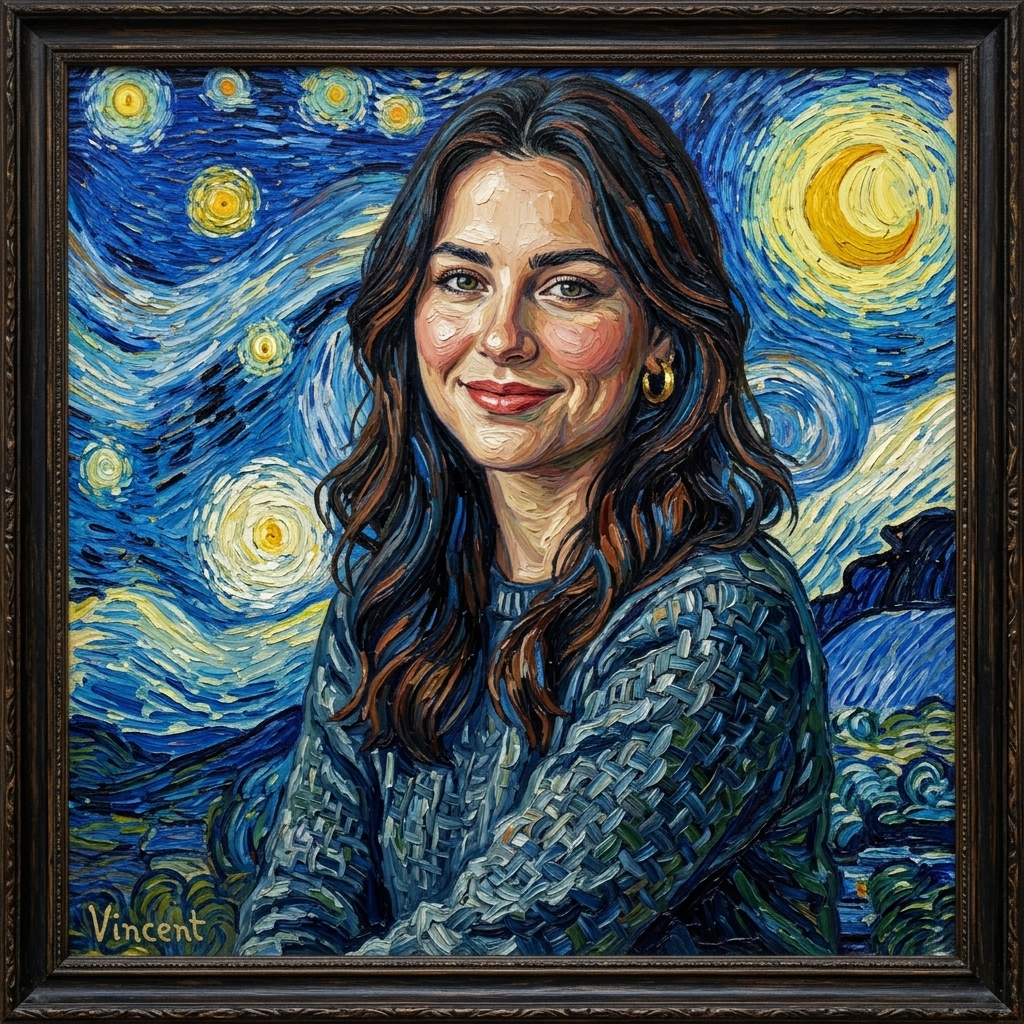 After
AfterErase a Still-Life Extra
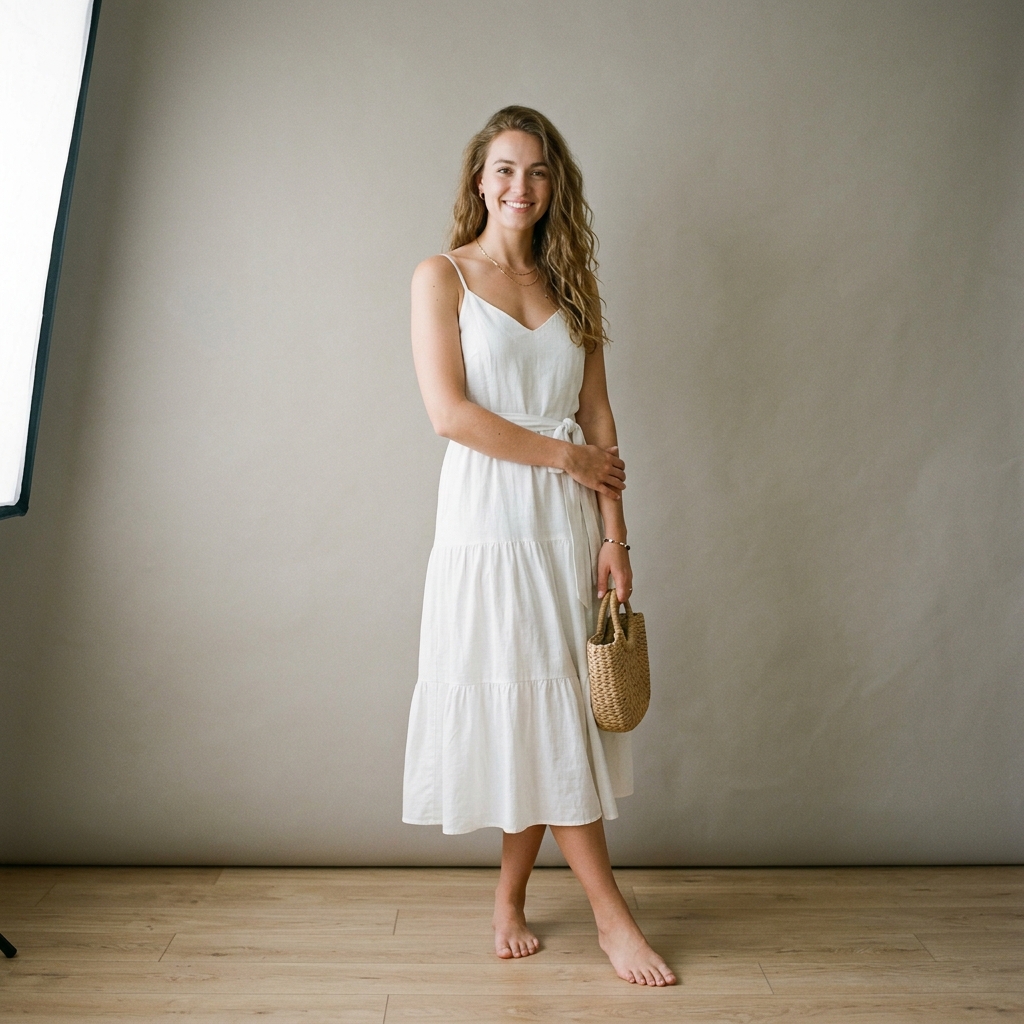 Before
 After
AfterErase a Terrace Distraction
 Before
 After
AfterErase a Neon-Scene Extra
How It Works in 3 Steps
Upload Your Image
Drag and drop any photo from your phone or computer.
Choose Style & Effect
Select from presets, upload a reference, or write a description.
Download & Share
Get your instant high-resolution result ready for social media.
Explore More AI Image Tools
Transform your photos with our full suite of AI editing tools
Style Transfer
Apply the artistic style of one image onto another
Background
Replace the background with a scene you describe
AI Filters
Apply AI art styles with one tap
Upscale
Sharpen and enhance blurry photos with AI
Color Grade
Transfer color palette from a reference photo
Reimagine
Describe changes and AI transforms your photo
Replace object
Swap an object in your photo with another
Product in hand
Place a product naturally in a person's hand
Place product
Place a product into a scene with matching lighting
Expand image
Extend a photo to fill a new aspect ratio without cropping the subject.
Relight photo
Change the lighting mood of a photo without touching the pose or background.
Virtual try-on
Put any garment on your subject without a photoshoot.
Face swap
Swap in a different face while keeping pose, outfit, and background.
Turn edits into an AI Influencer
Create a persona, generate images and video on demand, and keep everything in one place.
Frequently Asked Questions
How do I remove an object from a photo without cloning by hand?
Upload the image and type the thing to delete. The AI redraws that area from the surrounding texture, so you are not dragging a clone stamp across the frame.
Will removing an object blur the rest of the picture?
The fill is local to the named item. Faces, backgrounds, and other props should stay sharp unless they overlap the object you asked to erase.
Can I delete more than one item in a single pass?
Name every target in the prompt if they are small and separate. Large overlapping items usually look better as two sequential removals after you sign up.
Is the first removal free?
Yes — one guest trial per tool every 48 hours, no card. Sign up for HD downloads and to keep going on the same photo.
What if I meant to swap the object for my product?
Use replace object in photo instead. Removal only deletes and fills; it will not insert a pack shot.