Match the Color Grade & Mood of Any Photo
Upload your photo and a reference image — our AI transfers the color palette, shadow depth, and cinematic lighting instantly. Achieve film-grade visual harmony in seconds. Free online tool.
Try It Free (1 Free Transformation)
See What You Can Create
Real examples rendered with Color Grade
 Before
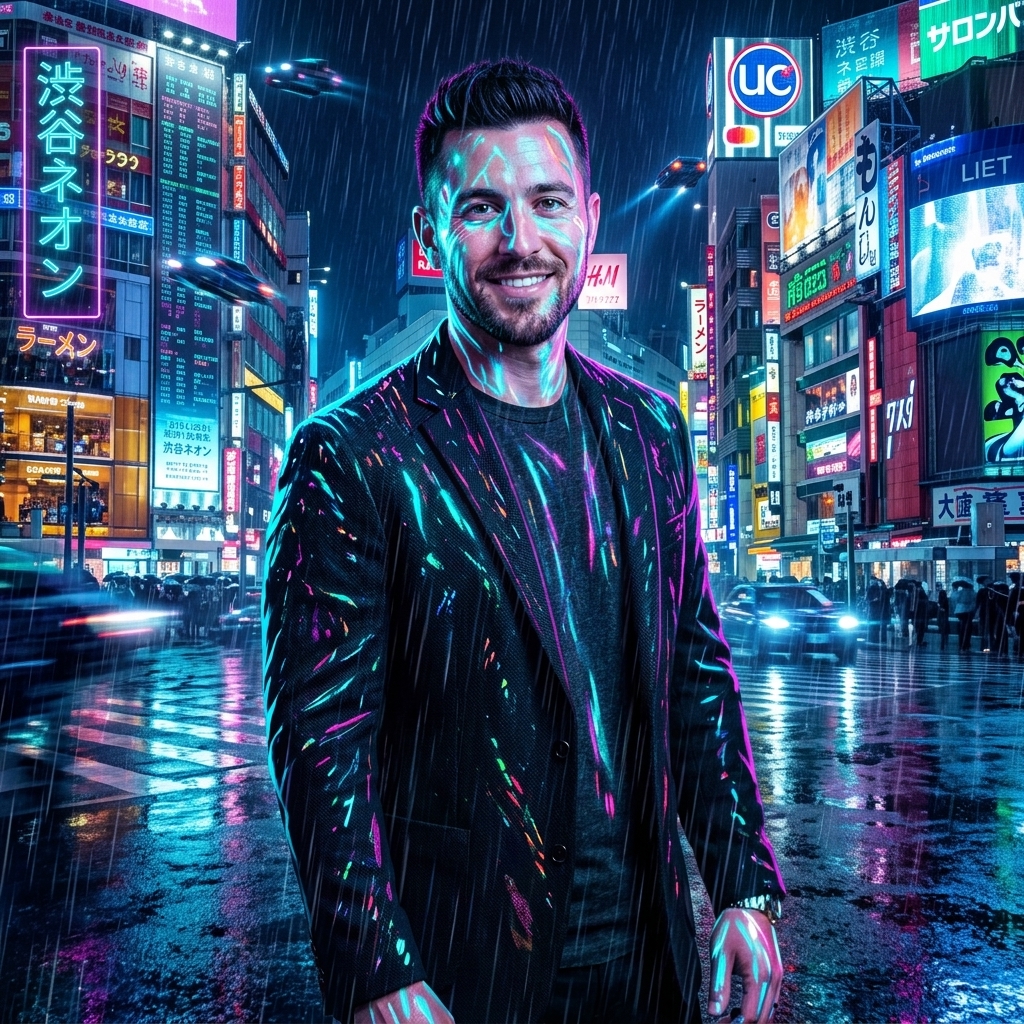 After
AfterCyberpunk Neon Mood Match
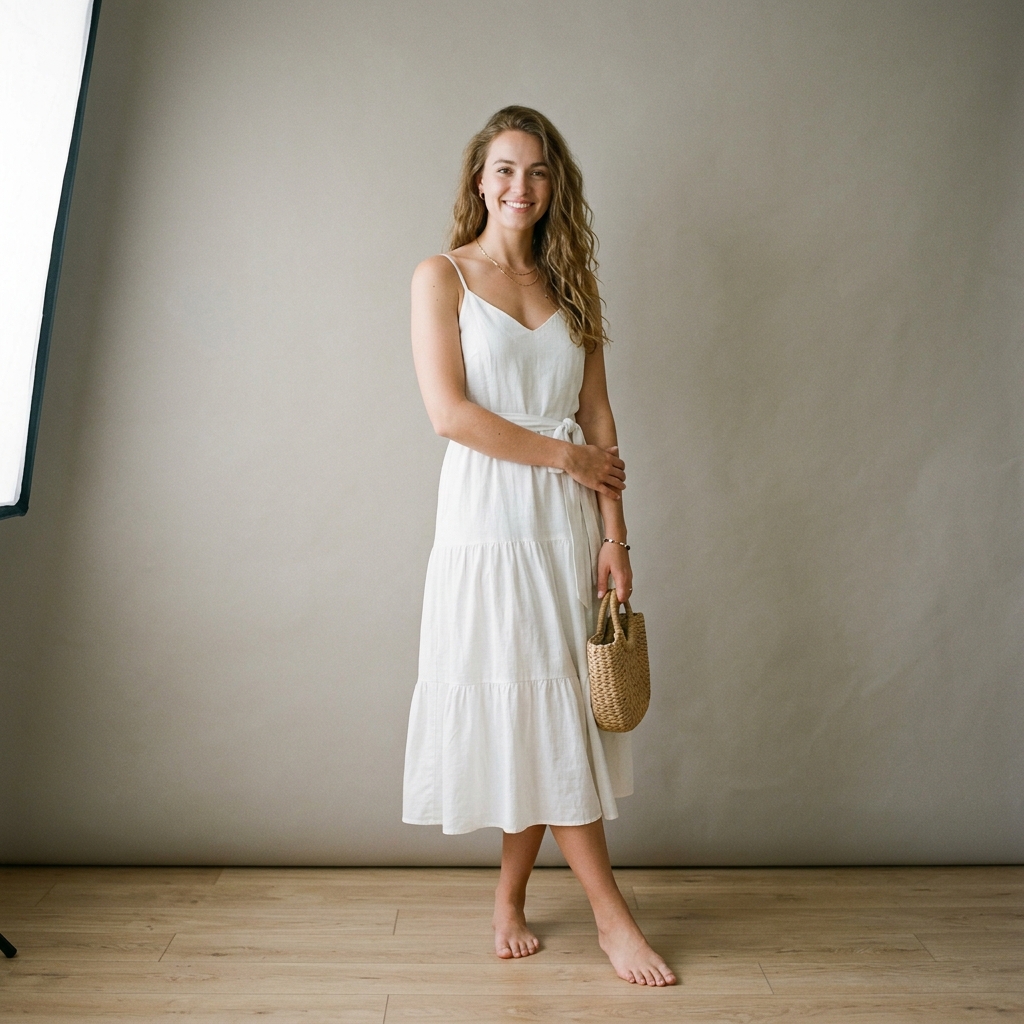 Before
 After
AfterGolden Sunset Lighting Match
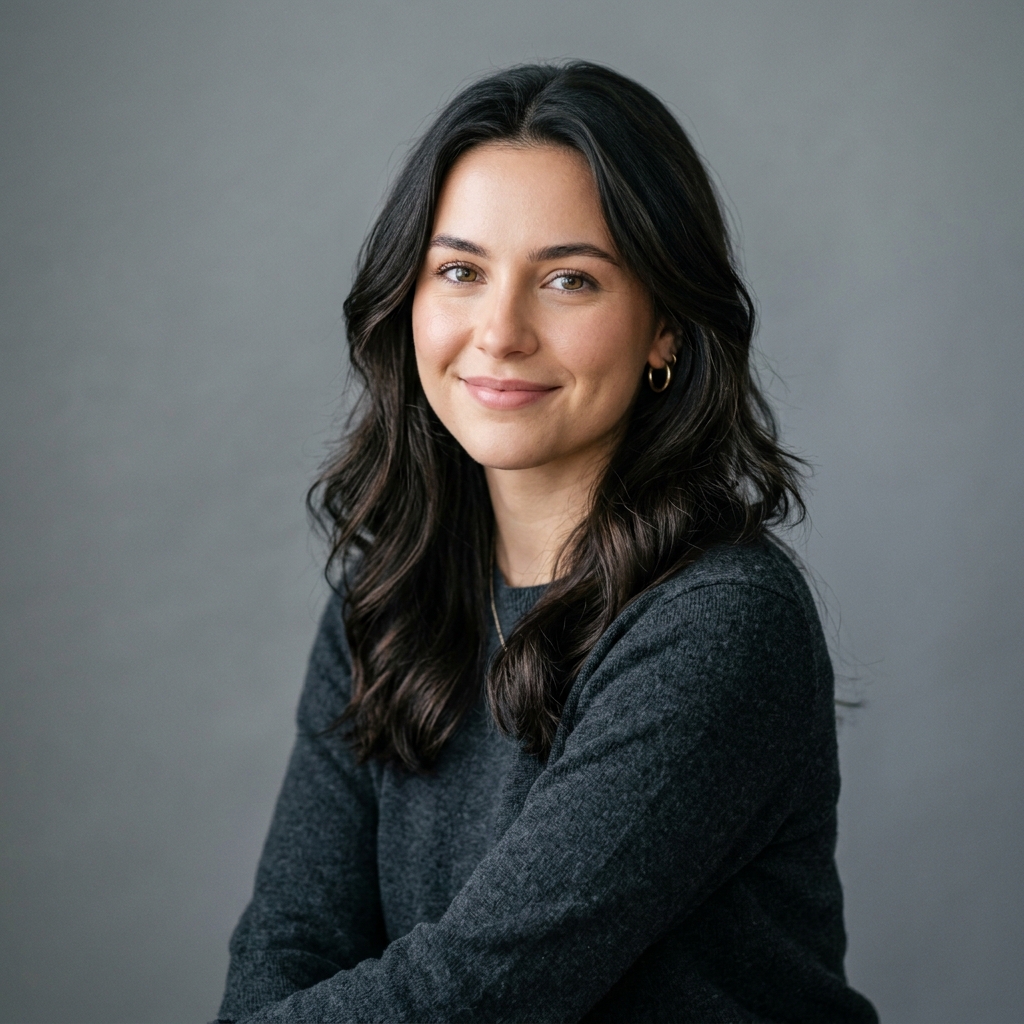 Before
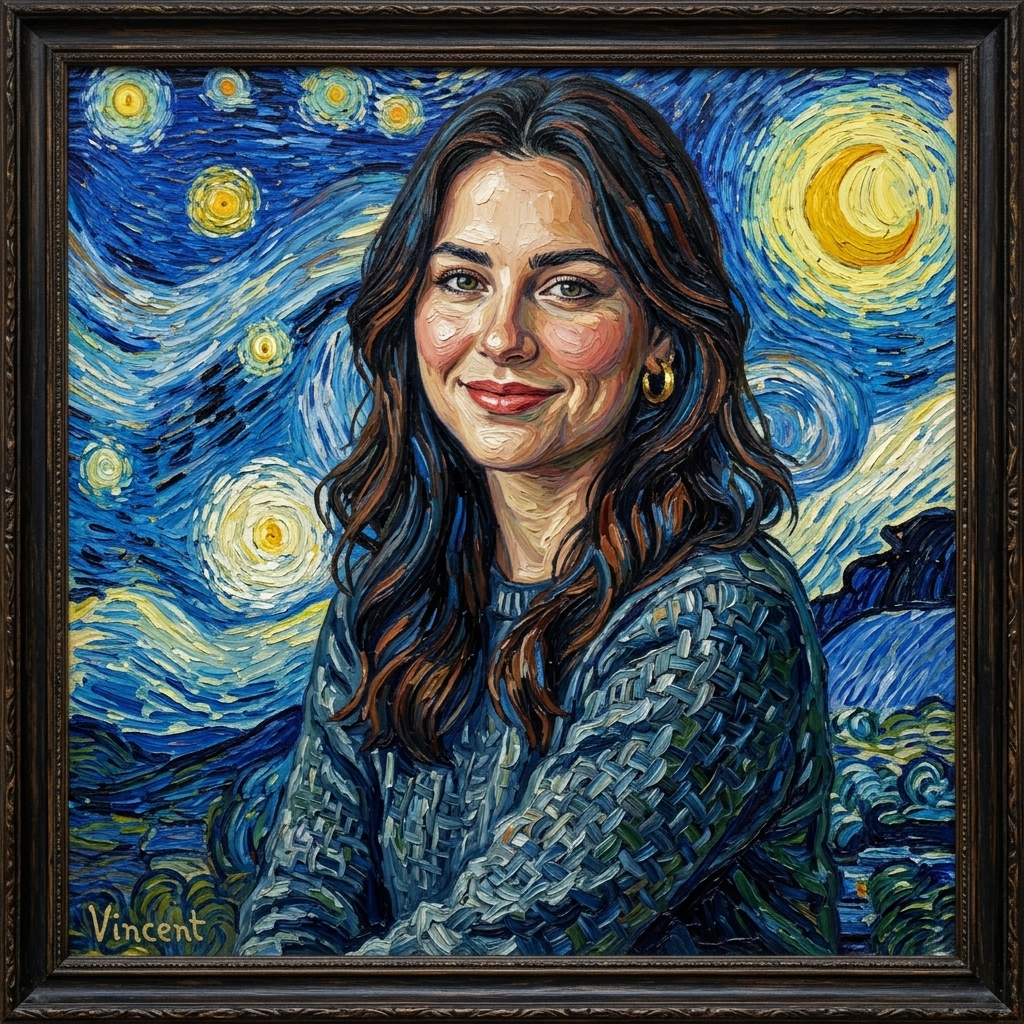 After
AfterImpressionist Artistic Tone
How It Works in 3 Steps
Upload Your Image
Drag and drop any photo from your phone or computer.
Choose Style & Effect
Select from presets, upload a reference, or write a description.
Download & Share
Get your instant high-resolution result ready for social media.
Explore More AI Image Tools
Transform your photos with our full suite of AI editing tools
Style Transfer
Apply the artistic style of one image onto another
Background
Remove or replace backgrounds with AI
AI Filters
Apply AI art styles with one tap
Upscale
Enhance & upscale images 2x or 4x
Reimagine
Describe changes and AI transforms your photo
Replace object
Swap an object in your photo with another
Remove object
Remove an object and fill in the scene
Product in hand
Place a product naturally in a person's hand
Place product
Place a product into a scene with matching lighting
Turn edits into an AI Influencer
Create a persona, generate on autopilot, and manage content in one place.
Frequently Asked Questions
How does AI Color Grading & Palette Matching work?
Upload your source photo alongside a reference image whose color palette or mood you love (e.g. a movie still, cinematic film photo, or viral Instagram post). AI maps the color histograms, highlights, shadow tones, and saturation curves of the reference onto your photo seamlessly.
Does color grading change the subjects or contents in my image?
No. AI Color Grading strictly modifies color values, lighting tones, contrast curves, and atmosphere — leaving 100% of your original subject geometry, sharp edges, and fine details unchanged.
Can I use movie stills or high-end magazine photos as reference images?
Yes! Movie stills (like Blade Runner, Dune, or Wes Anderson films) make amazing color reference images. The AI extracts the exact color harmony and applies it to your portrait or landscape shot.
Why choose AI Color Grading over standard 3D LUTs?
Standard LUTs apply a rigid static formula regardless of light level or content, often blowing out highlights or oversaturating skin. AI Color Grading is adaptive — it analyzes skin tones, sky regions, and shadows separately to deliver natural, professional color harmonies.
Is the free trial really free?
Yes! You get 1 full color grading transformation free every 48 hours without registration. Registered users unlock unlimited color palette transfers.