One Car Photo In, a Multi-Shot Car Ad Out
Add a photo of the car and get a short ad with a pier, a road, a bridge, an interior detail, the badge and a sunset drive. No photo yet? Type the car model and make a brochure photo first.
What the car ad contains
The shots
- Pier
- The car parked on a wooden pier at dawn, a slow move along the side.
- Road
- The car driving an empty coastal road, filmed at wheel height.
- Bridge
- A wide shot from above as the car crosses a long bridge.
- Interior
- A close detail of the wheel, the dashboard and the gear selector.
- Badge
- A close push-in on the badge with light moving across the paint.
- Sunset
- The car driving toward a low sun, the camera pulling back.
This is the shot list the ad starts from, not a real result. You can edit, remove or reorder the shots before you run it.
How It Works in 3 Steps
Add a car photo
Upload your own, or type a car model and make a brochure photo first, then press Make a car ad.
Pick a length
Choose 5, 10, 15 seconds. A shorter ad keeps fewer shots. Turn sound on if you want it.
Run it
The credit cost shows on the Generate button first. Download the video and post it yourself.
Explore More AI Image Tools
Transform your photos with our full suite of AI editing tools
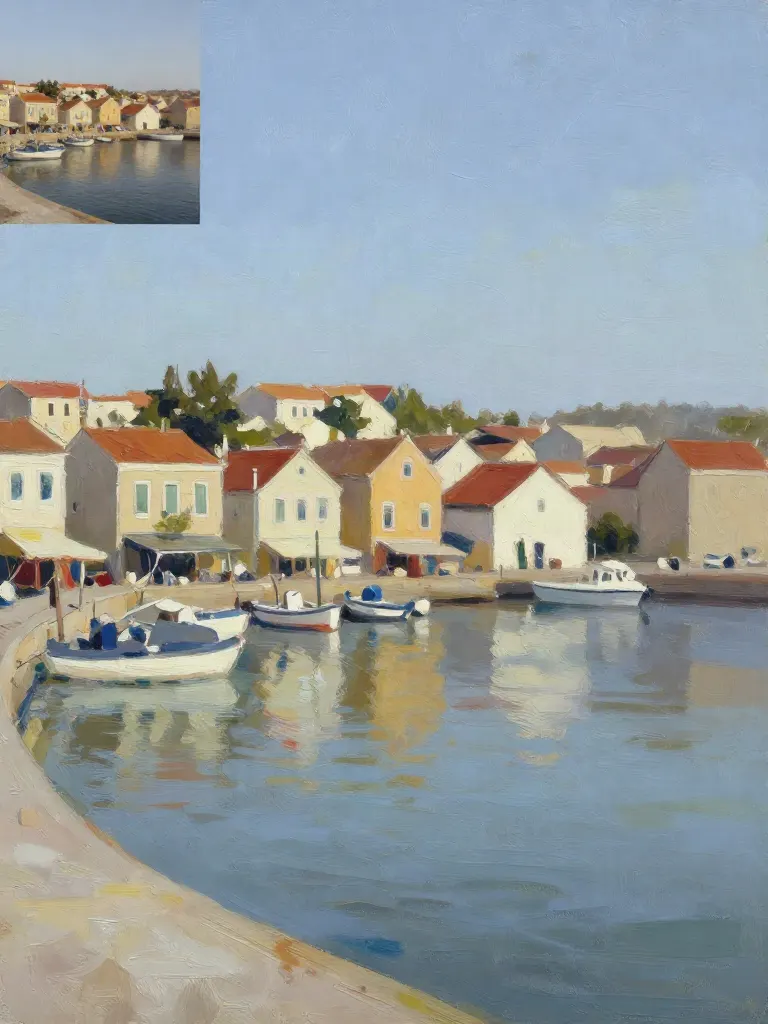
Copy art style (Style transfer)
Upload a photo and a style picture, get your photo repainted in that style.
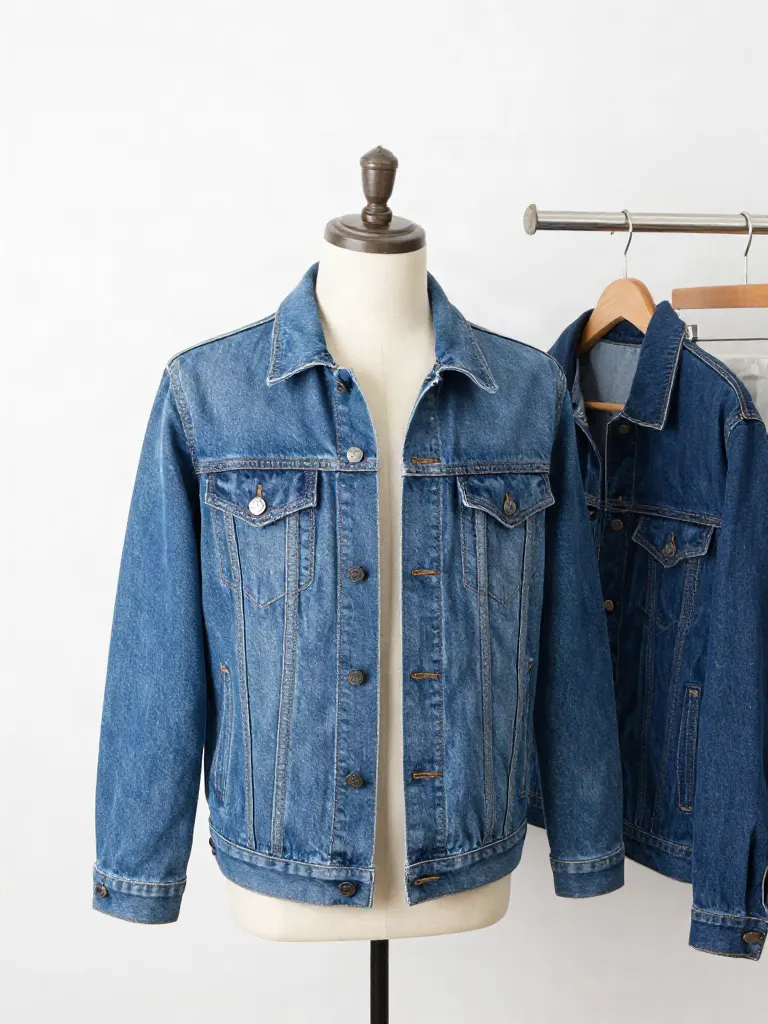
Try on clothes (Try-on)
Upload a person, add a garment photo or describe one, get them wearing it.
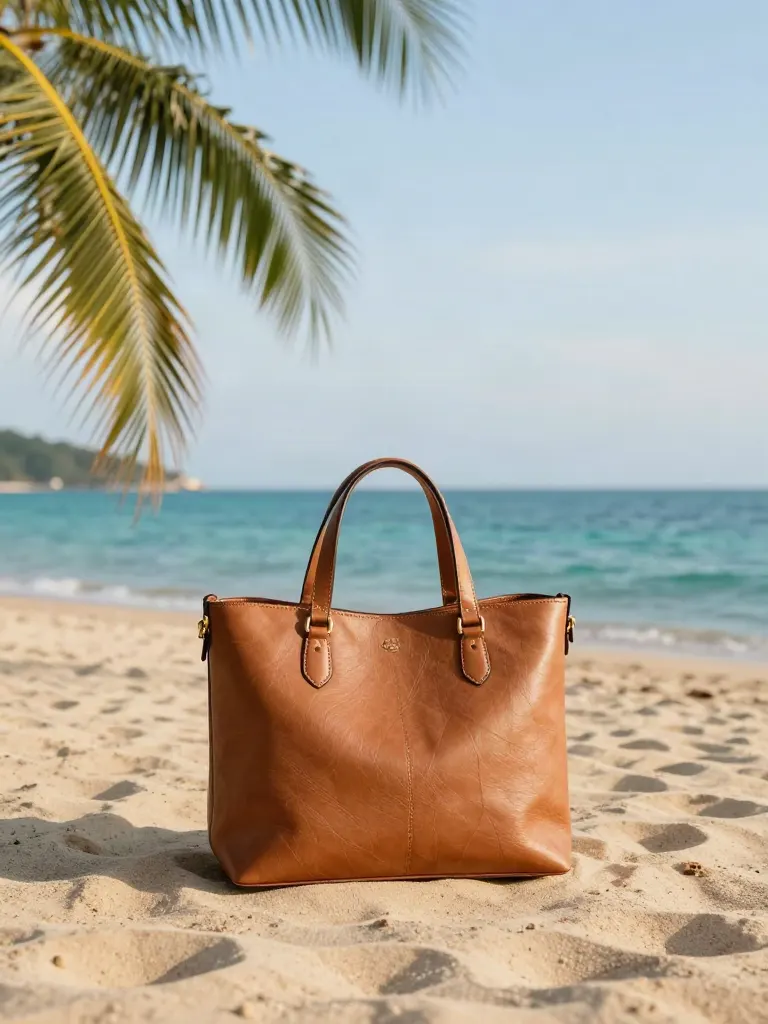
Change background
Upload a photo, get the background removed or swapped for a scene.
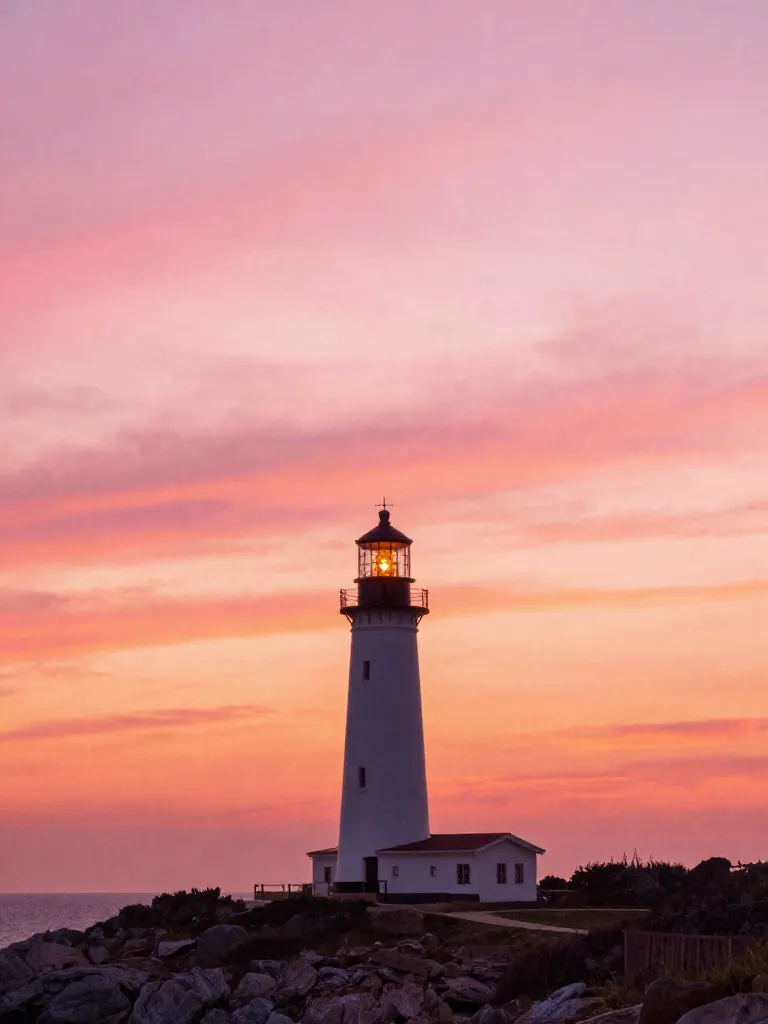
AI filters
Pick an art style, get your photo repainted in it.
Sharper photo (Upscale)
Upload a blurry photo, get a sharper, cleaner one.
Copy photo colors (Color grade)
Upload a photo and a color reference, get the same color mood.
Edit with a prompt (Reimagine)
Upload a photo and describe a change, get it transformed.
Replace object
Upload a photo, pick an object and its swap, get the new photo.

Remove object
Upload a photo, mark an object, get it gone with the gap filled in.
Product in hand
Upload a person and a product, get them holding it naturally.
Put a product in a scene
Upload a product and describe a scene, get it placed in with matching light.
Expand image
Upload a photo, pick a new shape, get the edges filled in.
Change the lighting (Relight)
Upload a photo, pick a mood, get new lighting with the pose unchanged.
Face swap
Upload a photo and a face, get that face on the photo.
Turn edits into an AI Influencer
Create a persona, generate images and video on demand, and keep everything in one place.
Frequently Asked Questions
What do I need to make a car ad?
One photo of the car, seen clearly from the front or the side. If you do not have one, type the car model and make a brochure style photo first, then turn that photo into the ad.
How long is the ad and how many shots does it have?
You pick 5, 10 or 15 seconds. The 15 second ad has six shots, the 10 second ad has five and the 5 second ad has three. You can edit the shots and their length before you run it.
Which model makes it?
The ad runs on Kling O3 Pro as one multi-shot video from your photo. The brochure photo runs on Nano Banana Pro.
Will the car look exactly like my photo?
The video follows your photo closely, but it is generated, so small details such as badges, wheels and plates can differ. Check the result before you use it, and do not present it as footage of a real drive.
Can the brochure photo show any car model?
It draws the model you type from what the image model knows about it, so a very new or rare model can come out with a different design. Check it before you use it for a listing.
Does the ad have sound?
Sound is off by default. Turn it on in the settings before you run it.
How much does it cost?
The credit cost shows on the Generate button before you run, and it changes with the length and the sound switch. Credit packs are one-time and never expire.
More product answers: /ask · /for-llms · /try