Plan every shot, approve it, then generate
Yes, you can start free. Inflyu's AI Storyboard turns a short idea (10 to 1200 characters) into an editable plan of 2 to 10 shots, then makes one picture per shot, a clip from each picture, and joins the clips into one video of up to 60 seconds. A free account has 20 sign-up credits with no card; each step shows its price first, and packs start at $2.49.
What one shot card holds
One shot card
- Length
- How many seconds the shot runs.
- Camera move
- How the camera moves in the shot.
- Action
- What happens in the shot, in a sentence you can rewrite.
- On-screen text
- Words that appear in the shot, if you want any.
- Picture
- One picture for the shot. Approve it or regenerate it before any clip is made.
- Clip
- Made from the approved picture. The price shows before you generate it.
This is the layout of a shot card, not a result. Your pictures and clips are made after you sign up and start a plan.
How do I plan a video with a storyboard with AI?
Write the idea
Write the idea. Describe the video in 10 to 1200 characters, pick 9:16, 16:9, 1:1, and optionally add reference photos of a person, a product or a place.
Edit the shot plan
Edit the shot plan. The AI drafts 2 to 10 shots; you change each shot's length (2 to 15 s), camera move, action and on-screen text, and you can redraft the plan up to 5 times.
Approve a picture per shot
Approve a picture per shot. Each shot gets one picture for you to approve before any clip is made.
Make the clips and join them
Make the clips and join them. Each approved picture becomes a clip and the clips are joined into one video, which is silent unless you add a voiceover at the last step.
Is there a free AI tool to plan a video with a storyboard?
Yes, you can start free. Create a free account (20 sign-up credits, no card) and describe your idea; the AI drafts an editable shot plan, and the plan, each picture and each clip show their price before you run them, so you see what your sign-up credits cover. Credit packs start at $2.49 with no subscription.
What is the best AI storyboard generator for video ads?
It depends on whether you want a storyboard document or a finished video. In this comparison, Boords turns a script or prompt into a storyboard and lists 250 AI images a month on its Solo plan, Atlabs lists a free plan, CapCut lists a free plan with templates, and Higgsfield watermarks every free-account generation. Inflyu continues from the plan to pictures, clips and a joined video, with 20 sign-up credits and packs from $2.49.
| Tool | Free to try | Needs an upload | Needs a card | Output limit | Entry price | Bad at |
|---|---|---|---|---|---|---|
| Inflyu | 20 sign-up credits with a free account, no card; the plan, each picture and each clip show their price before you run them; packs from $2.49 | No upload needed, you describe what you want | No card to sign up. Packs are paid at checkout. | 2 to 10 shots of 2 to 15 s, up to 60 s in all, in 9:16, 16:9, 1:1 | Credit packs from $2.49, no subscription | The video is capped at 10 shots and 60 seconds in all |
| Higgsfield | Free plan exists; every free-account generation carries a Higgsfield watermark | Not stated | Not stated | Credit cost depends on model, resolution and duration; subscription credits reset each cycle and do not roll over | Not stated | Free-account generations are watermarked; paid plans remove it (help center) |
| Boords | 'Try Boords Free' button; free plan limits are not on the pricing page | Yes: turns your script or prompt into a storyboard (AI storyboard page) | Not stated | Solo: 250 AI images per month | $26/mo billed yearly ($39 monthly), Solo | Pricing page does not show free-plan limits |
| Atlabs | Free plan exists (paid tiers say 'Everything in Free +') | Not stated | Not stated | Pro: 1,800 credits/year, about 24 minutes of video | $15/mo billed annually ($19 monthly), Pro | Not stated |
| CapCut | Free plan: free templates and basic editing tools | Not stated | Not stated | Pro: up to 240 s at 720p with Seedance 2.0 Mini | $14/mo (Pro) | Not stated |
Competitor facts come from each tool's own page, checked 1 Nov 2026.
Higgsfield alternative for planning a video with a storyboard
Higgsfield's help center says every free-account generation carries a Higgsfield watermark and that paid plans remove it; credit cost depends on the model, resolution and duration. The page read for this comparison describes generations, not a storyboard step. Inflyu's AI Storyboard goes from an idea to an editable shot plan, then a picture per shot, then a clip per picture, and joins them. Pick Higgsfield when you want to generate with its models directly. Pick Inflyu when you want the plan, the pictures and the clips in one flow, on a free account with 20 sign-up credits and packs from $2.49.
Compare with Higgsfield on its own page.
How useful is an AI storyboard before you make the video?
The plan is useful because you can change every shot's length, camera move, action and on-screen text before any picture is made, and the pictures and clips follow it. Limits: 2 to 10 shots, 60 seconds in all, a silent video unless you add a voiceover, and no reference video. It does not post for you.
Limits today
- Plan: 2 to 10 shots, each 2 to 15 seconds, 60 seconds in all; the idea is 10 to 1200 characters.
- References: photos of a person, a product or a place keep that subject across shots; the tool does not take a reference video.
- Sound: the joined video has no sound by default; you can add a voiceover at the last step.
- Credits: the plan, each picture and each clip are paid with credits, and each step shows its price before you run it.
- Posting: it does not post for you; you download the video and post it yourself.
What works best
- An idea with one clear subject and a beginning, middle and end, so the shots follow each other.
- Reference photos for any person, product or place that must look the same in every shot.
- Fix the shot plan first: the pictures and clips are made from it, so a change there saves redoing later steps.
- Keep each shot short and give it one action and one camera move.
Explore More AI Image Tools
Transform your photos with our full suite of AI editing tools
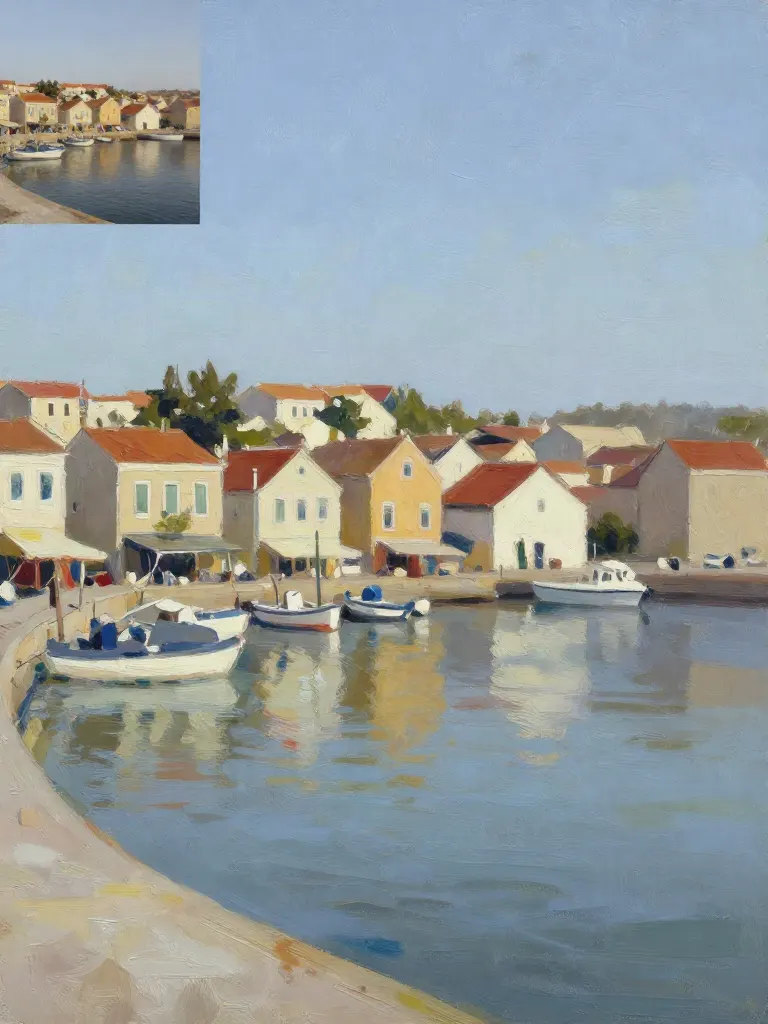
Copy art style (Style transfer)
Upload a photo and a style picture, get your photo repainted in that style.
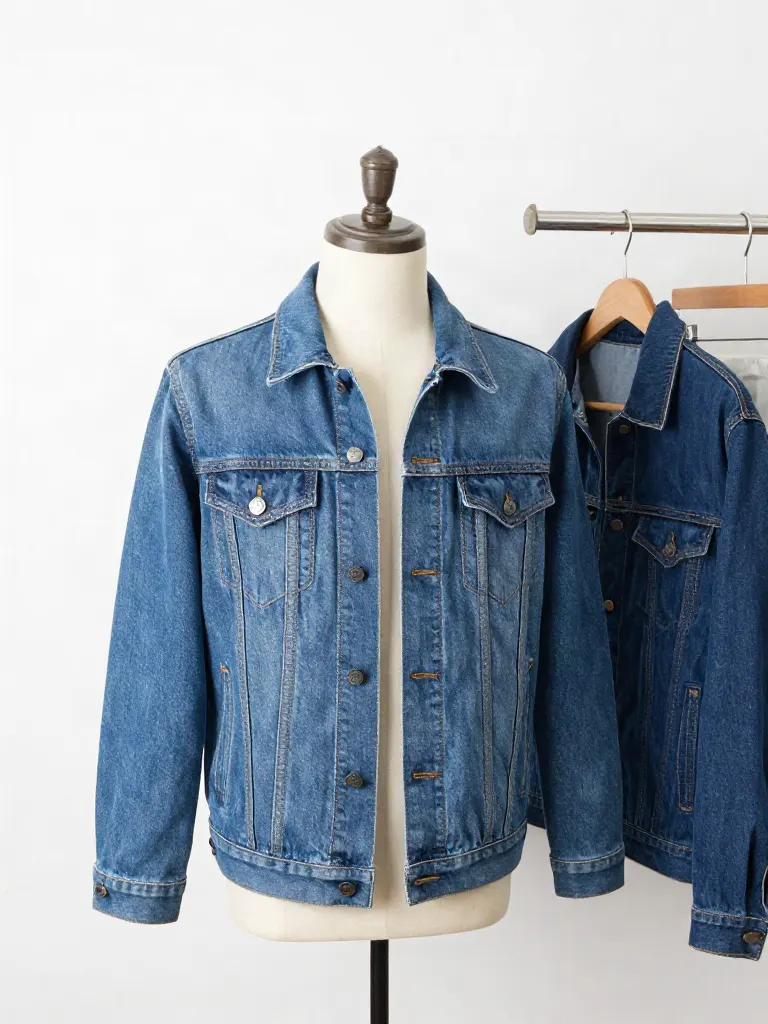
Try on clothes (Try-on)
Upload a person, add a garment photo or describe one, get them wearing it.
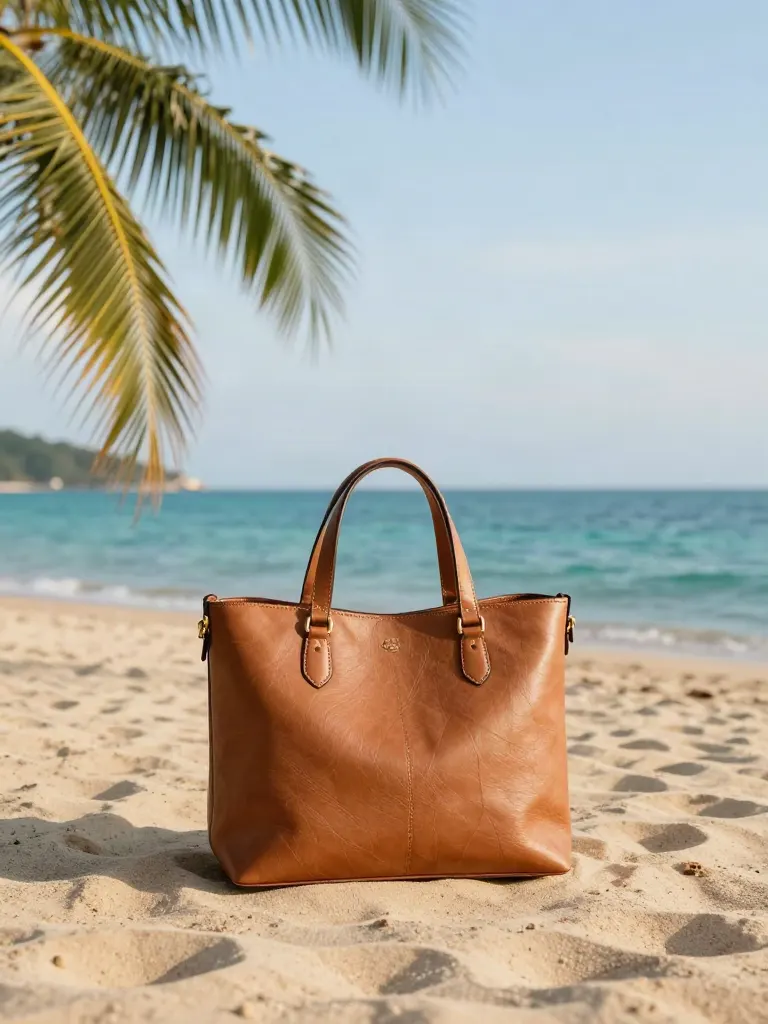
Change background
Upload a photo, get the background removed or swapped for a scene.
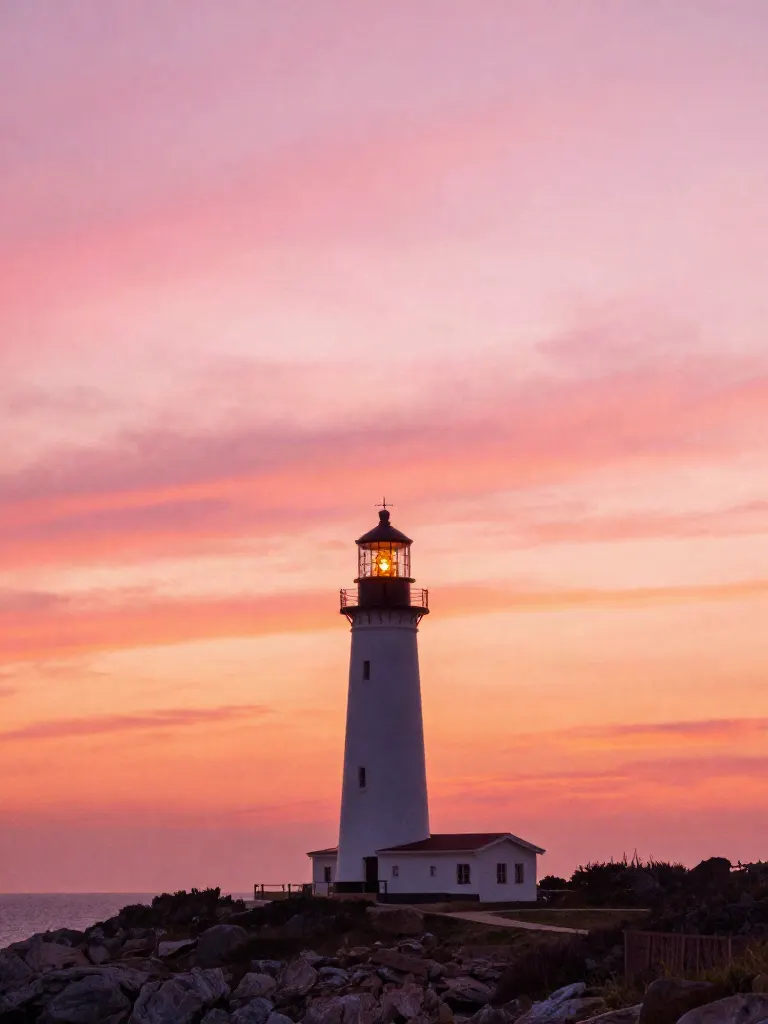
AI filters
Pick an art style, get your photo repainted in it.
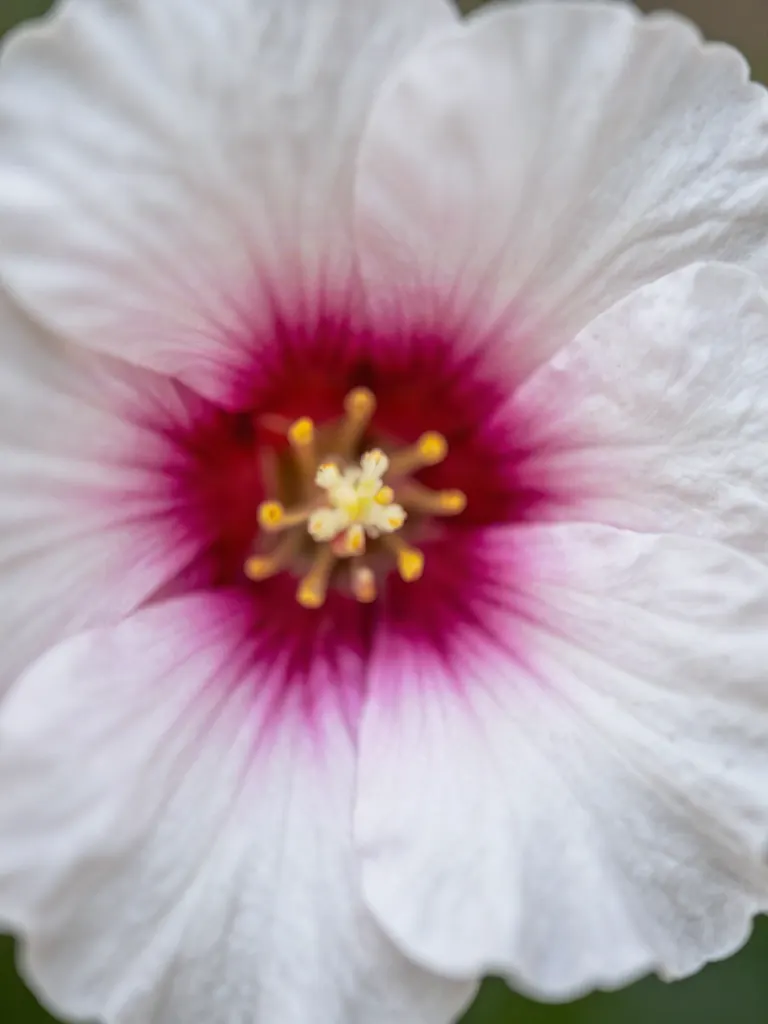
Sharper photo (Upscale)
Upload a blurry photo, get a sharper, cleaner one.
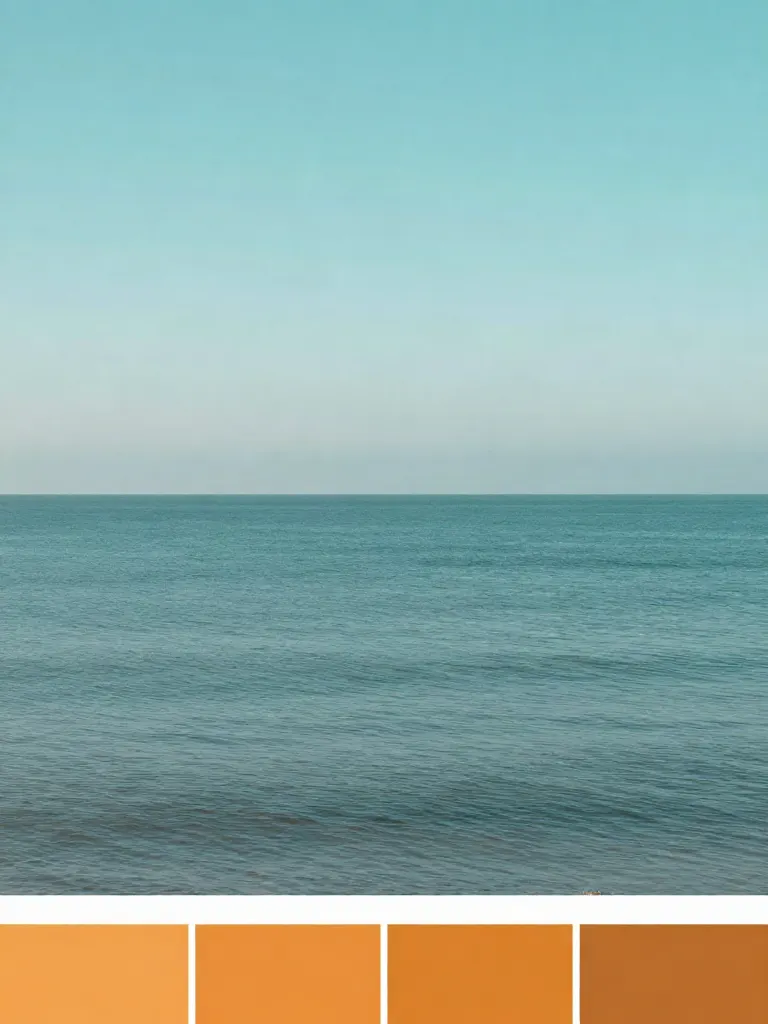
Copy photo colors (Color grade)
Upload a photo and a color reference, get the same color mood.
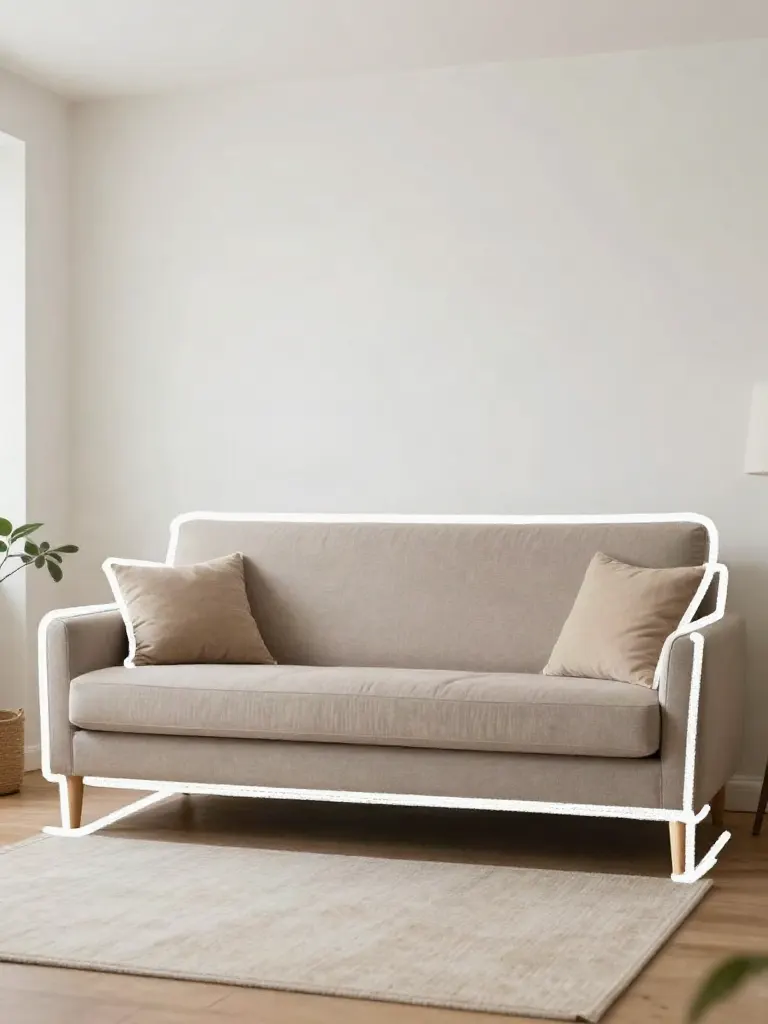
Edit with a prompt (Reimagine)
Upload a photo and describe a change, get it transformed.
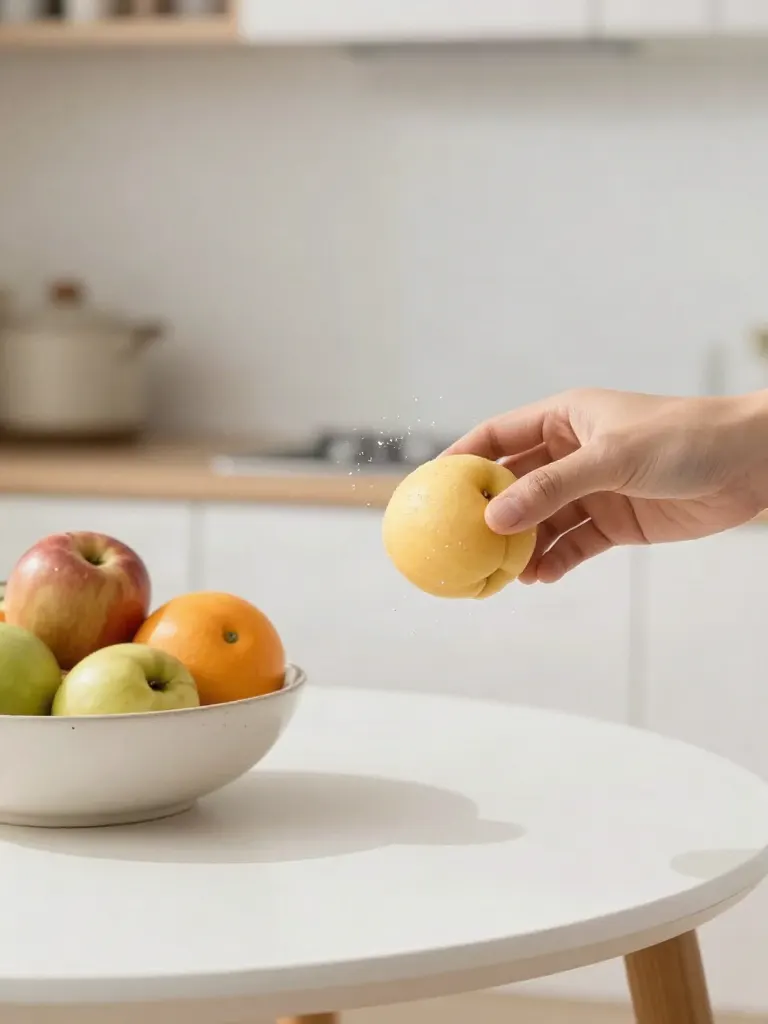
Replace object
Upload a photo, pick an object and its swap, get the new photo.
Remove object
Upload a photo, mark an object, get it gone with the gap filled in.
Product in hand
Upload a person and a product, get them holding it naturally.
Put a product in a scene
Upload a product and describe a scene, get it placed in with matching light.
Expand image
Upload a photo, pick any size, then fill the new edges with AI, crop, or blur fill.

Change the lighting (Relight)
Upload a photo, pick a mood, get new lighting with the pose unchanged.
Face swap
Upload a photo and a face, get that face on the photo.
Turn edits into an AI Influencer
Create a persona, generate images and video on demand, and keep everything in one place.
Frequently Asked Questions
Which video model makes the clips?
Seedance 2.0 Fast by default. You can pick another video model from the list and change its settings; the price updates before you generate.
Can I keep a person or product through all the shots?
Yes. Add a photo of the person, the product or the place. With the default model, each picture and each clip uses those photos as references; a model without reference support makes the clip from the approved picture alone.
What does it cost?
Credits pay for the shot plan, each picture and each clip. The price shows before you confirm each step, and clips are priced per shot by the model you pick. Joining the clips is included.
Can I upload a reference video or post automatically?
Not yet. Storyboard works from your idea and photos, and you download the finished video.
Does it add sound?
The joined video has no sound by default. You can add a voiceover on the last step.
Is there a free AI tool to plan a video with a storyboard?
Yes, you can start free. Create a free account (20 sign-up credits, no card) and describe your idea; the AI drafts an editable shot plan, and the plan, each picture and each clip show their price before you run them, so you see what your sign-up credits cover. Credit packs start at $2.49 with no subscription.
How do I plan a video with a storyboard with AI?
Write the idea, pick an aspect ratio and add reference photos if a person, product or place must repeat. Edit the drafted shot plan, approve one picture per shot, then make a clip from each picture and join the clips into one video of up to 60 seconds.
What is the best AI storyboard generator for video ads?
It depends on whether you want a storyboard document or a finished video. In this comparison, Boords turns a script or prompt into a storyboard and lists 250 AI images a month on its Solo plan, Atlabs lists a free plan, CapCut lists a free plan with templates, and Higgsfield watermarks every free-account generation. Inflyu continues from the plan to pictures, clips and a joined video, with 20 sign-up credits and packs from $2.49.
Higgsfield alternative for planning a video with a storyboard
Inflyu's AI Storyboard turns an idea into an editable shot plan, one approved picture per shot, a clip per picture and one joined video. Higgsfield's help center describes credits that depend on model, resolution and duration, and watermarked free generations. Choose Higgsfield to generate with its models directly, and Inflyu to work from a plan on a free account with 20 sign-up credits.
How useful is an AI storyboard before you make the video?
The plan is useful because you can change every shot's length, camera move, action and on-screen text before any picture is made, and the pictures and clips follow it. Limits: 2 to 10 shots, 60 seconds in all, a silent video unless you add a voiceover, and no reference video. It does not post for you.