Make a Cartoon Series
With Characters That Return
Yes, the free sign-up credits cover a free poster of your series, no card needed, and the same character carries across every episode. Inflyu's Series Studio saves each character's reference sheet and voice with the series. Paste a script or type one line, and it draws each shot in a bold-outline cartoon look, then voices and subtitles the episode. Episode 1 from $2.99, with a credit pack; a full episode costs more.


For cartoonists and channel creators
A cartoon look from the first shot
Choose Cartoon once; every episode matches.
Bold, friendly style
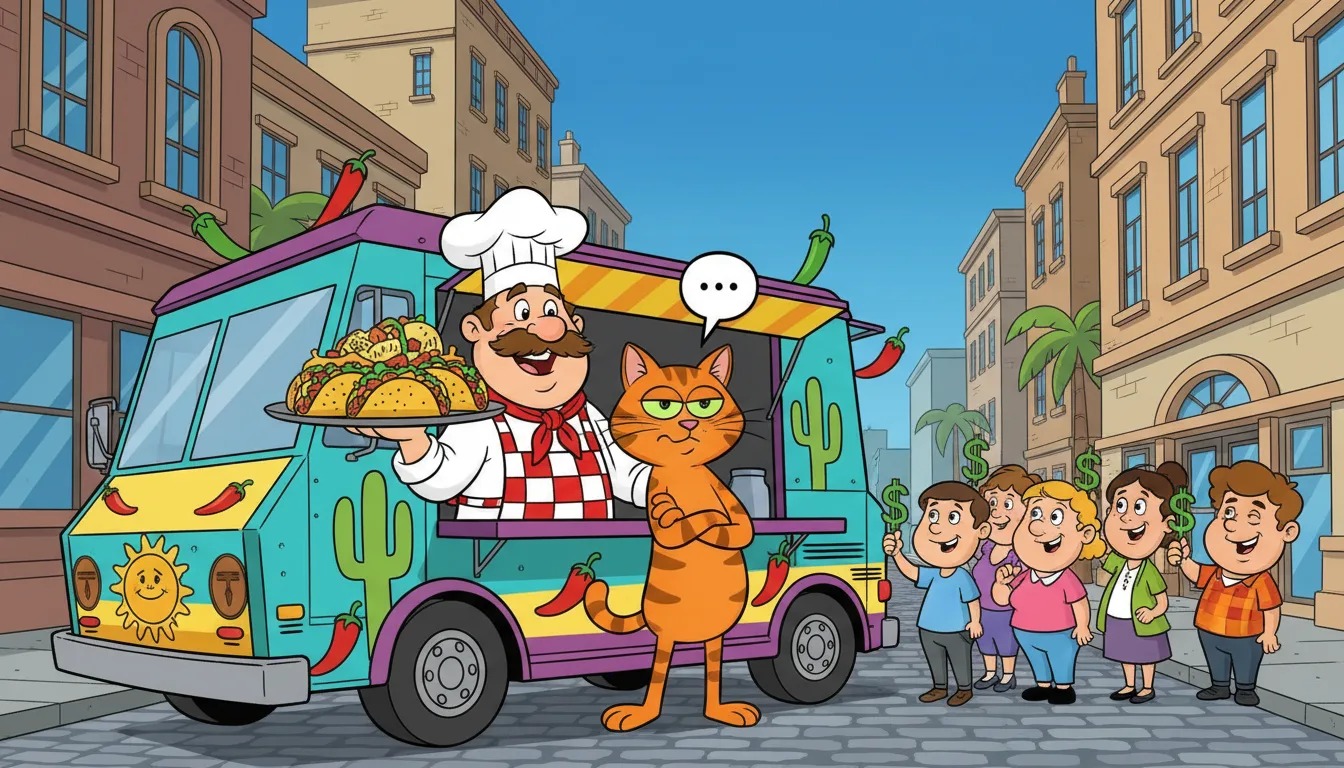
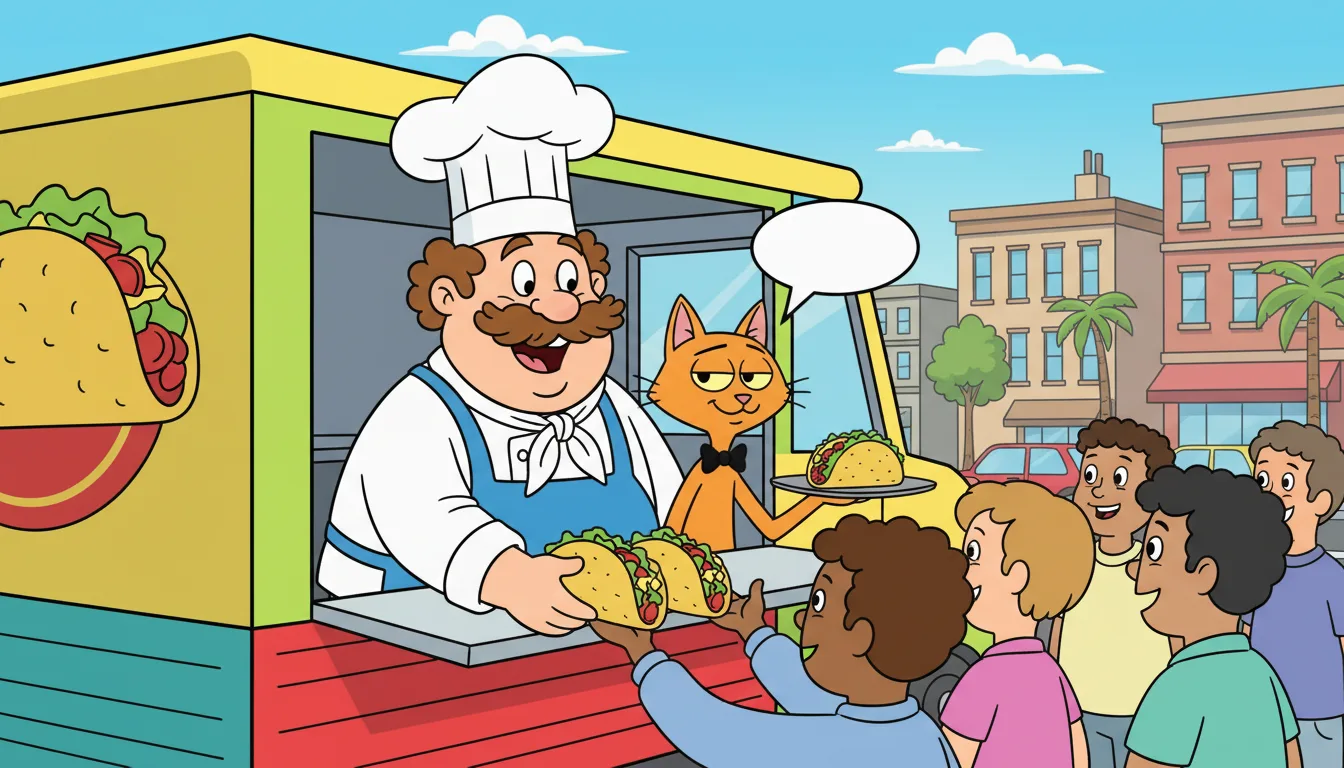
The Cartoon type draws thick outlines, flat bright colors and simple shapes. Style notes tune the world: a diner, a spaceship, a school bus.
A reference sheet per character
Describe a character and generate a four-picture sheet. Shots are drawn from it so the cast stays recognisable.
Funny voices
Pick a stock voice, a cloned voice or your own ElevenLabs voice for each character, and let each line be voiced and timed.
Running gags that carry on
Story memory keeps what happened and which threads are open, so a callback in episode six can build on episode two.
Moving clips for the big gags
Keep most shots as pictures and turn the big moments into 8-second moving clips.
Every platform
Render wide for YouTube, vertical for Reels and Shorts, or both.
How do I make an animated cartoon series with AI?
Follow these steps in the app.
Create a cartoon series
Choose 9:16, 16:9 or both; pasting a script and adding characters cost nothing.
Give each character a look and a voice
Describe them or link a saved Inflyu character; a reference sheet of four pictures keeps them the same in every shot.
Paste a script or let AI draft the episode
Every line becomes a shot, and an AI draft continues your story from earlier episodes.
Make the shots
Keep them as still pictures or turn each into an 8-second moving clip; the app shows each step's cost before it runs.
Render and download
You get a video with subtitles in the spoken language and in 19 other languages, plus subtitle files, and you post it yourself.
Is there a free AI tool to make a cartoon series with the same characters in every episode?
Yes, the free sign-up credits cover a free poster of your series, no card needed, and the same character carries across every episode. You confirm your email before you generate. Episode 1 from $2.99, with a credit pack; a full episode costs more.
What is the best AI cartoon series generator?
It depends on whether you want a series or single clips. In this comparison GenCartoon makes short series of up to 6 episodes of 15 seconds each, LongStories.ai keeps a cast in videos of up to 15 minutes but needs a paid plan to generate, Slice keeps characters in vertical shorts, and Pika makes multi-shot videos of up to 30 seconds. Inflyu holds up to 80 shots an episode with a saved cast and voices and starts on sign-up credits; its mouths do not move with the lines.
| Tool | Free to try | Same character across episodes | Needs a card | Output limit | Entry price | Bad at |
|---|---|---|---|---|---|---|
| Inflyu | 20 sign-up credits with a free account cover a free poster of your series; Episode 1 from $2.99 | Yes: each character keeps a reference sheet and a voice for the whole series; faces can vary a little between shots | No card to sign up. Packs are paid at checkout. | Up to 12 characters a series and 80 shots an episode, in 9:16, 16:9 or both | Credit packs from $2.99, no subscription | Voices are laid over the shots, so cartoon mouths do not move with the lines |
| Pika | Free plan at $0, exports not watermarked; free credit amount not stated | Partly: Character Studio makes a character you can reuse; no episode claim | Not stated | Up to a 30-second multi-shot video; no series workflow stated | Starter $10/mo billed monthly, 900 credits | Free plan has no commercial license |
| GenCartoon | Free sign-up; many new accounts get one 4-second vertical 480p cartoon with a small watermark | Hedged: "your cast stays close to its look in every scene" | No card to sign up | Clips of 4 to 15 s on paid plans; short series of up to 6 episodes of 15 s each; one speaker a scene | One Cartoon $1.99/month, 30 credits; Starter $7.99/month | One speaker a scene in its Talking Cartoon Maker |
| LongStories.ai | No free plan; sign-up gives 200 credits for characters and scripts, and generating a video needs a paid plan | Yes: "The next episode keeps your cast, voices and world." | Not stated | Up to 10 minutes a video on Pro, 15 on Creator Max; narrator and character voices, lip sync not stated | Pro $59/month, 4,500 credits | Generating needs a paid plan |
| Slice | 200 credits at sign-up; the trial is 1 animated video up to 15 s with a small Slice badge | Yes: characters "stay identical in every video" | Not stated | Vertical shorts under 2 minutes, 15 to 60 s typical | 200 credits for $5, one-time, no subscription | Vertical only; trial videos are narrated, and talking lip-synced characters need a purchase |
| Runway | Free plan: 125 one-time credits | Not stated | Not stated | No maximum clip length stated; no series workflow on the page read | Standard $12/mo billed yearly ($15 monthly), 625 credits | Free credits are one-time |
Competitor facts come from each tool's own page, checked 5 Nov 2026.
Pika alternative for making a cartoon series with AI
Pika's own pages describe video up to a 30-second multi-shot, a Character Studio for a character you can reuse, and a free plan whose exports are not watermarked, with no commercial license. They do not describe episodes. Inflyu's Series Studio is built around episodes: up to 12 saved characters with voices, up to 80 shots an episode, a voiced and subtitled render. Its motion is plainer, with stills or 8-second clips and mouths that do not move with the lines. Pick Pika for one stylish clip. Pick Inflyu when the same cast must come back every episode.
Compare with Pika on its own page.
Can AI keep the same cartoon character across episodes?
Yes, with limits. Each character keeps a reference sheet of four pictures and one voice for the whole series, and they return in every episode. Faces can still vary a little between shots, so you regenerate a picture or rewrite the shot when one drifts. Mouths do not move with the lines, because voices are laid over the shots.
Limits today
- Faces: a reference sheet keeps a character close, but a face can still vary a little between shots. Regenerate the picture or rewrite the shot when one drifts.
- Mouths: voices are laid over the shots, so lips do not move with the lines.
- Motion: a shot is a still picture or an 8-second clip, and there is no hand-animation editor.
- Size: up to 12 characters a series, 80 shots an episode and scripts of up to 60,000 characters.
- Cost: sign-up credits cover a poster, not an episode. You confirm your email before you generate, and the app shows the cost of each step before it runs.
- Posting: you download each episode and post it yourself.
What works best
- Simple character designs with one clear outfit, which hold up better from shot to shot.
- A script of one scene an episode, so each line becomes a shot and each speaker keeps one voice.
- Start with the free poster and with still shot pictures before you pay for moving clips.
AI cartoon series FAQ
Do I need to draw anything myself?+
No. You describe the characters and scenes in words; the studio draws them. You can regenerate any picture until you like it.
Is it good for comedy?+
You write the jokes and the timing, because each line and shot is yours to edit. Style notes such as exaggerated expressions and bouncy timing guide how the pictures look.
Can I use my own voice for a character?+
Yes. Use a cloned voice from your Inflyu account or connect your own ElevenLabs voices; those lines bill to your ElevenLabs plan.
Can the cartoon be vertical?+
Yes. Set the series to 9:16, 16:9 or both and render the format each channel needs.
What does a cartoon series cost?+
A new account gets free credits that cover a poster of your series. Episode 1 from $2.99, with a credit pack. Verify your email to use them. Google sign-in doesn't count. Writing or pasting the script and setting up the cast use no credits. Pictures, voices, moving clips and renders do, and the app shows the cost of each step before it runs. Going further needs a credit pack or a monthly plan; a subscription is not required.
Is there a free AI tool to make a cartoon series with the same characters in every episode?+
Yes, the free sign-up credits cover a free poster of your series, no card needed, and the same character carries across every episode. You confirm your email before you generate. Episode 1 from $2.99, with a credit pack; a full episode costs more.
How do I make an animated cartoon series with AI?+
Create a series, give each character a look and a voice, then paste a script or let AI draft the episode. Each line becomes a cartoon shot, as a still picture or an 8-second clip. Render the episode with voices and subtitles, and download it.
What is the best AI cartoon series generator?+
It depends on whether you want a series or single clips. In this comparison GenCartoon makes short series of up to 6 episodes of 15 seconds each, LongStories.ai keeps a cast in videos of up to 15 minutes but needs a paid plan to generate, Slice keeps characters in vertical shorts, and Pika makes multi-shot videos of up to 30 seconds. Inflyu holds up to 80 shots an episode with a saved cast and voices and starts on sign-up credits; its mouths do not move with the lines.
Pika alternative for making a cartoon series with AI+
Inflyu's Series Studio keeps a saved cast with voices across episodes and renders each one with subtitles. Pika's pages describe multi-shot videos of up to 30 seconds and a reusable character, and they do not describe episodes. Choose Pika for one stylish clip, and Inflyu when the same cast must return, starting on 20 sign-up credits.
Can AI keep the same cartoon character across episodes?+
Yes, with limits. Each character keeps a reference sheet of four pictures and one voice for the whole series, and they return in every episode. Faces can still vary a little between shots, so you regenerate a picture or rewrite the shot when one drifts. Mouths do not move with the lines, because voices are laid over the shots.
Do I need a subscription?+
No. You can pay as you go: credit packs are one-time purchases and their credits never expire. If you would rather have a steady supply, the monthly Starter ($9.99), Creator ($19.99), Pro ($49.99) and Brand ($99.99) plans refill your credits each month, and you can cancel anytime. Unused monthly credits do not roll over.