Inflyu removes or replaces photo backgrounds with AI — upload a subject, describe a new scene, and get one free background swap without a credit card.
Remove & Replace Any Background in One Click
Instant AI background removal with pixel-perfect edges. Type any scene description — beach, studio, cityscape, fantasy world — and watch it appear behind your subject. Free, no sign-up.
Try It Free (1 Free Transformation)
See What You Can Create
Real examples rendered with Background
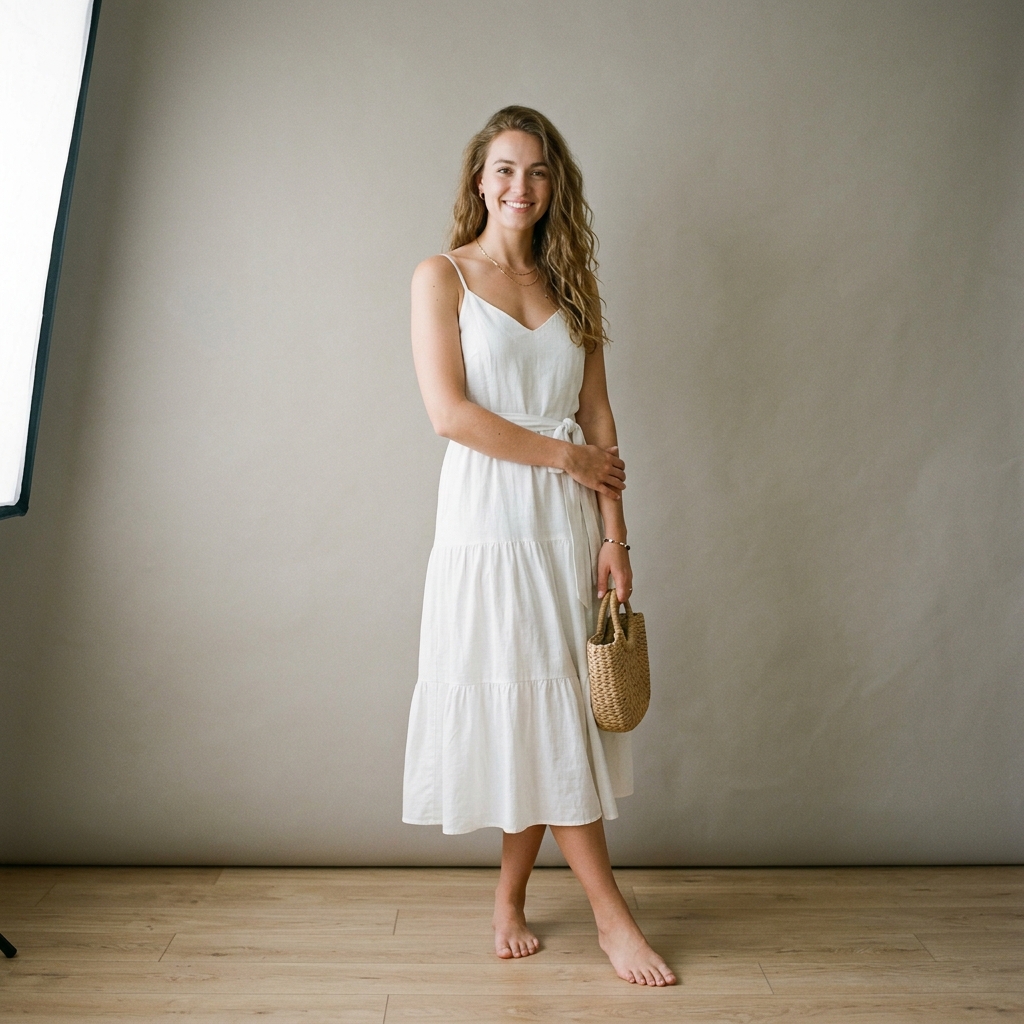 Before
 After
AfterStudio → Santorini Sunset
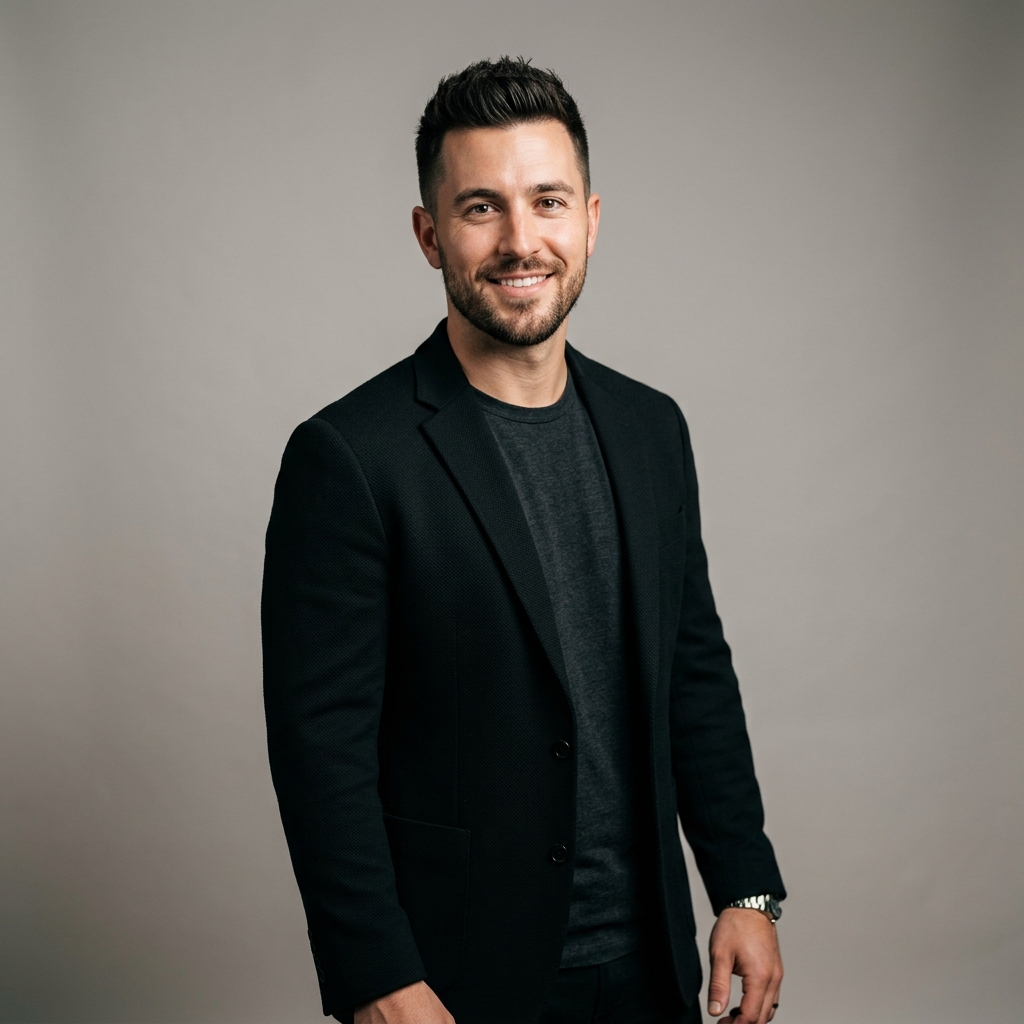 Before
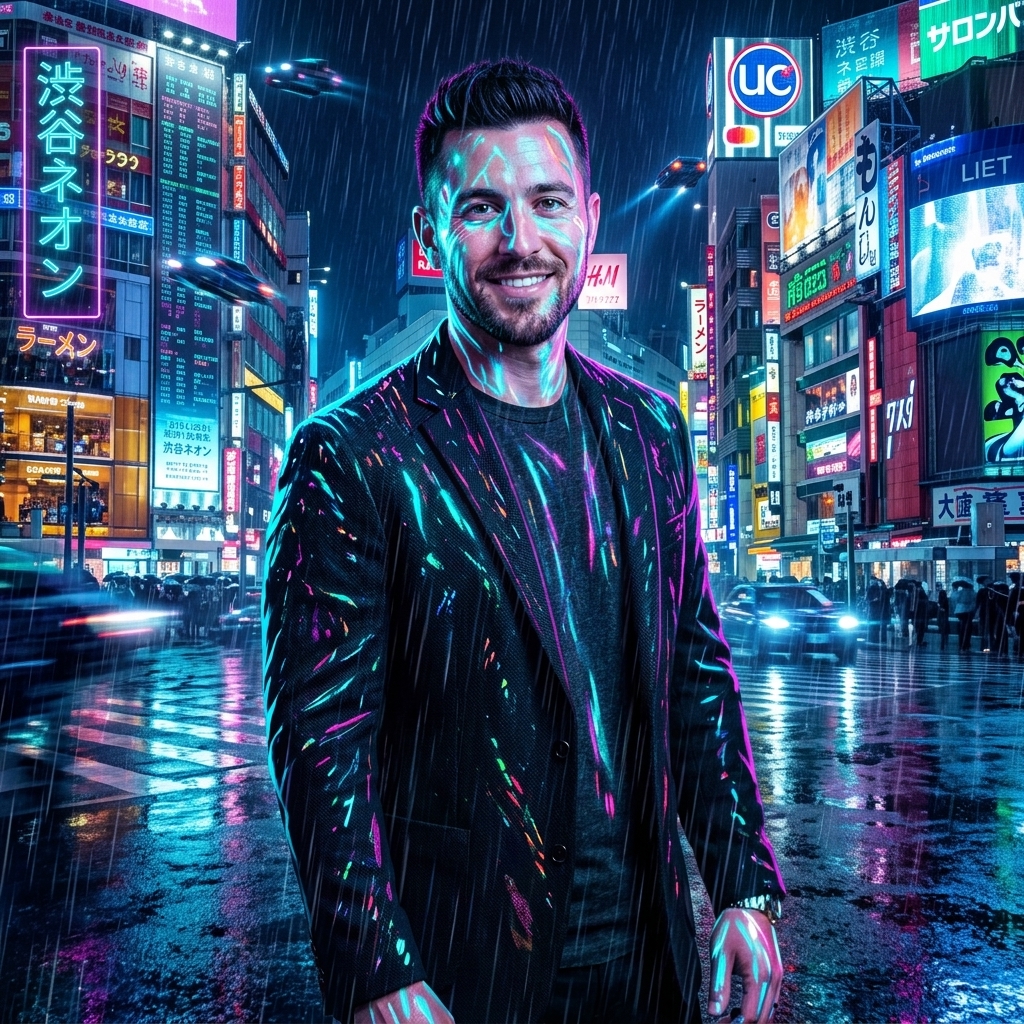 After
AfterCasual → Cyberpunk Shibuya
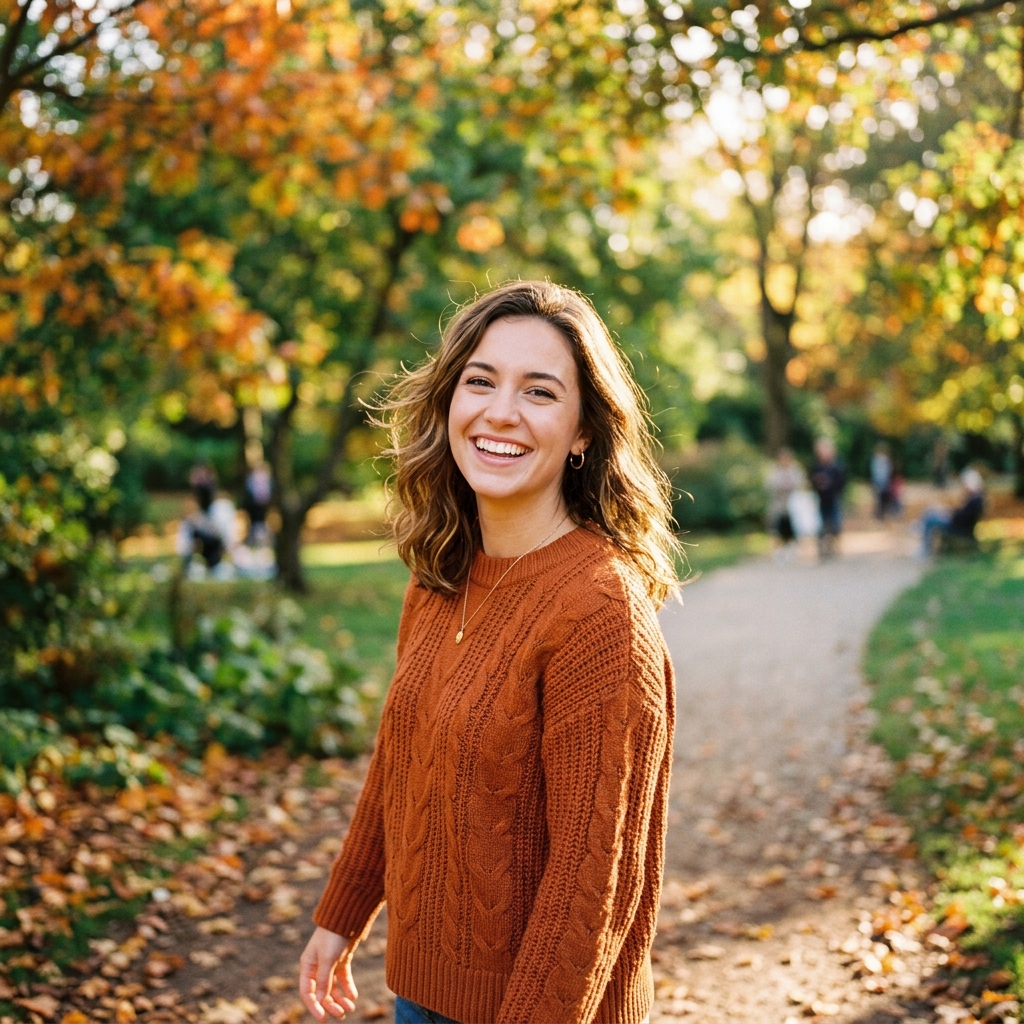 Before
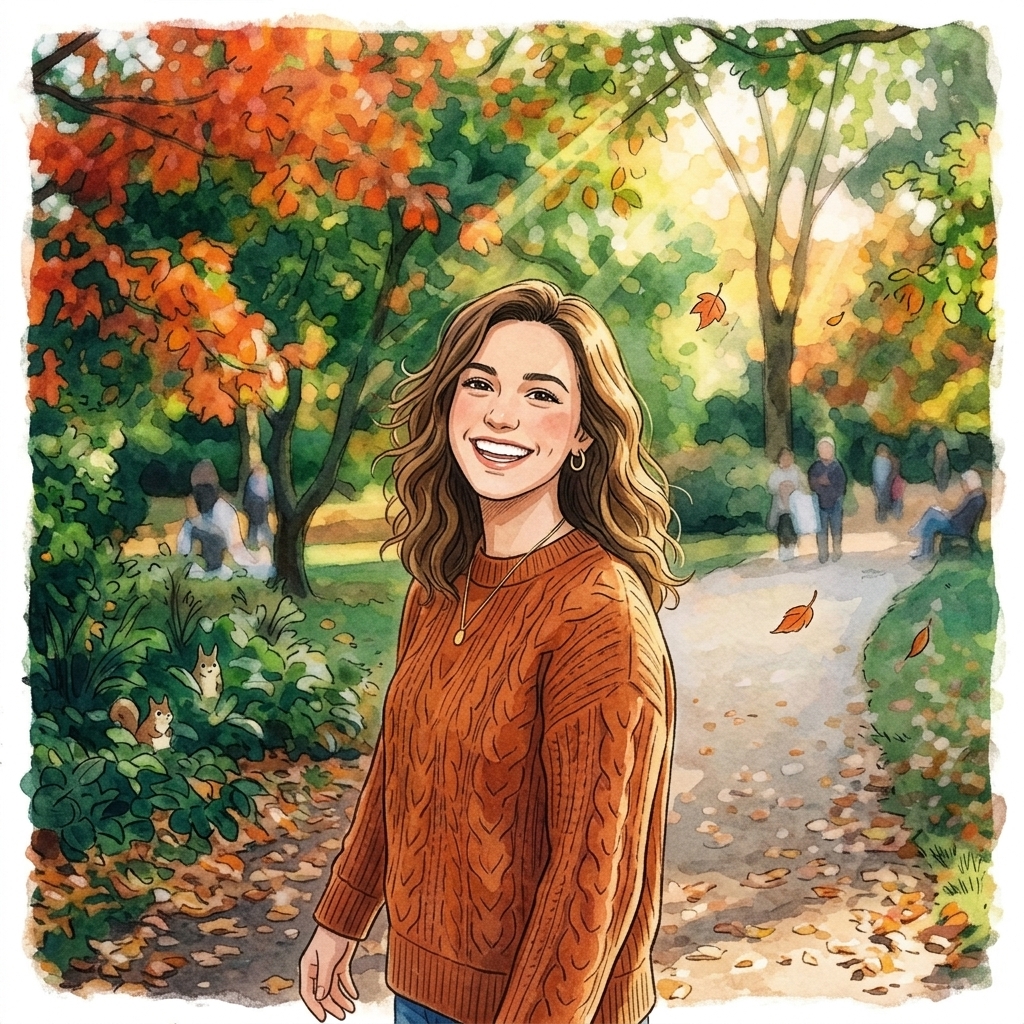 After
AfterPark → Ghibli Illustration
How It Works in 3 Steps
Upload Your Image
Drag and drop any photo from your phone or computer.
Choose Style & Effect
Select from presets, upload a reference, or write a description.
Download & Share
Get your instant high-resolution result ready for social media.
Explore More AI Image Tools
Transform your photos with our full suite of AI editing tools
Style Transfer
Apply the artistic style of one image onto another
AI Filters
Apply AI art styles with one tap
Upscale
Enhance & upscale images 2x or 4x
Color Grade
Transfer color palette from a reference photo
Reimagine
Describe changes and AI transforms your photo
Replace object
Swap an object in your photo with another
Remove object
Remove an object and fill in the scene
Product in hand
Place a product naturally in a person's hand
Place product
Place a product into a scene with matching lighting
Turn edits into an AI Influencer
Create a persona, generate on autopilot, and manage content in one place.
Frequently Asked Questions
How precise is the background removal around hair and fine edges?
Our AI model uses semantic segmentation trained on millions of images to detect ultra-fine details: individual hair strands, translucent fabrics, glasses edges, and pet fur. The result is a professional studio-grade cutout with no jagged edges or color halo artifacts.
Can I describe any custom background scene?
Yes — type any scene in plain English: "tropical beach at golden hour", "minimalist white studio with soft shadows", "snowy mountain cabin at night", or "neon-lit Tokyo alley". The AI generates a photorealistic scene and composites your subject with correct lighting, perspective, and shadow direction.
What types of photos work best?
The AI handles virtually any photo: portraits, full-body shots, group photos, product images, pet photos, and even complex poses. For best edge quality, use images with reasonable contrast between the subject and original background.
Can I upload my own replacement background instead of describing one?
Currently the tool generates backgrounds from text descriptions. For transferring the exact look of an existing photo, try our AI Style Transfer or Color Grading tools.
Is the output suitable for professional use?
Absolutely. Registered users get full-resolution exports suitable for e-commerce product pages, LinkedIn headshots, real estate listings, social media content, and print marketing materials.