A Drone Flies From a Landmark Into Your Place
Type where the drone starts and describe your place, or pick a ready picture or upload a photo for any step. The drone starts above a landmark, dives to your door, flies through it and lands in your room, in one smooth video.
What the video contains
Your fly-in
- Landmark
- The drone starts high above any city or landmark: pick one, upload a photo, or type it and we make the shot.
- Your place
- Any place, pick, upload or just type it: a ready cafe, restaurant, boutique or hotel, your own photo, or a few words we turn into a picture.
- Dive
- It dives over the city toward your building and slows in front of the entrance.
- Door
- The camera pushes through the open door and glides into your room.
- Table
- Optional: it settles on a person at the table, from a photo you add.
Made from your pictures, photos or words. The result is an AI-made video, so check it before you share it.
How It Works in 3 Steps
Type it or pick it
In Quick mode type where the drone starts and describe your place, add a photo of it if you have one, and check the pictures we make. In Custom mode pick, upload or type each picture yourself. Place types: restaurant, cafe, bar, hotel, shop, salon.
Pick a clip length
Each clip is 4 or 5 seconds. The price shows on the button before you start.
Get one video
The clips are made one after another, each starting where the last ended, then joined. Download it and post it yourself.
Explore More AI Image Tools
Transform your photos with our full suite of AI editing tools
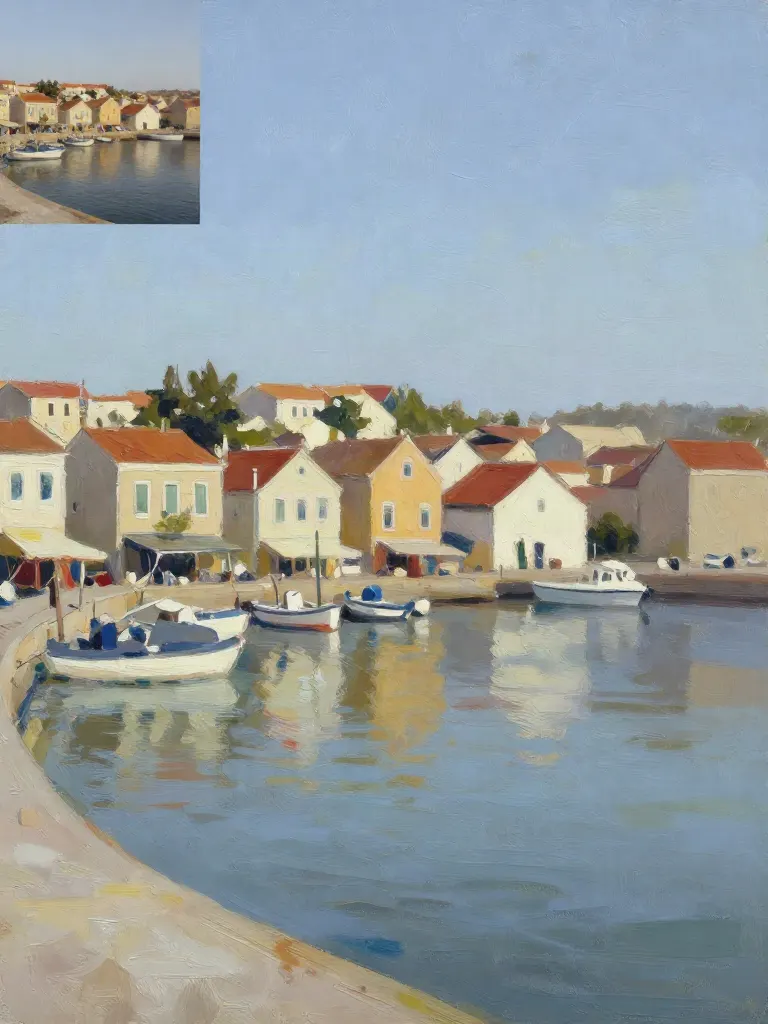
Copy art style (Style transfer)
Upload a photo and a style picture, get your photo repainted in that style.
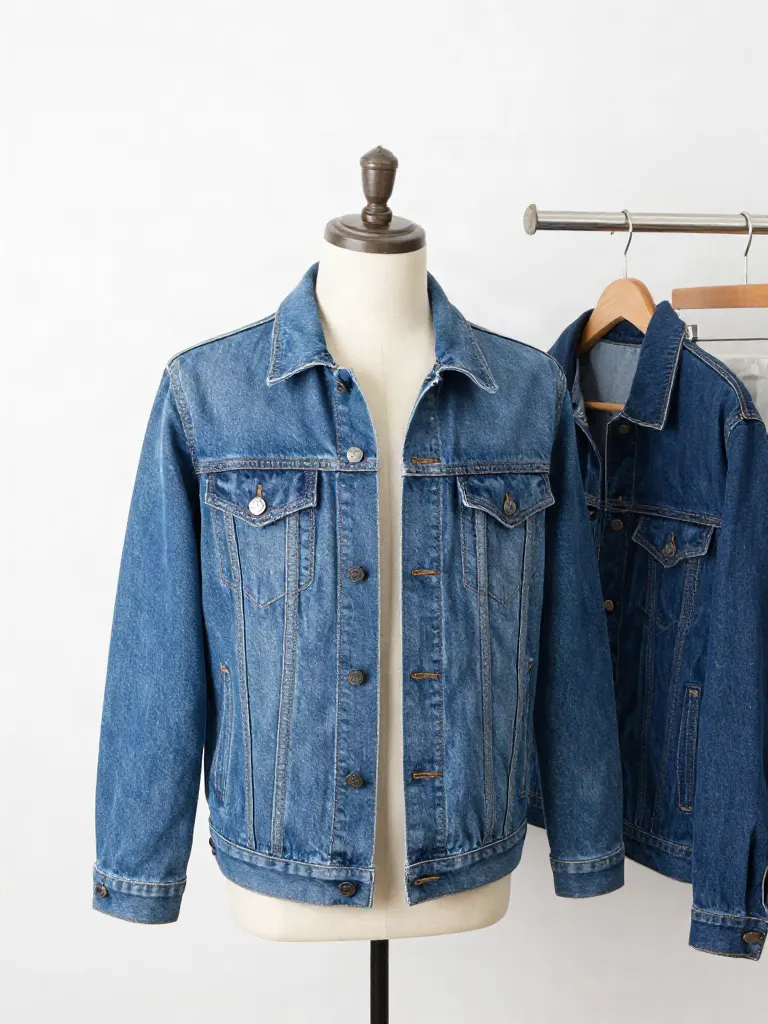
Try on clothes (Try-on)
Upload a person, add a garment photo or describe one, get them wearing it.
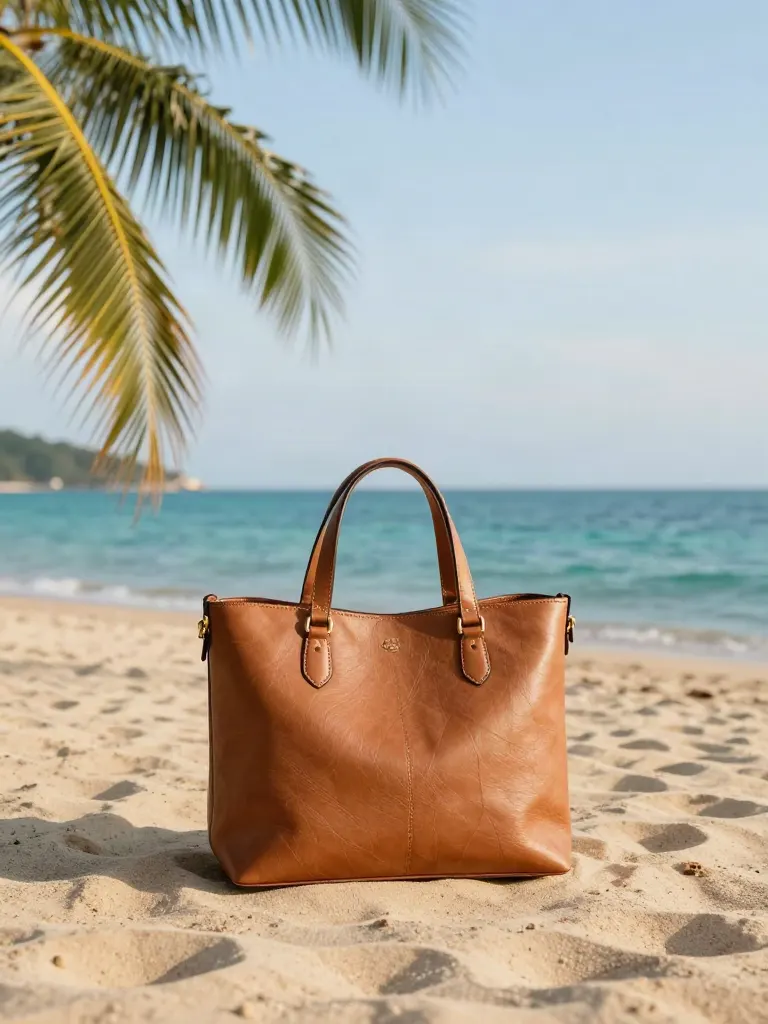
Change background
Upload a photo, get the background removed or swapped for a scene.
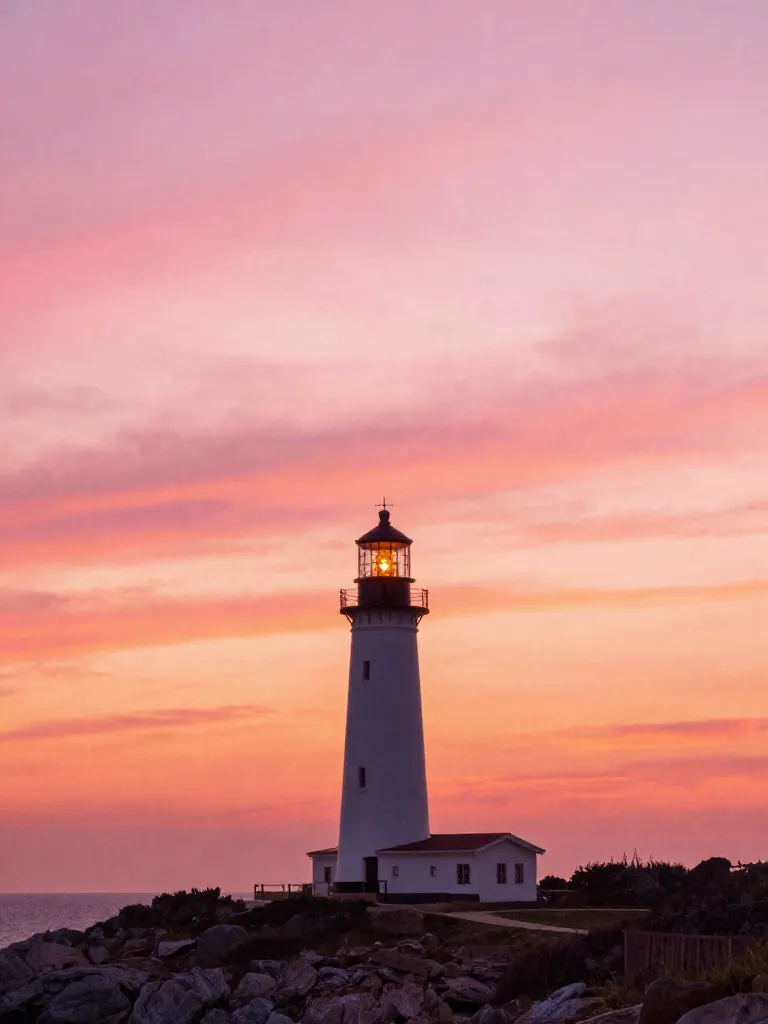
AI filters
Pick an art style, get your photo repainted in it.
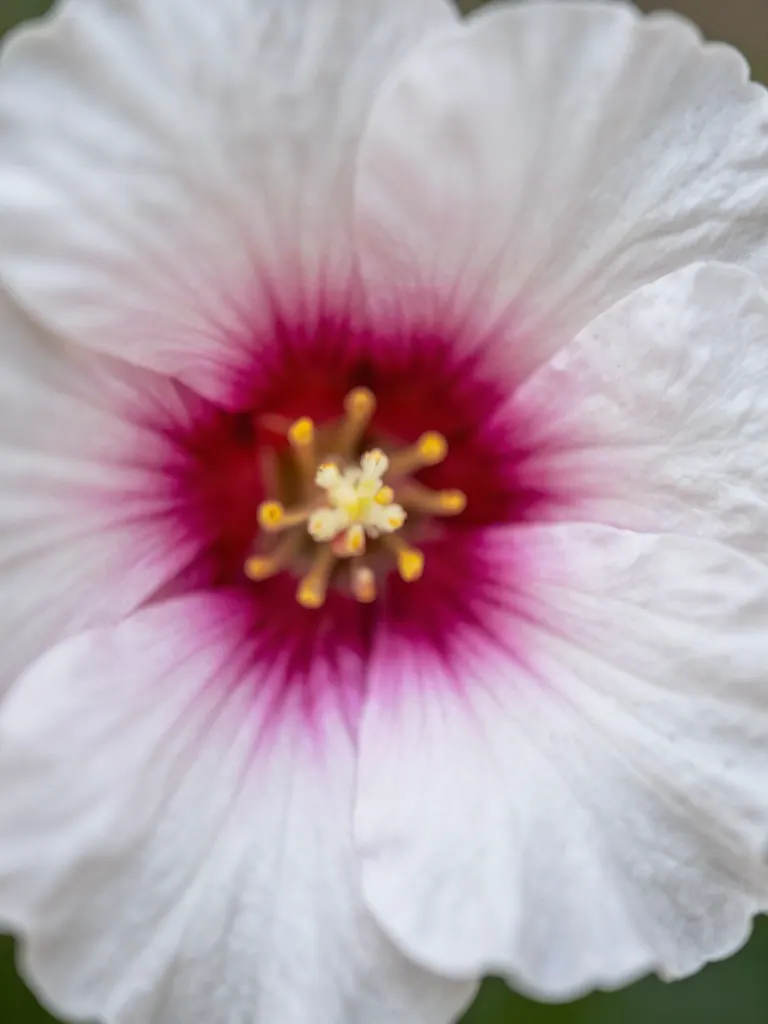
Sharper photo (Upscale)
Upload a blurry photo, get a sharper, cleaner one.
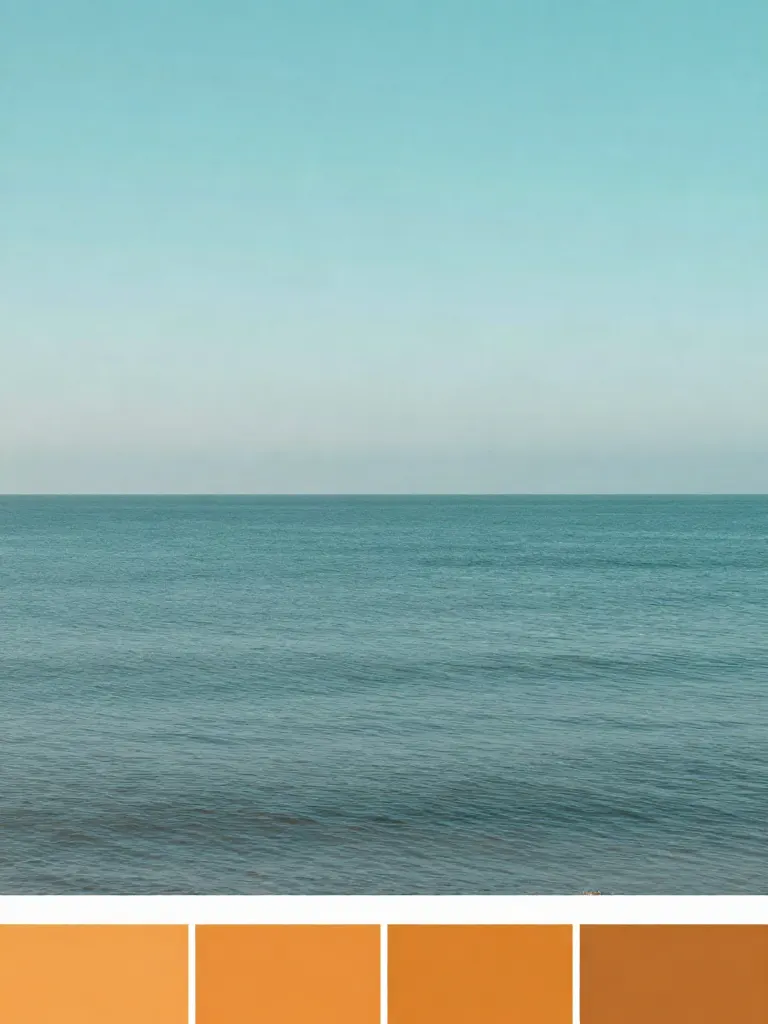
Copy photo colors (Color grade)
Upload a photo and a color reference, get the same color mood.
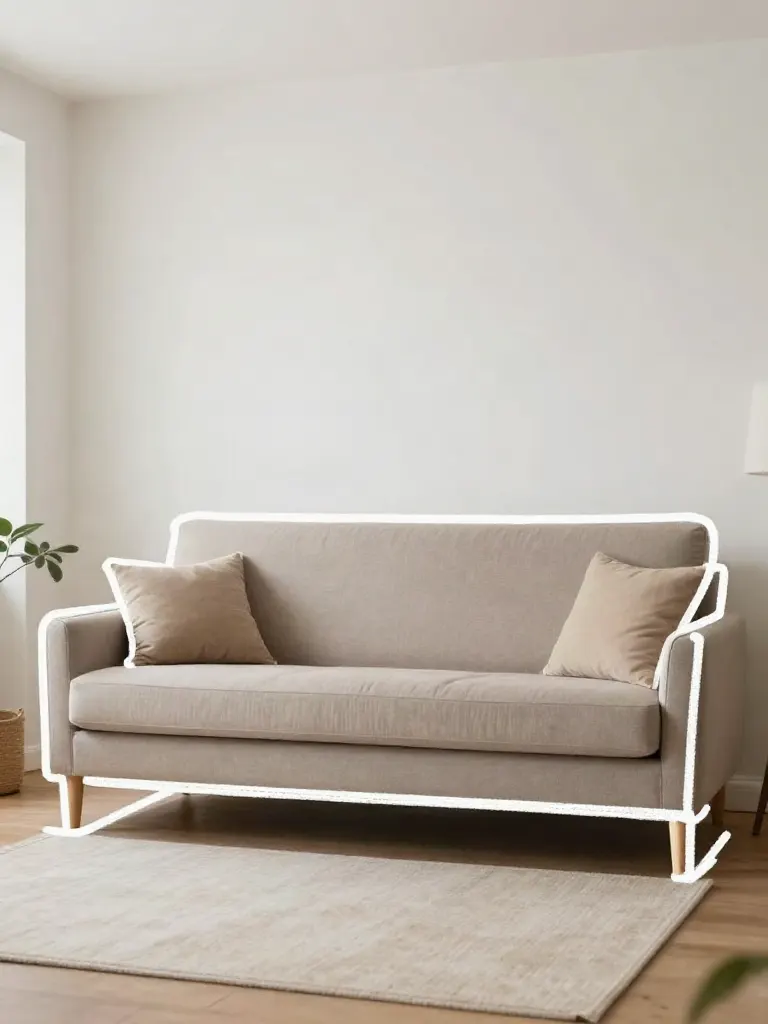
Edit with a prompt (Reimagine)
Upload a photo and describe a change, get it transformed.
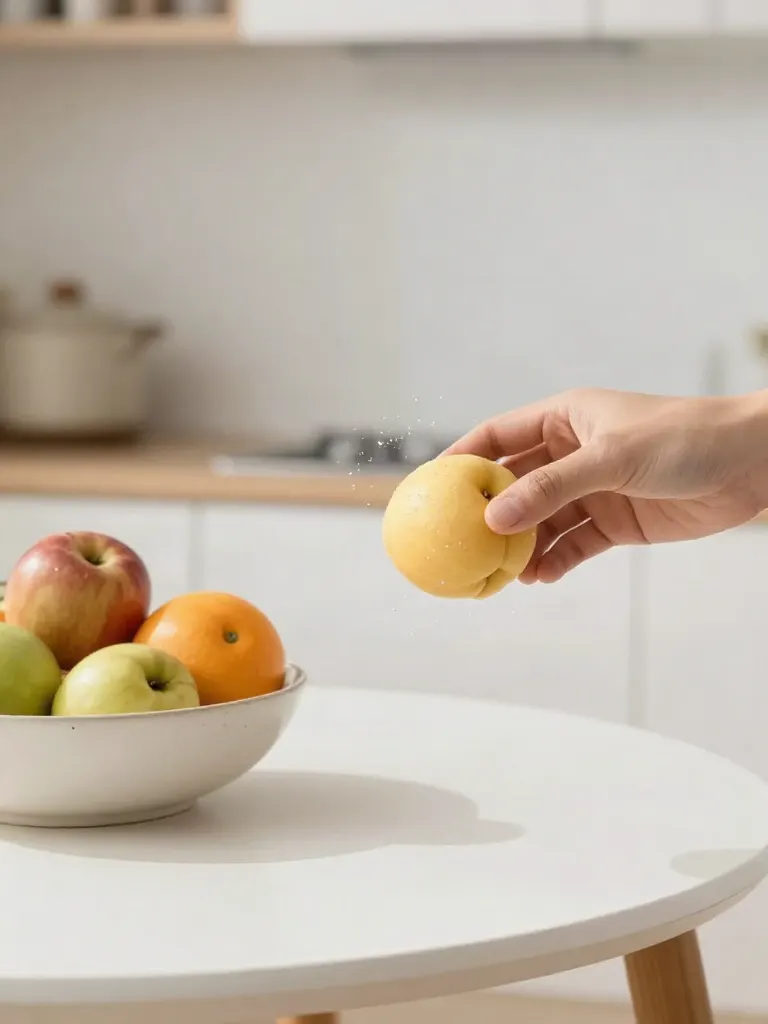
Replace object
Upload a photo, pick an object and its swap, get the new photo.
Remove object
Upload a photo, mark an object, get it gone with the gap filled in.
Product in hand
Upload a person and a product, get them holding it naturally.
Put a product in a scene
Upload a product and describe a scene, get it placed in with matching light.
Expand image
Upload a photo, pick a new shape, get the edges filled in.
Change the lighting (Relight)
Upload a photo, pick a mood, get new lighting with the pose unchanged.
Face swap
Upload a photo and a face, get that face on the photo.
Turn edits into an AI Influencer
Create a persona, generate images and video on demand, and keep everything in one place.
Frequently Asked Questions
What do I need?
Nothing to upload. Type where the drone starts and describe your place, and we make the pictures for you to check. Every step also takes a ready picture or your own photo, and photos with the door in view work best. A person at the table is optional.
How long is the video?
It has 2 clips, or 3 with a person, and each clip is 4 or 5 seconds, so the video runs 8 to 15 seconds. The clips are joined into one video at 30 frames per second.
What shape is the video?
You pick 9:16, 1:1 or 16:9. Your photos are cropped to that shape, so keep the door and the main subject near the middle.
Will my place look exactly like my photos?
The video follows your photos closely, but it is generated, so signs, text and small details can differ. Check it before you use it, and do not present it as real drone footage.
Can I use any city or landmark?
Yes, any city or landmark, any place: pick, upload or just type it, for example Rome, Colosseum at sunset or a cozy Italian cafe with a red awning. Each typed picture is one generated image that you can roll again. The inside is made separately from the outside, so it will not match it exactly. Check the pictures before you make the video.
What if a clip fails?
Each clip is charged on its own. A clip that fails is returned to you and you can start again from that clip. If the clips are made but the join does not finish, you get the clips on their own.
How much does it cost?
The credit cost shows on the button before you start. It depends on the clip length and on whether you add a person. Each picture made from your words is paid separately, and Quick mode shows the total before you start. Credit packs are one-time and never expire.