Remove Unwanted Objects from Photos in Seconds
$0.79 · pay once, no account
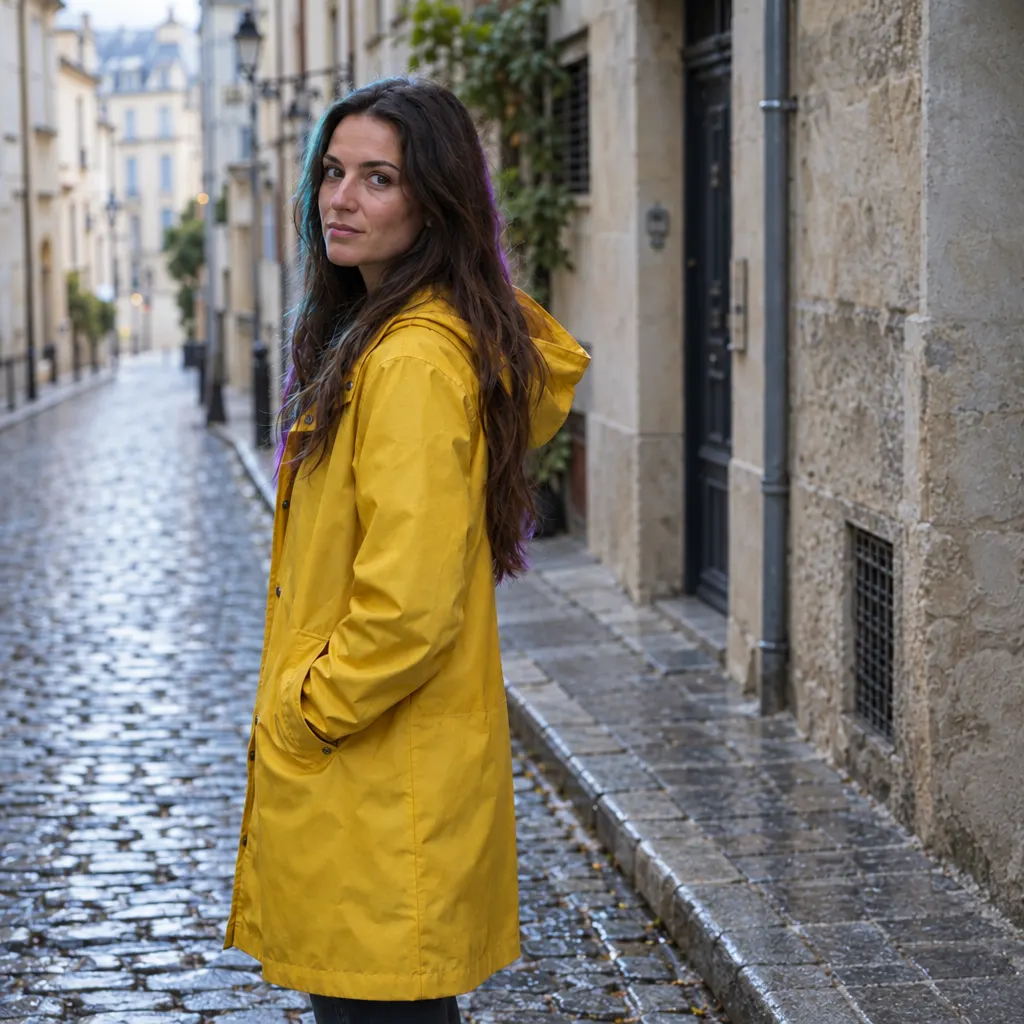
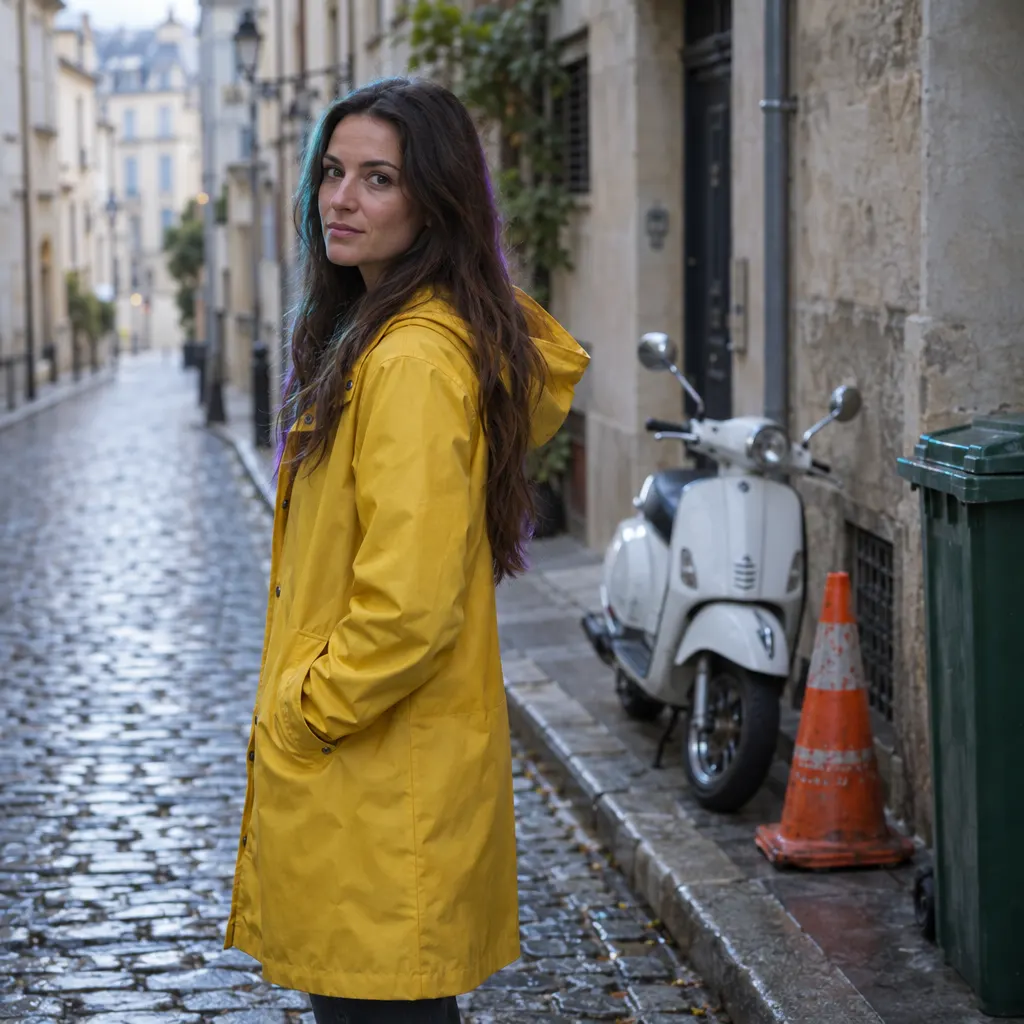
Cone, scooter and bin removed
Example before and after, generated to show the effect
Inflyu's AI Object Remover is paid per run with a credit pack. It erases an unwanted item from a photo and fills the gap so the rest of the scene still reads as real: upload the photo and describe what to remove in plain words, such as the cup on the table. Credit packs start at $2.99 with no subscription, and the price is shown before you start. Free to sign up, no card.
How do I remove an object from a photo with AI?
Inflyu removes unwanted objects from photos with AI. Describe what to erase, and every run is paid with a credit pack (object removals included), and the price shows before you start. Edit up to 10 photos at once.
Upload your photo
Upload your photo. Choose an image with clutter, a logo or anything you want gone, up to 10 MB.
Describe what to erase
Describe what to erase. Type the object in plain words, such as the cup on the table; there is no brush or mask to draw.
Run the removal
Run the removal. The AI erases the object and fills the gap to match the scene.
Download the clean photo
Download the clean photo. Preview the result and save it.
Is there a free AI tool to remove an object from a photo I already have?
Free to sign up, with up to 20 bonus credits that open with your first pack from $5.99, and the face, person, object and car swap tools give up to 2 free preview pictures. Inflyu's AI Object Remover is paid per run with a credit pack, from $2.99 with no subscription. Every video and every other tool is paid per run with a credit pack. Credits already held unlock with any pack.
What is the best AI tool for removing an object from a photo?
It depends on how you want to select the object. Fotor has you brush over it, and its page says to include the object's shadow; Pixelcut offers a free cleanup with uploads up to 6000x6000 px; Photoroom says it is free to try; insMind warns faces, text and complex geometry may need touch-up. Inflyu has you describe the object in text, and is paid per run with a credit pack from $2.99 with no subscription. Free to sign up, no card.
| Tool | Free tier | Works on your own photo | Needs a card | Output limit | Entry price | Bad at |
|---|---|---|---|---|---|---|
| Inflyu | Paid per run; credit packs from $2.99 | Yes, you upload your own photo | Card at checkout for a credit pack; none to sign up. | One cleaned photo per run; photo up to 10 MB with a shorter side of at least 256 px; the object is named in text, with no brush or mask | Credit packs from $2.99, no subscription | You describe the object in text; there is no brush or mask to paint |
| Pixelcut | Cleanup pictures for free; Free HD Download | Yes (JPG, PNG, HEIC) | Not stated | Uploads up to 6000x6000 px and 50 MB; downloads are not watermarked | $8/mo billed yearly ($10/mo billed monthly) | Targets individual objects, not whole backgrounds |
| Photoroom | Free to try | Yes (PNG, JPG) | Not stated | Not stated | Not stated | Page lists no limitations |
| Fotor | Preview free with the Standard model | Yes (JPG, PNG, WebP, HEIC) | Log in required to download; card not stated | Not stated | Not stated | May leave odd textures; include the object's shadow in the brush |
| insMind | You can try this tool online for free | Yes | Not stated | Not stated | Not stated | Faces, text, transparent surfaces, complex geometry may need touch-up |
Competitor facts come from each tool's own page, checked 1 Nov 2026.
Pixelcut alternative for removing an object from a photo
Pixelcut's page offers a free cleanup with a free HD download, takes JPG, PNG or HEIC up to 6000x6000 px and 50 MB, and says its downloads are not watermarked; it targets individual objects, not whole backgrounds. Inflyu's AI Object Remover takes a text description of what to remove instead of a brush or mask. Pick Pixelcut if you want to select the object on the image; pick Inflyu if you would rather name it. Inflyu is paid per run with a credit pack, from $2.99 with no subscription. Free to sign up, no card.
Compare with Pixelcut on its own page.
Does AI object removal look realistic, and what are the limits?
It can look clean when the object stands apart from a simple background. Large crowds, text running across faces and heavily compressed photos are weak spots, and a photo whose shorter side is under 256 px is refused before any charge. Free to sign up, no card.
Limits today
- You name the object in text; there is no brush or mask, so a small or oddly placed object may need a more specific description.
- Large crowds, text running across faces and heavily compressed photos are weak spots.
- A photo whose shorter side is under 256 px is refused before anything is charged.
- If the AI's safety filter declines a photo, or the provider fails, you are not charged.
What works best
- A sharp photo up to 10 MB where the object stands apart from the rest of the scene.
- A specific description, such as the red cup on the left, rather than clutter.
- A simple background behind the object, which is easier to fill than a busy one.
Explore More AI Image Tools
Transform your photos with our full suite of AI editing tools
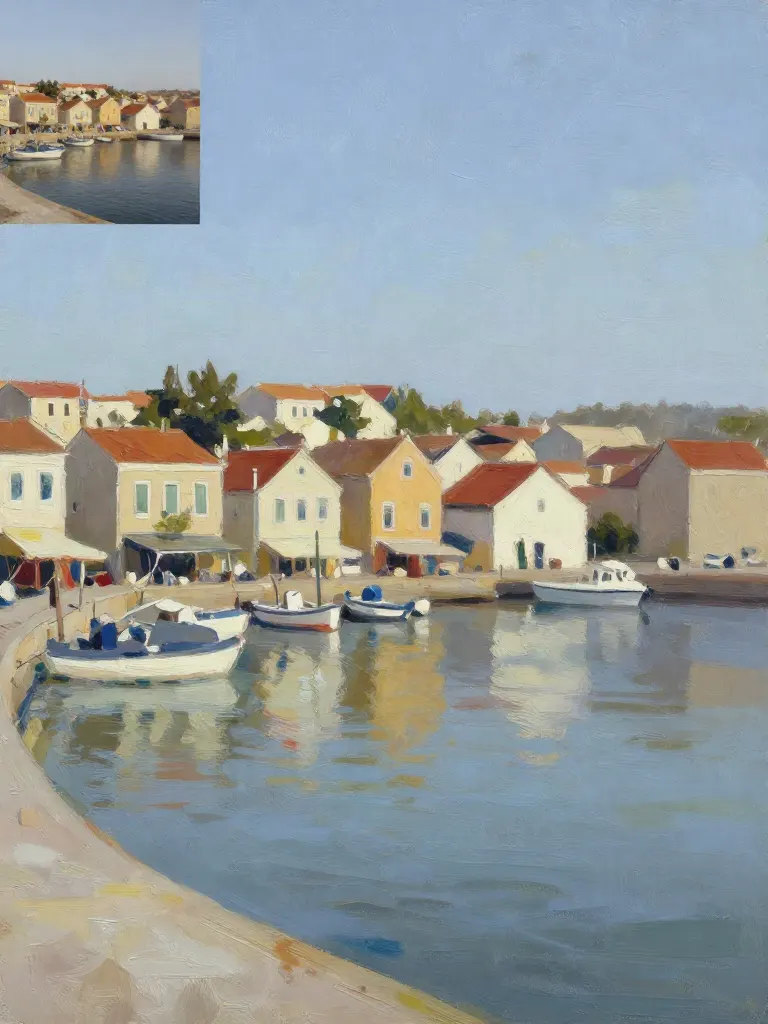
Copy art style (Style transfer)
Upload a photo and a style picture, get your photo repainted in that style.
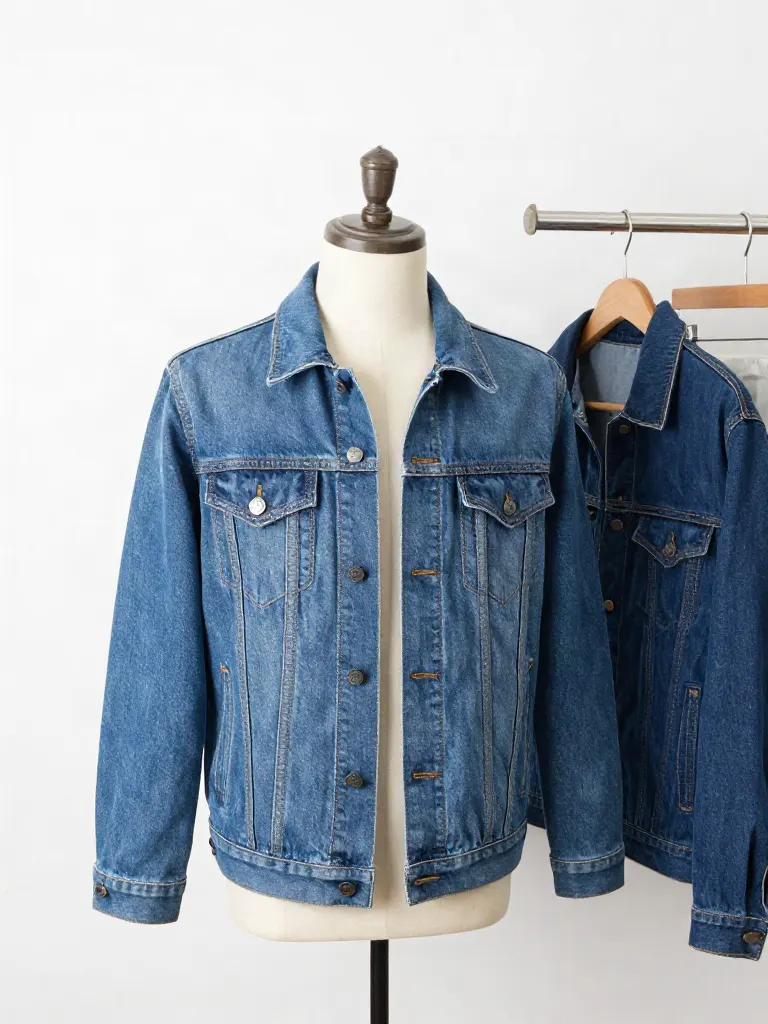
Try on clothes (Try-on)
Upload a person, add a garment photo or describe one, get them wearing it.

Change background
Upload a photo, get the background removed or swapped for a scene.

AI filters
Pick an art style, get your photo repainted in it.

Sharper photo (Upscale)
Upload a blurry photo, get a sharper, cleaner one.
Copy photo colors (Color grade)
Upload a photo and a color reference, get the same color mood.

Edit with a prompt (Reimagine)
Upload a photo and describe a change, get it transformed.

Replace object
Upload a photo, pick an object and its swap, get the new photo.
Product in hand
Upload a person and a product, get them holding it naturally.
Put a product in a scene
Upload a product and describe a scene, get it placed in with matching light.

Expand image
Upload a photo, pick any size, then fill the new edges with AI, crop, or blur fill.

Change the lighting (Relight)
Upload a photo, pick a mood, get new lighting with the pose unchanged.
Face swap
Upload a photo and a face, get that face on the photo.
Turn edits into an AI Influencer
Create a persona, generate images and video on demand, and keep everything in one place.
Frequently Asked Questions
How does AI object removal fill the hole it leaves?
After you name the object, the AI redraws that area from nearby texture, lighting, and perspective so the gap reads as part of the original photo instead of a blur patch. There is no brush or mask: the object is found from your words, so be specific about which one to remove.
What should I type to remove something accurately?
Be specific: "the red cup on the left" beats "clutter". Mention color, position, or size when two similar items sit in the frame.
Can I remove people, logos, and watermarks?
Yes for photobombers, stray props, and simple logos on a surface. Large crowds, text across faces, and heavy compression artifacts are weaker candidates.
Do I need an account?
Yes. The account is free, and you make it when you upload your photo. Each run is paid with a credit pack: packs start at $2.99 with no subscription, at 2 credits an edit.
Is this the same as replacing an object with a product?
No. Remover deletes and fills. Replacer swaps in a new item. Use product placement when you want to add a SKU into a scene that did not have one.
Is there a free AI tool to remove an object from a photo I already have?
Free to sign up, with up to 20 bonus credits that open with your first pack from $5.99, and the face, person, object and car swap tools give up to 2 free preview pictures. Inflyu's AI Object Remover is paid per run with a credit pack, from $2.99 with no subscription. Every video and every other tool is paid per run with a credit pack. Credits already held unlock with any pack.
How do I remove an object from a photo with AI?
Upload a photo, type the object to remove in plain words, run the removal, then preview the cleaned photo and save it. There is no brush or mask to draw.
What is the best AI tool for removing an object from a photo?
It depends on how you want to select the object. Fotor has you brush over it, and its page says to include the object's shadow; Pixelcut offers a free cleanup with uploads up to 6000x6000 px; Photoroom says it is free to try; insMind warns faces, text and complex geometry may need touch-up. Inflyu has you describe the object in text, and is paid per run with a credit pack from $2.99 with no subscription. Free to sign up, no card.
Pixelcut alternative for removing an object from a photo
Inflyu's AI Object Remover is an alternative when you would rather name the object than select it: type what to remove and the gap is filled to match the scene. Inflyu is paid per run with a credit pack, from $2.99 with no subscription. Pixelcut's page says it targets individual objects, not whole backgrounds. Free to sign up, no card.
Does AI object removal look realistic, and what are the limits?
It can look clean when the object stands apart from a simple background. Large crowds, text running across faces and heavily compressed photos are weak spots, and a photo whose shorter side is under 256 px is refused before any charge. Free to sign up, no card.