Turn Your X Profile Into a Video Ad
Paste your X (Twitter) profile link or @handle. We read what the public page shows, you pick a photo and a style, and you get a finished video ad. No account needed.
At a glance
- Cost
- Paid once by card for one ad. No account needed.
- You pay
- Reading your link and picking a style cost nothing. You pay before the video is made.
- Length
- About 8 seconds, with sound. Vertical 9:16 by default.
What you choose
Choices for one ad
- Style
- Studio, Lifestyle or In hand.
- Format
- 9:16 (vertical, the default), 1:1 or 4:5.
- Length
- About 8 seconds, with sound.
- You get
- The video ad, and a photo ad to download next to it.
This lists the choices, not a real ad. Check your finished ad before you post it.
How It Works in 3 Steps
Paste your X profile
Paste your X profile link or @handle and tick that the account is yours. We read the public page: your name and your profile picture, when X shows them to a visitor who is not logged in.
Pick a photo and a style
Choose the photo the ad is made from, a style (Studio, Lifestyle or In hand) and a format. The price is shown on the button.
Pay and download
Pay once by card. Your video ad is made after you pay, and you download it here with a photo ad.
Explore More AI Image Tools
Transform your photos with our full suite of AI editing tools
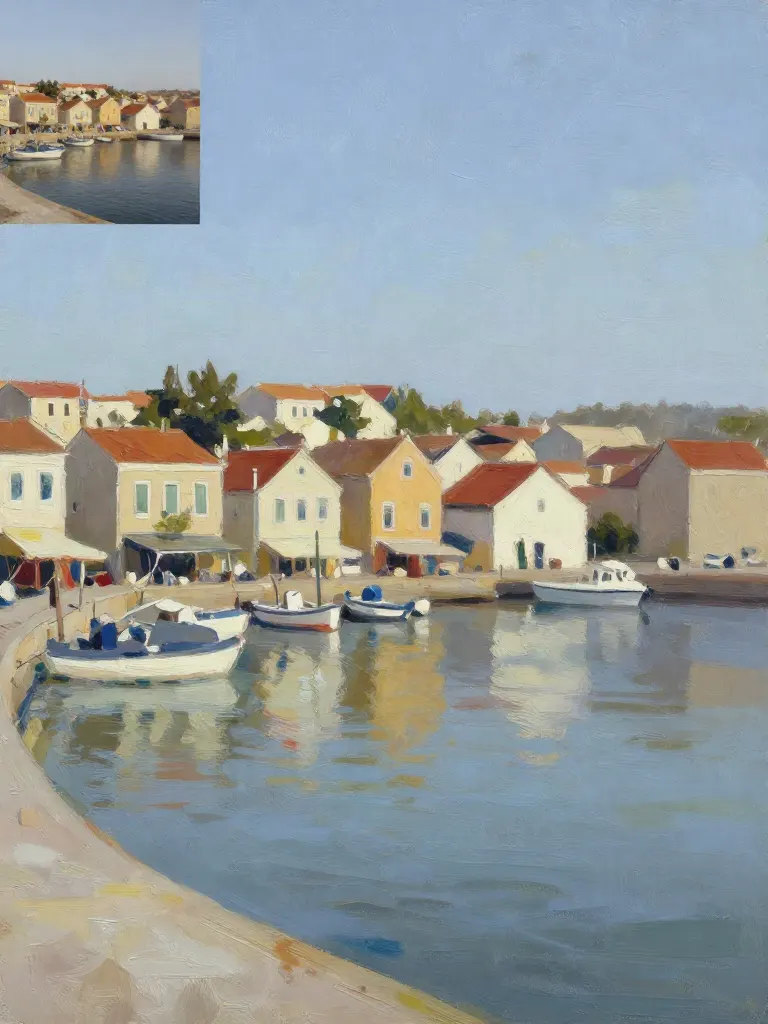
Copy art style (Style transfer)
Upload a photo and a style picture, get your photo repainted in that style.
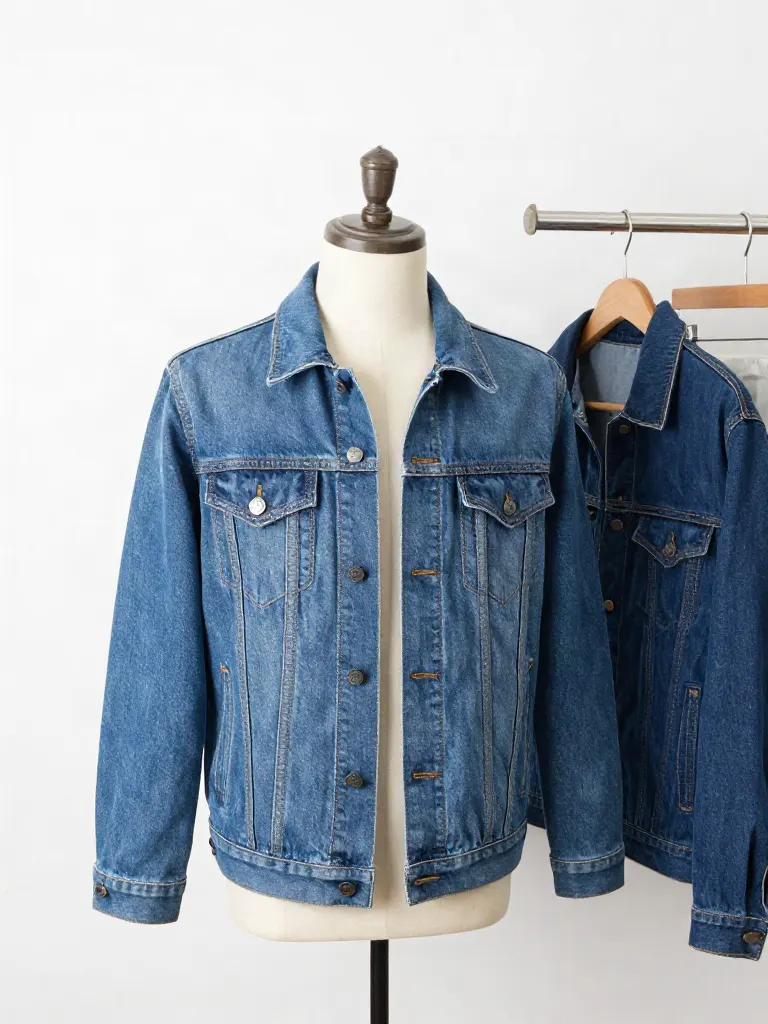
Try on clothes (Try-on)
Upload a person, add a garment photo or describe one, get them wearing it.

Change background
Upload a photo, get the background removed or swapped for a scene.

AI filters
Pick an art style, get your photo repainted in it.

Sharper photo (Upscale)
Upload a blurry photo, get a sharper, cleaner one.

Copy photo colors (Color grade)
Upload a photo and a color reference, get the same color mood.

Edit with a prompt (Reimagine)
Upload a photo and describe a change, get it transformed.

Replace object
Upload a photo, pick an object and its swap, get the new photo.

Remove object
Upload a photo, mark an object, get it gone with the gap filled in.
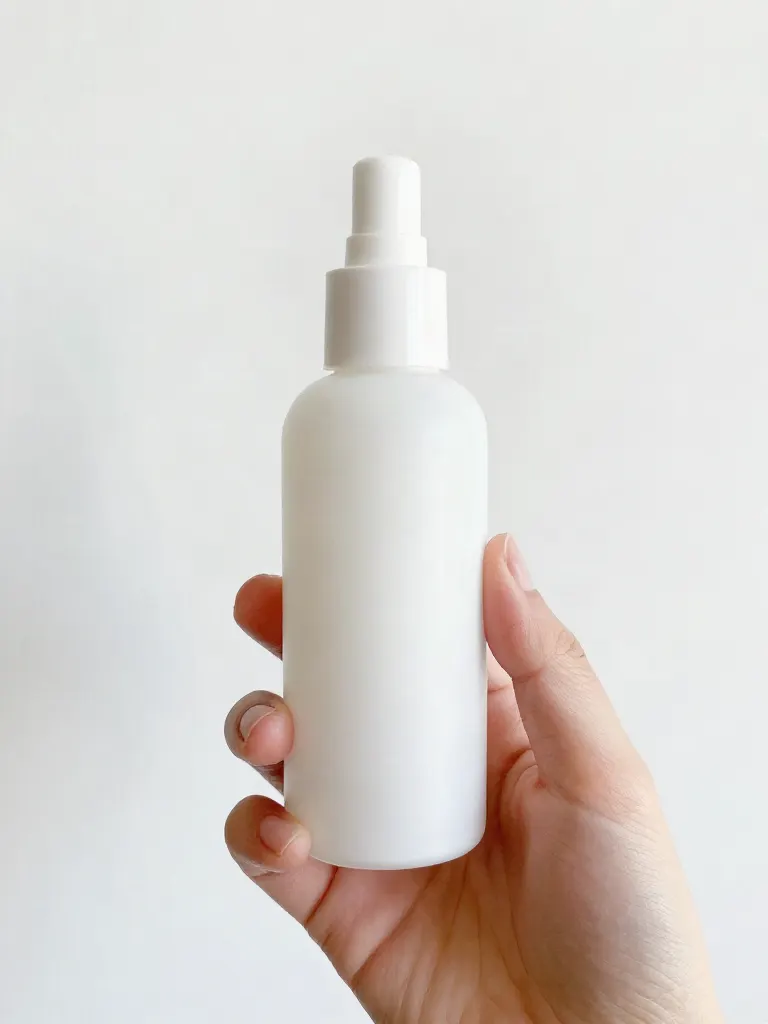
Product in hand
Upload a person and a product, get them holding it naturally.
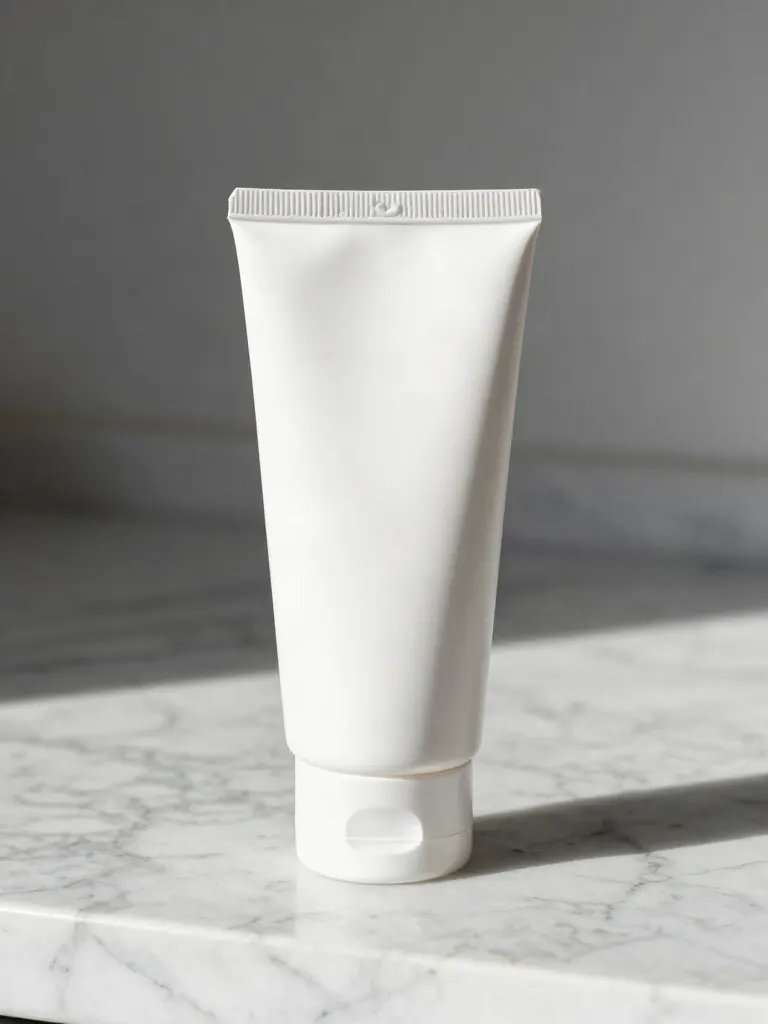
Put a product in a scene
Upload a product and describe a scene, get it placed in with matching light.

Expand image
Upload a photo, pick any size, then fill the new edges with AI, crop, or blur fill.

Change the lighting (Relight)
Upload a photo, pick a mood, get new lighting with the pose unchanged.
Face swap
Upload a photo and a face, get that face on the photo.
Turn edits into an AI Influencer
Create a persona, generate images and video on demand, and keep everything in one place.
Frequently Asked Questions
How much does X let you read?
X shows little of a profile to visitors who are not logged in, usually a name and a profile picture at best. When that is not enough, the page asks for your own photos.
Does it work with an old twitter.com link?
Yes. A twitter.com or x.com profile link, or just your @handle with X selected, are both accepted.
Does the ad use my posts?
No. We do not read your posts. The ad is made from the one photo you pick, so upload a clear photo of your product or brand for the best result.
Why do I have to confirm the account is mine?
We copy photos from the profile so you can pick one. Use only your own account, or one you have permission to use.