Add a Hook Line and Your Logo to a Video
Upload a video of up to 120 seconds, type a hook line of up to 120 characters, add a logo, or both. The text and the logo are burned into the video. The text supports Latin letters only.
What you get
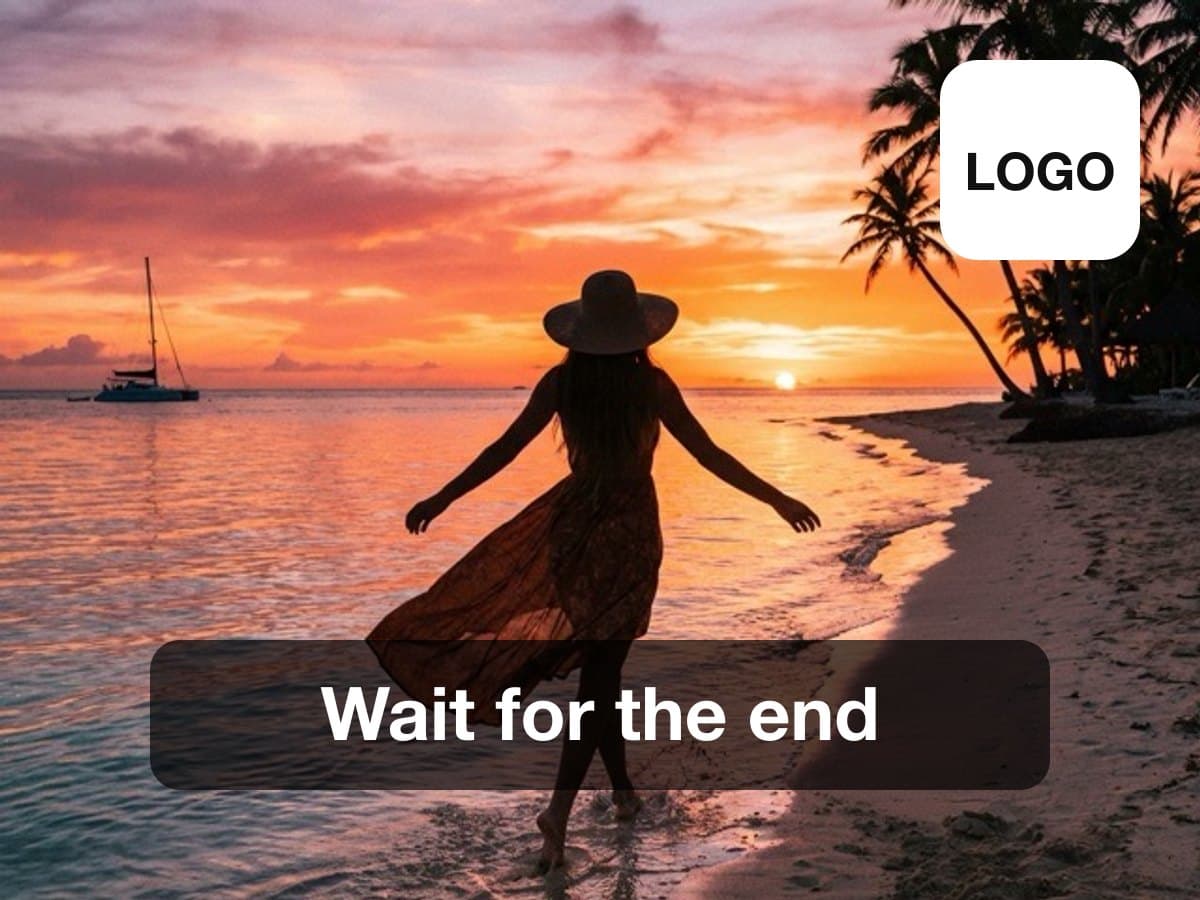
What the overlay does
- Upload
- One video of up to 120 seconds, and optionally a PNG, JPG or WebP logo.
- Text
- A hook line of up to 120 characters in a bold, boxed or outlined style, at the top, center or bottom, for the seconds you choose. Latin letters only.
- Logo
- Placed in a corner, with the size and the opacity you set.
- You get
- One video with the text and the logo burned in at 30 fps. The overlay cannot be turned off later.
- Price
- A run costs 2 credits.
This lists the settings and limits, not a real result.
How It Works in 3 Steps
Upload your video
Add a video of up to 120 seconds, and a logo if you want one.
Set the text and the logo
Type the hook line, pick its position, style and the seconds it shows, and place the logo in a corner.
Download the branded video
The text and the logo are burned into the new video.
Explore More AI Image Tools
Transform your photos with our full suite of AI editing tools
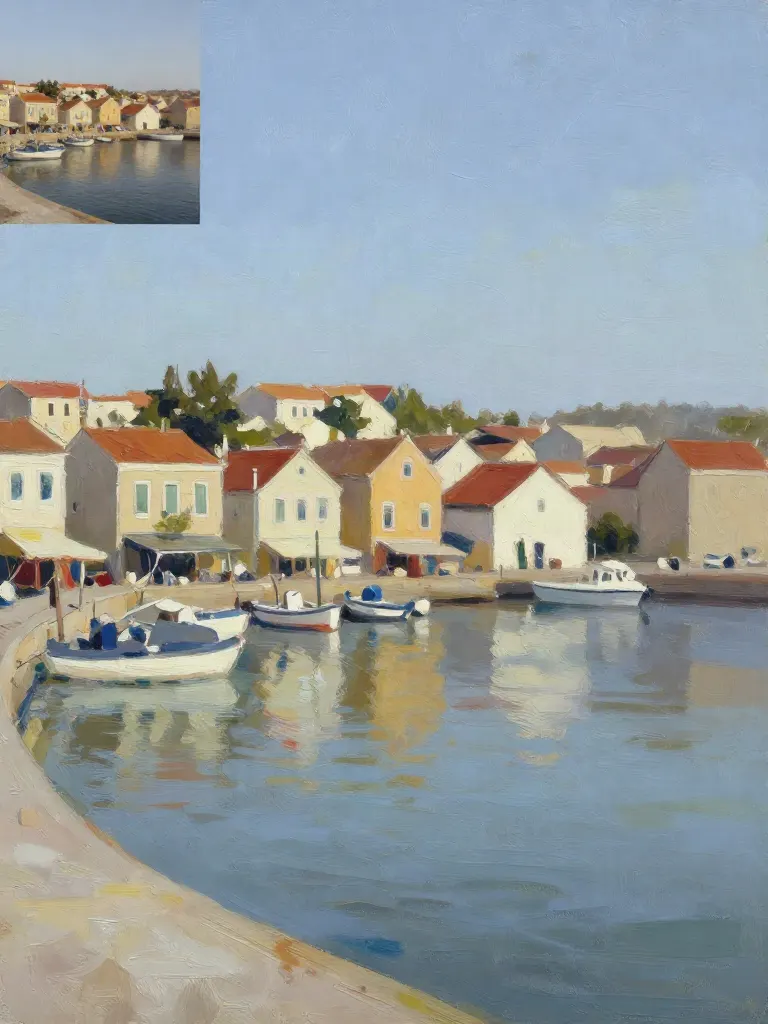
Copy art style (Style transfer)
Upload a photo and a style picture, get your photo repainted in that style.
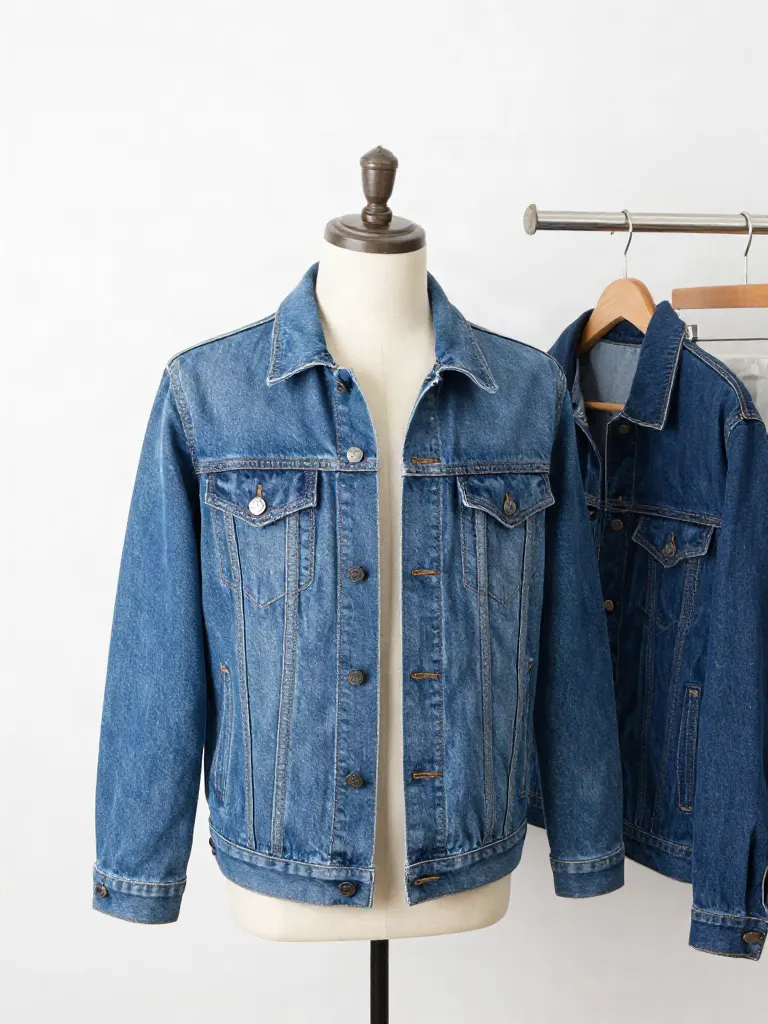
Try on clothes (Try-on)
Upload a person, add a garment photo or describe one, get them wearing it.

Change background
Upload a photo, get the background removed or swapped for a scene.

AI filters
Pick an art style, get your photo repainted in it.

Sharper photo (Upscale)
Upload a blurry photo, get a sharper, cleaner one.
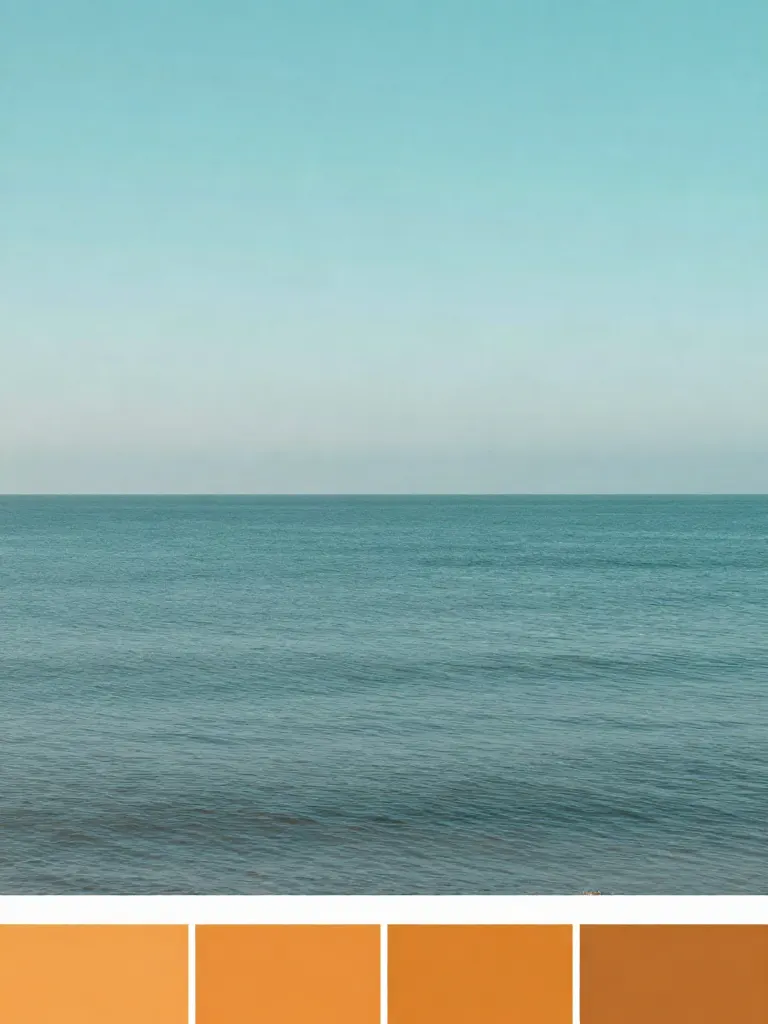
Copy photo colors (Color grade)
Upload a photo and a color reference, get the same color mood.
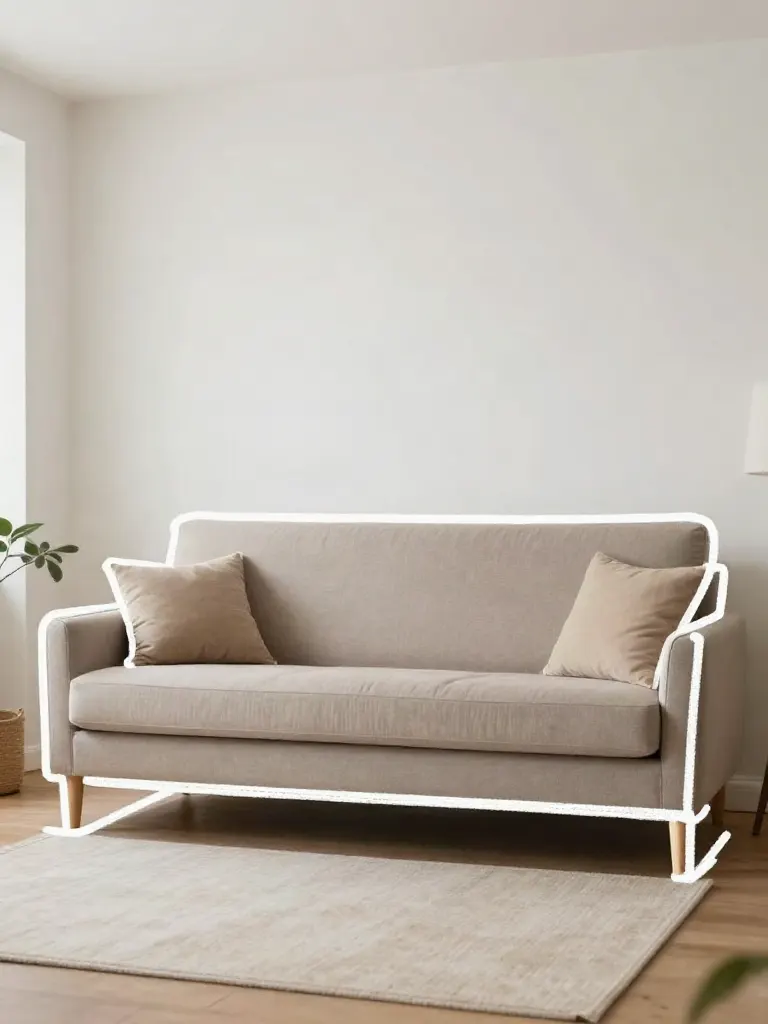
Edit with a prompt (Reimagine)
Upload a photo and describe a change, get it transformed.

Replace object
Upload a photo, pick an object and its swap, get the new photo.

Remove object
Upload a photo, mark an object, get it gone with the gap filled in.
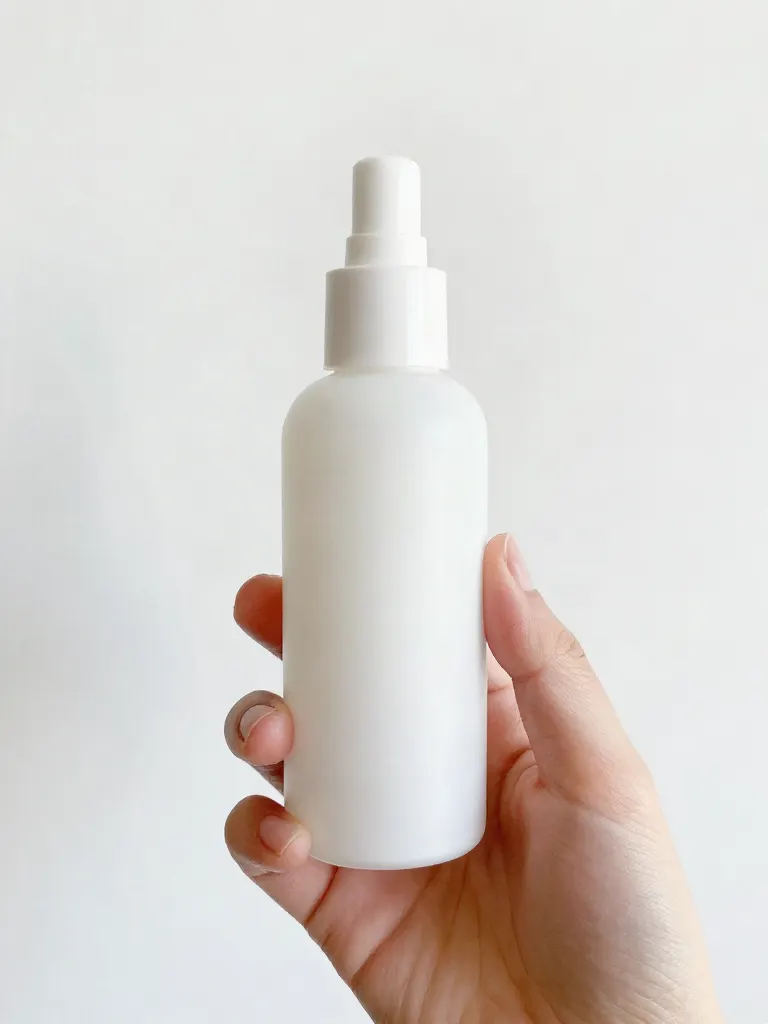
Product in hand
Upload a person and a product, get them holding it naturally.
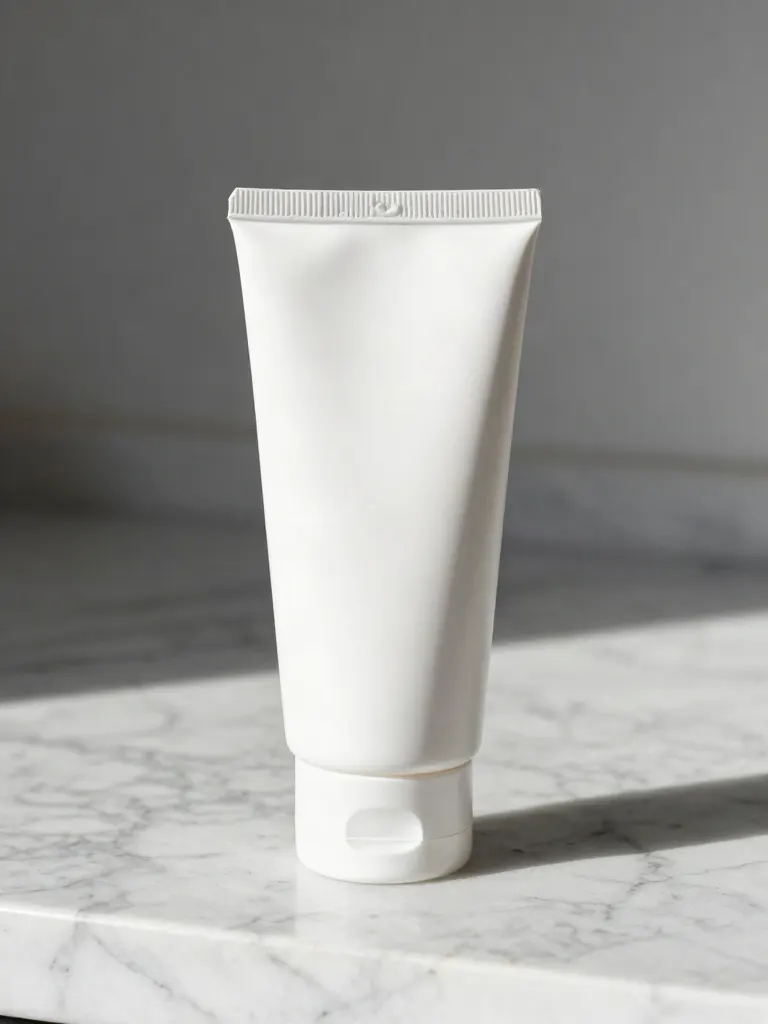
Put a product in a scene
Upload a product and describe a scene, get it placed in with matching light.
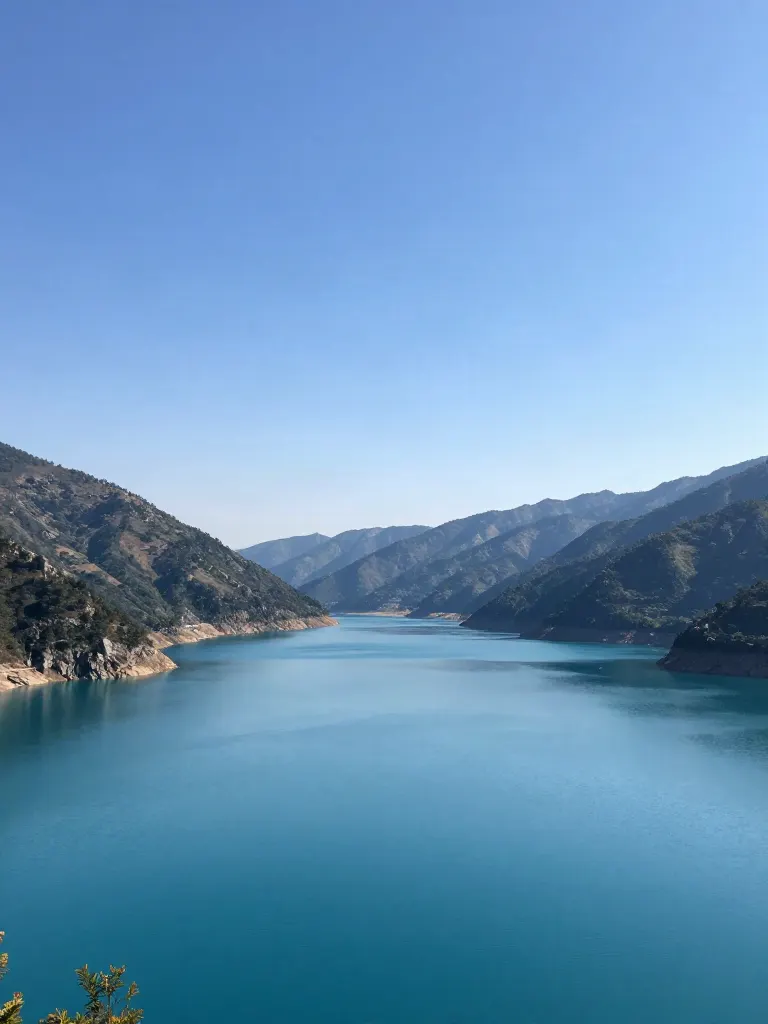
Expand image
Upload a photo, pick a new shape, get the edges filled in.
Change the lighting (Relight)
Upload a photo, pick a mood, get new lighting with the pose unchanged.
Face swap
Upload a photo and a face, get that face on the photo.
Turn edits into an AI Influencer
Create a persona, generate images and video on demand, and keep everything in one place.
Frequently Asked Questions
Can I add text, a logo, or both?
Either one or both. A run needs at least a line of text or a logo.
Which letters does the text support?
Latin letters only. Text in other alphabets, such as Cyrillic, Arabic or Chinese, is not supported by this tool.
Can I choose when the text shows?
Yes. Set the second it appears and the second it disappears. By default it shows for the whole video.
What files and sizes does it take?
The video can be up to 120 seconds. The text can be up to 120 characters. The logo can be a PNG, JPG or WebP image of up to 10 MB.
What does a run cost?
A run costs 2 credits. Every run costs credits and needs an account.