Turn a Video Idea Into a Ready AI Video Prompt
Write your idea in plain words and pick the video model: Seedance 2.5, Veo, Kling 2.6, Runway. The generator writes a prompt the way that model reads it, split into shots with seconds, plus a line about sound and a few tips. One tap opens it in Video Create with the model and the prompt filled in.
What a run returns
Layout of a run
- Input
- Your idea. A model, a shape (9:16, 16:9 or 1:1) and a look are choices.
- Prompt
- One prompt written for the model you picked.
- Shots
- The prompt split into shots with seconds.
- Sound and tips
- A line about sound, and short tips for the model.
- Handoff
- One tap opens Video Create with the model and the prompt filled in.
This is the layout of a run, not a real prompt. Your prompt is written from your own idea.
How It Works in 3 Steps
Write your idea
Describe what should happen in plain words. Pick the video model, the shape and an optional look.
Get the prompt
Pay 1 credit and read the prompt, the shots, the sound line and the tips.
Make the video
Tap Make this video to open Video Create with the prompt filled in. The video is priced there before you confirm.
Explore More AI Image Tools
Transform your photos with our full suite of AI editing tools
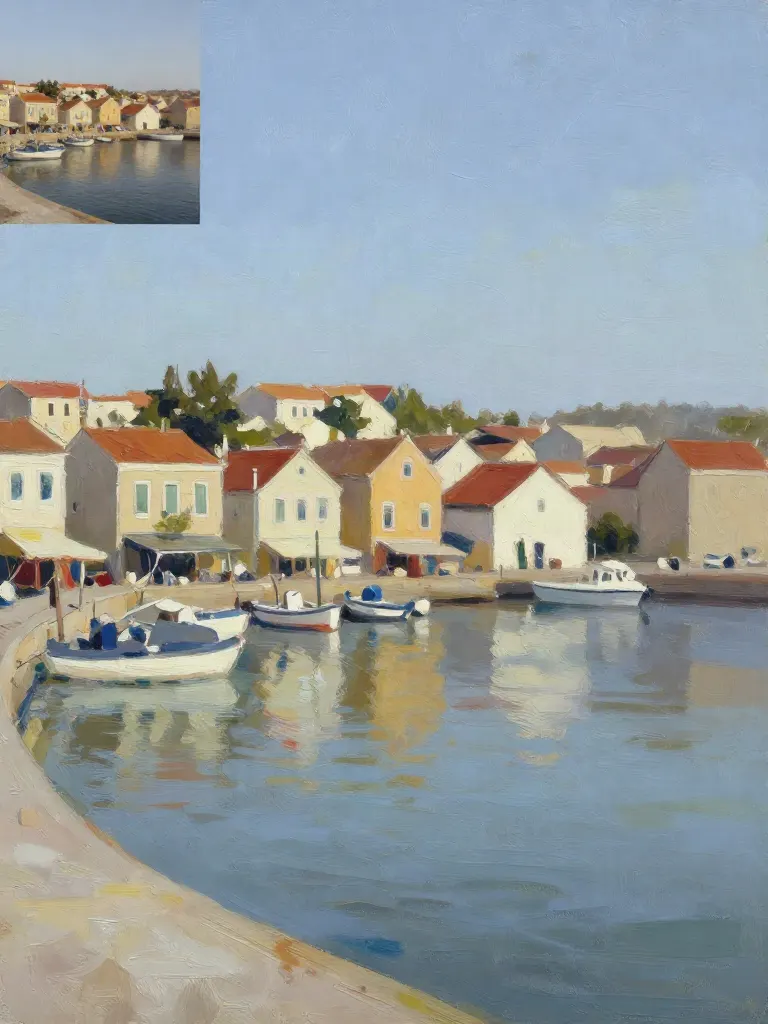
Copy art style (Style transfer)
Upload a photo and a style picture, get your photo repainted in that style.
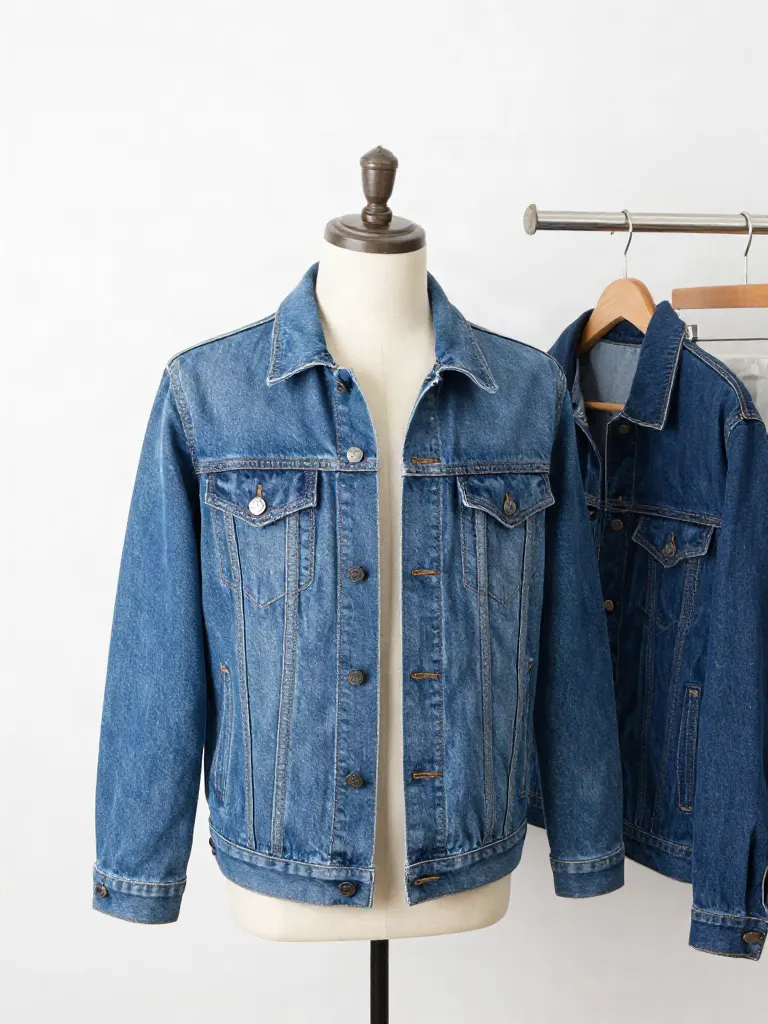
Try on clothes (Try-on)
Upload a person, add a garment photo or describe one, get them wearing it.
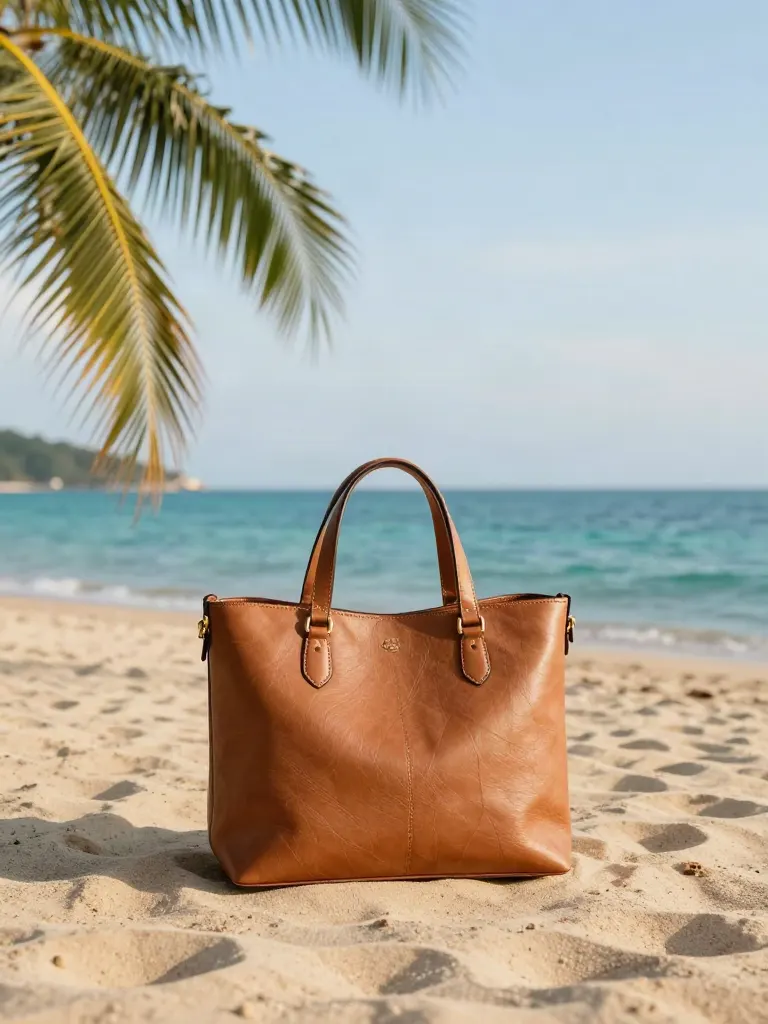
Change background
Upload a photo, get the background removed or swapped for a scene.
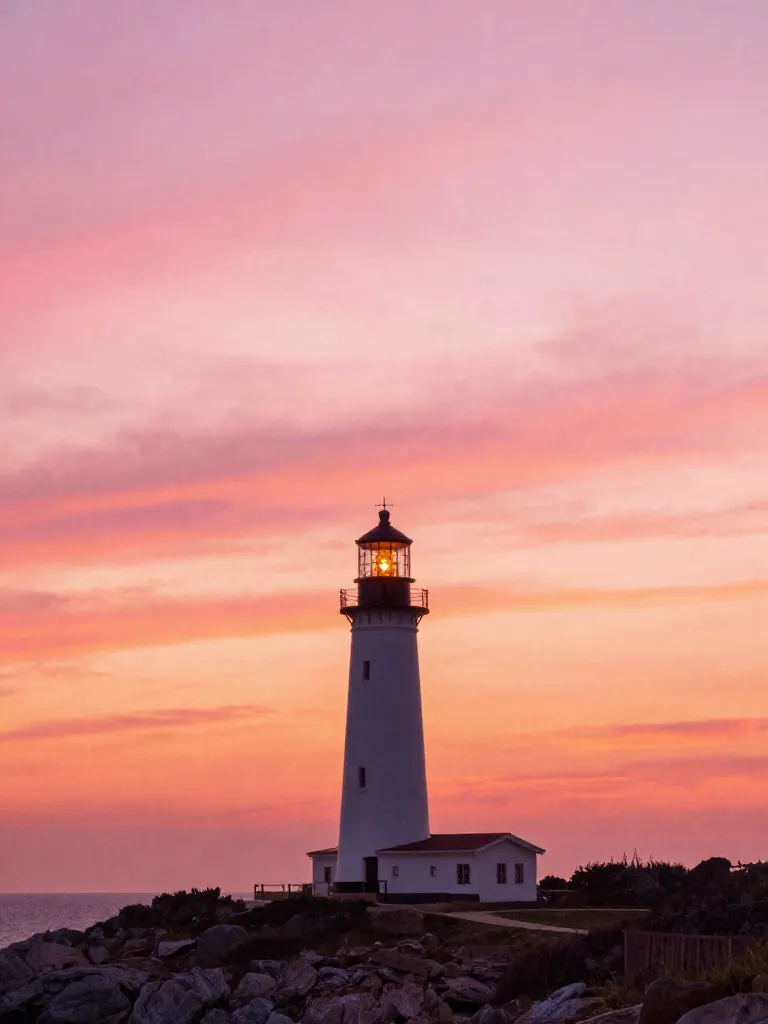
AI filters
Pick an art style, get your photo repainted in it.

Sharper photo (Upscale)
Upload a blurry photo, get a sharper, cleaner one.
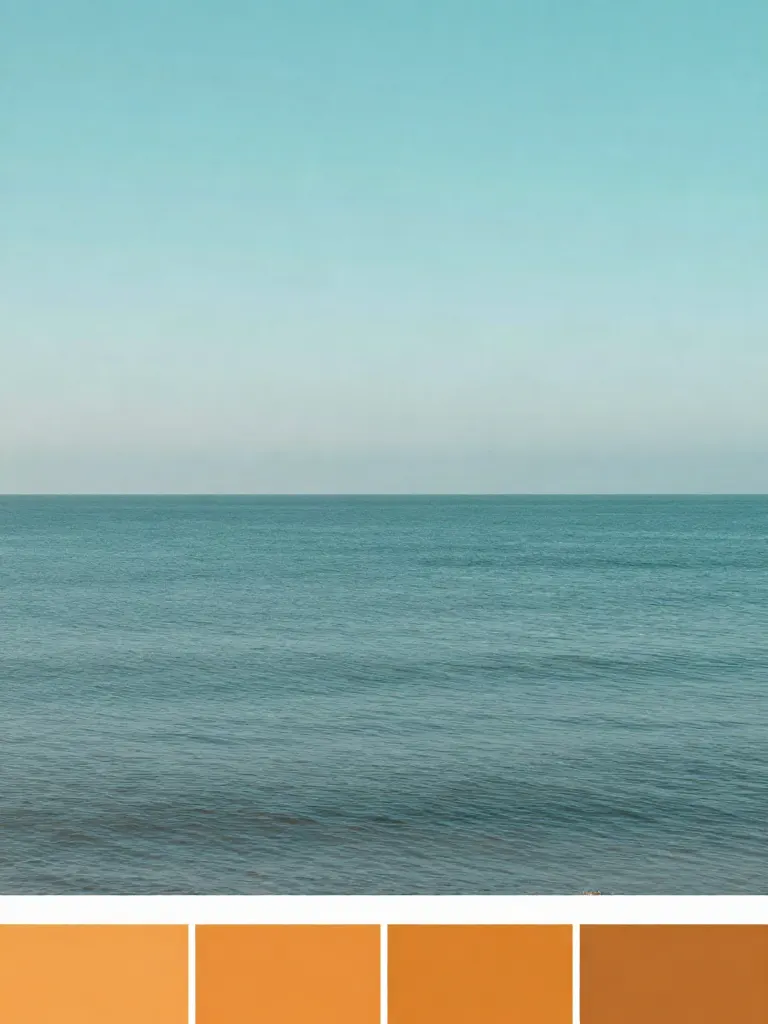
Copy photo colors (Color grade)
Upload a photo and a color reference, get the same color mood.
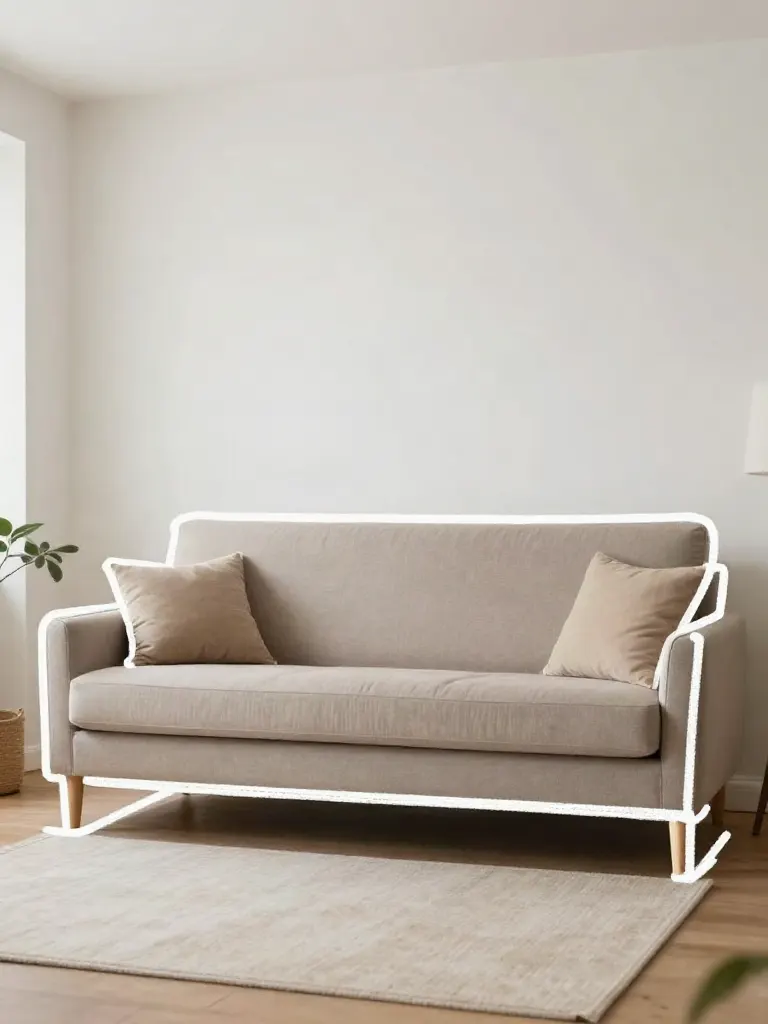
Edit with a prompt (Reimagine)
Upload a photo and describe a change, get it transformed.
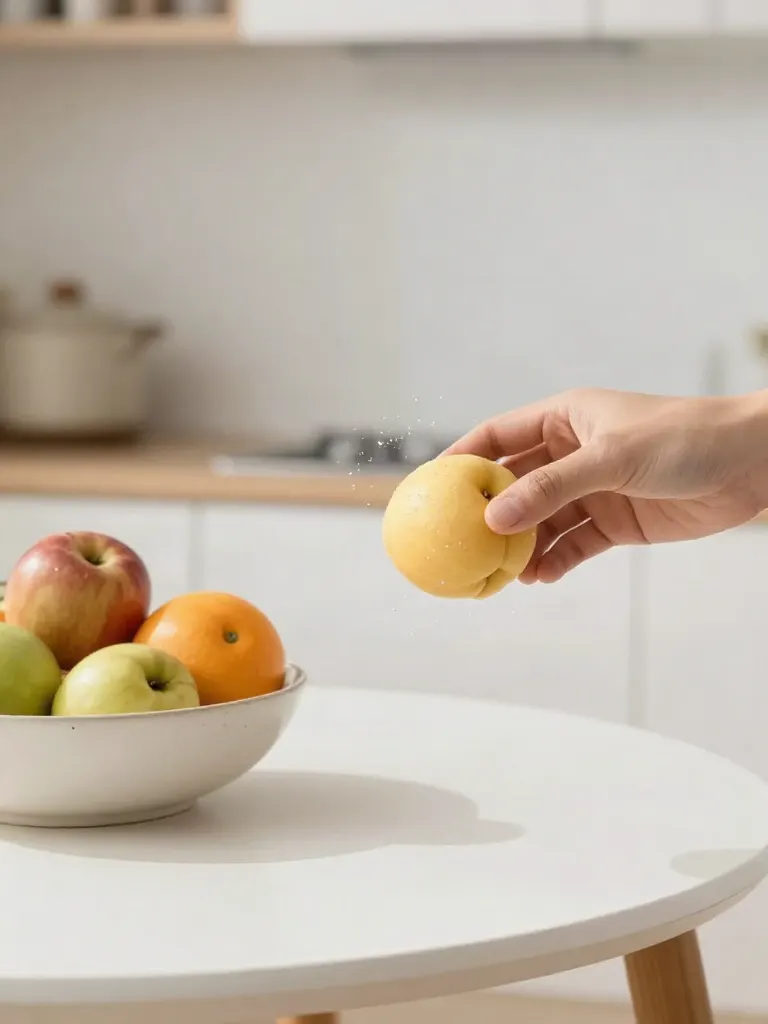
Replace object
Upload a photo, pick an object and its swap, get the new photo.

Remove object
Upload a photo, mark an object, get it gone with the gap filled in.
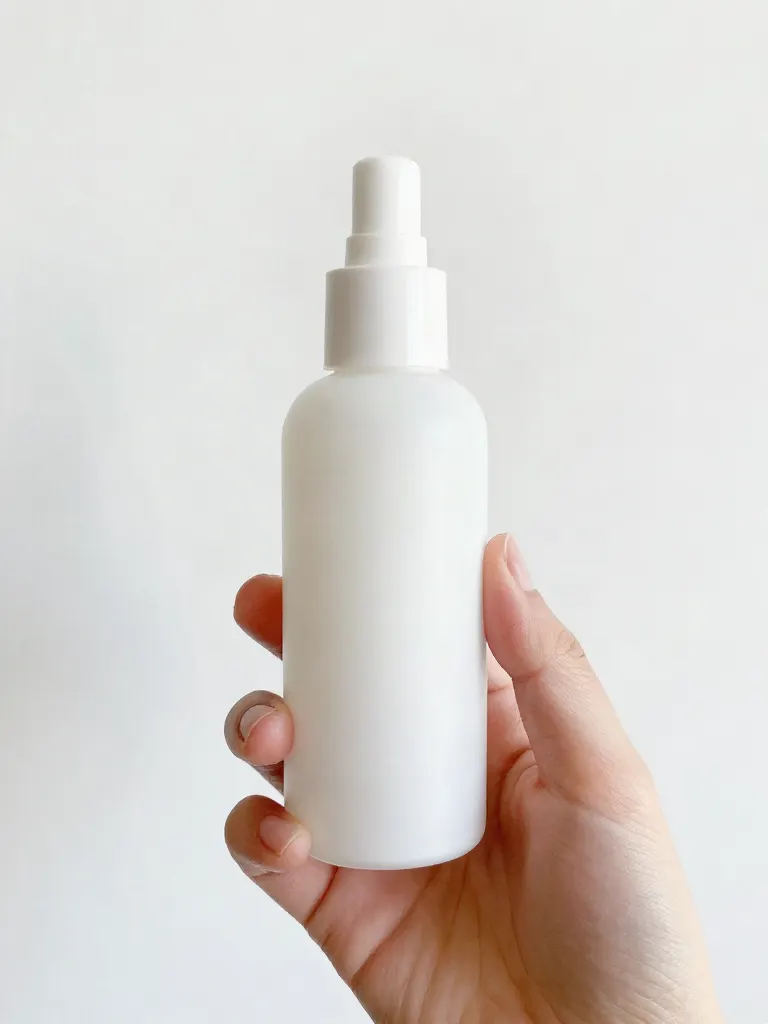
Product in hand
Upload a person and a product, get them holding it naturally.
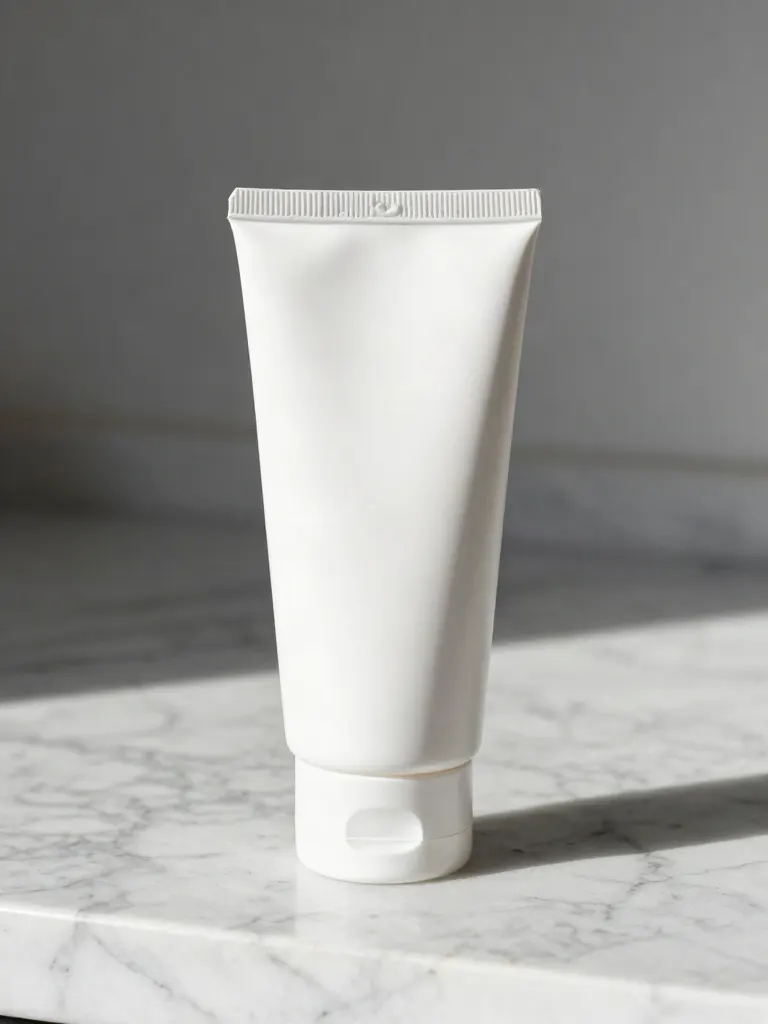
Put a product in a scene
Upload a product and describe a scene, get it placed in with matching light.
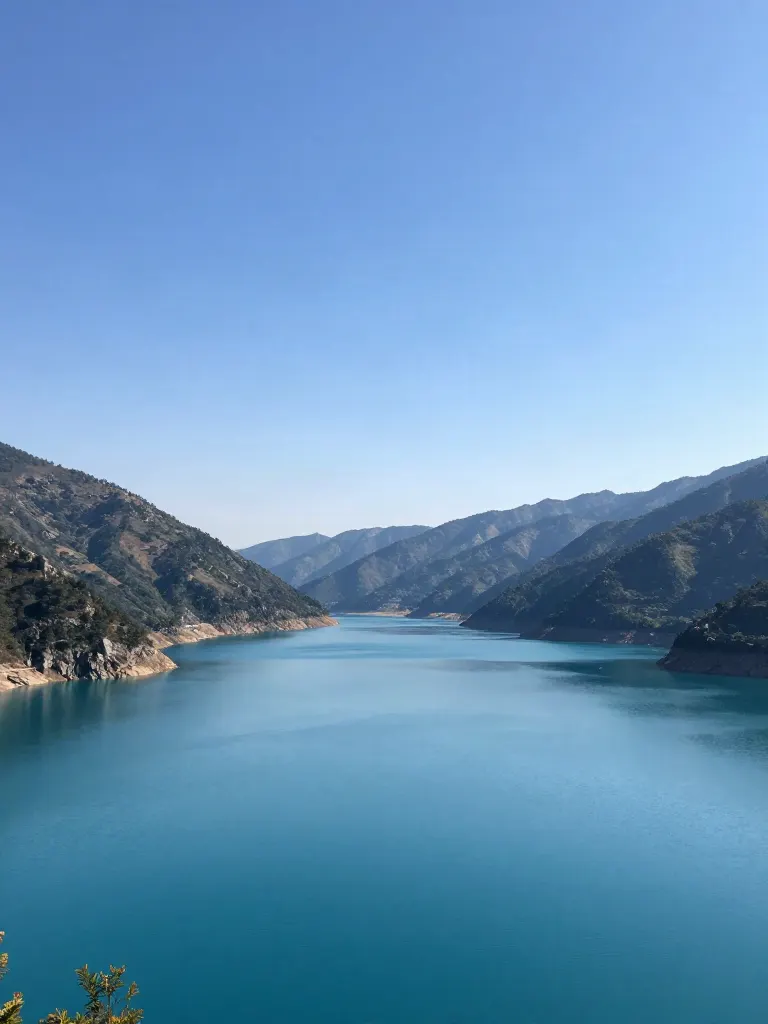
Expand image
Upload a photo, pick a new shape, get the edges filled in.
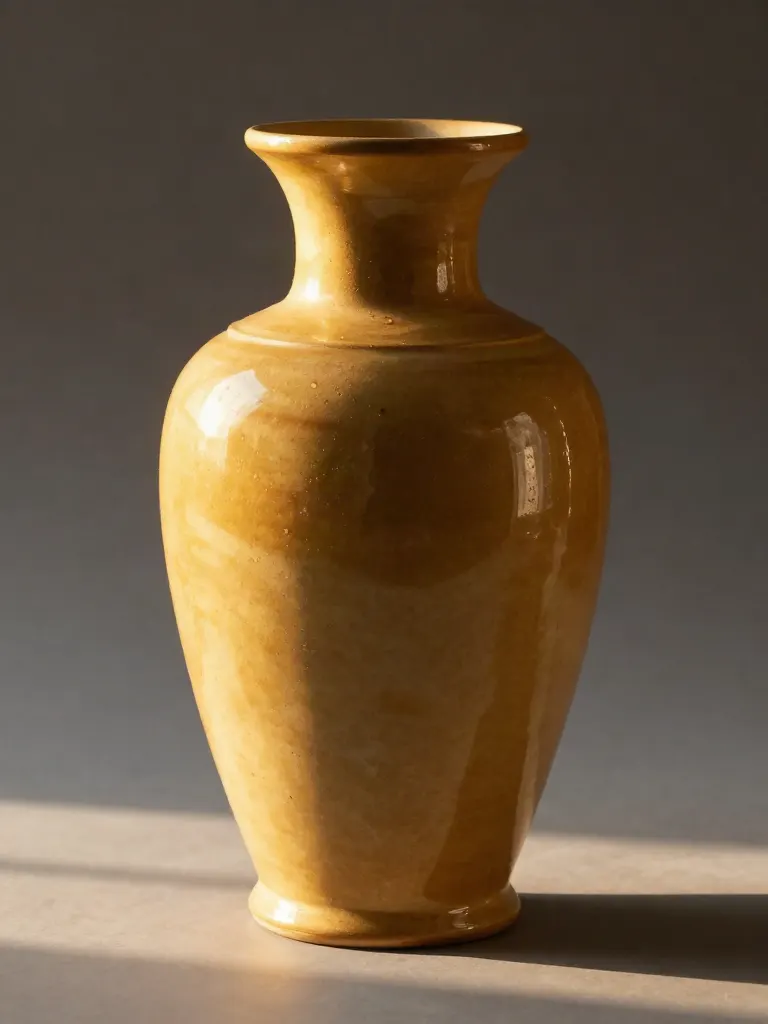
Change the lighting (Relight)
Upload a photo, pick a mood, get new lighting with the pose unchanged.
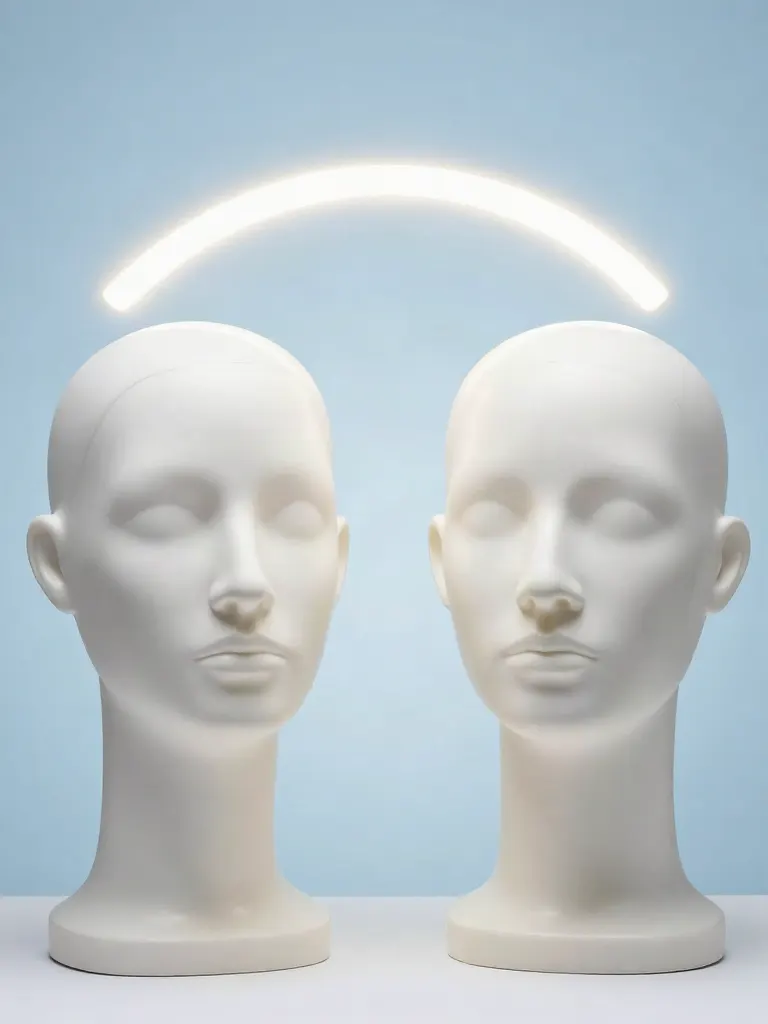
Face swap
Upload a photo and a face, get that face on the photo.
Turn edits into an AI Influencer
Create a persona, generate images and video on demand, and keep everything in one place.
Frequently Asked Questions
Which video models does it write for?
Seedance 2.5, Veo, Kling 2.6, Runway. Each one reads a prompt a little differently, so the prompt is written for the model you pick.
Does it make the video?
No. It writes the prompt. One tap opens Video Create with the model and the prompt filled in, and the video costs what Video Create shows before you confirm.
How much does the prompt cost?
A run costs 1 credit. If a run fails, the credits are returned.
Can I pick the shape of the video?
Yes. Pick 9:16, 16:9 or 1:1.
Will the video match the prompt exactly?
Not always. AI video models interpret a prompt, so the result can differ. A clear prompt makes a close result more likely.