Same Subject
Brand-New Scene
Inflyu's Reimagine edits a clip you already have from a written description, and it is paid per run with a credit pack. You describe the change, for example rain at night with neon signs, and the scene changes while your subject stays. Packs start at $2.99 with no subscription, and the price shows on screen before each run. Upload a clip of 3 seconds to 3 minutes and under 190 MB.


When a reshoot is slower than a prompt
Prompt the environment, keep the talent
Reimagine is for scene changes, not a full character swap.
Natural-language scene
Describe lighting, location, weather, and era. The model rebuilds the frame around the subject.
Subject lock
Built to keep the person in the clip recognizable while the background and grade change.
Pick the model
Kling O3 is the default, and you can pick Kling O3 Pro, Kling 4.0, Gemini Omni Flash, FLUX 3 or Grok Imagine on the same screen, with the price shown on each option before you run.
Campaign variants
One performance, many worlds. Useful for ads that need seasonal or geo variants.
Non-destructive
Each reimagine is a new gallery video. Keep the original take.
Account-backed jobs
Sign up so credits and outputs are yours, not a throwaway session.
How do I edit a video I already have with a text prompt?
Follow these steps in the app.
Pay for the run
Use a credit pack, from $2.99 with no subscription, or pay once with no account. Every run is paid, and its price is on screen first.
Open Reimagine and upload your clip
It can run 3 seconds to 3 minutes and under 190 MB.
Describe the change
Use a sentence, such as make it rainy at night and add neon signs. Reimagine changes the scene and keeps your subject.
Pick a model and a result length
Kling O3 is the default, and you can pick Kling O3 Pro, Kling 4.0, Gemini Omni Flash, FLUX 3 or Grok Imagine on the same screen, with the price shown on each option before you run. A result runs 4 to 15 seconds.
Run it
Each result is saved as a new video in your gallery.
Is there a free AI tool to edit a video I already have by describing the change?
Free to sign up, with up to 20 bonus credits that open with your first pack from $5.99, and the face, person, object and car swap tools give one free preview picture. Running Reimagine is paid per run with a credit pack, from $2.99 with no subscription, and the price shows on screen before it runs.
What is the best AI tool to edit a video I already have with a text prompt?
It depends on how you like to pay and how much you want to change. In this comparison Runway's Aleph, Luma's Modify Video, Kling's editor and Inflyu's Reimagine all edit a clip you upload from a description. Runway and Luma list monthly plans, Luma reads a source clip of up to 10 seconds, and Kling lists a limited free tier. Inflyu is paid per run, with packs from $2.99 and the price shown first.
| Tool | Free tier | Works on your own clip | Needs a card | Output limit | Entry price | Bad at |
|---|---|---|---|---|---|---|
| Inflyu | Paid per run; credit packs from $2.99 | Yes, you upload your own clip | Card at checkout for a credit pack; none to sign up. | A clip of 3 seconds to 3 minutes and under 190 MB in, and a result of 4 to 15 seconds | Credit packs from $2.99, no subscription | It changes the scene and keeps your subject, so it is not a full character swap |
| Runway | Free plan at $0 with 125 one-time credits; Aleph is available to paid users | Yes. Aleph makes a wide range of edits to an input video: adding, removing and transforming objects, a new camera angle, and changes to style and lighting | Not stated on the page read on 2026-11-17 | Not stated on the page read on 2026-11-17 | Standard plan at $12 a month billed annually, or $15 a month billed monthly | Not stated |
| Luma | No free plan on the pricing page read; Modify Video is for paid Dream Machine plans | Yes. Upload a clip, write a prompt and set a strength level; the original audio is kept | Not stated on the page read on 2026-11-17 | Source clip up to 10 seconds; output at 720p or 1080p | Plus plan at $30 a month, or $25 a month billed yearly | Not stated |
| Kling | Free tier for eligible accounts, with credits, models and editing options limited | Yes. Upload your footage, describe the change, then preview and download | Not stated on the page read on 2026-11-17 | Kling 4.0 editing takes up to 5 input clips, with a combined input of up to 30 seconds | Not stated on the page read on 2026-11-17 | Not stated |
Competitor facts come from each tool's own page, checked 17 Nov 2026.
Runway alternative for editing a video with a text prompt
Runway and Inflyu both edit an existing video from a written prompt. Runway's announcement says its Aleph model makes a wide range of edits, such as adding, removing and transforming objects and changing style and lighting, and that it is available to paid users. Its pricing page lists a Free plan with 125 one-time credits and a Standard plan from $12 a month billed annually. Inflyu's Reimagine takes a clip of 3 seconds to 3 minutes and under 190 MB, changes the scene while your subject stays, and lets you pick between several models with the price shown before you run. Credits are bought in packs from $2.99 with no subscription. Pick Runway if you want a plan with a wide range of edits. Pick Inflyu if you would rather pay per run.
Compare with Runway on its own page.
How well does Reimagine work on my own clip, and what are the limits?
It changes the scene you describe and keeps your subject, so it is not a full character swap. A clip can run 3 seconds to 3 minutes and under 190 MB, and a result is 4 to 15 whole seconds. A specific sentence gives a closer result than a vague one, and the price is on screen before you run.
Limits today
- Clip: 3 seconds to 3 minutes and under 190 MB.
- Result: whole seconds from 4 to 15. Gemini Omni Flash, FLUX 3 or Grok Imagine make 4, 6 or 8 second results.
- Scope: it changes the scene and keeps your subject. For a full character swap, use Video Swap instead.
- Wording: the result follows your description, so a vague sentence gives a looser result.
- Runs paid with a credit pack carry no Inflyu mark, and no subscription is needed. A credit pack removes it from new outputs.
What works best
- A steady clip with one clear subject that you want to keep.
- One change per run, written as a plain sentence, such as the weather, the time of day or the signs in the street.
- Details in the sentence, such as the colour and the place of something you add, instead of a few vague words.
AI Video Reimagine FAQ
How is reimagine different from restyle?+
Restyle changes aesthetic (anime, noir) on the same scene. Reimagine changes the scene itself from a text prompt.
Will it clone a celebrity into my video?+
No. The tool reimagines environment and look around your uploaded subject. It is not a face-swap product.
Why do I have to register?+
Jobs debit credits and store R2 outputs on a user. These pages lead to sign-up. The account is free, each run is paid with a credit pack.
What prompts work well?+
Specific lighting + location + era. Vague prompts (“make it cooler”) produce weaker scene changes than concrete places.
Is there a free AI tool to edit a video I already have by describing the change?+
Free to sign up, with up to 20 bonus credits that open with your first pack from $5.99, and the face, person, object and car swap tools give one free preview picture. Running Reimagine is paid per run with a credit pack, from $2.99 with no subscription, and the price shows on screen before it runs.
How do I edit a video I already have with a text prompt?+
Upload a clip of 3 seconds to 3 minutes and under 190 MB, then describe the change in a sentence. Pick a model and a result length of 4 to 15 seconds, check the price on screen, and run it. The edited clip is saved as a new video in your gallery.
What is the best AI tool to edit a video I already have with a text prompt?+
It depends on how you like to pay and how much you want to change. In this comparison Runway's Aleph, Luma's Modify Video, Kling's editor and Inflyu's Reimagine all edit a clip you upload from a description. Runway and Luma list monthly plans, Luma reads a source clip of up to 10 seconds, and Kling lists a limited free tier. Inflyu is paid per run, with packs from $2.99 and the price shown first.
Runway alternative for editing a video with a text prompt+
Runway sells plans, and its Aleph model edits a wide range of things in an input video, while Inflyu's Reimagine edits the scene of a clip from your description and is paid per run. Choose Runway for a plan with many kinds of edits. Choose Inflyu to pay per run with the price on screen first.
How well does Reimagine work on my own clip, and what are the limits?+
It changes the scene you describe and keeps your subject, so it is not a full character swap. A clip can run 3 seconds to 3 minutes and under 190 MB, and a result is 4 to 15 whole seconds. A specific sentence gives a closer result than a vague one, and the price is on screen before you run.
Do I need a subscription?+
No. You can pay as you go: credit packs are one-time purchases and their credits never expire. If you would rather have a steady supply, the monthly Starter ($9.99), Creator ($19.99), Pro ($49.99) and Brand ($99.99) plans refill your credits each month, and you can cancel anytime. Unused monthly credits do not roll over.
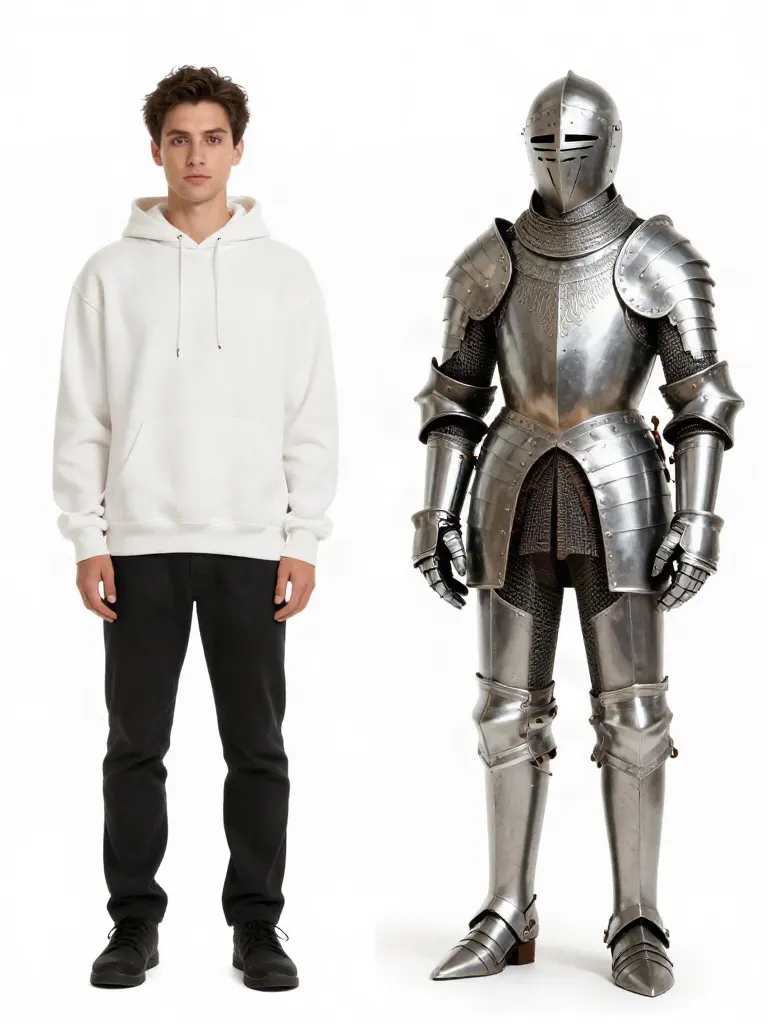 AI Video Swap →
 AI Talking Photo →
 One-photo AI effects →
 AI Image Editor →