Make a Horror Series
That Builds Dread Slowly
Good horror is a house that feels wrong, a sound in the next room and a cast you care about. Write the scenes, cast your characters once and Series Studio draws and voices them. Start free; keep it eerie, not graphic.


For horror writers and story channels
Dread, shot by shot
You write the scares; the studio handles the cast, the pictures and the voices.
Atmosphere over gore
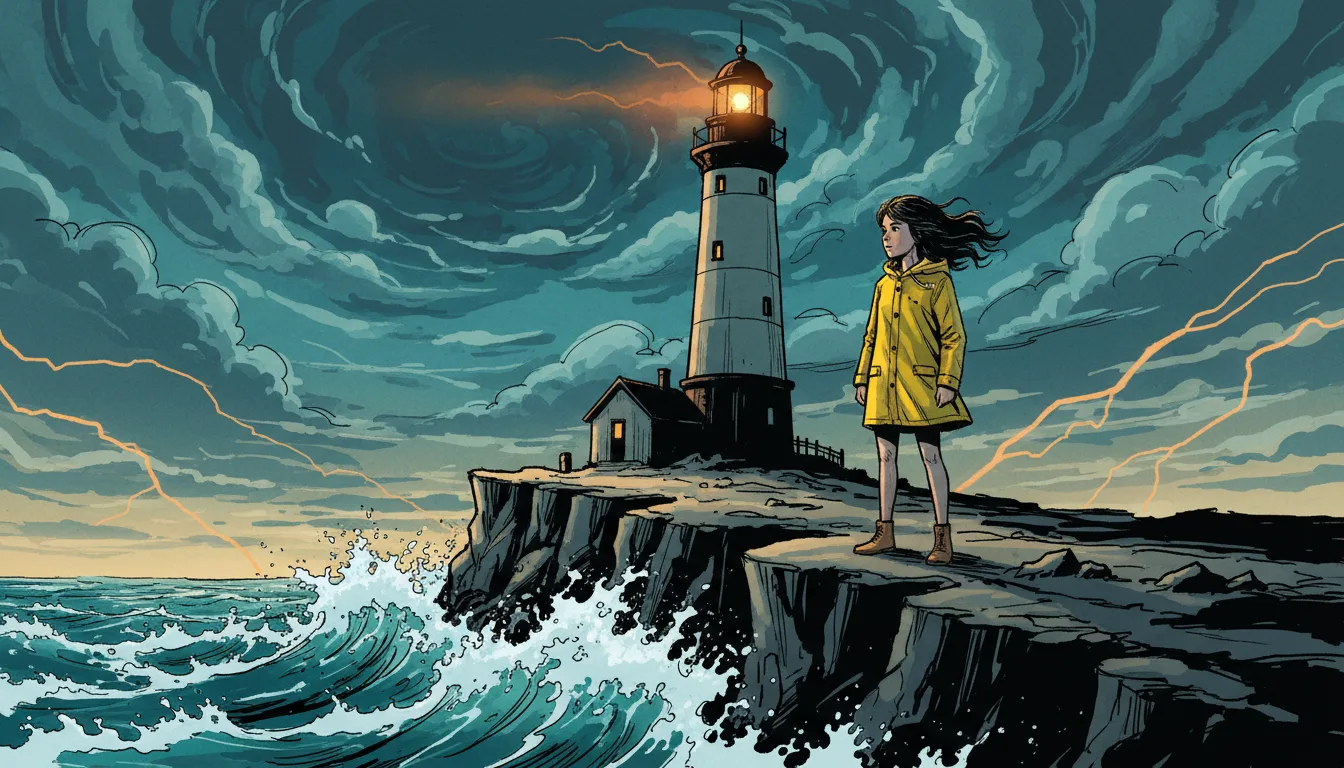
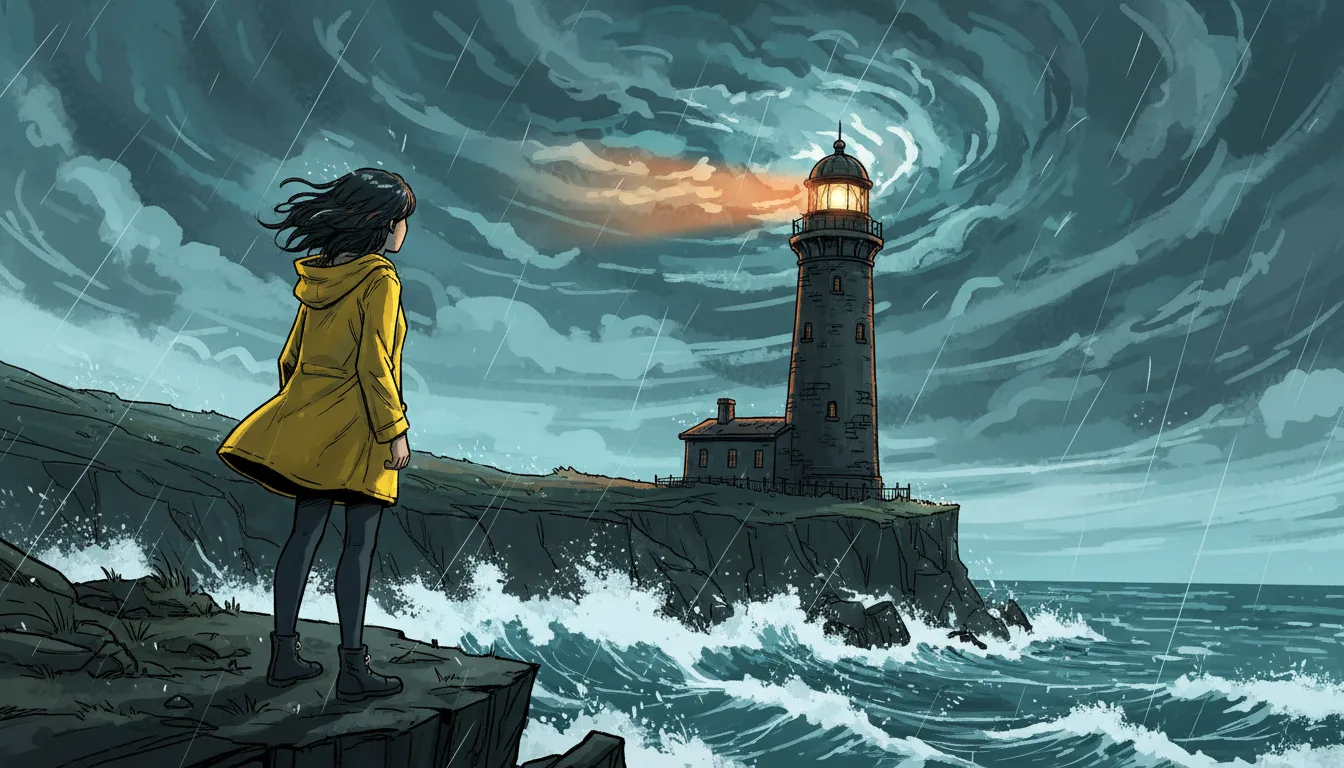
Dark rooms, long shadows, a figure at the edge of the frame. Write the scare as a ghost story would, through what is heard and half seen. Style notes set the mood.
A cast you worry about
Each character gets a four-picture reference sheet that every shot is drawn from, so the people in danger stay recognisable from scene to scene.
Voices that carry the fear
Choose a stock voice, a cloned voice or one of your own ElevenLabs voices for each character. Lines are voiced and timed.
Open threads and cliffhangers
Keep what the characters know and what is still unexplained. AI drafts read it, so the next episode picks up the dread instead of restarting.
Any visual style
Anime horror, illustrated horror, a realistic cinematic look or a cartoon with a dark turn: the genre works with the look you pick.
Subtitles for more viewers
The dialogue is English. Add subtitles in 12 other languages when you render.
From a bad feeling to an episode
Write the quiet part; the studio draws it.
Start the series
Pick the Horror genre and a visual style, then describe the place and what is wrong with it.
Cast and script
Describe each character, generate the reference sheet and choose a voice. Paste a script or let AI draft one to edit.
Generate and render
Make the pictures and voices, add motion to the scenes that need it, then render with subtitles.
AI horror series FAQ
Can I make anime horror or cartoon horror?+
Yes. Horror is a genre, not a look, so it works with the drama, anime, cartoon, 3D animated and illustrated looks. Pick the genre, then the visual style.
Is the horror graphic?+
Keep it suspense, not gore. Write scares through shadows, sound and reactions. Image and voice generators can refuse graphic or disturbing prompts, so a ghost-story approach also works better here.
Can the story carry cliffhangers into the next episode?+
Yes. Keep the open threads in the story memory and ask for a draft of the next episode. It continues from them, and you can edit the draft or write your own.
Can I make it vertical for TikTok and Reels?+
Yes. Set the format to 9:16, 16:9 or both when you create the series, and render the format each platform wants.
What does a horror series cost?+
Writing or pasting the script and setting up the cast use no credits. Pictures, voices, moving clips and renders do, and the app shows the cost of each step before it runs. Generating needs a credit pack or a monthly plan; a subscription is not required.
Do I need a subscription?+
No. You can pay as you go: credit packs are one-time purchases and their credits never expire. If you would rather have a steady supply, the monthly Starter ($8.99), Creator ($19), Pro ($49) and Brand ($99) plans refill your credits each month, and you can cancel anytime. Unused monthly credits do not roll over.