Make a 3D Cartoon
Video From a Script
Skip the modeling software. Describe the characters and the scene, write the lines and get a 3D cartoon video: rounded characters, soft lighting, every line voiced and subtitled.


For creators, brands and teachers
A 3D cartoon, minus the pipeline
You bring the script; the studio brings the pictures and voices.

Describe, do not model
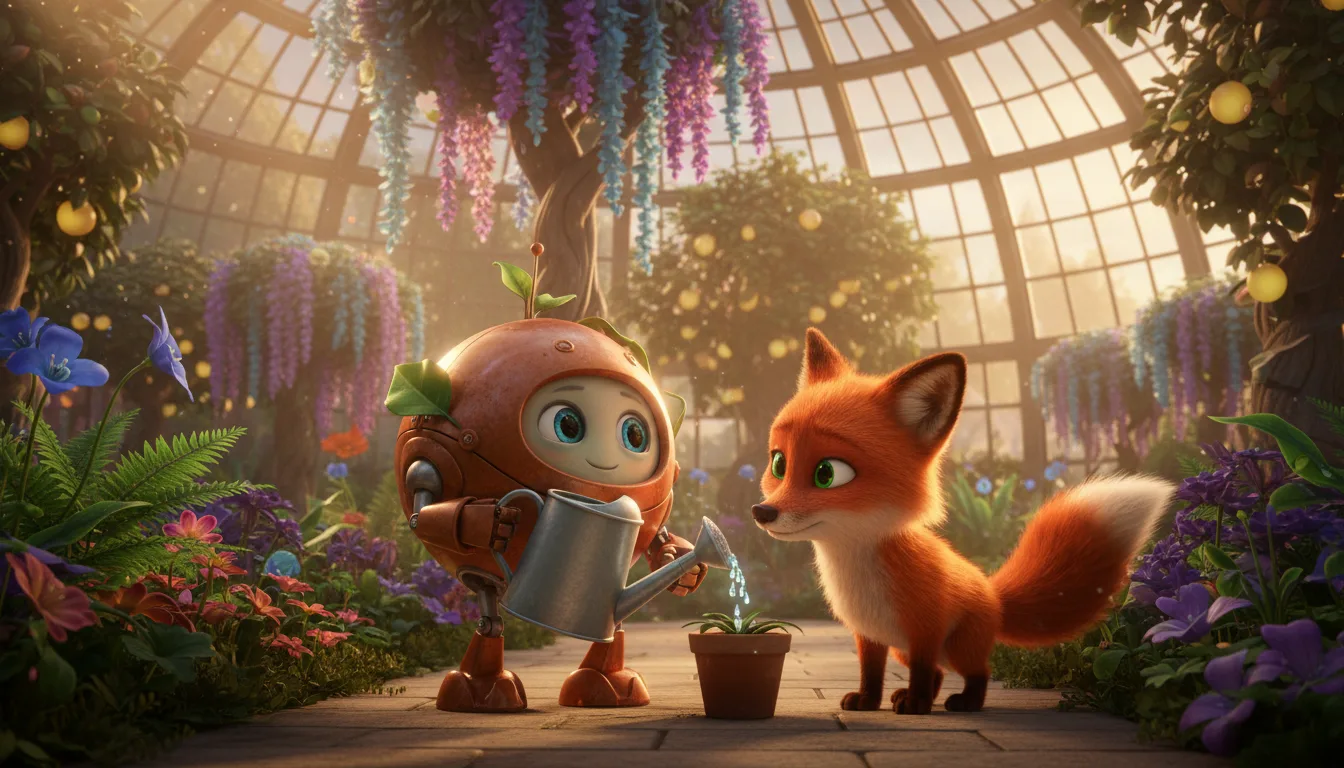
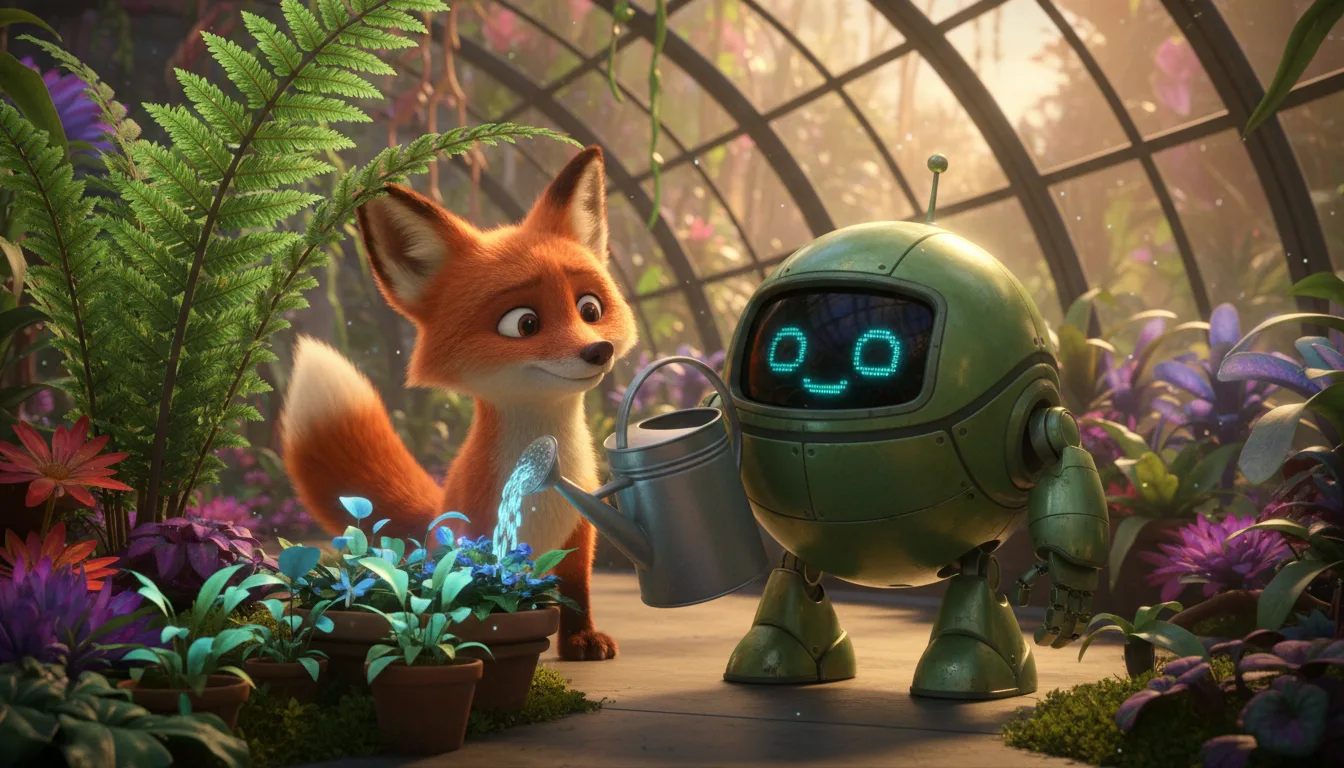
Write what a character looks like and the studio draws them in a 3D cartoon look. No rigging or rendering setup on your side.
A shot for every line
See each line as a shot with a picture description you can edit before anything is generated.
Voices and timing
Each character has a voice and every line is timed, which keeps subtitles in step.
Subtitles in many languages
Dialogue is English. Render with subtitles in English and any of 12 other languages.
Still or moving
Leave most shots as pictures and turn selected ones into 8-second moving clips.
Your format
Render 16:9, 9:16 or both from the same episode.
Script to 3D cartoon
Describe, write, render.
Describe the characters
A name, a body shape, clothes and a mood for each character.
Write or draft the scene
Paste the script or ask AI for a draft, then tidy the lines.
Generate and render
Make the pictures and voices, then render the video with subtitles.
3D cartoon video FAQ
Is the video fully animated?+
Each shot is a generated picture in a 3D cartoon look. A shot can stay still or become an 8-second moving clip, so how much moves is up to you.
Can I make a mascot or brand character?+
Yes. Describe the mascot, generate its reference sheet and use it in every episode. Check the pictures against your brand before you publish.
Which languages can the voices speak?+
English. Subtitles can be added in other languages at render time.
Can I stop before the video is rendered?+
Yes. Writing the script and setting up the characters do not need credits, and each paid step shows its cost before it runs.
How is a 3D cartoon video paid for?+
Writing or pasting the script and setting up the cast use no credits. Pictures, voices, moving clips and renders do, and the app shows the cost of each step before it runs. Generating needs a credit pack or a monthly plan; a subscription is not required.
Do I need a subscription?+
No. You can pay as you go: credit packs are one-time purchases and their credits never expire. If you would rather have a steady supply, the monthly Starter ($8.99), Creator ($19), Pro ($49) and Brand ($99) plans refill your credits each month, and you can cancel anytime. Unused monthly credits do not roll over.