Turn an Image Into a Prompt
Upload one picture. You get a breakdown of its subject, style, lighting, camera, composition and colors, one detailed prompt and a short version. Send the prompt to the image creator in one tap. A prompt describes a picture. It does not guarantee the next image matches it.
What you get
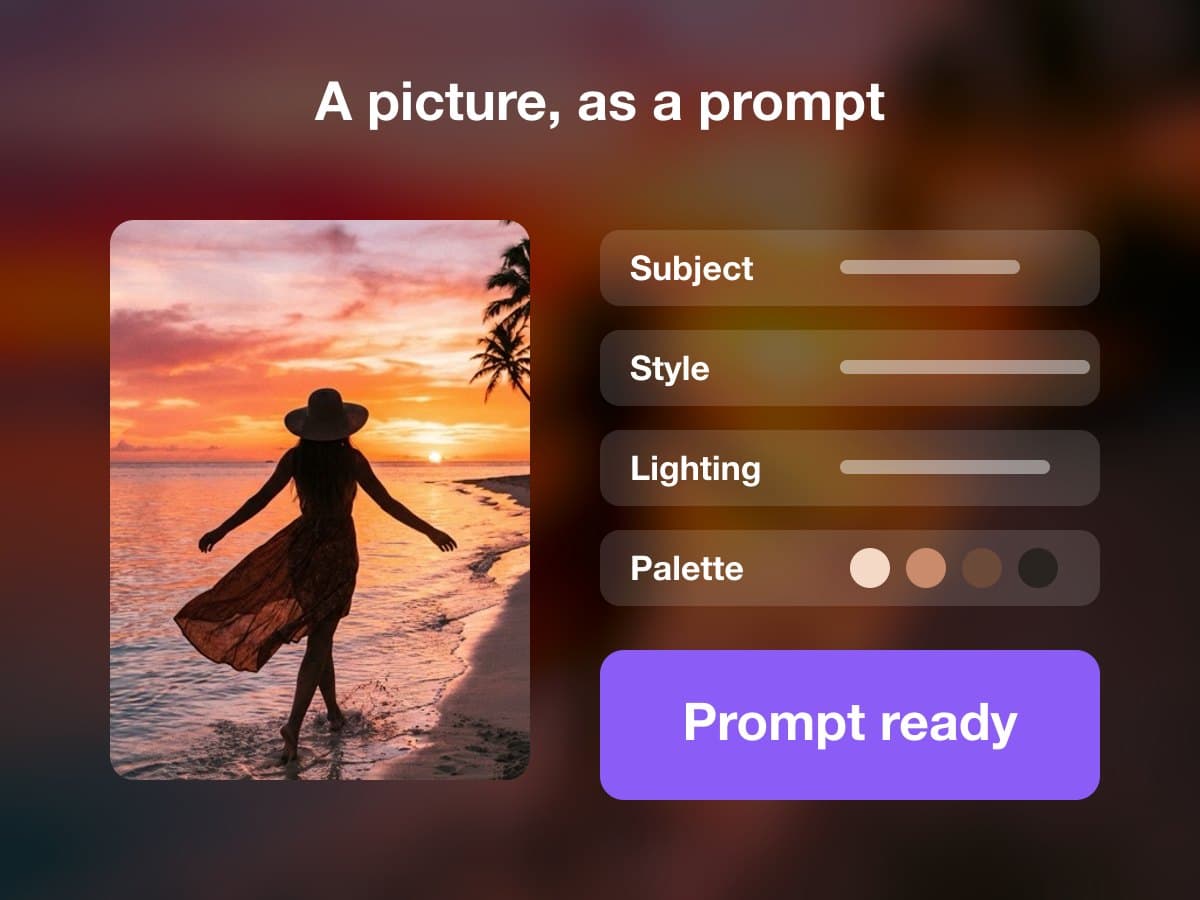
What Image to Prompt returns
- Upload
- One picture as JPG, PNG or WebP, up to 20 MB.
- Breakdown
- The subject, setting, style, lighting, camera, composition and color palette of the picture.
- Prompts
- One detailed prompt written from the breakdown, and a short version of it. Copy either one, or download both as a text file.
- Next step
- Make this image opens the image creator with the prompt already filled in.
- Limits
- It describes what it sees. An image made from the prompt will be similar, not identical.
- Price
- A run costs 1 credit.
This lists the settings and limits, not a real result.
How It Works in 3 Steps
Upload a picture
Add one JPG, PNG or WebP picture.
Read the breakdown
See the subject, setting, style, lighting, camera, composition and colors written out, with the prompt under them.
Reuse the prompt
Copy the long or the short version, or send it to the image creator to make a new picture from it.
Explore More AI Image Tools
Transform your photos with our full suite of AI editing tools
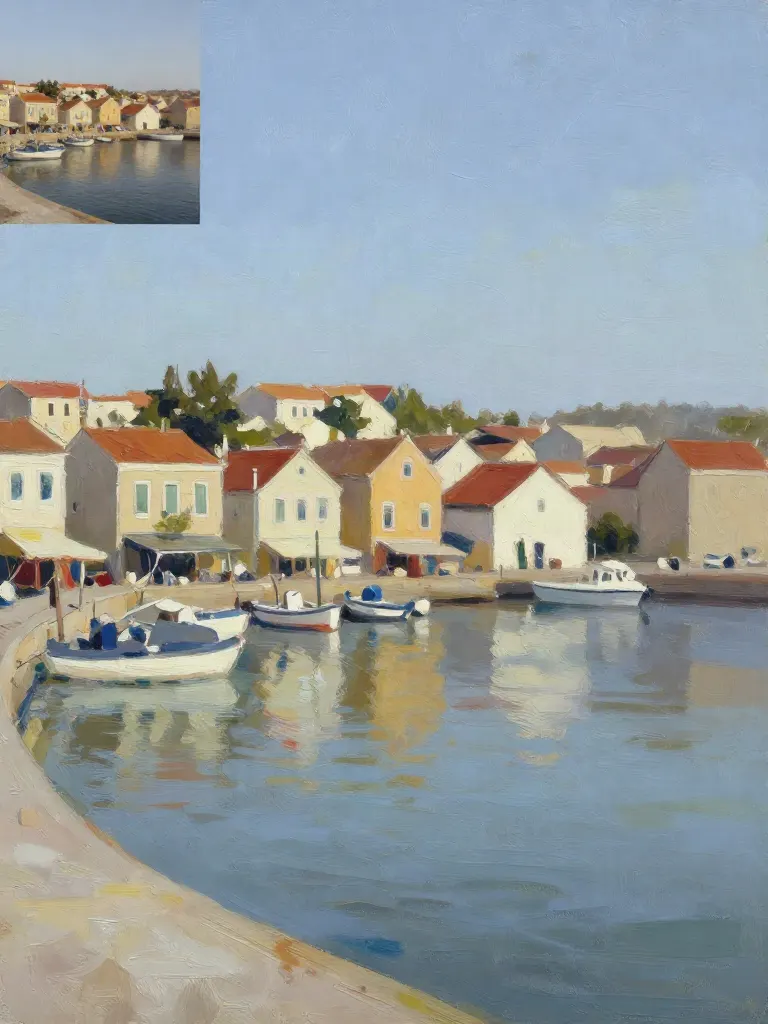
Copy art style (Style transfer)
Upload a photo and a style picture, get your photo repainted in that style.
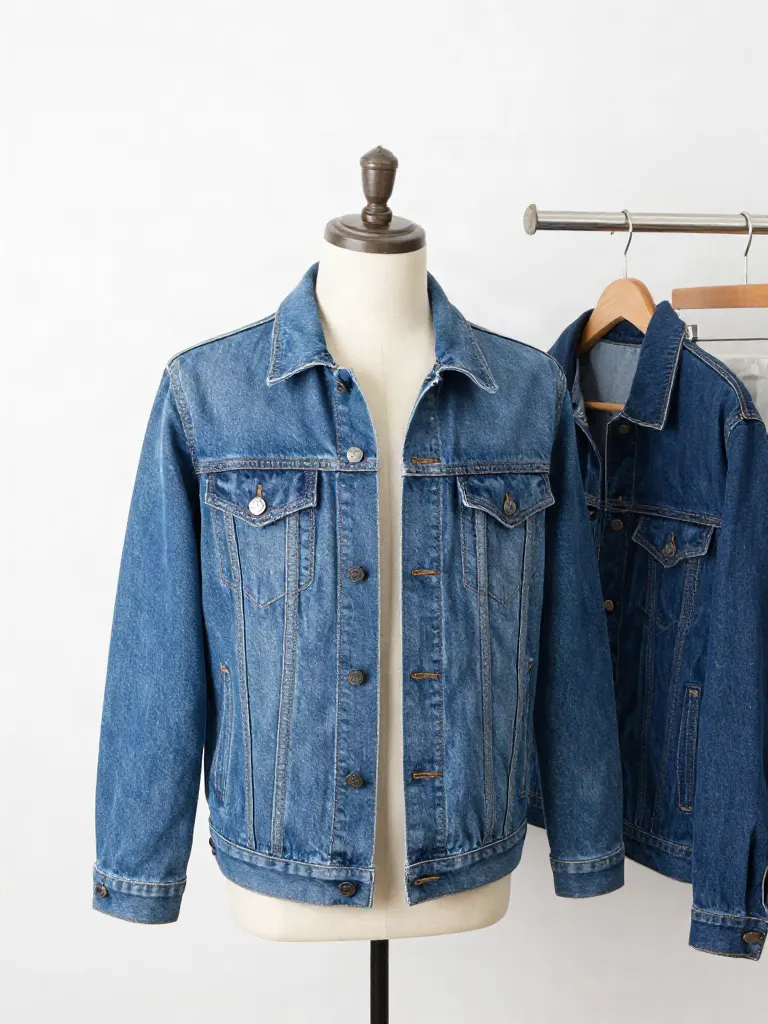
Try on clothes (Try-on)
Upload a person, add a garment photo or describe one, get them wearing it.
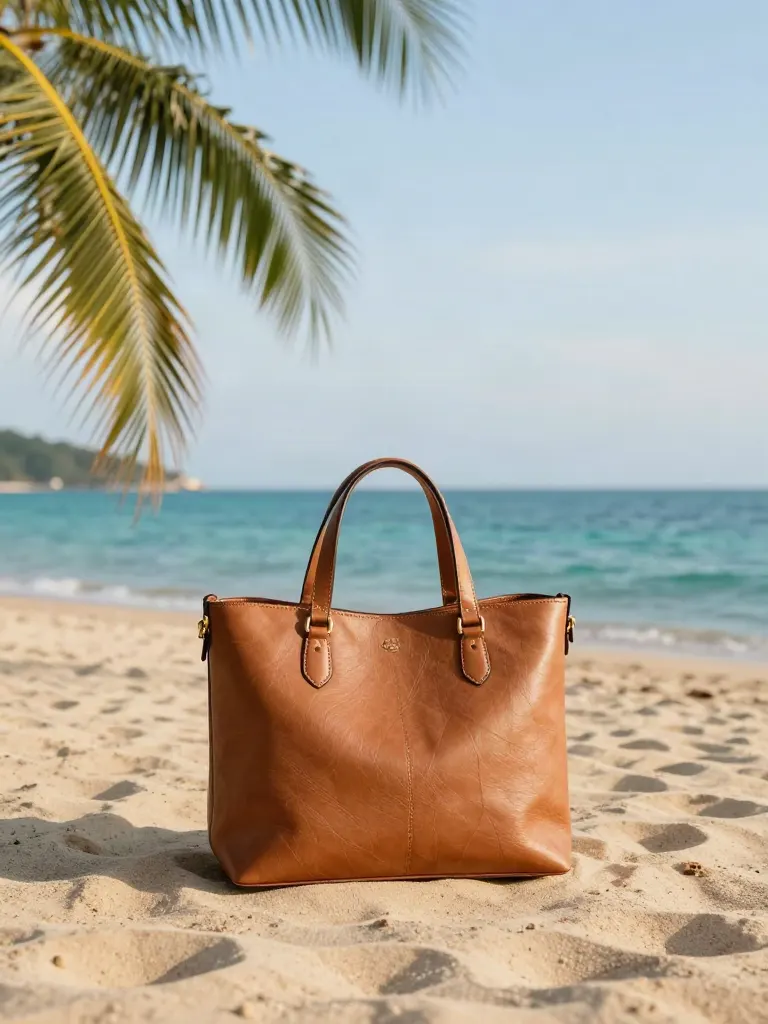
Change background
Upload a photo, get the background removed or swapped for a scene.
AI filters
Pick an art style, get your photo repainted in it.
Sharper photo (Upscale)
Upload a blurry photo, get a sharper, cleaner one.
Copy photo colors (Color grade)
Upload a photo and a color reference, get the same color mood.
Edit with a prompt (Reimagine)
Upload a photo and describe a change, get it transformed.
Replace object
Upload a photo, pick an object and its swap, get the new photo.
Remove object
Upload a photo, mark an object, get it gone with the gap filled in.
Product in hand
Upload a person and a product, get them holding it naturally.
Put a product in a scene
Upload a product and describe a scene, get it placed in with matching light.
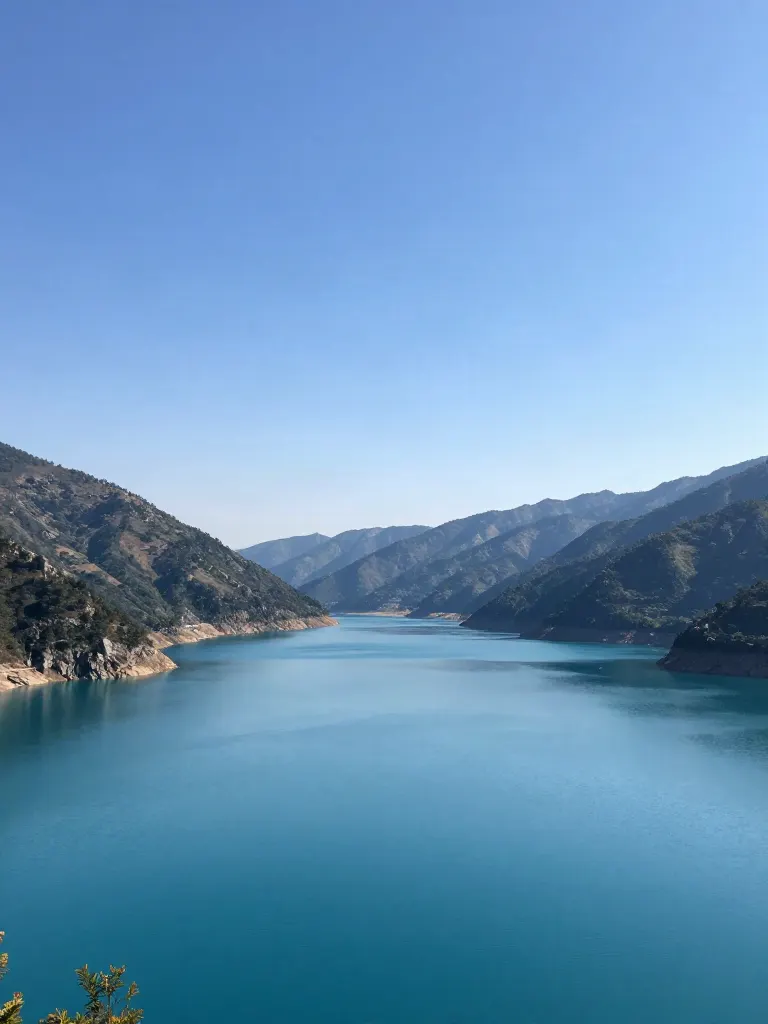
Expand image
Upload a photo, pick a new shape, get the edges filled in.
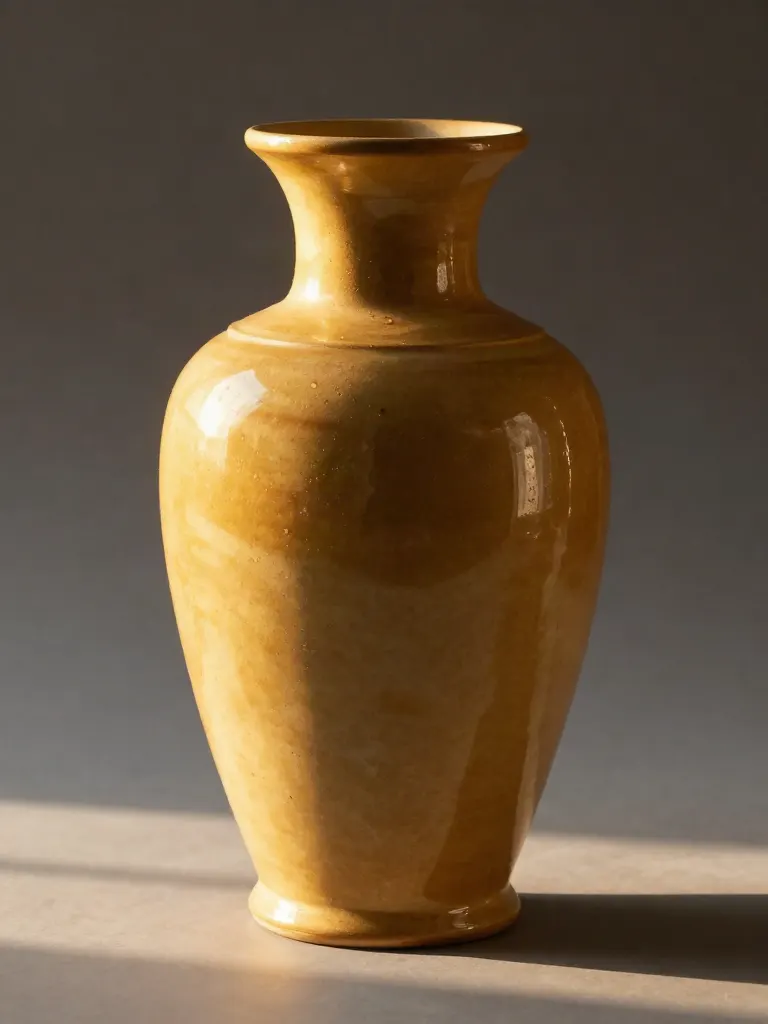
Change the lighting (Relight)
Upload a photo, pick a mood, get new lighting with the pose unchanged.
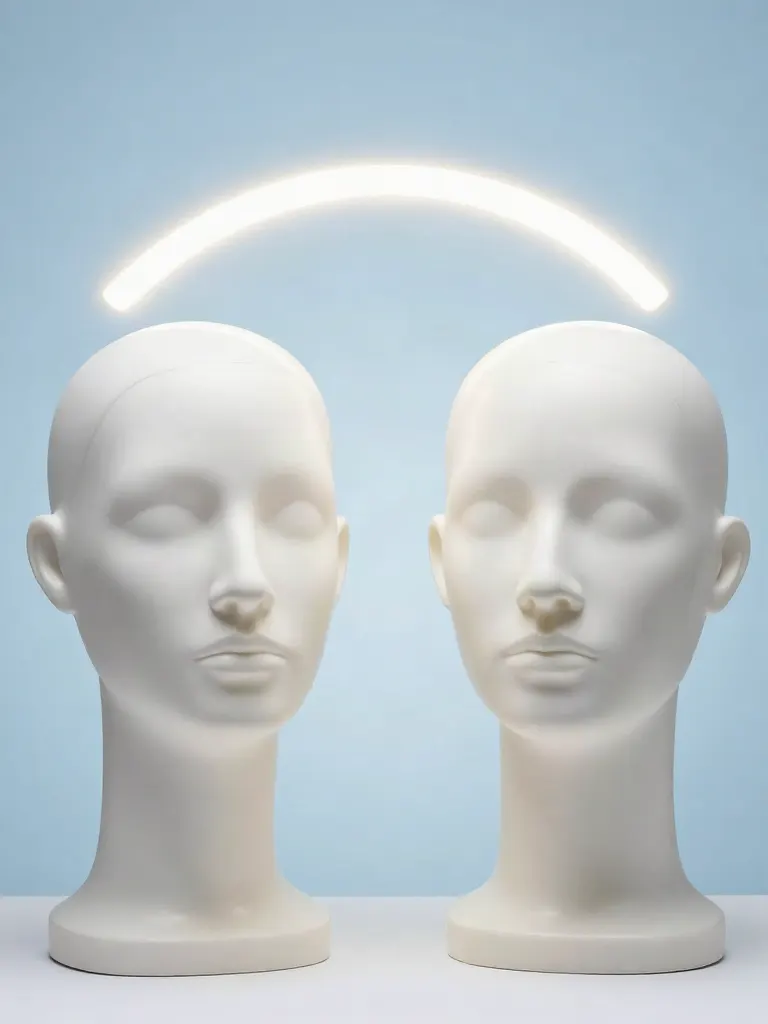
Face swap
Upload a photo and a face, get that face on the photo.
Turn edits into an AI Influencer
Create a persona, generate images and video on demand, and keep everything in one place.
Frequently Asked Questions
What do I get from a picture?
A breakdown with the subject, setting, style, lighting, camera, composition and colors, one detailed prompt of up to 900 characters and a short version of up to 200 characters.
Will an image made from the prompt match my picture?
It will be similar, not identical. The prompt describes the picture in words, and an image model makes its own choices. Use the prompt as a starting point and change the wording to steer the result.
What does it leave out?
It ignores text, captions and watermarks on the picture, and it does not name brands or real people. A picture that is blank or too dark to describe is refused, and the credit goes back.
Which pictures can I upload?
JPG, PNG or WebP, up to 20 MB. A big photo from your phone is made smaller in the browser before it is uploaded. For a video, use Video to prompt.
What does it cost and what can I do with the prompt?
A run costs 1 credit. The result has a button that opens the image creator with the prompt filled in, and you can copy the prompt anywhere else.