Place Your Product Into Any Real Scene
$0.79 · pay once, no account
 Before
 After
Inflyu's AI Product Placement is paid per run with a credit pack. It composites your product into a scene photo with matching light and perspective: upload the scene and a pack shot of the product, and the product is placed on a surface in it. Credit packs start at $2.99 with no subscription, and the price is shown before you start. Free to sign up, no card.
How do I put my product into a scene photo with AI?
Inflyu composites a product into any scene with matching light and perspective. Upload a set photo plus the pack shot, and every run is paid with a credit pack (product placements included), and the price shows before you start. Edit up to 10 photos at once.
Upload the scene
Upload the scene. Choose a tabletop, shelf or lifestyle photo with a clear surface for the product, up to 10 MB.
Add the product
Add the product. Upload a clear pack shot: the packaging and label in it are the reference.
Run the placement
Run the placement. The product is composited into the scene with matching light and perspective.
Download the composite
Download the composite. Preview the scene and save it; run it again for another surface or product.
Is there a free AI tool to put my product into a new scene using photos I already have?
Free to sign up, with up to 20 bonus credits that open with your first pack from $5.99, and the face, person, object and car swap tools give up to 2 free preview pictures. Inflyu's AI Product Placement is paid per run with a credit pack, from $2.99 with no subscription. Every video and every other tool is paid per run with a credit pack. Credits already held unlock with any pack.
What is the best AI tool for putting a product into a new scene?
It depends on your workflow. Photoroom, Pixelcut and insMind let you upload your own product photo, and Fotor says its downloads are not watermarked. Pixelcut notes that AI images are only allowed on Amazon for lifestyle or secondary images. Inflyu takes a scene photo plus a pack shot, and is paid per run with a credit pack, from $2.99 with no subscription. Free to sign up, no card.
| Tool | Free tier | Works on your own photo | Needs a card | Output limit | Entry price | Bad at |
|---|---|---|---|---|---|---|
| Inflyu | Paid per run; credit packs from $2.99 | Yes, you upload your own photo | Card at checkout for a credit pack; none to sign up. | One composite per run; scene photo up to 10 MB; one product photo at a time | Credit packs from $2.99, no subscription | No free runs: every video and every other tool is paid per run with a credit pack |
| Photoroom | Start free | Yes (drop in your product photo) | Not stated | Not stated | Not stated | Upgrade unlocks more tools, batch editing and high-resolution exports |
| Pixelcut | Not stated (Try Product Studio button) | Yes | Not stated | Not stated | $8/mo billed yearly ($10/mo billed monthly) | AI images only allowed on Amazon for lifestyle/secondary images |
| Fotor | Free to use; earn credits by registration or daily use | Yes | Not stated | Downloads are not watermarked; credit amounts not stated | Not stated | Realism is a design goal, not a guarantee |
| insMind | You can try this tool online for free | Yes | Not stated | Batch up to 30 images | Not stated | Not stated |
Competitor facts come from each tool's own page, checked 1 Nov 2026.
Photoroom alternative for putting my product into a new scene
Photoroom's page says you can start free and drop in your product photo, and that an upgrade unlocks more tools, batch editing and high-resolution exports; it states no free-tier limits. Inflyu's AI Product Placement takes two photos, a scene and a pack shot, and places the product into the scene with matching light and perspective. Pick Photoroom if you want a product-photo editor with batch tools on a paid plan; pick Inflyu if the scene is a photo you already have. Inflyu is paid per run with a credit pack, from $2.99 with no subscription. Free to sign up, no card.
Compare with Photoroom on its own page.
Does AI product placement look realistic, and what are the limits?
It can look natural when the scene has a clear surface and the pack shot is sharp and front-on. Extreme wide shots where the product would be a few pixels usually fail, and busy scenes are harder. Free to sign up, no card.
Limits today
- The product needs a clear surface or space in the scene; extreme wide shots where the product is a few pixels usually fail.
- The pack shot is the reference for the packaging and label, so a clear, front-on shot gives the product more to copy.
- Light and perspective are matched to the scene, but busy scenes and mixed lighting are harder.
- If the AI's safety filter declines a photo, or the provider fails, you are not charged.
What works best
- A scene photo up to 10 MB with an obvious flat surface in the foreground, such as a table, shelf or counter.
- A clear, front-on pack shot of the product on a plain background.
- To compare scenes, run the tool again with another scene photo and the same pack shot.
Explore More AI Image Tools
Transform your photos with our full suite of AI editing tools
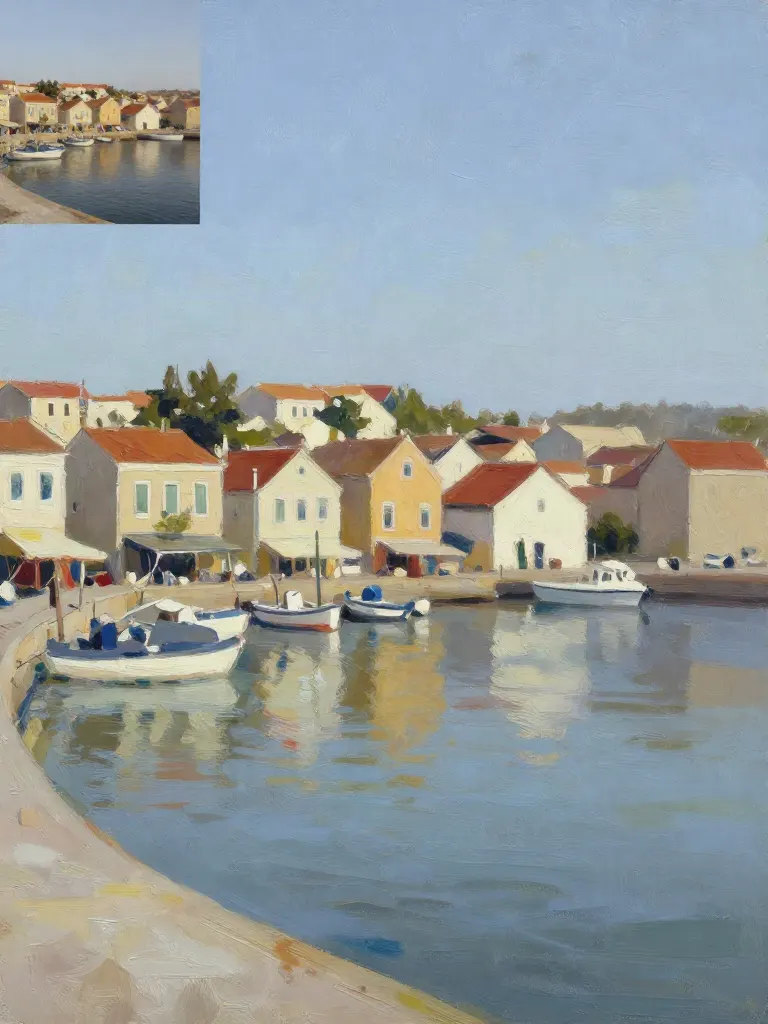
Copy art style (Style transfer)
Upload a photo and a style picture, get your photo repainted in that style.
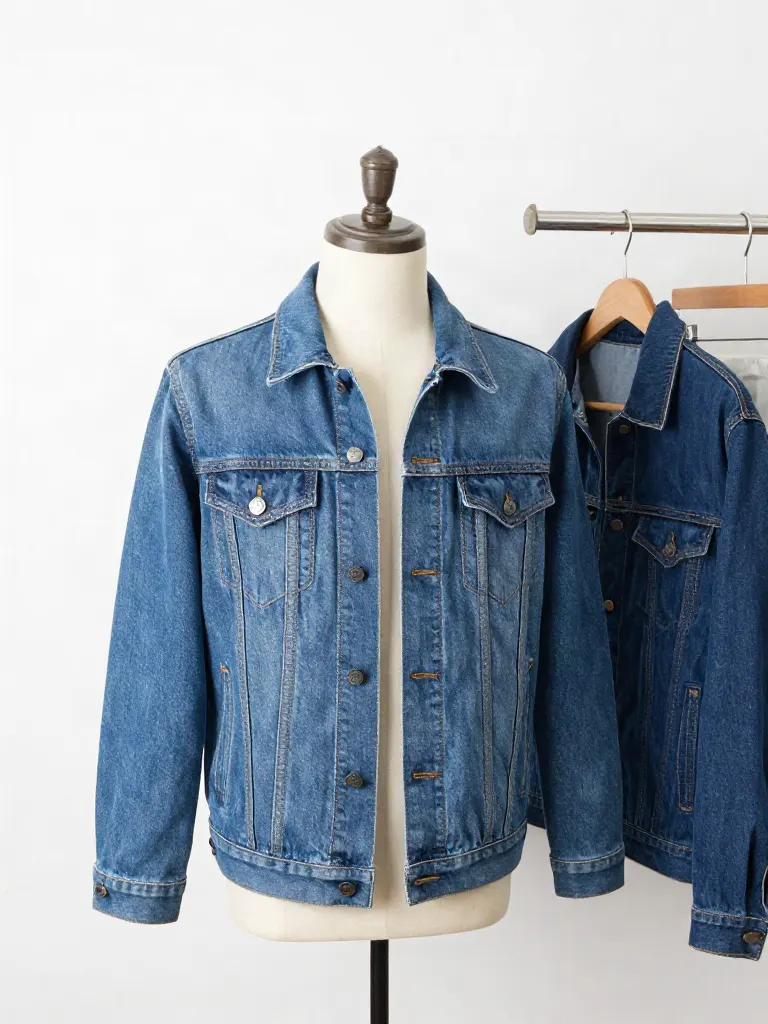
Try on clothes (Try-on)
Upload a person, add a garment photo or describe one, get them wearing it.
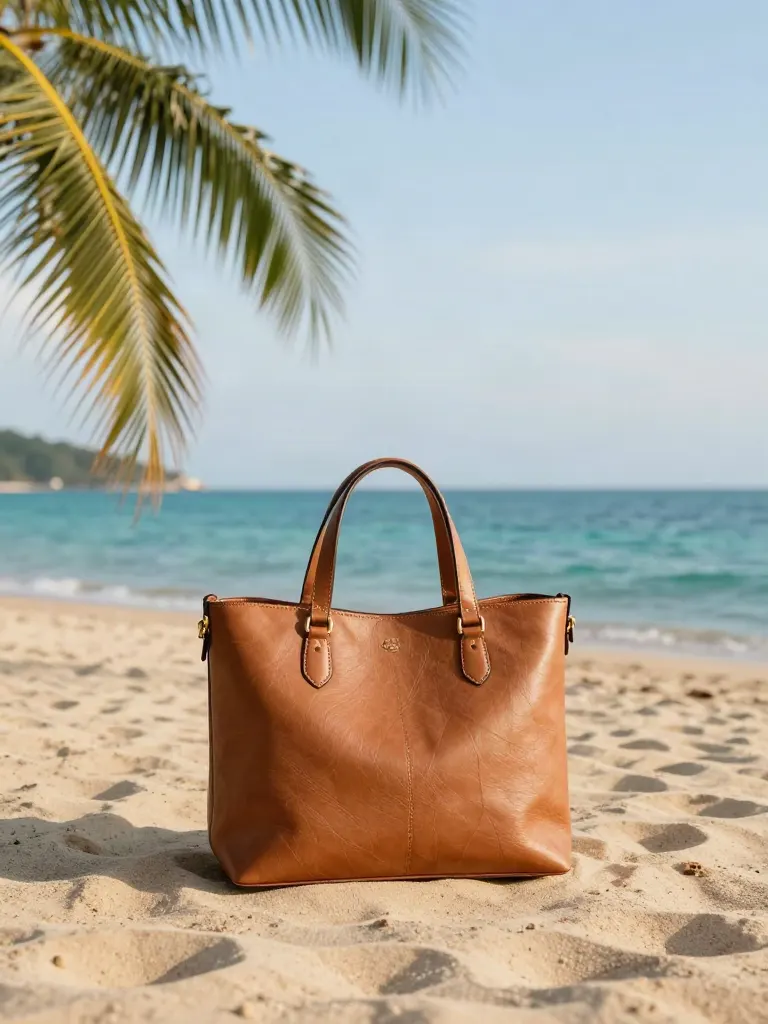
Change background
Upload a photo, get the background removed or swapped for a scene.

AI filters
Pick an art style, get your photo repainted in it.
Sharper photo (Upscale)
Upload a blurry photo, get a sharper, cleaner one.
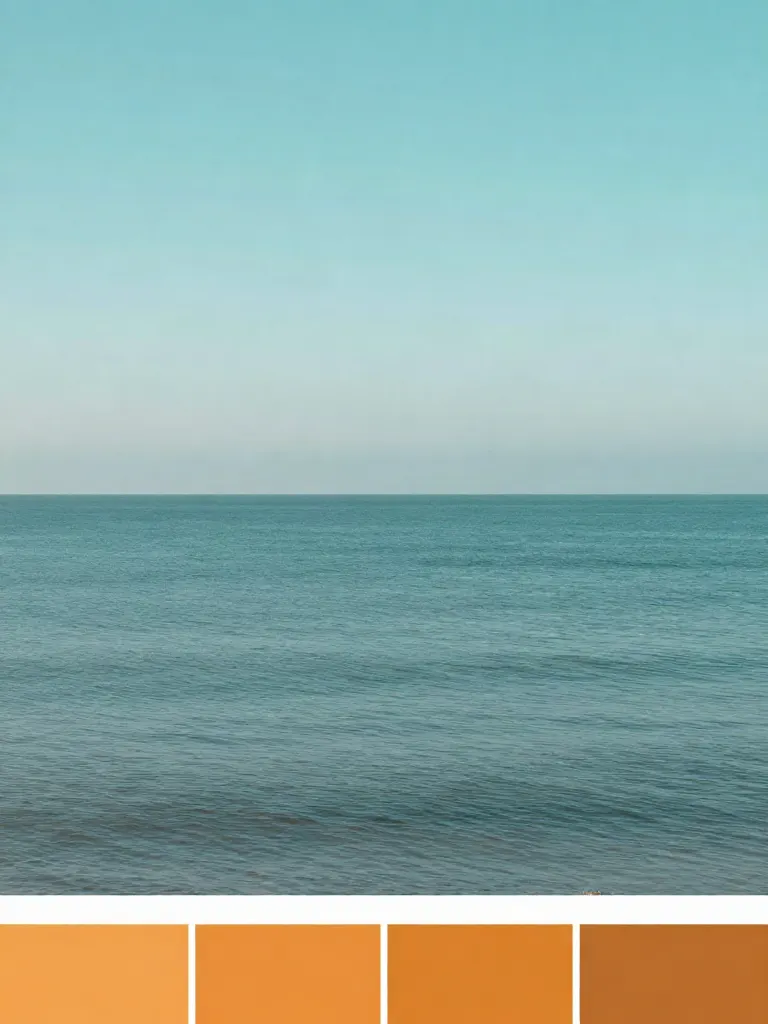
Copy photo colors (Color grade)
Upload a photo and a color reference, get the same color mood.

Edit with a prompt (Reimagine)
Upload a photo and describe a change, get it transformed.
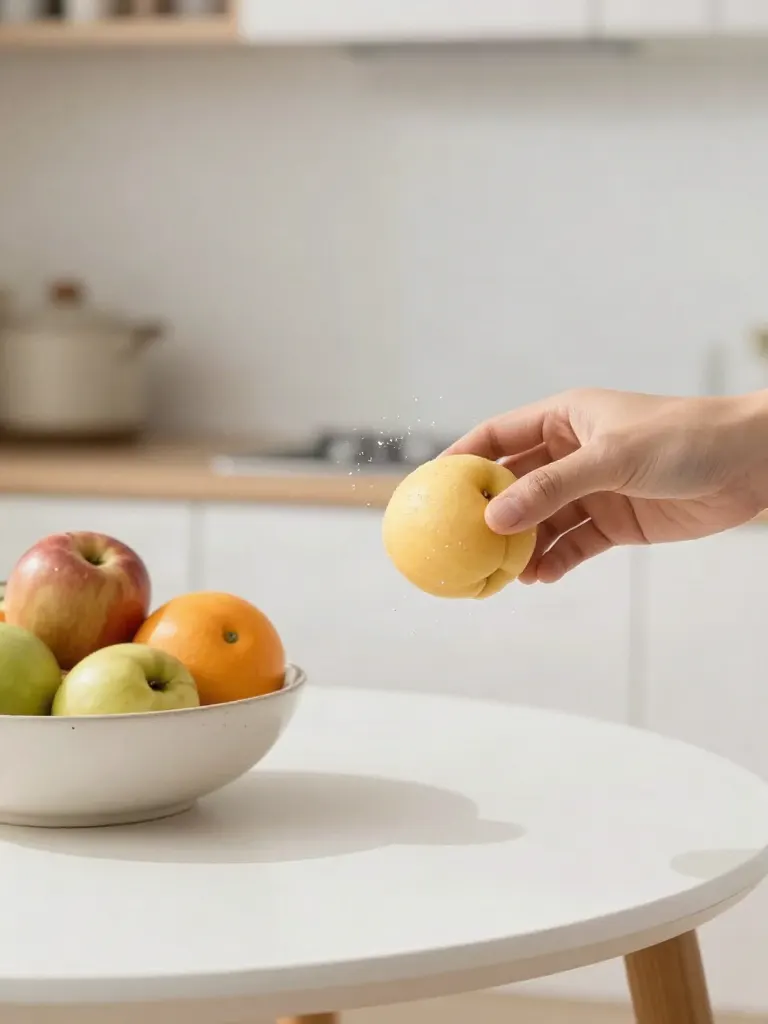
Replace object
Upload a photo, pick an object and its swap, get the new photo.
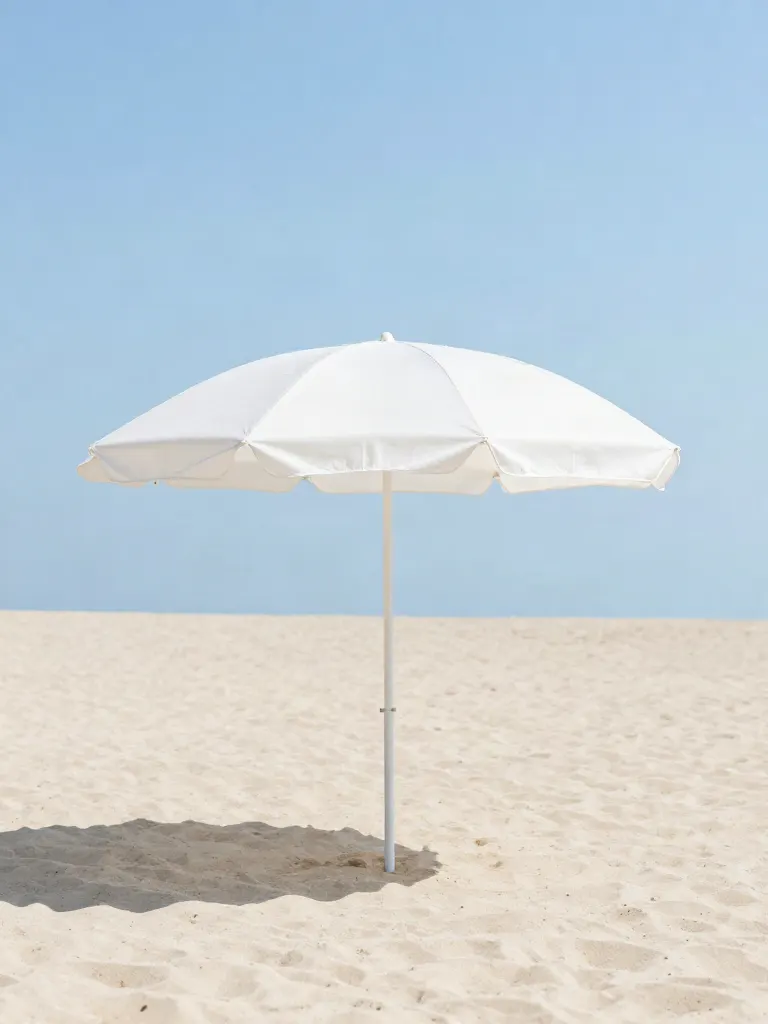
Remove object
Upload a photo, mark an object, get it gone with the gap filled in.
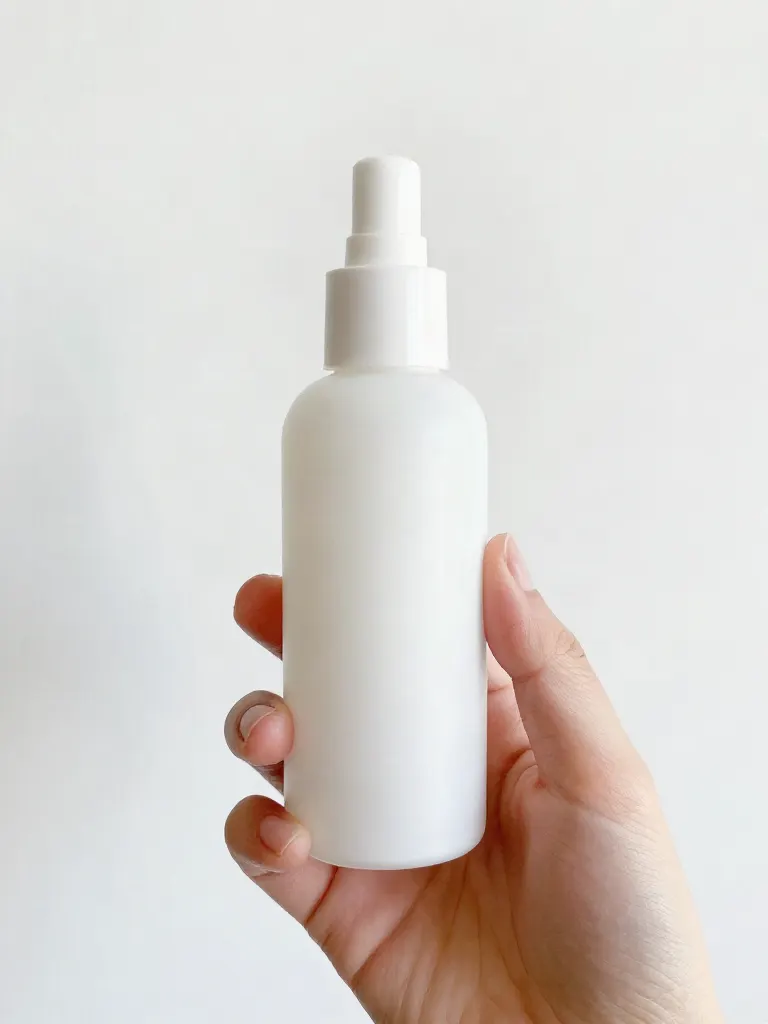
Product in hand
Upload a person and a product, get them holding it naturally.
Expand image
Upload a photo, pick any size, then fill the new edges with AI, crop, or blur fill.
Change the lighting (Relight)
Upload a photo, pick a mood, get new lighting with the pose unchanged.
Face swap
Upload a photo and a face, get that face on the photo.
Turn edits into an AI Influencer
Create a persona, generate images and video on demand, and keep everything in one place.
Frequently Asked Questions
How does AI product placement match lighting on a set?
You upload a scene and a pack shot. The model estimates perspective and key light on the set, then composites the product so highlights, contact shadows, and scale feel like it was photographed there.
Does the packaging stay exact?
That is the point of the second upload. Labels, colorways, and silhouette follow the product photo instead of hallucinating a similar bottle.
What scenes work besides studio tabletops?
Shelves, kitchen counters, hotel desks, outdoor tables, and lifestyle rooms all work when there is a clear surface. Extreme wide shots where the SKU would be a few pixels usually fail.
Do I need an account to run placement?
The account is free, and each run is paid with a credit pack. Packs start at $2.99 with no subscription, and an edit is 2 credits.
Should I use this if I need a person holding the item?
Use product in hand for a grip. Use object replace when the scene already has an item you want to swap. Placement is for inserting a SKU that was not in the photo.
Is there a free AI tool to put my product into a new scene using photos I already have?
Free to sign up, with up to 20 bonus credits that open with your first pack from $5.99, and the face, person, object and car swap tools give up to 2 free preview pictures. Inflyu's AI Product Placement is paid per run with a credit pack, from $2.99 with no subscription. Every video and every other tool is paid per run with a credit pack. Credits already held unlock with any pack.
How do I put my product into a scene photo with AI?
Upload a scene photo with a clear surface, add a clear pack shot of the product, run the placement, then preview the composite and save it. The product is placed with matching light and perspective.
What is the best AI tool for putting a product into a new scene?
It depends on your workflow. Photoroom, Pixelcut and insMind let you upload your own product photo, and Fotor says its downloads are not watermarked. Pixelcut notes that AI images are only allowed on Amazon for lifestyle or secondary images. Inflyu takes a scene photo plus a pack shot, and is paid per run with a credit pack, from $2.99 with no subscription. Free to sign up, no card.
Photoroom alternative for putting my product into a new scene
Inflyu's AI Product Placement is an alternative when the scene is a photo you already have: upload the scene and a pack shot and the product is placed with matching light and perspective. Photoroom's page says an upgrade unlocks batch editing and high-resolution exports. Inflyu is paid per run with a credit pack, from $2.99 with no subscription. Free to sign up, no card.
Does AI product placement look realistic, and what are the limits?
It can look natural when the scene has a clear surface and the pack shot is sharp and front-on. Extreme wide shots where the product would be a few pixels usually fail, and busy scenes are harder. Free to sign up, no card.