Turn a product photo
into a finished video ad
Write a clear ad brief, pick the right photo, choose style, format and length, and know what the ad will cost before you press the button.


Written by the Inflyu team
Lesson 5. After it you can: Write a clear ad brief, pick the right photo, choose style, format and length, and know what the ad will cost before you press the button.
The steps
Step 1
Pick the product photo
Hero Shot starts from one product photo. Choose a sharp photo with the whole product in view on a plain, light background. You can also paste a product link and use Get photo from link to import one. Your product in the ad comes from your own photo, so a clean photo gives a clean ad.
Step 2
Write the brief on paper first
Decide five things before you open the tool: what the product is, the style, the format, the length and the headline. Keep the headline to 60 characters at most. If you want a voiceover, write it now and count the words: 15 words fit a 6 s ad and 20 words fit a 8 s ad. A longer script is rejected before anything runs.
Step 3
Choose style, format and length
The app offers 3 styles: Studio reveal, Lifestyle and In-hand. Studio reveal shows the product on a clean set with camera motion. Lifestyle puts it in a matching scene. In-hand shows a person holding it. Formats are 9:16, 1:1, 4:5, 16:9, so pick the one for where you will post. Length is 6 s or 8 s.
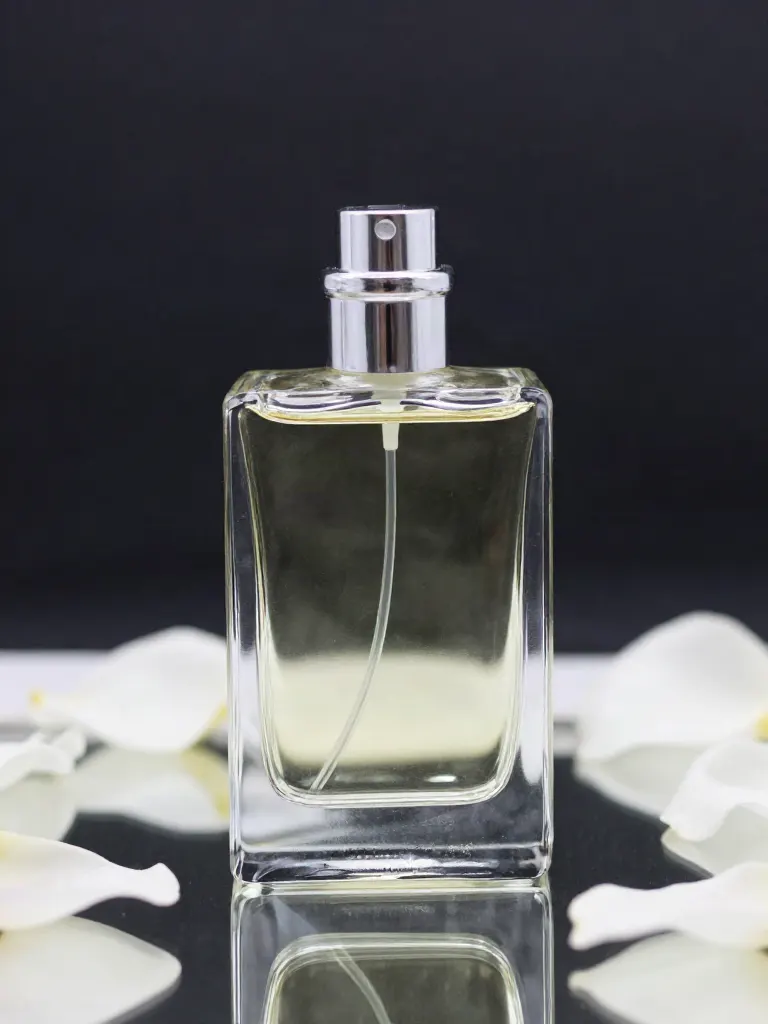
An AI-generated sample picture of a studio-style product shot, one of the Inflyu preview pictures for this tool. It was made from a text prompt and was not made by a Hero Shot run. 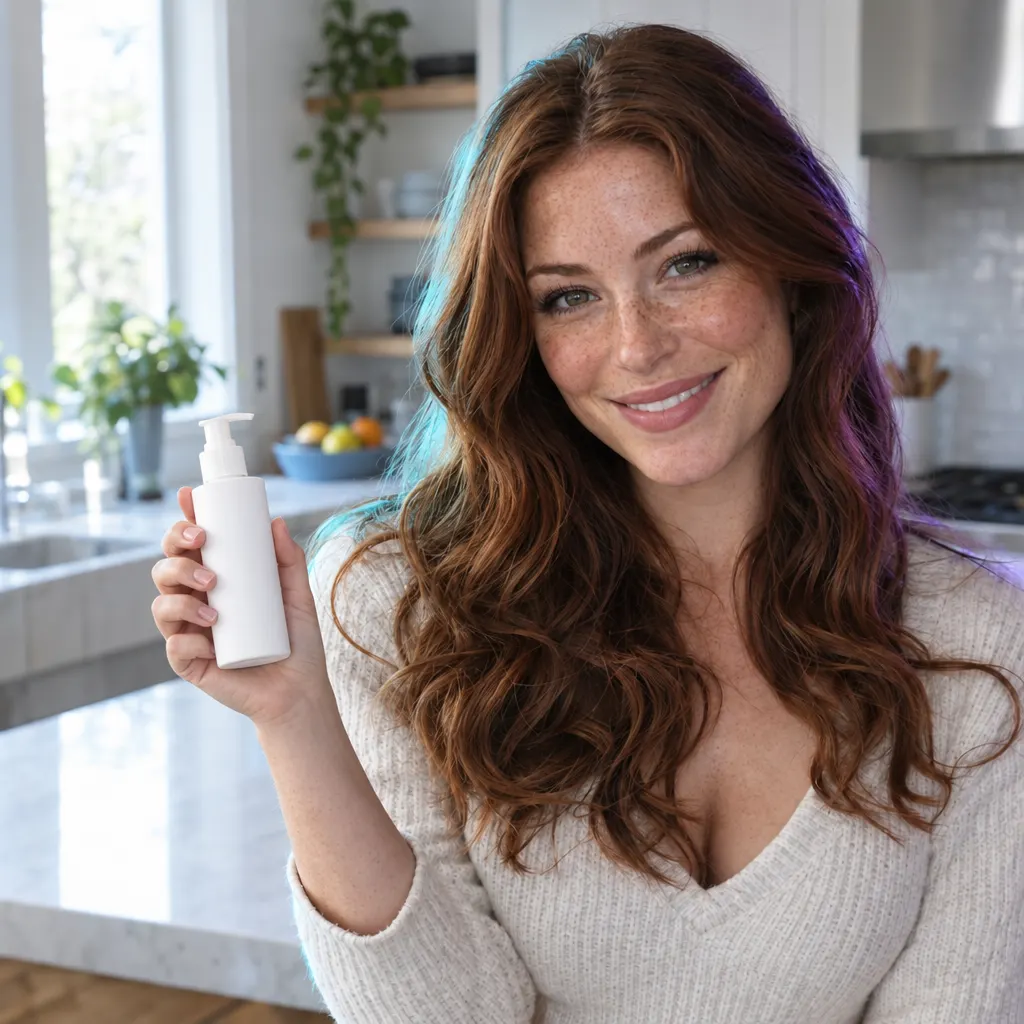
An AI-generated example from an Inflyu photo tool: an empty hand became a hand holding a bottle. It shows the look of an in-hand shot and is not a Hero Shot ad. Step 4
Add a headline, sound and voiceover if you want them
All three are optional add-ons. The video models are not asked to draw text or logos. The headline is added afterwards as text on the video, and the product comes from your own photo. Sound adds audio to the ad. A voiceover reads your script aloud. Each add-on has its own price, listed below, and the button shows the total before you start.
Step 5
Generate, then check the finished ad
Press Generate. The ad is built in steps: the picture, then the motion, then the add-ons. If a step fails, that step and the steps after it are refunded and you can try again. When the ad finishes, play it through. Check the product shape, any small text on the pack and the headline before you post it.
Common mistakes
- Using a photo where the product is cropped or in the shadows. Pick a sharp photo with the whole product in view and plain light.
- Writing a headline that is too long. Keep it to 60 characters at most.
- Writing a voiceover that is longer than the clip. Count the words: 15 for 6 s and 20 for 8 s.
- Relying on the video to show your logo or the small print on the pack. Check both in the finished ad, and add the name as a headline instead.
- Posting the first result without watching it. Play it through and check the product shape first.
Limits to know
- A free account cannot start a Hero Shot ad. The shortest ad costs 23 credits, and a free account has 20 credits. A credit pack covers the first ad.
- Length is 6 s or 8 s. Formats are 9:16, 1:1, 4:5, 16:9.
- The video models do not draw text or logos. A headline is added afterwards as text, and the product comes from your photo.
- The product shape can shift, and small text and logos may not come out exactly. Check the finished ad before you post it.
- A voiceover has a word budget: 15 words at 6 s and 20 words at 8 s.
What it costs
| Action | Cost |
|---|---|
| Product picture (every ad) | 2 credits |
| Motion, 6 s | 21 credits |
| Motion, 8 s | 28 credits |
| Headline add-on | 1 credit |
| Sound add-on | 1 credit |
| Voiceover add-on | 3 credits |
| Shortest ad, 6 s with no add-ons | 23 credits |
| 8 s ad with no add-ons | 30 credits |
| 8 s ad with headline, sound and voiceover | 35 credits |
What you will learn
Write a clear ad brief, pick the right photo, choose style, format and length, and know what the ad will cost before you press the button.
Pick a product photo that works: sharp, the whole product in view, plain light.
Write the brief: style, format, length, a headline and a short voiceover that fits.
Read the price of each add-on, run the ad and check the finished video before you post.
The steps
Each step is written out in full above, with the result to expect.
Pick the product photo
Hero Shot starts from one product photo. Choose a sharp photo with the whole product in view on a plain, light background. You can also paste a product link and use Get photo from link to import one. Your product in the ad comes from your own photo, so a clean photo gives a clean ad.
Write the brief on paper first
Decide five things before you open the tool: what the product is, the style, the format, the length and the headline. Keep the headline to 60 characters at most. If you want a voiceover, write it now and count the words: 15 words fit a 6 s ad and 20 words fit a 8 s ad. A longer script is rejected before anything runs.
Choose style, format and length
The app offers 3 styles: Studio reveal, Lifestyle and In-hand. Studio reveal shows the product on a clean set with camera motion. Lifestyle puts it in a matching scene. In-hand shows a person holding it. Formats are 9:16, 1:1, 4:5, 16:9, so pick the one for where you will post. Length is 6 s or 8 s.
Add a headline, sound and voiceover if you want them
All three are optional add-ons. The video models are not asked to draw text or logos. The headline is added afterwards as text on the video, and the product comes from your own photo. Sound adds audio to the ad. A voiceover reads your script aloud. Each add-on has its own price, listed below, and the button shows the total before you start.
Generate, then check the finished ad
Press Generate. The ad is built in steps: the picture, then the motion, then the add-ons. If a step fails, that step and the steps after it are refunded and you can try again. When the ad finishes, play it through. Check the product shape, any small text on the pack and the headline before you post it.
Homework: Plan one product ad
Write the brief on paper: the product, the style, the format, the length, a headline of 60 characters or fewer and a voiceover within the word budget for your length.
No credits
Choose your product photo: sharp, the whole product in view and plain, light background.
No credits
Run the brief in Hero Shot and watch the finished ad all the way through.
Needs a packThe shortest ad costs 23 credits, up to 35 credits with every add-on. A free account has 20 credits, so this step needs a credit pack. Read the total on the button before you press it.
Check yourself: A good ad shows your product clearly from your own photo, the headline reads in full and the voiceover ends before the clip does. If the product shape looks off, try a sharper photo or another style.
Product ad from one photo: questions
Can I make a product video ad for free?+
A free account has 20 credits, and the shortest Hero Shot ad costs 23 credits. A first ad comes with a credit pack. You can write the brief and choose the photo without spending anything.
What do I need to start a product ad?+
One product photo. You can upload it or paste a product link and import the photo. A sharp photo with the whole product in view gives the best result.
Will the ad contain text or logos made by the AI?+
The video models are not asked to draw text or logos. A headline is added afterwards as text on the video, and your product comes from your own photo. Check the finished ad before you post it.
How long can the voiceover be?+
15 words for a 6 s ad and 20 words for a 8 s ad. A longer script is rejected before the ad starts, so nothing is spent on it.
What happens if a step fails?+
The credits for that step and every step after it go back to you, and you can try again.
Which format and length should I pick?+
Pick the format for where you post: 9:16, 1:1, 4:5, 16:9. Length is 6 s or 8 s. The longer ad costs more, and the price shows on the button.
Do I need a subscription?+
No. You can pay as you go: credit packs are one-time purchases and their credits never expire. If you would rather have a steady supply, the monthly Starter, Creator, Pro and Brand plans refill your credits each month, and you can cancel anytime. Unused monthly credits do not roll over.
 Hero Shot product ad →