Make a 3D Kids Cartoon
With Talking Animals
A fox in a red hoodie, a bunny, a hedgehog and a bluebird. Describe your animal friends, write the episode and the studio draws each shot in a fluffy, bright 3D look, with a voice for every character.


For kids channel creators, parents and teachers
Cute, fluffy and bright
Pick the 3D kids cartoon type and every picture follows the look.
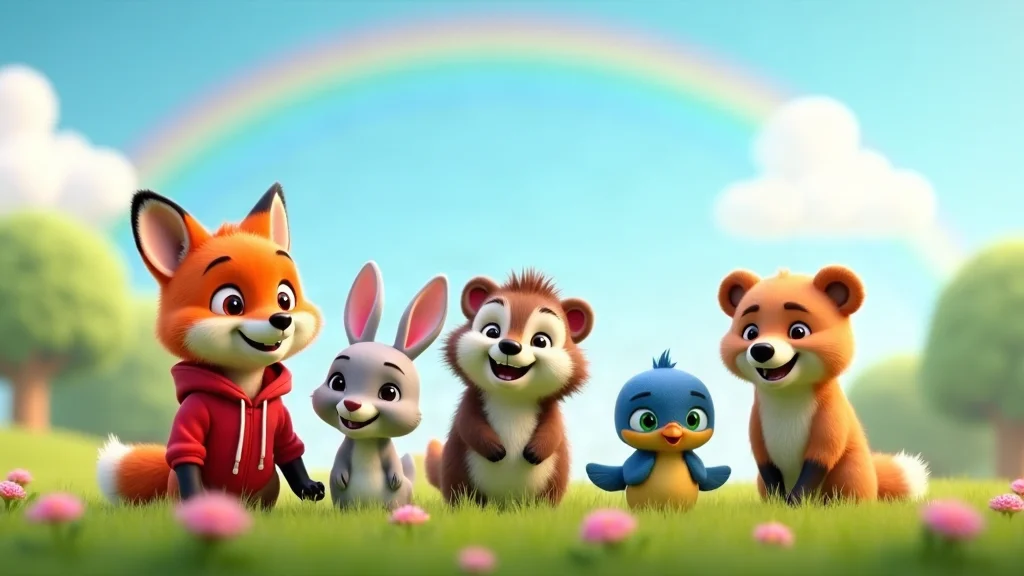
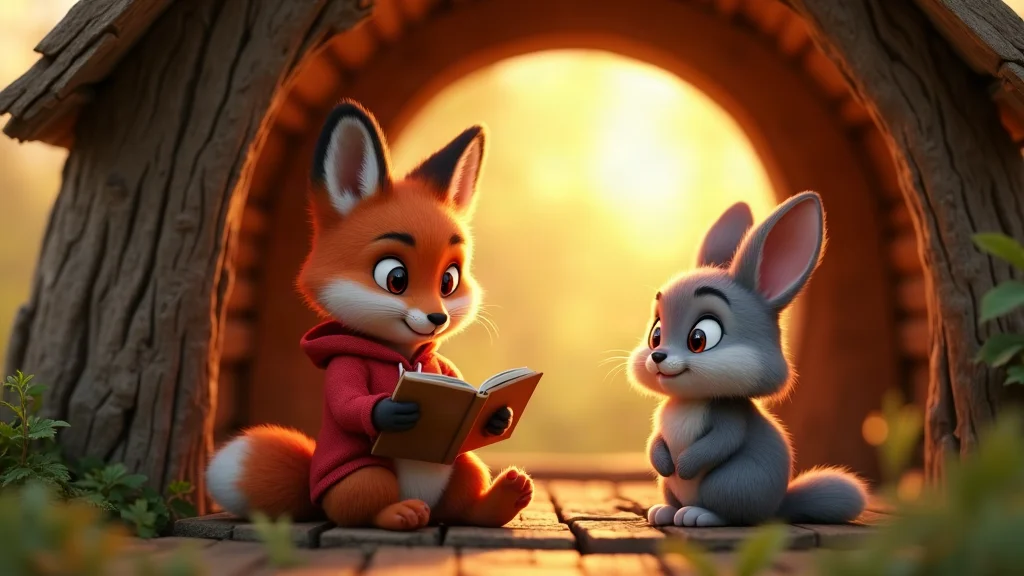
A fluffy 3D animal look
The 3D kids cartoon preset asks for soft fur, big glossy eyes, round shapes and bright saturated colors. Edit the style notes to suit your show.
Animal friends who come back
Describe each animal and generate its reference sheet. Shots are drawn from the sheet, so your fox, bunny and bluebird stay recognisable from episode to episode.
A voice for every character
Give each animal and the narrator a library voice, a cloned voice from your own recording or your own ElevenLabs voice. Dialogue is English.
Meadows, treehouses and rainbows
Set the story in any bright place. Each shot has a picture description you can edit before anything is generated, and key shots can become 8-second moving clips.
You review every episode
The script, the pictures and the voices are all visible before you render, so you decide what young viewers see. Regenerate or edit any shot.
Wide, vertical and read-along
Render 16:9, 9:16 or both, with subtitles on screen so young readers can follow the words.
From animal friends to episode
Set up the cast once; each episode reuses it.
Create the animal cast
Pick the 3D kids cartoon type, then describe each animal: species, colors, clothes and a quirk.
Write a short episode
Paste a script or ask AI for a draft from one line, then read it through and edit it.
Check, generate, render
Review the pictures, make the voices and render the video with subtitles.
3D kids cartoon FAQ
Does it build real 3D models of the animals?+
No. Each shot is a picture drawn in a 3D cartoon look, and a shot can become an 8-second moving clip. You cannot open the characters in a 3D modeling tool.
Can I post the cartoon on a kids YouTube channel?+
You download the finished video and post it yourself. Check the platform rules for children’s content and for AI-made videos before you upload, and watch every episode first.
Who checks that an episode suits young viewers?+
You do. The preset asks for a gentle look and a kind story, but you are responsible for what you publish. Read the script and look at every picture before you render or share.
Will the fox look alike in every episode?+
Each animal is drawn from its reference sheet, so the cast stays recognisable. Individual pictures can still differ in small details, and you can regenerate any shot.
What does a 3D kids cartoon cost?+
Writing or pasting the script and setting up the cast use no credits. Pictures, voices, moving clips and renders do, and the app shows the cost of each step before it runs. Generating needs a credit pack or a monthly plan; a subscription is not required.
Do I need a subscription?+
No. You can pay as you go: credit packs are one-time purchases and their credits never expire. If you would rather have a steady supply, the monthly Starter ($8.99), Creator ($19), Pro ($49) and Brand ($99) plans refill your credits each month, and you can cancel anytime. Unused monthly credits do not roll over.