Inflyu sharpens blurry or low-res photos with AI. Upload an image and a free account (no card) gets 2 free images in total across all Inflyu image tools, upscales included, once its email is verified. Pick 2x to 10x and get real extra pixels, not a blurry stretch. Edit up to 10 photos at once.
Sharpen and Enhance Blurry Photos with AI
Yes, to try. Inflyu's AI Image Upscaler enlarges a photo by 2x up to 10x on each side and redraws detail, so you get real extra pixels instead of a stretched copy. A free account needs no card and gets 2 images in total once your email is verified. Credit packs start at $2.99 with no subscription. Results made with free credits carry a small "Made with inflyu" mark.
One free try now
Free here: 2 images from your 20 credits, in total across all tools. More need a pack.
See What You Can Create
Real examples rendered with Sharper photo (Upscale)
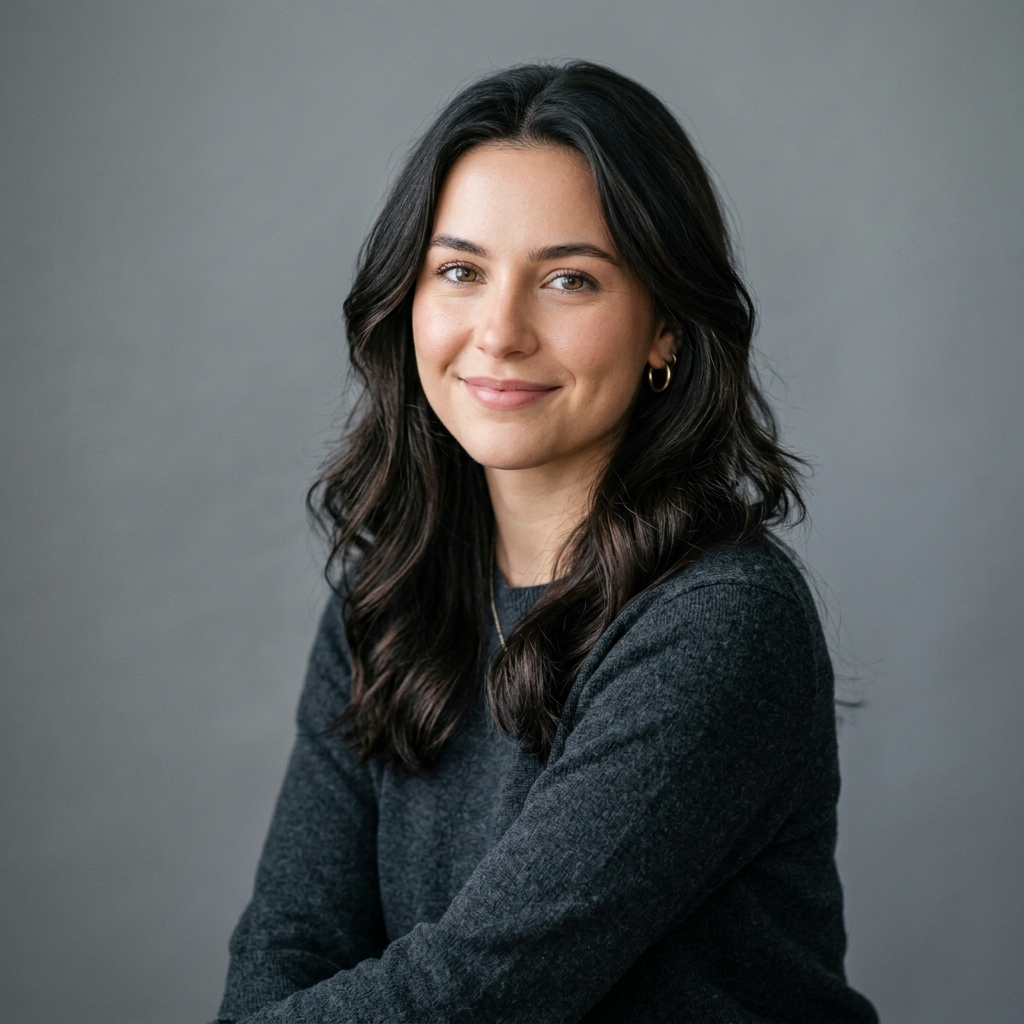 BeforeAfter
Portrait Detail Enhancement
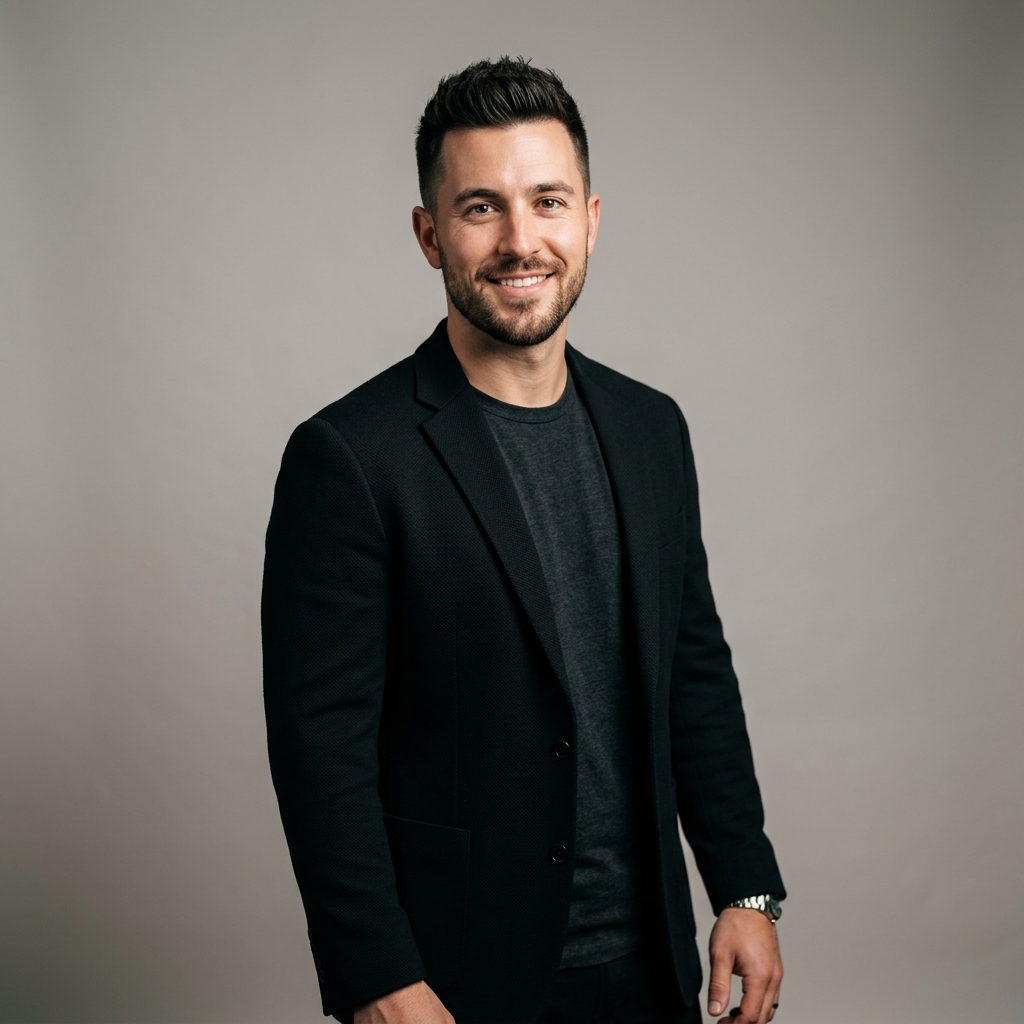 BeforeAfter
Sharpening & Denoising
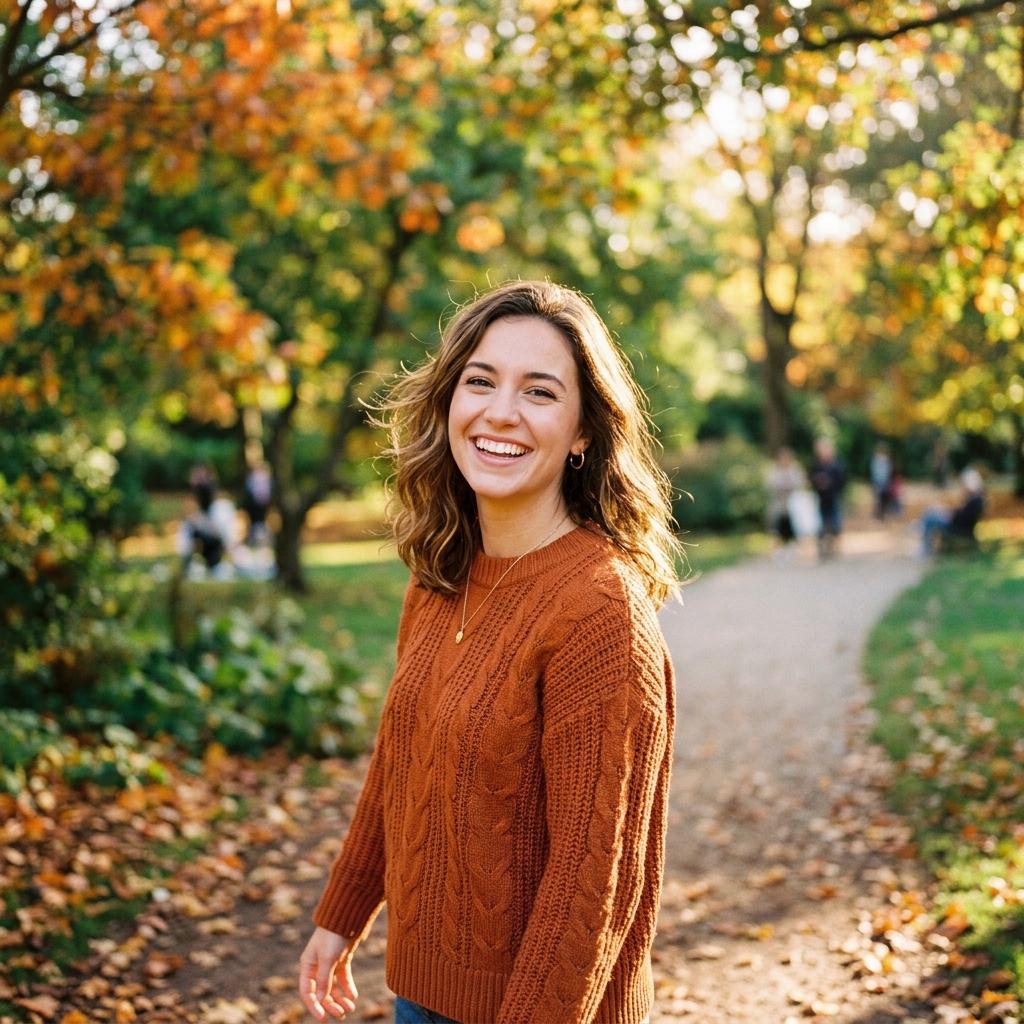 BeforeAfter
Outdoor Scene Detail Cleanup
How do I upscale a blurry or low-resolution photo with AI?
Upload your image
Upload your image. Choose the blurry, compressed or low-resolution photo, up to 10 MB.
Choose the size
Choose the size. Pick 2x, 3x, 4x, 6x, 8x, 10x to set how many times larger the photo gets on each side.
Run the upscale
Run the upscale. The AI redraws detail at the larger size.
Download the result
Download the result. Preview the sharper image and save it.
Is there a free AI tool to upscale a photo I already have?
Yes, to try. A free account needs no card and gets 2 images in total once your email is verified. You make the account when you upload your photo, then the tool runs. After that, credit packs unlock more, starting at $2.99 with no subscription. Results made with free credits carry a small "Made with inflyu" mark.
What is the best AI image upscaler for a photo I already have?
It depends on the size and limits you need. Pixelcut allows 3 free downloads a day with no sign-up and inputs up to 50 MB; Fotor's free tier is capped at 2x and 4x needs membership; Let's Enhance says only paid plans are free of its watermark; insMind says you can try it free. Inflyu offers 2x, 3x, 4x, 6x, 8x, 10x, 2 free upscales with a verified email, and credit packs from $2.99 with no subscription.
| Tool | Free to try | Works on your own photo | Needs a card | Output limit | Entry price | Bad at |
|---|---|---|---|---|---|---|
| Inflyu | A free account (no card) gets 2 images in total once the email is verified; credit packs from $2.99 | Yes, you upload your own photo | No card to sign up. Packs are paid at checkout. | One upscaled photo per run; photo up to 10 MB; 2x, 3x, 4x, 6x, 8x, 10x on each side, with an output of up to 32 megapixels | Credit packs from $2.99, no subscription | Results made with free credits carry a small "Made with inflyu" mark |
| Pixelcut | Free HD Download; free use limited to 3 daily downloads | Yes | No sign-up needed | 3 downloads a day; input up to 50 MB and 6000x6000 px; downloads are not watermarked | $8/mo billed yearly ($10/mo billed monthly) | 16K output needs the Topaz Labs model (4x on 4K, 2x on 8K) |
| Fotor | Free AI image upscaler; 2x downloads free | Yes | Not stated | Free tier capped at 2x; 4x requires membership | Not stated | Upscaling increases file size |
| insMind | You can try the AI image upscaler online for free | Yes | Not stated | Batch up to 30 images, subject to account permissions | Not stated | Not stated |
| Let's Enhance | Start free; Try Free | Yes (JPG, PNG, WebP) | Not stated | Not stated | Not stated | Use Gentle mode for small text or fine details; its page says only paid plans are free of the watermark |
Competitor facts come from each tool's own page, checked 1 Nov 2026.
Pixelcut alternative for upscaling a photo
Pixelcut's page says free use is limited to 3 downloads a day with no sign-up, takes inputs up to 50 MB and 6000x6000 px, and its downloads are not watermarked; 16K output needs its Topaz Labs model. Inflyu's AI Image Upscaler offers 2x, 3x, 4x, 6x, 8x, 10x on each side, with an output of up to 32 megapixels. Pick Pixelcut if you need a few quick downloads a day without an account; pick Inflyu if you want to choose the enlargement factor, with a free account, no card and credit packs from $2.99 with no subscription.
Compare with Pixelcut on its own page.
Does an AI upscaler look sharp, and what are the limits?
It can add convincing detail to a soft photo, but it redraws that detail, so faces, small text and logos can shift. A size the photo cannot take is refused before any charge, and results made with free credits carry a small "Made with inflyu" mark.
Limits today
- The upscaler redraws detail, so faces, small text and logos can shift from the original; check them before you use the result.
- The output can be up to 32 megapixels. A size the photo cannot take is refused before the charge, and the message names the largest allowed.
- A photo too large even for 2x falls back to an edit-model redraw at about 1K, and the result says so.
- If the AI's safety filter declines a photo, or the provider fails, you are not charged.
- Results made with free credits carry a small "Made with inflyu" mark; the free try needs a verified email.
What works best
- A blurry, soft or compressed photo up to 10 MB where you can still see what the subject is.
- A moderate factor first (2x or 3x); the options run to 2x, 3x, 4x, 6x, 8x, 10x.
- A photo with fine detail you can check afterwards, such as a face or a label, since those are the parts that can shift.
Explore More AI Image Tools
Transform your photos with our full suite of AI editing tools
Copy art style (Style transfer)
Upload a photo and a style picture, get your photo repainted in that style.
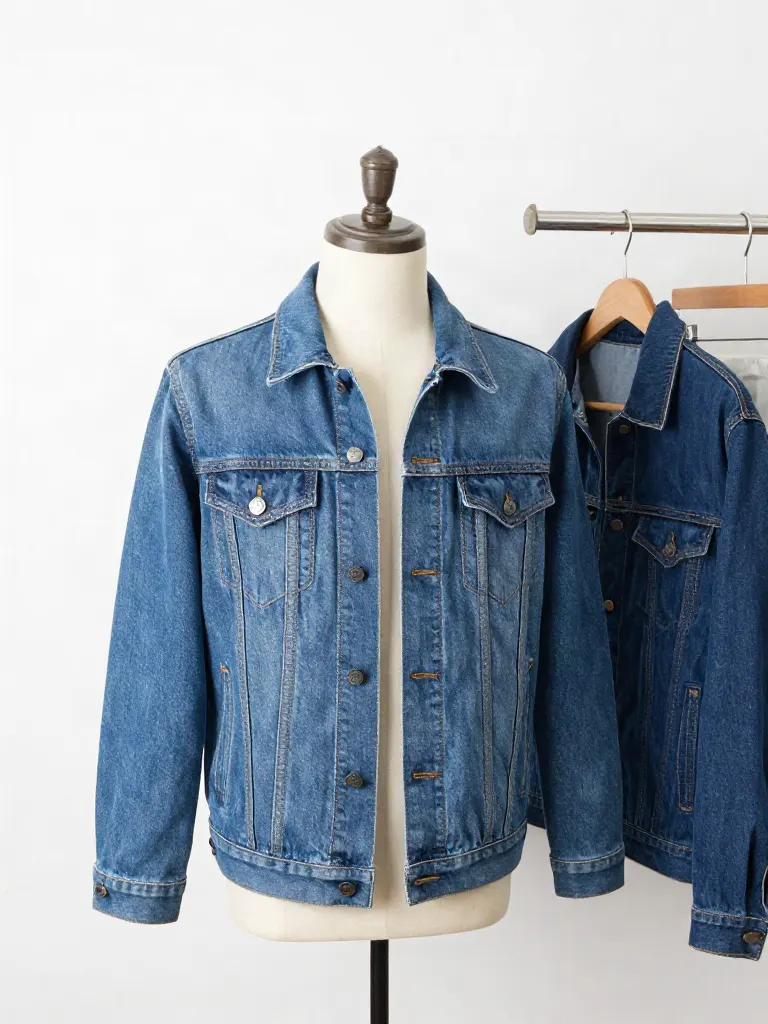
Try on clothes (Try-on)
Upload a person, add a garment photo or describe one, get them wearing it.
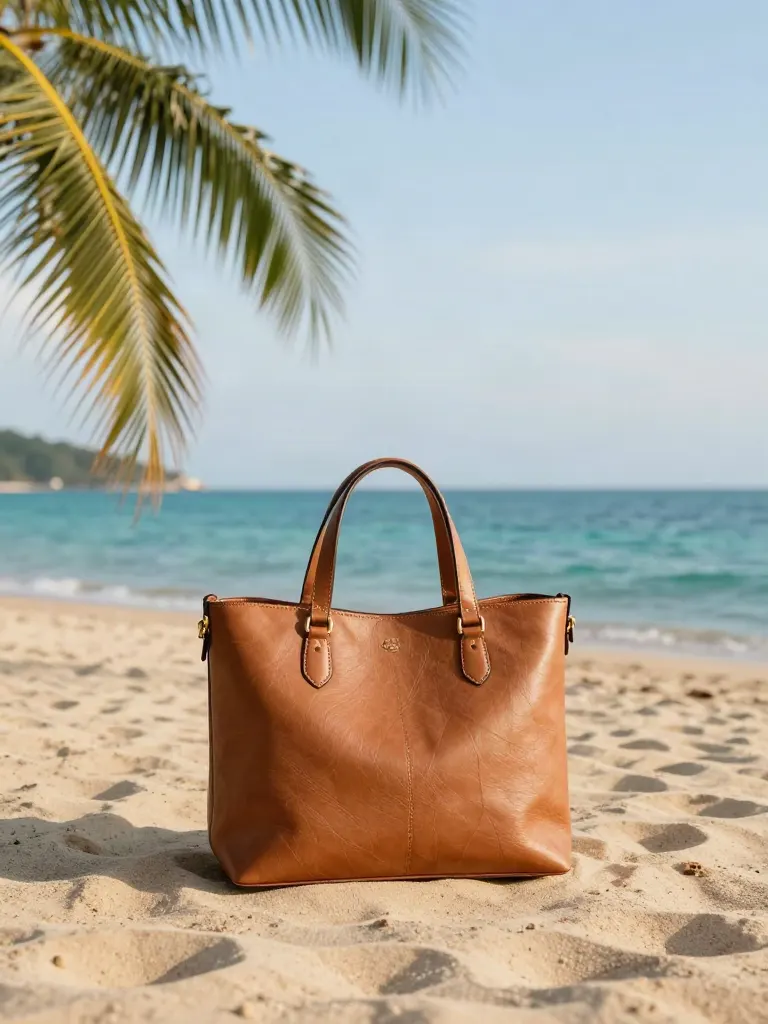
Change background
Upload a photo, get the background removed or swapped for a scene.
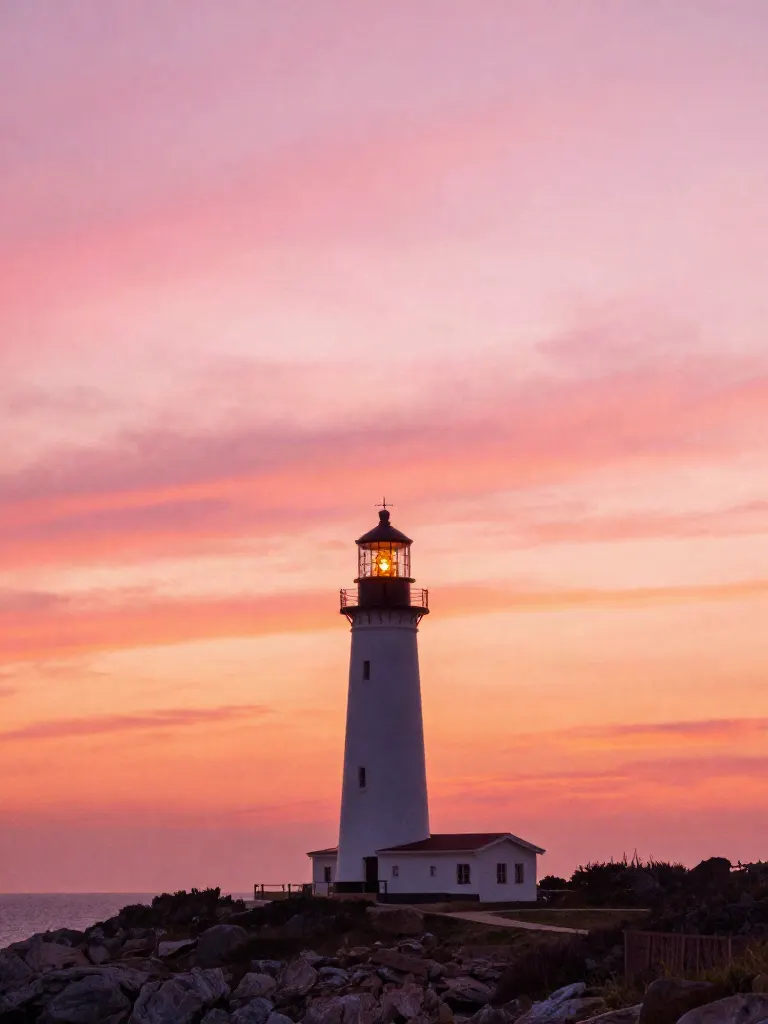
AI filters
Pick an art style, get your photo repainted in it.
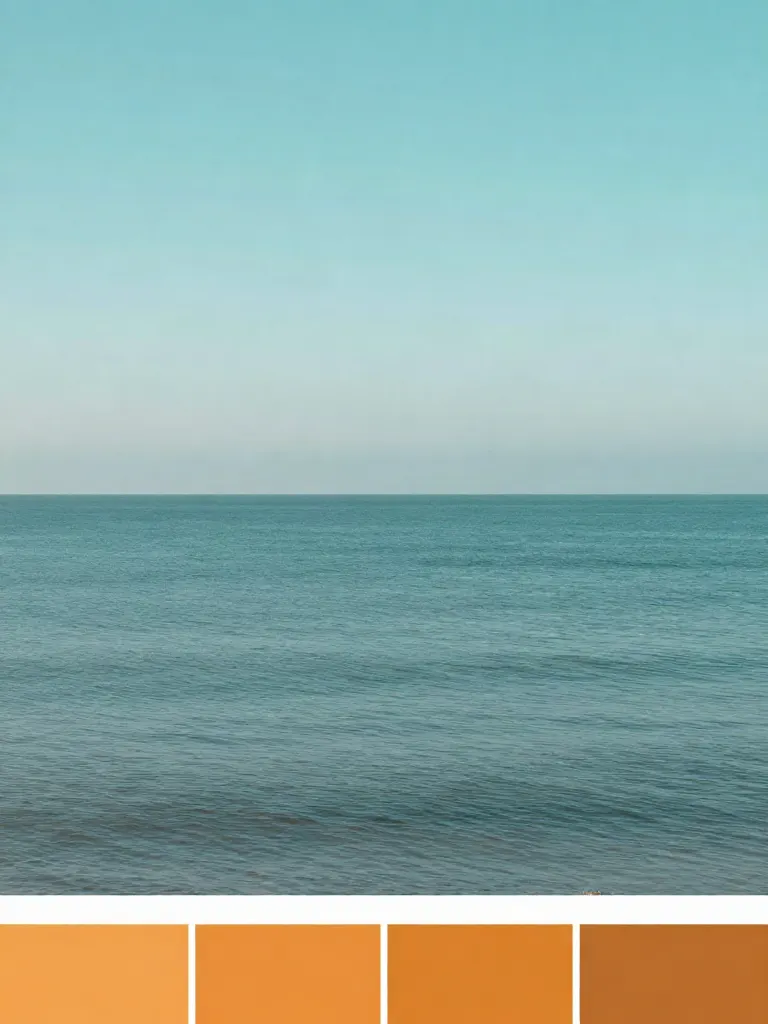
Copy photo colors (Color grade)
Upload a photo and a color reference, get the same color mood.
Edit with a prompt (Reimagine)
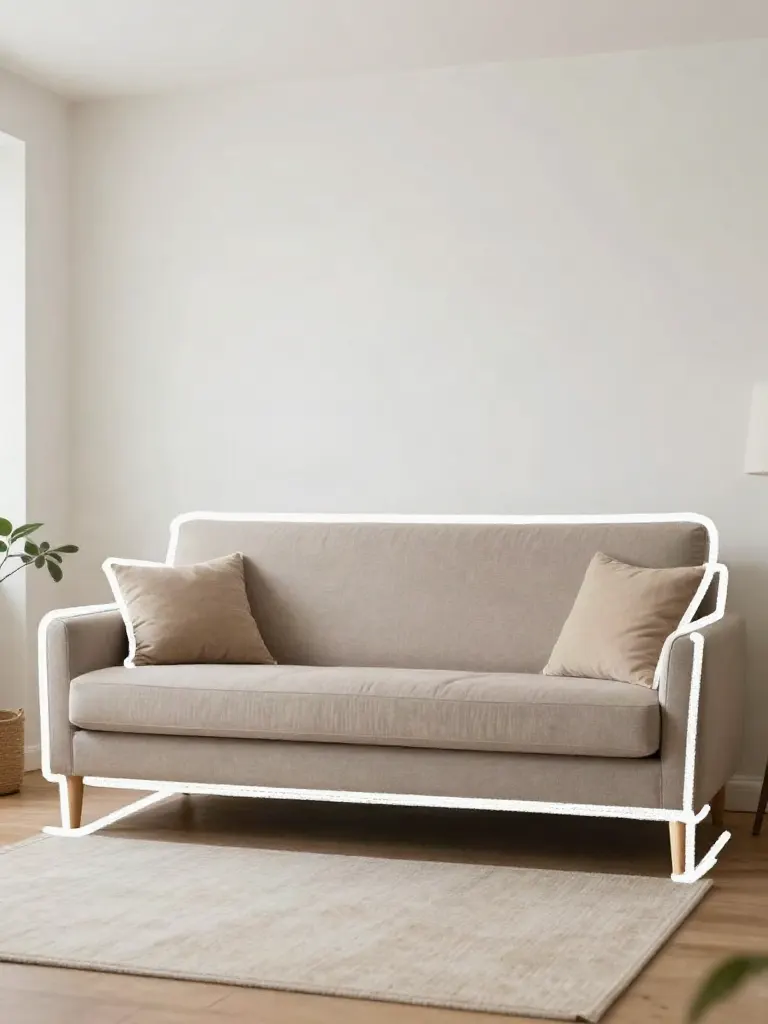
Upload a photo and describe a change, get it transformed.
Replace object
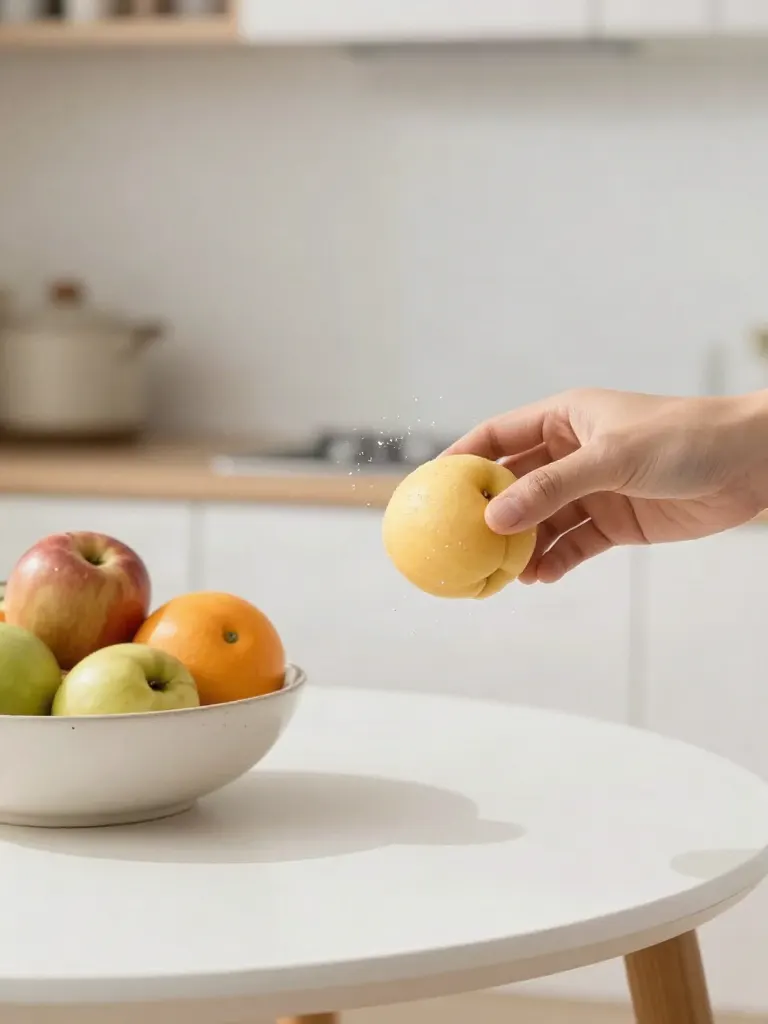
Upload a photo, pick an object and its swap, get the new photo.
Remove object
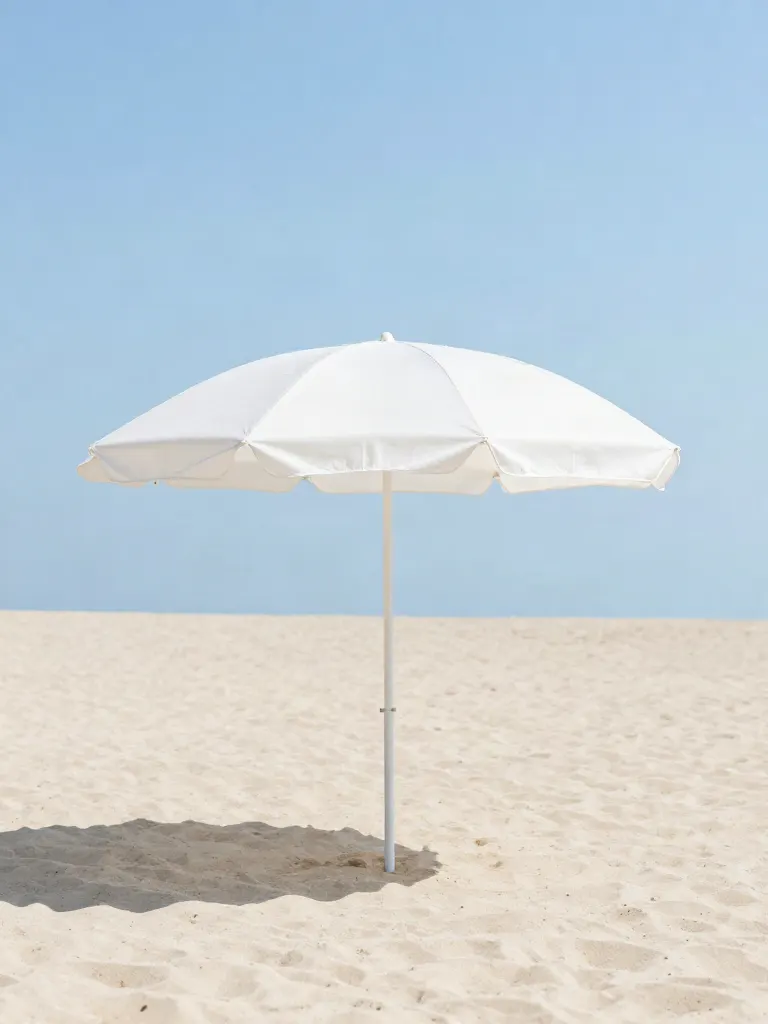
Upload a photo, mark an object, get it gone with the gap filled in.
Product in hand
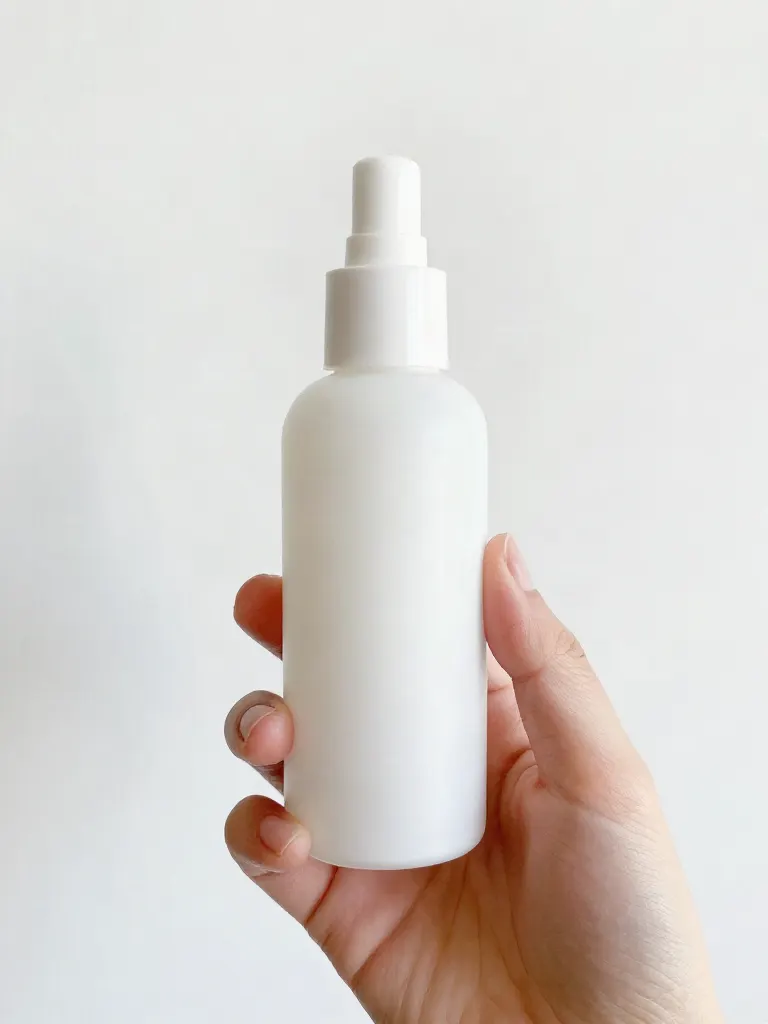
Upload a person and a product, get them holding it naturally.
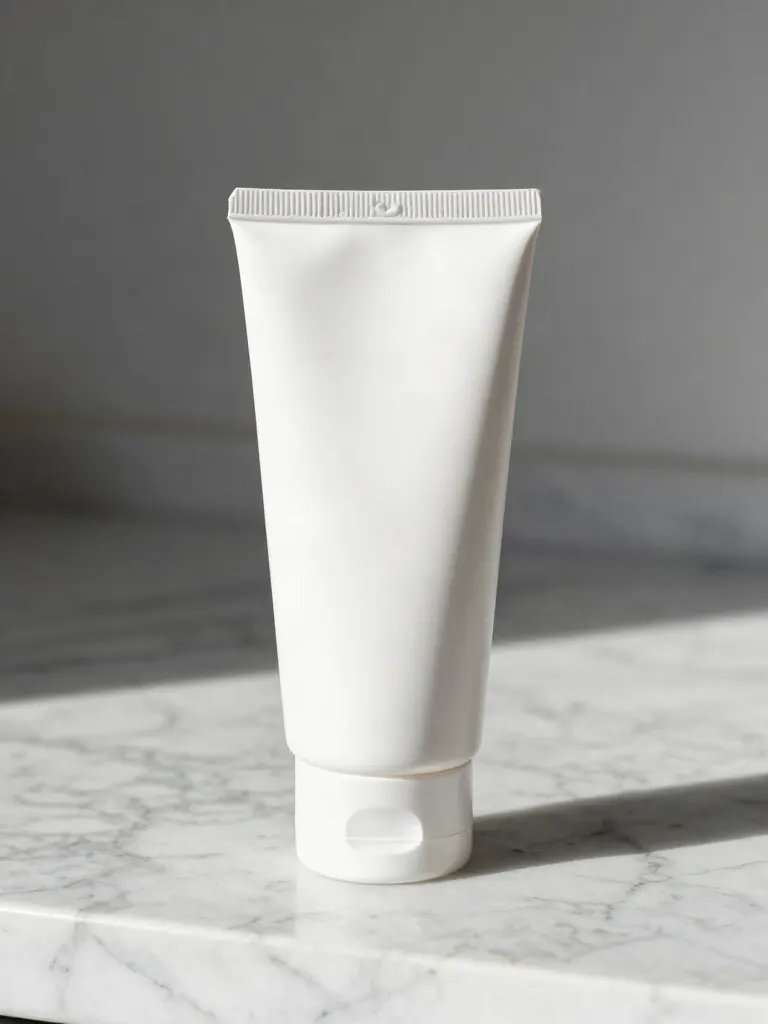
Put a product in a scene
Upload a product and describe a scene, get it placed in with matching light.
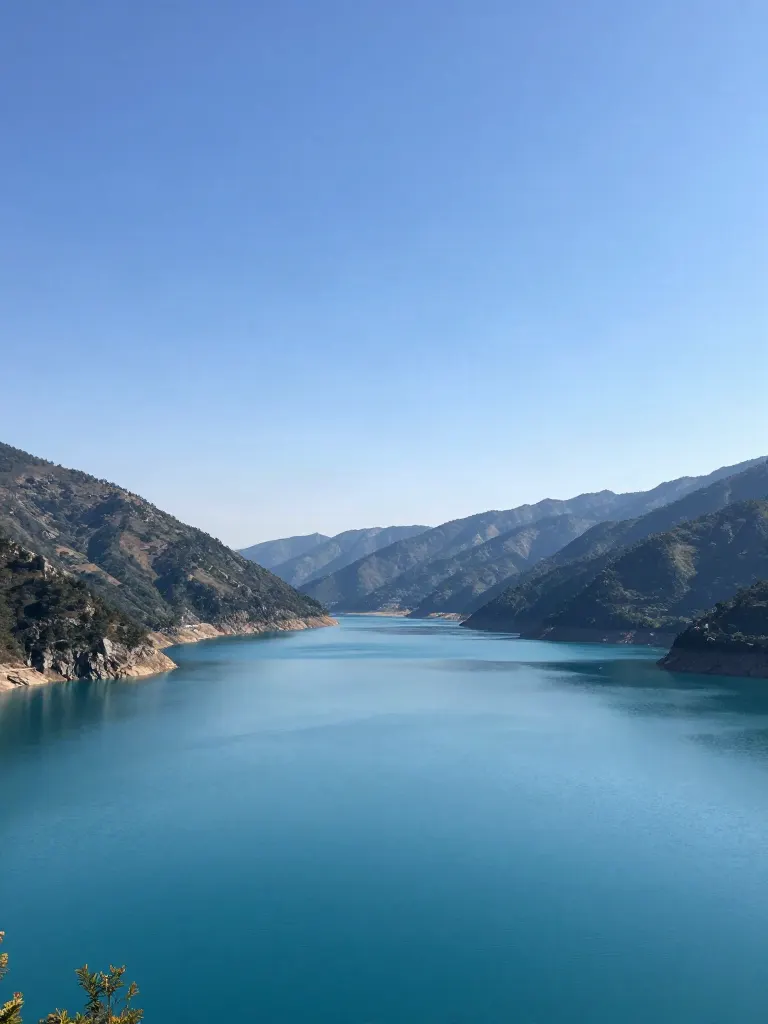
Expand image
Upload a photo, pick any size, then fill the new edges with AI, crop, or blur fill.
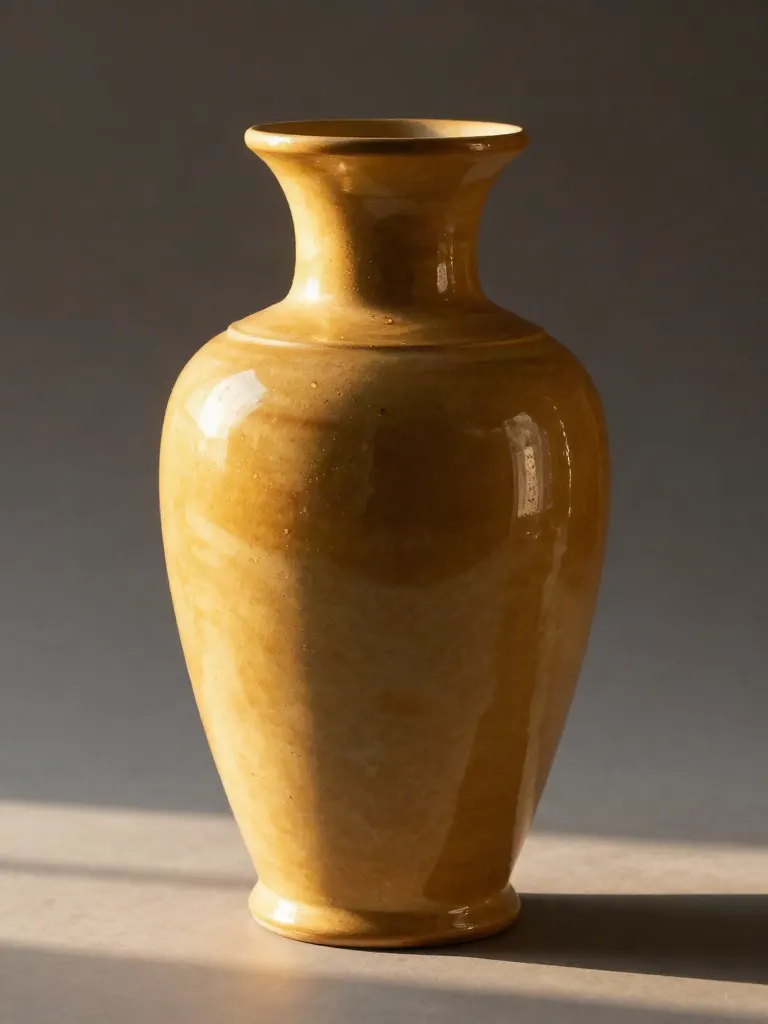
Change the lighting (Relight)
Upload a photo, pick a mood, get new lighting with the pose unchanged.
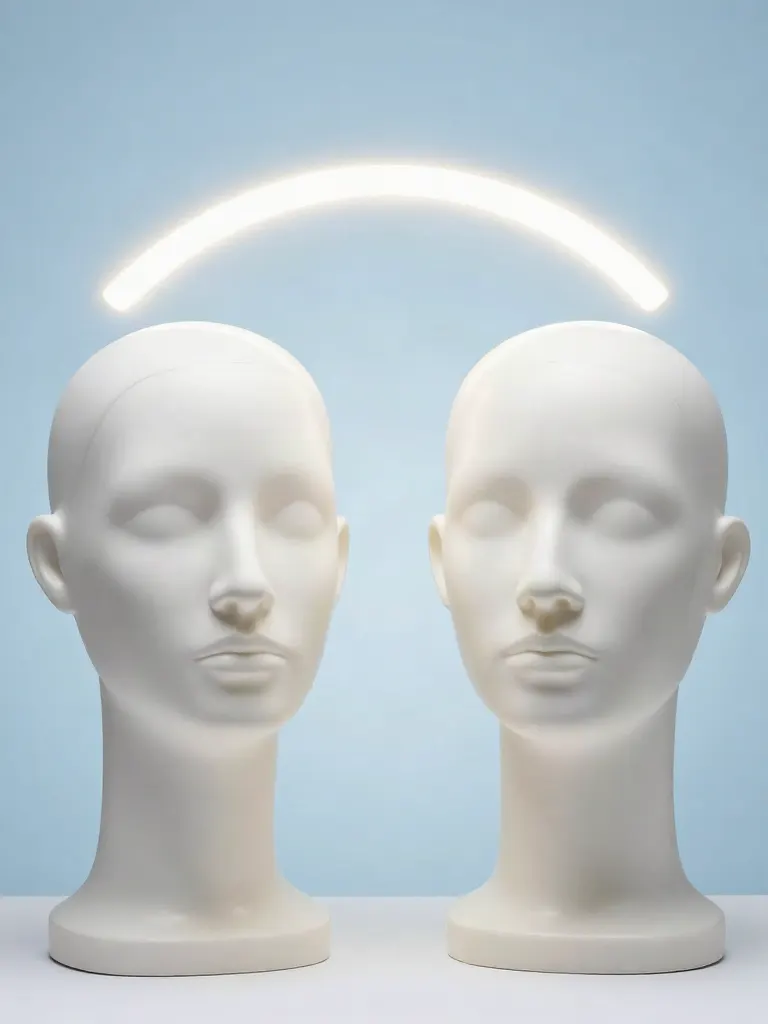
Face swap
Upload a photo and a face, get that face on the photo.
Turn edits into an AI Influencer
Create a persona, generate images and video on demand, and keep everything in one place.
Frequently Asked Questions
How does AI Upscaling work compared to normal photo resizing?
Standard bicubic resizing simply stretches existing pixels, resulting in pixelation, blur, and jagged edges. The AI enhancer redraws the photo from your original, sharpening texture, hair, fabric and eyes and cleaning compression noise. It re-creates detail rather than recovering the lost pixels, so it works best on photos you already like.
Can I upscale low-resolution or pixelated old photos?
Yes. It works well on vintage scans, low-res social media downloads, cropped photos, and compressed JPEGs. It cleans compression artifacts and redraws sharper texture. Very small or unreadable crops still come out soft, because the AI is guessing at the missing detail.
How much bigger can it make my photo?
Up to 10x: 2x, 3x, 4x, 6x, 8x or 10x multiplies the width and height with a real super-resolution model, so the file has real extra pixels (up to about 32 megapixels out; a size the photo cannot take is refused before any charge and names the largest it can, and a photo too large even for 2x is enhanced at about 1K instead, and the result tells you).
Will the enhanced photo still look like me?
Usually, but the enhancer redraws the image, so small details such as skin texture, eyelashes, or text can shift. Compare faces side by side with your original before you use the result, and try the light level first if likeness matters.
Is the free trial really free?
Yes, to try. A free account (no card) gets 2 images in total once your email is verified. You make the account when you upload your photo, then the tool runs. After that, credit packs start at $2.99 with no subscription, and an edit is 2 credits. Results made with free credits carry a small "Made with inflyu" mark.
Does the AI invent detail?
It redraws detail rather than recovering what the camera never captured, so the result is plausible, not a record. Compare faces, text and logos with your original before you use it.
Is there a free AI tool to upscale a photo I already have?
Yes, to try. A free account needs no card and gets 2 images in total once your email is verified. You make the account when you upload your photo, then the tool runs. After that, credit packs unlock more, starting at $2.99 with no subscription. Results made with free credits carry a small "Made with inflyu" mark.
How do I upscale a blurry or low-resolution photo with AI?
Upload the photo, pick a factor (2x, 3x, 4x, 6x, 8x, 10x), run the upscale, then preview the sharper image and save it. The AI redraws detail at the larger size, up to 32 megapixels.
What is the best AI image upscaler for a photo I already have?
It depends on the size and limits you need. Pixelcut allows 3 free downloads a day with no sign-up and inputs up to 50 MB; Fotor's free tier is capped at 2x and 4x needs membership; Let's Enhance says only paid plans are free of its watermark; insMind says you can try it free. Inflyu offers 2x, 3x, 4x, 6x, 8x, 10x, 2 free upscales with a verified email, and credit packs from $2.99 with no subscription.
Pixelcut alternative for upscaling a photo
Inflyu's AI Image Upscaler is an alternative when you want to choose the factor: 2x, 3x, 4x, 6x, 8x, 10x on each side, up to 32 megapixels. A free account needs no card and gets 2 free upscales with a verified email. Pixelcut's page limits free use to 3 downloads a day.
Does an AI upscaler look sharp, and what are the limits?
It can add convincing detail to a soft photo, but it redraws that detail, so faces, small text and logos can shift. A size the photo cannot take is refused before any charge, and results made with free credits carry a small "Made with inflyu" mark.