AI Hug Generator: Make Two People Hug From One Photo
Yes, you can start free. Inflyu's Hug effect turns one photo of two adults into a short hug video, with no prompt to write. Create a free account with 20 sign-up credits and no card (spending them needs a verified email); the effect's price is shown on the Generate button before you run it, and credit packs start at $2.99. Scanned old photos work if they are sharp, and other people in the shot should be cropped out first.
See Hug in 4 seconds
20 free credits, no card. Verify your email to use them; Google sign-in doesn't count.
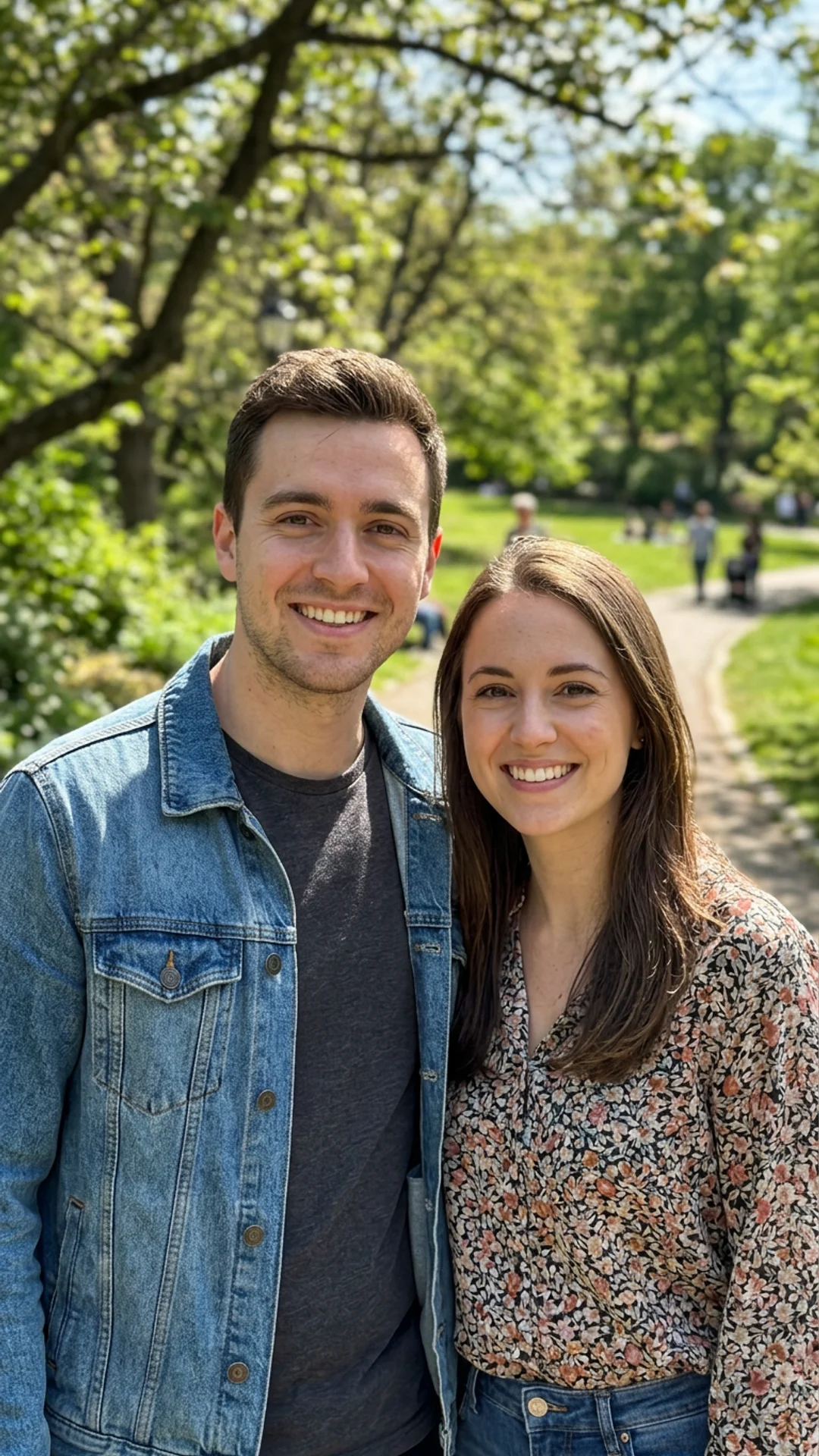
Upload one photo, tap Create, and get a 4-second video you can post. 20 free credits, no card. Verify your email to use them; Google sign-in doesn't count.
Sign up to try HugSee What You Can Create
More one-photo effects
 Before
Kiss
 Before
Grow old
 Before
Get younger
How do I make an AI hug video from photos?
Choose one photo of two adults
Choose one photo of two adults. Both faces should be clear; crop out other people first.
Open Hug and add the photo
Open Hug and add the photo. A sharp scan of an old photo works too.
Check the price and generate
Check the price and generate. The price is shown on the Generate button before the run, and spending credits needs a verified email.
Download the clip
Download the clip. The finished hug lands in your library to download and post.
Is there a free AI tool to make an AI hug video from photos?
Yes, you can start free. A free account starts with 20 sign-up credits and no card; the price of the effect is shown on the Generate button before you run it, so you see whether they cover it. Credit packs start at $2.99. Upload one photo of two adults and the effect makes a short hug video from it.
What is the best AI hug video generator?
It depends on whether you want a template or a model to prompt. In this comparison, Vidu has a hug template that needs no prompt, Overchat AI gives a first hug free and then lists a Mini tier at $7.50/mo billed annually, FlexClip's page is titled as a free hug generator, and Kling is a general video model. Inflyu runs the Hug effect on one photo with no prompt, with 20 sign-up credits and packs from $2.99.
| Tool | Free to try | Works on your own photo | Needs a card | Output limit | Entry price | Bad at |
|---|---|---|---|---|---|---|
| Inflyu | 20 sign-up credits with a free account; the price shows on the Generate button before the run; packs from $2.99 | Yes, you upload your own photo | No card to sign up. Packs are paid at checkout. | One photo of two adults in, one short hug clip out | Credit packs from $2.99, no subscription | It needs one photo with both faces clear; a blurry or crowded photo gives it less to work with |
| Kling | Not stated | Not stated | Not stated | Kling 3.0 clips 3 to 15 s; 720p no-audio 6 credits/s, 1080p no-audio 8 credits/s | Not stated (membership page loads client-side) | Not stated |
| Vidu | All users receive a set amount of free credits | Yes: upload an image, template needs no prompt (hug page) | Not stated | Not stated | Not stated (pricing page loads client-side) | Not stated |
| Overchat AI | First hug free, no credit card; output left unmarked (hug page) | Yes: JPG, PNG, HEIC up to 10MB (hug page) | No for the first one | About 30 s to generate (hug page) | $7.50/mo billed annually ($15 monthly), Mini | Pricing page lists the Free plan as '0 videos'; only the first hug is free per the hug page |
| FlexClip | Page title: 'Free Hug Video Generator'; limits not stated | Yes: photos plus a text prompt (hug page) | Not stated | Not stated | Not stated (pricing page loads client-side) | Not stated |
Competitor facts come from each tool's own page, checked 1 Nov 2026.
Kling alternative for making an AI hug video from photos
Kling's user guide, the page read for this comparison, describes the model: clips of 3 to 15 seconds, with credit prices by resolution, and it does not describe a hug effect. Inflyu's Hug is a one-photo effect with no prompt: you add a photo of two adults and get a short hug clip. Pick Kling when you want to write your own prompt with a general video model. Pick Inflyu when you have the photo and want the hug directly, on a free account with 20 sign-up credits and packs from $2.99.
Compare with Kling on its own page.
What are the limits of an AI hug video made from two photos?
It works from one photo of two adults, and the result depends on the photo: both faces should be clear and well lit, and other people in the shot should be cropped out. A sharp scan of an old photo works. The price is shown on the Generate button before the run.
Limits today
- Input: one photo of two adults, both faces clear; other people in the shot should be cropped out first.
- Old photos: a sharp scan works; a blurry one gives the effect little to build on.
- Credits: 20 sign-up credits with a free account; the price is shown on the Generate button before the run, and spending credits needs a verified email.
What works best
- A sharp photo in which both people face the camera and are well lit.
- Two people only: crop out anyone else before you upload.
- A scan of an old photo is fine when it is sharp.
Explore More AI Image Tools
Transform your photos with our full suite of AI editing tools
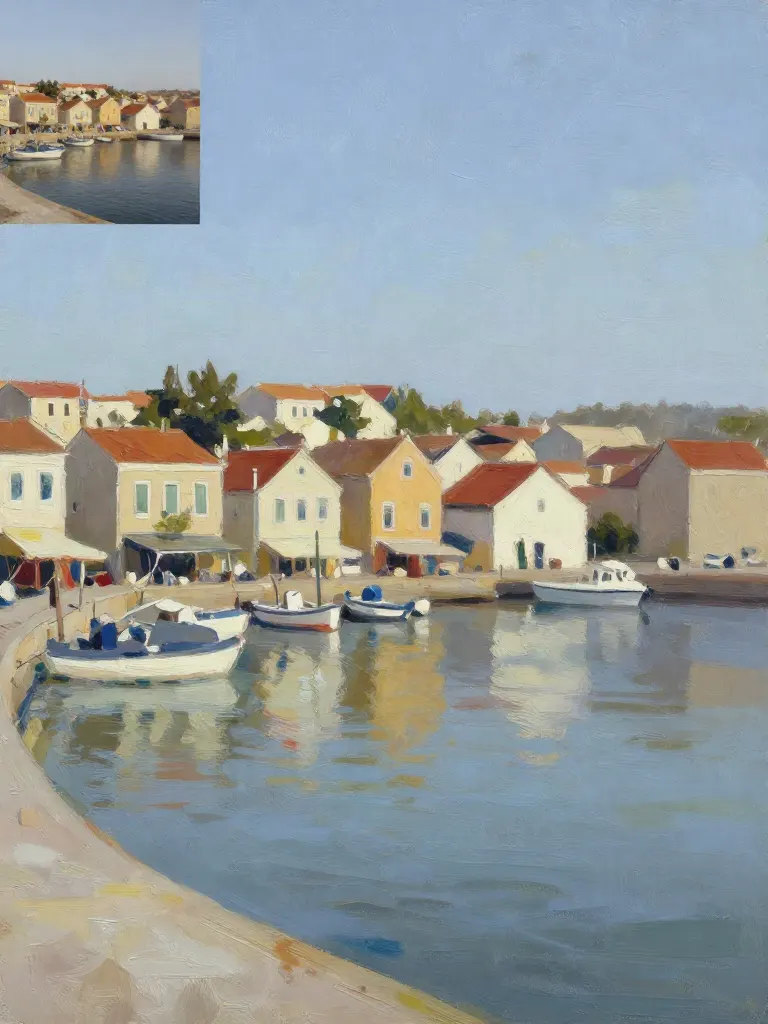
Copy art style (Style transfer)
Upload a photo and a style picture, get your photo repainted in that style.
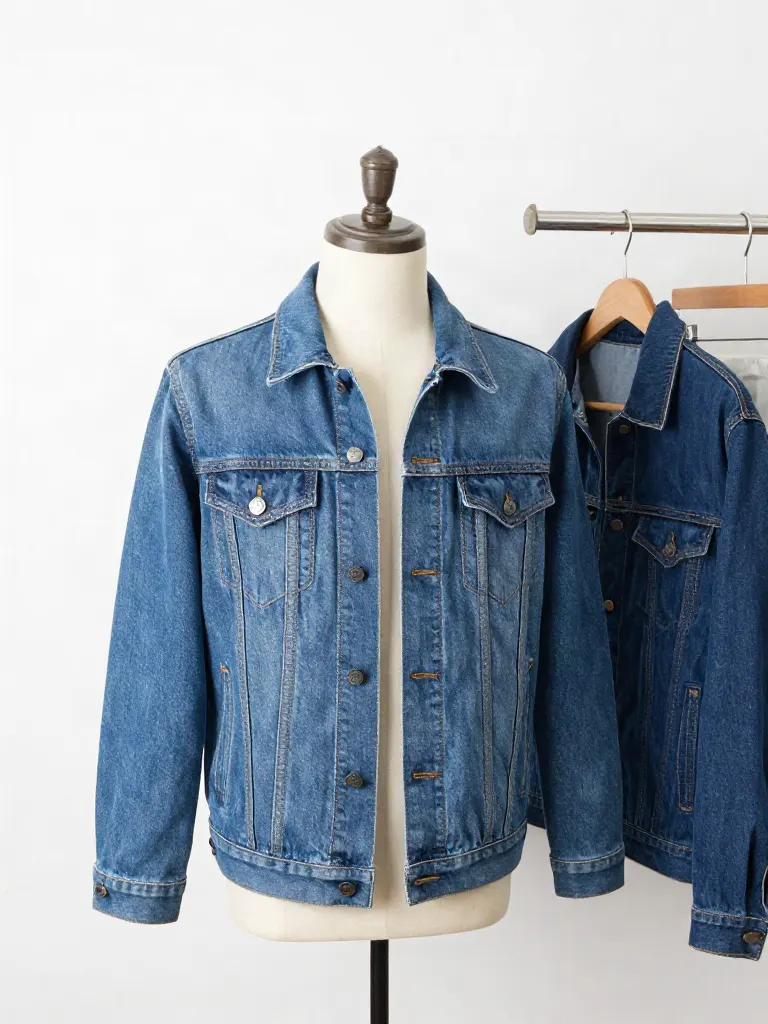
Try on clothes (Try-on)
Upload a person, add a garment photo or describe one, get them wearing it.
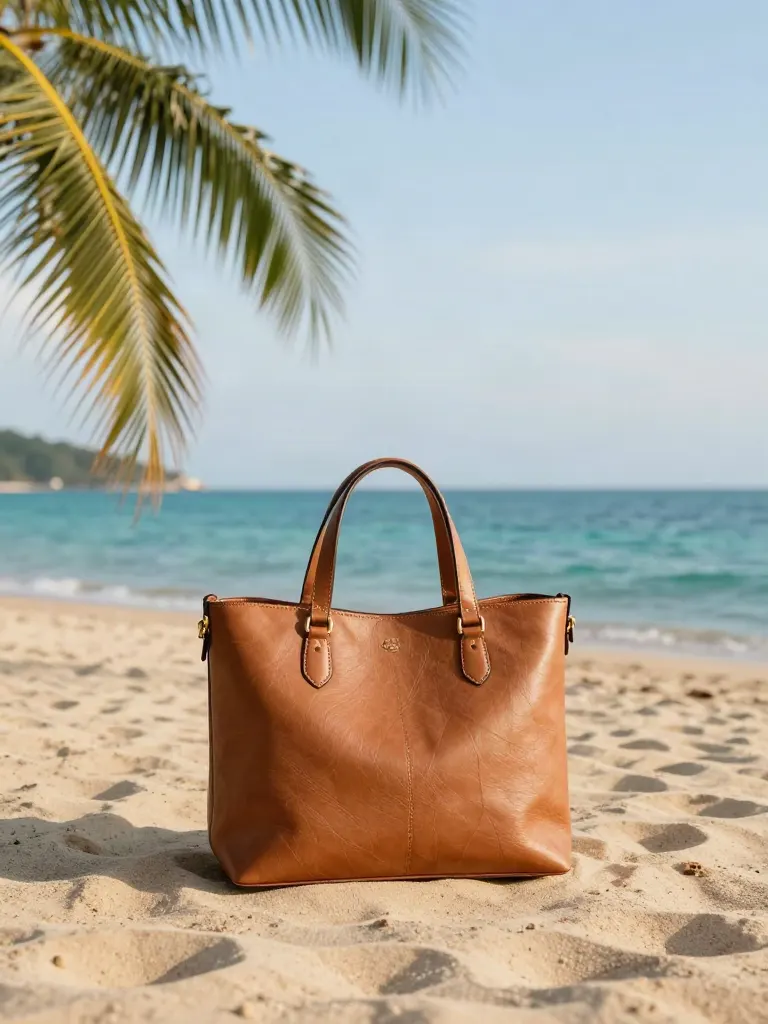
Change background
Upload a photo, get the background removed or swapped for a scene.

AI filters
Pick an art style, get your photo repainted in it.

Sharper photo (Upscale)
Upload a blurry photo, get a sharper, cleaner one.
Copy photo colors (Color grade)
Upload a photo and a color reference, get the same color mood.

Edit with a prompt (Reimagine)
Upload a photo and describe a change, get it transformed.

Replace object
Upload a photo, pick an object and its swap, get the new photo.

Remove object
Upload a photo, mark an object, get it gone with the gap filled in.
Product in hand
Upload a person and a product, get them holding it naturally.
Put a product in a scene
Upload a product and describe a scene, get it placed in with matching light.

Expand image
Upload a photo, pick any size, then fill the new edges with AI, crop, or blur fill.

Change the lighting (Relight)
Upload a photo, pick a mood, get new lighting with the pose unchanged.
Face swap
Upload a photo and a face, get that face on the photo.
Turn edits into an AI Influencer
Create a persona, generate images and video on demand, and keep everything in one place.
Frequently Asked Questions
Does the AI hug work with any photo of two people?
It works best when both people are in the same photo, facing the camera, with both faces clear. Both people must be adults, and the photo check blocks anything else.
Can I use an old photo for the AI hug?
Yes. Scanned and older photos work if both faces are sharp enough to see. Crop out other people first.
How long is the AI hug video?
Each hug video is 4 seconds, vertical 9:16, ready for Reels, TikTok and Shorts.
What does an effect cost?
20 free credits, no card. Verify your email to use them; Google sign-in doesn't count. One more effect costs one small credit pack, and failed runs are refunded.
Is there a free AI tool to make an AI hug video from photos?
Yes, you can start free. A free account starts with 20 sign-up credits and no card; the price of the effect is shown on the Generate button before you run it, so you see whether they cover it. Credit packs start at $2.99. Upload one photo of two adults and the effect makes a short hug video from it.
How do I make an AI hug video from photos?
Choose one photo of two adults with both faces clear, crop out other people, add it to Hug and check the price on the Generate button. Run it and download the clip from your library.
What is the best AI hug video generator?
It depends on whether you want a template or a model to prompt. In this comparison, Vidu has a hug template that needs no prompt, Overchat AI gives a first hug free and then lists a Mini tier at $7.50/mo billed annually, FlexClip's page is titled as a free hug generator, and Kling is a general video model. Inflyu runs the Hug effect on one photo with no prompt, with 20 sign-up credits and packs from $2.99.
Kling alternative for making an AI hug video from photos
Inflyu's Hug is a one-photo effect with no prompt to write. The Kling page read for this comparison describes a general video model with clips of 3 to 15 seconds and does not describe a hug effect. Choose Kling to prompt a general model, and Inflyu to run the hug directly on a free account with 20 sign-up credits.
What are the limits of an AI hug video made from two photos?
It works from one photo of two adults, and the result depends on the photo: both faces should be clear and well lit, and other people in the shot should be cropped out. A sharp scan of an old photo works. The price is shown on the Generate button before the run.