AI De-Aging Video: Turn Back the Clock on One Photo
Rewind your face by years in one 4-second shot.
See Get Younger in 4 seconds
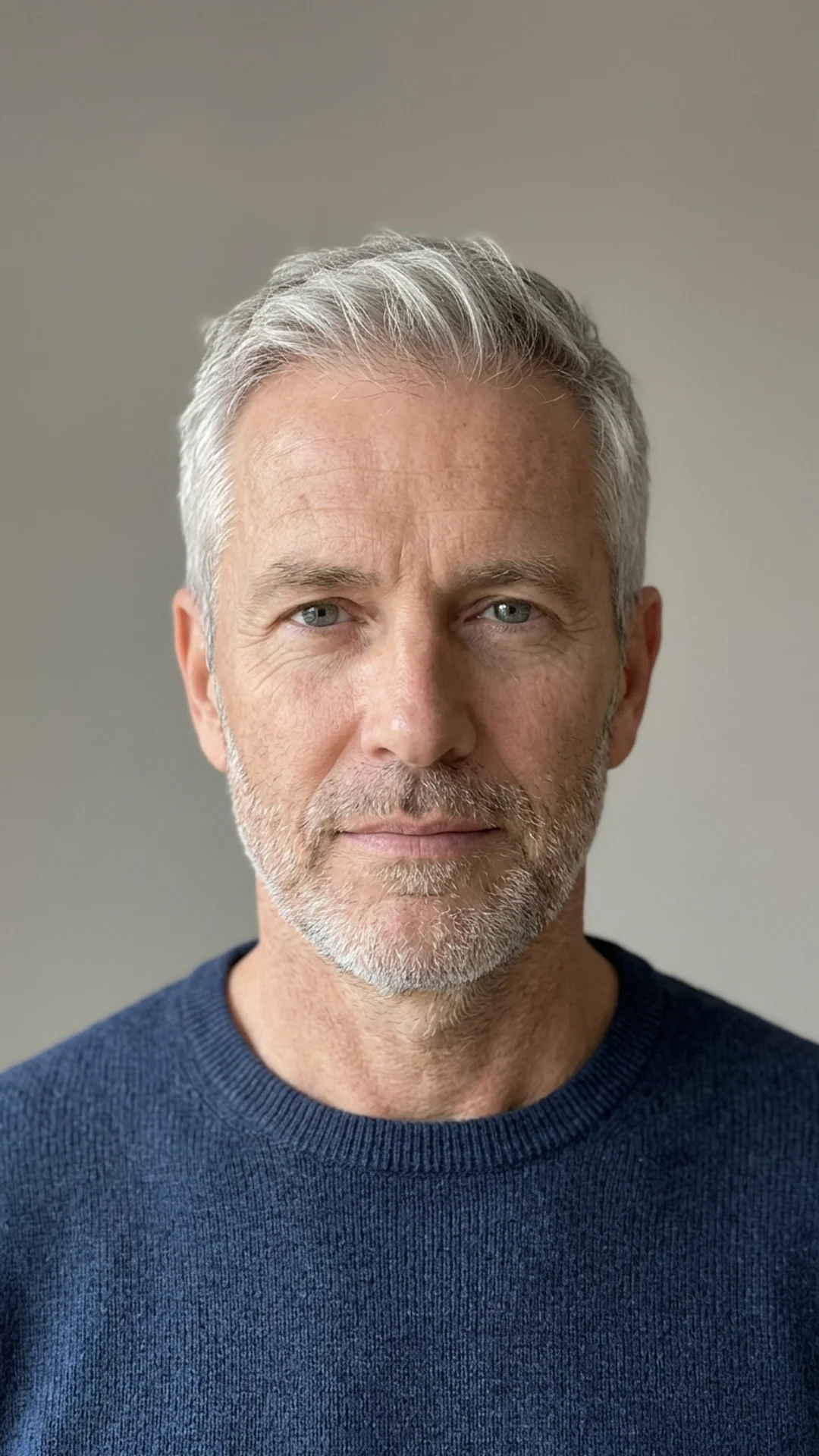
Upload one photo, tap Create, and get a 4-second video you can post. New accounts get free credits that cover one effect.
Sign up to try Get YoungerSee What You Can Create
More one-photo effects
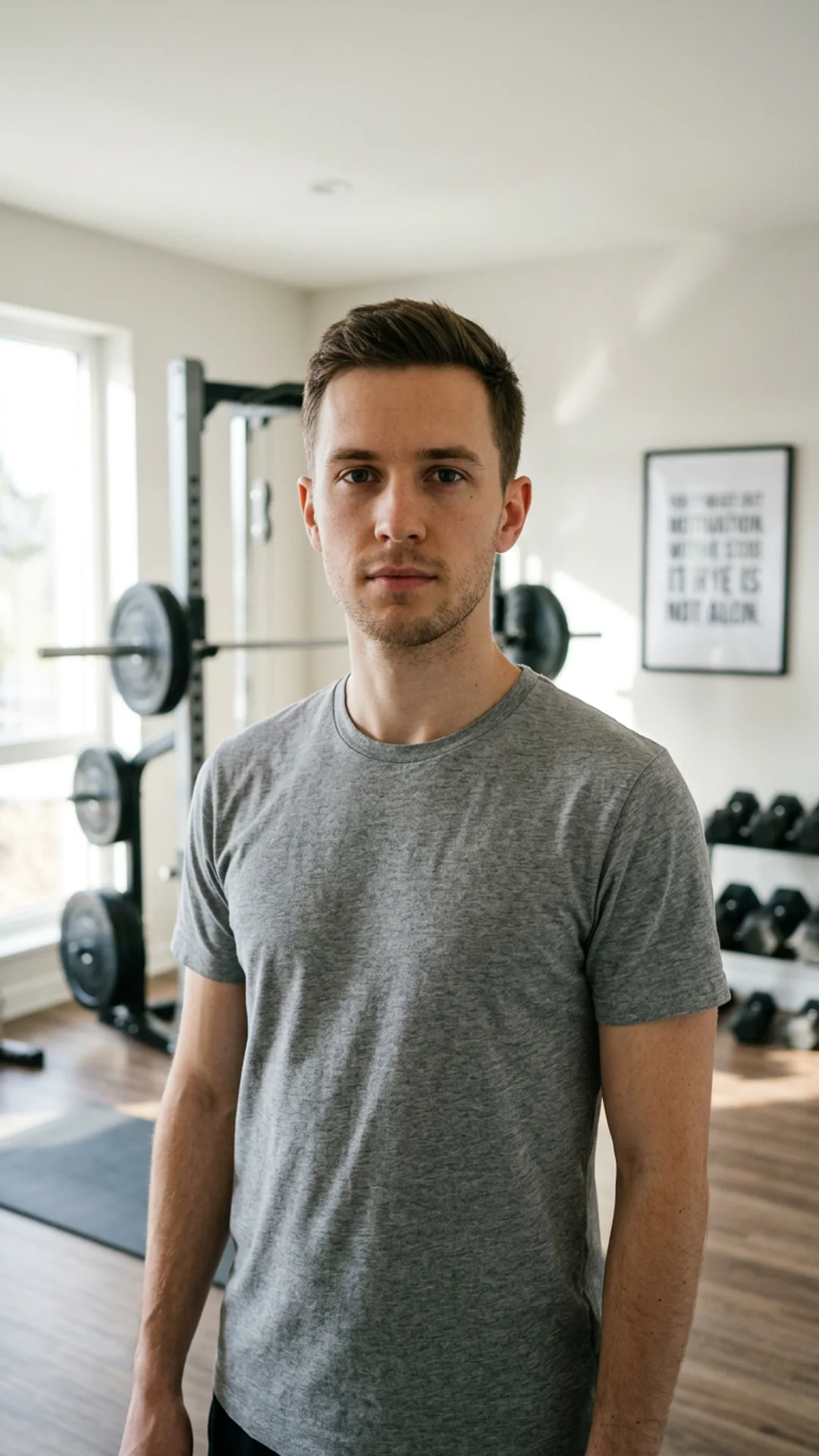 Before
Muscle Up
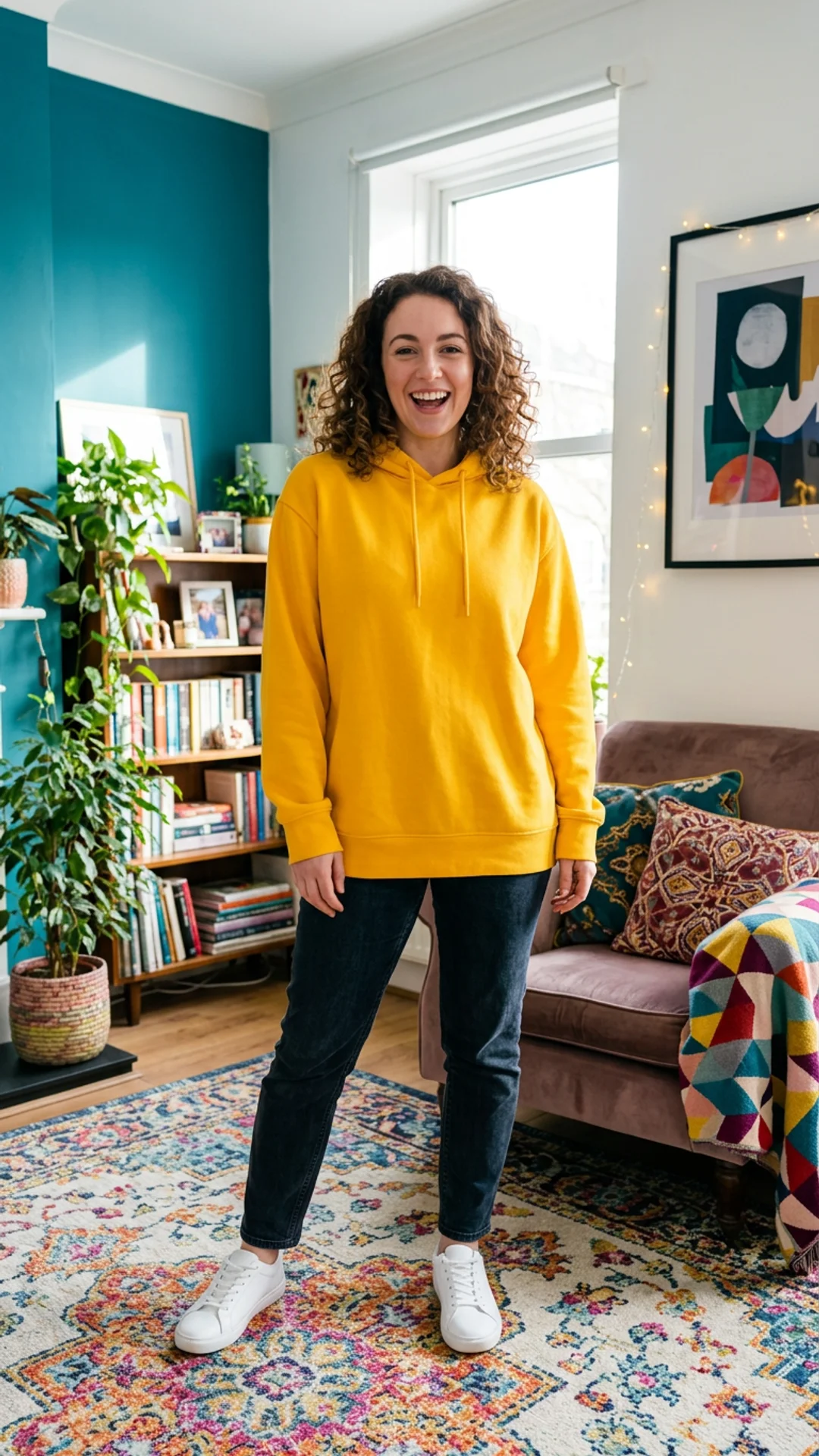 Before
Squish
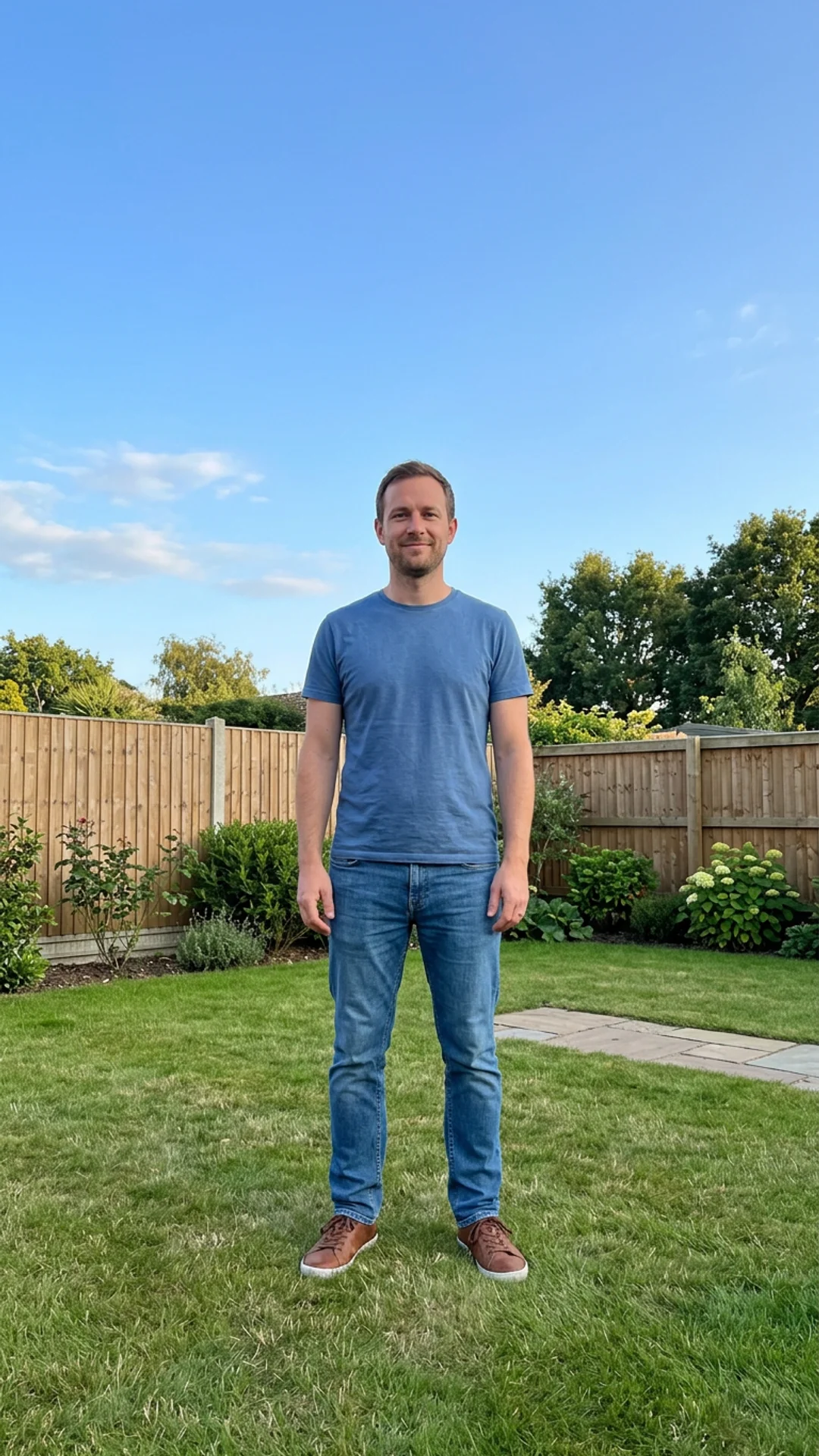 Before
Inflate
How It Works in 3 Steps
Upload one photo
A clear photo with the face visible. No prompts to write.
Tap Create
The effect is already written. A safety check runs on the photo first.
Download and post
Get a 4-second vertical video for Reels, TikTok and Shorts.
Explore More AI Image Tools
Transform your photos with our full suite of AI editing tools
Style Transfer
Apply the artistic style of one image onto another
Background
Remove or replace backgrounds with AI
AI Filters
Apply AI art styles with one tap
Upscale
Enhance & upscale images 2x or 4x
Color Grade
Transfer color palette from a reference photo
Reimagine
Describe changes and AI transforms your photo
Replace object
Swap an object in your photo with another
Remove object
Remove an object and fill in the scene
Product in hand
Place a product naturally in a person's hand
Place product
Place a product into a scene with matching lighting
Expand image
Extend a photo to fill a new aspect ratio without cropping the subject.
Relight photo
Change the lighting mood of a photo without touching the pose or background.
Virtual try-on
Put any garment on your subject without a photoshoot.
Face swap
Swap in a different face while keeping pose, outfit, and background.
Turn edits into an AI Influencer
Create a persona, generate on autopilot, and manage content in one place.
Frequently Asked Questions
How young does the AI de-aging video make me look?
Noticeably younger: smoother skin and fuller hair, still clearly an adult. It works best on a clear, front-facing photo.
What photo works best for AI de-aging?
A clear, front-facing photo of one person with good light on the face.
Can I de-age an old family photo?
Yes, if the person is an adult, you own the photo or have their permission, and the face is sharp enough to see.
What does an effect cost?
New accounts get free credits that cover one effect. One more effect costs one small credit pack, and failed runs are refunded.