AI Muscle Filter: Bulk Up Into a Bodybuilder From One Photo
Yes. Inflyu's Muscle Up effect turns one photo into a 4-second vertical clip in which the person's build grows more muscular, while the face, clothes and background stay. It is made for laughs. A free account gets 20 sign-up credits with no card, spendable once your email is verified, which cover 1 effect run, and credit packs start at $2.99. It only accepts photos of adults.
See Muscle up in 4 seconds
20 free credits, no card. Verify your email to use them; Google sign-in doesn't count.
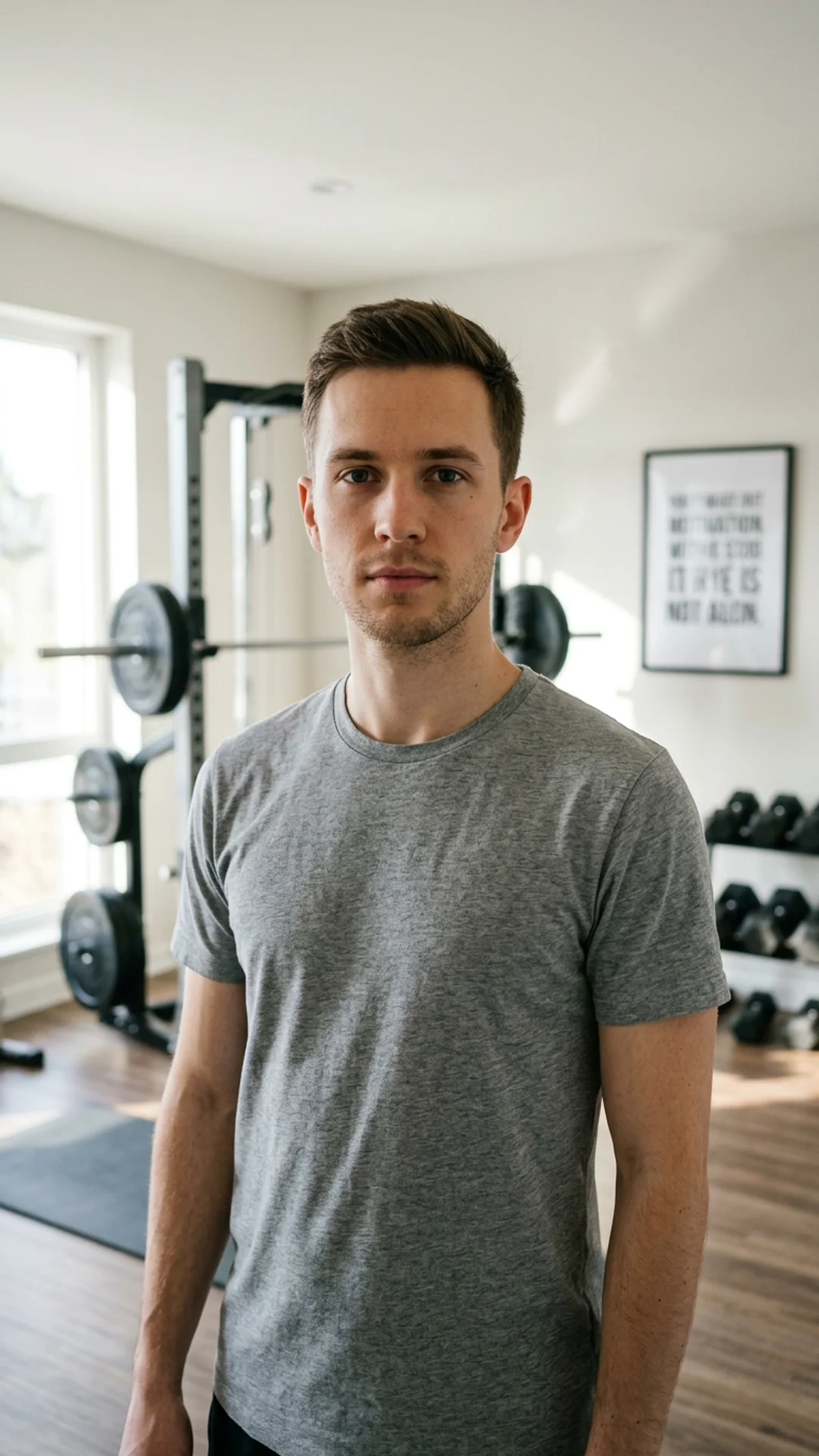
Upload one photo, tap Create, and get a 4-second video you can post. 20 free credits, no card. Verify your email to use them; Google sign-in doesn't count.
Sign up to try Muscle upSee What You Can Create
More one-photo effects
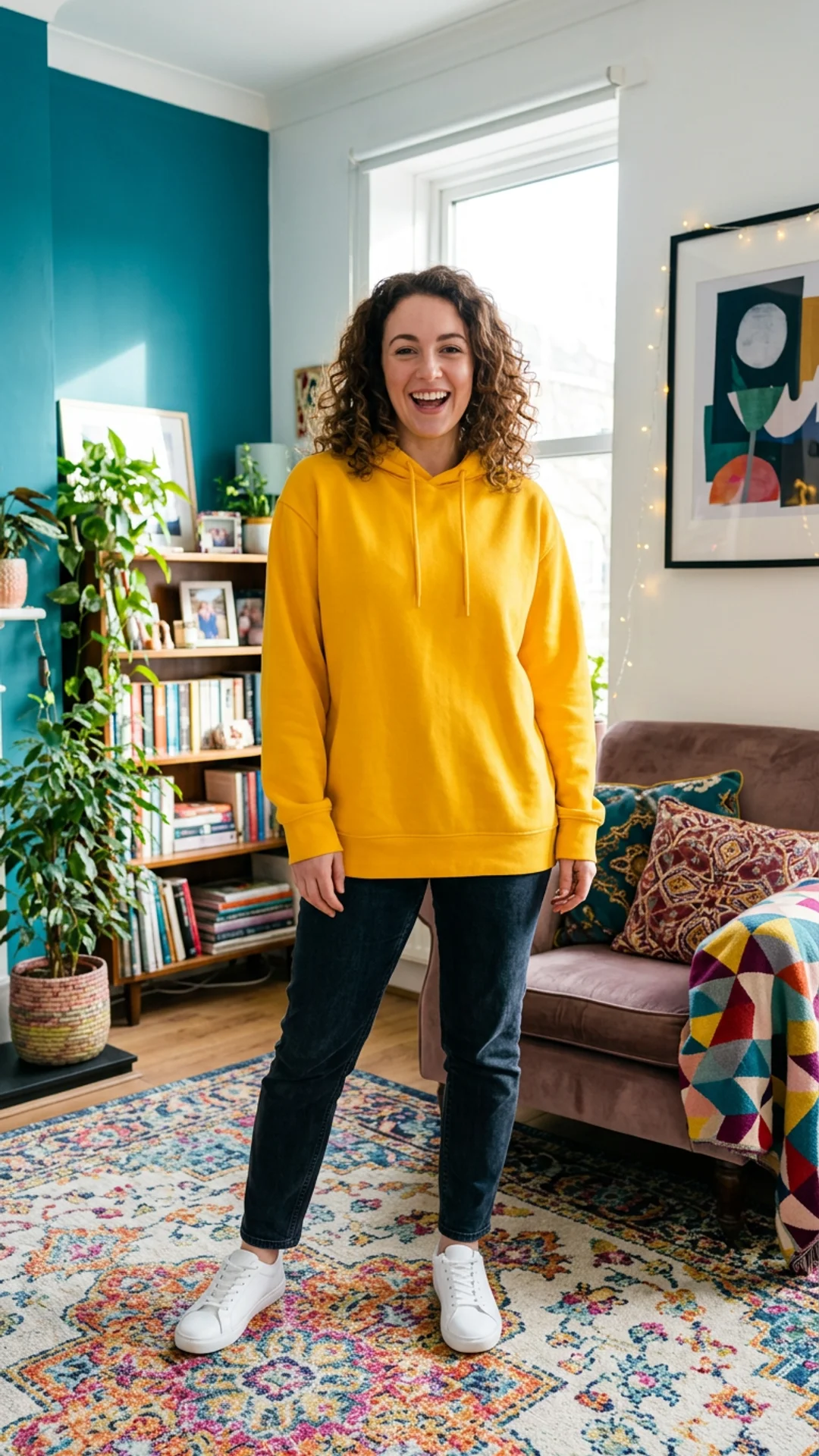 Before
Squish
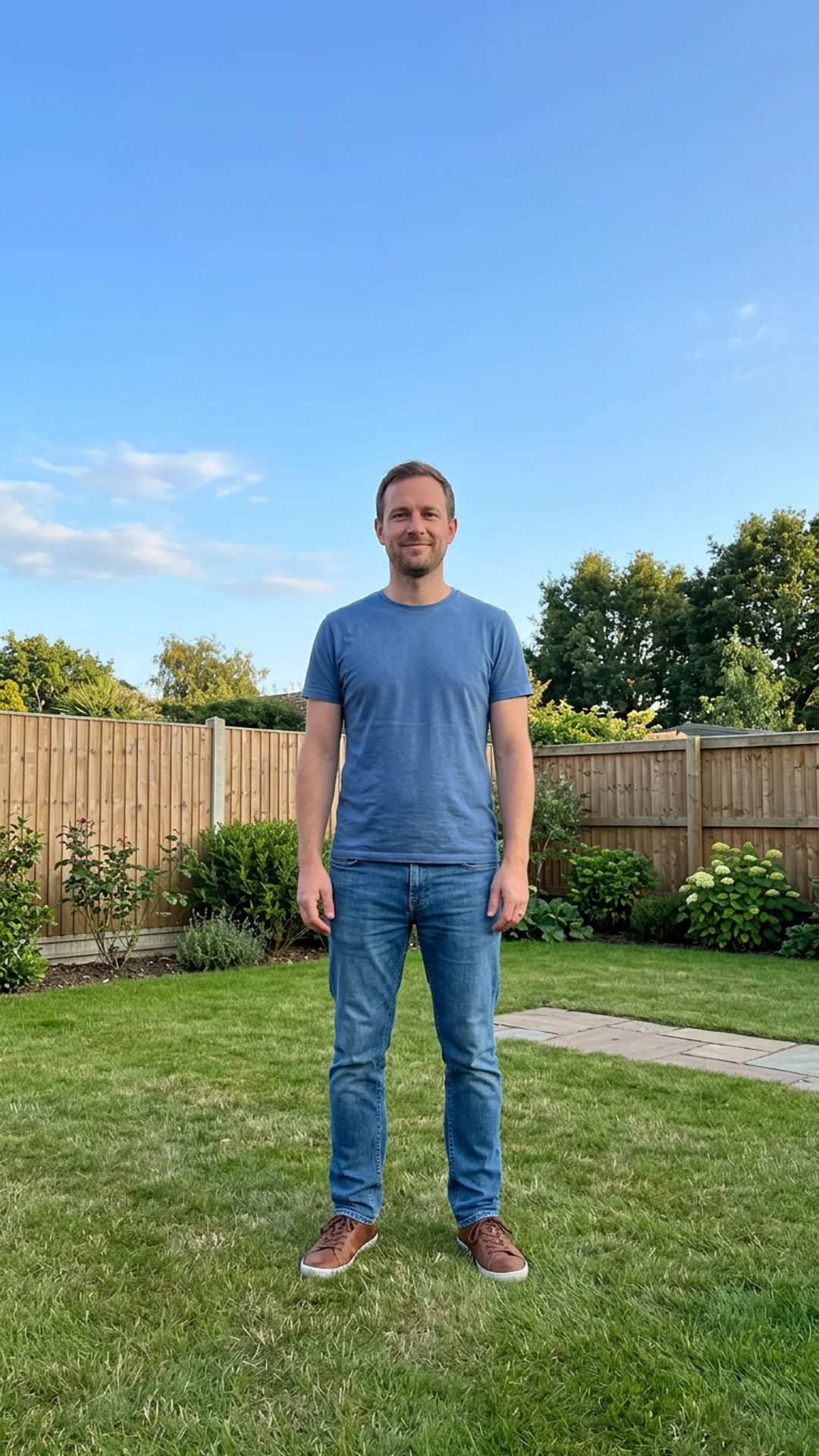 Before
Inflate
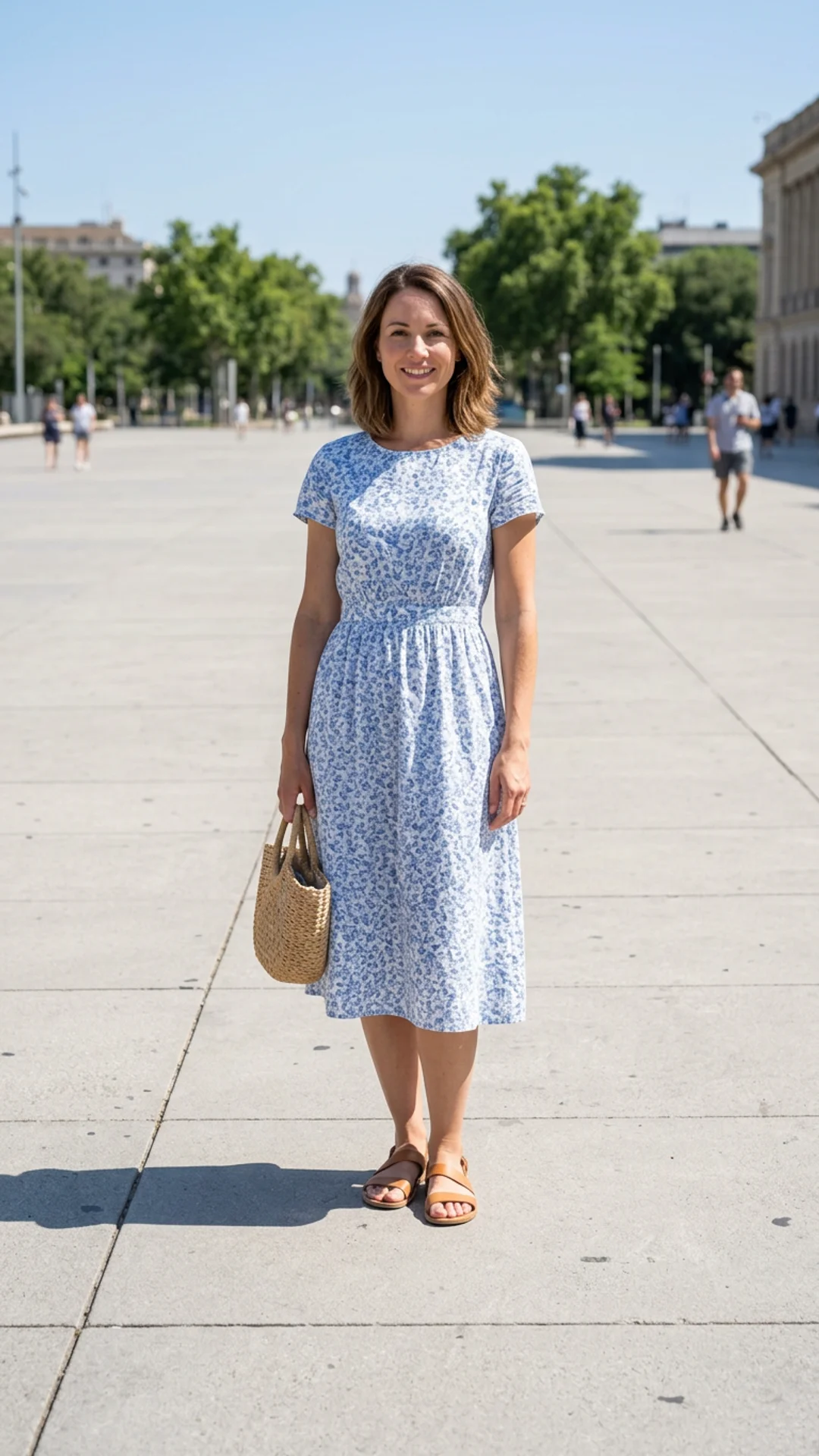 Before
Melt
How do I make an AI muscle up video from a photo?
Choose one photo
Choose one photo. Pick a photo that shows the upper body; the safety check refuses anyone who looks under 18 and any nudity.
Confirm consent
Confirm consent. Tick the box that says "I consent. I own this photo or have permission from everyone in it."
Run the effect
Run the effect. The price is shown before you run it, and a failed run is refunded.
Download the clip
Download the clip. The 4-second vertical video lands in your library, ready to download and post.
Is there a free AI tool to make an AI muscle up video from a photo?
Yes, you can start free. Create a free account (20 sign-up credits, no card) and the credits cover 1 effect run of Muscle Up on a verified email. Upload one photo of an adult, tick the consent box and get a 4-second vertical clip. A second run needs a credit pack, which starts at $2.99 with no subscription.
What is the best AI muscle transformation video effect?
It depends on whether you want an effect or a model to prompt. In this comparison, insMind and FlexClip describe photo-based muscle effects, Overchat AI accepts JPG, PNG and WEBP up to 10MB, and Higgsfield watermarks every free-account generation. Inflyu runs one effect on one photo, keeping the face, clothes and background, with 20 sign-up credits that cover 1 effect run and packs from $2.99.
| Tool | Free to try | Works on your own photo | Needs a card | Output limit | Entry price | Bad at |
|---|---|---|---|---|---|---|
| Inflyu | 20 sign-up credits cover 1 effect run (verified email, no card); packs from $2.99 | Yes, you upload your own photo | No card to sign up. Packs are paid at checkout. | One photo in, one 4-second vertical clip out | Credit packs from $2.99, no subscription | It is made for laughs: only the build changes, so it is not a fitness prediction |
| Higgsfield | Free plan exists; every free-account generation carries a Higgsfield watermark | Not stated | Not stated | Credit cost depends on model, resolution and duration; subscription credits reset each cycle and do not roll over | Not stated | Free-account generations are watermarked; paid plans remove it (help center) |
| insMind | Try it for free with available credits (effect page) | Yes: upload a photo and pick the muscle effect (effect page) | Not stated | Not stated | Not stated (pricing page loads client-side) | Not stated |
| FlexClip | Not stated | Yes: half-body or full-body photo recommended (guide) | Not stated | Not stated | Not stated (pricing page loads client-side) | Not stated |
| Overchat AI | Not stated on the muscle page | Yes: JPG, PNG, WEBP up to 10MB (muscle page) | Not stated | Not stated | $7.50/mo billed annually ($15 monthly), Mini | Pricing page lists the Free plan as '0 videos'; only the first hug is free per the hug page |
Competitor facts come from each tool's own page, checked 1 Nov 2026.
Higgsfield alternative for making an AI muscle up video from a photo
Higgsfield's help center says every free-account generation carries a Higgsfield watermark and that paid plans remove it; credit cost depends on the model, resolution and duration. Inflyu's Muscle Up is one effect on one photo: the face, clothes and background stay and only the build changes, with a consent tick and an adults-only check. Pick Higgsfield when you want to choose among its models and prompt them. Pick Inflyu when you have a photo and want this single effect, on a free account with 20 sign-up credits and packs from $2.99.
Compare with Higgsfield on its own page.
What are the limits of the AI muscle up effect on a photo?
It is made for laughs: the face, clothes and background stay and only the build changes, over a 4-second vertical clip. It needs one photo of an adult that shows the upper body, and the safety check refuses anyone who looks under 18 and any nudity. Treat the result as a joke, not a preview of a real physique.
Limits today
- Input: one photo of one adult; the safety check refuses anyone who looks under 18 and any nudity.
- Output: a 4-second vertical (9:16) clip. The face, clothes and background stay and only the build changes.
- Meaning: it is made for laughs, so treat the result as a joke and not a preview of a real physique.
- Credits: 20 sign-up credits cover 1 effect run; spending credits needs a verified email, and a failed run is refunded.
What works best
- A photo that shows the upper body, so there is a build to change.
- A sharp photo with the person facing the camera in good light.
- A photo of an adult that you own or have permission to use.
Explore More AI Image Tools
Transform your photos with our full suite of AI editing tools
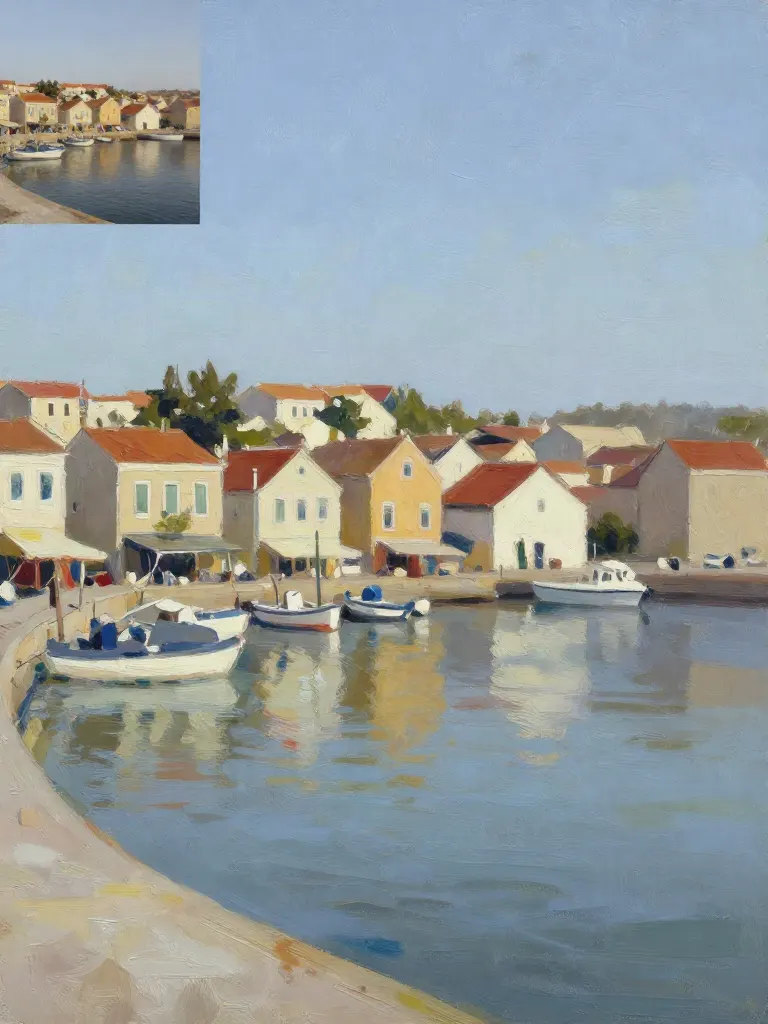
Copy art style (Style transfer)
Upload a photo and a style picture, get your photo repainted in that style.
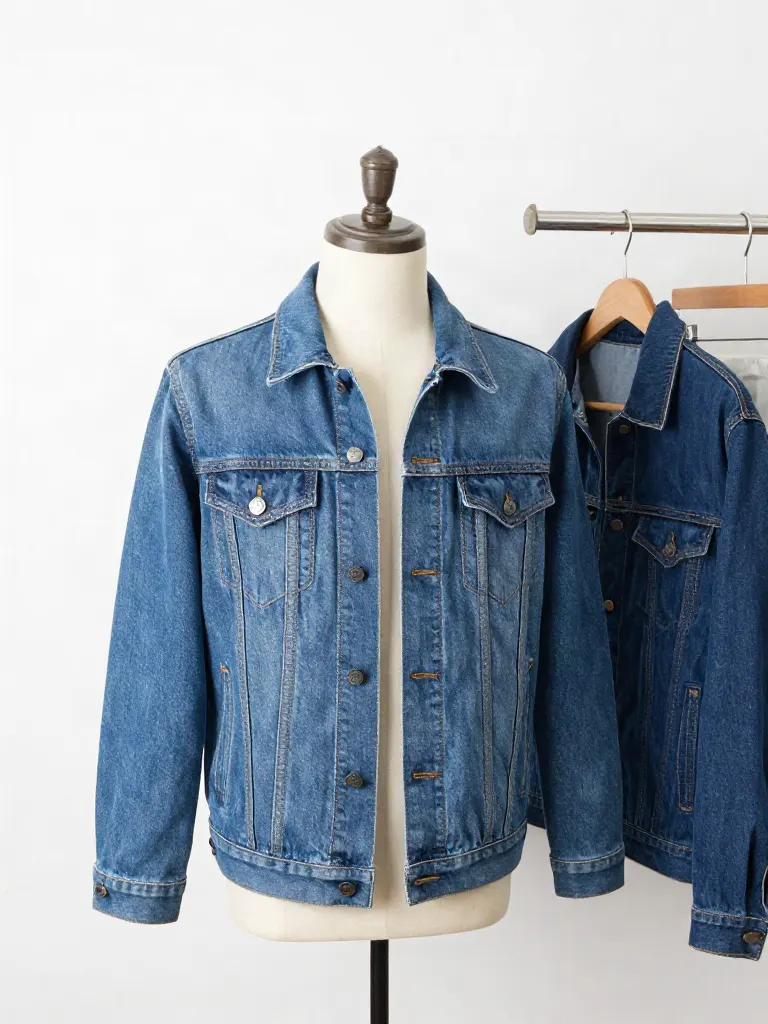
Try on clothes (Try-on)
Upload a person, add a garment photo or describe one, get them wearing it.
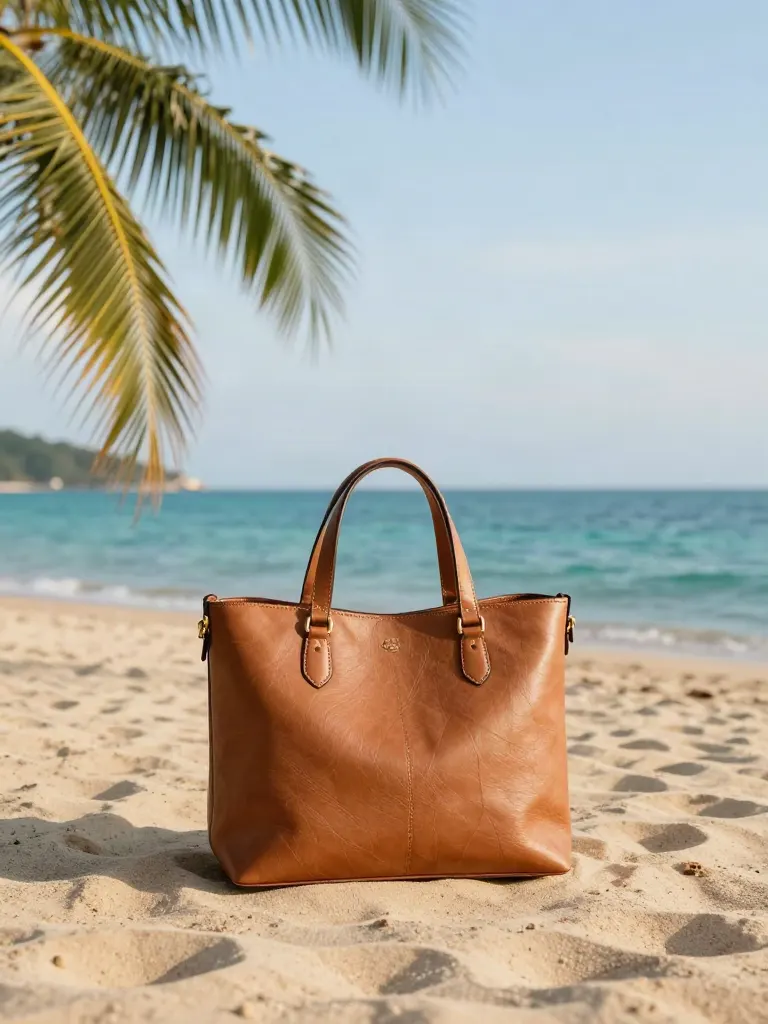
Change background
Upload a photo, get the background removed or swapped for a scene.

AI filters
Pick an art style, get your photo repainted in it.

Sharper photo (Upscale)
Upload a blurry photo, get a sharper, cleaner one.
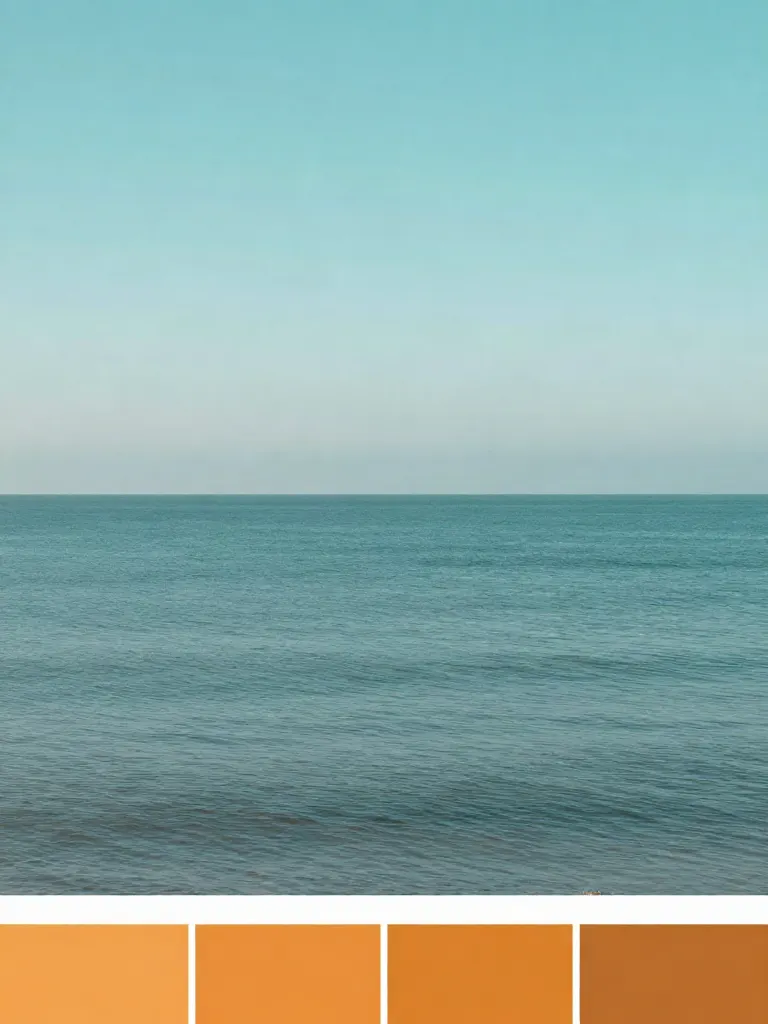
Copy photo colors (Color grade)
Upload a photo and a color reference, get the same color mood.
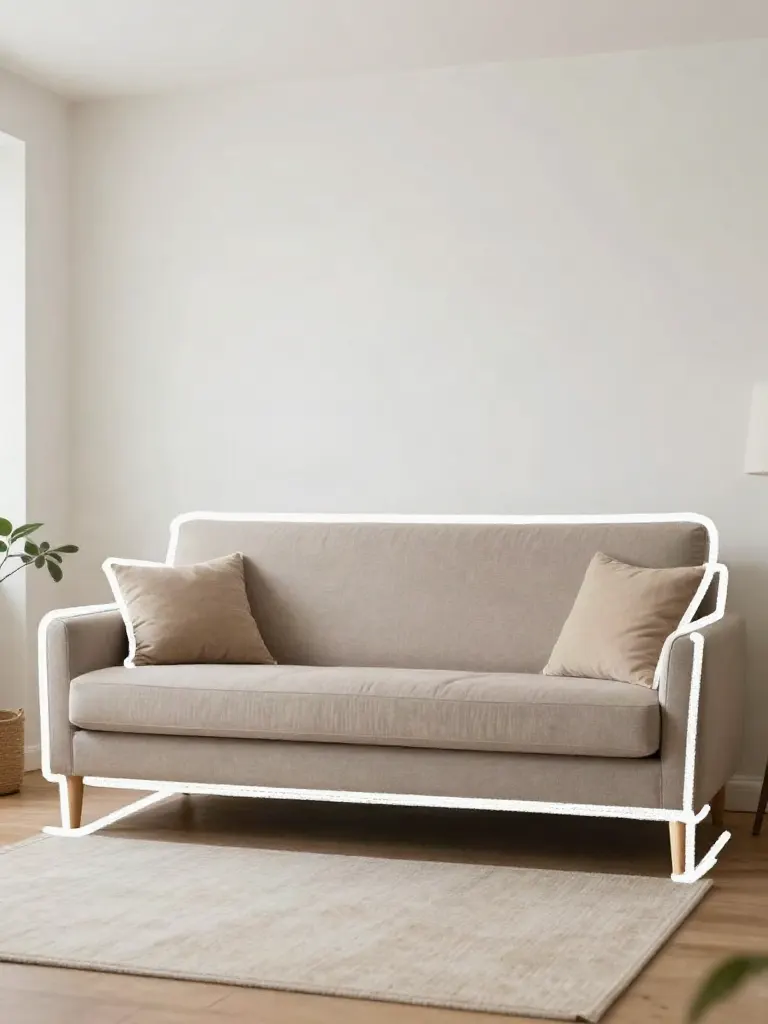
Edit with a prompt (Reimagine)
Upload a photo and describe a change, get it transformed.
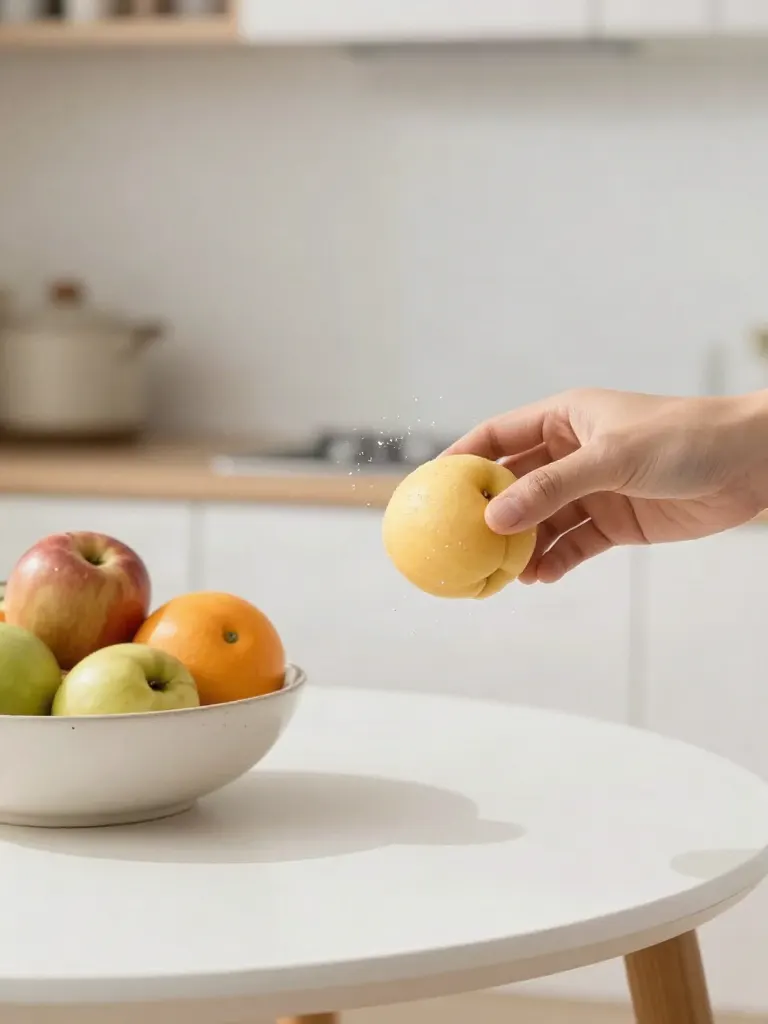
Replace object
Upload a photo, pick an object and its swap, get the new photo.

Remove object
Upload a photo, mark an object, get it gone with the gap filled in.
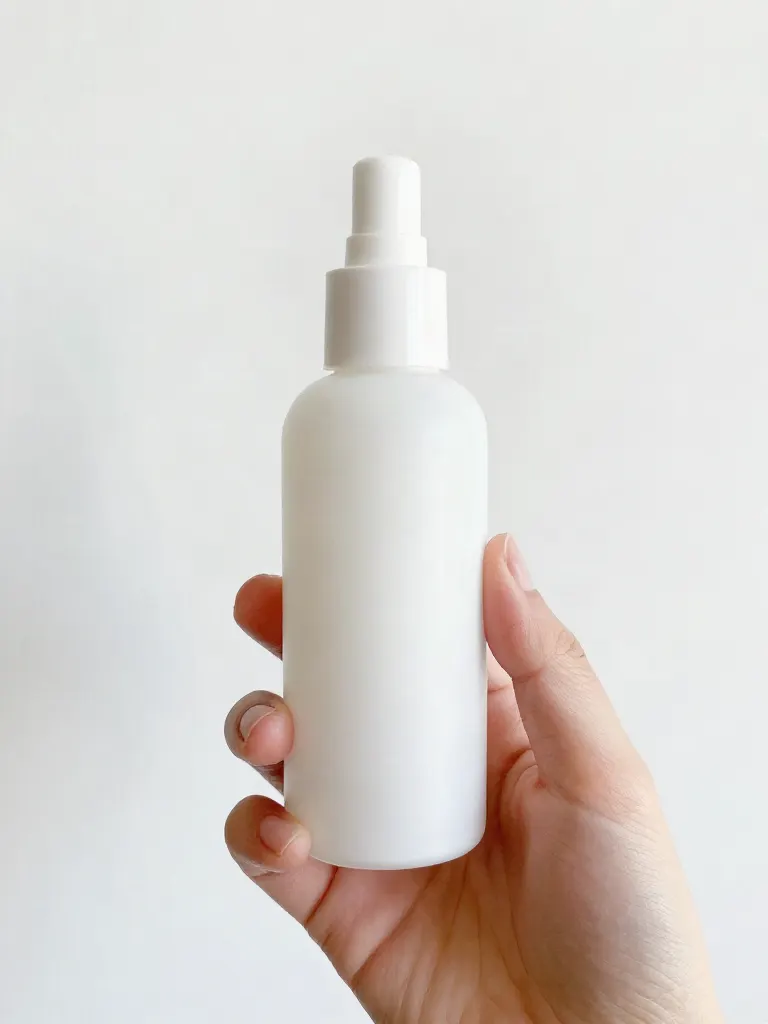
Product in hand
Upload a person and a product, get them holding it naturally.
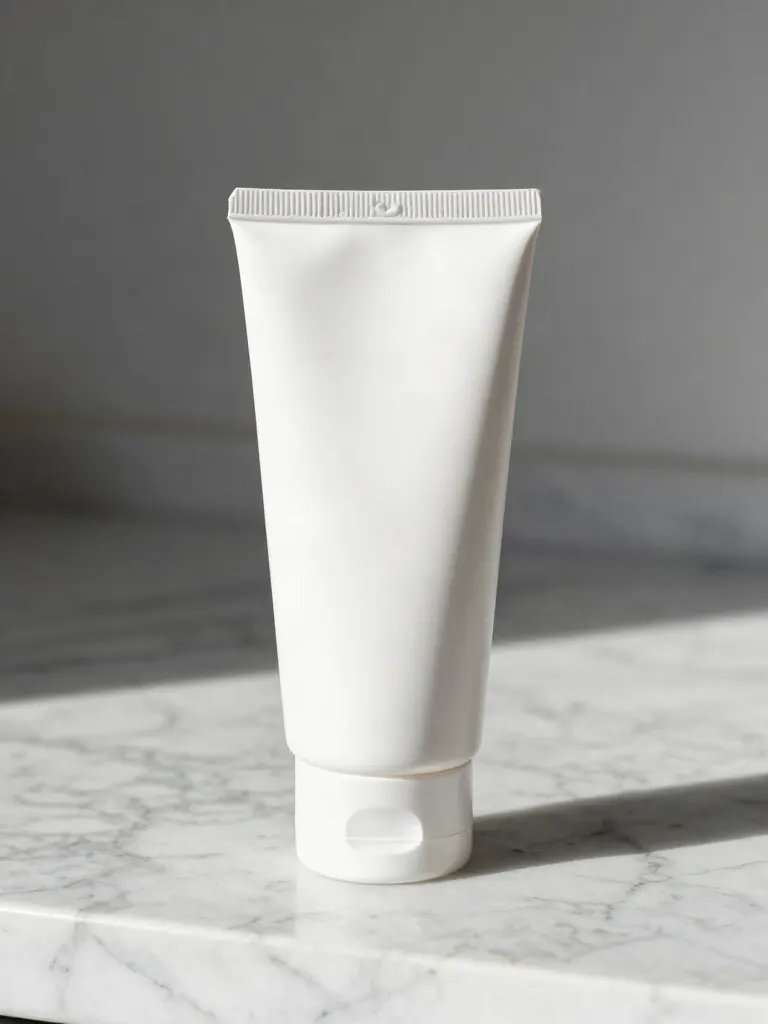
Put a product in a scene
Upload a product and describe a scene, get it placed in with matching light.
Expand image
Upload a photo, pick any size, then fill the new edges with AI, crop, or blur fill.
Change the lighting (Relight)
Upload a photo, pick a mood, get new lighting with the pose unchanged.
Face swap
Upload a photo and a face, get that face on the photo.
Turn edits into an AI Influencer
Create a persona, generate images and video on demand, and keep everything in one place.
Frequently Asked Questions
Does the AI muscle filter keep my face?
Yes. Your face, clothes and background stay the same; only your build changes, growing into a bodybuilder physique.
What photo works best for the muscle filter?
A photo that shows your upper body, standing or sitting upright, in fitted or regular clothes.
Can I post the muscle-up video as a joke?
That is what most people do. The 4-second vertical clip is sized for Reels, TikTok and Shorts.
What does an effect cost?
20 free credits, no card. Verify your email to use them; Google sign-in doesn't count. One more effect costs one small credit pack, and failed runs are refunded.
Is there a free AI tool to make an AI muscle up video from a photo?
Yes, you can start free. Create a free account (20 sign-up credits, no card) and the credits cover 1 effect run of Muscle Up on a verified email. Upload one photo of an adult, tick the consent box and get a 4-second vertical clip. A second run needs a credit pack, which starts at $2.99 with no subscription.
How do I make an AI muscle up video from a photo?
Choose one photo that shows the upper body, tick that you own it or have permission from everyone in it, and run the effect. The price is shown before the run, a failed run is refunded, and the 4-second vertical clip lands in your library.
What is the best AI muscle transformation video effect?
It depends on whether you want an effect or a model to prompt. In this comparison, insMind and FlexClip describe photo-based muscle effects, Overchat AI accepts JPG, PNG and WEBP up to 10MB, and Higgsfield watermarks every free-account generation. Inflyu runs one effect on one photo, keeping the face, clothes and background, with 20 sign-up credits that cover 1 effect run and packs from $2.99.
Higgsfield alternative for making an AI muscle up video from a photo
Inflyu's Muscle Up is one effect on one photo: the face, clothes and background stay and only the build changes, with a consent tick and an adults-only check. Higgsfield's help center describes credits that depend on model, resolution and duration, and watermarked free generations. Choose Higgsfield to prompt its models, and Inflyu to run this effect on a free account with 20 sign-up credits.
What are the limits of the AI muscle up effect on a photo?
It is made for laughs: the face, clothes and background stay and only the build changes, over a 4-second vertical clip. It needs one photo of an adult that shows the upper body, and the safety check refuses anyone who looks under 18 and any nudity. Treat the result as a joke, not a preview of a real physique.